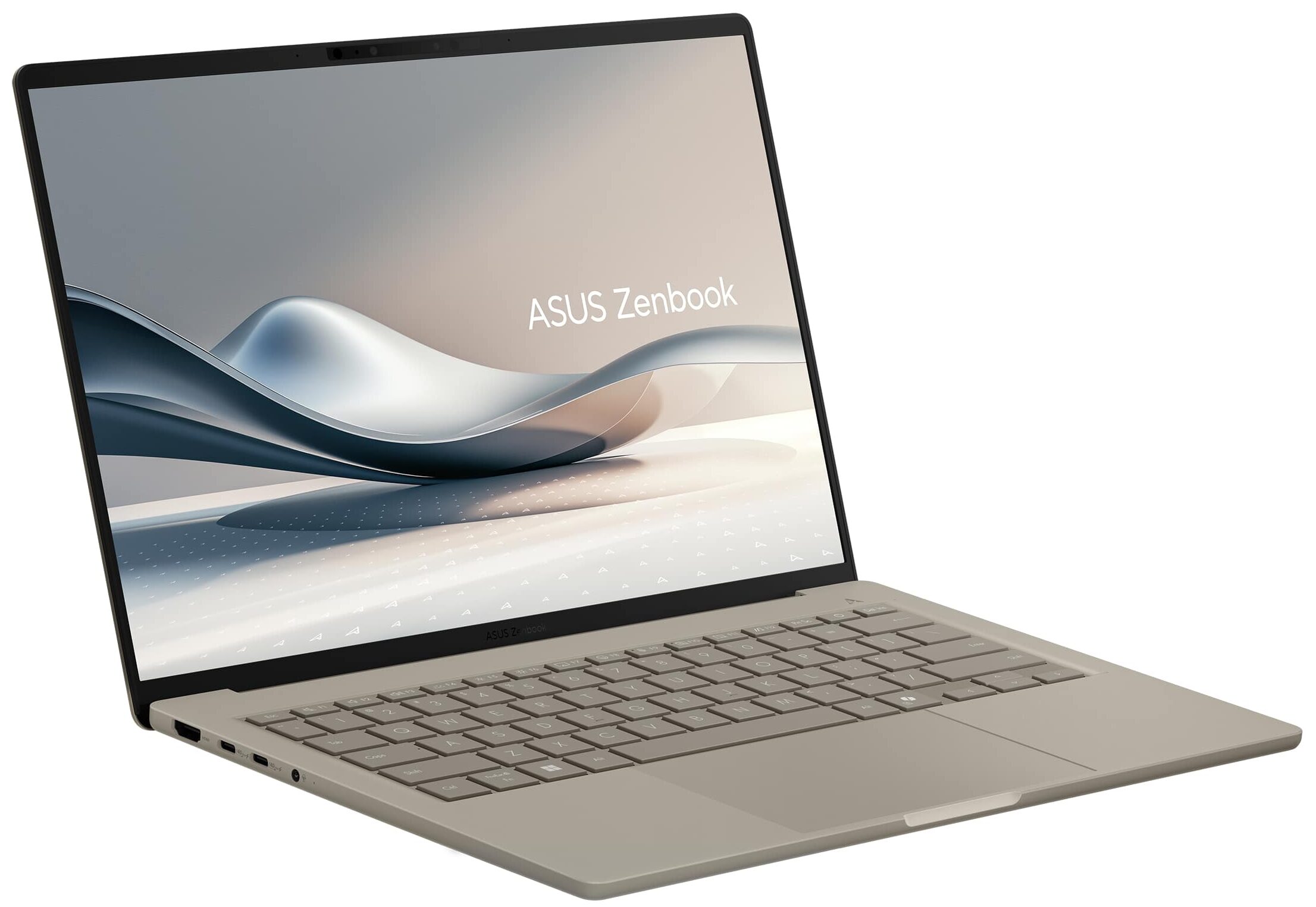
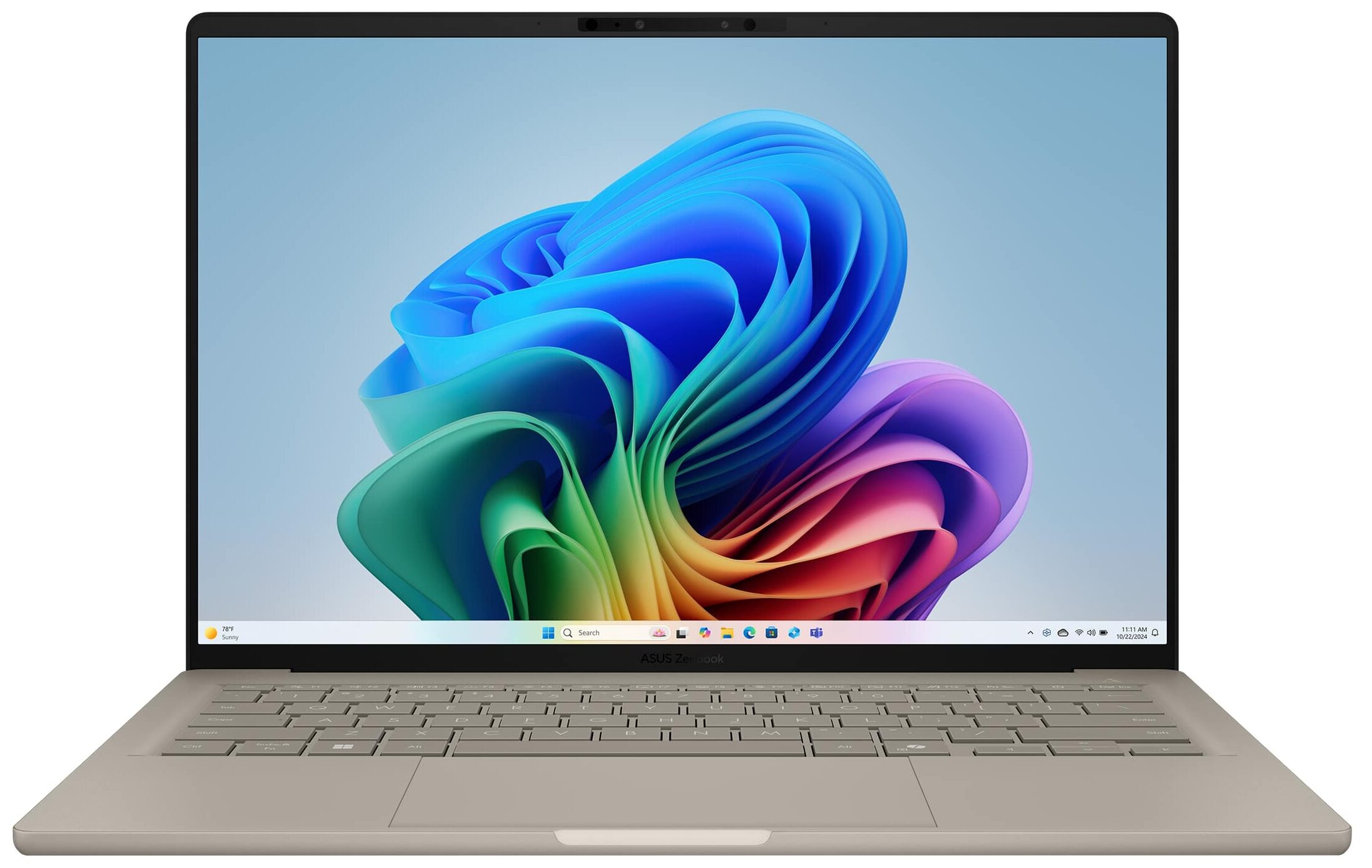
ASUS Zenbook A14

- Date Published: 03 Jul 2026
- Qualcomm Snapdragon X Plus X1P-42-100
- Qualcomm Snapdragon X Elite Adreno GPU
- 14.0”, WUXGA (1920 x 1200), OLED
- 2000GB SSD
- 16GB RAM
- 0.90 kg (2 lbs)
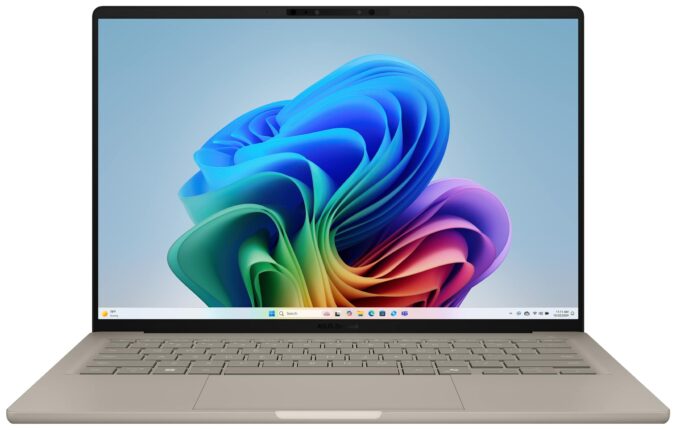
Specs
- Display

- HDD/SSD
- 2000GB SSD
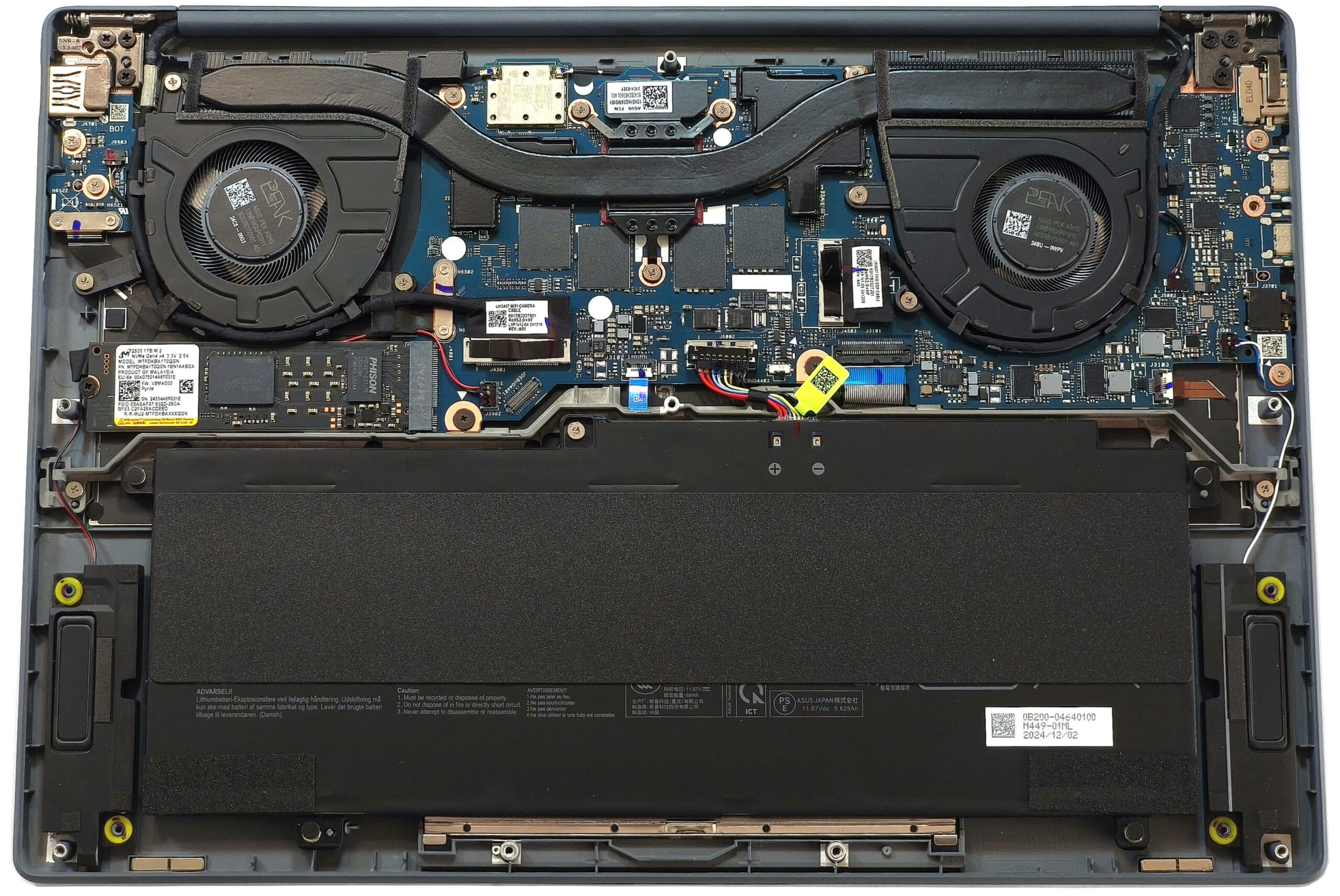
- M.2 Slot
- 1x 2280 M.2 NVMe PCIe 4.0 x4 See photo
- RAM
- 16GB RAM
- OS
- Windows 11 Home
- Body Material
- Aluminum (Ceraluminum)
- Dimensions
- 310.7 x 213.9 x 13.4 ~ 15.9 mm (12.23" x 8.42" x 0.53")
- Weight
- 0.90 kg (2 lbs)
- Ports and connectivity
- 1x USB Type-A
- 3.2 Gen 2 (10 Gbps)
- 2x USB Type-C
- 4.0, Power Delivery (PD), DisplayPort
- HDMI
- 2.1
- Card Reader
- Ethernet LAN
- Wi-Fi
- Wi-Fi 7
- Bluetooth
- 5.4
- Audio jack
- 3.5mm Combo Jack
- Features
- Fingerprint reader
- Web camera
- FHD IR with Windows Hello Face Authentication
- Backlit keyboard
- Microphone
- Array Microphone
- Speakers
- Speakers by SonicMaster
- Security Lock slot
- Gifts
- 7-in-1 Docking Station w/ 1TB Storage
- Gifts
- 32GB MicroSD Card w/ Adapter
- Gifts
- Type-C Data Cable
- Gifts
- 3-in-1 Charging Cable
- Gifts
- Suede Cleaning Cloth
Portability
Review
ASUS Zenbook A14 in-depth review
One of the most impressive things regarding the Zenbook A14 (UX3407) is its sub-1 kilo weight. Yep, that's an ultra-light 14-inch Copilot+ PC that is powered by an eight or 12-core Snapdragon SoC. This also means that the upgradability is limited. Well, at least you can change the SSD drive with a bigger one. Because of the up to 45 NPU TOPS, this small fella is great for AI tasks, for those who need such functionality. Curiously, the Wi-Fi 7 connectivity is only available for the top-end X Elite CPU. The port selection is good for such a thin machine with its two USB4 connectors alongside a Type-A for better compatibility with different peripherals.There are three display options. The base one for the X Plus-based iterations is a 1200p IPS screen. You can also pick a laptop with an OL[...]
Read the full review
Pros
- Great OLED display with 100% sRGB and DCI-P3 coverage (SDC420D)
- Infinite contrast ratio (SDC420D)
- 603 nits in HDR and 391 nits max brightness in SDR mode (SDC420D)
- Superb color accuracy (SDC420D)
- Outstanding 3D rendering performance, especially for this kind of size
- Light and thin (sub-1.0 kg / 13.4 - 15.9 mm)
- Quality speakers
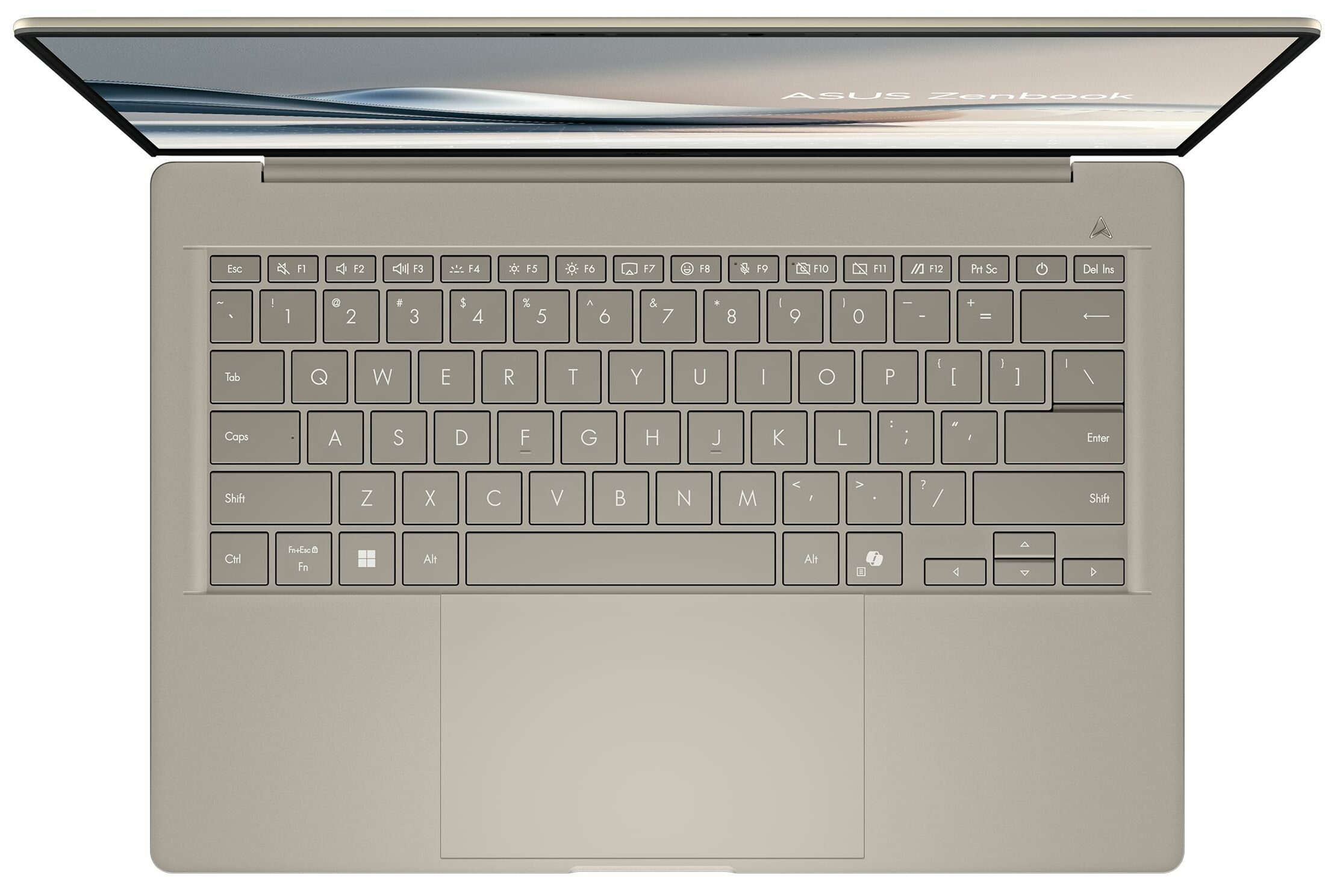
- Good keyboard
- Big and smooth touchpad
- 1080p IR Web camera
- Very good overall performance given the thin profile
- Up to 32GB of soldered LPDDR5x RAM
- Very long battery life (~ 20 hours of videos)
- The Snapdragon X Elite X1E-78-100 maintains 3.42 GHz in short loads
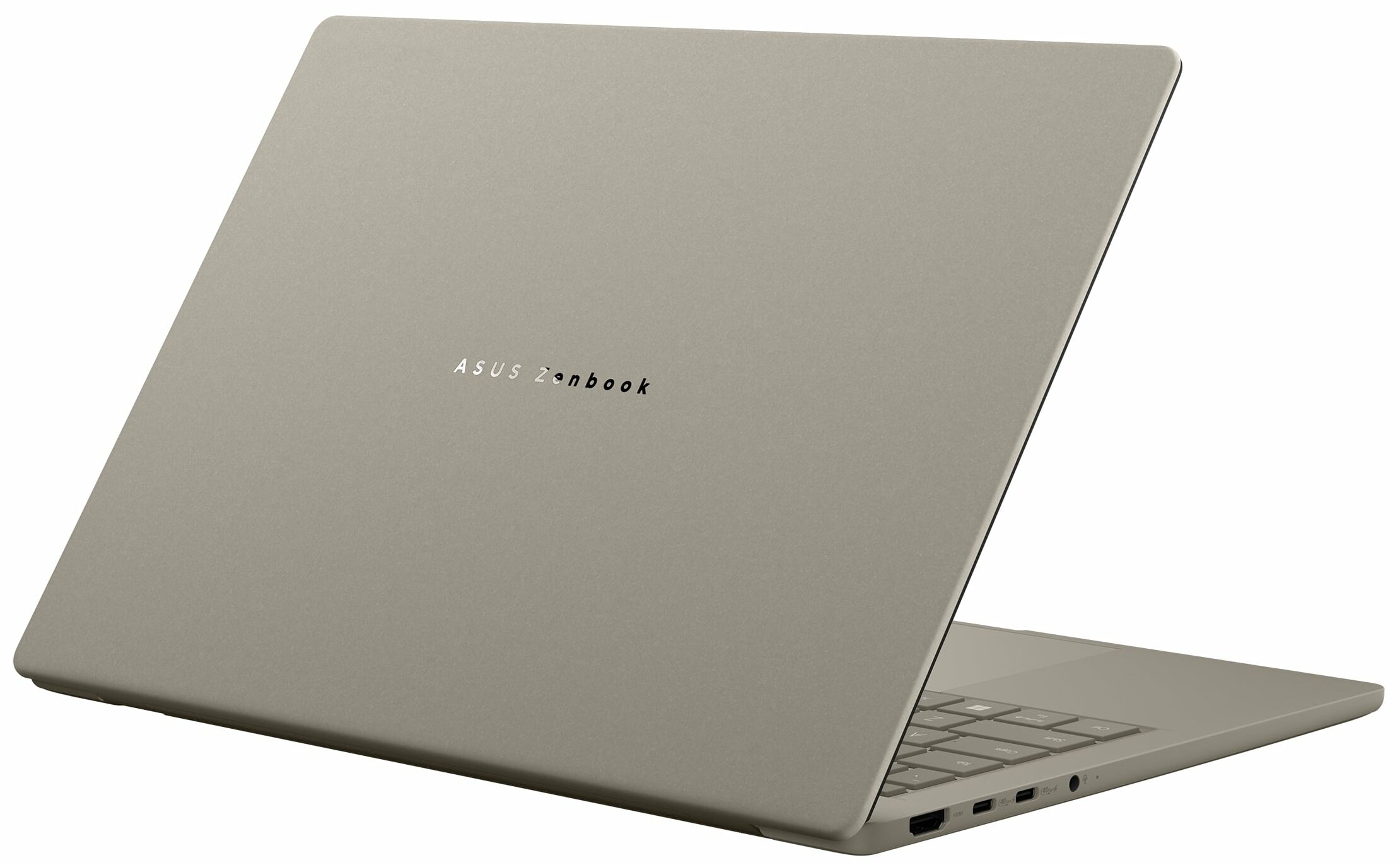
- The Ceraluminum build is sturdy and premium
- 2x Type-C + 1x Type-A ports
- Good for AI tasks
- Feels super responsive for normal work
- Up to 45 NPU TOPS
Cons
- 92°C CPU temperature in medium loads
- Only one M.2 slot + soldered memory
- No fingerprint reader
- The Wi-Fi 7 connectivity is reserved only for the top-end SoC model
Disassembly, maintenance and upgrade options
Step 1: Opening the ASUS Zenbook A14 (UX3407)Shut down the laptop and place it on a stable surface. Undo the ten Torx-head screws securing the bottom panel. Insert a thin plastic tool at one of the top two corners to create a gap and pry the side. Repeat for the other side. Carefully pry the front, then pop the rear starting near the top corners. Lift the back of the panel and remove it completely.More info: The bottom plate includes dust filters in front of each vent for improved airflow and dust protection.Battery Removal and ReplacementThis laptop[...]
Read more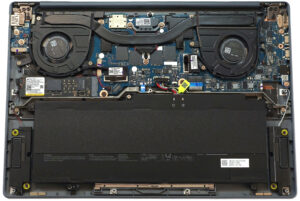


![[June 2026] Best-Selling Laptop Brands on Amazon Global – Apple’s Unrivaled Dominance in Units and Revenue](https://laptopmedia.com/wp-content/uploads/2026/07/GLOBAL-Best-Brands-400x225.jpg)
![[June 2026] Amazon Global: Top 10 Best-Selling Laptops – Apple’s New MacBook Neo Storms to #1, Reshaping the Market with Affordability](https://laptopmedia.com/wp-content/uploads/2026/07/Best-Selling-Laptops-GLOBAL-Top-10-400x225.jpg)
![[June 2026] Amazon Global: Top 10 Best-Selling Gaming Laptops – Acer’s Nitro V 16S AI Dominates Sales, While ASUS Leads Overall Revenue](https://laptopmedia.com/wp-content/uploads/2026/07/Best-Selling-Gaming-Laptops-GLOBAL-Top-10-400x225.jpg)
![[June 2026] Global Ranking of Best-Selling Laptop GPUs on Amazon – NVIDIA RTX 5060 is the Top-Selling Dedicated GPU](https://laptopmedia.com/wp-content/uploads/2026/07/Best-Selling-GPUs-GLOBAL-Top-10-400x225.jpg)
![[June 2026] Global Ranking of Best-Selling Laptop CPUs on Amazon – Apple M5 Dominates, AMD Ryzen 7 260 Gets Solid Premium Share](https://laptopmedia.com/wp-content/uploads/2026/07/Best-Selling-CPUs-GLOBAL-Top-10-400x225.jpg)