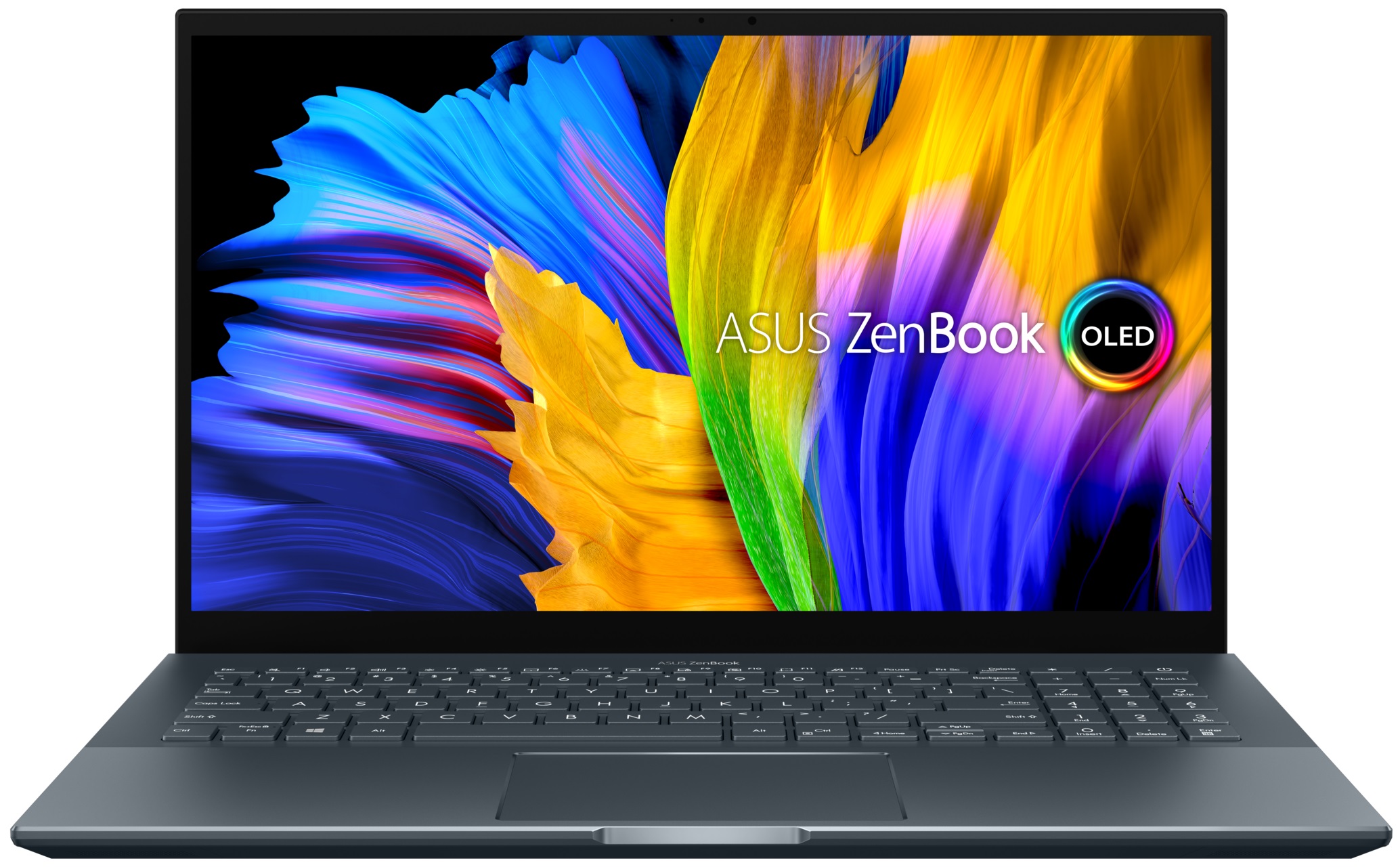
ASUS ZenBook Pro 15
 47.jpg)

- Date Published: 13 Jul 2023
- AMD Ryzen 9 5900HX
- NVIDIA GeForce RTX 3050 Ti (Laptop, 50W)
- 15.6”, FHD (1920 x 1080), OLED
- 4000GB SSD
- 16GB LPDDR4x
- 2.00 kg (4.4 lbs)
Review
ASUS ZenBook Pro 15 in-depth review
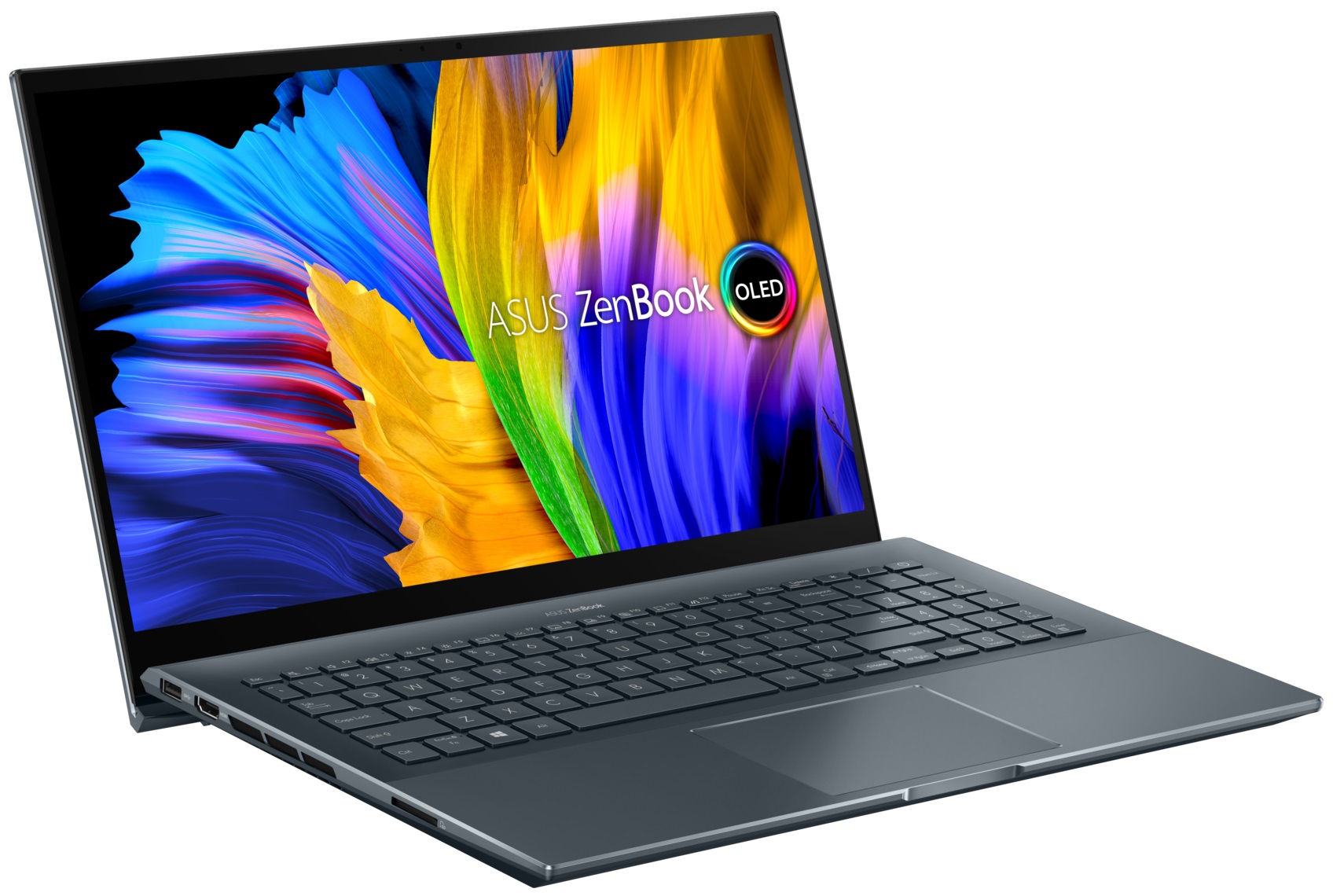
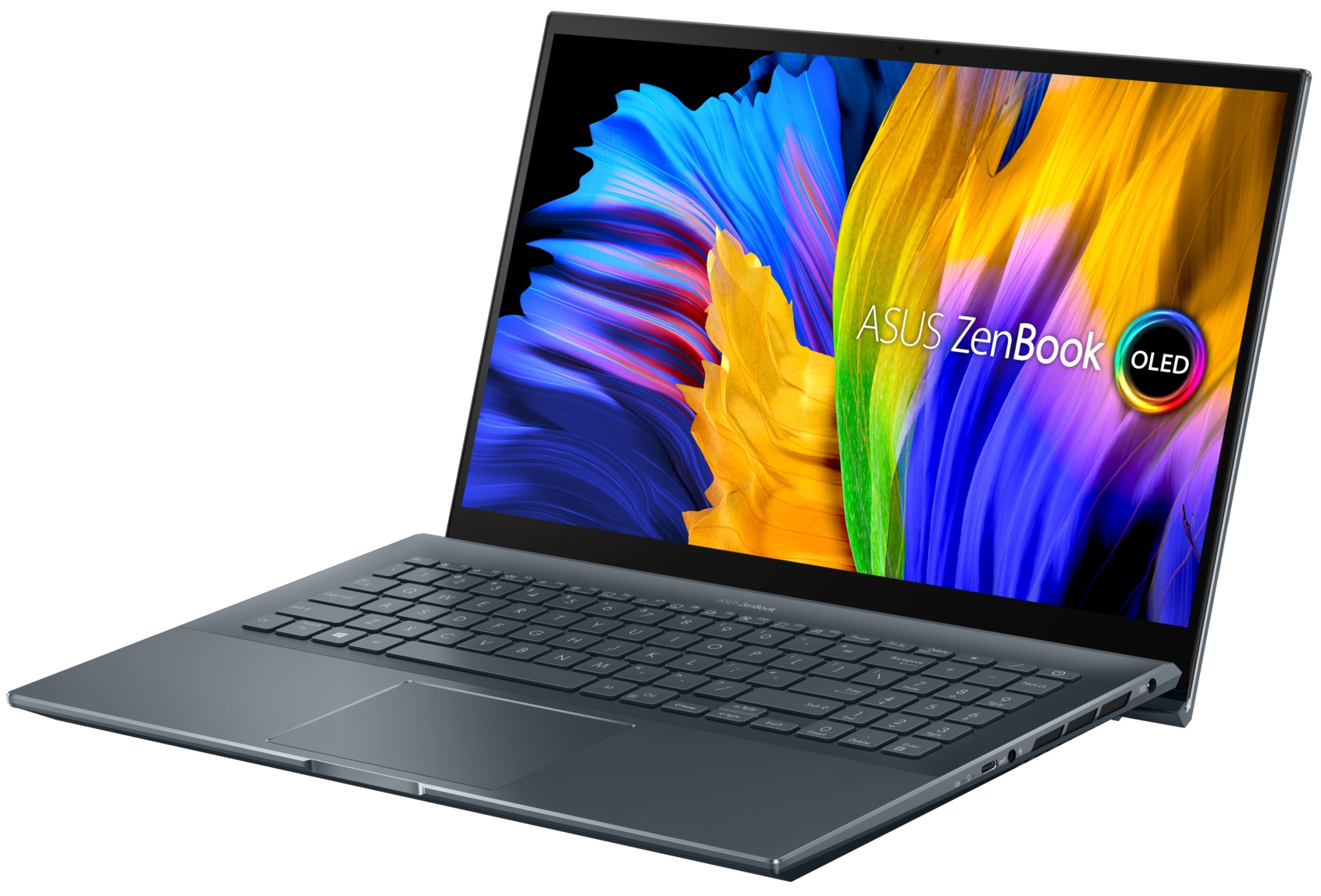
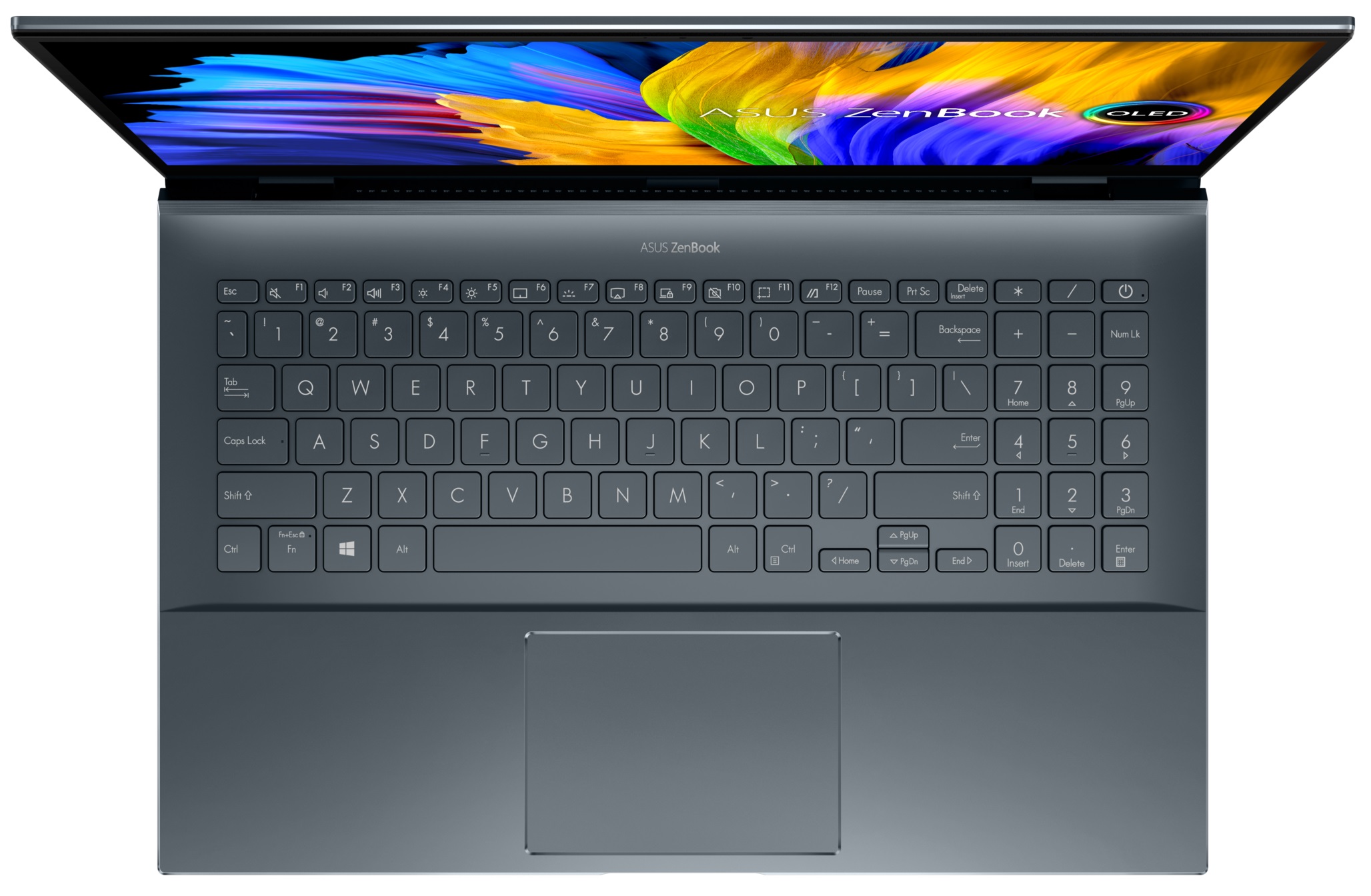
ASUS has a very wide range of ZenBook laptops on offer. Some of them are strictly for business purposes - like the ZenBook 14 UX425, while others are absolute beasts - the ZenBook Pro Duo 15 OLED (UX582) for example. And there is the third option - low-key content creator devices, which bring a lot of power to the table, but stay efficient, while their design doesn't scream in your face.One such notebook is the ZenBook Pro 15 OLED (UM535). Obviously, the main event is part of the naming scheme and is the OLED display. You can pick from a Full HD, or a 4K panel, both of which come with full DCI-P3 color coverage, and HDR True Black certifications. Also, the colors are PANTONE Validated, which should make designers happy. Ultimately, it is great to see that there is not a big differenti[...]
Read the full review
Pros
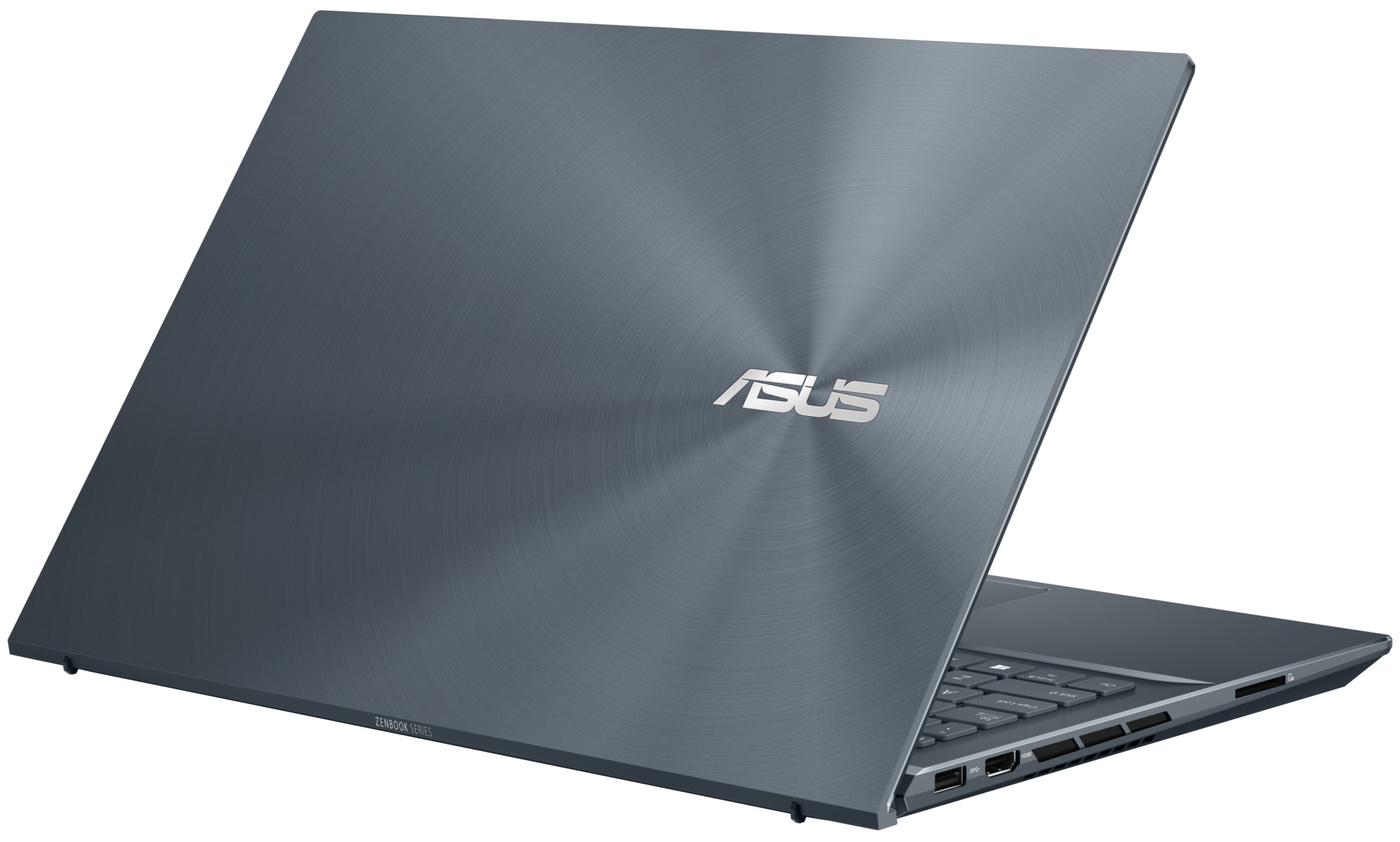
- Strong metal build
- Good input devices
- 100% sRGB and DCI-P3 coverage
- HDR True Black 600 support
- Amazing battery life
- Decent performance
- IR face recognition
- HDMI 2.0b + SD card
Cons
- USB Type-C port is data transfer only
- Soldered memory
Disassembly, maintenance and upgrade options
Despite its 15-inch form factor, you will be slightly disappointed with the available upgrade options.Check out all ASUS ZenBook Pro 15 OLED (UM535) prices and configurations in our Specs System or read more in our In-Depth review.1. Remove the bottom plate To get inside of this laptop, you need to undo 11 Torx-head screws. Then, remove the two back rubber feet, and undo the two Phillips-head screws hiding beneath them. After that, pry the bottom panel with a plastic tool and lift it away from the chassis.2. Battery Inside, we see a huge 96Wh battery pack. It managed to l[...]
Read more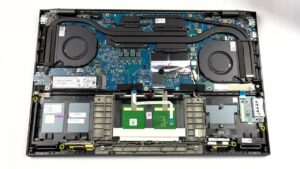
DISPLAY: 15.6-inch, 1920 x 1080, OLED
- Name
- Samsung ATNA56YX03-0 (SDC4161)
- Diagonal
- 15.6"
- Pixel density
- 141.21 ppi
- Refresh rate
- 60 Hz
- Brightness
- 390 cd/m2
- sRGB
- 100%
- Panel Type
- OLED
- Resolution
- 1920 x 1080
- Becomes "Retina" from
- 24 inches (62 cm)
- Contrast
- infinite
- dE Color Checker
- 4.0 3.4

Buy our profiles for Samsung ATNA56YX03-0 (SDC4161)
In addition to receiving efficient and health-friendly profiles, by buying LaptopMedia's products you also support the development of our labs, where we test devices in order to produce the most objective reviews possible.

Office Work
Office Work should be used mostly by users who spend most of the time looking at pieces of text, tables or just surfing. This profile aims to deliver better distinctness and clarity by keeping a flat gamma curve (2.20), native color temperature and perceptually accurate colors.

Design and Gaming
This profile is aimed at designers who work with colors professionally, and for games and movies as well. Design and Gaming takes display panels to their limits, making them as accurate as possible in the sRGB IEC61966-2-1 standard for Web and HDTV, at white point D65.

Health-Guard
Health-Guard eliminates the harmful Pulse-Width Modulation (PWM) and reduces the negative Blue Light which affects our eyes and body. Since it’s custom tailored for every panel, it manages to keep the colors perceptually accurate. Health-Guard simulates paper so the pressure on the eyes is greatly reduced.



![[August 2026] Global Ranking of Best-Selling Laptop GPUs on Amazon – Apple Reigns Supreme, NVIDIA’s RTX 5060 Tops Dedicated Chart](https://laptopmedia.com/wp-content/uploads/2026/09/Best-Selling-GPUs-GLOBAL-Top-10-400x225.jpg)
![[August 2026] Global Ranking of Best-Selling Laptop CPUs on Amazon – Apple Dominates Both Budget and Premium: A18 Pro and M5 Crush Intel and AMD in August 2026](https://laptopmedia.com/wp-content/uploads/2026/09/Best-Selling-CPUs-GLOBAL-Top-10-400x225.jpg)
![[August 2026] Amazon Global: Top 10 Best-Selling Laptops – Apple MacBook Neo Dominates the Charts as Budget and Mid-Range Windows Portables Fight for Volume](https://laptopmedia.com/wp-content/uploads/2026/09/Best-Selling-Laptops-GLOBAL-Top-10-400x225.jpg)
![[August 2026] Best-Selling Laptop Brands on Amazon Global – Apple Dominates Revenue While HP Leads in Model Variety](https://laptopmedia.com/wp-content/uploads/2026/09/GLOBAL-Best-Brands-400x225.jpg)
![[August 2026] Amazon Global: Top 10 Best-Selling Gaming Laptops – HP Victus 15 Captures the Crown as Budget-Friendly Models Dominate the Charts](https://laptopmedia.com/wp-content/uploads/2026/09/Best-Selling-Gaming-Laptops-GLOBAL-Top-10-400x225.jpg)
