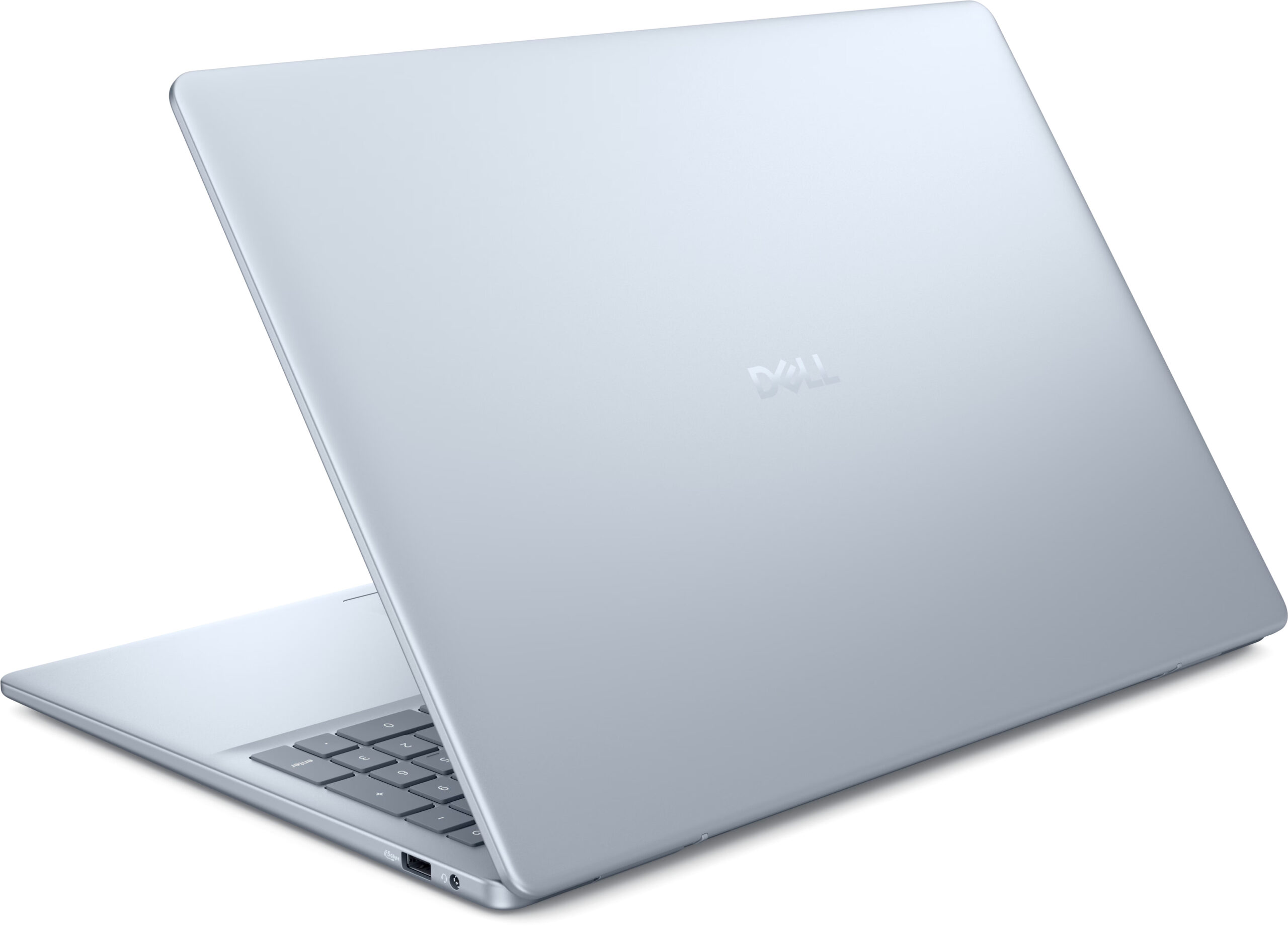
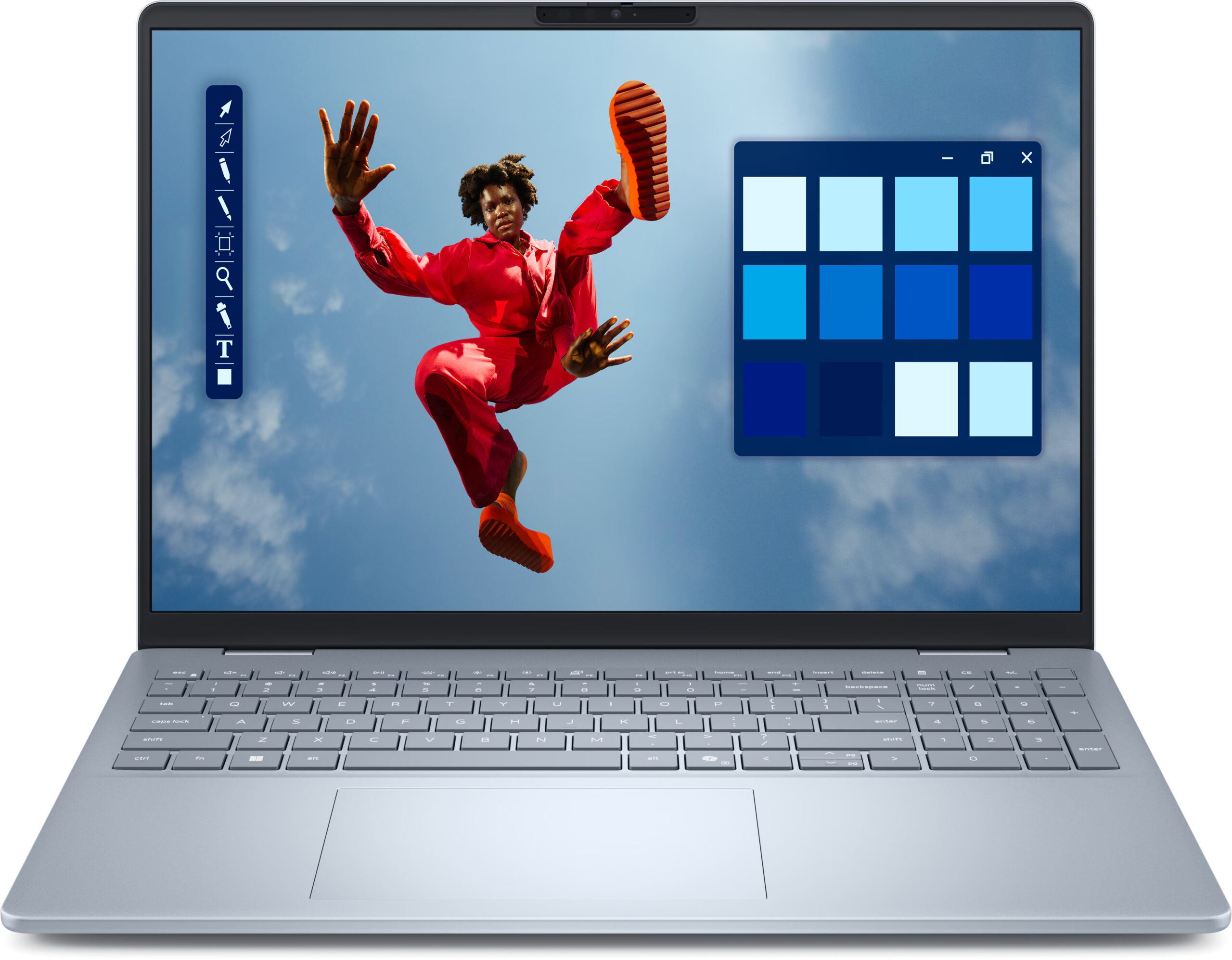
Dell 16 Plus
- Date Published: 14 Oct 2025
- Intel Core Ultra 9 288V
- Intel Arc Graphics 140V
- 16.0”, WUXGA (1920 x 1200), IPS
- 4000GB SSD
- 32GB RAM
- 1.87 kg (4.1 lbs)
Review
Dell 16 Plus in-depth review
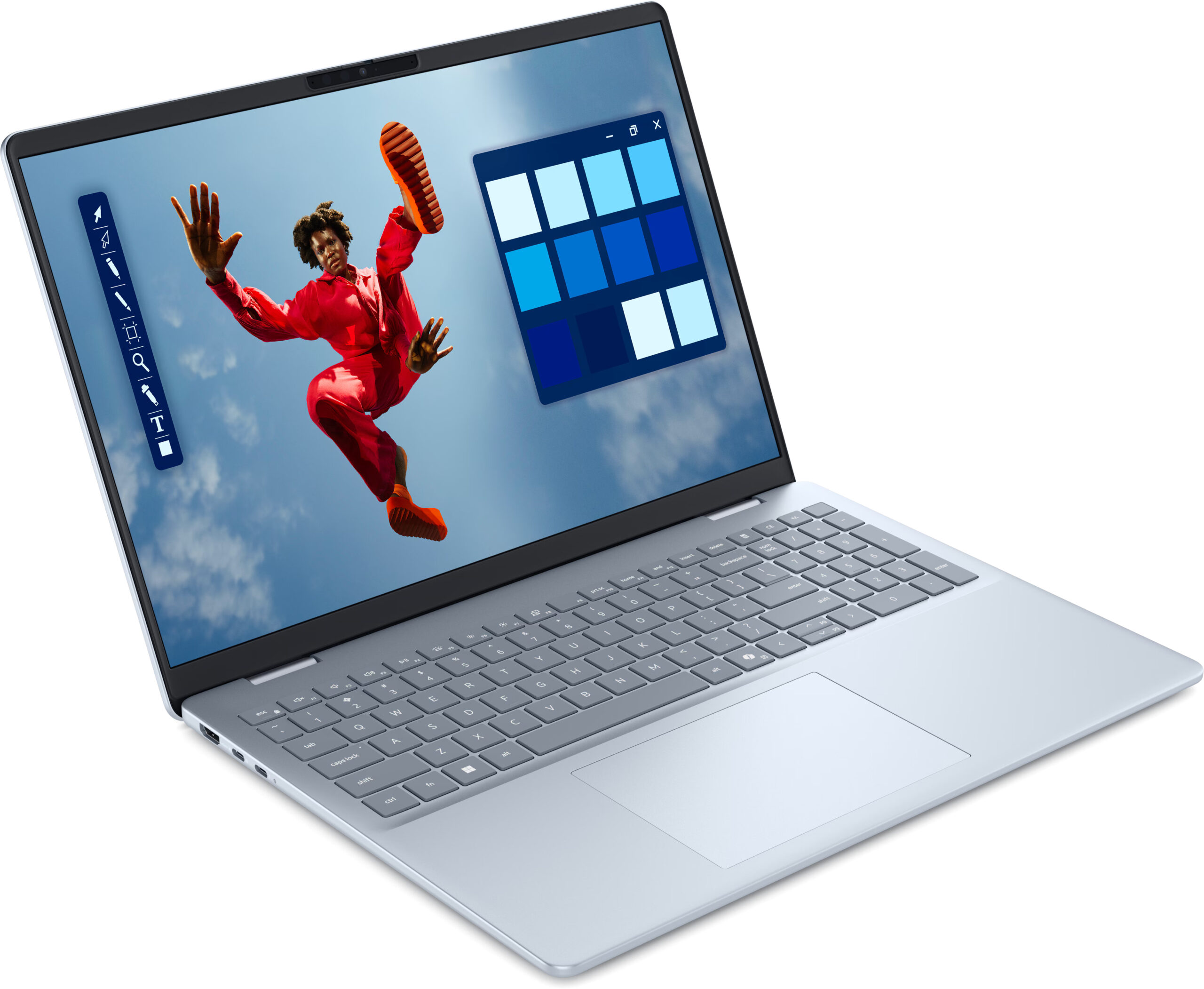
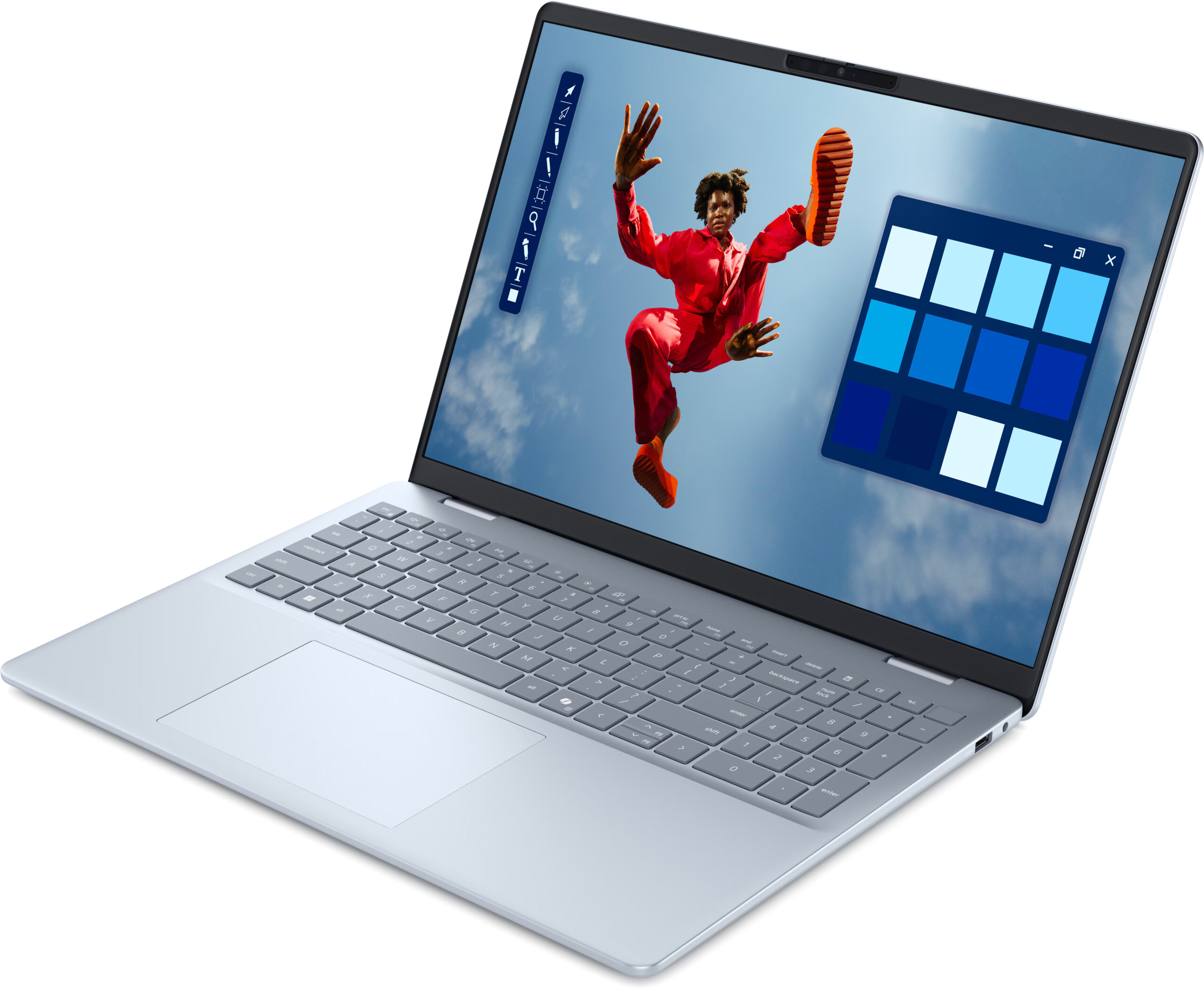
At first glance, the Dell 16 Plus (DB16250) is a triumph of industrial design. It’s elegant, beautifully crafted from premium materials, and features a stunning QHD+ display that bursts with vibrant color. It feels like a machine that belongs in a category well above its "Plus" branding. But as we discovered, this gorgeous exterior hides some fundamental and unfixable compromises. Beneath the flawless finish lies a laptop that makes critical trade-offs in user-friendliness and long-term value, forcing us to ask a difficult question: is this premium experience just skin deep?You can check the prices and configurations in our Specs System: https://laptopmedia.com/series/dell-16-plus-db16250/Specs, Drivers, What's in the boxDrivers All drivers and utilities for this not[...]
Read the full review
Pros
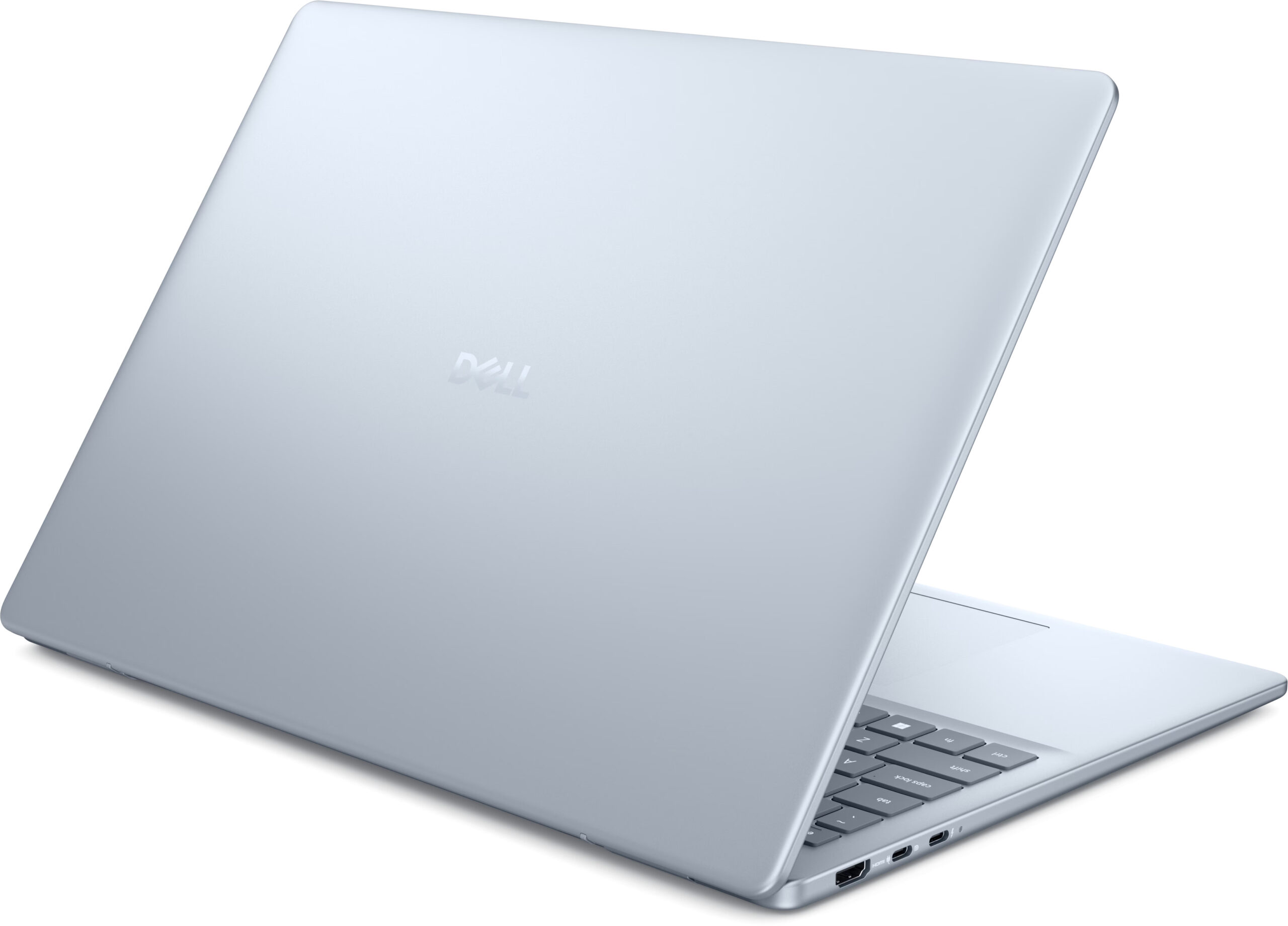
- Exceptionally elegant and premium all-aluminium design
- Stunning QHD+ display with 100% DCI-P3 color coverage
- Very good battery life for a 16-inch laptop
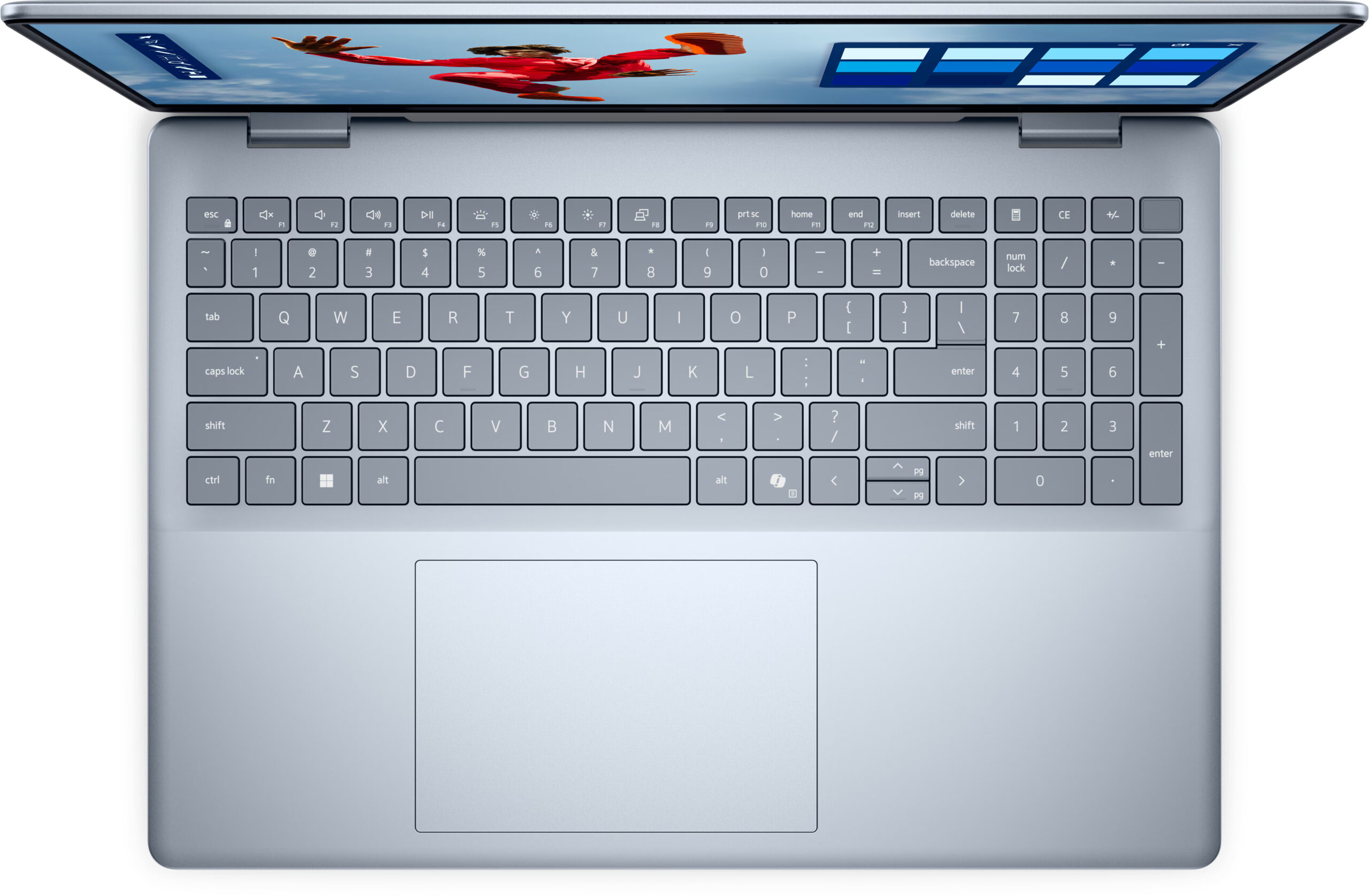
- Comfortable keyboard with a dedicated NumPad
- Modern port selection including Thunderbolt 4
- IR camera with a physical privacy shutter
Cons
- Soldered RAM with no upgrade options
- Aggressive PWM screen flicker at all brightness levels
- Highly reflective glossy screen
- Limited physical ports (only one USB-A, no SD card reader)
Disassembly, maintenance and upgrade options
Step 1: Opening the Dell 16 Plus (DB16250)Power off the laptop and place it on a flat surface. Undo the nine screws (a mix of captive and standard) that secure the bottom plate. Work a plastic pry tool around the edges until the aluminium bottom panel pops free.Battery RemovalThis model comes with a 64Wh lithium-ion battery. Pull out the connector using the simple pull-tab design. Undo the five Phillips-head screws securing the battery and lift it out.MemoryThe memory is soldered to the mainboard and cannot be upgraded. Dell equips this m[...]
Read more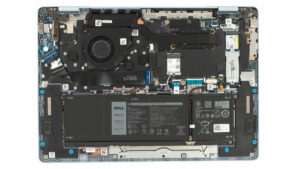


![[June 2026] Best-Selling Laptop Brands on Amazon Global – Apple’s Unrivaled Dominance in Units and Revenue](https://laptopmedia.com/wp-content/uploads/2026/07/GLOBAL-Best-Brands-400x225.jpg)
![[June 2026] Amazon Global: Top 10 Best-Selling Laptops – Apple’s New MacBook Neo Storms to #1, Reshaping the Market with Affordability](https://laptopmedia.com/wp-content/uploads/2026/07/Best-Selling-Laptops-GLOBAL-Top-10-400x225.jpg)
![[June 2026] Amazon Global: Top 10 Best-Selling Gaming Laptops – Acer’s Nitro V 16S AI Dominates Sales, While ASUS Leads Overall Revenue](https://laptopmedia.com/wp-content/uploads/2026/07/Best-Selling-Gaming-Laptops-GLOBAL-Top-10-400x225.jpg)
![[June 2026] Global Ranking of Best-Selling Laptop GPUs on Amazon – NVIDIA RTX 5060 is the Top-Selling Dedicated GPU](https://laptopmedia.com/wp-content/uploads/2026/07/Best-Selling-GPUs-GLOBAL-Top-10-400x225.jpg)
![[June 2026] Global Ranking of Best-Selling Laptop CPUs on Amazon – Apple M5 Dominates, AMD Ryzen 7 260 Gets Solid Premium Share](https://laptopmedia.com/wp-content/uploads/2026/07/Best-Selling-CPUs-GLOBAL-Top-10-400x225.jpg)
