How to open Dell 16 Plus (DB16250) – disassembly and upgrade options
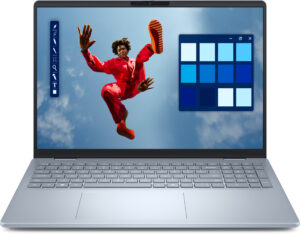
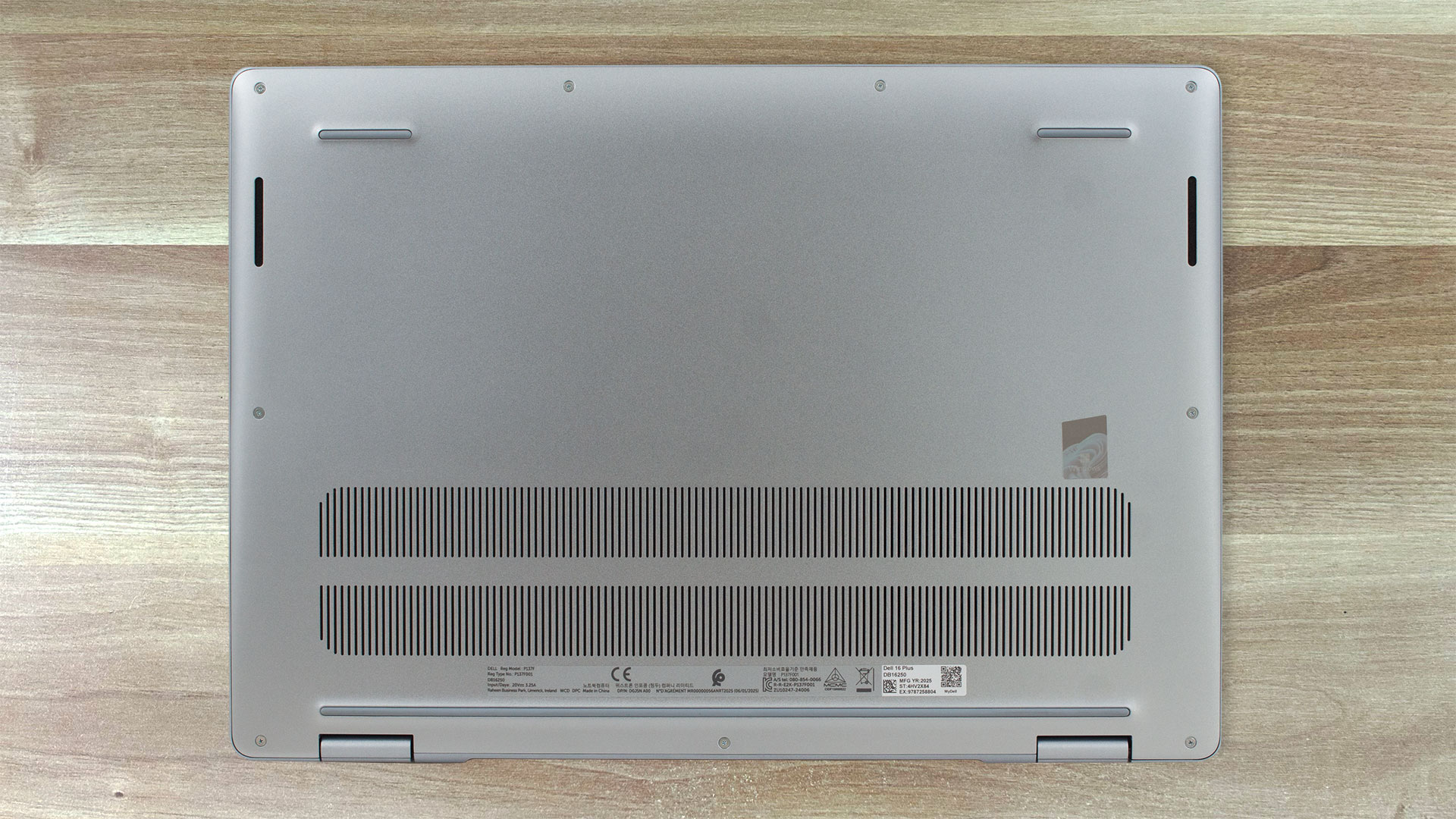
Step 1: Opening the Dell 16 Plus (DB16250)
- Power off the laptop and place it on a flat surface.
- Undo the nine screws (a mix of captive and standard) that secure the bottom plate.
- Work a plastic pry tool around the edges until the aluminium bottom panel pops free.
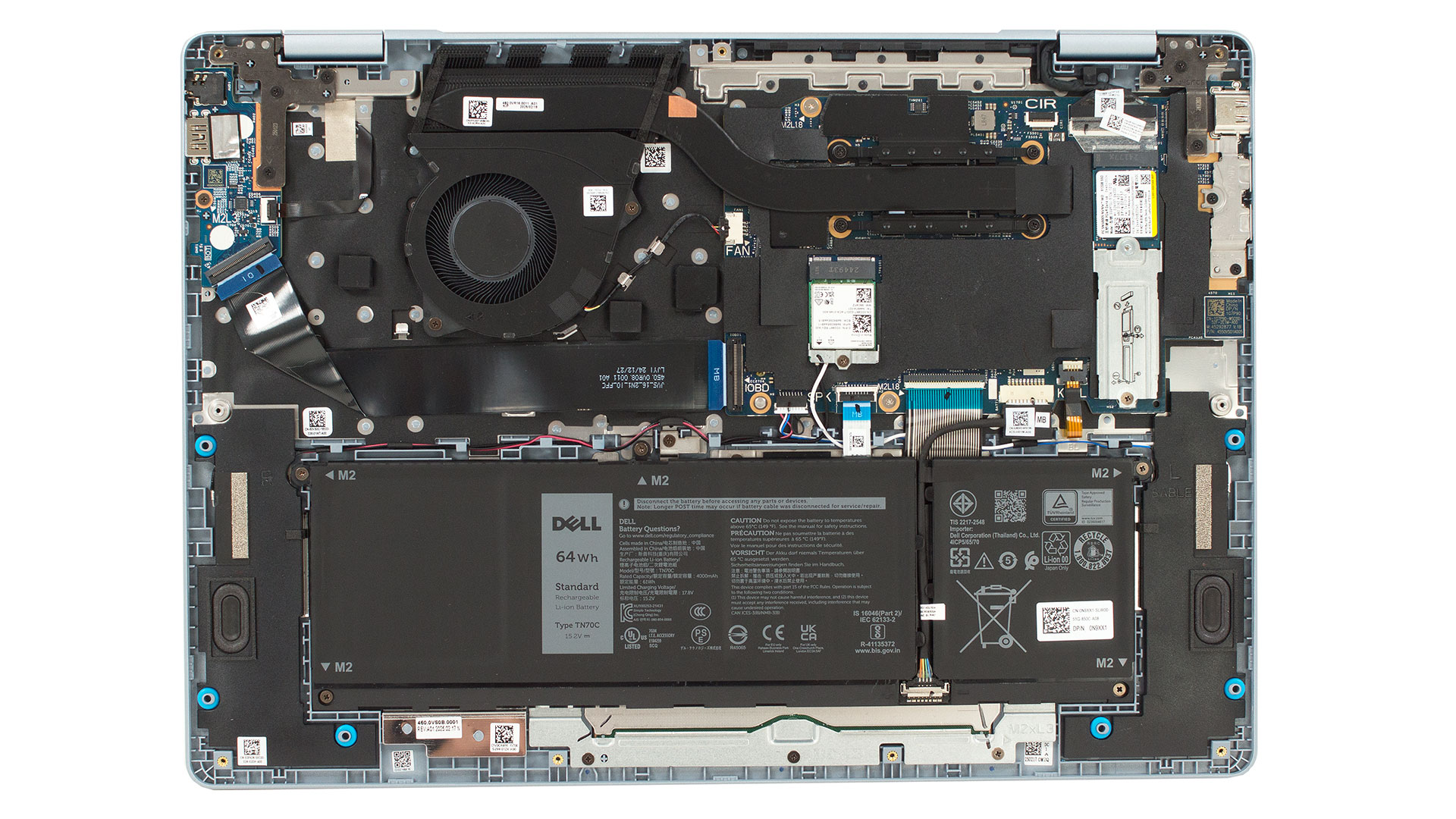
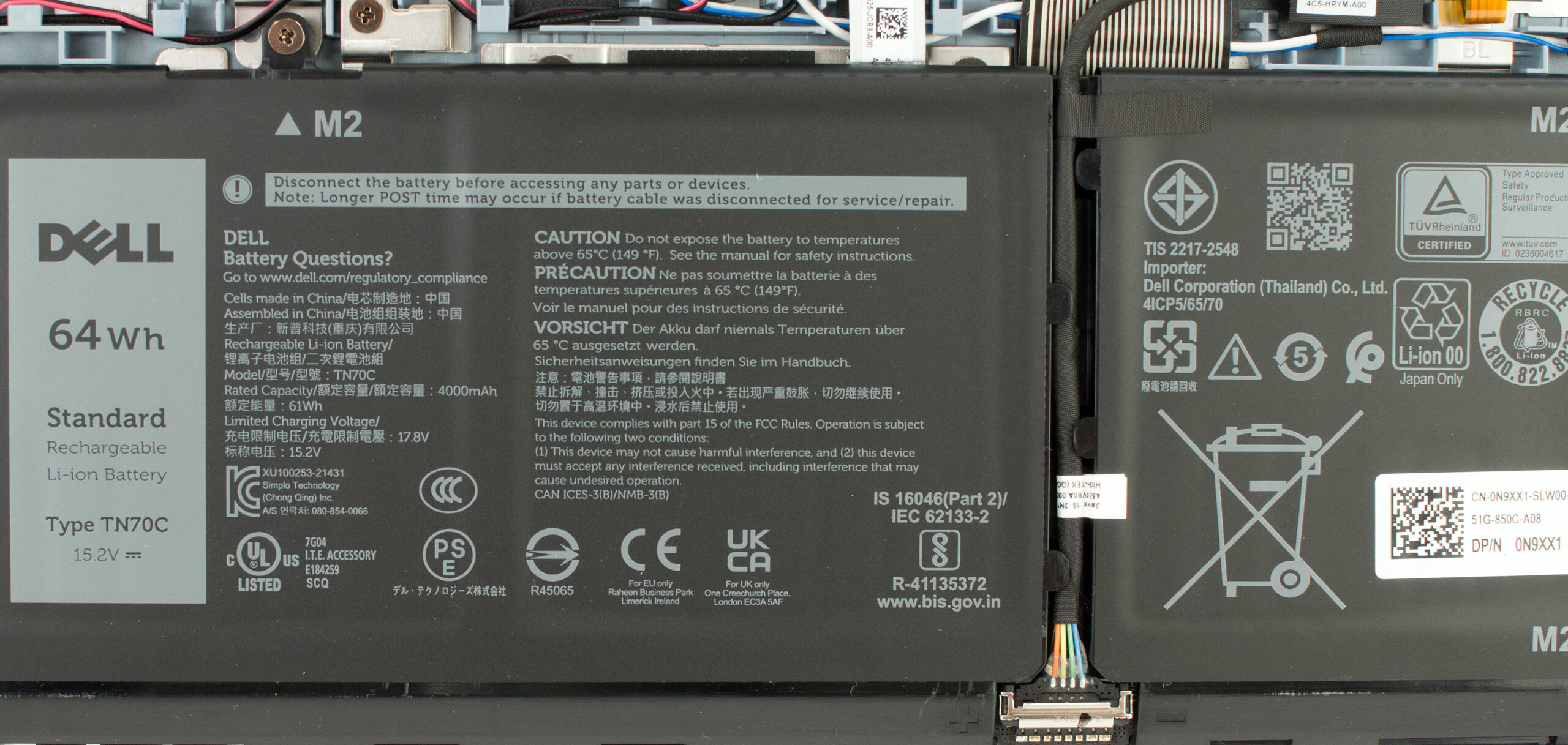
Battery Removal
- This model comes with a 64Wh lithium-ion battery.
- Pull out the connector using the simple pull-tab design.
- Undo the five Phillips-head screws securing the battery and lift it out.
Memory
- The memory is soldered to the mainboard and cannot be upgraded.
- Dell equips this model with dual-channel LPDDR5x RAM clocked at 8533 MHz, available in 16GB or 32GB configurations.
More info: Since the RAM is soldered, choose your configuration carefully at purchase.
Storage Upgrade
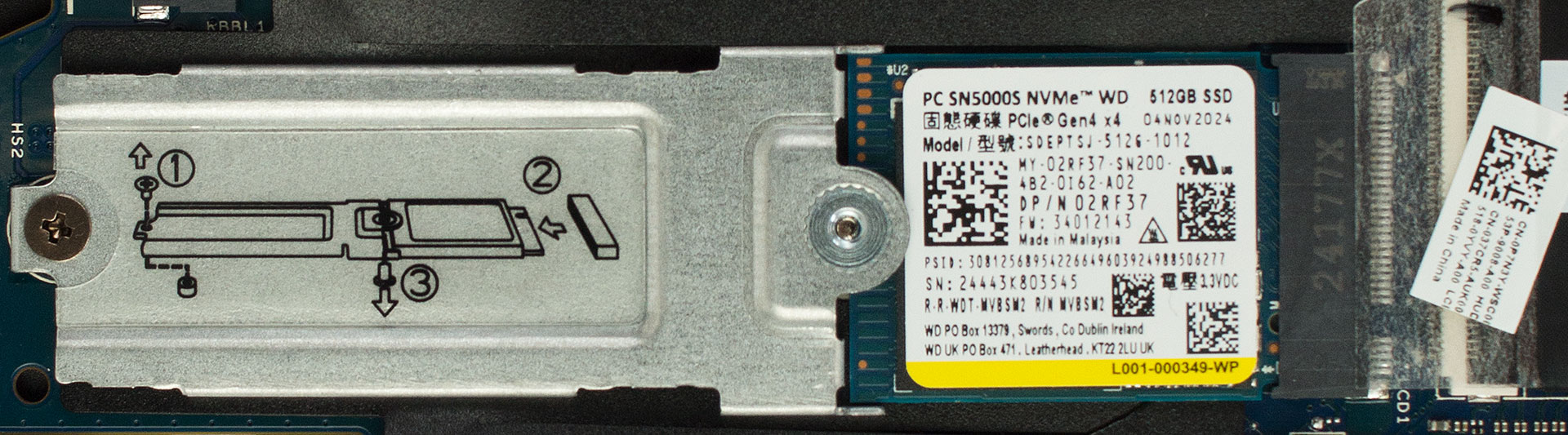
- There is a single M.2 slot for 2280 PCIe Gen 4 SSDs.
- Our sample is equipped with a 512GB Western Digital PC SN5000S.
- You can replace it with a larger or faster NVMe drive.
Hint: Consider reviewing our Top M.2 SSDs Performance Rankings to select the best storage solution for your needs.
You can buy Gen 4 NVMe SSDs here: Buy from Amazon.com (#CommissionsEarned)
Wireless Module
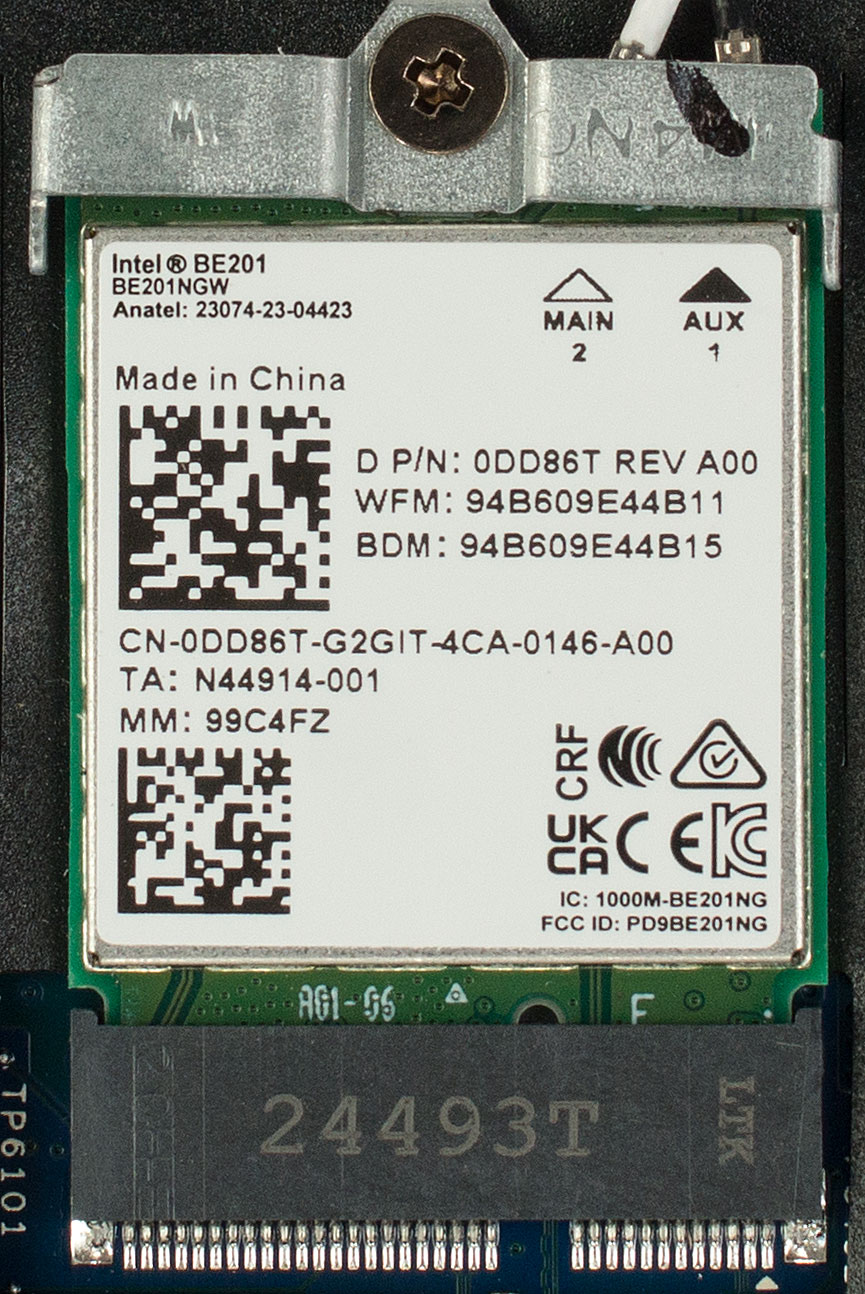
- The Wi-Fi card is user-replaceable (M.2 2230 slot).
- Base versions ship with Intel Wi-Fi 6E AX211, while some units come with Intel BE201 Wi-Fi 7 + Bluetooth 5.4.
Speakers
- The stereo speakers are positioned at the lower corners of the chassis.
- Each is secured with a single screw, making replacement simple.
Cooling System
- The cooling solution features one large blower fan and a thick copper heat pipe.
- Black foam dams direct airflow toward the rear exhaust vent.
- An aluminium plate helps cool the VRMs.
Dell 16 Plus (DB16250) in-depth review
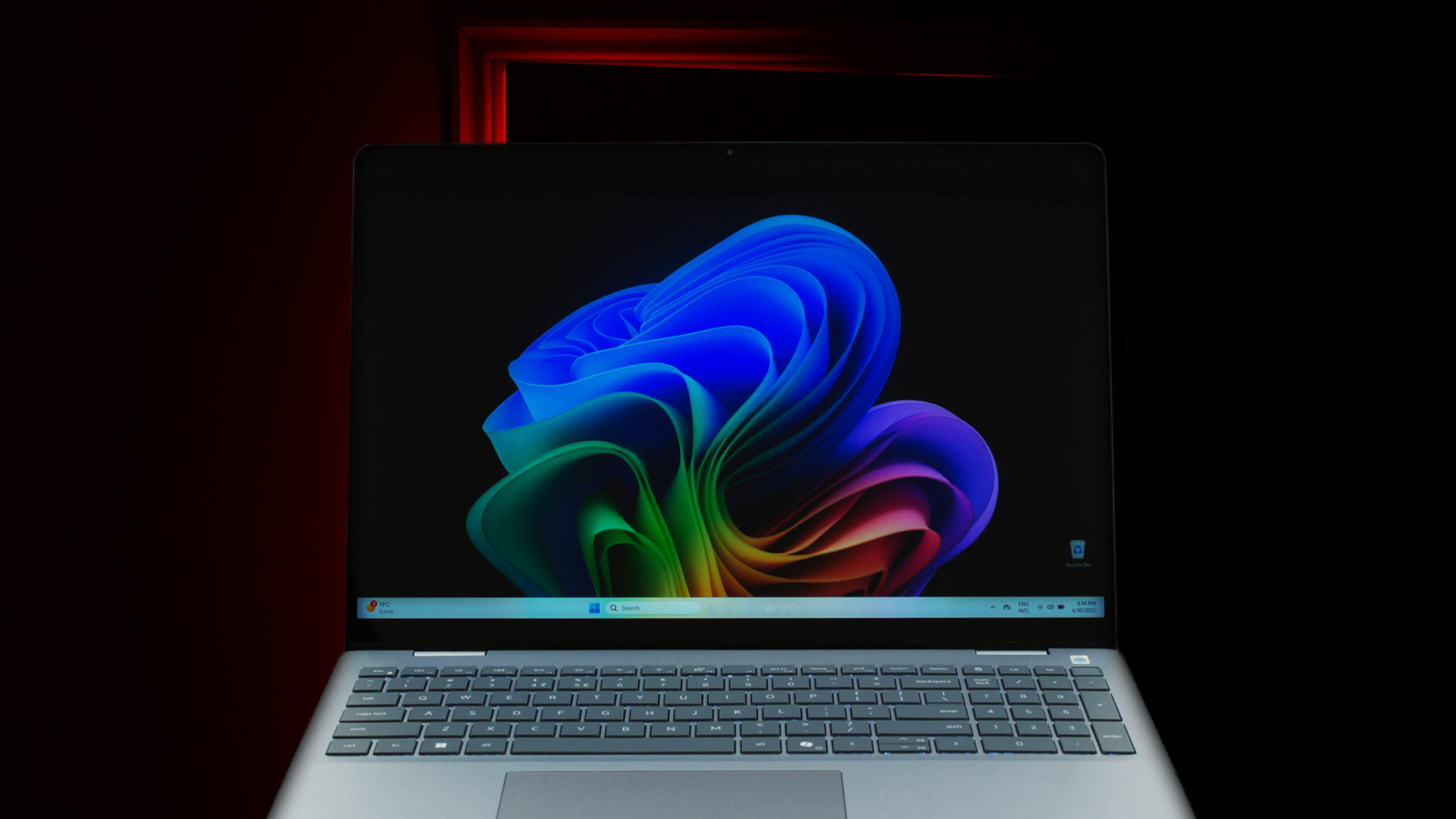
At first glance, the Dell 16 Plus (DB16250) is a triumph of industrial design. It’s elegant, beautifully crafted from premium materials, and features a stunning QHD+ display that bursts with vibrant color. It feels like a machine that belongs in a category well above its "Plus" branding. But as we discovered, this gorgeous exterior hides some fundamental and unfixable compromises. Beneath the flawless finish lies a laptop that makes critical trade-offs in user-friendliness and long-term value, forcing us to ask a difficult question: is this premium experience just skin deep?You can c[...]
Pros
- Exceptionally elegant and premium all-aluminium design
- Stunning QHD+ display with 100% DCI-P3 color coverage
- Very good battery life for a 16-inch laptop
- Comfortable keyboard with a dedicated NumPad
- Modern port selection including Thunderbolt 4
- IR camera with a physical privacy shutter
Cons
- Soldered RAM with no upgrade options
- Aggressive PWM screen flicker at all brightness levels
- Highly reflective glossy screen
- Limited physical ports (only one USB-A, no SD card reader)
 Author: Dimitar Stalev

![[August 2026] Best-Selling Laptop Brands on Amazon Japan – Apple Dominates Market Share and Revenue Led by Strong Unit Sales](https://laptopmedia.com/wp-content/uploads/2026/09/CO.JP-Best-Brands-1-400x225.jpg)
![[August 2026] Best-Selling Laptop Brands on Amazon USA – Apple Dominates Market Revenue and Volume Despite Lower Model Diversity](https://laptopmedia.com/wp-content/uploads/2026/09/COM-Best-Brands-1-400x225.jpg)
![[August 2026] Amazon Germany: Top 8 Best-Selling Gaming Laptops – Acer Dominates the Market as the Premium Nitro V 17 AI Takes the #1 Spot](https://laptopmedia.com/wp-content/uploads/2026/09/Best-Selling-Gaming-Laptops-DE-Top-10-1-400x225.jpg)
![[August 2026] Best-Selling Laptop Brands on Amazon France – Apple Dominates Revenue Despite Lenovo and HP Leading in Catalog Breadth and Volume](https://laptopmedia.com/wp-content/uploads/2026/09/FR-Best-Brands-1-400x225.jpg)
![[August 2026] Amazon Italy: Top 10 Best-Selling Laptops – Apple MacBook Neo Claims the Crown as Budget and Mid-Range Windows Machines Dominate Volume](https://laptopmedia.com/wp-content/uploads/2026/09/Best-Selling-Laptops-IT-Top-10-400x225.jpg)
