
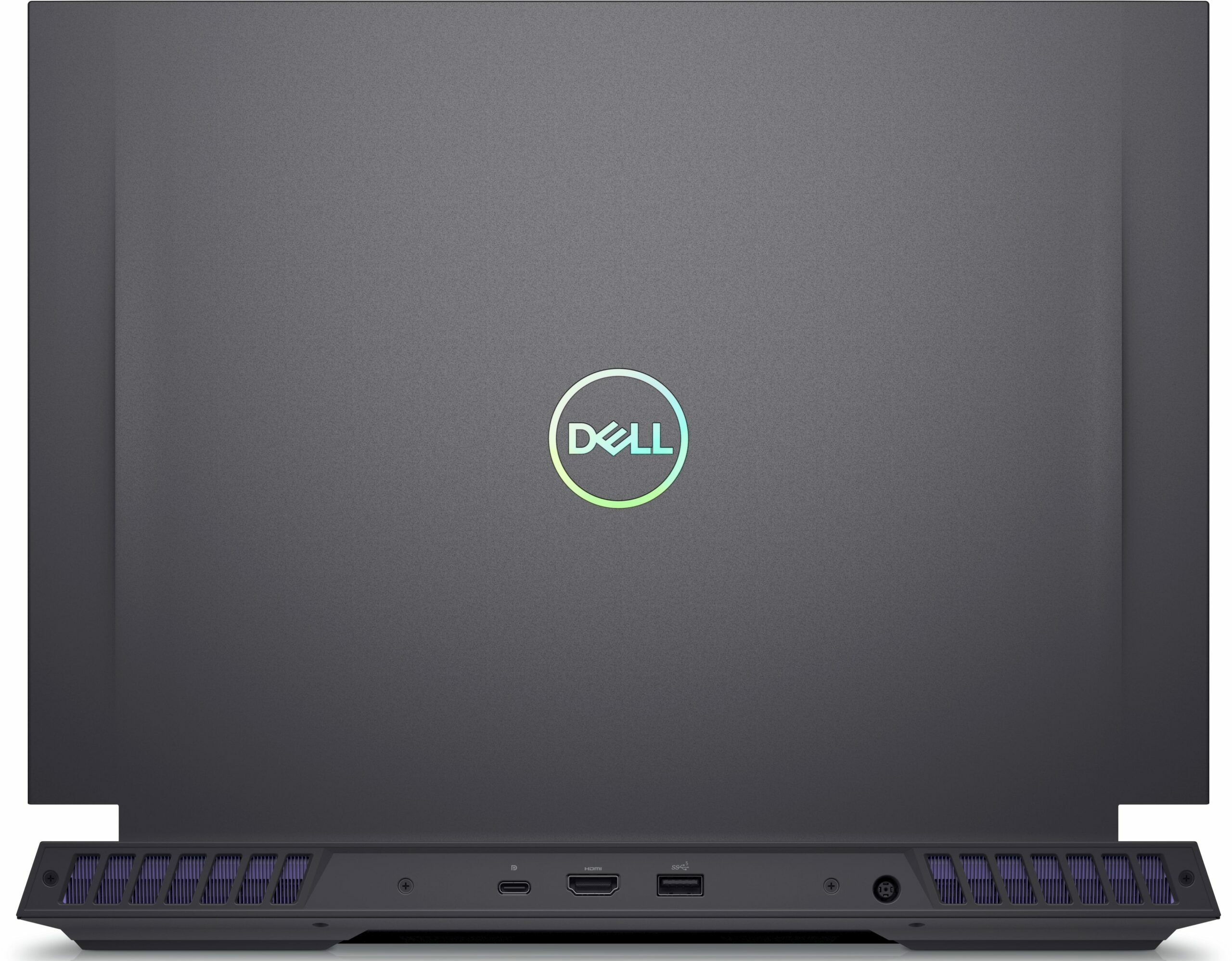
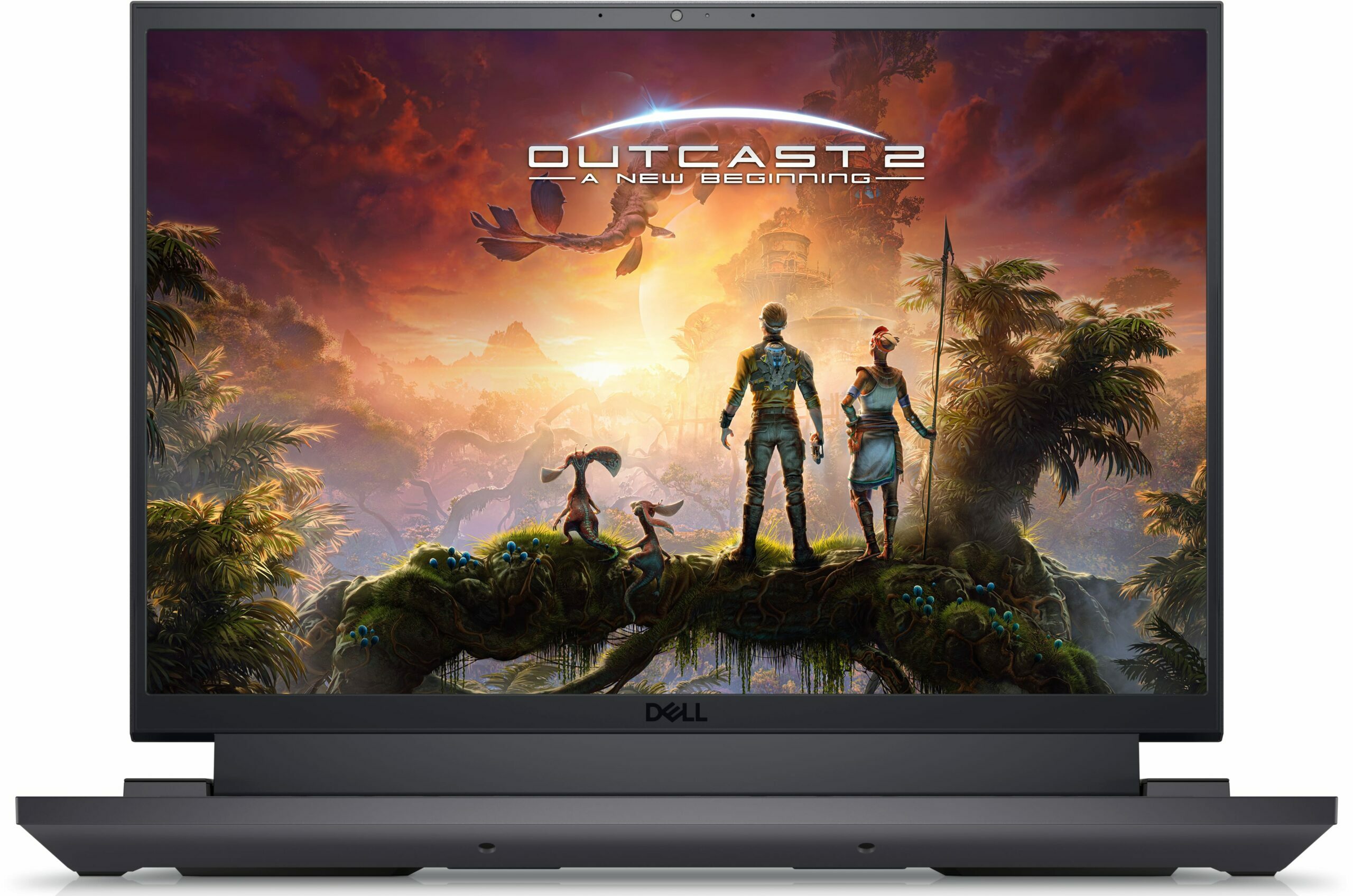
- Date Published: 09 Oct 2024
- Intel Core i9-13900HX
- NVIDIA GeForce RTX 4060 (Laptop, 140W)
- 16.0", WQXGA (2560 x 1600), 240 Hz, IPS
- 4000GB SSD
- 64GB RAM
- 2.87 kg (6.3 lbs)
Review
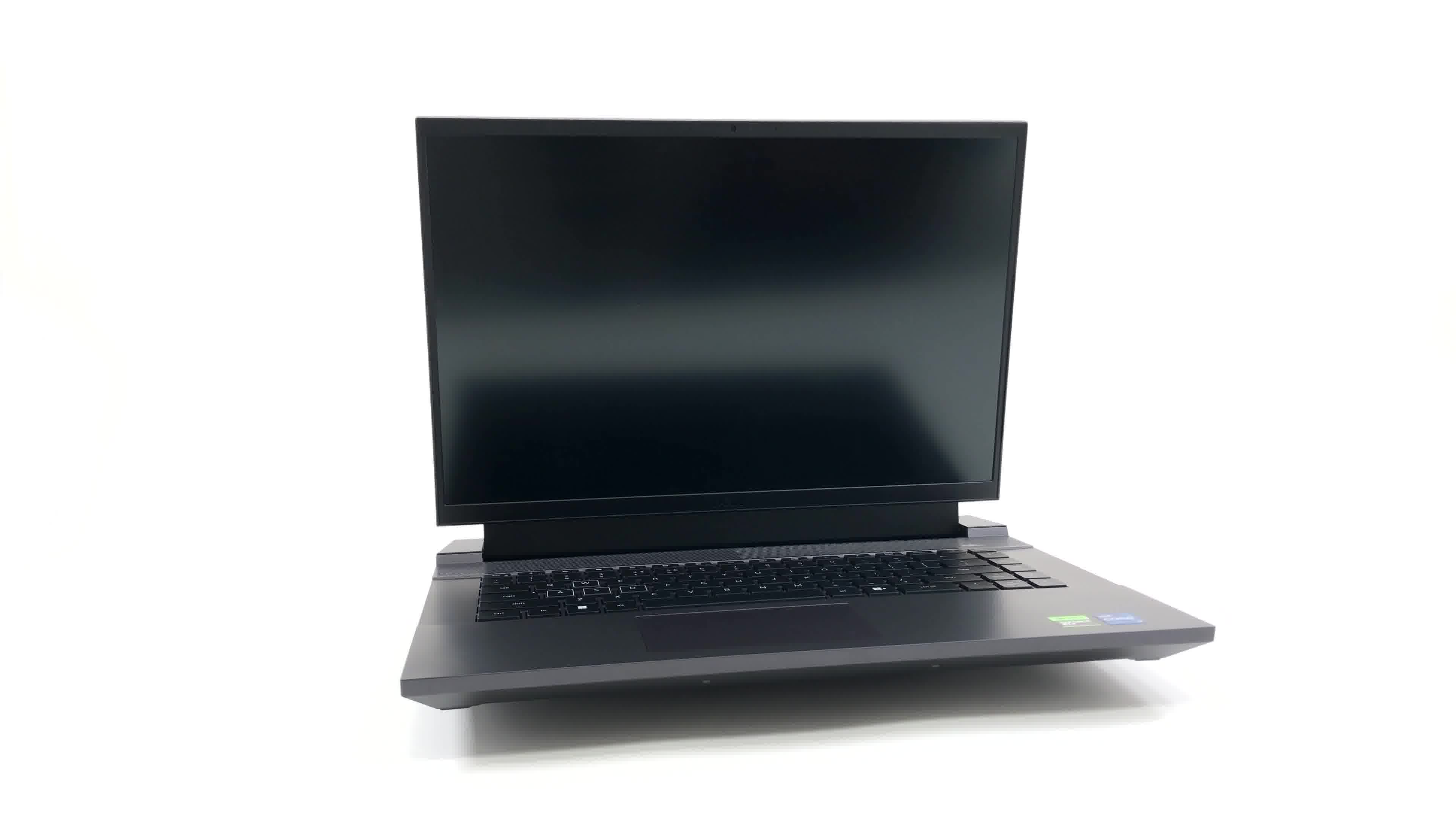
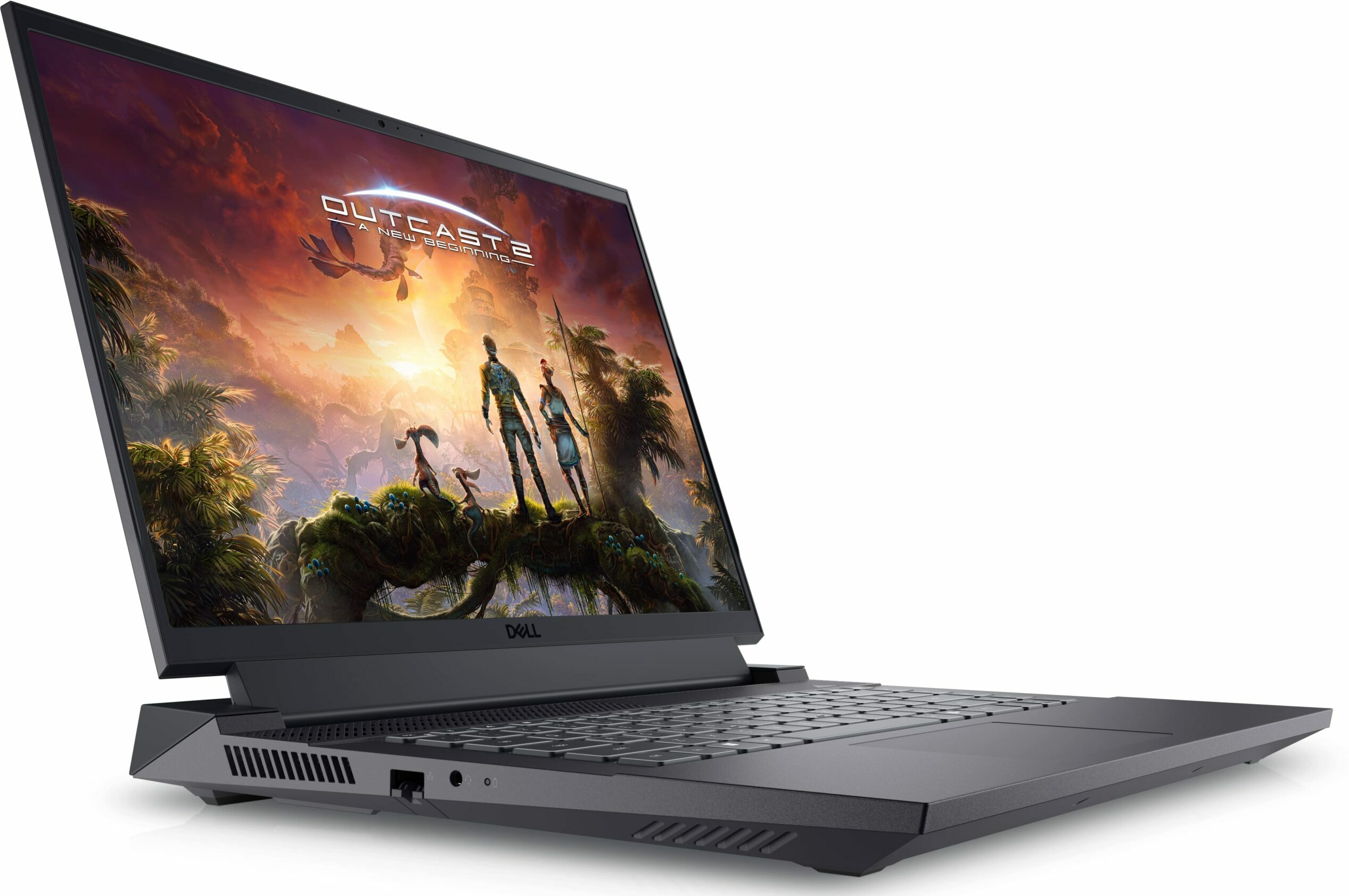
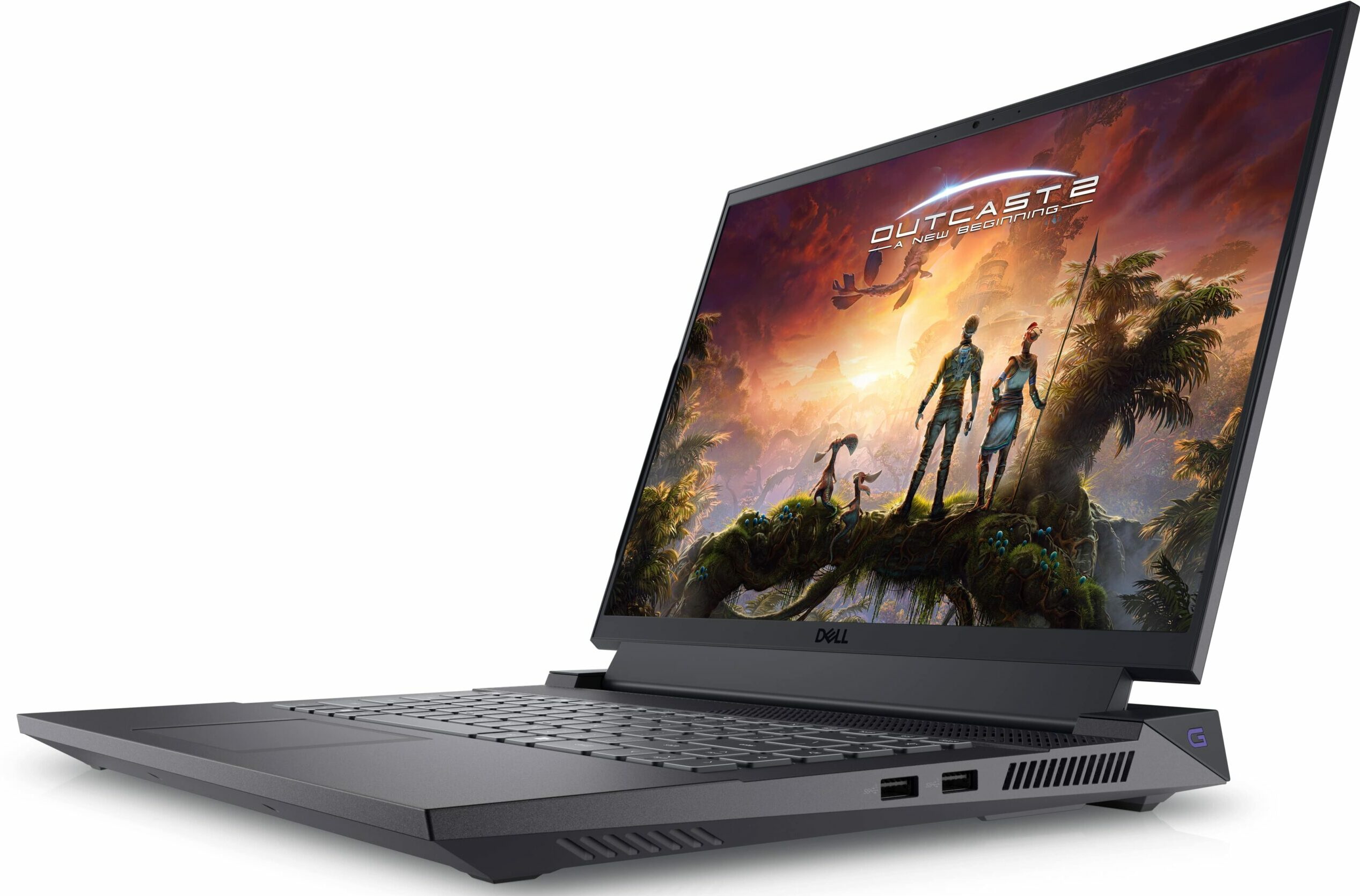
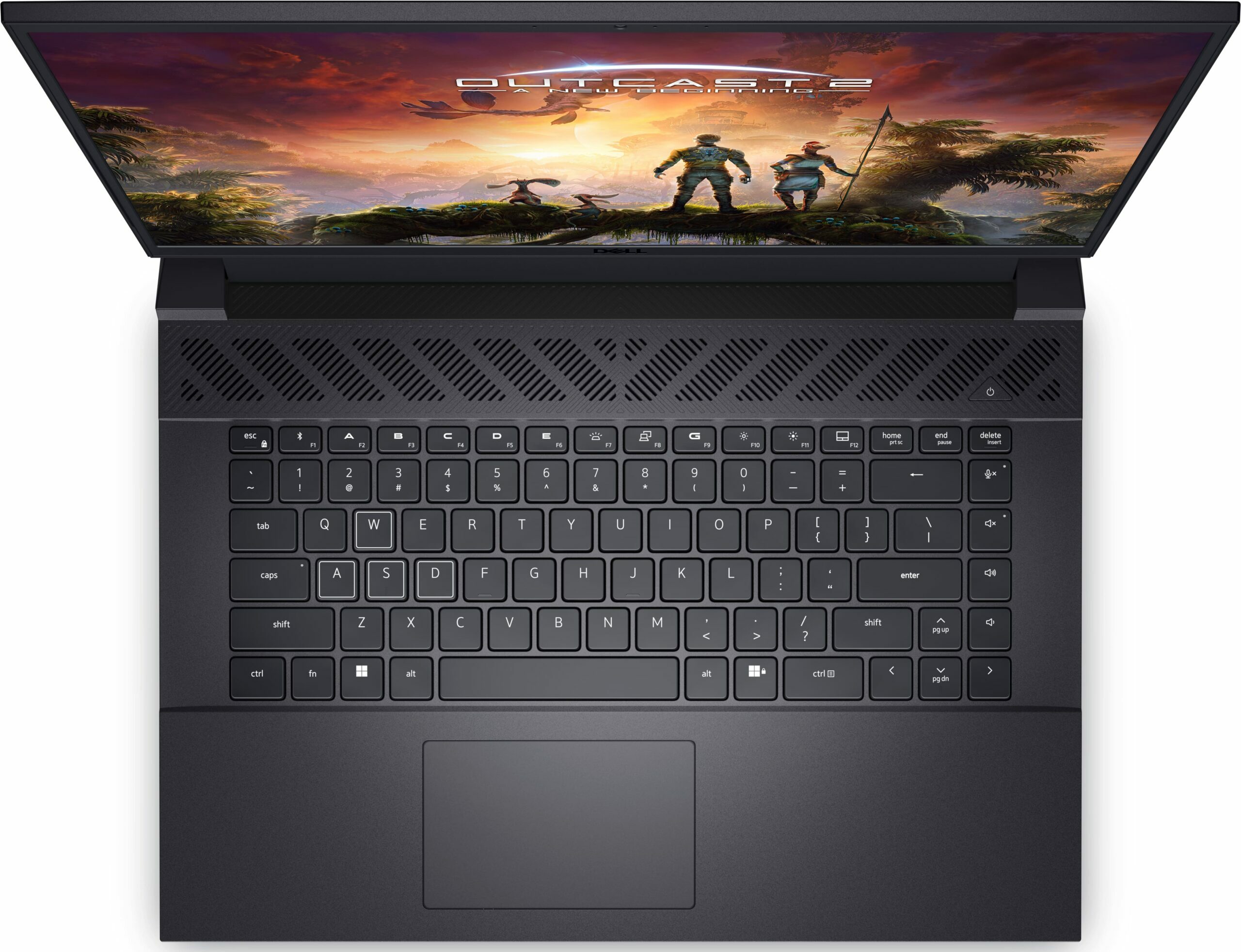
Dell G16 7630 in-depth review
We can't put Dell and the word "gaming" in one sentence without thinking about Alienware. Today, we are not going to review an Alienware notebook, but we are definitely going to get the closest we can't get to that.Yes, we are talking about the Dell G16 7630. It is one of the company's best gaming options currently on the market. Of course, we are yet to decide if it is any good, or the title "best from Dell" wouldn't mean anything in the grand scheme of things.Anyways, the American company has chosen to give you some of the best processors on the market for this particular machine. They have a TDP of 55W, which is often dwarfed by the actual readings we get during extreme workloads.On top of that, the top-of-the-line GPU option is the RTX 4070 - a graphics card that needs no [...]
Read the full review
Pros
- Relatively affordable
- 2x DDR5 RAM SODIMM + 2x M.2 PCIe x4 Gen 4
- 97% sRGB coverage and accurate colors with our Gaming and Web design profile (Innolux 4N45R-160GME (CMN161D, N160GME-GQ1))
- Fast refresh rate options with G-Sync
- No PWM (Innolux 4N45R-160GME (CMN161D, N160GME-GQ1))
- Decent performer
- Good cooling
Cons
- Heavier and thicker than the competition
- Thunderbolt 4 is reserved for the more expensive RTX 4070 model
- No SD card reader
- Very short battery life
Disassembly, maintenance and upgrade options
1. Accessing the Internals First, undo the 10 Phillips-head screws located on the bottom of the laptop. Next, lift the bottom panel away from the laptop's chassis. Note: If you plan to access the cooling solution, you need to undo two additional Phillips-head screws on the inside of the laptop, and four located on the back of the device.Caution: Be gentle to avoid damaging the internal components.2. Removing the Battery Locate the 86Wh battery pack. To remove it, first unplug the battery connector. Then, undo the 7 Phillips-head screws that secure the battery to the d[...]
Read more


![[August 2026] Global Ranking of Best-Selling Laptop GPUs on Amazon – Apple Reigns Supreme, NVIDIA’s RTX 5060 Tops Dedicated Chart](https://laptopmedia.com/wp-content/uploads/2026/09/Best-Selling-GPUs-GLOBAL-Top-10-400x225.jpg)
![[August 2026] Global Ranking of Best-Selling Laptop CPUs on Amazon – Apple Dominates Both Budget and Premium: A18 Pro and M5 Crush Intel and AMD in August 2026](https://laptopmedia.com/wp-content/uploads/2026/09/Best-Selling-CPUs-GLOBAL-Top-10-400x225.jpg)
![[August 2026] Amazon Global: Top 10 Best-Selling Laptops – Apple MacBook Neo Dominates the Charts as Budget and Mid-Range Windows Portables Fight for Volume](https://laptopmedia.com/wp-content/uploads/2026/09/Best-Selling-Laptops-GLOBAL-Top-10-400x225.jpg)
![[August 2026] Best-Selling Laptop Brands on Amazon Global – Apple Dominates Revenue While HP Leads in Model Variety](https://laptopmedia.com/wp-content/uploads/2026/09/GLOBAL-Best-Brands-400x225.jpg)
![[August 2026] Amazon Global: Top 10 Best-Selling Gaming Laptops – HP Victus 15 Captures the Crown as Budget-Friendly Models Dominate the Charts](https://laptopmedia.com/wp-content/uploads/2026/09/Best-Selling-Gaming-Laptops-GLOBAL-Top-10-400x225.jpg)
