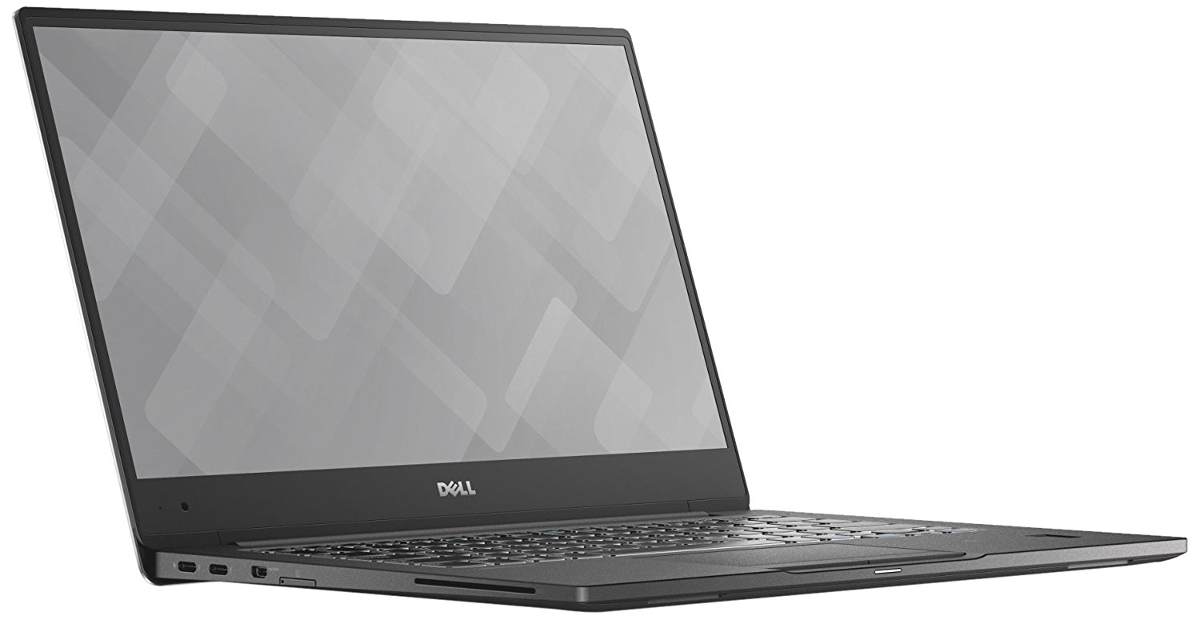
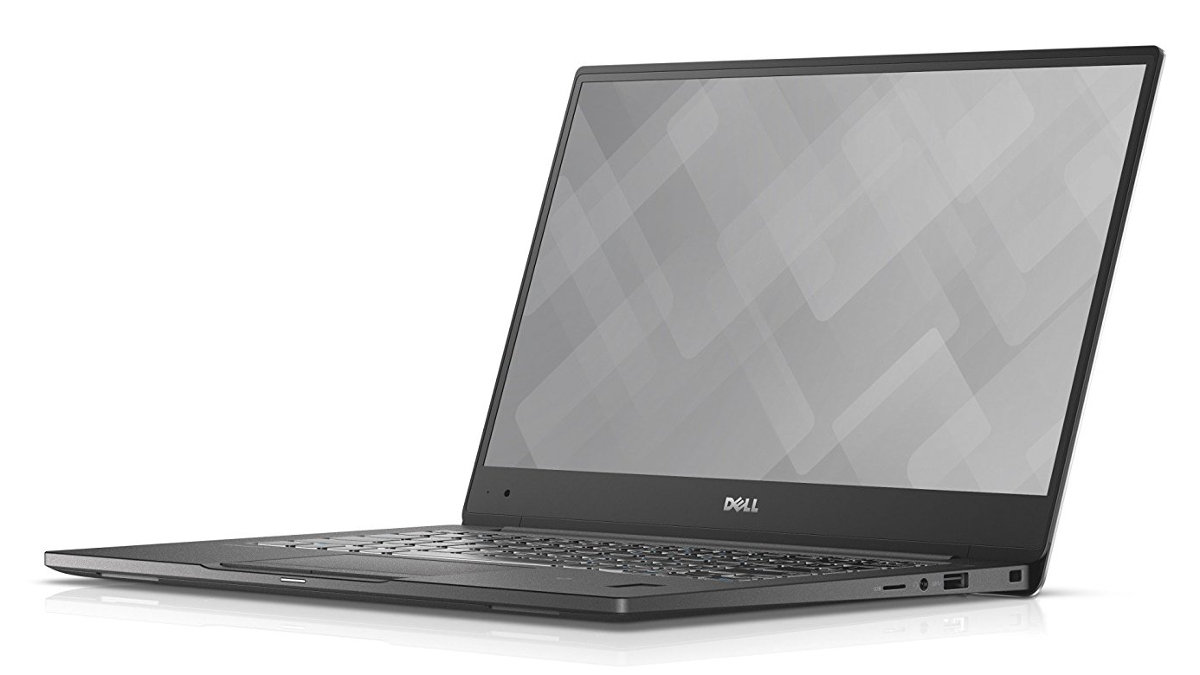
Dell Latitude 13 7370
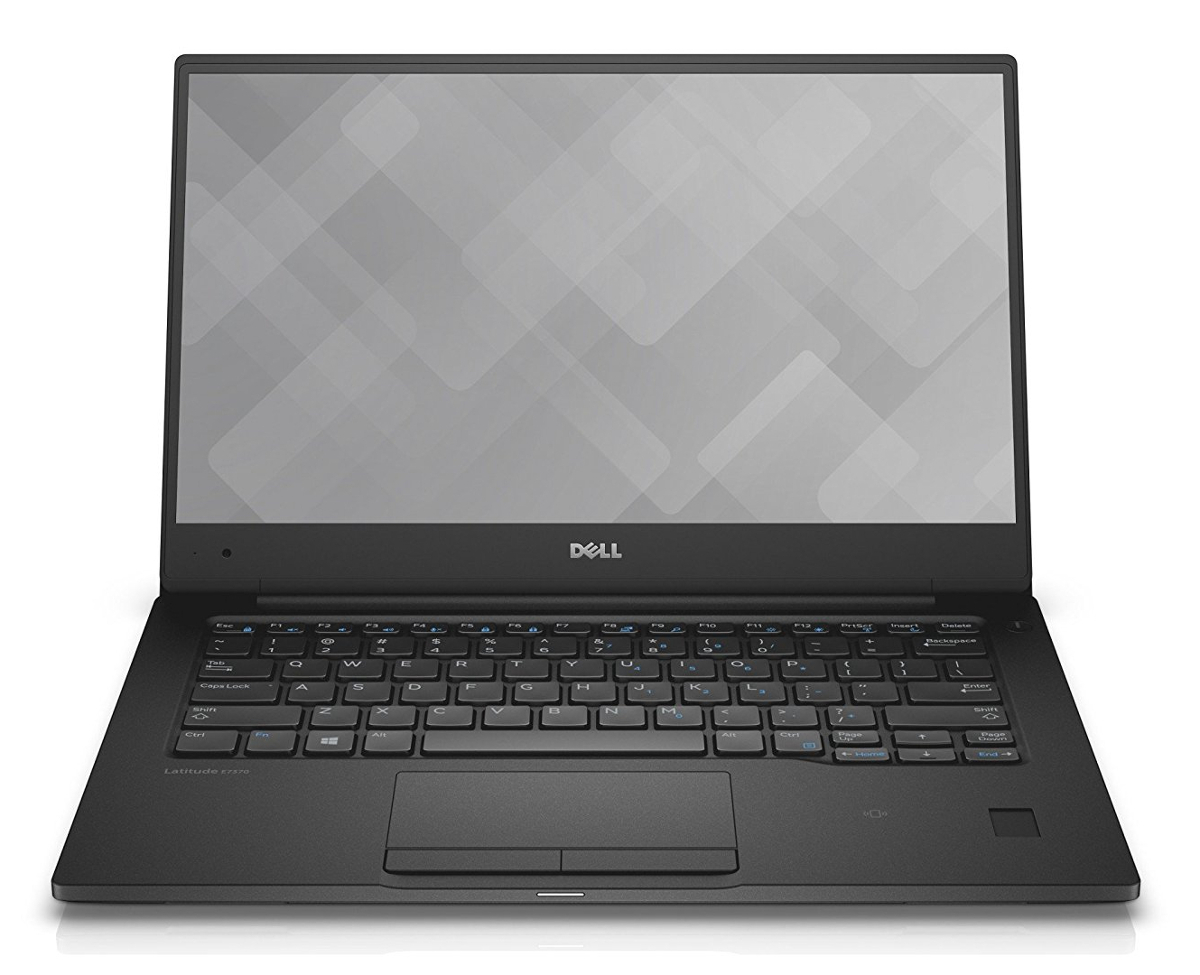
- Date Published: 15 Nov 2017
- Intel Core m7-6Y75
- Intel HD Graphics 515
- 13.3”, Full HD (1920 x 1080), IPS
- 128GB SSD
- 8GB DDR3
- 1.12 kg (2.5 lbs)
Specs

- HDD/SSD
- 128GB SSD
- M.2 Slot
- 1x 2280 PCIe NVMe (M key)
- RAM
- 8GB DDR3
- OS
- Windows 10 Home
- Body Material
- Plastic
- Dimensions
- 304 x 210 x 14.32 mm (11.97" x 8.27" x 0.56")
- Weight
- 1.12 kg (2.5 lbs)
- Ports and connectivity
- 2x USB Type-C
- 3.2 Gen 2 (10 Gbps), Thunderbolt 3
- 1x USB Type-A
- 3.2 Gen 1 (5 Gbps)
- HDMI
- Card Reader
- SD
- Ethernet LAN
- Wi-Fi
- 802.11ac
- Bluetooth
- 4.1
- Audio jack
- headphone/microphone
- Features
- Web camera
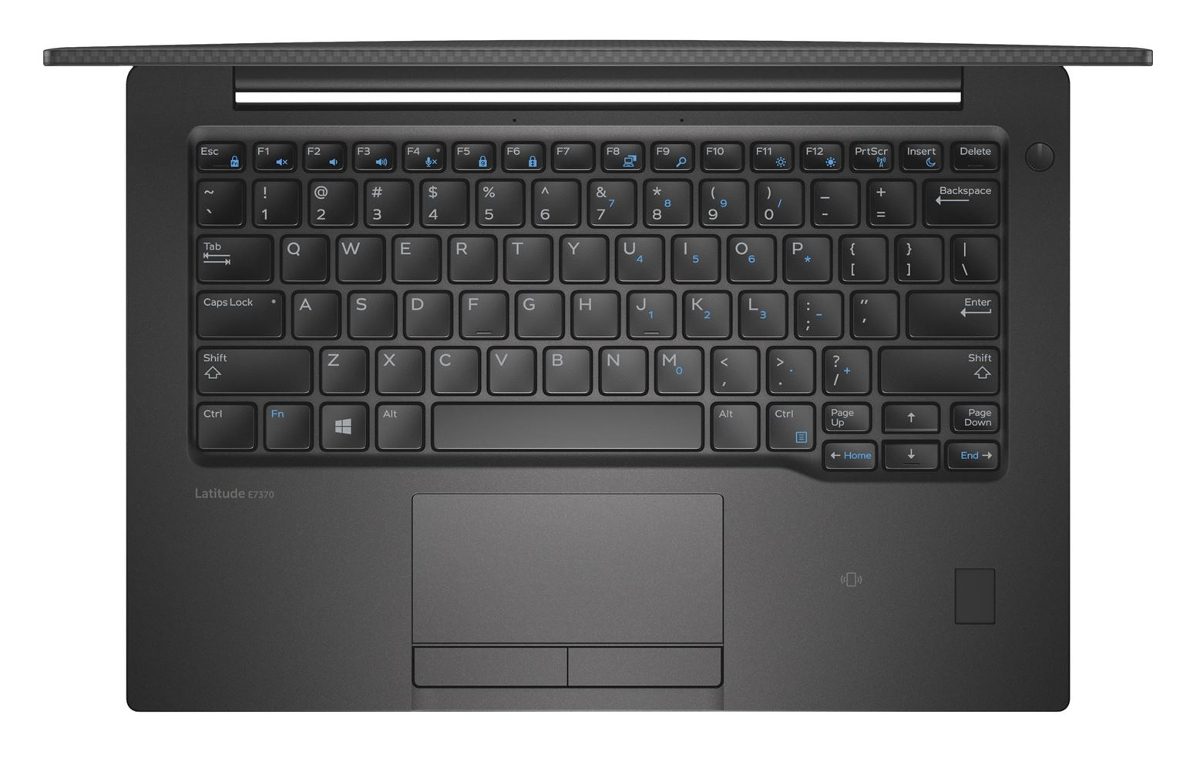
- Backlit keyboard
- Microphone
- Speakers
- Optical drive
- Security Lock slot
Portability
Review
Dell Latitude 13 7370 in-depth review
If you are a fan of Dell's premium business XPS series but not a big fan of the price, the Latitude 13 7370 is an excellent alternative. It's much like the more expensive XPS 13 but also offers a passive cooling solution resulting in a silent working environment even under heavy workload. Aside from the silent operation, the Latitude 13 7370 has several other key selling points like robust, premium and simplistic design with an excellent choice of materials, portable dimensions and weight, long battery life (at least for some versions of the laptop) and comfortable input devices.However, there are some limitations to the current configuration that we've addressed in our review. For instance, you won't get the full XPS 13 performance since the ultrabook has a Core m7-6Y75 mobile SoC[...]
Read the full review
Pros
- Impeccable build quality and premium feel
- Lightweight, thin, portable
- Excellent input devices
- High-quality screen (high maximum brightness, wide sRGB coverage, high contrast)
- Two USB-C connectors with Thunderbolt
- Good utilization of the Core m7-6Y75 with silent cooling solution
- Good web browsing runtimes
Cons
- The adaptive brightness and contrast can't be turned off
- The screen uses PWM from 0 to 99% brightness (our Health-Guard profile takes care of that)
- Pricey


![[June 2026] Best-Selling Laptop Brands on Amazon Global – Apple’s Unrivaled Dominance in Units and Revenue](https://laptopmedia.com/wp-content/uploads/2026/07/GLOBAL-Best-Brands-400x225.jpg)
![[June 2026] Amazon Global: Top 10 Best-Selling Laptops – Apple’s New MacBook Neo Storms to #1, Reshaping the Market with Affordability](https://laptopmedia.com/wp-content/uploads/2026/07/Best-Selling-Laptops-GLOBAL-Top-10-400x225.jpg)
![[June 2026] Amazon Global: Top 10 Best-Selling Gaming Laptops – Acer’s Nitro V 16S AI Dominates Sales, While ASUS Leads Overall Revenue](https://laptopmedia.com/wp-content/uploads/2026/07/Best-Selling-Gaming-Laptops-GLOBAL-Top-10-400x225.jpg)
![[June 2026] Global Ranking of Best-Selling Laptop GPUs on Amazon – NVIDIA RTX 5060 is the Top-Selling Dedicated GPU](https://laptopmedia.com/wp-content/uploads/2026/07/Best-Selling-GPUs-GLOBAL-Top-10-400x225.jpg)
![[June 2026] Global Ranking of Best-Selling Laptop CPUs on Amazon – Apple M5 Dominates, AMD Ryzen 7 260 Gets Solid Premium Share](https://laptopmedia.com/wp-content/uploads/2026/07/Best-Selling-CPUs-GLOBAL-Top-10-400x225.jpg)
