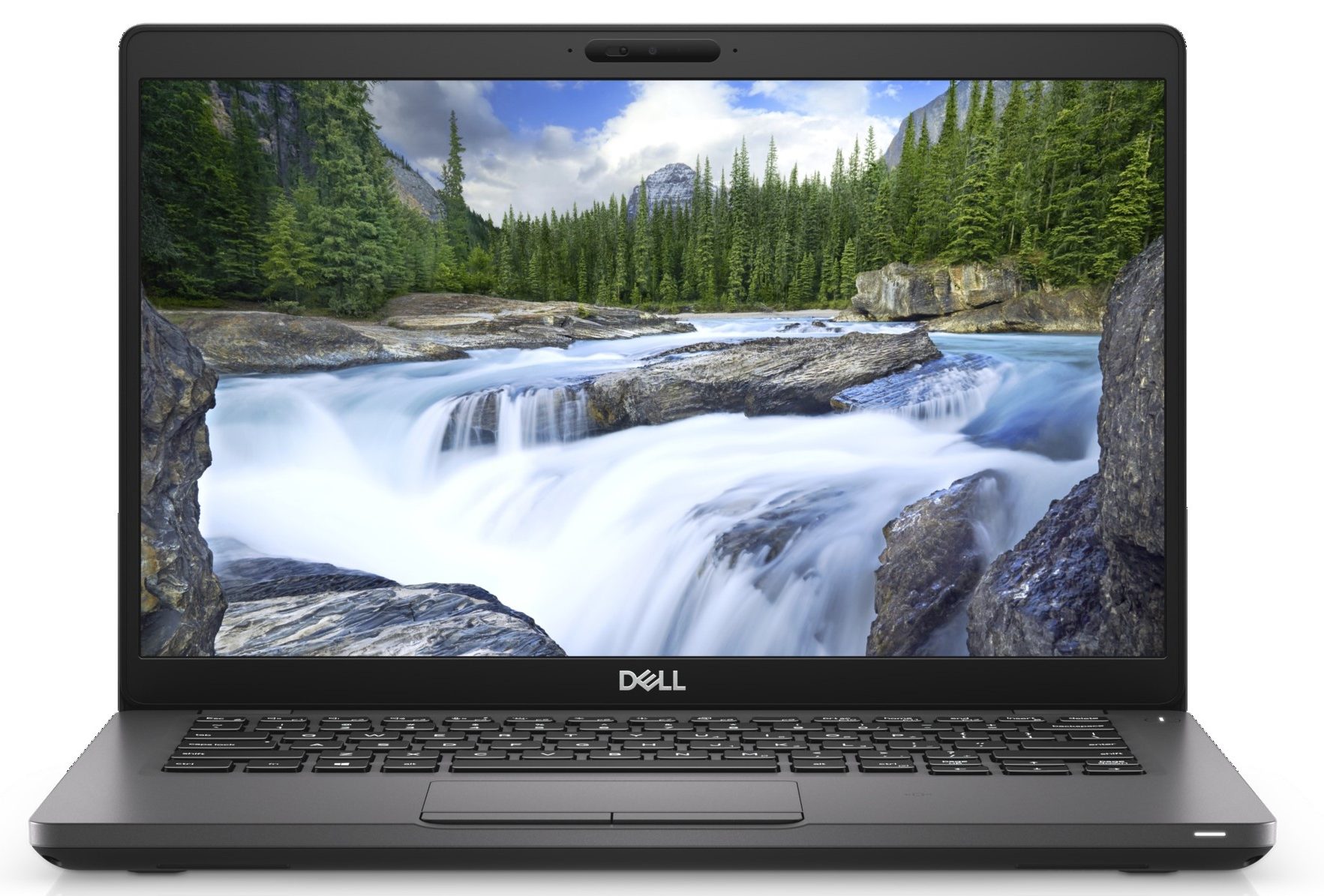
Dell Latitude 14 5401
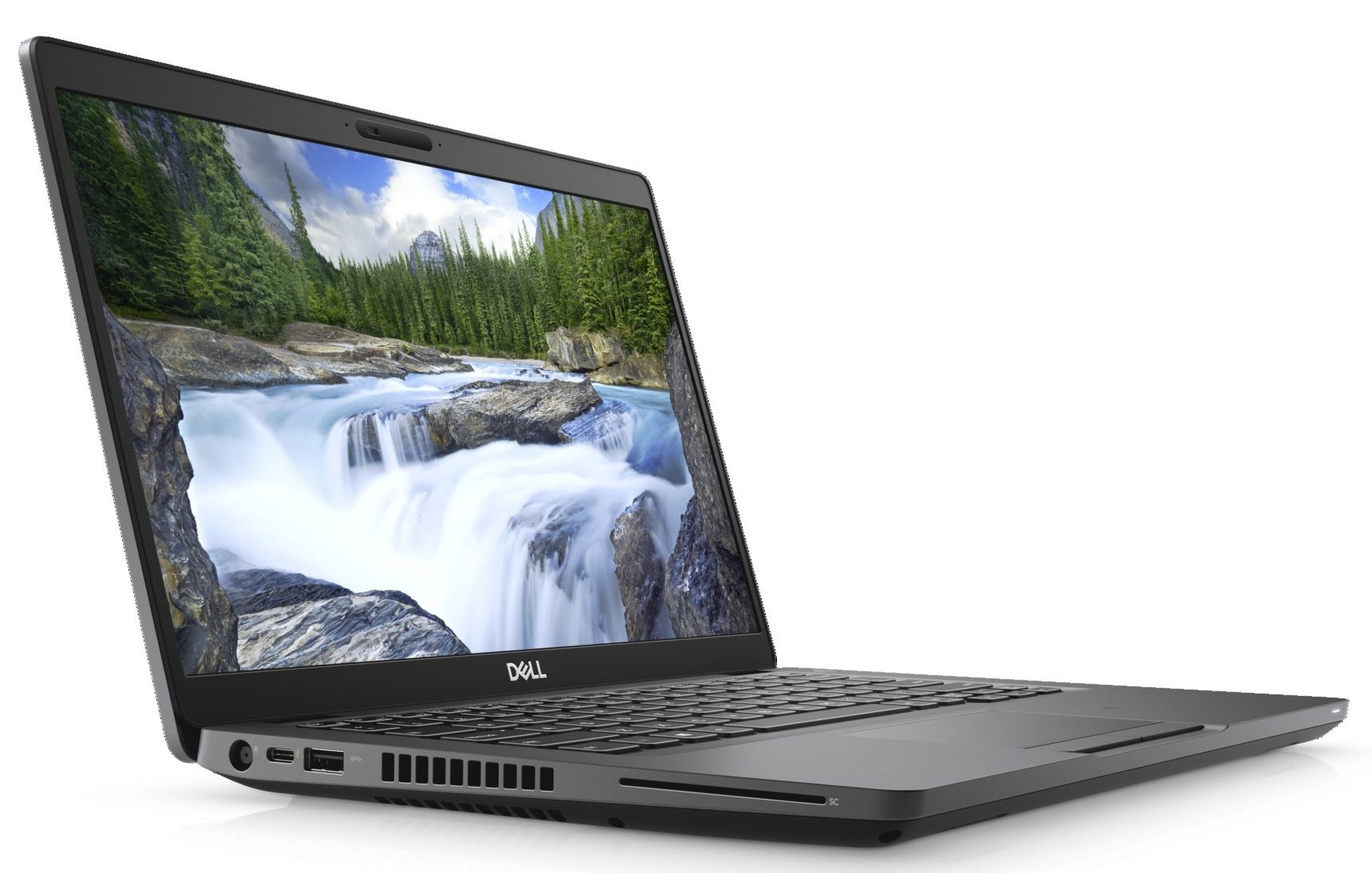
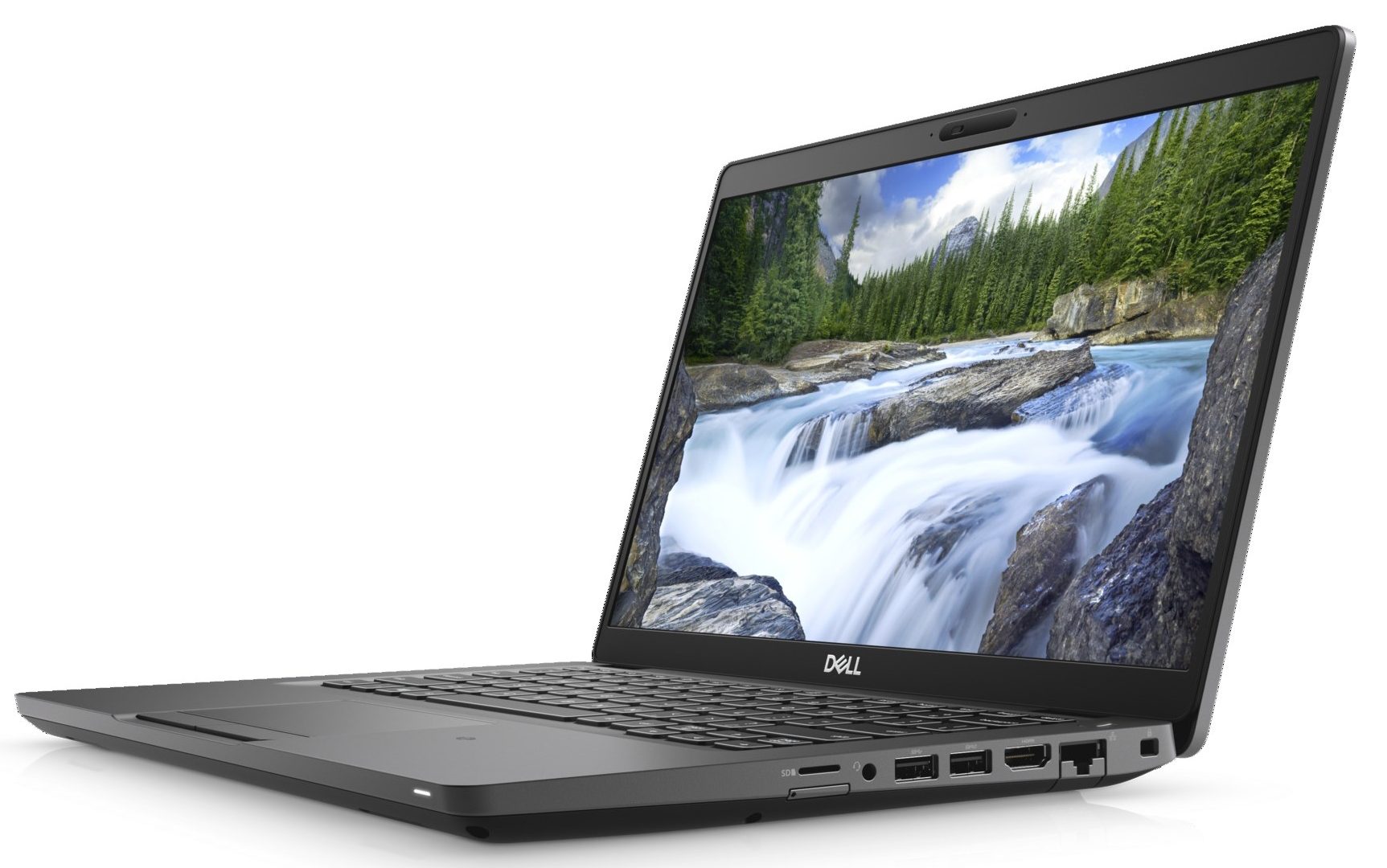
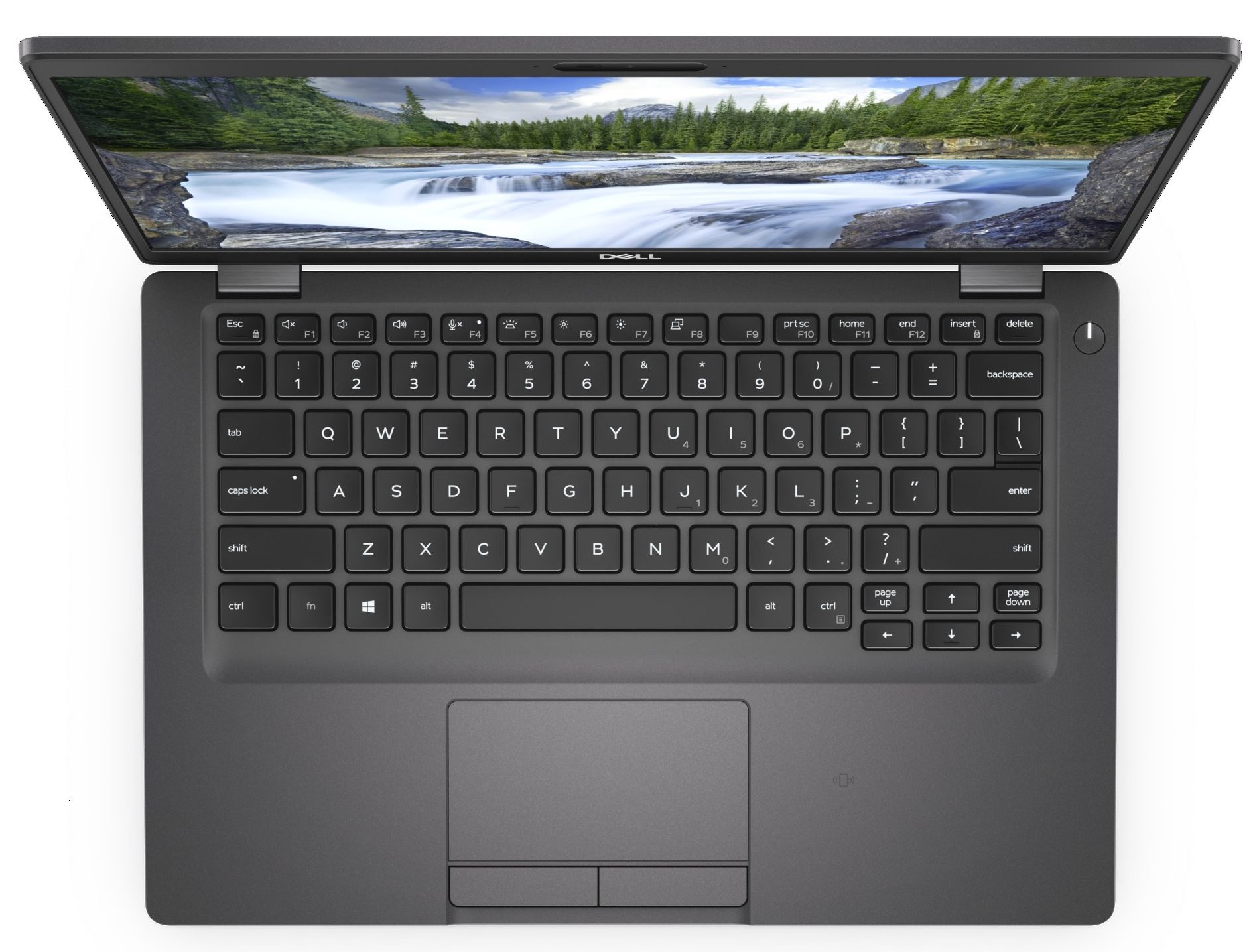
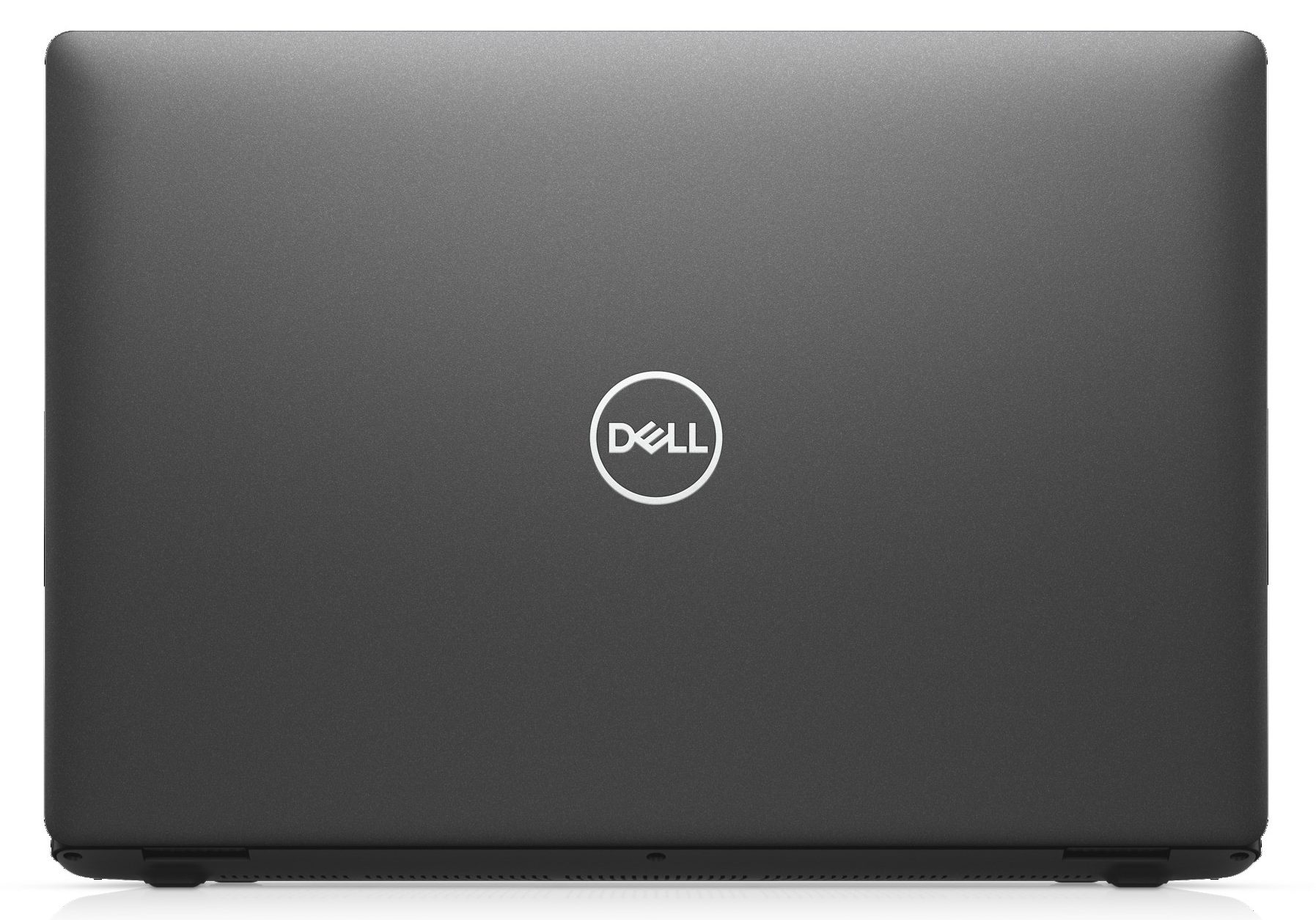
- Date Published: 16 Sep 2025
- Intel Core i7-9850H
- NVIDIA GeForce MX150 (2GB GDDR5)
- 14.0”, Full HD (1920 x 1080), TN
- 512GB SSD
- 16GB RAM
- 1.53 kg (3.4 lbs)
Review
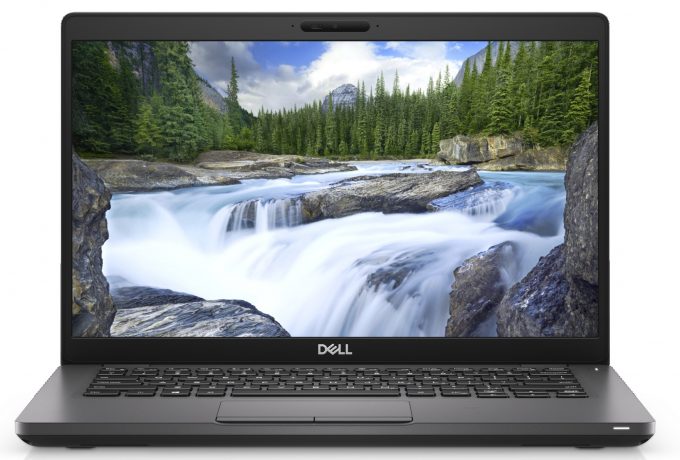
Dell Latitude 14 5401 in-depth review
The Latitude 5401 is a very interesting piece of machinery. On the outside, it is very similar (if not the same) as the Latitude 5400. It is a great laptop for business entrepreneurs, so don't forget to pay a visit to our In-depth review. So, take the latter, put an H-series processor inside of the ULV ones and you have the Latitude 5401.Quite straightforward, isn't it? However, how can a business notebook with a 14-inch display handle the six-core behemoth of a CPU - the Core i7-9850H. We shall see later. But first, we have to say that it is quite an expensive device. In a configuration with the less potent Core i5-9300H/9400H, you have to pay some $1350. Take it up to a six-core CPU, and the price rises to $1500. Put the GeForce MX150 (25W) inside - and the cost sky-rockets to $1750[...]
Read the full review
Pros
- Strong body build of carbon
- Great battery life
- Wide range of connectivity options
- Easy to upgrade
- Beast processor inside
- Fingerprint reader embedded in the power button + IR face recognition (both are optional)
- PCIe x4, Thunderbolt 3 and (optional) LTE support
Cons
- Has a keyboard with a rather small deck
- Uses aggressive PWM to adjust its brightness up the maximum level of brightness (fixed by our Health-Guard profile) (BOE NV14N4F-HN4TM (BOE07BB))
- Covers only 51% of sRGB (BOE NV14N4F-HN4TM (BOE07BB))
- The cooling struggles a lot under heavy load
Disassembly, maintenance and upgrade options
Dell was brave enough to put a six-core processor in their Latitude 5401. A question rises, immediately, however. How do they manage to cool it down? Let's see.Check out all Dell Latitude 5401 prices and configurations in our Specs System or read more in our In-Depth review.1. Remove the bottom plate If you want to tinker with the insides of this machine, you have to unscrew a total of 8 Phillips-head screws. Thankfully, like the rest of the Latitude machines, they stay attached to the panel.2. Battery We were fortunate enough to get the laptop with the 68Wh battery unit.[...]
Read more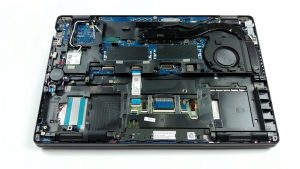


![[June 2026] Best-Selling Laptop Brands on Amazon Global – Apple’s Unrivaled Dominance in Units and Revenue](https://laptopmedia.com/wp-content/uploads/2026/07/GLOBAL-Best-Brands-400x225.jpg)
![[June 2026] Amazon Global: Top 10 Best-Selling Laptops – Apple’s New MacBook Neo Storms to #1, Reshaping the Market with Affordability](https://laptopmedia.com/wp-content/uploads/2026/07/Best-Selling-Laptops-GLOBAL-Top-10-400x225.jpg)
![[June 2026] Amazon Global: Top 10 Best-Selling Gaming Laptops – Acer’s Nitro V 16S AI Dominates Sales, While ASUS Leads Overall Revenue](https://laptopmedia.com/wp-content/uploads/2026/07/Best-Selling-Gaming-Laptops-GLOBAL-Top-10-400x225.jpg)
![[June 2026] Global Ranking of Best-Selling Laptop GPUs on Amazon – NVIDIA RTX 5060 is the Top-Selling Dedicated GPU](https://laptopmedia.com/wp-content/uploads/2026/07/Best-Selling-GPUs-GLOBAL-Top-10-400x225.jpg)
![[June 2026] Global Ranking of Best-Selling Laptop CPUs on Amazon – Apple M5 Dominates, AMD Ryzen 7 260 Gets Solid Premium Share](https://laptopmedia.com/wp-content/uploads/2026/07/Best-Selling-CPUs-GLOBAL-Top-10-400x225.jpg)
