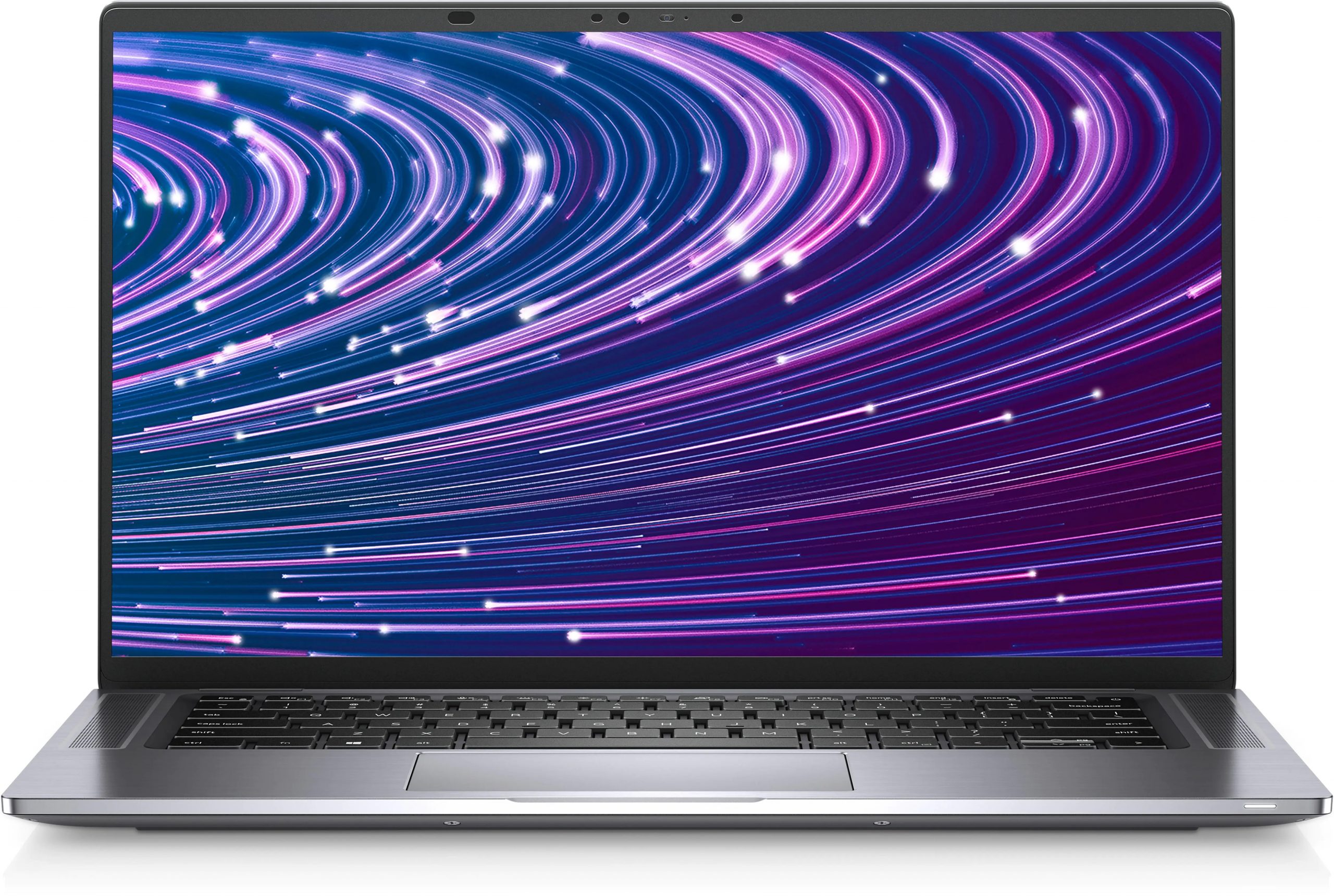
Dell Latitude 9520
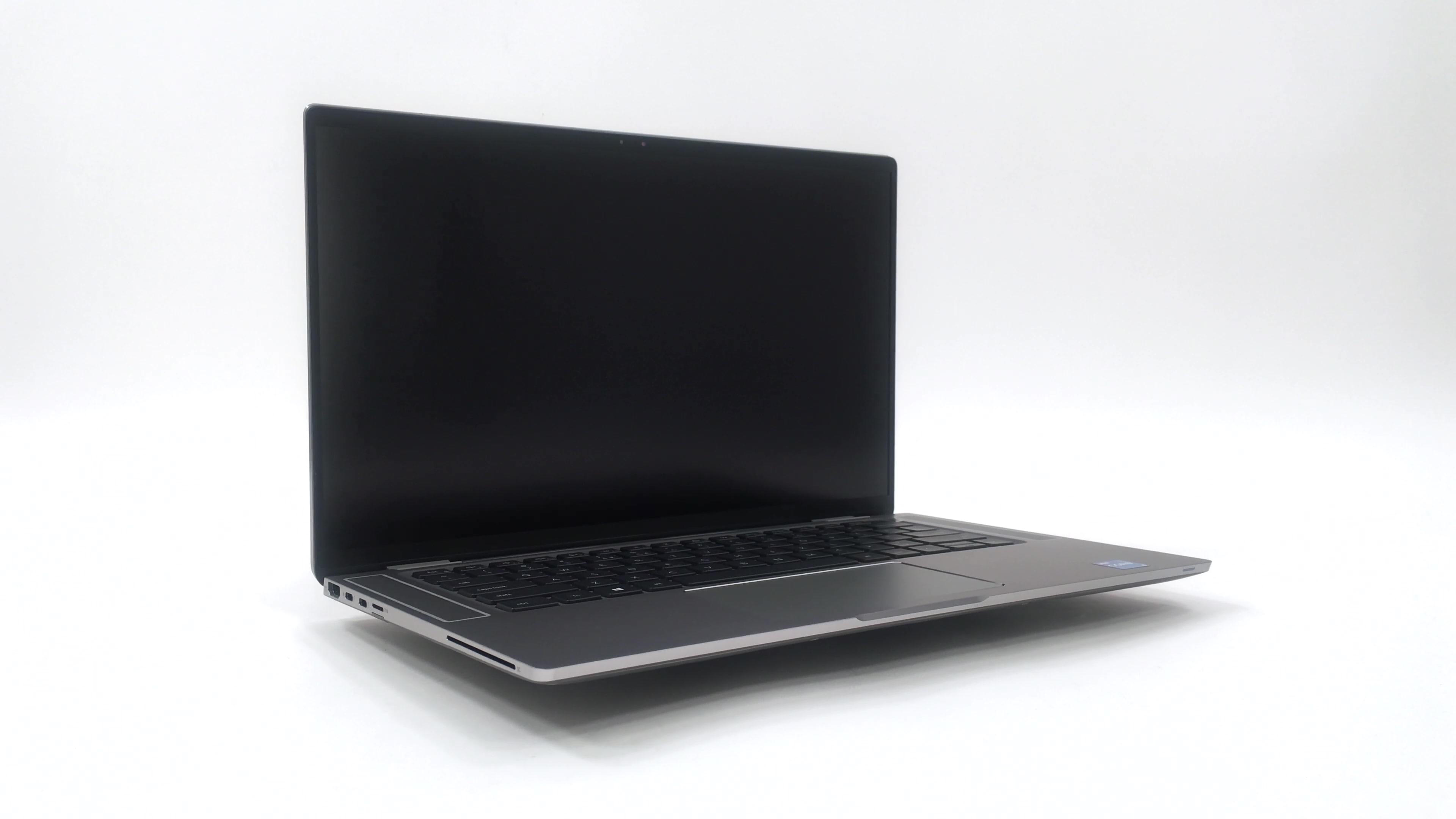

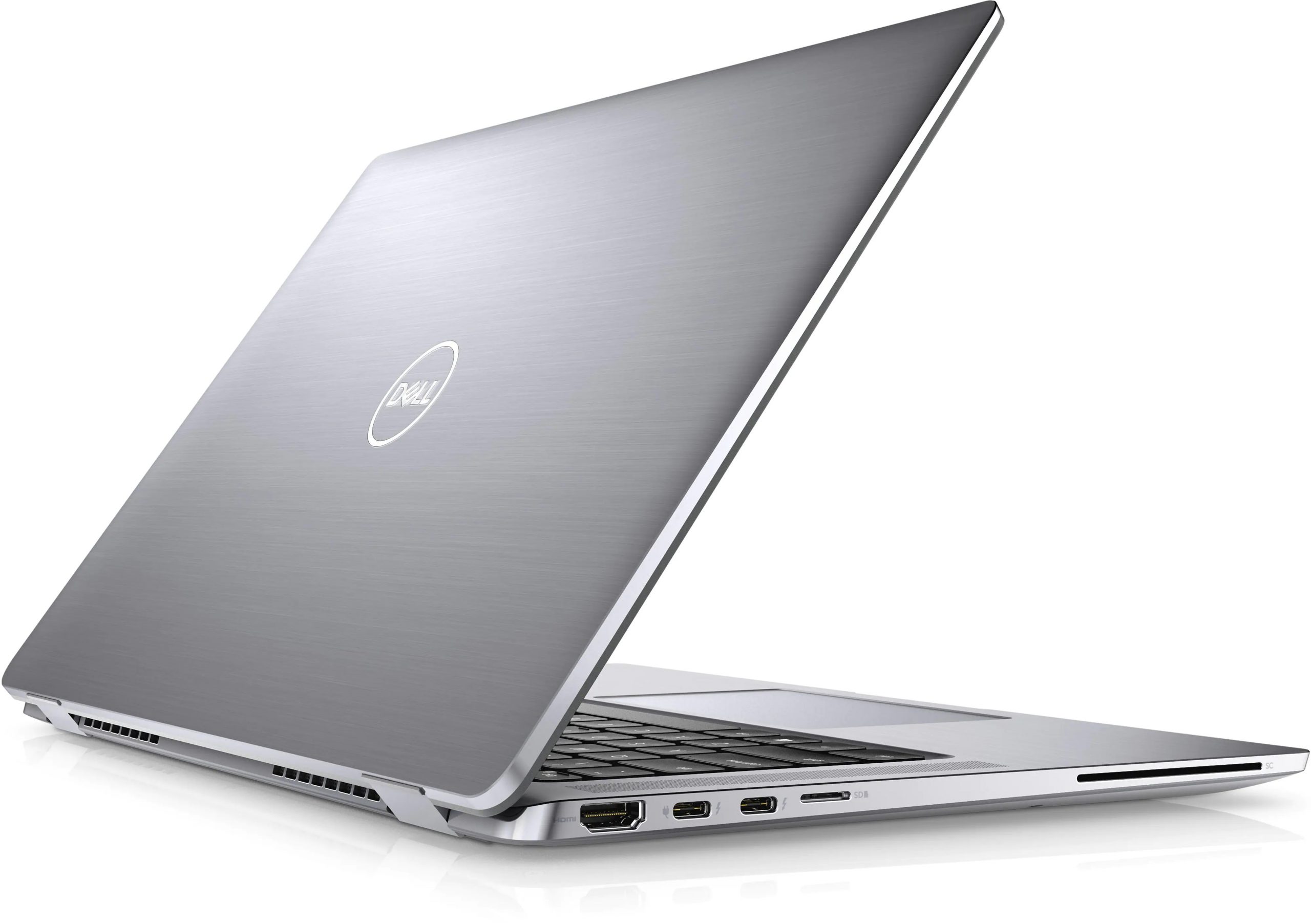
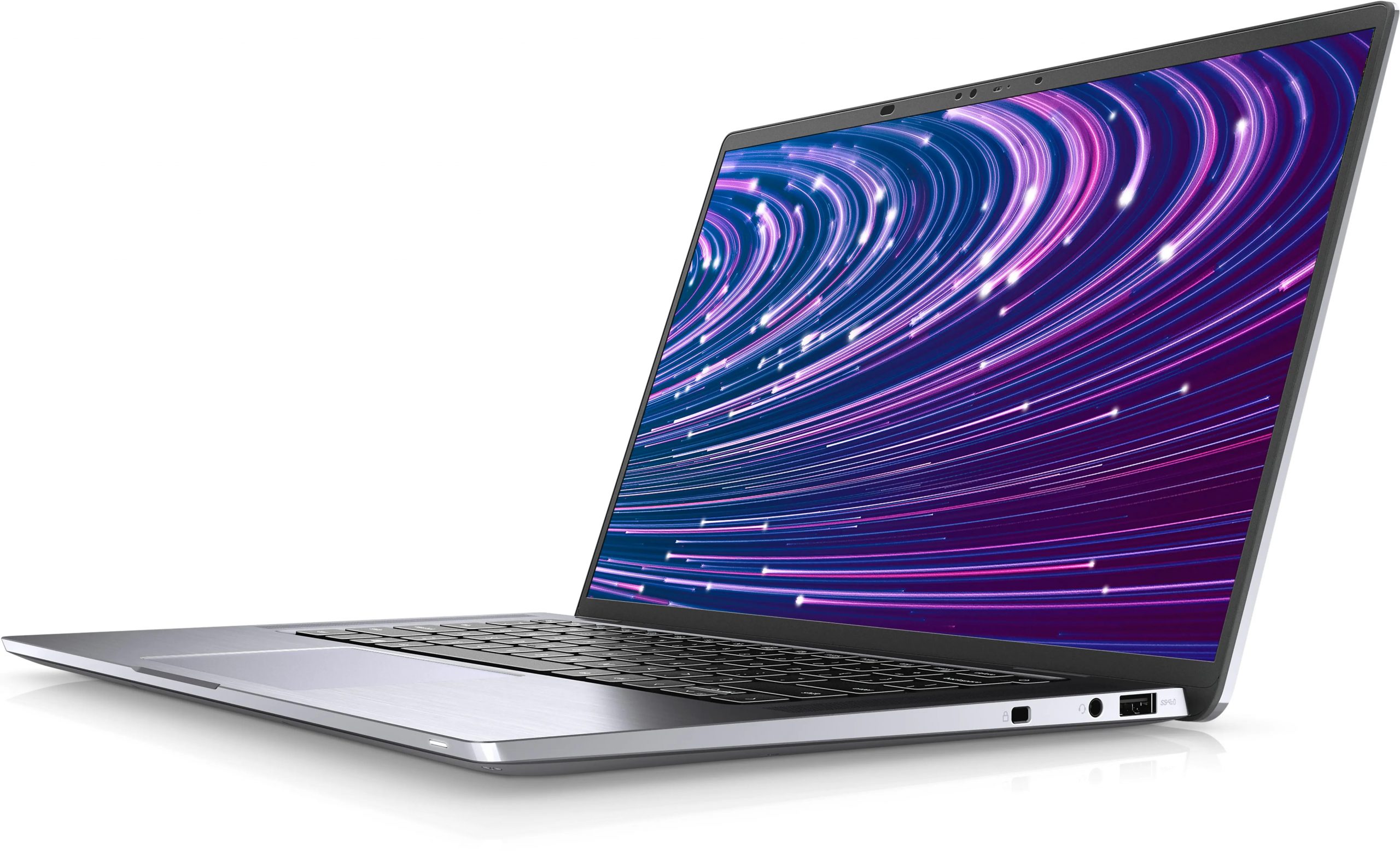
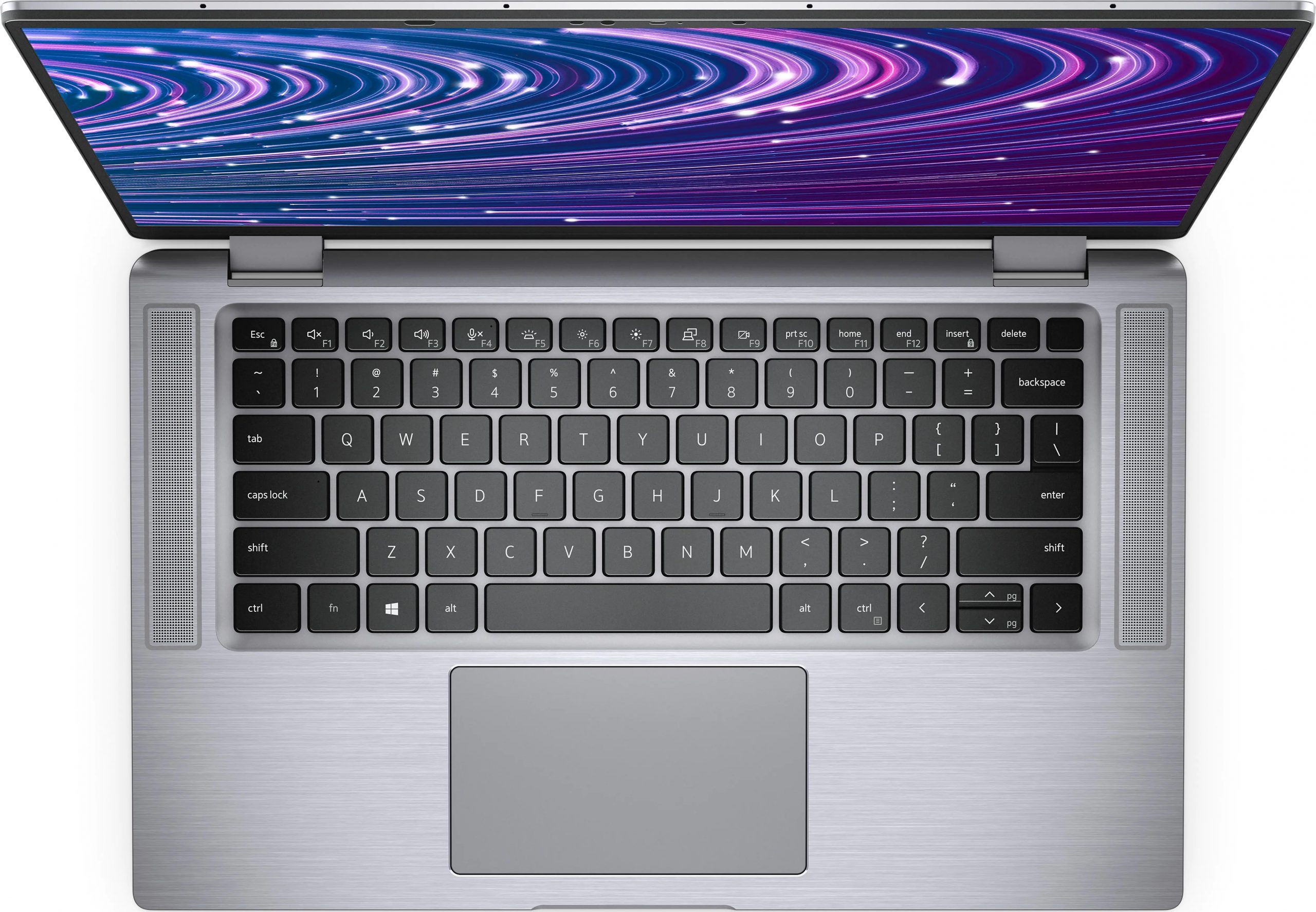
- Date Published: 21 Jun 2021
- Intel Core i7-1185G7
- Intel Iris Xe Graphics G7 (96EU)
- 15.0”, Full HD (1920 x 1080), IPS
- 512GB SSD
- 16GB LPDDR4x, 4266 MHz
- 1.40 kg (3.1 lbs)
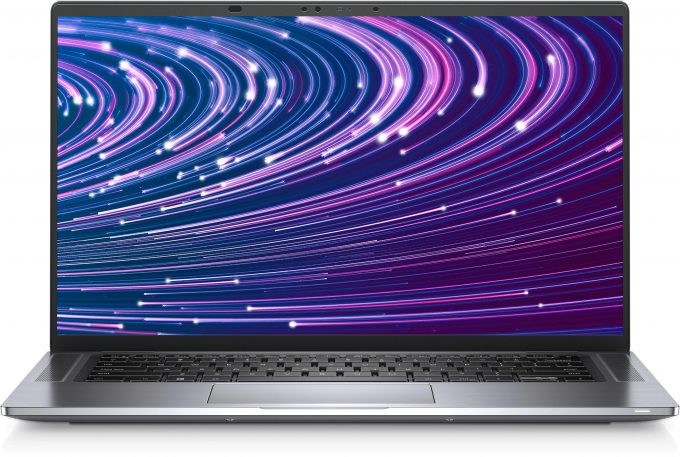
Specs

- HDD/SSD
- 512GB SSD
- M.2 Slot
- 1x 2230 M.2 PCIe x4 See photo
- RAM
- 16GB LPDDR4x, 4266 MHz
- OS
- Windows 10 Pro
- Body Material
- Aluminum
- Dimensions
- 340.20 x 215.80 x 9.13 ~ 14.84 mm (13.39" x 8.50" x 0.36")
- Weight
- 1.40 kg (3.1 lbs)
- Ports and connectivity
- 1x USB Type-A
- 3.2 Gen 1 (5 Gbps), Power Delivery (PD)
- 2x USB Type-C
- Thunderbolt 4, Power Delivery (PD), DisplayPort
- HDMI
- 2.0
- Card Reader
- microSD (SD/SDHC/SDXC)
- Ethernet LAN
- Wi-Fi
- 802.11ax
- Bluetooth
- 5.1
- Audio jack
- 3.5mm Combo Jack
- microSIM Card Slot
- Features
- Web camera
- HD
- Backlit keyboard
- Microphone
- Quad-array microphones
- Speakers
- 2x 5W, SoundWire 1.1
- Optical drive
- Security Lock slot
- Wedge Lock Slot
Portability
Review
Dell Latitude 9520 in-depth review
Basically, the Latitude 15 9520 is as premium as business computing can get. Well, at least according to Dell. It has all of the software good work the company has in its hands, plus some more. Weirdly, Dell has retained the 15.0-inch size of the display, whereas more and more manufacturers go for the larger 16-inch form factor, with a 16:10 aspect ratio.Ultimately, this makes the laptop extremely small. It is even hard to consider it as a 15-incher, but what is better is that Dell promises a full sRGB coverage, regardless of whether you go for the 1080p or the UHD option.A big difference over last year's model should be the processor lineup. Instead of the Comet Lake-U series, which was based on Intel's archaic 14nm++++ architecture, you get Tiger Lake chips. They boast the best [...]
Read the full review
Pros
- Up to 14.5 hours of Web browsing on a single charge (with the smaller battery)
- Great input devices
- 96% sRGB coverage and accurate color representation with our profile
- Two Thunderbolt 4 connectors (both can be used for charging)
- IR face recognition, fingerprint reader, and proximity sensor
- Quad-channel memory
- No PWM
Cons
- Some performance issues in long runs
- Memory is soldered to the motherboard
Disassembly, maintenance and upgrade options
It is easy to get inside of this laptop, but there is nothing much to do inside. Take a look!Check out all Dell Latitude 15 9520 prices and configurations in our Specs System or read more in our In-Depth review.1. Remove the bottom plate There are 9 captive Phillips-head screws separating you from this laptop's internals. After you undo them, pry the bottom panel with a plastic tool, and lift it away from the chassis.2. Battery Inside, we see a 48.5Wh battery pack. Dell also sells the laptop with a larger 88Wh unit. To remove it from the device, you first have to unplug t[...]
Read more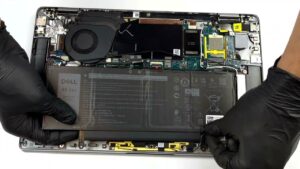


![[June 2026] Best-Selling Laptop Brands on Amazon Global – Apple’s Unrivaled Dominance in Units and Revenue](https://laptopmedia.com/wp-content/uploads/2026/07/GLOBAL-Best-Brands-400x225.jpg)
![[June 2026] Amazon Global: Top 10 Best-Selling Laptops – Apple’s New MacBook Neo Storms to #1, Reshaping the Market with Affordability](https://laptopmedia.com/wp-content/uploads/2026/07/Best-Selling-Laptops-GLOBAL-Top-10-400x225.jpg)
![[June 2026] Amazon Global: Top 10 Best-Selling Gaming Laptops – Acer’s Nitro V 16S AI Dominates Sales, While ASUS Leads Overall Revenue](https://laptopmedia.com/wp-content/uploads/2026/07/Best-Selling-Gaming-Laptops-GLOBAL-Top-10-400x225.jpg)
![[June 2026] Global Ranking of Best-Selling Laptop GPUs on Amazon – NVIDIA RTX 5060 is the Top-Selling Dedicated GPU](https://laptopmedia.com/wp-content/uploads/2026/07/Best-Selling-GPUs-GLOBAL-Top-10-400x225.jpg)
![[June 2026] Global Ranking of Best-Selling Laptop CPUs on Amazon – Apple M5 Dominates, AMD Ryzen 7 260 Gets Solid Premium Share](https://laptopmedia.com/wp-content/uploads/2026/07/Best-Selling-CPUs-GLOBAL-Top-10-400x225.jpg)

