Dell Precision 14 3490

- Date Published: 11 Sep 2025
- Intel Core Ultra 7 165H
- Intel Arc (8-Cores)
- 14.0”, Full HD (1920 x 1080), IPS
- 512GB SSD
- 32GB RAM
- 1.40 kg (3.1 lbs)

Specs

- HDD/SSD
- 512GB SSD
- M.2 Slot
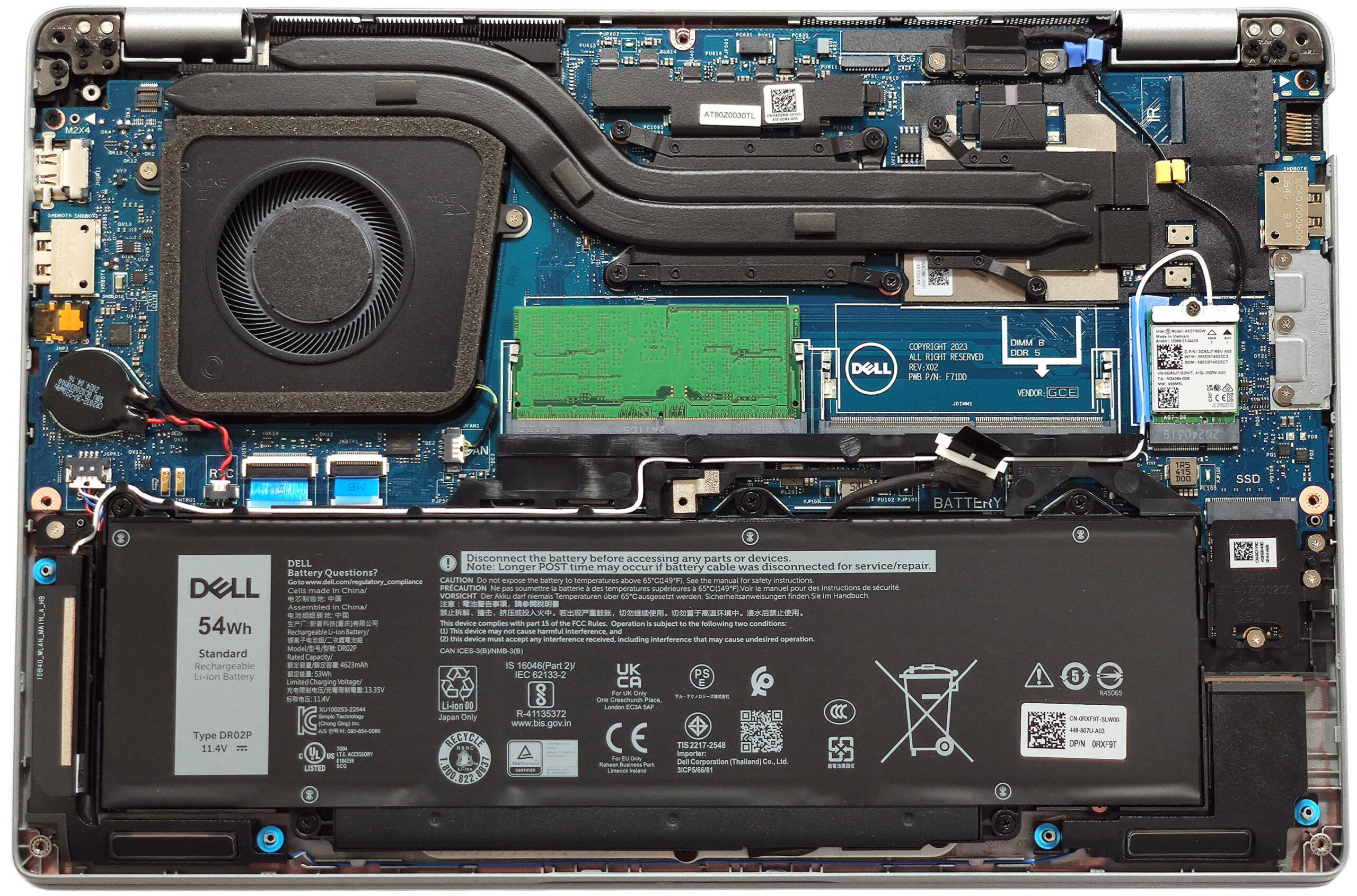
- 1x 2230 M.2 NVMe PCIe 4.0 x4 See photo
- RAM
- 32GB RAM
- OS
- Windows 11 Pro
- Body Material
- Plastic / Polycarbonate, Carbon
- Dimensions
- 321.35 x 212 x 19.06 - 21.04 mm (12.65" x 8.35" x 0.75")
- Weight
- 1.40 kg (3.1 lbs)
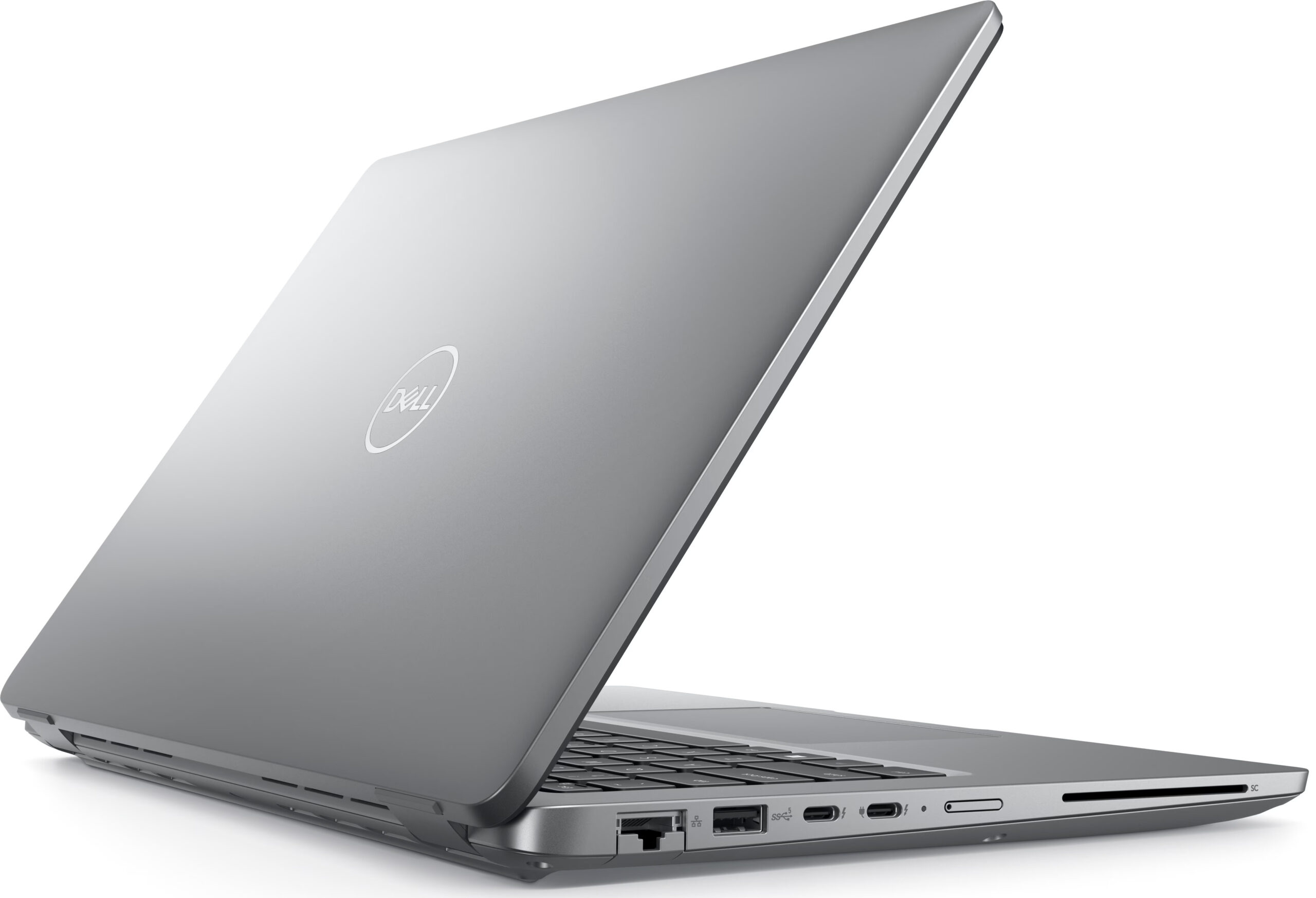
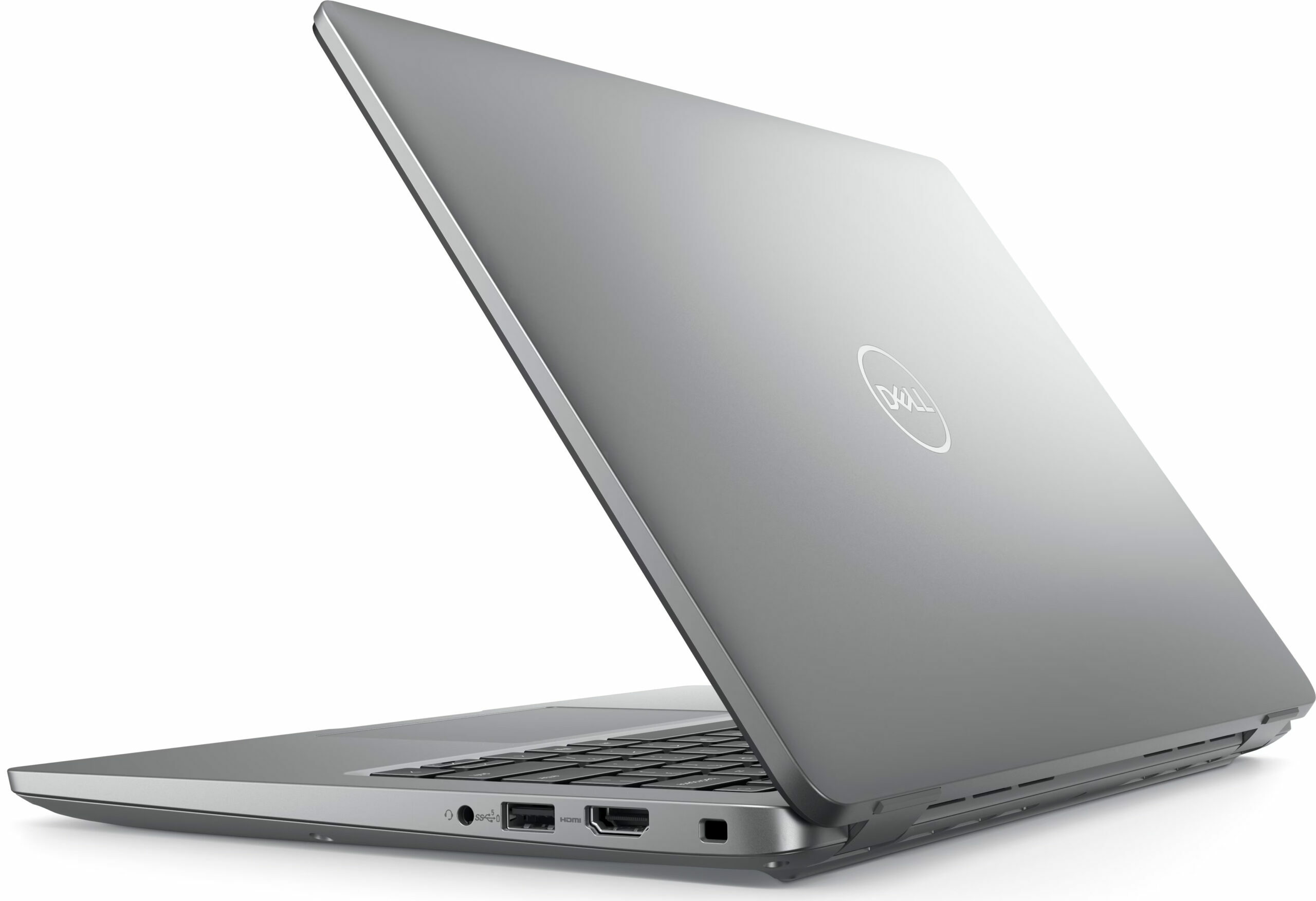
- Ports and connectivity
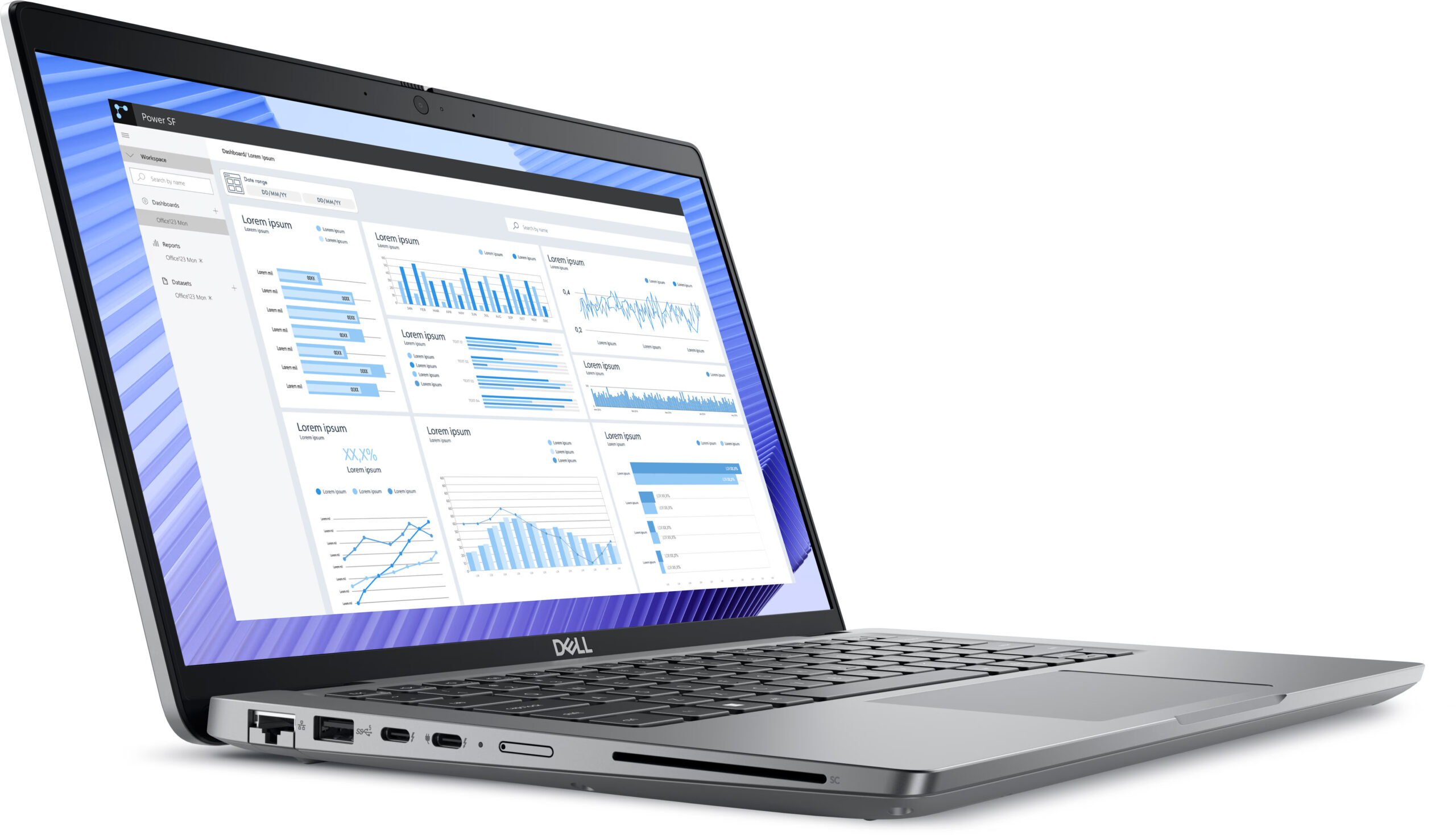
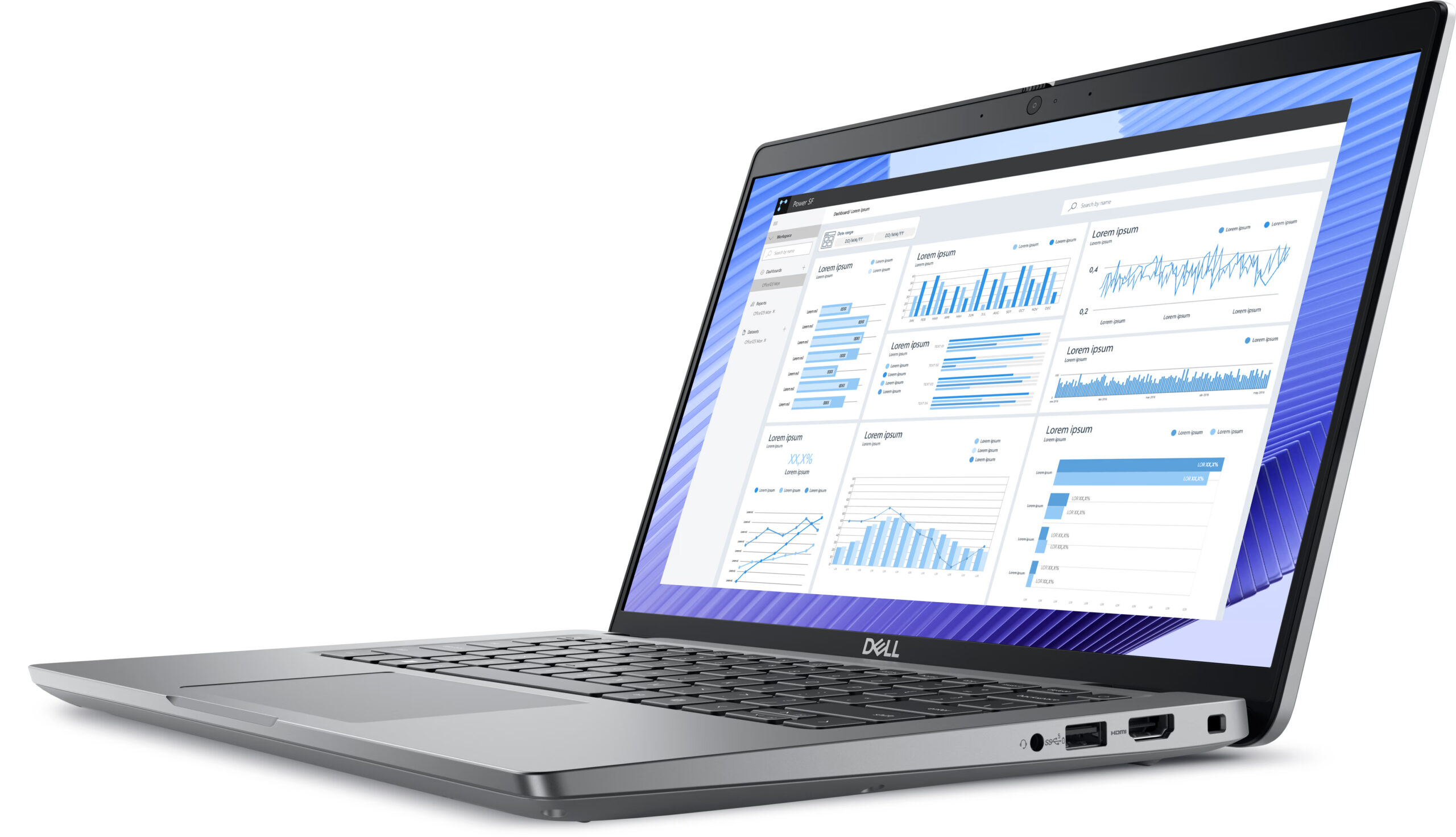
- 1x USB Type-A
- 3.2 Gen 1 (5 Gbps)
- 1x USB Type-A
- 3.2 Gen 1 (5 Gbps), Sleep and Charge
- 2x USB Type-C
- 4.0, Thunderbolt 4, Power Delivery (PD), DisplayPort
- HDMI
- 2.1
- Card Reader
- microSD (microSD, microSDHC, microSDXC)
- Ethernet LAN
- 10, 100, 1000 Mbit/s
- Wi-Fi
- Wi-Fi 6E
- Bluetooth
- 5.3
- Audio jack
- 3.5mm Combo Jack
- Features
- Fingerprint reader
- Web camera
- FHD IR with Ambient Light Sensor, Express Sign-In with Presence Detection and Intelligent Privacy
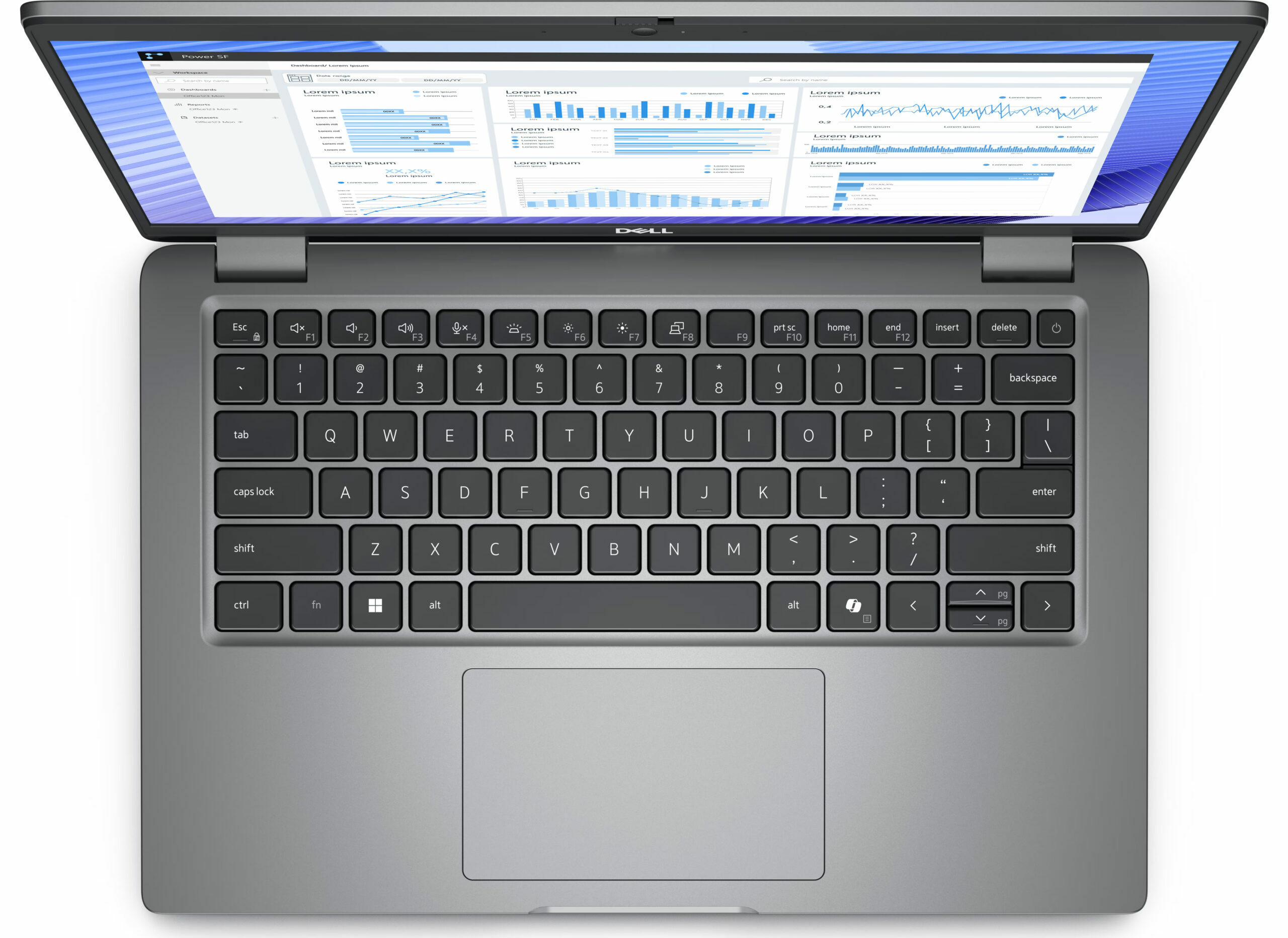
- Backlit keyboard
- Microphone
- Digital Array Microphones
- Speakers
- 2x 2.5W Stereo Speakers, Waves MaxxAudio
- Security Lock slot
- Wedge Lock
Portability
Review
Dell Precision 14 3490 in-depth review
The Dell Precision 14 3490 is the smaller version of the Precision 3590 that we already reviewed. The latter is a good office machine with pleasant comfort under load. The 3490 model is offered with the same hardware as its bigger sibling. This means Intel Meteor Lake processors with 15W or 28W base power and an optional NVIDIA RTX 500 Ada Generation dGPU. We picked a laptop with the latter plus a Core Ultra 7 155H - that sounds like a pretty potent combination for such a small notebook. We are curious to see how good the cooling will be when it has to tame such internals fitted into a compact chassis.When it comes to displays, you have a choice of three 60Hz 1080p 16:9 panels with an anti-glare coating. There is also a touchscreen in the mix. The port selection looks great for this ki[...]
Read the full review
Pros
- The fan is almost quiet under long CPU loads ()
- Pretty solid chassis
- Comfortable keyboard
- PWM-free (BOE0A95)
- Wide viewing angles (BOE0A95)
- 2x SODIMMs
- Up-to-date port selection with 2x Thunderbolt 4 ports + HDMI 2.1 + LAN
- Long battery life (around 9 hours of videos on a single charge)
- Web camera with a privacy shutter
- Optional Fingerprint reader, IR camera, keyboard backlight, NFC, Nano SIM slot, and SmartCard reader
- Good comfort under max CPU loads
- The CPU can sustain high clocks in short and medium loads (~3.00 GHz / 2.45 GHz for the P and E cores)
- The bottom plate can be easily pried
- The 1TB Samsung PM9C1a is fast for a 2230 NVMe drive
Cons
- Pricey
- The NVMe gets hot during benchmarking - 79°C
- Too many optional goodies
Disassembly, maintenance and upgrade options
Opening the DeviceUndo the 8 captive Phillips-head screws securing the bottom panel. Use a lever tool to pop the areas behind the hinges. Then, use a thin plastic tool to pry the sides and the front, leaving the back for last.More info: Here's how the bottom plate looks on the inside.Battery RemovalPull out the battery connector from the mainboard. Undo the 5 Phillips-head screws securing the battery to the base. Lift the battery to remove it from the device.Note: This notebook has an optional 54Wh battery (the default variant is a 42Wh unit), pr[...]
Read more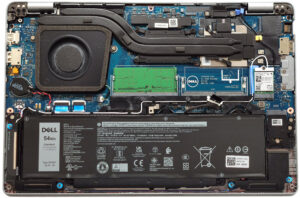


![[June 2026] Best-Selling Laptop Brands on Amazon Global – Apple’s Unrivaled Dominance in Units and Revenue](https://laptopmedia.com/wp-content/uploads/2026/07/GLOBAL-Best-Brands-400x225.jpg)
![[June 2026] Amazon Global: Top 10 Best-Selling Laptops – Apple’s New MacBook Neo Storms to #1, Reshaping the Market with Affordability](https://laptopmedia.com/wp-content/uploads/2026/07/Best-Selling-Laptops-GLOBAL-Top-10-400x225.jpg)
![[June 2026] Amazon Global: Top 10 Best-Selling Gaming Laptops – Acer’s Nitro V 16S AI Dominates Sales, While ASUS Leads Overall Revenue](https://laptopmedia.com/wp-content/uploads/2026/07/Best-Selling-Gaming-Laptops-GLOBAL-Top-10-400x225.jpg)
![[June 2026] Global Ranking of Best-Selling Laptop GPUs on Amazon – NVIDIA RTX 5060 is the Top-Selling Dedicated GPU](https://laptopmedia.com/wp-content/uploads/2026/07/Best-Selling-GPUs-GLOBAL-Top-10-400x225.jpg)
![[June 2026] Global Ranking of Best-Selling Laptop CPUs on Amazon – Apple M5 Dominates, AMD Ryzen 7 260 Gets Solid Premium Share](https://laptopmedia.com/wp-content/uploads/2026/07/Best-Selling-CPUs-GLOBAL-Top-10-400x225.jpg)