Dell Pro 14

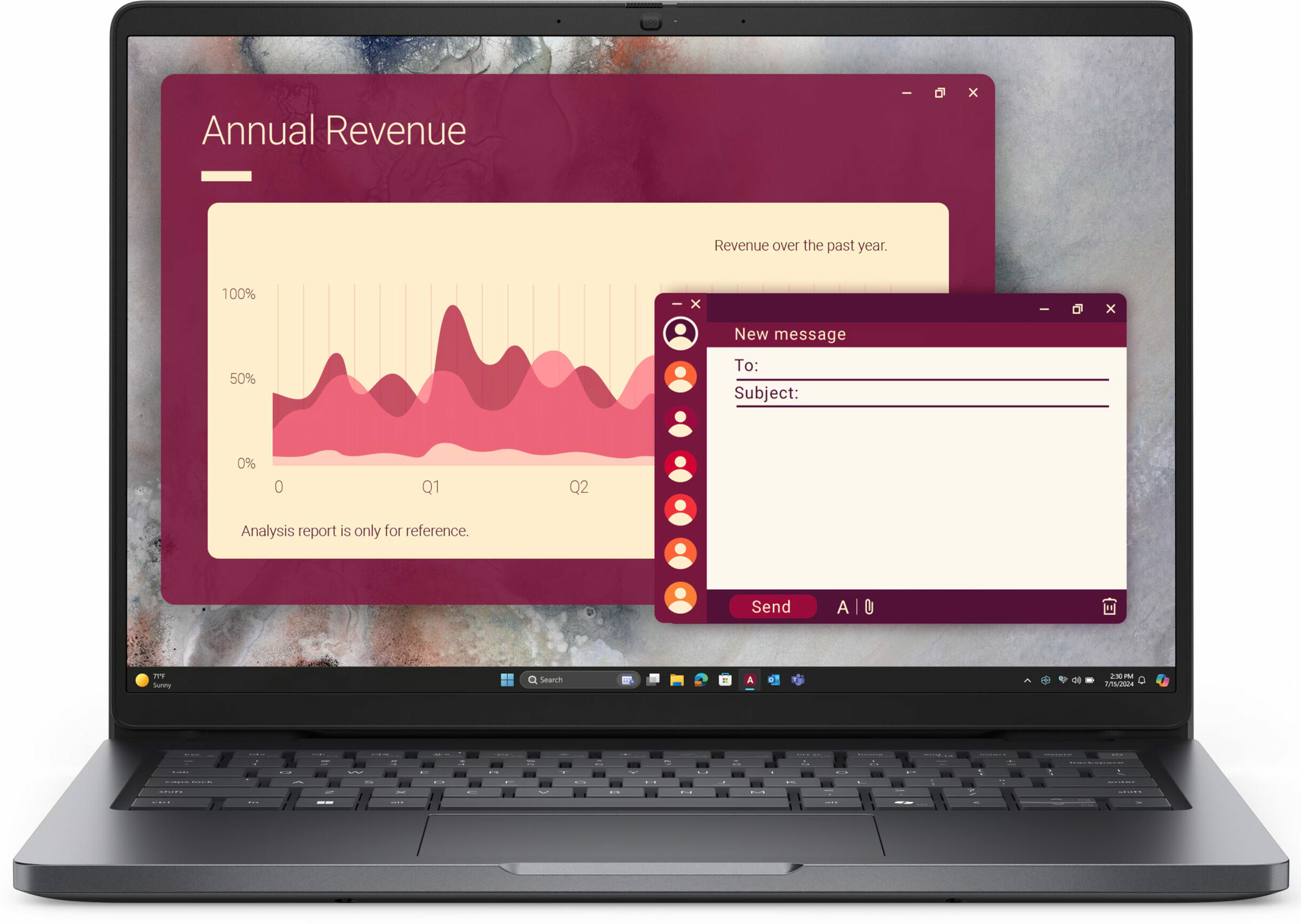
- Date Published: 24 Nov 2025
- Intel Core 7 150U
- Intel Iris Xe Graphics G7 (96EU)
- 14.0”, WUXGA (1920 x 1200), IPS
- 256GB SSD
- 16GB RAM
- 1.36 kg (3 lbs)
Review
Dell Pro 14 in-depth review
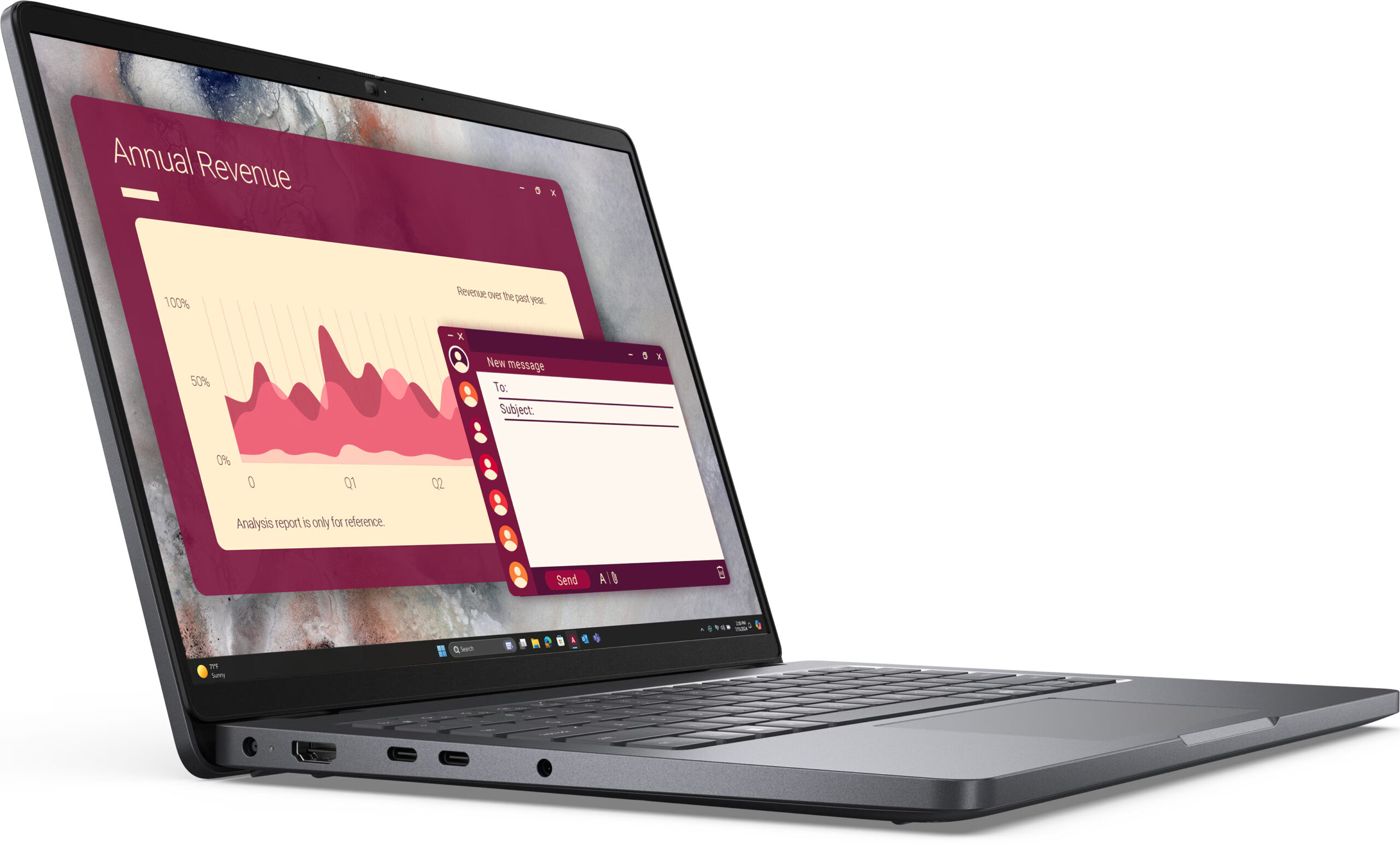
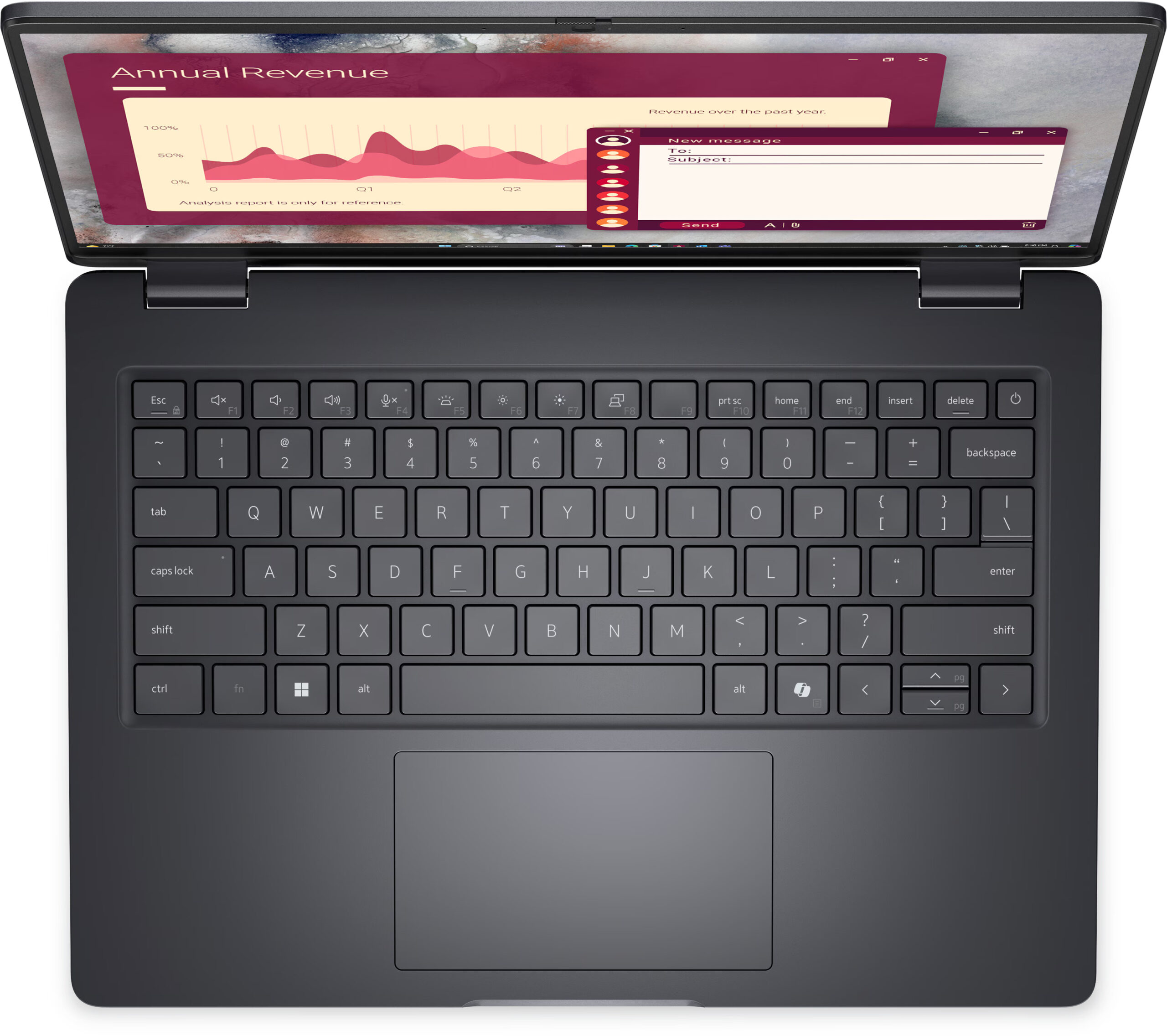
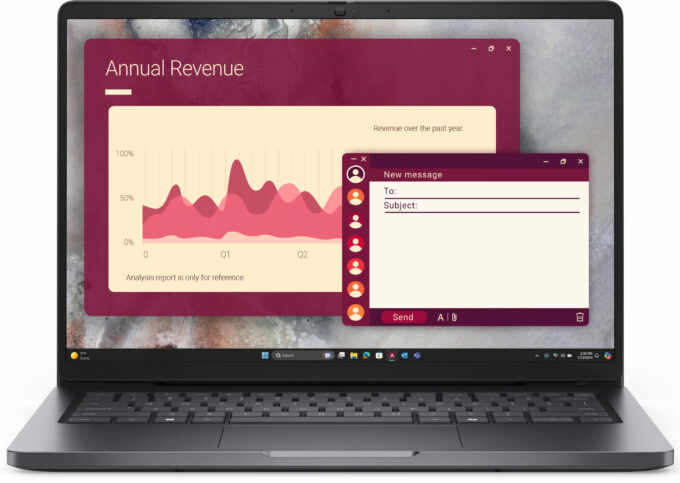
The Dell Pro 14 (PC14250) arrives as the successor to the workhorse Latitude 3450, but with a design that, at first glance, looks a lot like a MacBook Pro. However, this premium aesthetic is a clever disguise. As part of Dell's base "C" line (indicated by the second letter in its model number), this is a machine built for practicality first. It packs a fantastic suite of business-ready ports and user-serviceable RAM into a portable 14-inch chassis.But this functional core is paired with some significant compromises, including a hot-running processor and a truly disappointing base-model screen. The question is, is this practical foundation strong enough to overcome the flaws hidden beneath its stylish exterior?You can check the prices and configurations in our Specs System: http[...]
Read the full review
Pros
- Good RAM upgradeability with two SODIMM slots
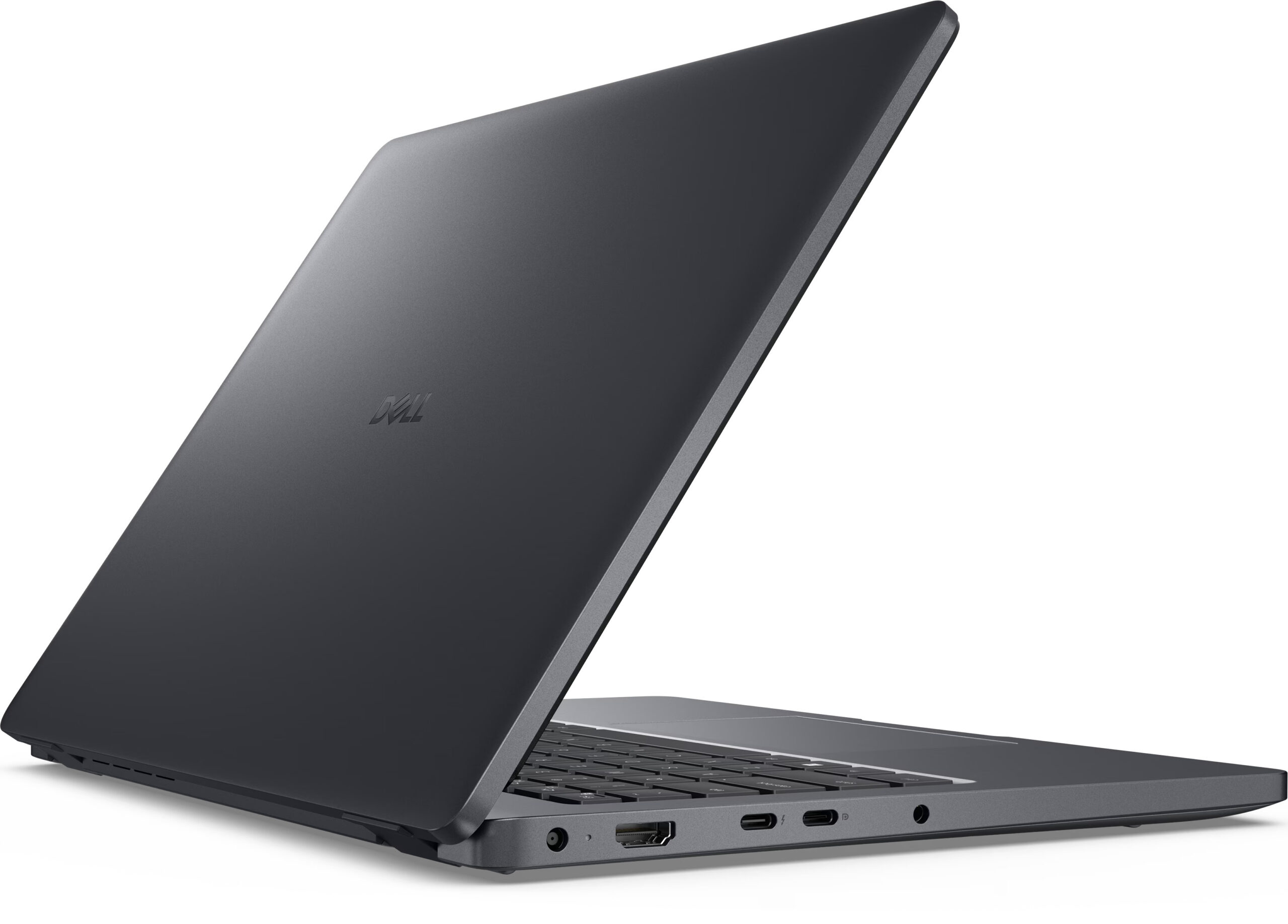
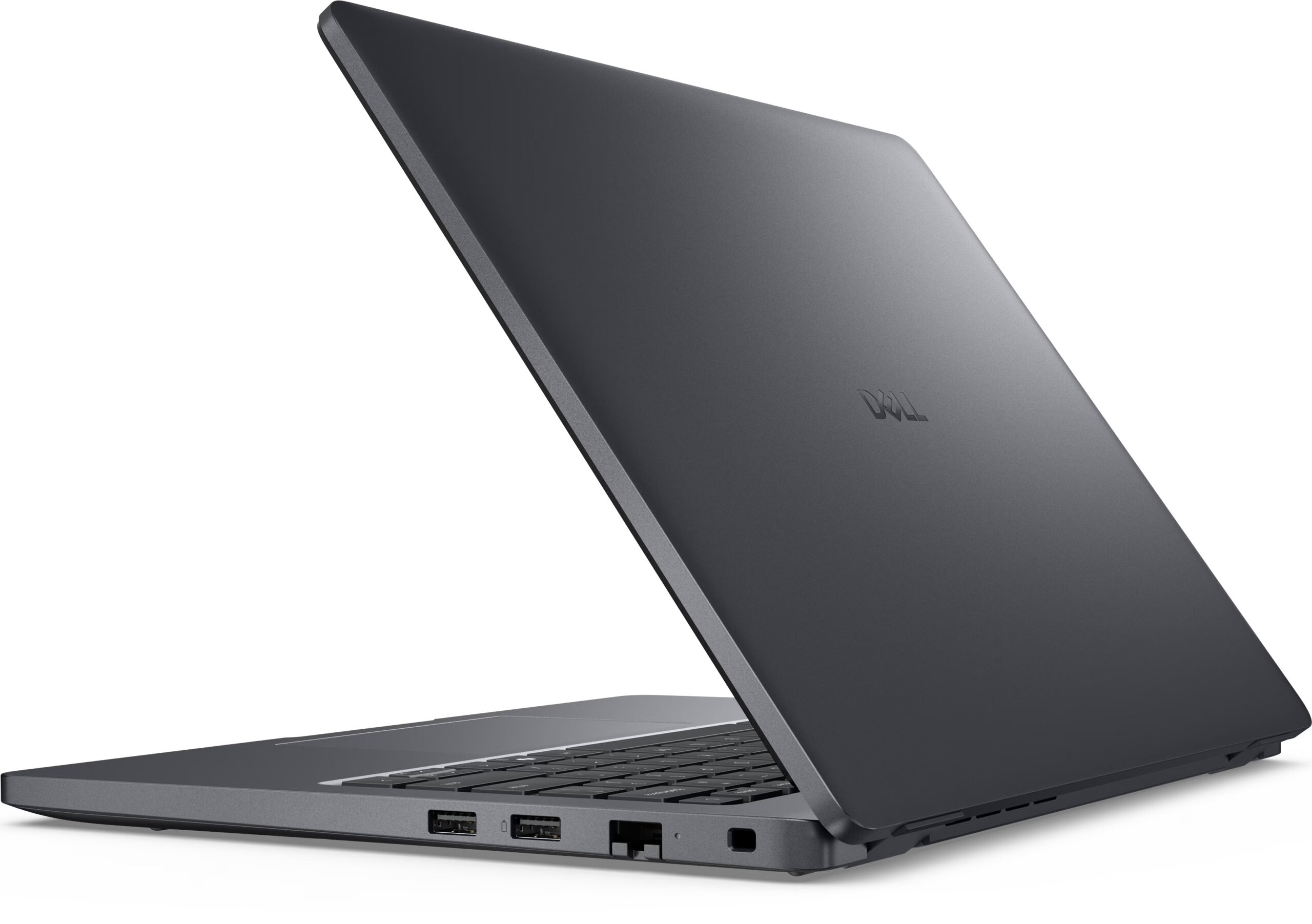
- Great port selection for business, including Thunderbolt 4 and Ethernet
- PWM-free display is exceptionally comfortable for the eyes
- Good battery life for all-day use
- Physical privacy shutter and fingerprint reader for security
- Good serviceability for key components
Cons
- Base model display has very poor color coverage (51% sRGB)
- CPU runs extremely hot and throttles under load
- Storage is limited to a single, small M.2 2230 slot
Disassembly, maintenance and upgrade options
Opening the device Hint: The nine Phillips-head screws are captive, so they won’t fall out when loosened.Unscrew all nine Phillips-head captive screws from the bottom panel. Use a plastic pick to gently pry along the edges of the panel. Lift the panel off to reveal the internals.Battery removal Caution: Always disconnect the battery before servicing or upgrading components.Locate the 55 Wh battery pack secured by five captive screws. Loosen the screws and carefully disconnect the battery cable from the motherboard. Lift the battery out of its compartment. [...]
Read more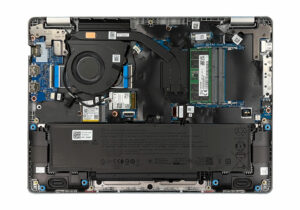


![[June 2026] Best-Selling Laptop Brands on Amazon Global – Apple’s Unrivaled Dominance in Units and Revenue](https://laptopmedia.com/wp-content/uploads/2026/07/GLOBAL-Best-Brands-400x225.jpg)
![[June 2026] Amazon Global: Top 10 Best-Selling Laptops – Apple’s New MacBook Neo Storms to #1, Reshaping the Market with Affordability](https://laptopmedia.com/wp-content/uploads/2026/07/Best-Selling-Laptops-GLOBAL-Top-10-400x225.jpg)
![[June 2026] Amazon Global: Top 10 Best-Selling Gaming Laptops – Acer’s Nitro V 16S AI Dominates Sales, While ASUS Leads Overall Revenue](https://laptopmedia.com/wp-content/uploads/2026/07/Best-Selling-Gaming-Laptops-GLOBAL-Top-10-400x225.jpg)
![[June 2026] Global Ranking of Best-Selling Laptop GPUs on Amazon – NVIDIA RTX 5060 is the Top-Selling Dedicated GPU](https://laptopmedia.com/wp-content/uploads/2026/07/Best-Selling-GPUs-GLOBAL-Top-10-400x225.jpg)
![[June 2026] Global Ranking of Best-Selling Laptop CPUs on Amazon – Apple M5 Dominates, AMD Ryzen 7 260 Gets Solid Premium Share](https://laptopmedia.com/wp-content/uploads/2026/07/Best-Selling-CPUs-GLOBAL-Top-10-400x225.jpg)
