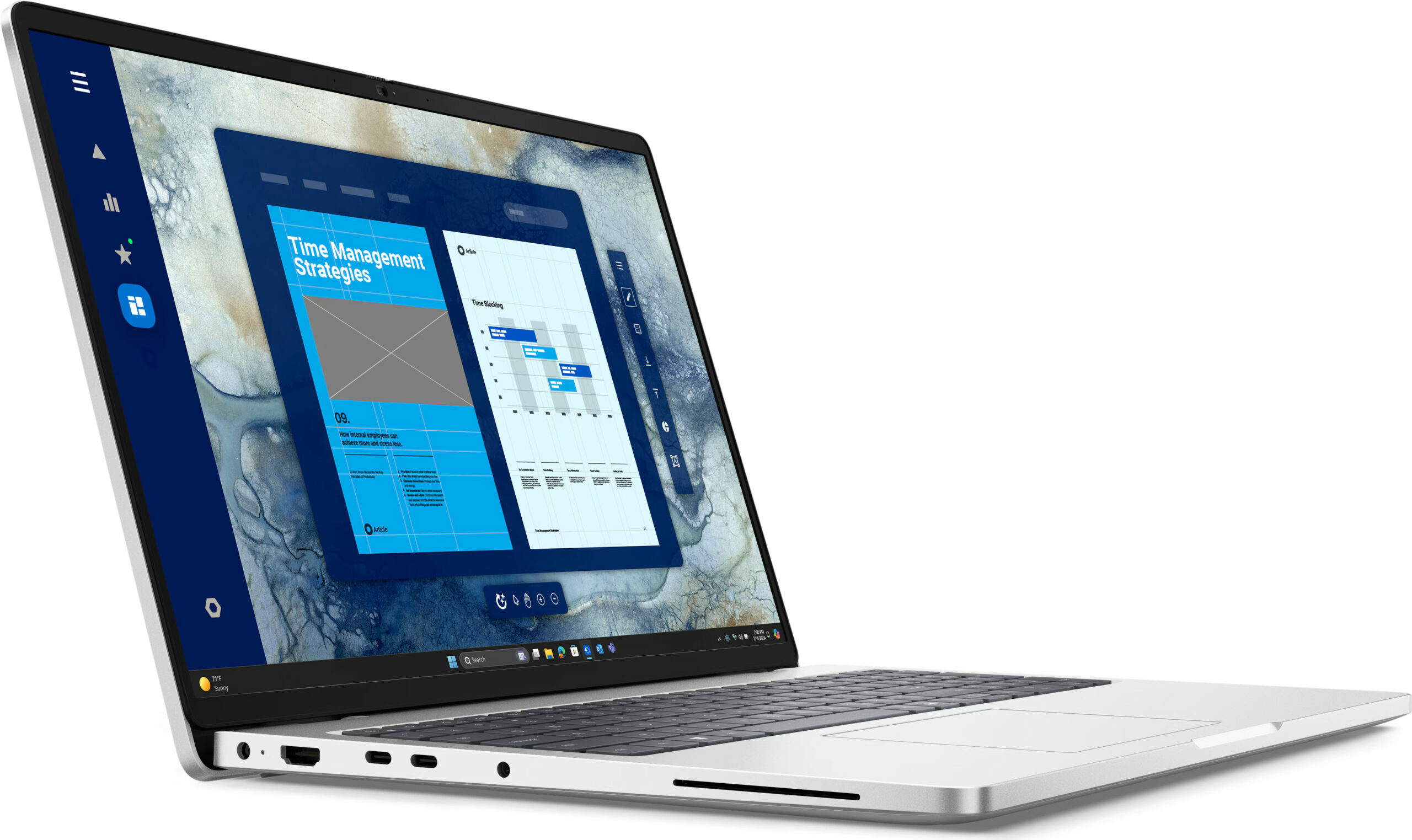
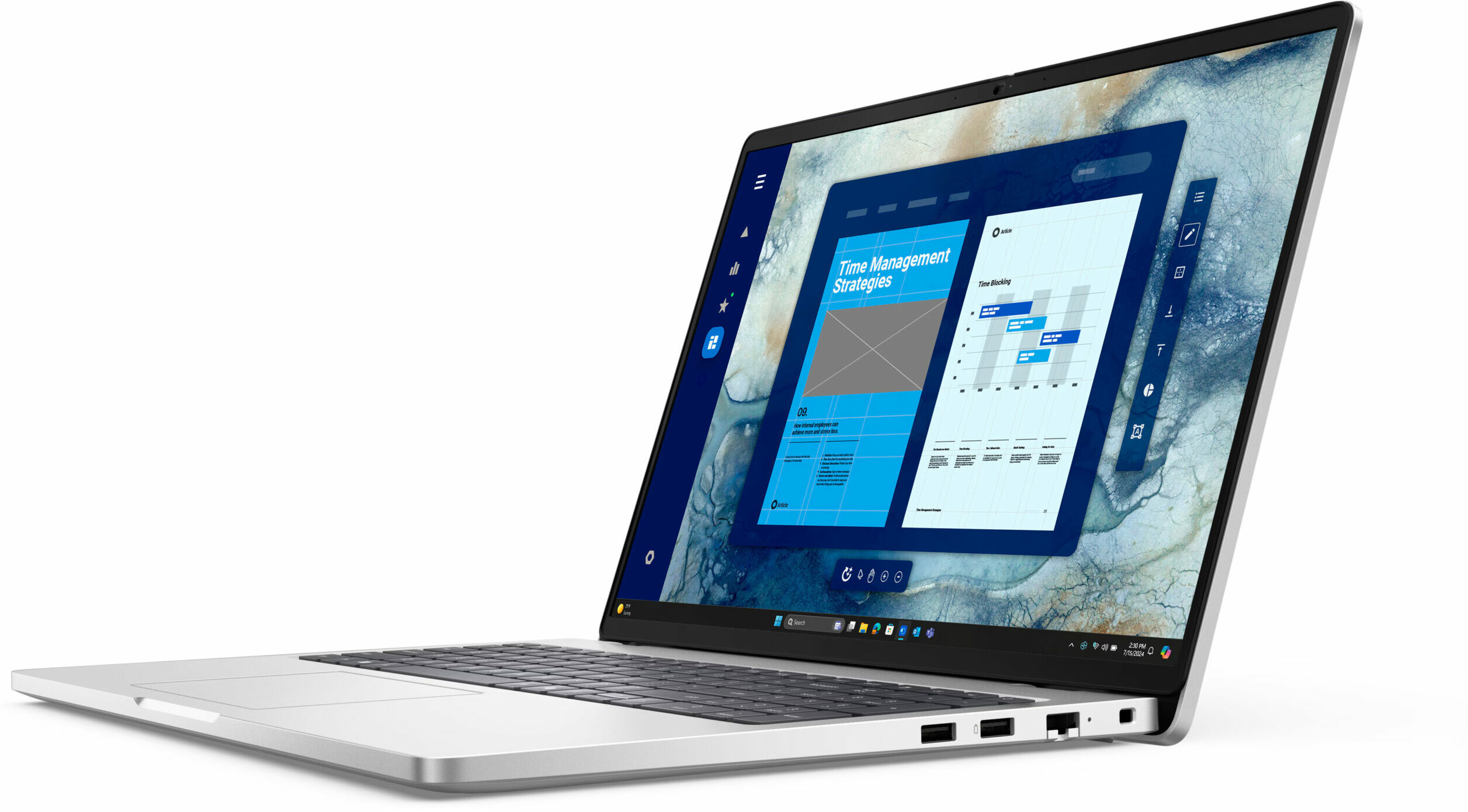
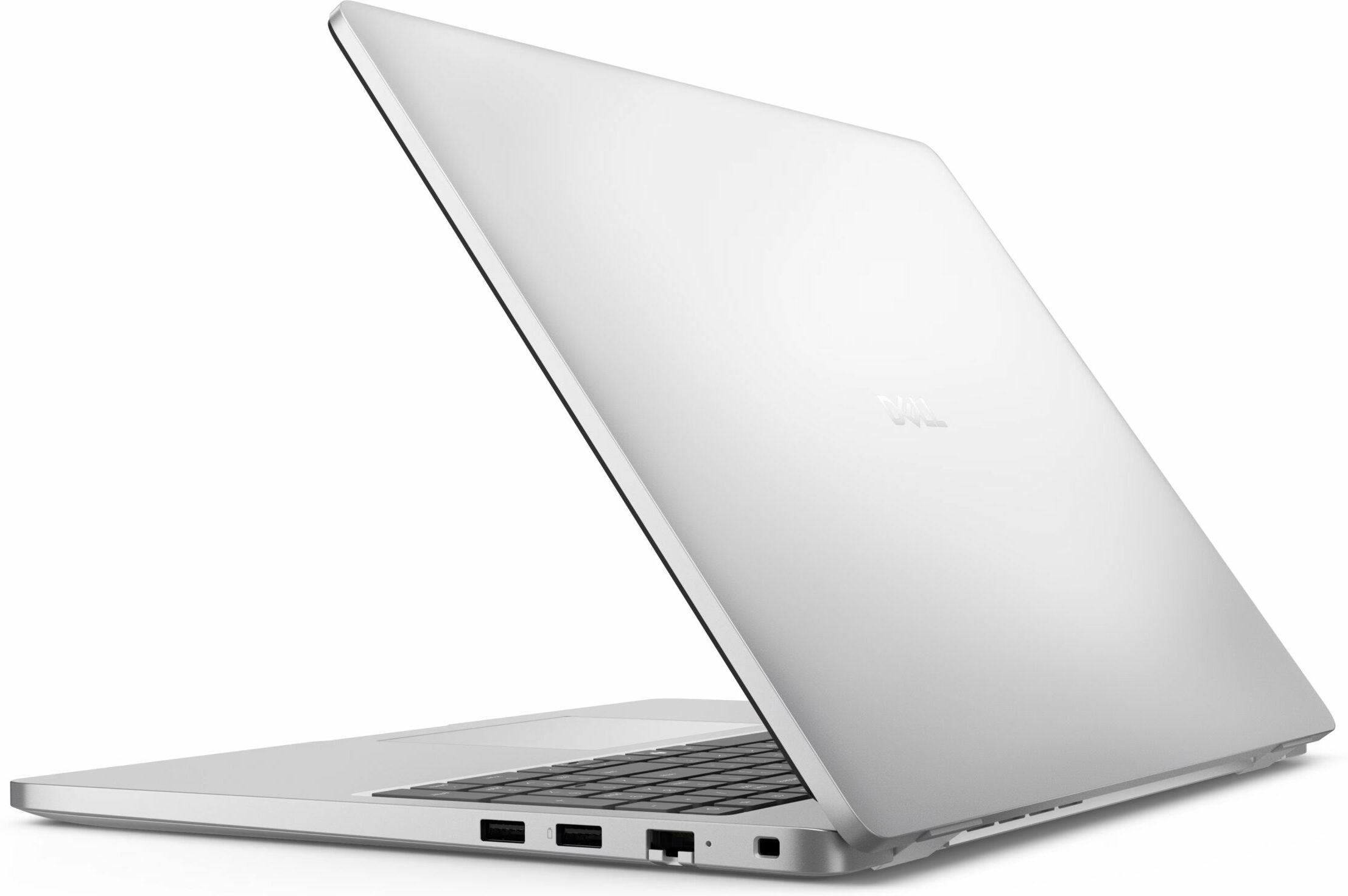
Dell Pro 16

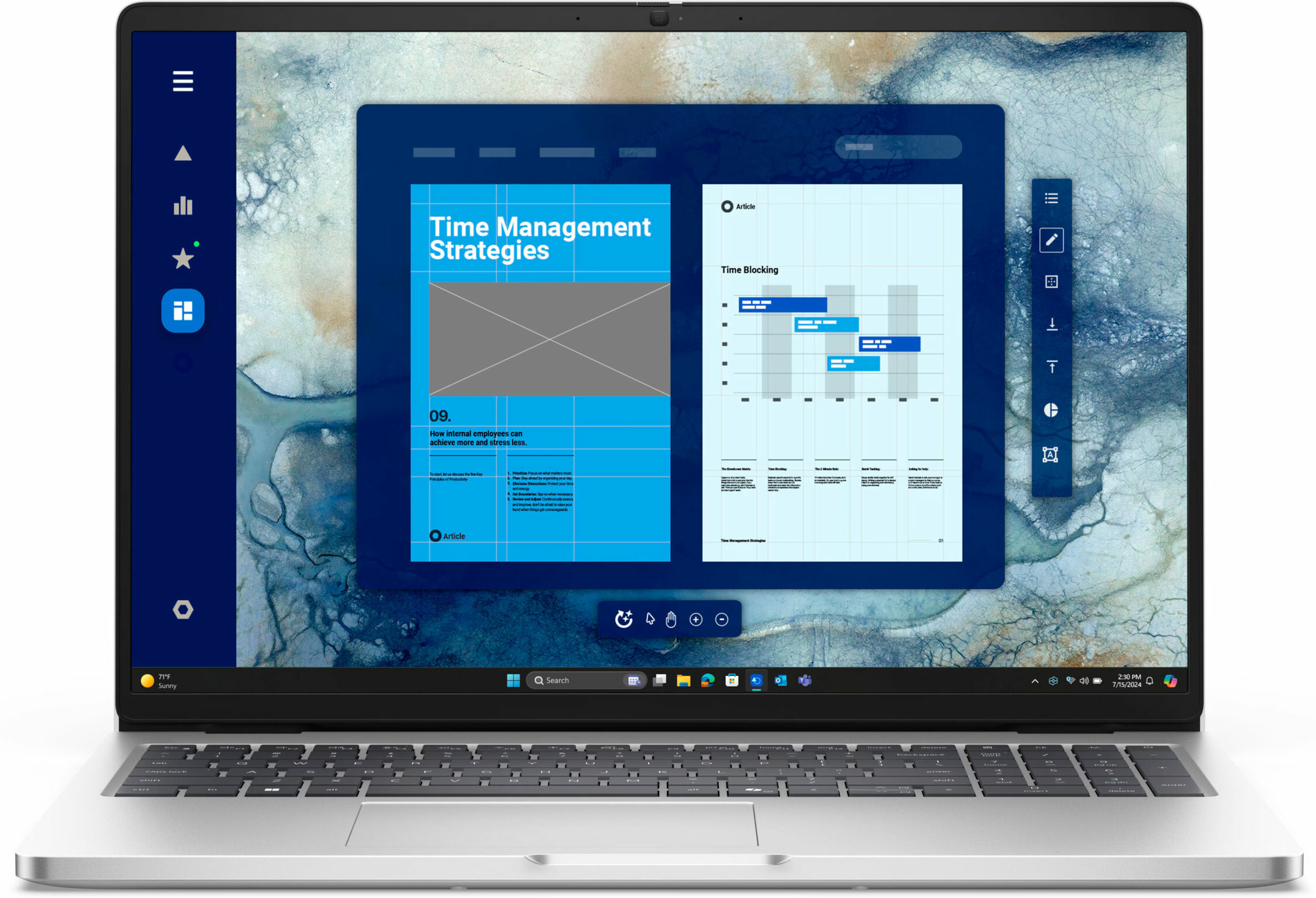
- Date Published: 10 Dec 2025
- Intel Core Ultra 5 225U
- Intel Graphics (4-Cores)
- 16.0”, WUXGA (1920 x 1200), IPS
- 2000GB SSD
- 64GB RAM
- 1.92 kg (4.2 lbs)
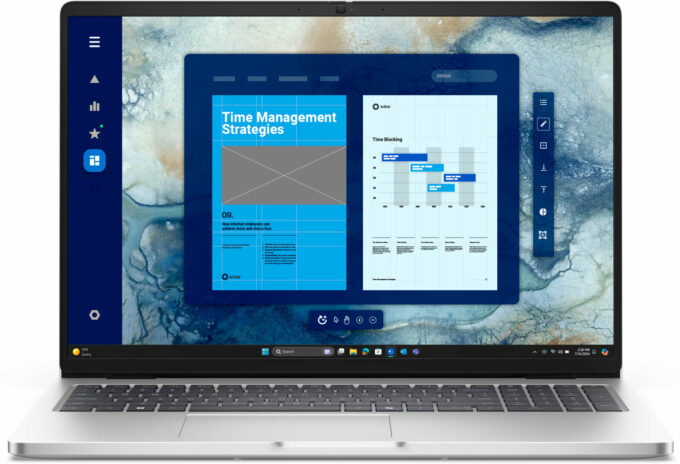
Review
Dell Pro 16 in-depth review
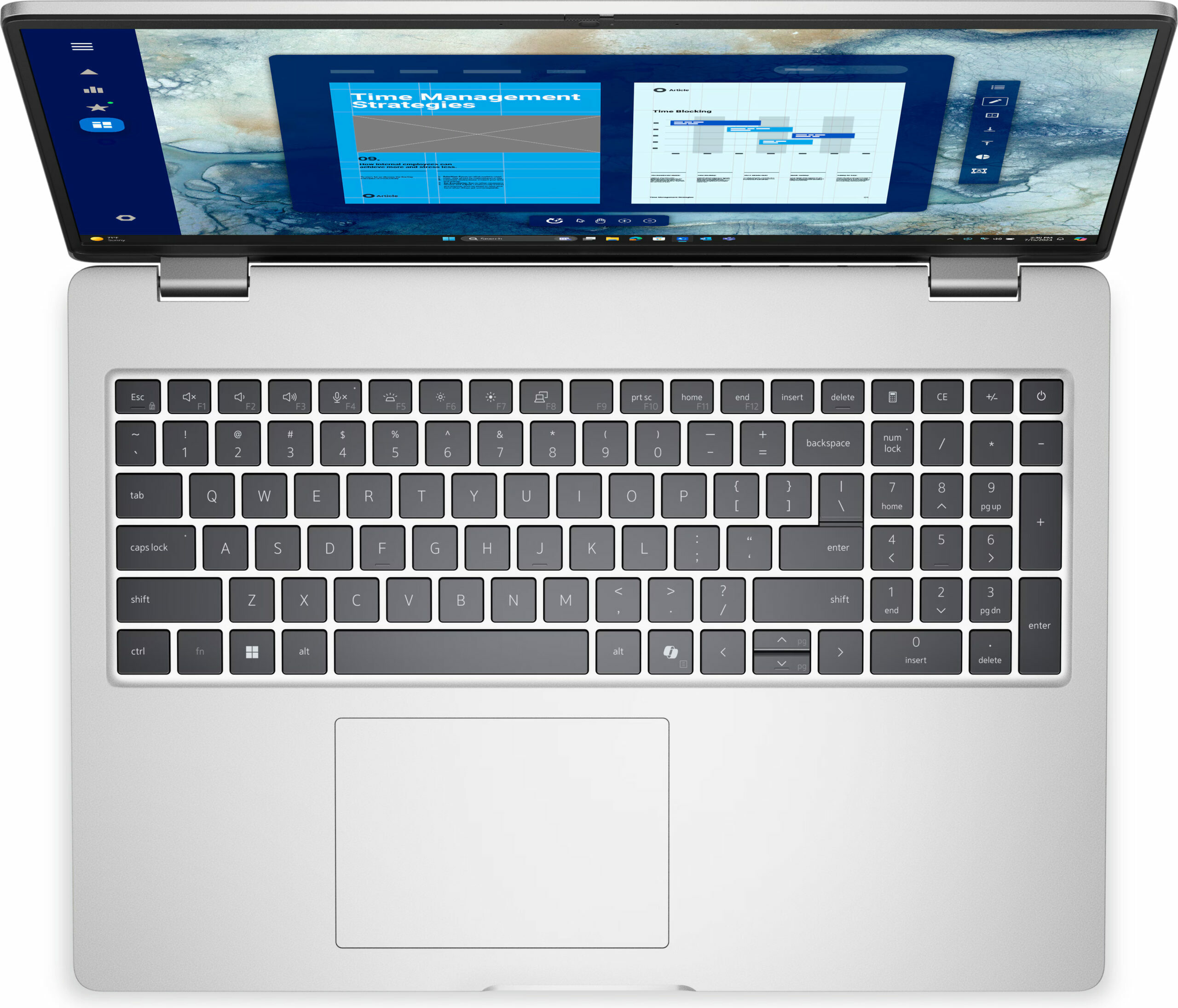
The Dell Pro 16 (PC16250) isn’t trying to win any beauty contests. It’s a classic, no-nonsense business machine, built from the ground up for practicality and productivity. Its spec sheet is a dream for any IT manager, boasting good upgradeability (for a compact machine) and a full suite of business-ready ports. However, this focus on function comes with some truly baffling compromises, especially on the base model we purchased. The result is a laptop that could be a perfect long-term investment or a source of daily frustration, depending entirely on the configuration you choose and what you value most.You can check the prices and configurations in our Specs System: https://laptopmedia.com/series/dell-pro-16-pc16250/Specs, Drivers, What's in the boxDrivers All driver[...]
Read the full review
Pros
- RAM upgradeability with two SODIMM slots
- Great port selection for business, including Thunderbolt 4 and Ethernet
- PWM-free display is comfortable for the eyes
- Good battery life for a 16-inch machine
- Comfortable keyboard with a full NumPad
- Physical privacy shutter for the webcam
Cons
- Base model display has very poor color coverage (52% sRGB)
- CPU runs very hot and throttles under load
- Storage is limited to a single, small M.2 2230 slot
- Underwhelming performance for the price
Disassembly, maintenance and upgrade options
Step 1: Opening the Dell Pro 16 (PC16250)Shut down the laptop and place it on a flat surface. Undo the nine captive Phillips-head screws holding the bottom panel in place. Gently pry around the edges with a plastic tool until the aluminium plate pops free.Battery RemovalThe Dell Pro 16 is equipped with a 55Wh lithium-ion battery. Detach the battery cable from the mainboard. Undo the five screws (four captive, one removable) and lift the battery out.Memory UpgradesThe RAM is upgradeable via two DDR5 SO-DIMM slots on the right-hand side of the boar[...]
Read more


![[June 2026] Best-Selling Laptop Brands on Amazon Global – Apple’s Unrivaled Dominance in Units and Revenue](https://laptopmedia.com/wp-content/uploads/2026/07/GLOBAL-Best-Brands-400x225.jpg)
![[June 2026] Amazon Global: Top 10 Best-Selling Laptops – Apple’s New MacBook Neo Storms to #1, Reshaping the Market with Affordability](https://laptopmedia.com/wp-content/uploads/2026/07/Best-Selling-Laptops-GLOBAL-Top-10-400x225.jpg)
![[June 2026] Amazon Global: Top 10 Best-Selling Gaming Laptops – Acer’s Nitro V 16S AI Dominates Sales, While ASUS Leads Overall Revenue](https://laptopmedia.com/wp-content/uploads/2026/07/Best-Selling-Gaming-Laptops-GLOBAL-Top-10-400x225.jpg)
![[June 2026] Global Ranking of Best-Selling Laptop GPUs on Amazon – NVIDIA RTX 5060 is the Top-Selling Dedicated GPU](https://laptopmedia.com/wp-content/uploads/2026/07/Best-Selling-GPUs-GLOBAL-Top-10-400x225.jpg)
![[June 2026] Global Ranking of Best-Selling Laptop CPUs on Amazon – Apple M5 Dominates, AMD Ryzen 7 260 Gets Solid Premium Share](https://laptopmedia.com/wp-content/uploads/2026/07/Best-Selling-CPUs-GLOBAL-Top-10-400x225.jpg)
