Dell Pro Max 14
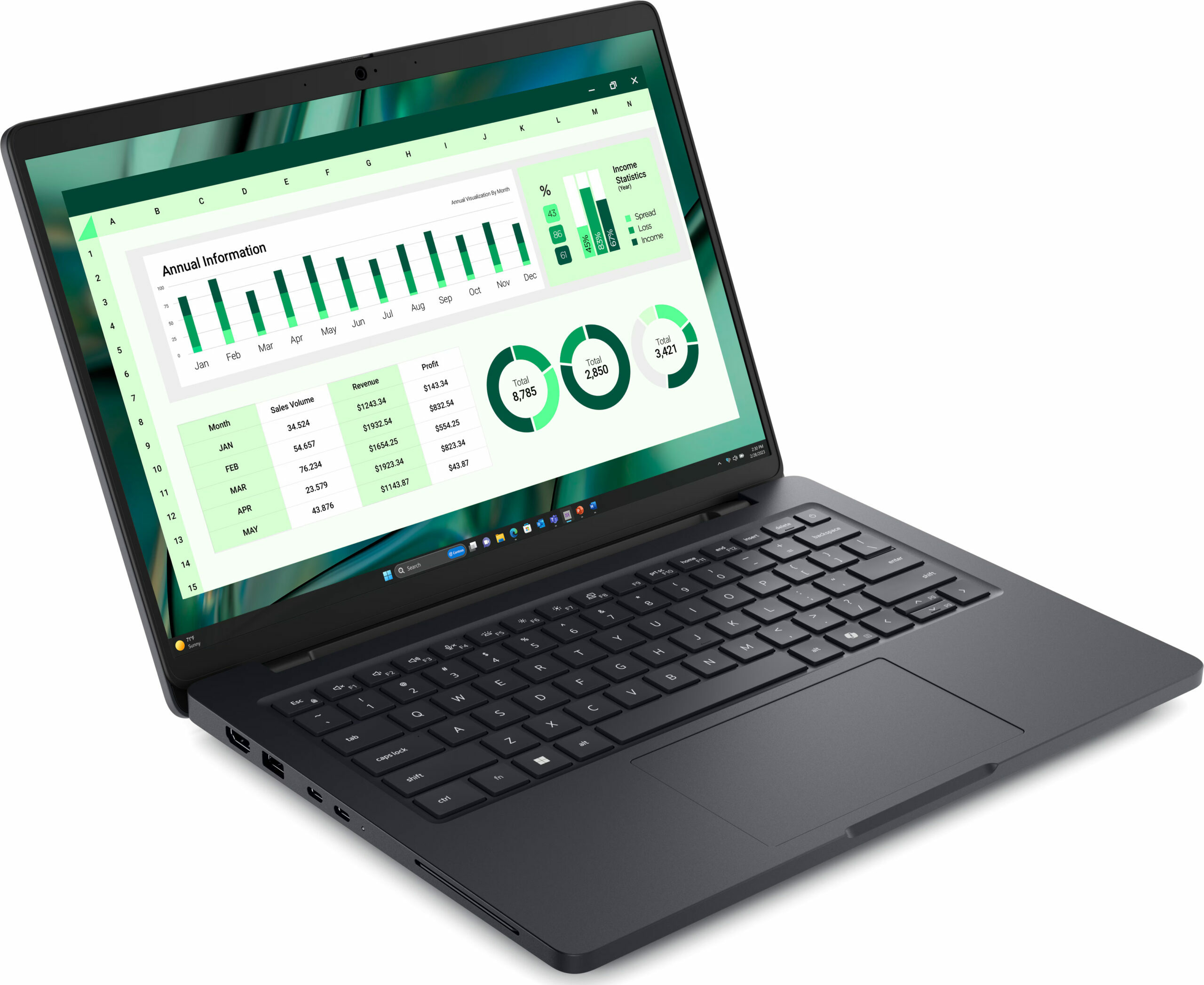
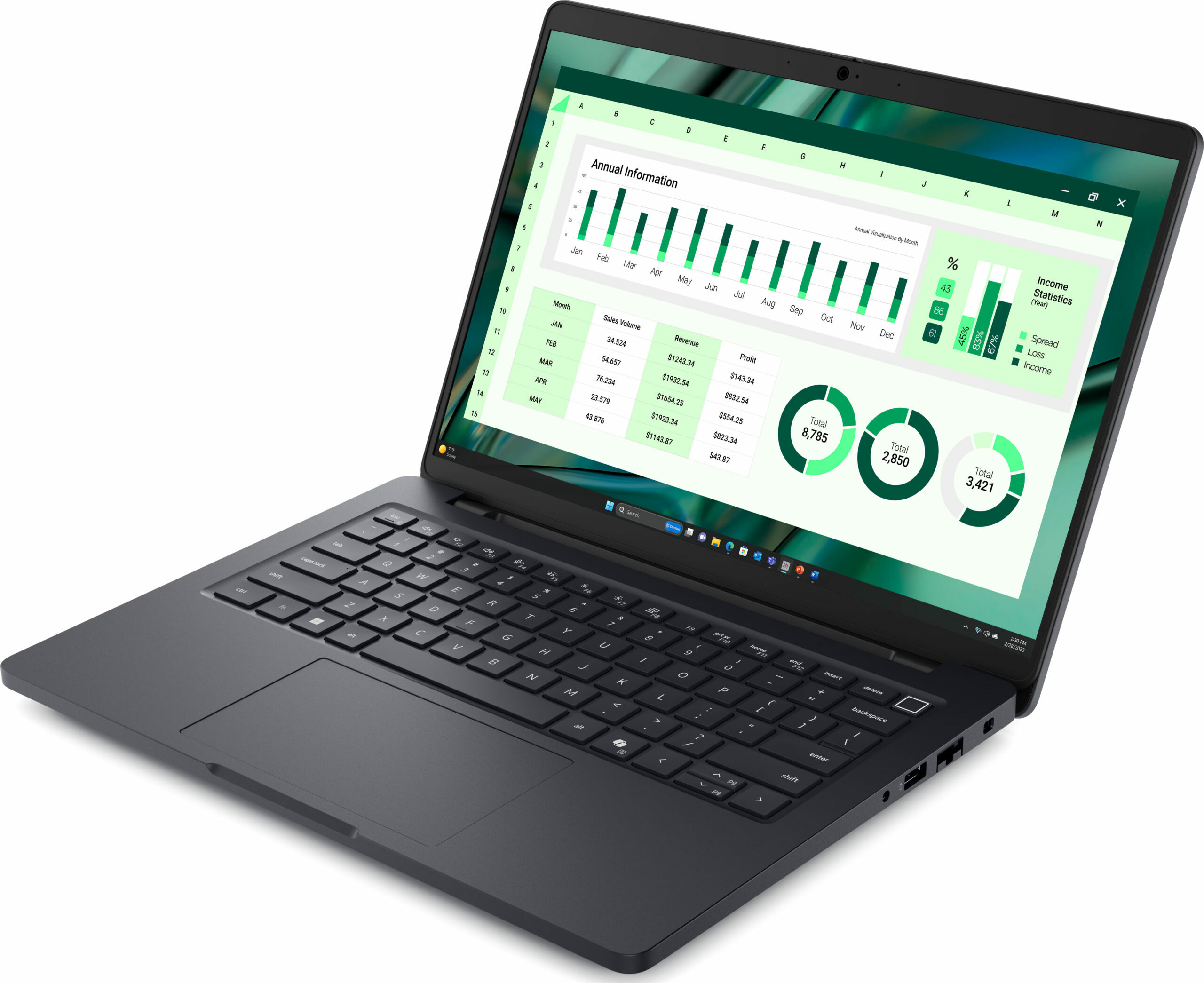
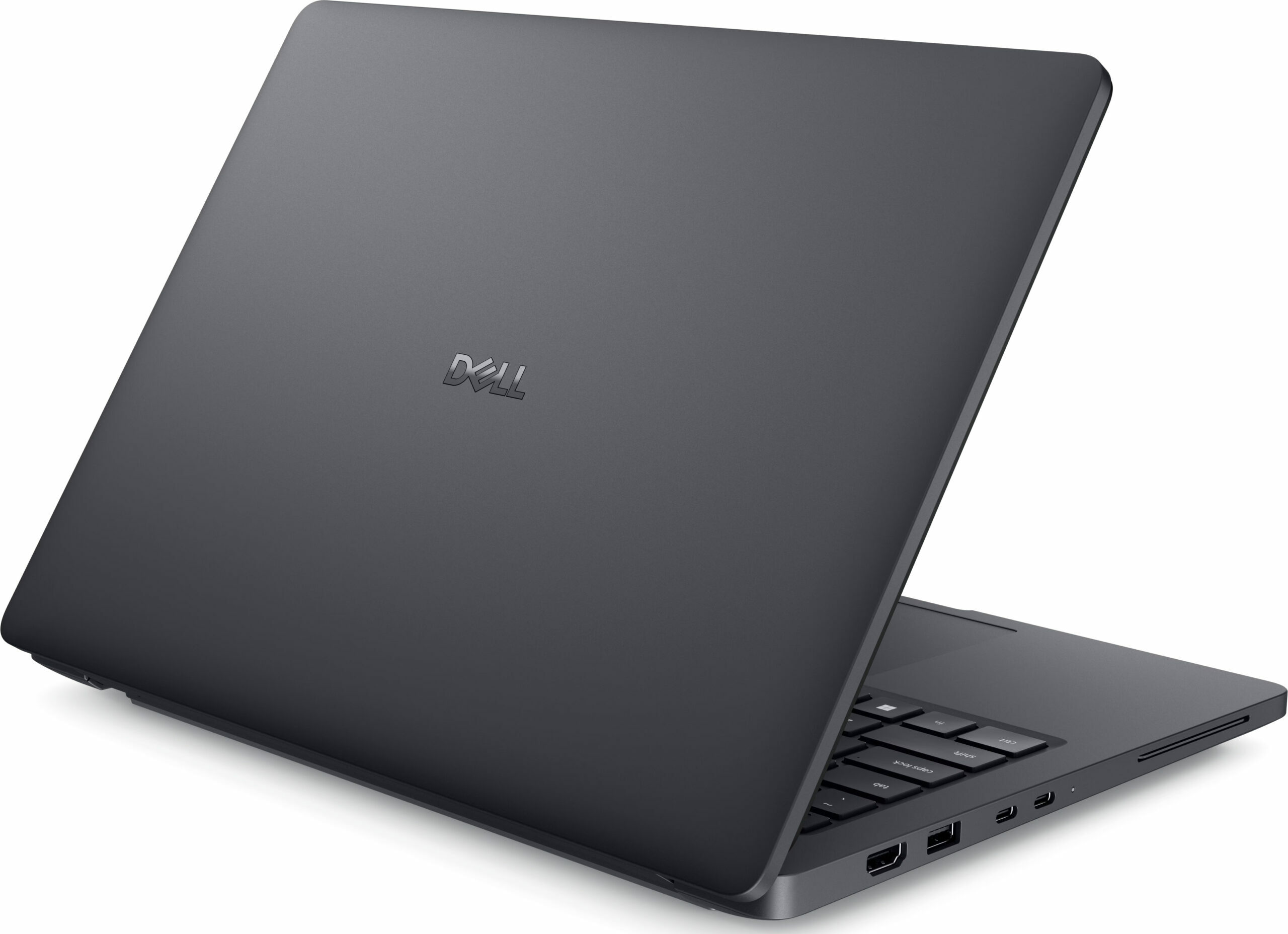
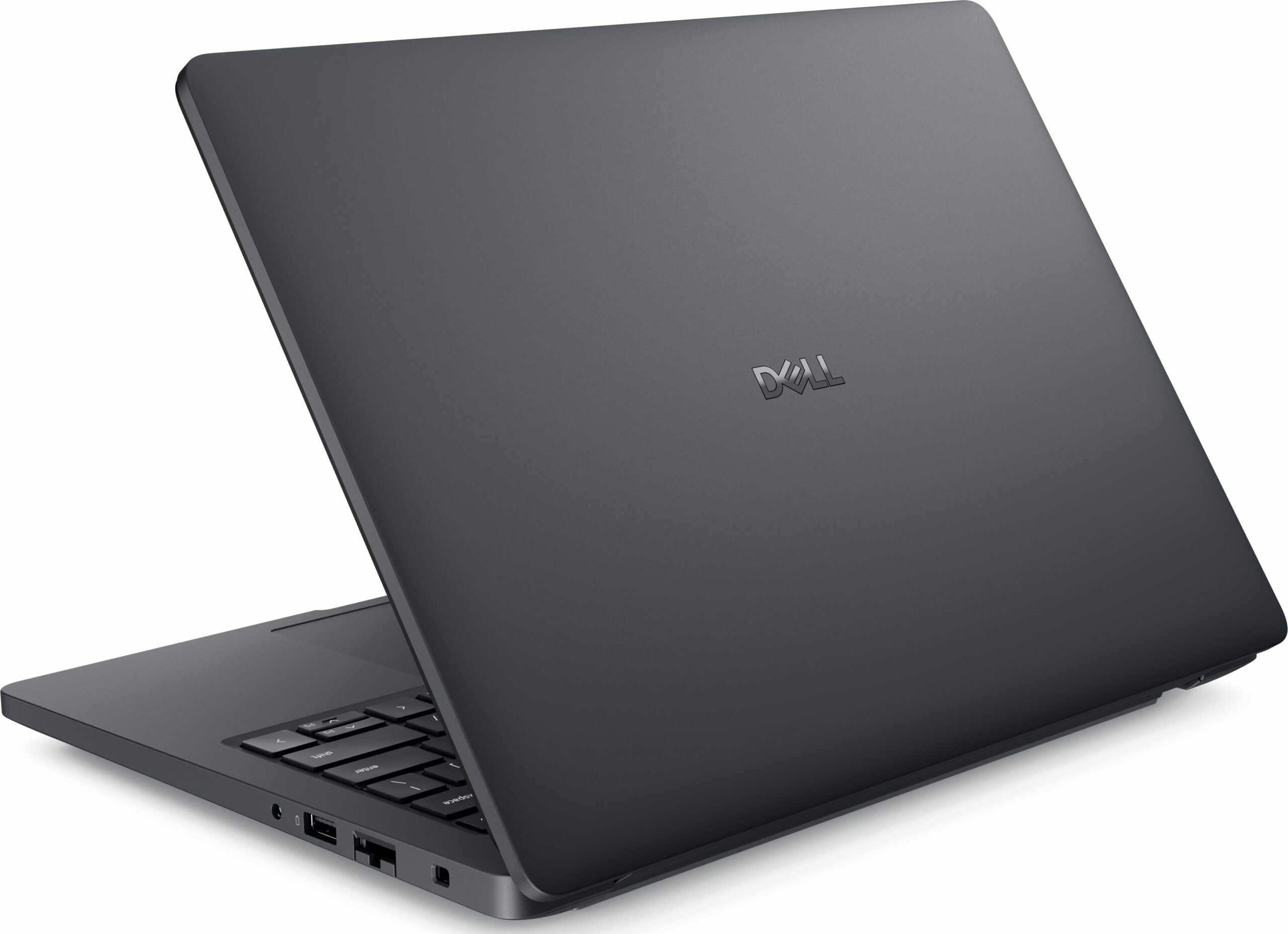
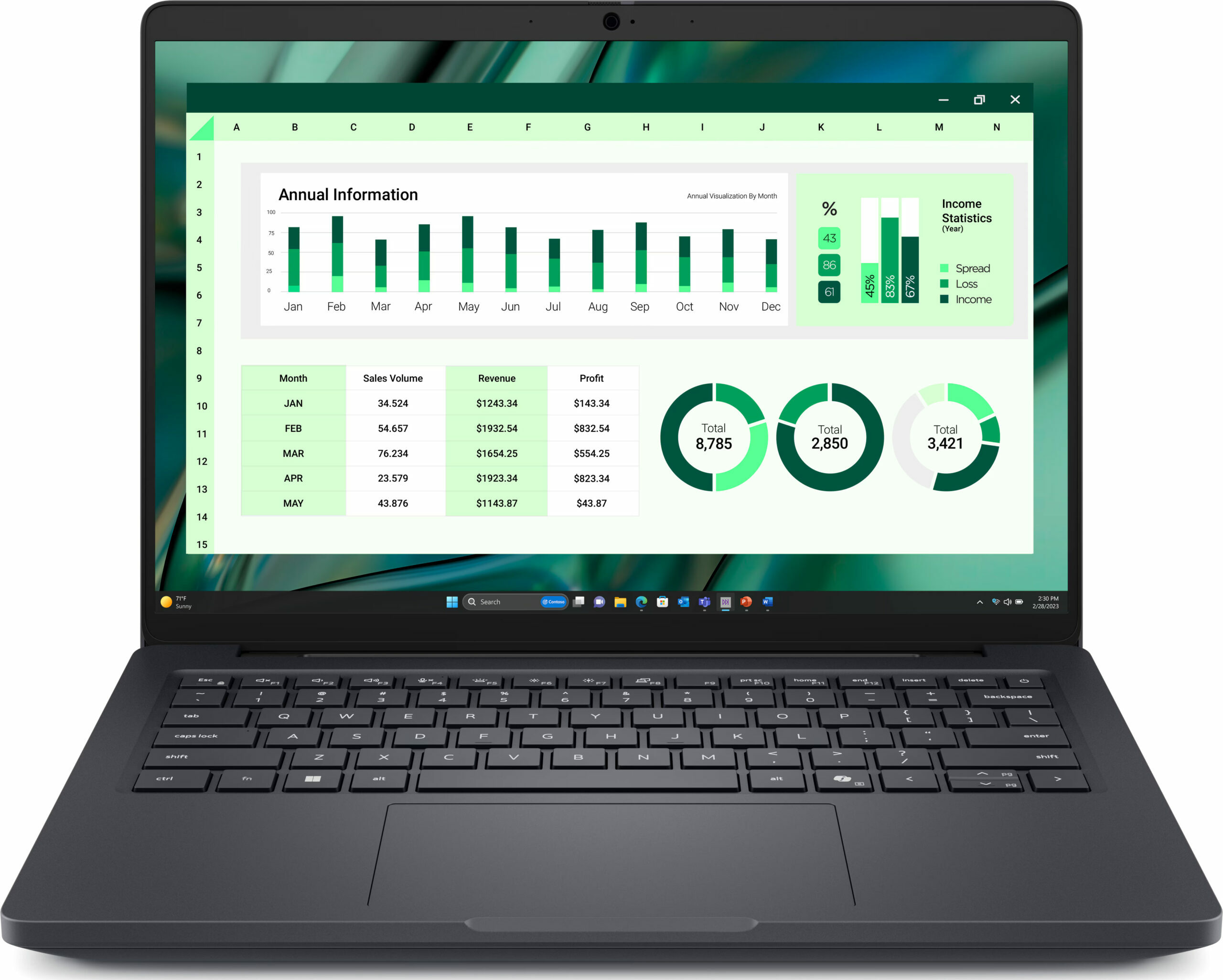
- Date Published: 20 Jan 2026
- Intel Core Ultra 7 265H
- Intel Arc 140T
- 14.0”, WUXGA (1920 x 1200), IPS
- 512GB SSD
- 32GB RAM
- 1.83 kg (4 lbs)
Specs
- Display
- HDD/SSD
- 512GB SSD
- M.2 Slot
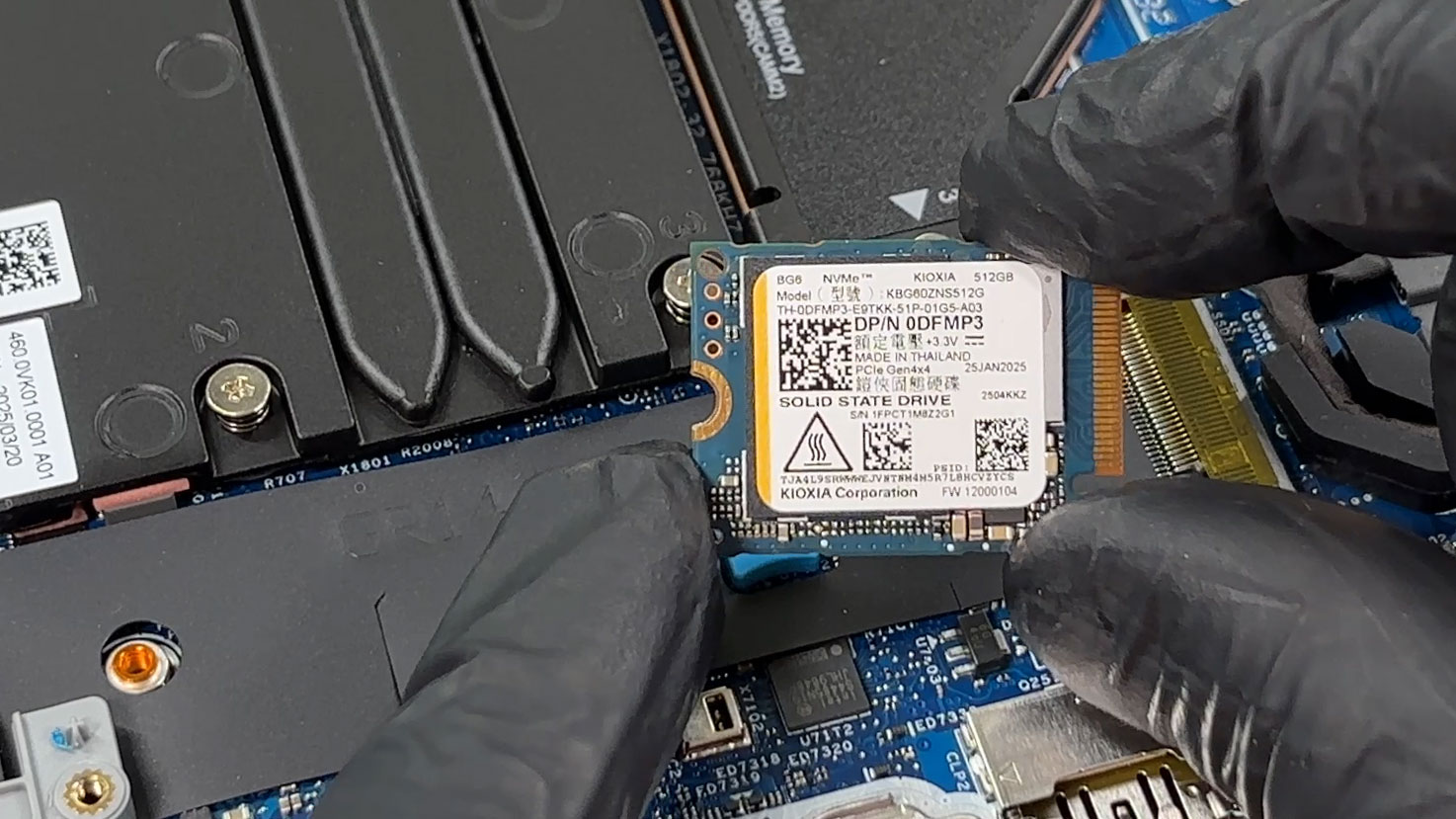
- 1x 2280 M.2 NVMe PCIe 4.0 x4 See photo
- RAM
- 32GB RAM
- OS
- Windows 11 Pro
- Body Material
- Magnesium alloy
- Dimensions
- 313 x 227.30 x 14.79 - 18.90 mm (12.32" x 8.95" x 0.58")
- Weight
- 1.83 kg (4 lbs)
- Ports and connectivity
- 1x USB Type-A
- 3.2 Gen 1 (5 Gbps)
- 1x USB Type-A
- 3.2 Gen 1 (5 Gbps), Sleep and Charge
- 2x USB Type-C
- 4.0, Thunderbolt 4, Power Delivery (PD), DisplayPort
- HDMI
- 2.1
- Card Reader
- microSD (microSD, microSDHC, microSDXC)
- Ethernet LAN
- 10, 100, 1000 Mbit/s
- Wi-Fi
- Wi-Fi 7
- Bluetooth
- 5.4
- Audio jack
- 3.5mm Combo Jack
- Features
- Fingerprint reader
- Web camera
- FHD IR
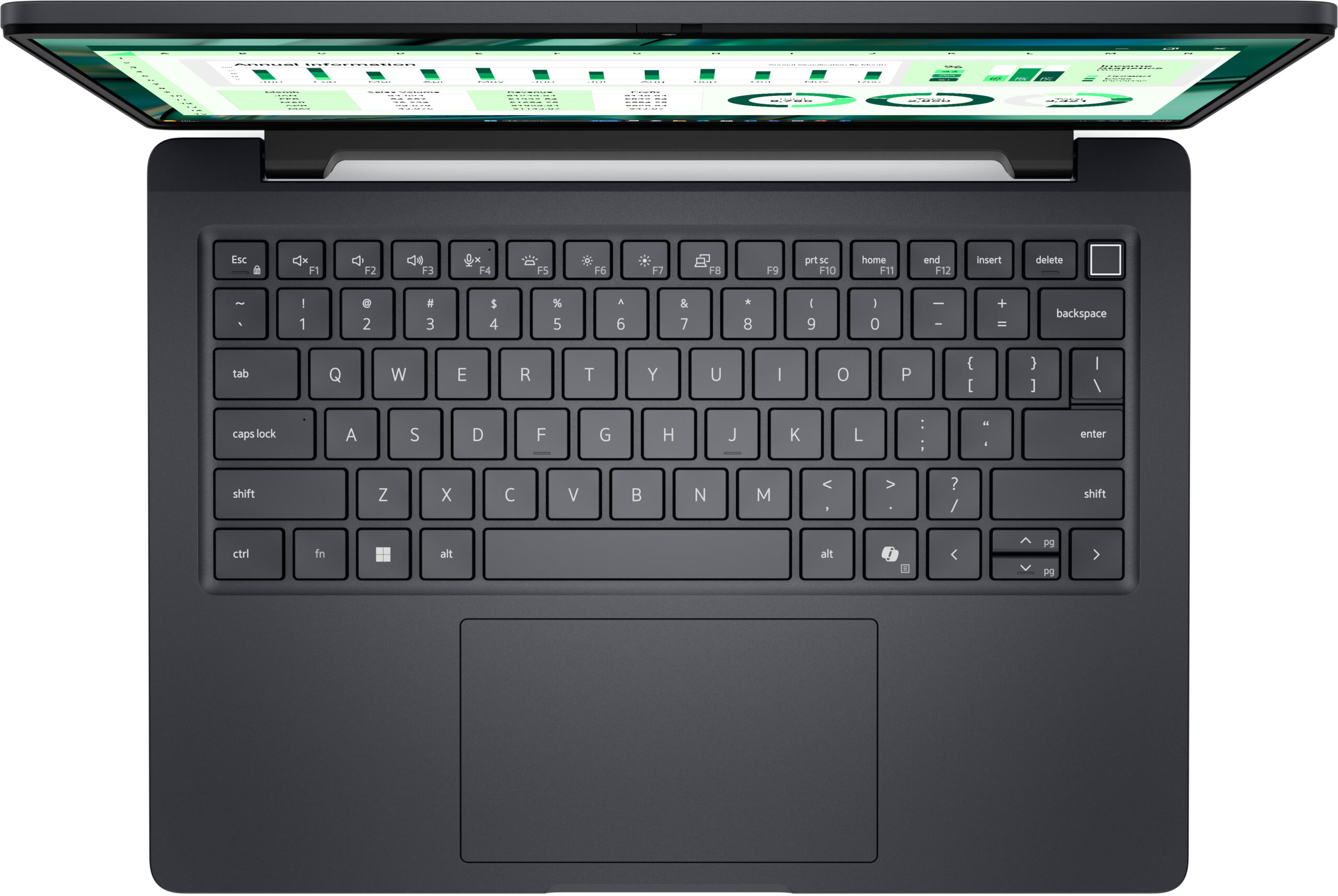
- Backlit keyboard
- Microphone
- Digital Array Microphones
- Speakers
- 2x 2.5W Stereo Speakers
- Security Lock slot
- Wedge Lock
Portability
Review
Dell Pro Max 14 in-depth review
This looks like a quiet corporate laptop, but push it hard and the Dell Pro Max 14 starts to behave like something much more serious. In our tests, this compact 14-inch machine delivered excellent sustained CPU performance, stayed impressively cool under long heavy loads, and still kept the practical business features many modern laptops have abandoned - Ethernet, Thunderbolt 4, USB-A, and upgradeable LPCAMM2 memory.But there is a catch, and it can completely change the buying decision. The Pro Max 14 is extremely configuration-dependent. Choose it well, and you get a powerful, serviceable professional laptop with strong battery life and great connectivity. Choose the base display like the one in our configuration, and you get a panel that is fine for office work, but not good enough f[...]
Read the full review
Pros
- Excellent sustained CPU performance for heavy workloads
- Very good thermal control under load
- Removable LPCAMM2 memory with up to 64GB configuration options
- Accessible battery, SSD, Wi-Fi card, and cooling system
- Strong port selection with Thunderbolt 4, HDMI, USB-A, and RJ-45 Ethernet
- PWM-free display
- Strong battery life for an H-series 14-inch laptop
- Surprisingly capable Intel Arc 140T integrated graphics
Cons
- Only one M.2 slot, so storage upgrades require replacing the existing SSD
- No SD or microSD card reader
- Fans are slightly audible even at idle in the performance-focused profile
- Touchpad click on our unit feels less crisp and refined than expected
- Base 45% NTSC display option has very limited color coverage
- LPCAMM2 is upgradeable, but not as common or inexpensive as SO-DIMM memory


![[June 2026] Best-Selling Laptop Brands on Amazon Global – Apple’s Unrivaled Dominance in Units and Revenue](https://laptopmedia.com/wp-content/uploads/2026/07/GLOBAL-Best-Brands-400x225.jpg)
![[June 2026] Amazon Global: Top 10 Best-Selling Laptops – Apple’s New MacBook Neo Storms to #1, Reshaping the Market with Affordability](https://laptopmedia.com/wp-content/uploads/2026/07/Best-Selling-Laptops-GLOBAL-Top-10-400x225.jpg)
![[June 2026] Amazon Global: Top 10 Best-Selling Gaming Laptops – Acer’s Nitro V 16S AI Dominates Sales, While ASUS Leads Overall Revenue](https://laptopmedia.com/wp-content/uploads/2026/07/Best-Selling-Gaming-Laptops-GLOBAL-Top-10-400x225.jpg)
![[June 2026] Global Ranking of Best-Selling Laptop GPUs on Amazon – NVIDIA RTX 5060 is the Top-Selling Dedicated GPU](https://laptopmedia.com/wp-content/uploads/2026/07/Best-Selling-GPUs-GLOBAL-Top-10-400x225.jpg)
![[June 2026] Global Ranking of Best-Selling Laptop CPUs on Amazon – Apple M5 Dominates, AMD Ryzen 7 260 Gets Solid Premium Share](https://laptopmedia.com/wp-content/uploads/2026/07/Best-Selling-CPUs-GLOBAL-Top-10-400x225.jpg)