Dell Vostro 3510

- Date Published: 14 Nov 2024
- Intel Core i7-1165G7
- NVIDIA GeForce MX350
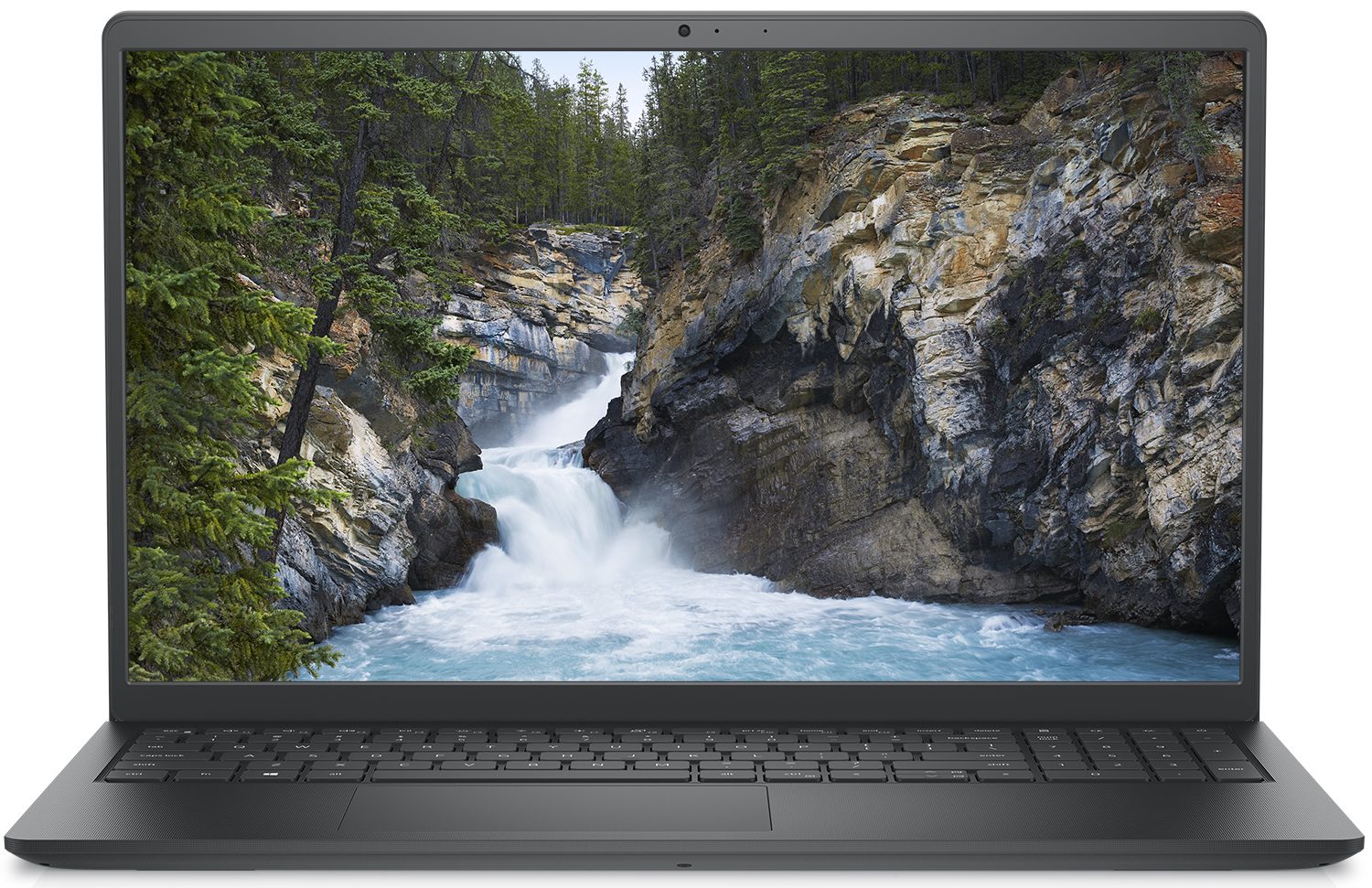
- 15.6”, Full HD (1920 x 1080), IPS
- 256GB SSD + 1000GB HDD
- 16GB RAM
- 1.69 kg (3.7 lbs)
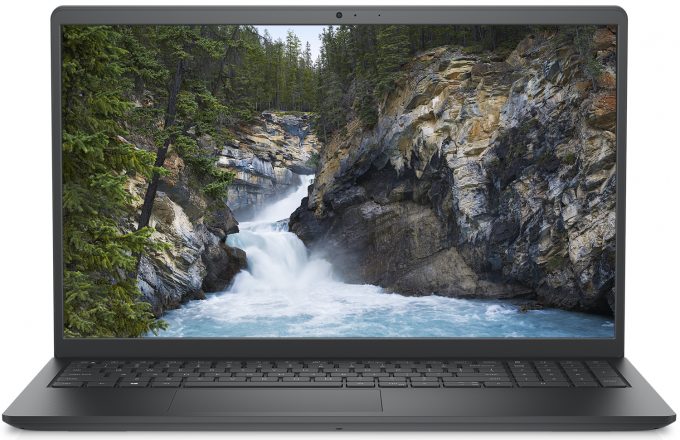
Specs

- HDD/SSD
- 256GB SSD + 1TB HDD
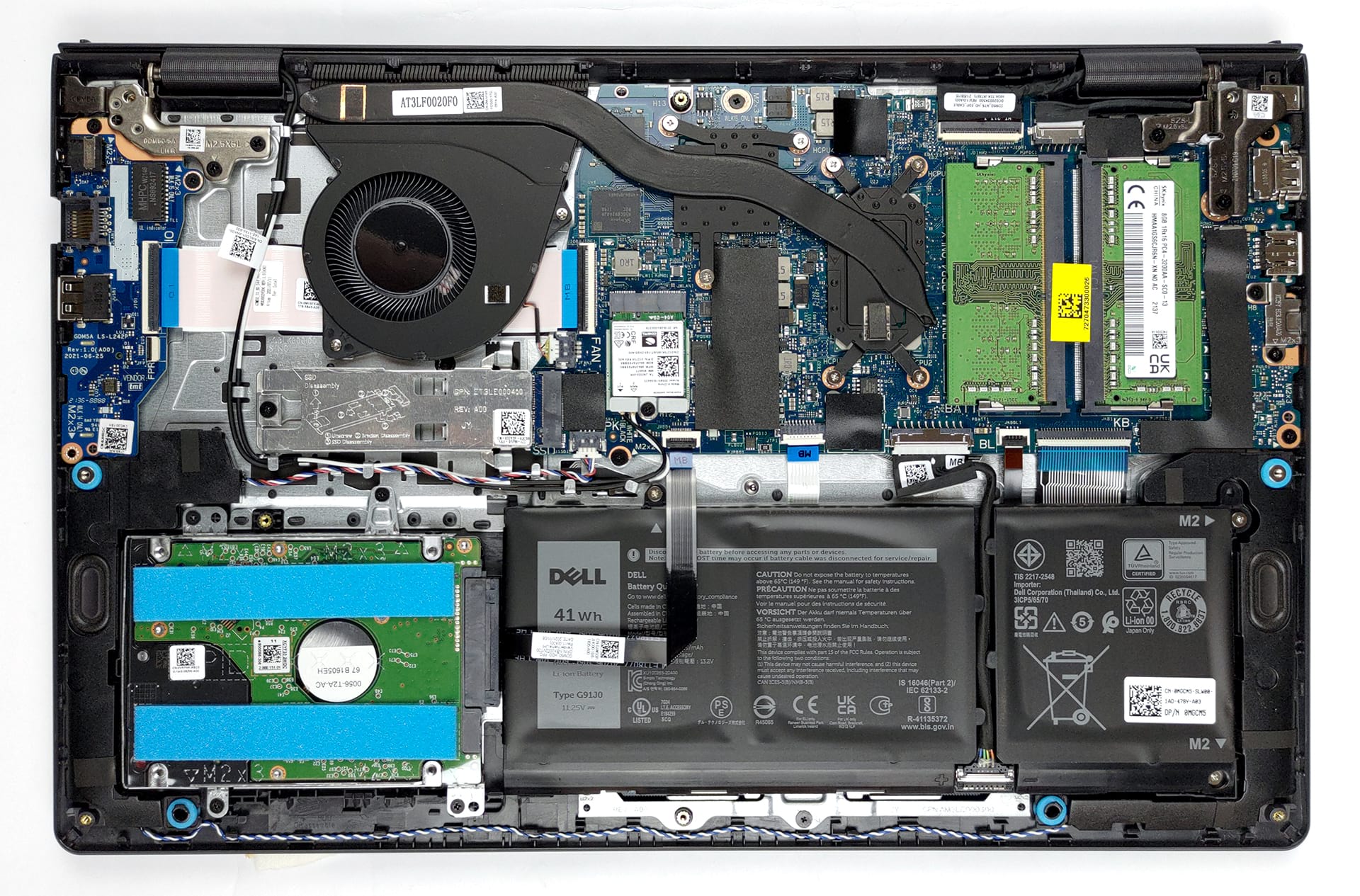
- M.2 Slot
- 1x 2280 M.2 NVMe slot See photo
- RAM
- 16GB RAM
- OS
- Windows 10 Pro
- Body Material
- Plastic / Polycarbonate
- Dimensions
- 358.50 x 235.56 x 17.50 - 18.90 mm (14.11" x 9.27" x 0.69")
- Weight
- 1.69 kg (3.7 lbs)
- Ports and connectivity
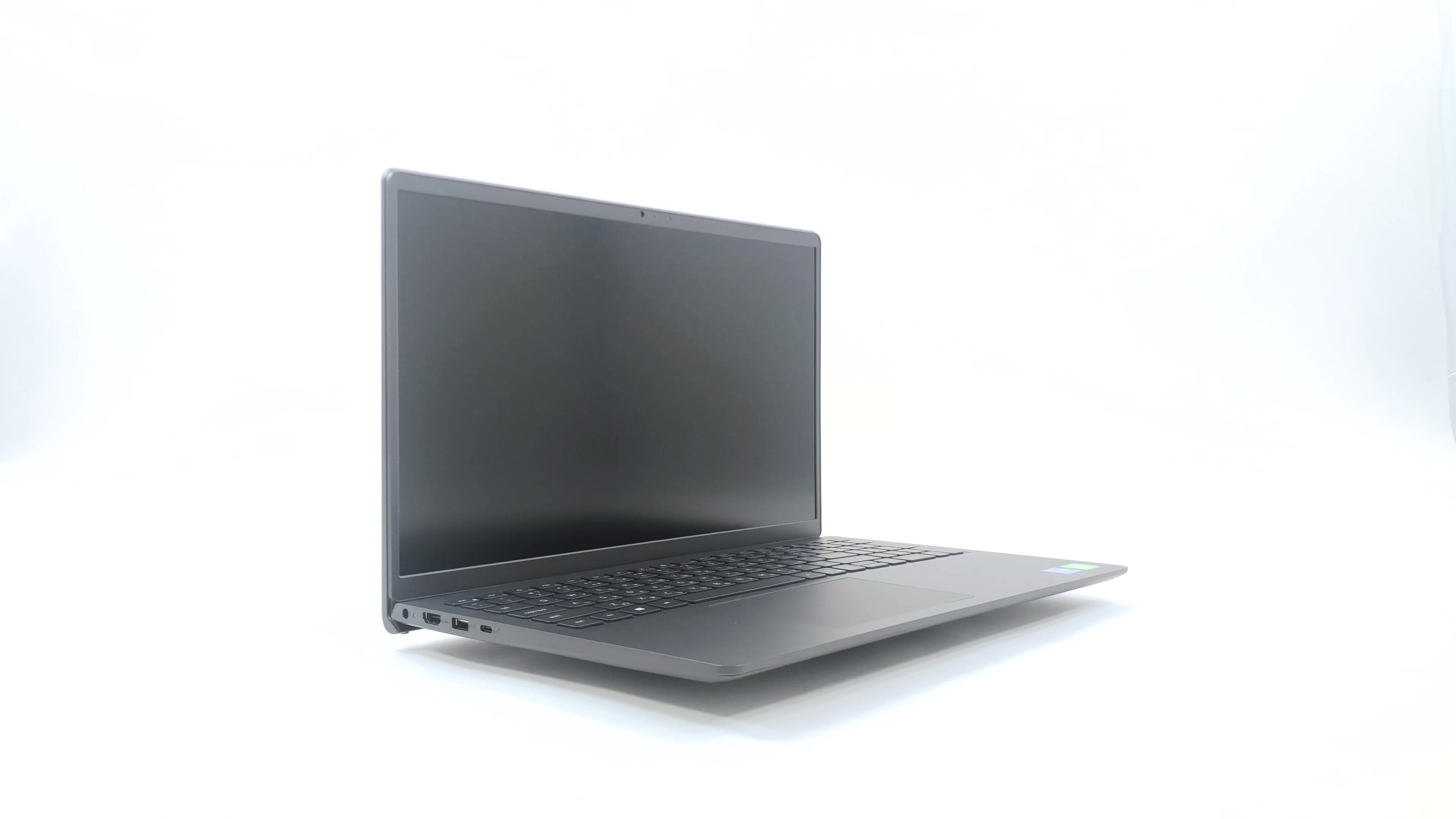
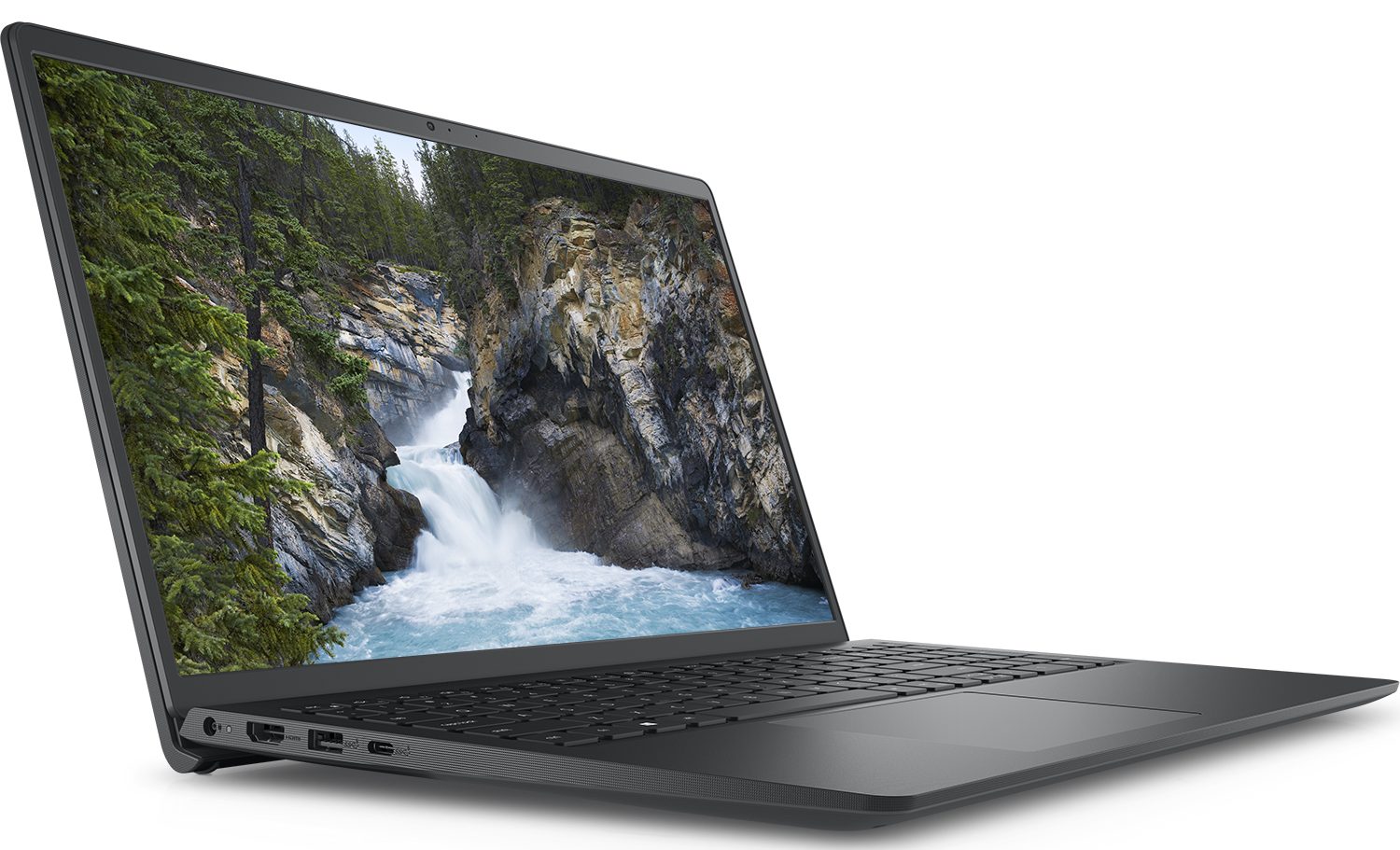
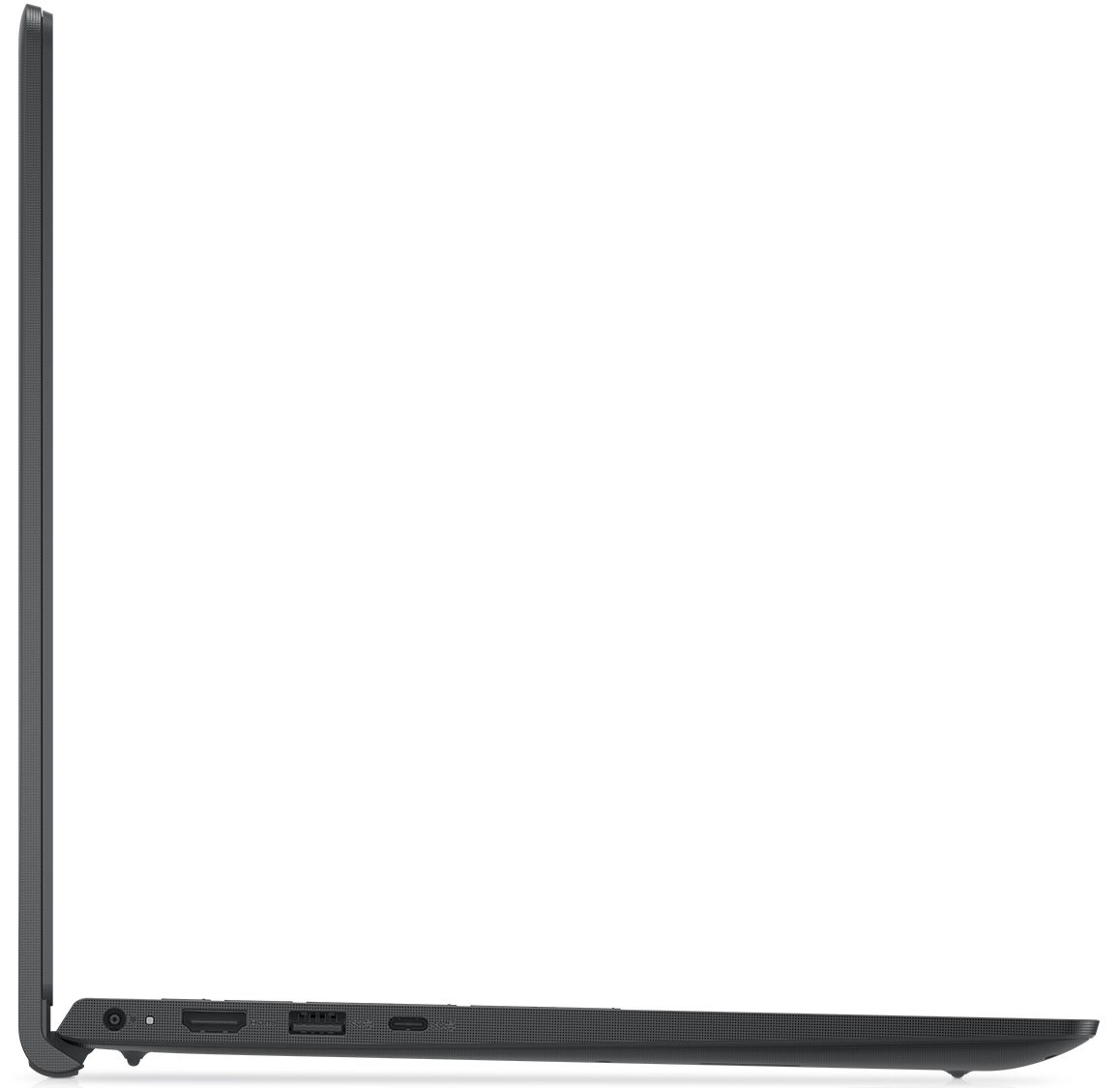
- 1x USB Type-A
- 2.0
- 1x USB Type-A
- 3.2 Gen 1 (5 Gbps)
- 1x USB Type-C
- 3.2 Gen 1 (5 Gbps)
- HDMI
- 1.4
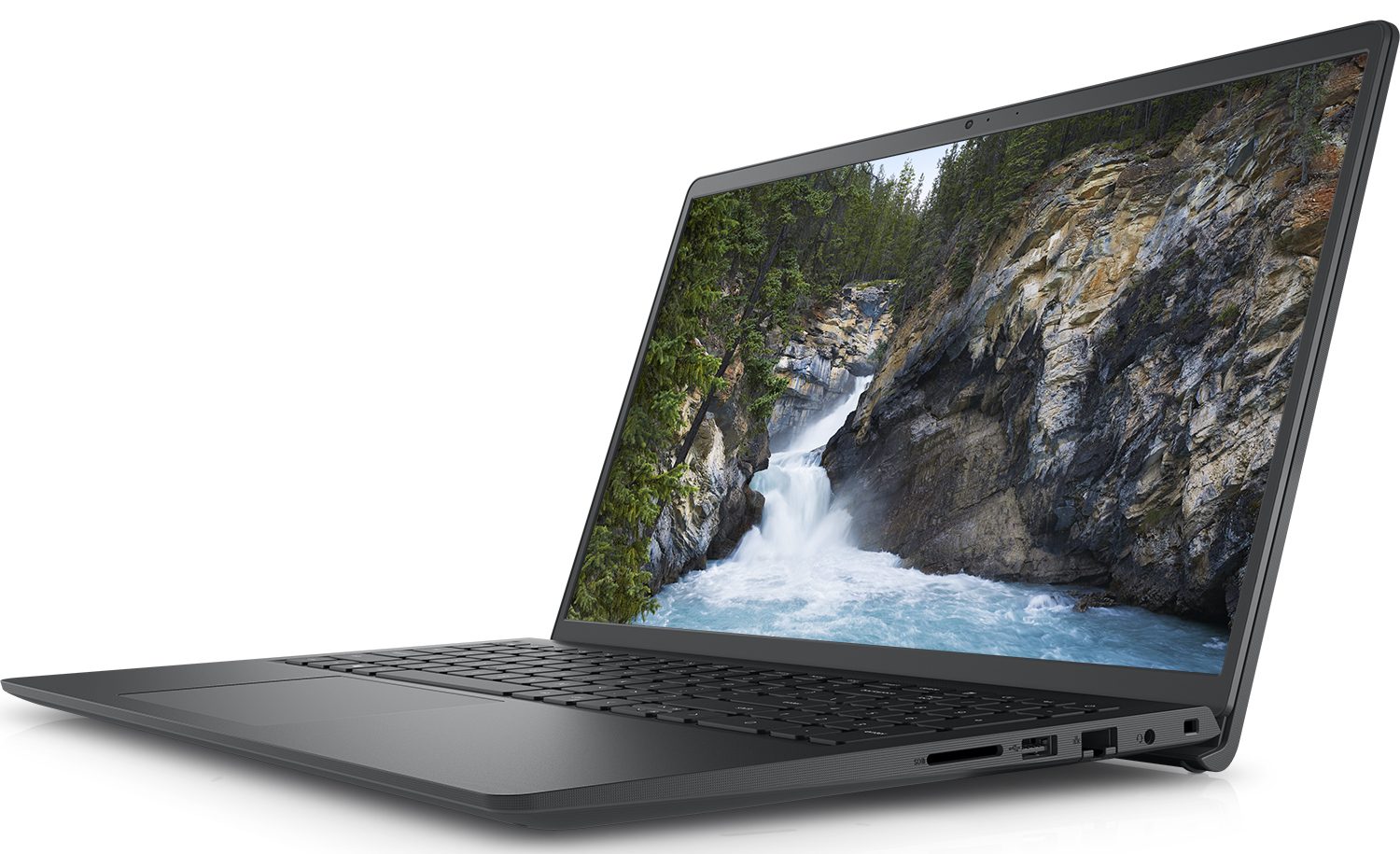
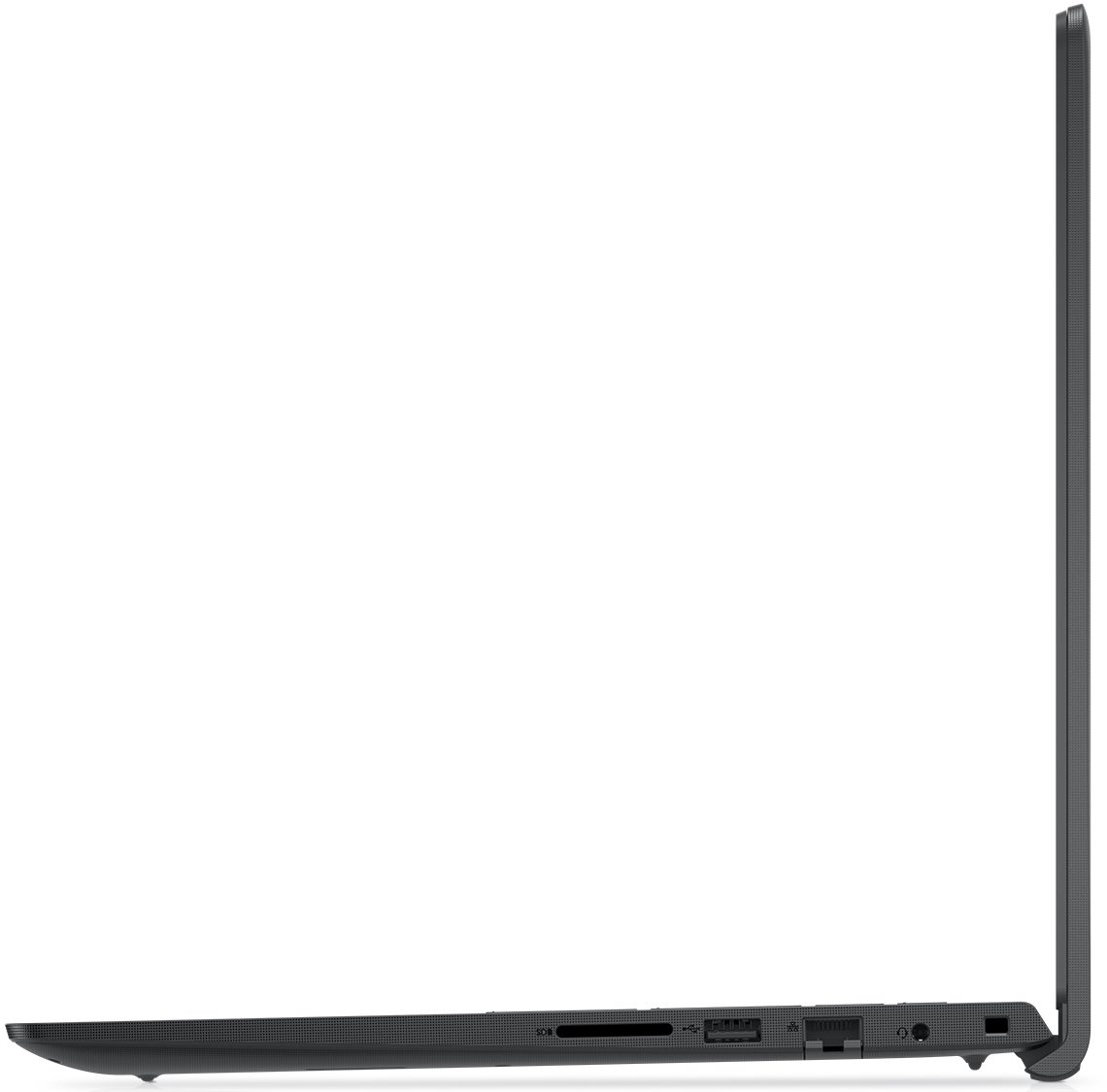
- Card Reader
- SD, SDHC, SDXC
- Ethernet LAN
- 10, 100, 1000 Mbit/s
- Wi-Fi
- 802.11ax
- Bluetooth
- 5.1
- Audio jack
- 3.5mm Combo Jack
- Features
- Fingerprint reader
- Web camera
- HD
- Backlit keyboard
- Microphone
- Single Digital Microphone
- Speakers
- 2x 2W, Stereo Speakers
- Security Lock slot
- Wedge Lock
Portability
Review
Dell Vostro 3510 in-depth review
When we talk about budget-conscious laptops, Dell's Vostro series is always into consideration. Interestingly, while it is one of the least expensive devices on the market, the Vostro 15 3510 can be equipped with pretty capable hardware.We are talking about a potential combination of the Core i7-1165G7 and the GeForce MX350. Of course, you can keep the price down by picking a slower processor, like the Celeron 6305, or completely omitting the dedicated graphics card. Interestingly, using only integrated graphics will have a weird impact on the I/O - we'll talk more about that later on.If we take the performance factor away for a second, we can see that you get two display options. The first one is probably the least desirable screen ever made - a 768p TN panel. Thankfully, we were[...]
Read the full review
Pros
- Upgradability is on point
- Affordable
- Has an SD card reader
- Good input devices
- Has comfortable viewing angles and good contrast ratio (BOE N39X1-NV15N3D)
Cons
- Covers only 51% of sRGB (BOE N39X1-NV15N3D)
- Uses aggressive PWM for brightness adjustment (our Health-Guard profile deals with the issue) (BOE N39X1-NV15N3D)
- Questionable build quality
- Externals get really warm during heavy load
Disassembly, maintenance and upgrade options
You see, the Vostro 15 3510 is not exactly the best laptop you'll get your hands on. However, it offers a decent amount of upgrade options.Check out all Dell Vostro 15 3510 prices and configurations in our Specs System or read more in our In-Depth review.1. Remove the bottom plate To take this laptop apart, you need to undo 9 Phillips-head screws. The two in the back edges are captive and lift the bottom panel so you can start the prying process from there.2. Battery In terms of battery, you get two options. One with 41Wh capacity, and one with 54Wh. We got the smaller un[...]
Read more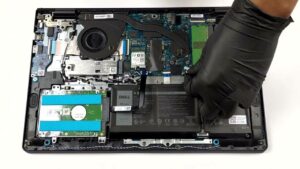


![[June 2026] Best-Selling Laptop Brands on Amazon Global – Apple’s Unrivaled Dominance in Units and Revenue](https://laptopmedia.com/wp-content/uploads/2026/07/GLOBAL-Best-Brands-400x225.jpg)
![[June 2026] Amazon Global: Top 10 Best-Selling Laptops – Apple’s New MacBook Neo Storms to #1, Reshaping the Market with Affordability](https://laptopmedia.com/wp-content/uploads/2026/07/Best-Selling-Laptops-GLOBAL-Top-10-400x225.jpg)
![[June 2026] Amazon Global: Top 10 Best-Selling Gaming Laptops – Acer’s Nitro V 16S AI Dominates Sales, While ASUS Leads Overall Revenue](https://laptopmedia.com/wp-content/uploads/2026/07/Best-Selling-Gaming-Laptops-GLOBAL-Top-10-400x225.jpg)
![[June 2026] Global Ranking of Best-Selling Laptop GPUs on Amazon – NVIDIA RTX 5060 is the Top-Selling Dedicated GPU](https://laptopmedia.com/wp-content/uploads/2026/07/Best-Selling-GPUs-GLOBAL-Top-10-400x225.jpg)
![[June 2026] Global Ranking of Best-Selling Laptop CPUs on Amazon – Apple M5 Dominates, AMD Ryzen 7 260 Gets Solid Premium Share](https://laptopmedia.com/wp-content/uploads/2026/07/Best-Selling-CPUs-GLOBAL-Top-10-400x225.jpg)