Dell XPS 13 9340



- Date Published: 24 Dec 2025
- Intel Core Ultra 7 155H
- Intel Arc (8-Cores)
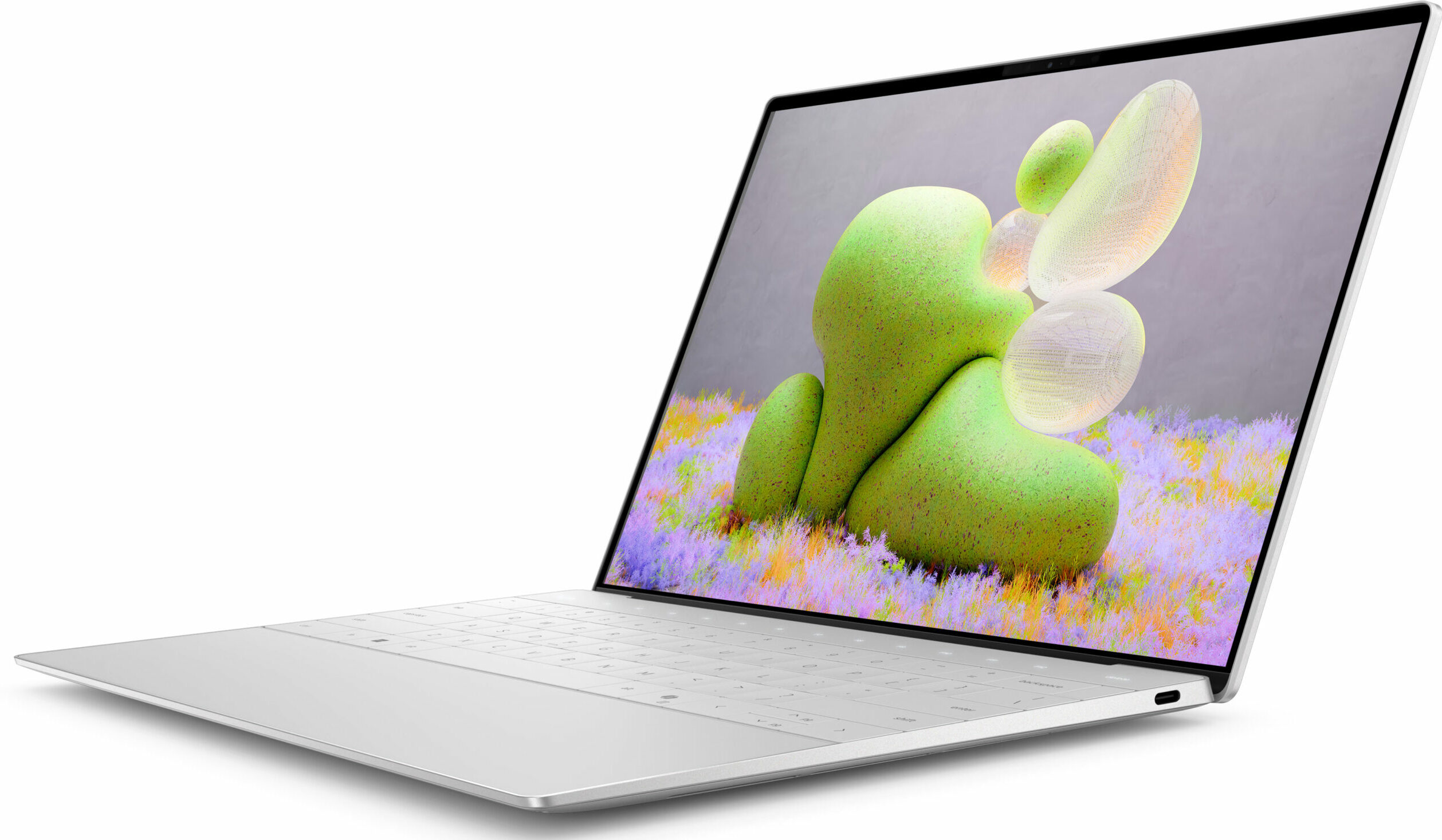
- 13.4", FHD+ (1920 x 1200), 120 Hz, IPS
- 1000GB SSD
- 16GB RAM
- 1.19 kg (2.6 lbs)

Specs

- HDD/SSD
- 1000GB SSD
- M.2 Slot
- 1x 2280 M.2 NVMe PCIe 4.0 x4 See photo
- RAM
- 16GB RAM
- OS
- Windows 11 Home
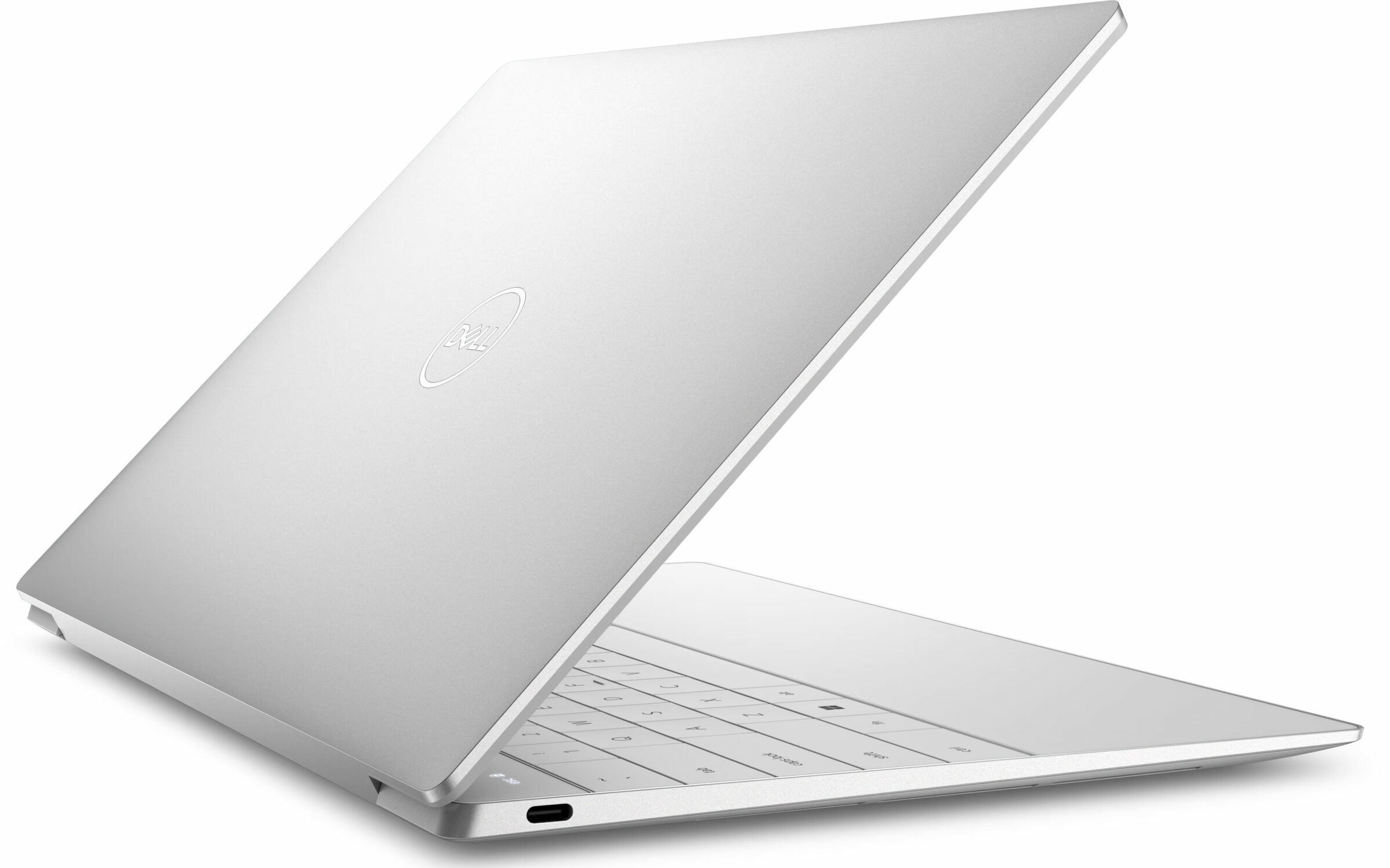
- Body Material
- Aluminum
- Dimensions
- 295.3 x 199.1 x 14.8 - 15.3 mm (11.63" x 7.84" x 0.58")
- Weight
- 1.19 kg (2.6 lbs)
- Ports and connectivity
- 2x USB Type-C
- 4.0, Thunderbolt 4, Power Delivery (PD)
- Card Reader
- Ethernet LAN
- Wi-Fi
- 802.11be
- Bluetooth
- 5.4
- Audio jack
- Features
- Fingerprint reader
- Web camera
- FHD IR
- Backlit keyboard
- Microphone
- Dual Digital Array Microphones
- Speakers
- 2x 2.5W Tweeters + 2x 2.5W Woofers, Stereo Speakers
- Security Lock slot
Portability
Review
Dell XPS 13 9340 in-depth review
The Dell XPS 13 9340 is a device that can successfully challenge some of the Apple laptops. This is achieved thanks to the great design, the compact dimensions, and the powerful hardware under the bonnet. You can choose among three 28W Intel Meteor Lake CPUs. That's a thin and light 13-incher and the lack of dGPU variants isn't a surprise at all. Still, we already know that the all-new Intel Arc iGPUs with 8 or 7 cores are potent enough for light gaming alongside high FPS.In terms of features, you get a lot of goodies such as a fingerprint reader, IR camera, a dTPM 2.0 chip, and vPro CPUs (option). The connectivity here is as modern as possible - Wi-Fi 7 + Bluetooth 5.4. The same goes for the display options which are two touchscreens and one OLED unit. The base non-touch IPS display h[...]
Read the full review
Pros
- Great sleek-looking design
- Compact and light
- Acceptable P and E core clocks during full load
- The fans aren't too loud
- Exceptional build quality
- PWM-free (Sharp KJFGR-LQ134N1)
- High max brightness + very good contrast ratio and 92% sRGB coverage (Sharp KJFGR-LQ134N1)
- Good color accuracy with our "Design and Gaming" profile (Sharp KJFGR-LQ134N1)
- Has two Thunderbolt 4 ports
- Very long battery life
- Comfortable keyboard
- Offers a fingerprint reader and IR camera
- Wi-Fi 7 + Bluetooth 5.4
Cons
- Limited upgradability and port selection
- High CPU and SSD temperatures during benchmarking
- High price
Disassembly, maintenance and upgrade options
Opening the DeviceUndo the 6 Torx-head screws securing the bottom panel. Lift the bottom panel with a lever tool in the hinge zone near the top two corners. Do not fully pry the back yet because the central part of the vent on the rear is connected to the bottom plate. Press the chassis on the left or right with a finger and pop the mid-section of the metal plate. Pry the sides and the front with a thin plastic tool to remove the bottom panel.More info: Here's how the bottom plate looks on the inside.Battery RemovalUndo the single Phillips-head screw[...]
Read more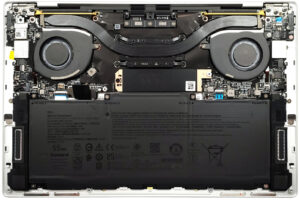


![[June 2026] Best-Selling Laptop Brands on Amazon Global – Apple’s Unrivaled Dominance in Units and Revenue](https://laptopmedia.com/wp-content/uploads/2026/07/GLOBAL-Best-Brands-400x225.jpg)
![[June 2026] Amazon Global: Top 10 Best-Selling Laptops – Apple’s New MacBook Neo Storms to #1, Reshaping the Market with Affordability](https://laptopmedia.com/wp-content/uploads/2026/07/Best-Selling-Laptops-GLOBAL-Top-10-400x225.jpg)
![[June 2026] Amazon Global: Top 10 Best-Selling Gaming Laptops – Acer’s Nitro V 16S AI Dominates Sales, While ASUS Leads Overall Revenue](https://laptopmedia.com/wp-content/uploads/2026/07/Best-Selling-Gaming-Laptops-GLOBAL-Top-10-400x225.jpg)
![[June 2026] Global Ranking of Best-Selling Laptop GPUs on Amazon – NVIDIA RTX 5060 is the Top-Selling Dedicated GPU](https://laptopmedia.com/wp-content/uploads/2026/07/Best-Selling-GPUs-GLOBAL-Top-10-400x225.jpg)
![[June 2026] Global Ranking of Best-Selling Laptop CPUs on Amazon – Apple M5 Dominates, AMD Ryzen 7 260 Gets Solid Premium Share](https://laptopmedia.com/wp-content/uploads/2026/07/Best-Selling-CPUs-GLOBAL-Top-10-400x225.jpg)

