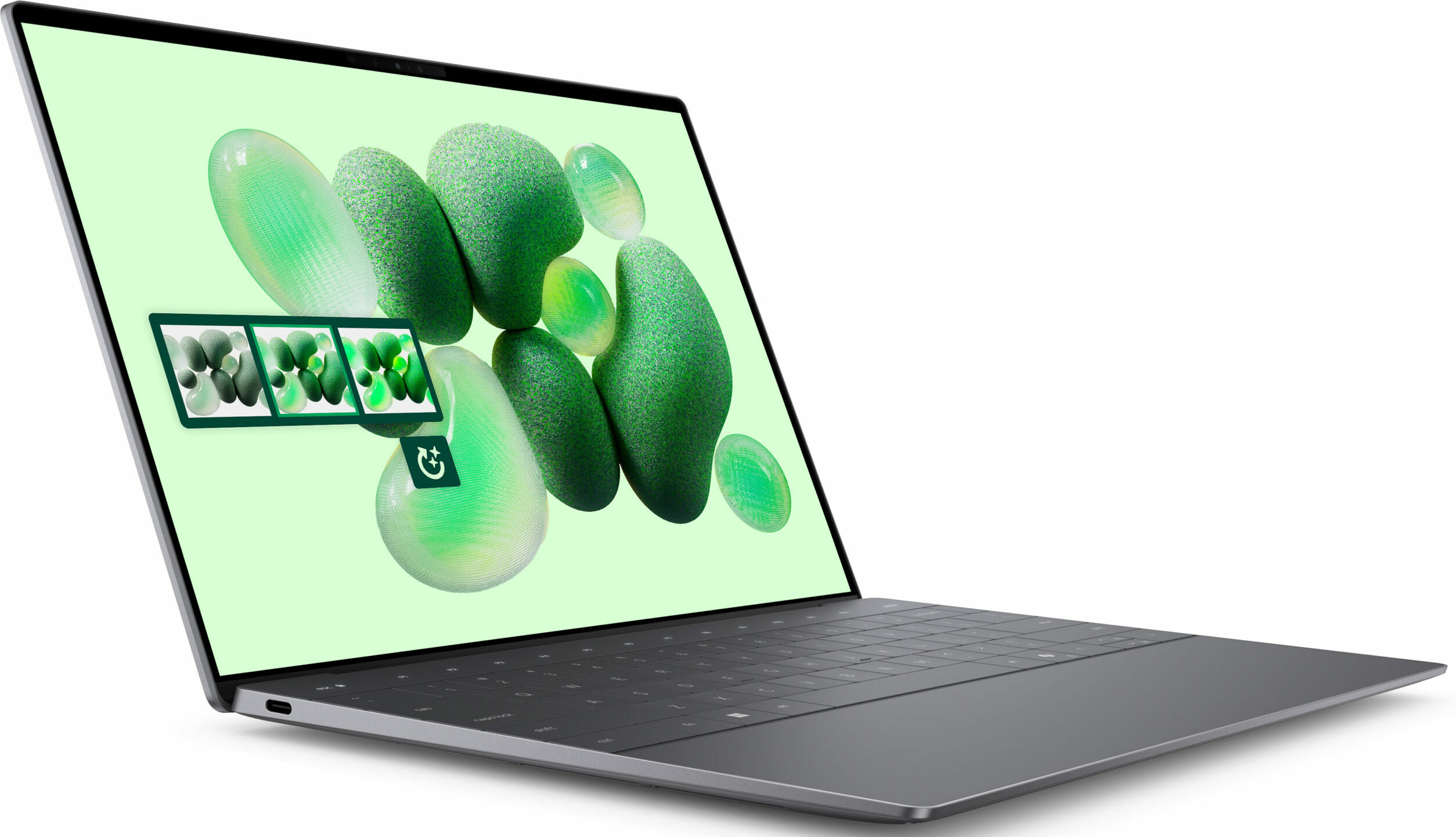
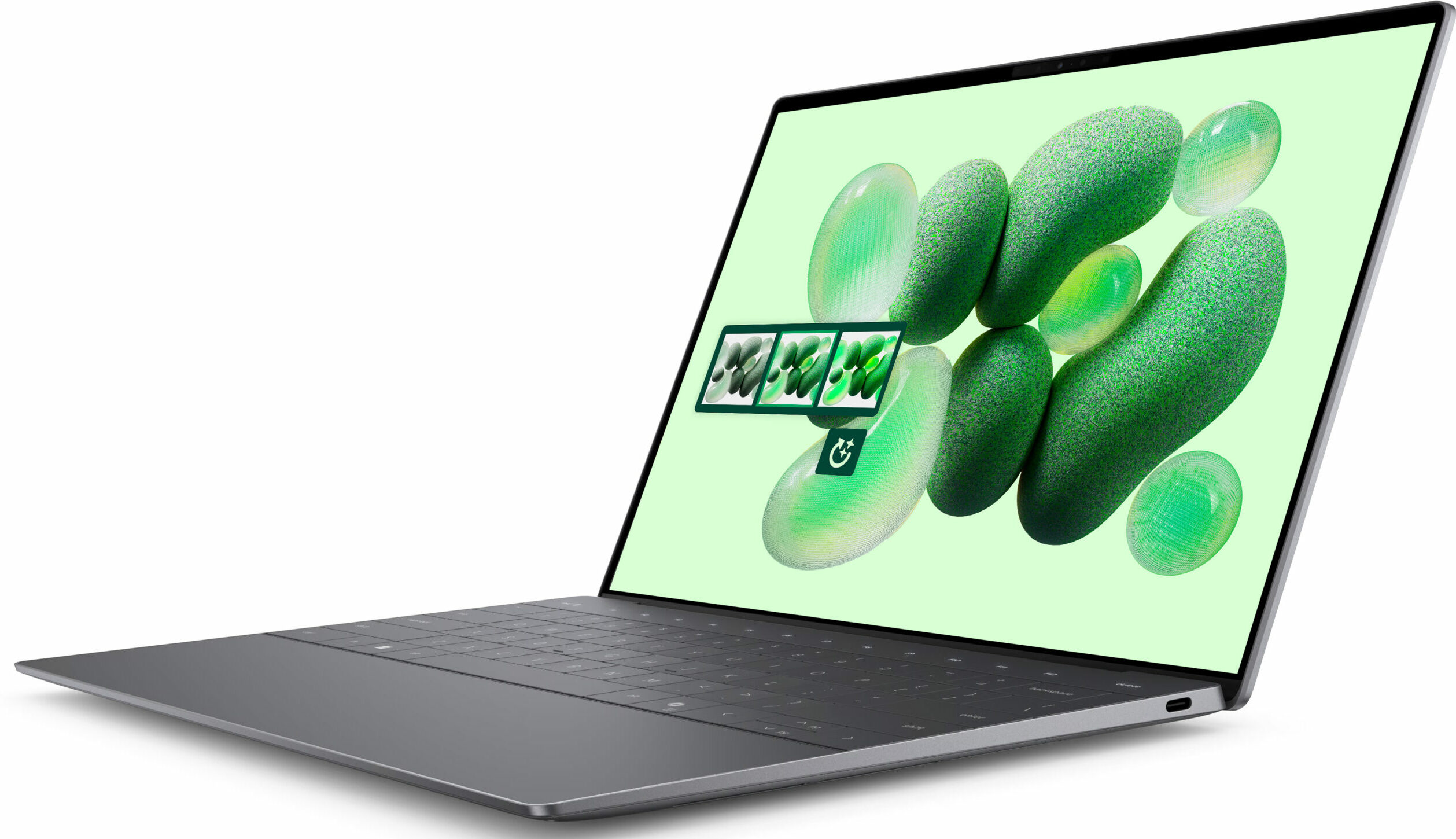
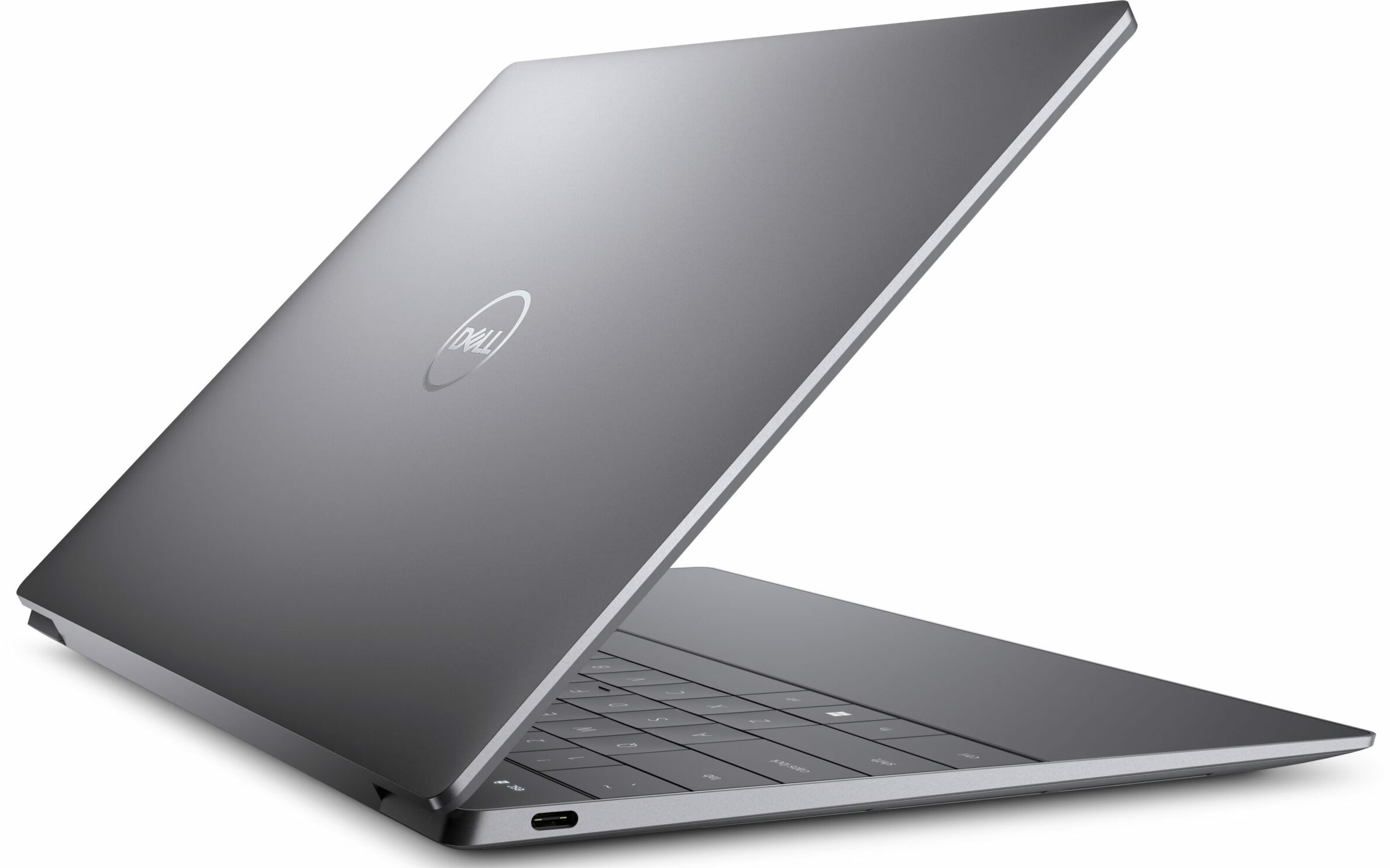
Dell XPS 13 9345
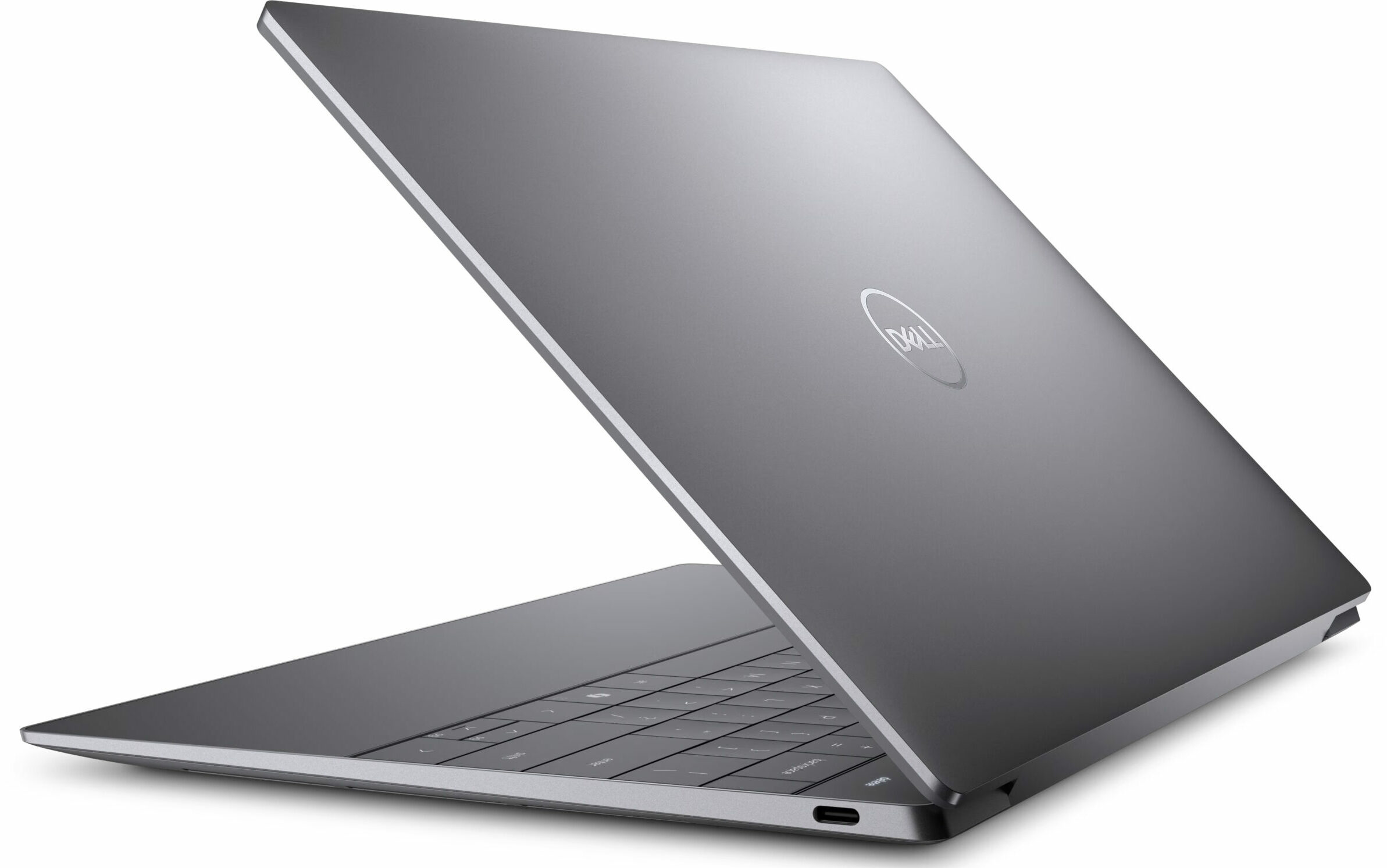
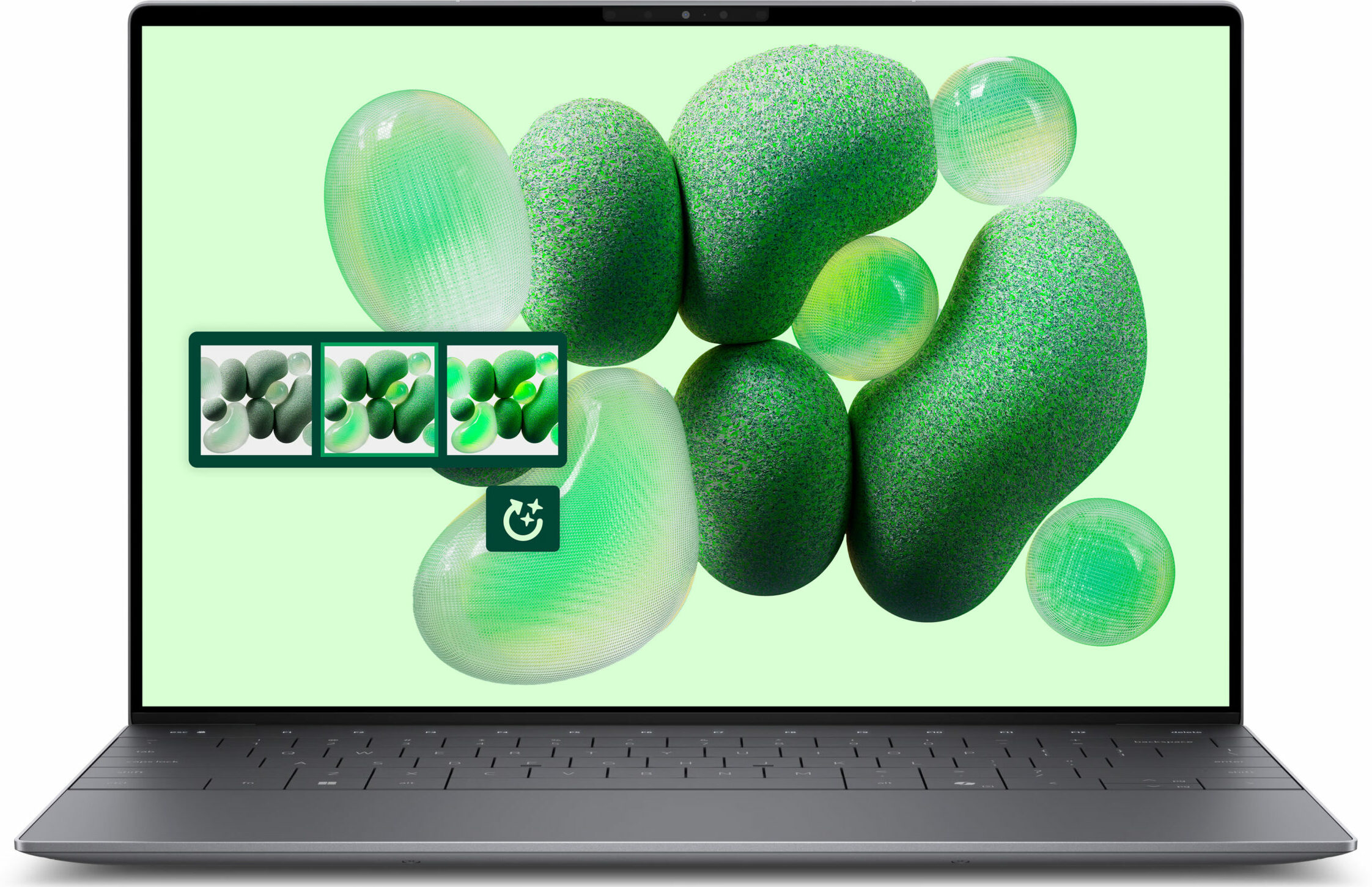
- Date Published: 02 Mar 2025
- Qualcomm Snapdragon X Elite X1E-80-100
- Qualcomm Snapdragon X Elite Adreno GPU
- 13.4”, 2.8K (2880 x 1800), OLED
- 1000GB SSD
- 16GB RAM
- 1.23 kg (2.7 lbs)
Specs
- Display
- HDD/SSD
- 1000GB SSD
- M.2 Slot
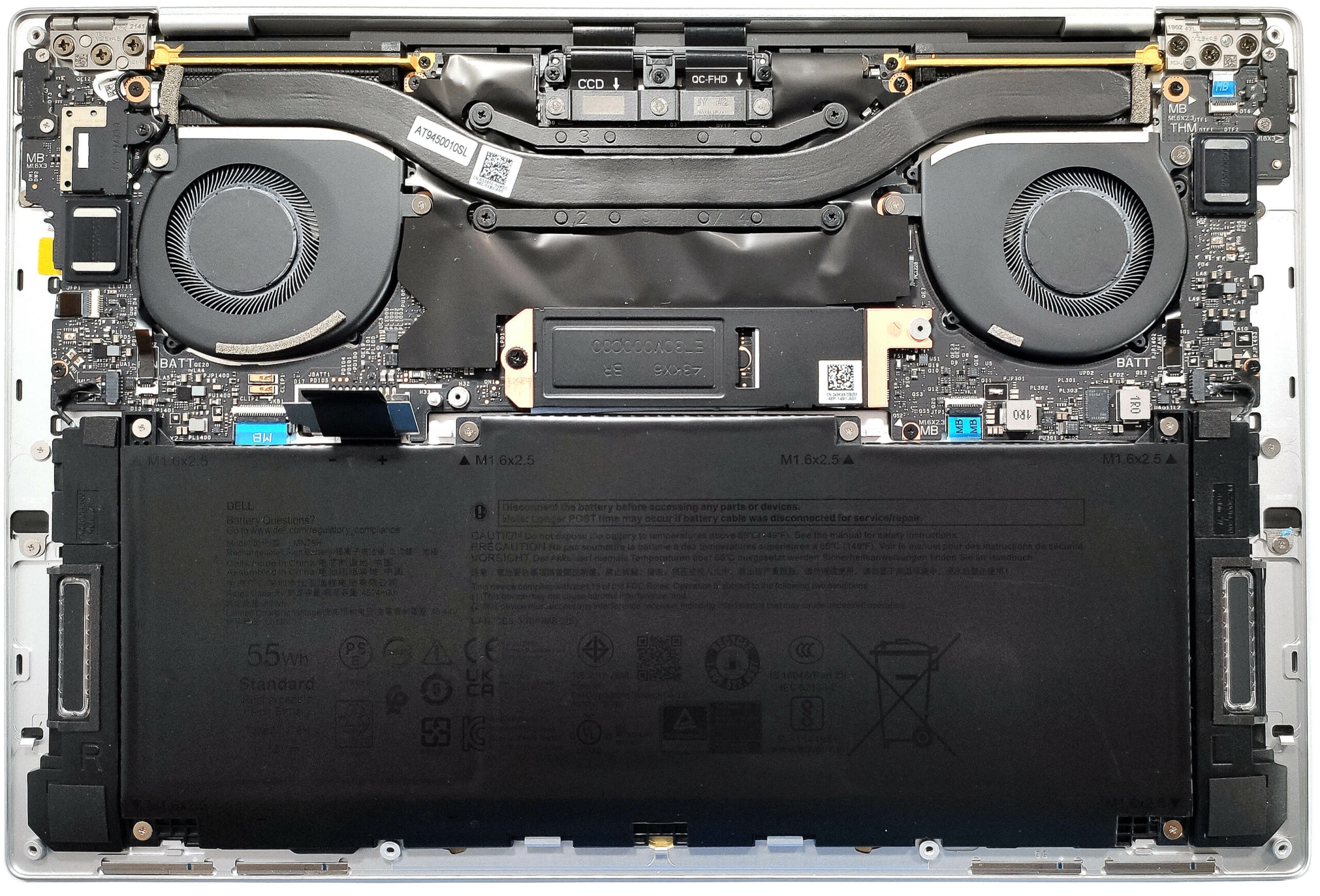
- 1x 2230 / 2280 M.2 NVMe PCIe 4.0 x4 See photo
- RAM
- 16GB RAM
- OS
- Windows 11 Home
- Body Material
- Aluminum
- Dimensions
- 295.4 x 199.1 x 15.25 - 15.95 mm (11.63" x 7.84" x 0.60")
- Weight
- 1.23 kg (2.7 lbs)
- Ports and connectivity
- 2x USB Type-C
- 4.0, Thunderbolt 4, Power Delivery (PD), DisplayPort
- Card Reader
- Ethernet LAN
- Wi-Fi
- 802.11be
- Bluetooth
- 5.4
- Audio jack
- Features
- Fingerprint reader
- Web camera
- FHD
- Backlit keyboard
- Microphone
- Dual Array Microphones
- Speakers
- 2x 2W Tweeters + 2x 2W Woofers, Qualcomm Aqstic Speaker Max technology
- Security Lock slot
Portability
Review
Dell XPS 13 9345 in-depth review
Snapdragon Copilot+ devices are appealing to users seeking powerful AI and 3D rendering capabilities. On top of that, the Dell XPS 13 9345 offers great portability and a very long battery life. We bought a bit more modest configuration with that base 1200p 120Hz IPS panel, 16GB of LPDDR5x RAM, and a 512GB 2230 SSD. This one seems powerful enough for work. Light gaming may be possible but it depends on the title. Counter-Strike 2 runs fine on Low details.In terms of display, there are two optional touchscreens, one 120Hz 1600p IPS model, and a 60Hz 2880 x 1800p OLED variant. Since this device has the same chassis as the Intel-based XPS 13 9340, you can expect a modern and yet pretty limited port selection. The connectivity is up to date - Wi-Fi 7 + Bluetooth 5.4. While the premium build[...]
Read the full review
Pros
- The fans are almost quiet during max CPU loads in "Ultra Performance" mode
- Aluminum chassis built like a tank
- Light and thin (up to 1.24 kg / 15.95 mm)
- Comfortable keyboard
- PWM-free (SHP1593)
- 95% sRGB coverage + accurate colors with our "Design and Gaming" profile (SHP1593)
- 2000:1 contrast ratio + 470 nit max brightness (SHP1593)
- 2x USB4 ports with PowerDelivery and DisplayPort capabilities
- Very long battery life (20 hours of videos)
- 1080p IR Web camera
- Fingerprint reader
- The CPU can sustain a 3.81 GHz clock in short and medium loads
- Good comfort during max stress
- Well-cooled and snappy NVMe (512GB WD PC SN740)
- Good 3D rendering performnce
- Up to 64GB of LPDDR5x memory
- Wi-Fi 7 + Bluetooth 5.4
Cons
- Soldered RAM + only one M.2 slot
- Too limited port selection + no Type-A ports
- Some apps and games don’t work at all
- The touchpad feels too sensitive which leads to a lot of accidental clicks
Disassembly, maintenance and upgrade options
Opening the Device Hint: Ensure the laptop is powered off and disconnected from any power source before starting.Undo the six Torx-head screws on the bottom of the laptop. Insert a thin plastic tool close to one of the top two edges to create a gap. Pop the top corner, the side, the front, and the other side of the back cover. Raise the front of the plate and tilt the panel to release the rear clips. If the rear clips are not released, pry the sides around the central vent on the back.More info: The inside of the bottom plate houses numerous plastic element[...]
Read more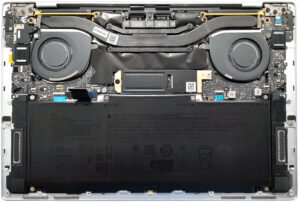


![[June 2026] Best-Selling Laptop Brands on Amazon Global – Apple’s Unrivaled Dominance in Units and Revenue](https://laptopmedia.com/wp-content/uploads/2026/07/GLOBAL-Best-Brands-400x225.jpg)
![[June 2026] Amazon Global: Top 10 Best-Selling Laptops – Apple’s New MacBook Neo Storms to #1, Reshaping the Market with Affordability](https://laptopmedia.com/wp-content/uploads/2026/07/Best-Selling-Laptops-GLOBAL-Top-10-400x225.jpg)
![[June 2026] Amazon Global: Top 10 Best-Selling Gaming Laptops – Acer’s Nitro V 16S AI Dominates Sales, While ASUS Leads Overall Revenue](https://laptopmedia.com/wp-content/uploads/2026/07/Best-Selling-Gaming-Laptops-GLOBAL-Top-10-400x225.jpg)
![[June 2026] Global Ranking of Best-Selling Laptop GPUs on Amazon – NVIDIA RTX 5060 is the Top-Selling Dedicated GPU](https://laptopmedia.com/wp-content/uploads/2026/07/Best-Selling-GPUs-GLOBAL-Top-10-400x225.jpg)
![[June 2026] Global Ranking of Best-Selling Laptop CPUs on Amazon – Apple M5 Dominates, AMD Ryzen 7 260 Gets Solid Premium Share](https://laptopmedia.com/wp-content/uploads/2026/07/Best-Selling-CPUs-GLOBAL-Top-10-400x225.jpg)