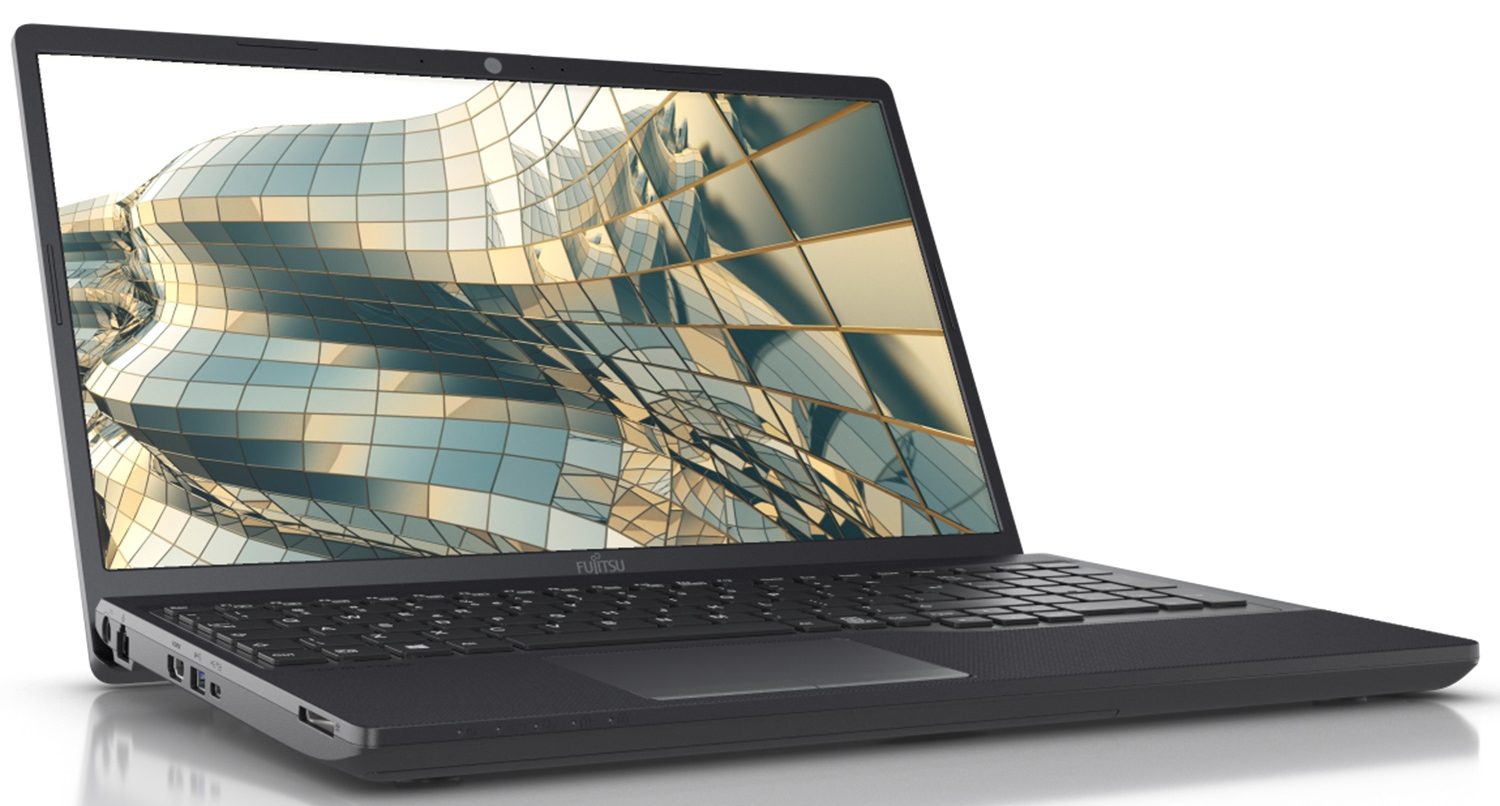
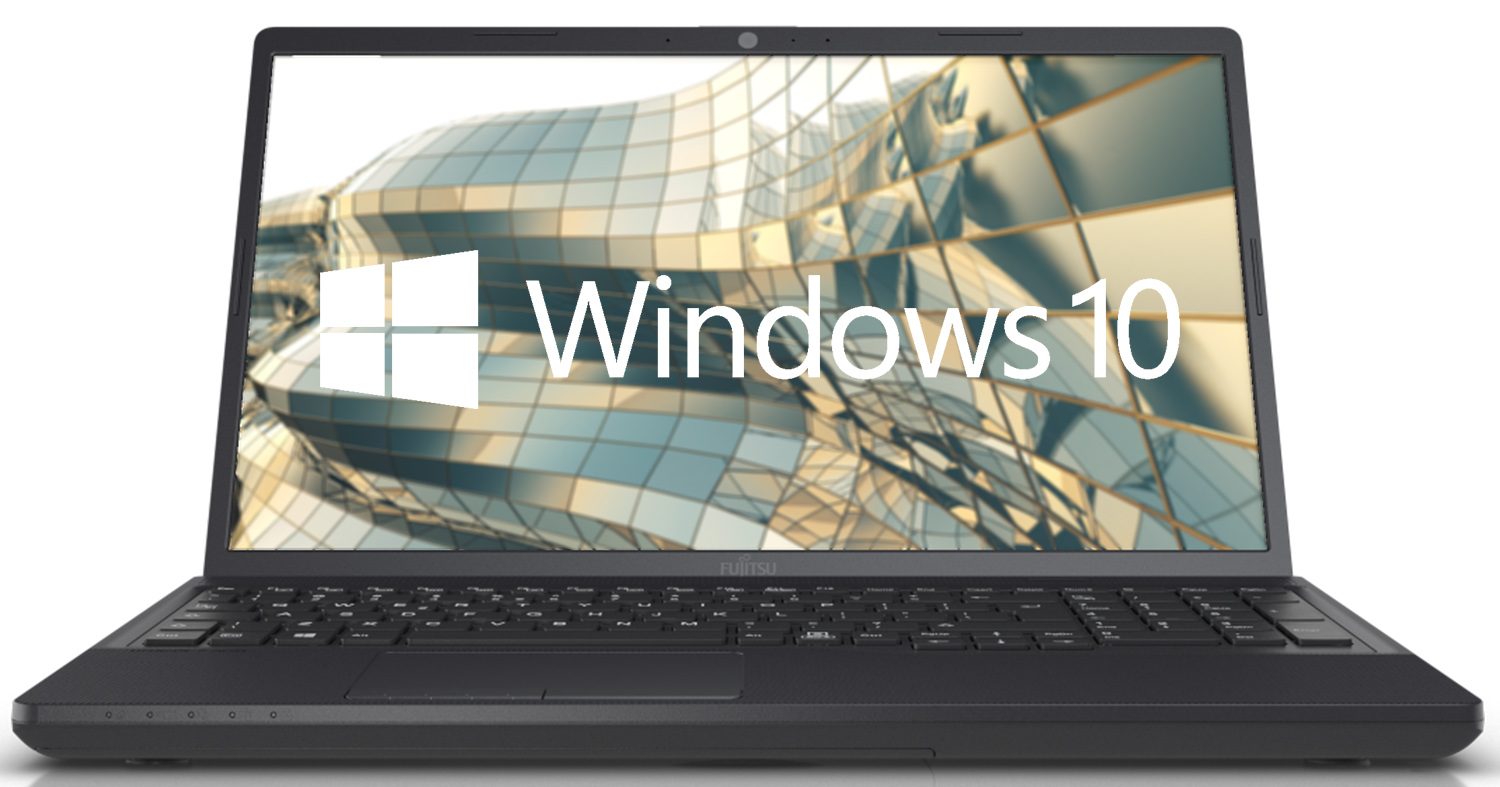
Fujitsu LifeBook A3510

- Date Published: 25 Nov 2024
- Intel Core i3-1005G1
- Intel UHD Graphics G1
- 15.6”, Full HD (1920 x 1080), IPS
- 256GB SSD
- 8GB RAM
- 1.95 kg (4.3 lbs)
Specs

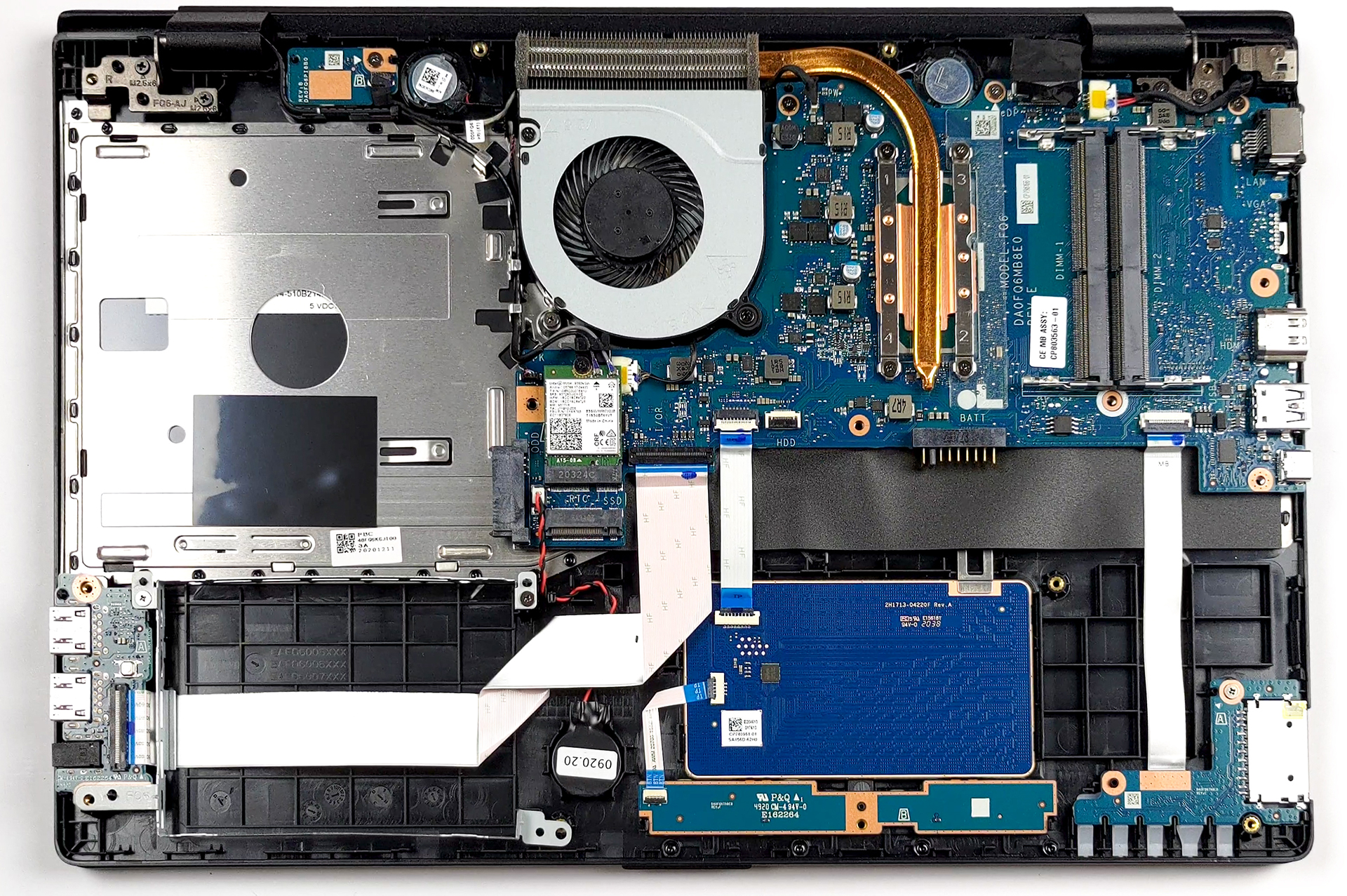
- HDD/SSD
- 256GB SSD
- M.2 Slot
- 1x M.2 NVMe slot See photo
- RAM
- 8GB RAM
- OS
- Windows 10 Pro
- Body Material
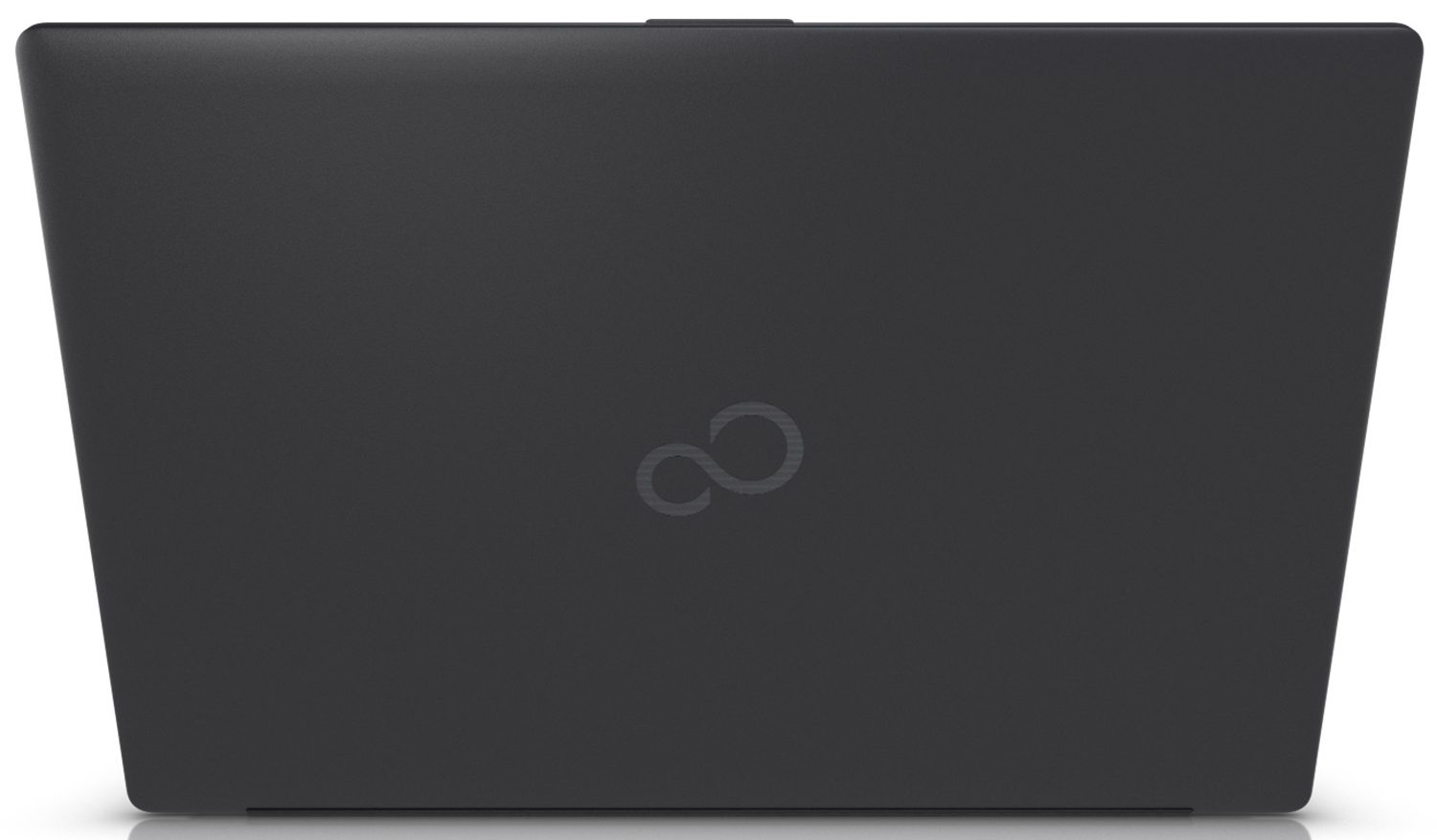
- Plastic / Polycarbonate
- Dimensions
- 361 x 244 x 23.9 mm (14.21" x 9.61" x 0.94")
- Weight
- 1.95 kg (4.3 lbs)
- Ports and connectivity
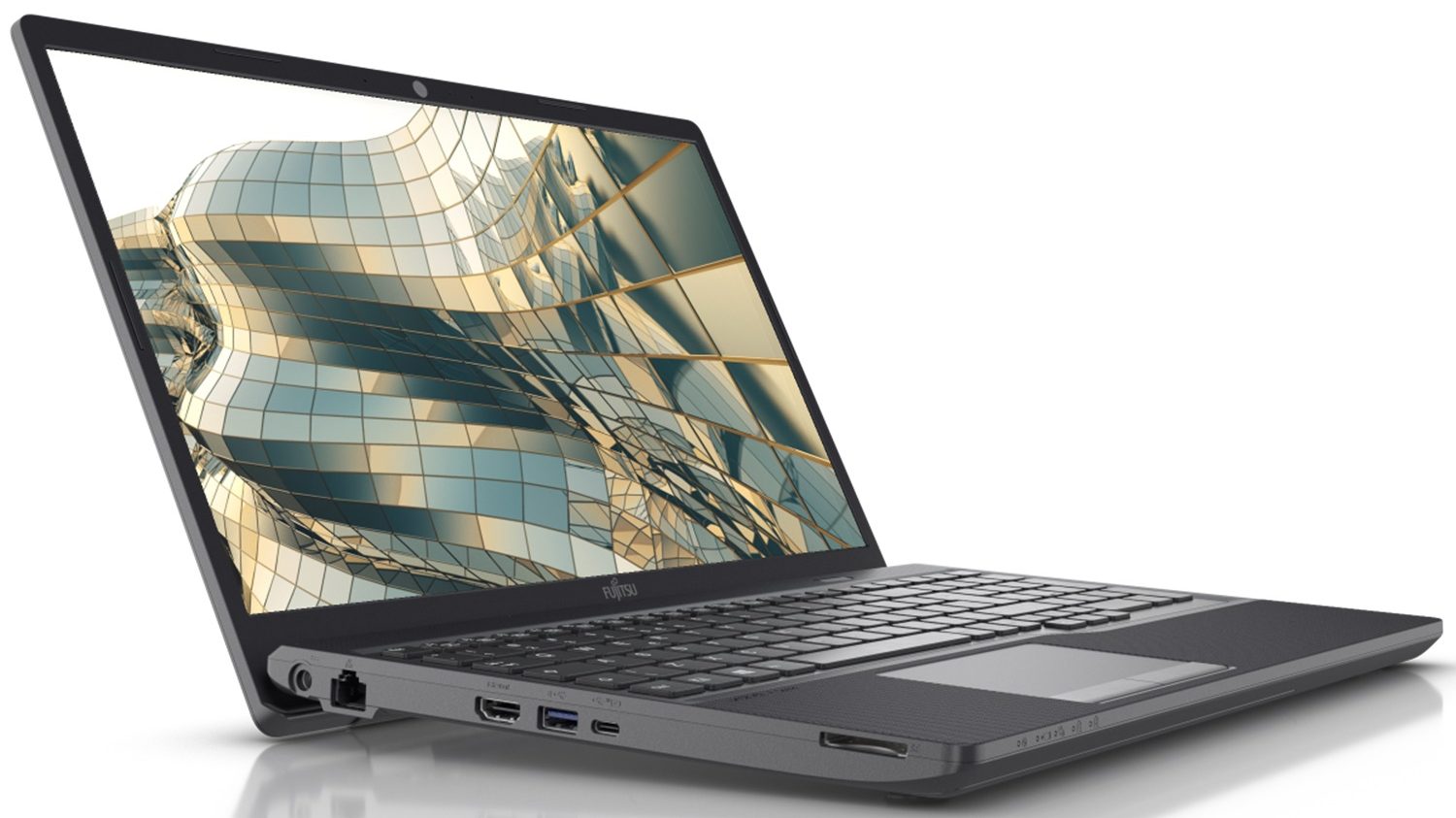
- 2x USB Type-A
- 3.2 Gen 1 (5 Gbps)
- 1x USB Type-A
- 3.2 Gen 1 (5 Gbps), Sleep and Charge
- 1x USB Type-C
- 3.2 Gen 1 (5 Gbps)
- HDMI
- 1.4a
- Card Reader
- SD
- Ethernet LAN
- 10, 100, 1000 Mbit/s
- Wi-Fi
- 802.11ac
- Bluetooth
- 5.0
- Audio jack
- 3.5mm Combo Jack
- Features
- Fingerprint reader
- Web camera
- HD
- Backlit keyboard
- Microphone
- Digital Microphone
- Speakers
- 2x Stereo Speakers
- Security Lock slot
- Kensington Lock
Portability
Review
Fujitsu LifeBook A3510 in-depth review
You know, business-related products are more often more expensive in what they offer, compared to their non-business alternatives. However, this is definitely not the case with the Fujitsu LifeBook A3510.Naturally, the manufacturer has done everything in its power to cut corners and reduce the cost of this device. And although they kept a lot of things old school, visually, the laptop still looks at place in 2021. They have even implemented the lid leverage system so that you get better airflow.On the other hand, we have to keep in mind that the LifeBook A3510 uses dated hardware. We are talking about 10th Gen Ice Lake processors from Intel, like the Core i3-1005G1, and the Core i5-1035G1. They don't even use the Iris Plus iGPUs, which is a bummer, given the fact that you don't ge[...]
Read the full review
Pros
- Service lid for easy upgrades
- Affordable
- Has an SD card reader and optical drive reader
- Cool under load
- No PWM (LP156WFH-SPD1 (LGD0680))
- Has comfortable viewing angles and good contrast ratio (LP156WFH-SPD1 (LGD0680))
Cons
- Covers only 51% of sRGB (LP156WFH-SPD1 (LGD0680))
- Questionable build quality
- Old hardware
Disassembly, maintenance and upgrade options
This is one of the few old-school notebooks left on the market. It has a service lid for extremely easy upgrades of some core components.Check out all Fujitsu LifeBook A3510 prices and configurations in our Specs System or read more in our In-Depth review.1. Remove the service lid We are glad to see that Fujitsu thinks about its users. They are one of the few manufacturers to have left the service lid intact. In this case, you need to undo one Phillips-head screw to be able to pop it open.2. Battery There, you will find the 45Wh battery pack, which is held in place by a l[...]
Read more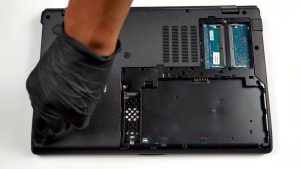


![[June 2026] Best-Selling Laptop Brands on Amazon Global – Apple’s Unrivaled Dominance in Units and Revenue](https://laptopmedia.com/wp-content/uploads/2026/07/GLOBAL-Best-Brands-400x225.jpg)
![[June 2026] Amazon Global: Top 10 Best-Selling Laptops – Apple’s New MacBook Neo Storms to #1, Reshaping the Market with Affordability](https://laptopmedia.com/wp-content/uploads/2026/07/Best-Selling-Laptops-GLOBAL-Top-10-400x225.jpg)
![[June 2026] Amazon Global: Top 10 Best-Selling Gaming Laptops – Acer’s Nitro V 16S AI Dominates Sales, While ASUS Leads Overall Revenue](https://laptopmedia.com/wp-content/uploads/2026/07/Best-Selling-Gaming-Laptops-GLOBAL-Top-10-400x225.jpg)
![[June 2026] Global Ranking of Best-Selling Laptop GPUs on Amazon – NVIDIA RTX 5060 is the Top-Selling Dedicated GPU](https://laptopmedia.com/wp-content/uploads/2026/07/Best-Selling-GPUs-GLOBAL-Top-10-400x225.jpg)
![[June 2026] Global Ranking of Best-Selling Laptop CPUs on Amazon – Apple M5 Dominates, AMD Ryzen 7 260 Gets Solid Premium Share](https://laptopmedia.com/wp-content/uploads/2026/07/Best-Selling-CPUs-GLOBAL-Top-10-400x225.jpg)