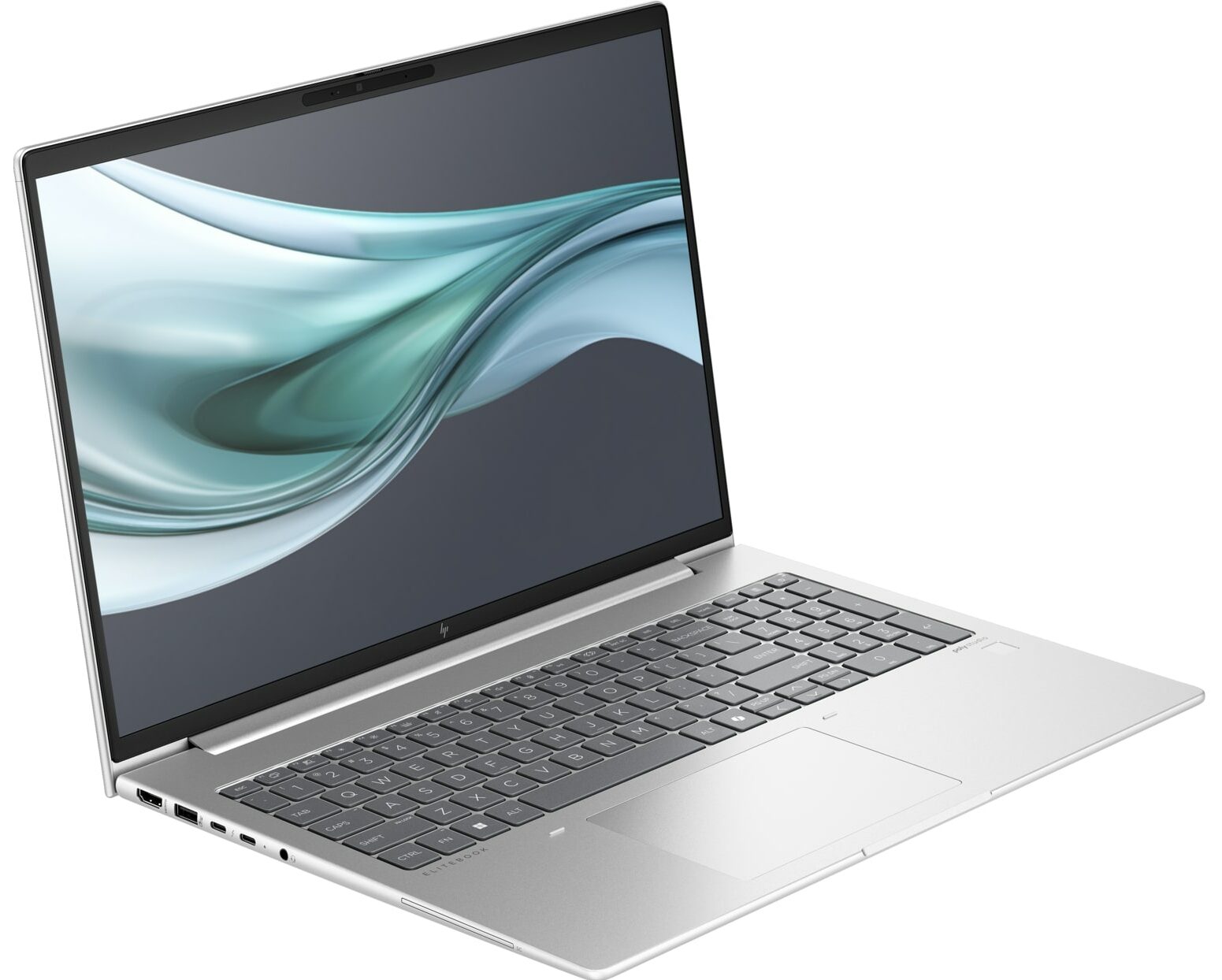
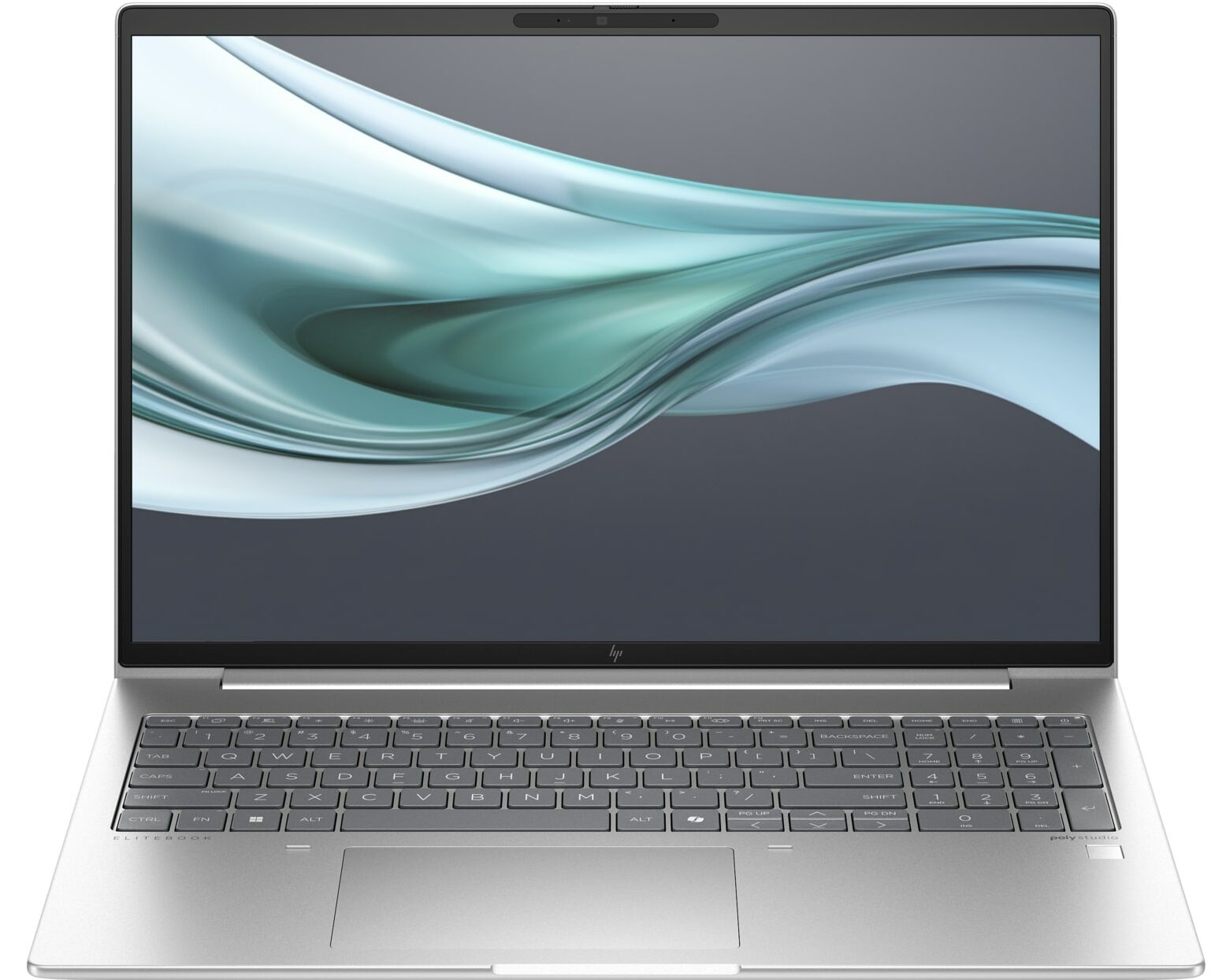
HP EliteBook 660 G11
- Date Published: 06 May 2025
- Intel Core Ultra 7 155U
- Intel Graphics (4-Cores)
- 16.0”, WUXGA (1920 x 1200), IPS
- 2000GB SSD
- 32GB RAM
- 1.75 kg (3.9 lbs)
Specs
- Display

- HDD/SSD
- 2000GB SSD
- M.2 Slot
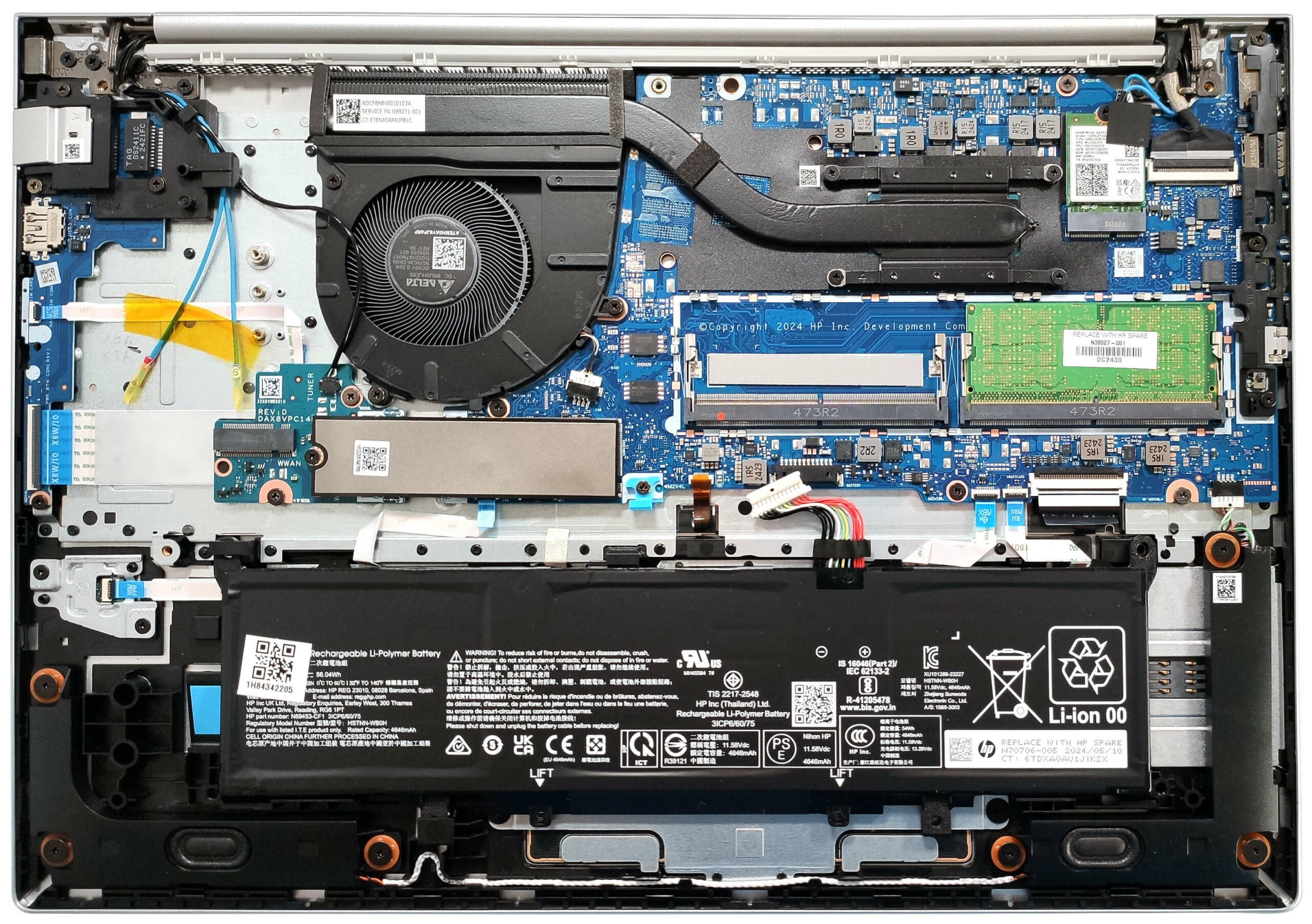
- 1x 2280 M.2 NVMe PCIe 4.0 x4 See photo
- RAM
- 32GB RAM
- OS
- Windows 11 Pro
- Body Material
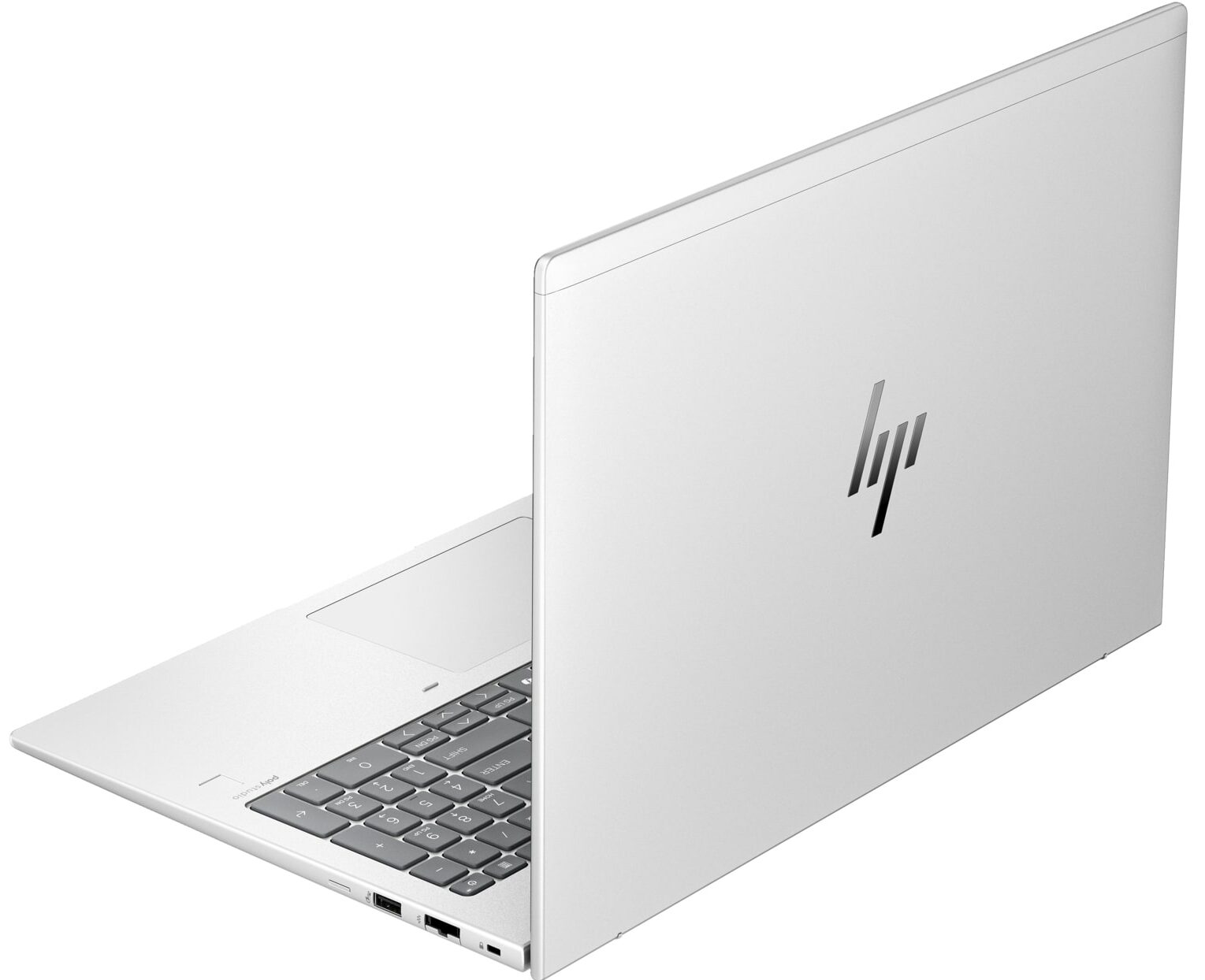
- Aluminum
- Dimensions
- 359.15 x 250.95 x 10.9 - 17 mm (14.14" x 9.88" x 0.43")
- Weight
- 1.75 kg (3.9 lbs)
- Ports and connectivity
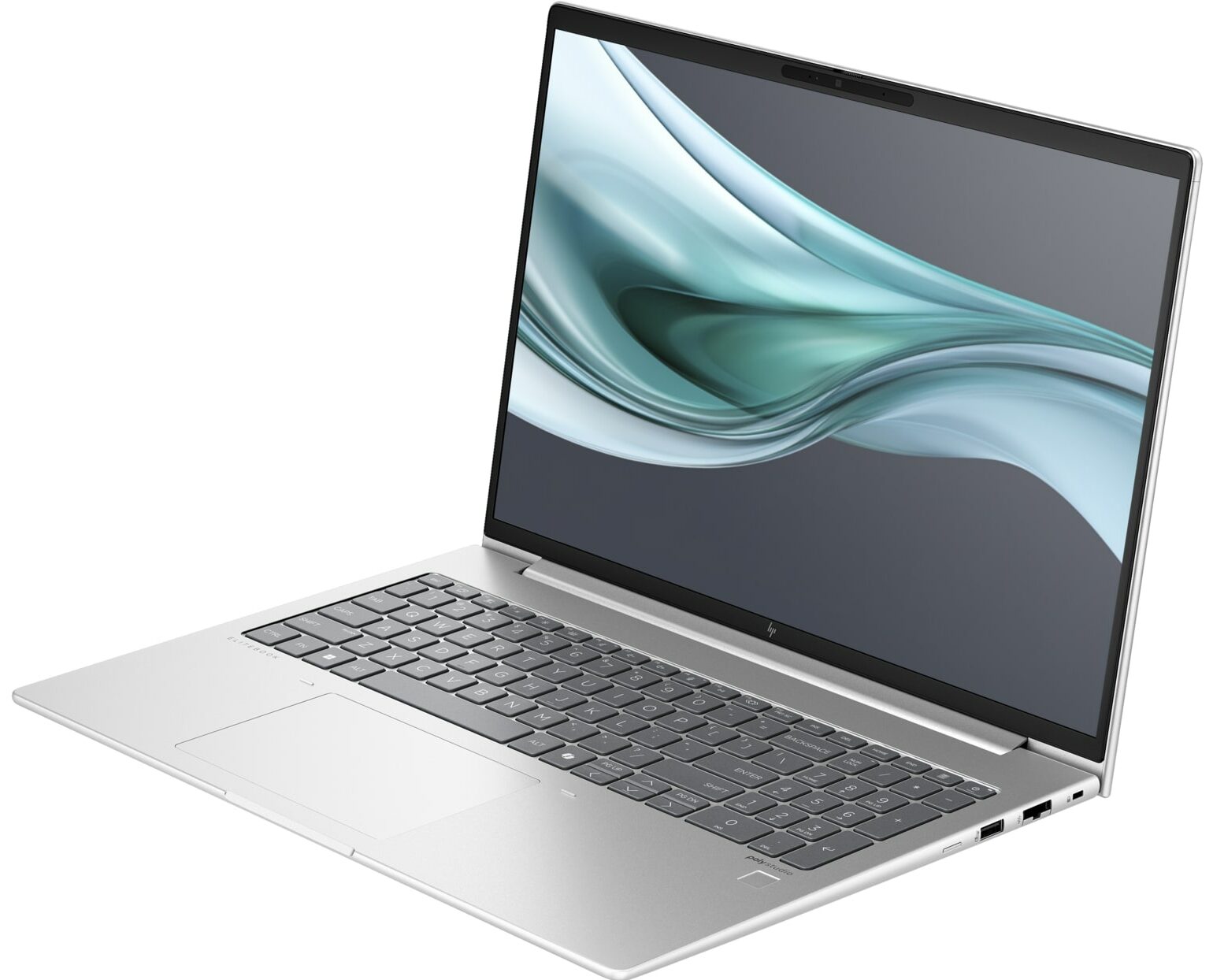
- 1x USB Type-A
- 3.2 Gen 1 (5 Gbps), Power Delivery (PD), Sleep and Charge
- 1x USB Type-A
- 3.2 Gen 1 (5 Gbps), Power Delivery (PD), Sleep and Charge
- 2x USB Type-C
- 4.0, Thunderbolt 4, Power Delivery (PD), DisplayPort
- HDMI
- 2.1
- Card Reader
- Ethernet LAN
- 10, 100, 1000 Mbit/s
- Wi-Fi
- Wi-Fi 6E
- Bluetooth
- 5.3
- Audio jack
- 3.5mm Combo Jack
- Features
- Fingerprint reader
- Web camera
- FHD
- Backlit keyboard
- Microphone
- Dual Microphone Array
- Speakers
- 2x Stereo Speakers with discrete amps, Audio by Poly Studio
- Security Lock slot
- Gifts
- Dockztorm Portable USB Hub
Portability
Review
HP EliteBook 660 G11 in-depth review
The more feature-rich HP EliteBook devices are positioned higher in the manufacturer hierarchy compared to the ProBook siblings. The EliteBook 660 G11 is a thin business machine that is also powerful, especially if you pick one with a 28W Meteor Lake-H CPU. In our case, we bought a laptop with a 15W Core Ultra 7 155U which is more battery-friendly and still packs enough processor cores for normal business work.All four display options are 1200p units including the touchscreen one. HP claims 100% sRGB coverage (we can't confirm that) for two of the panels so check that before configuring your notebook. One of the screens is tied with the Sure View Reflect tech that can be activated with the touch of a button. When turned on, the information on the panel becomes unreadable when viewed fr[...]
Read the full review
Pros
- Uninstrusive modern design
- Nice comfort during full loads
- Compact for a 16-incher (1.75 kg / 10.9 - 17 mm)
- Good overall performance for normal office work
- Wide viewing angles and a high max brightness of 333 nits (CMN1638)
- PWM-free panel (CMN1638)
- Comfortable keyboard with optional backlight
- 2x Type-A + 2x Type-C ports
- The fan is almost quiet even in "Performance" mode
- Long battery battery life (~ 11 hours of videos)
- Web camera with a privacy shutter
- Well-cooled NVMe (Micron 2400)
- Lid with a lever design
- Solid base
- Optional fingerprint reader, NFC, IR Web camera, Smart Card reader, and 4G connectivity
- Good sound quality
- The Core Ultra 7 155U can maintain a 2.68 GHz / 2.35 GHz P and E-core clock in long heavy loads
- 2x SODIMMs + replaceable Wi-Fi 6E card
Cons
- Our device has a QLC SSD
- Just one M.2 slot
- Average touchpad
- You can't open the lid with one hand
Disassembly, maintenance and upgrade options
Hint: Ensure the laptop is powered off and disconnected from any power source before starting.Undo the five captive Phillips-head screws on the bottom of the laptop. Pry the back panel near the top two edges using a lever tool. Raise the plate around the upper central screw. Once the rear is fully popped, carefully work your way around the sides and the front to remove the back cover.More info: The bottom plate provides access to all internal components, including the battery, memory, storage, and WWAN slot for optional 4G LTE connectivity.Battery Removal [...]
Read more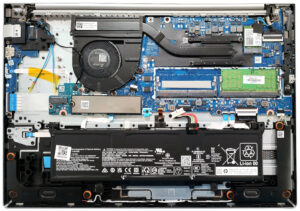


![[June 2026] Best-Selling Laptop Brands on Amazon Global – Apple’s Unrivaled Dominance in Units and Revenue](https://laptopmedia.com/wp-content/uploads/2026/07/GLOBAL-Best-Brands-400x225.jpg)
![[June 2026] Amazon Global: Top 10 Best-Selling Laptops – Apple’s New MacBook Neo Storms to #1, Reshaping the Market with Affordability](https://laptopmedia.com/wp-content/uploads/2026/07/Best-Selling-Laptops-GLOBAL-Top-10-400x225.jpg)
![[June 2026] Amazon Global: Top 10 Best-Selling Gaming Laptops – Acer’s Nitro V 16S AI Dominates Sales, While ASUS Leads Overall Revenue](https://laptopmedia.com/wp-content/uploads/2026/07/Best-Selling-Gaming-Laptops-GLOBAL-Top-10-400x225.jpg)
![[June 2026] Global Ranking of Best-Selling Laptop GPUs on Amazon – NVIDIA RTX 5060 is the Top-Selling Dedicated GPU](https://laptopmedia.com/wp-content/uploads/2026/07/Best-Selling-GPUs-GLOBAL-Top-10-400x225.jpg)
![[June 2026] Global Ranking of Best-Selling Laptop CPUs on Amazon – Apple M5 Dominates, AMD Ryzen 7 260 Gets Solid Premium Share](https://laptopmedia.com/wp-content/uploads/2026/07/Best-Selling-CPUs-GLOBAL-Top-10-400x225.jpg)