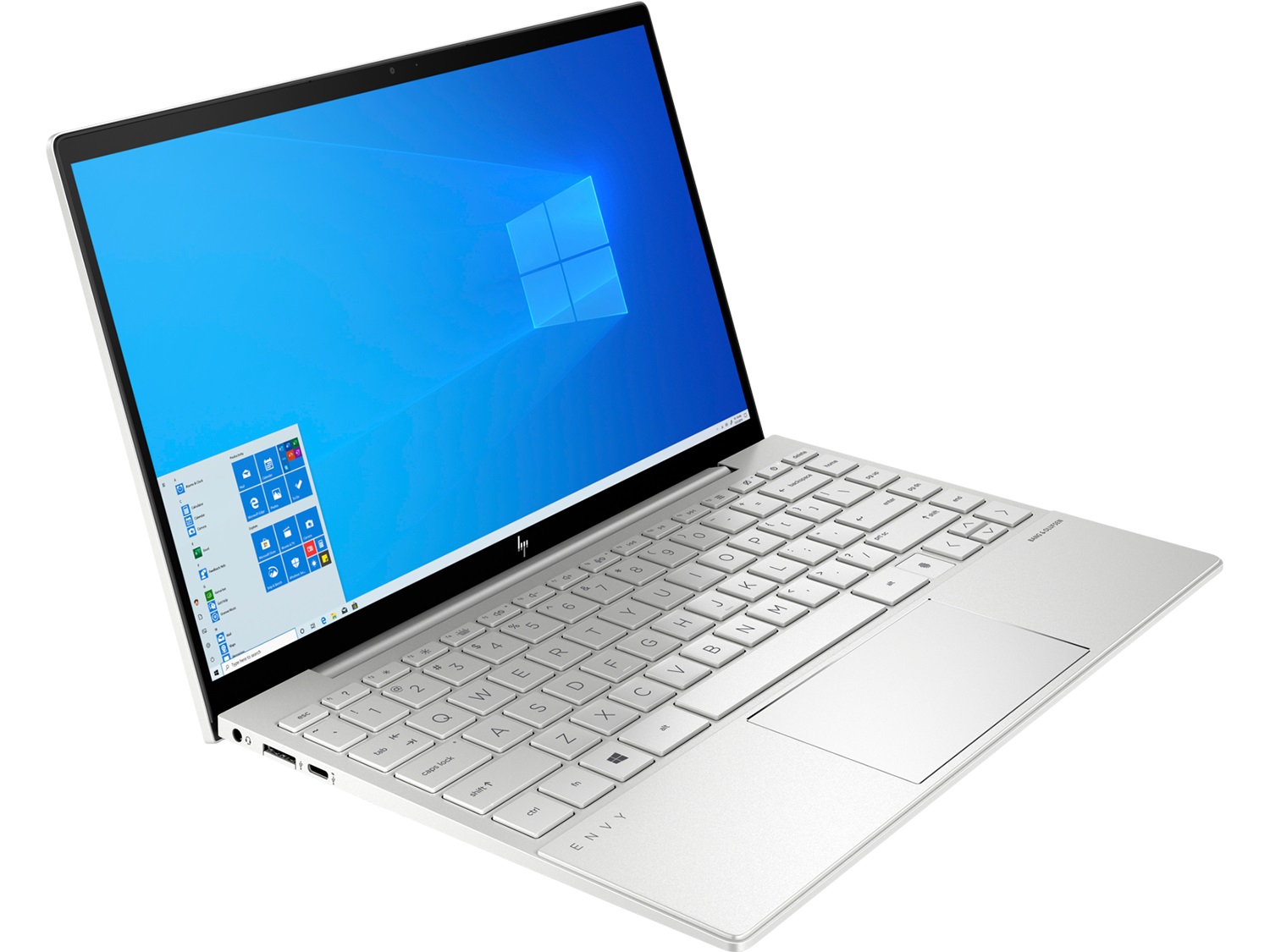
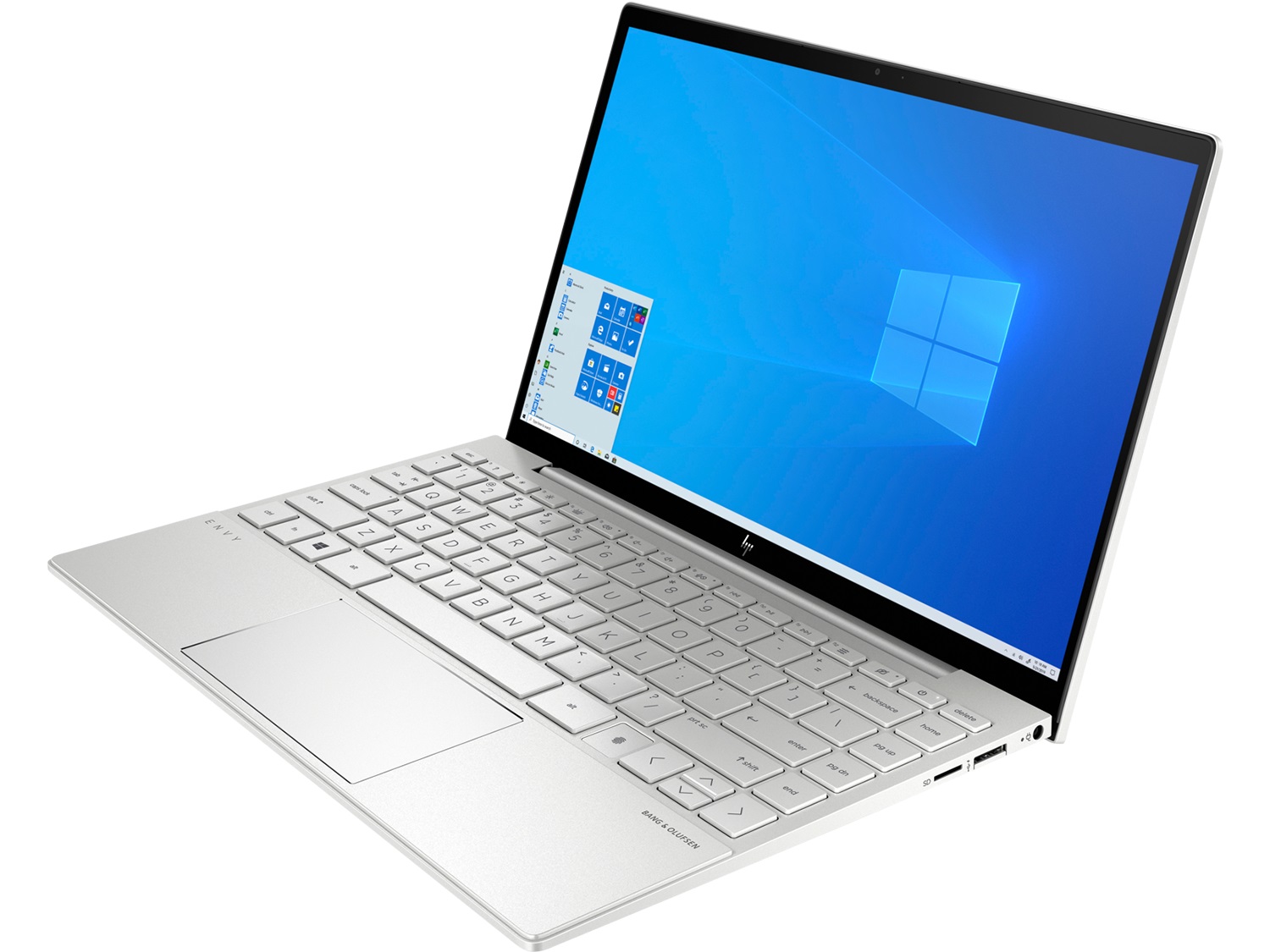
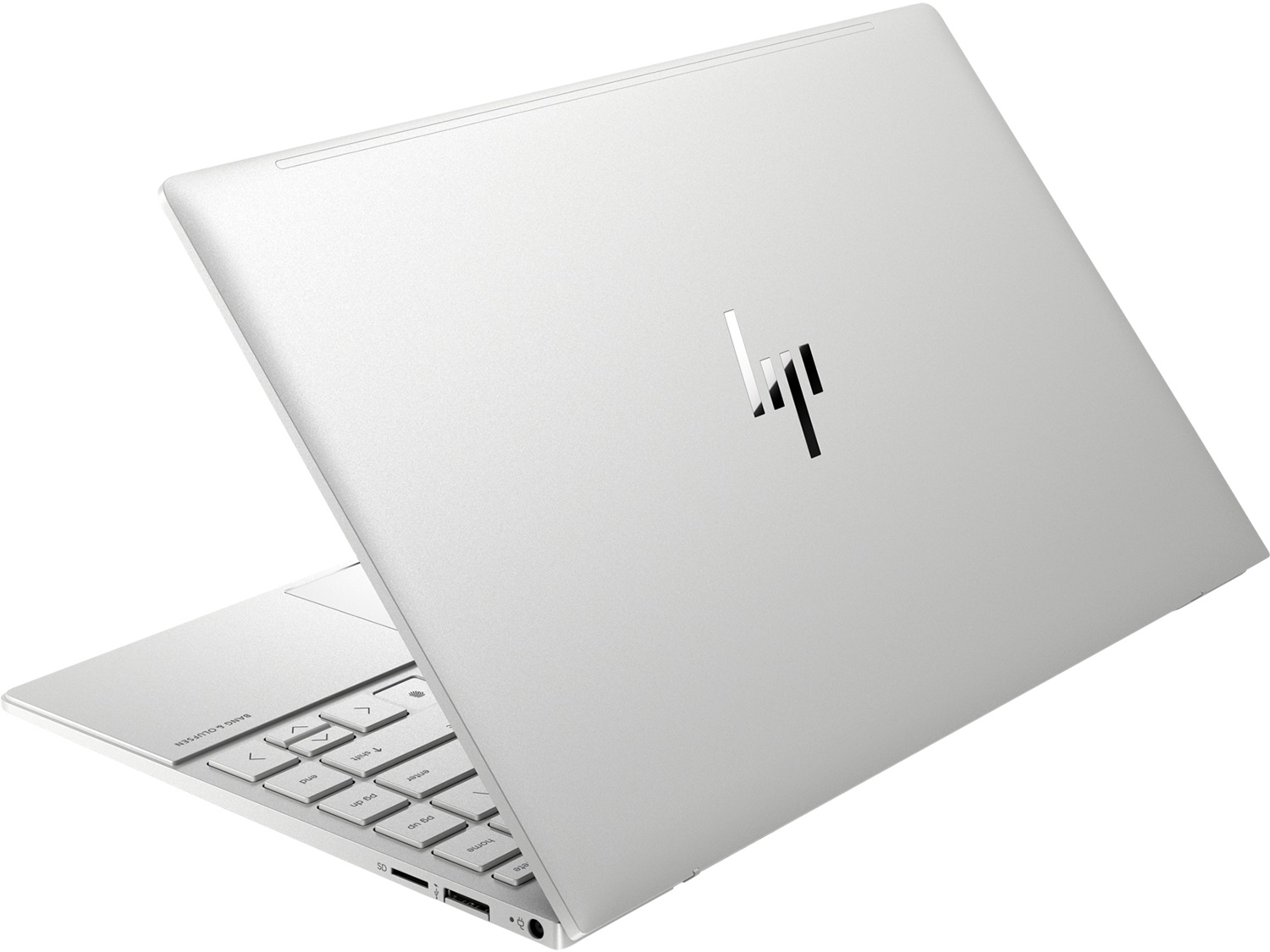
HP ENVY 13 (13-ba0004nu)


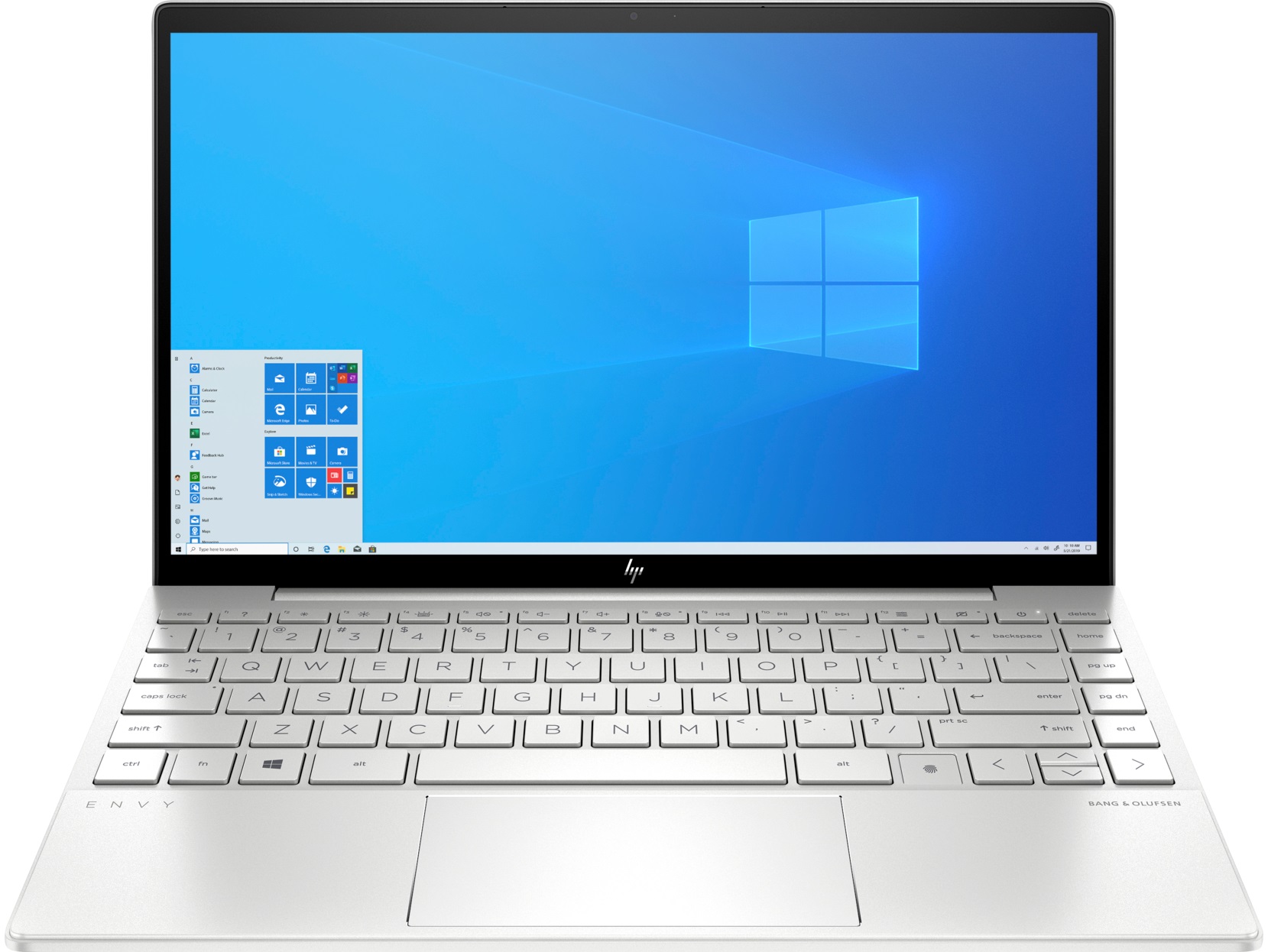
- Date Published: 31 Jul 2020
- Intel Core i7-10510U
- NVIDIA GeForce MX350 (10W)
- 13.3”, Full HD (1920 x 1080), IPS
- 1000GB SSD
- 16GB (1x 16384MB) - LPDDR4, 2666MHz
- 1.31 kg (2.9 lbs)
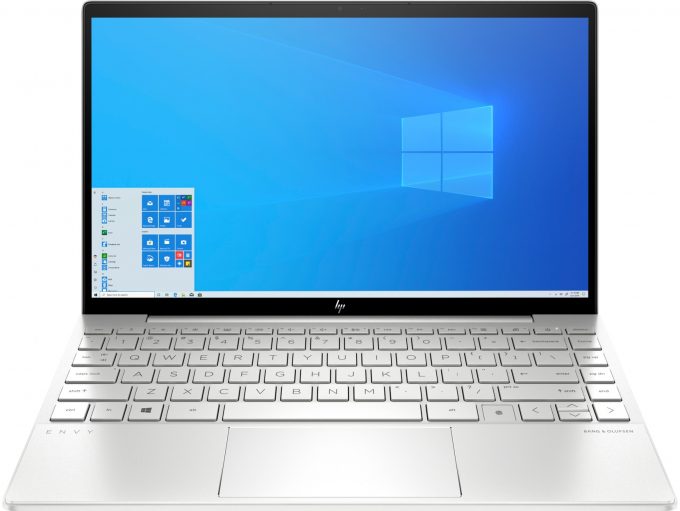
Specs

- HDD/SSD
- 1TB SSD
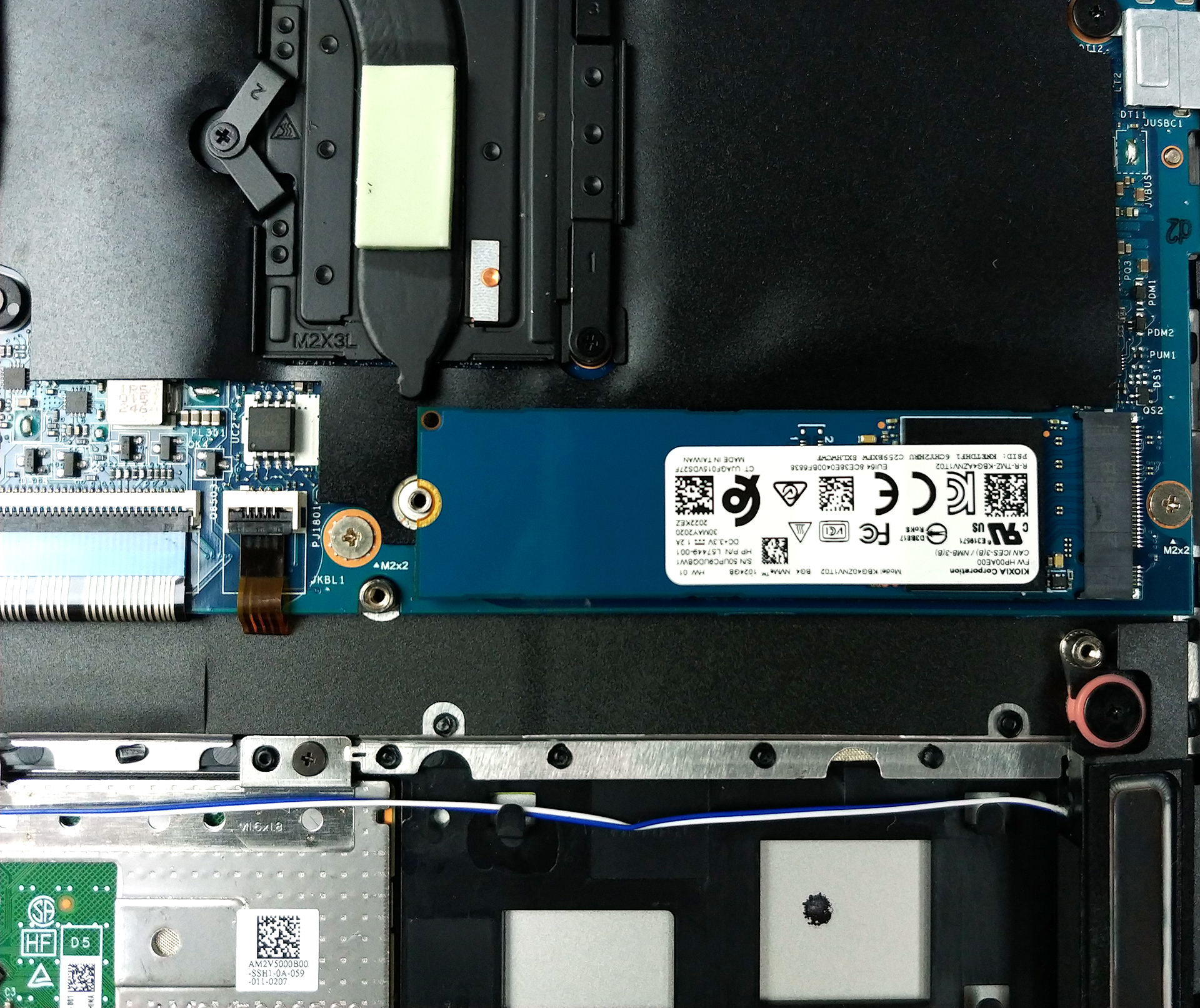
- M.2 Slot
- 1x 2280 PCIe NVMe 3.0 x4 See photo
- RAM
- 16GB (1x 16384MB) - LPDDR4, 2666MHz
- OS
- Windows 10 Home
- Body Material
- Aluminum
- Dimensions
- 306.5 x 194.5 x 17 mm (12.07" x 7.66" x 0.67")
- Weight
- 1.31 kg (2.9 lbs)
- Ports and connectivity
- 1x USB Type-A
- 1x USB Type-A
- Sleep and Charge
- 1x USB Type-C
- Power Delivery (PD), DisplayPort, Sleep and Charge
- Card Reader
- Multi Format SD
- Wi-Fi
- 802.11ax
- Bluetooth
- 5.0
- Audio jack
- 3.5 mm combo
- Features
- Fingerprint reader
- Web camera
- HD
- Backlit keyboard
- Microphone
- Integrated Dual Array Microphone
- Speakers
- 2 Speakers with Bang & Olufsen
- Optical drive
- Security Lock slot
Portability
Review
HP ENVY 13 (13-ba0004nu) in-depth review
Today, we have an uncharacteristically premium notebook to review. It is the Envy 13 (13-ba0000), and in the configuration we got it, it has a Comet Lake-U Intel, the NVIDIA GeForce MX350, as well as a very interesting display.Actually, we're going to spoil it for a second, by saying that this notebook has the exact same 1080p IPS panel as the HP Spectre x360 13 (13-aw0000). Ultimately, this means that it has extremely high maximum brightness, that is needed to incorporate one particular feature - Sure View. The aim of that technology is to prevent unwanted eyes from peeking at your display and seeing your sensible data.One would say, why would you need that on an IPS display, when you can just get a TN panel and live your life. Well, the TN panels naturally have a worse color rep[...]
Read the full review
Pros
- Sure View privacy system
- PCIe x4 support and a MicroSD card reader
- Has a great contrast ratio and a maximum brightness of 1000 nits (IVO M133NVFD R2)
- Great for designers with 99% of sRGB coverage and accurate color representation (thanks to our Gaming and Web design profile) (IVO M133NVFD R2)
- Very fast fingerprint reader
Cons
- RAM is soldered to the motherboard
- Uses aggressive PWM up to the maximum level of brightness (our Health-Guard profile fixes that) (IVO M133NVFD R2)
- Underperforming hardware
- Weird power button location
Disassembly, maintenance and upgrade options
What seemed like a potent machine, proved to be an underwhelming cooling disaster.Check out all HP Envy 13 (13-ba0000) prices and configurations in our Specs System or read more in our In-Depth review.1. Remove the bottom plate While HP has once again tried to fool you by hiding two of its screws, it is good to see that there are only four keeping the bottom panel in place. Two of them have Torx heads, while the other two are of a Phillips type. After you undo them, pry the panel with a plastic tool, and you're done.2. Battery In terms of power away from the plug, there i[...]
Read more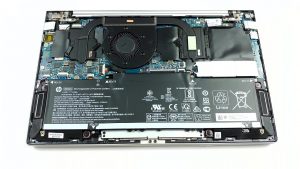


![[June 2026] Best-Selling Laptop Brands on Amazon Global – Apple’s Unrivaled Dominance in Units and Revenue](https://laptopmedia.com/wp-content/uploads/2026/07/GLOBAL-Best-Brands-400x225.jpg)
![[June 2026] Amazon Global: Top 10 Best-Selling Laptops – Apple’s New MacBook Neo Storms to #1, Reshaping the Market with Affordability](https://laptopmedia.com/wp-content/uploads/2026/07/Best-Selling-Laptops-GLOBAL-Top-10-400x225.jpg)
![[June 2026] Amazon Global: Top 10 Best-Selling Gaming Laptops – Acer’s Nitro V 16S AI Dominates Sales, While ASUS Leads Overall Revenue](https://laptopmedia.com/wp-content/uploads/2026/07/Best-Selling-Gaming-Laptops-GLOBAL-Top-10-400x225.jpg)
![[June 2026] Global Ranking of Best-Selling Laptop GPUs on Amazon – NVIDIA RTX 5060 is the Top-Selling Dedicated GPU](https://laptopmedia.com/wp-content/uploads/2026/07/Best-Selling-GPUs-GLOBAL-Top-10-400x225.jpg)
![[June 2026] Global Ranking of Best-Selling Laptop CPUs on Amazon – Apple M5 Dominates, AMD Ryzen 7 260 Gets Solid Premium Share](https://laptopmedia.com/wp-content/uploads/2026/07/Best-Selling-CPUs-GLOBAL-Top-10-400x225.jpg)