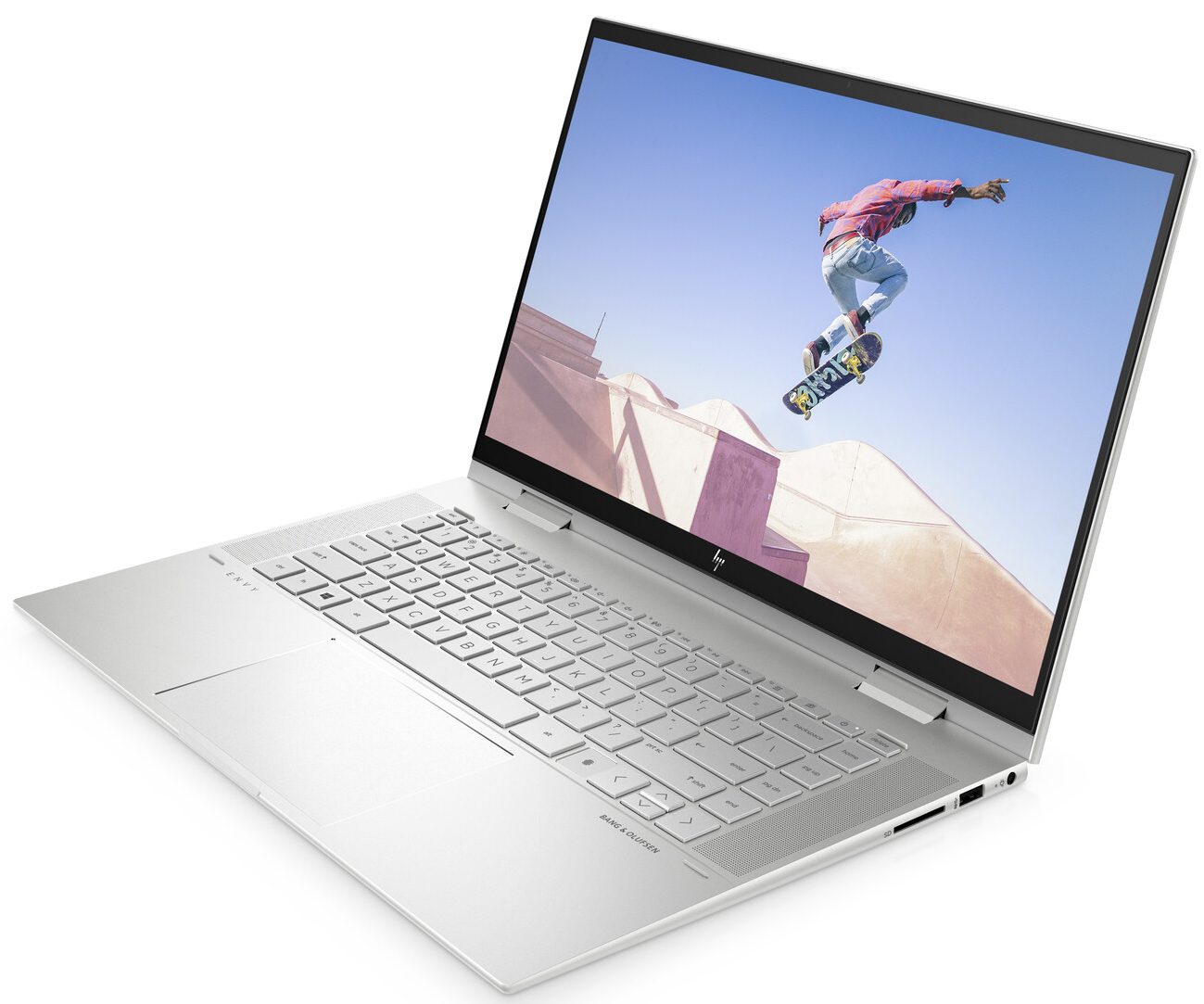
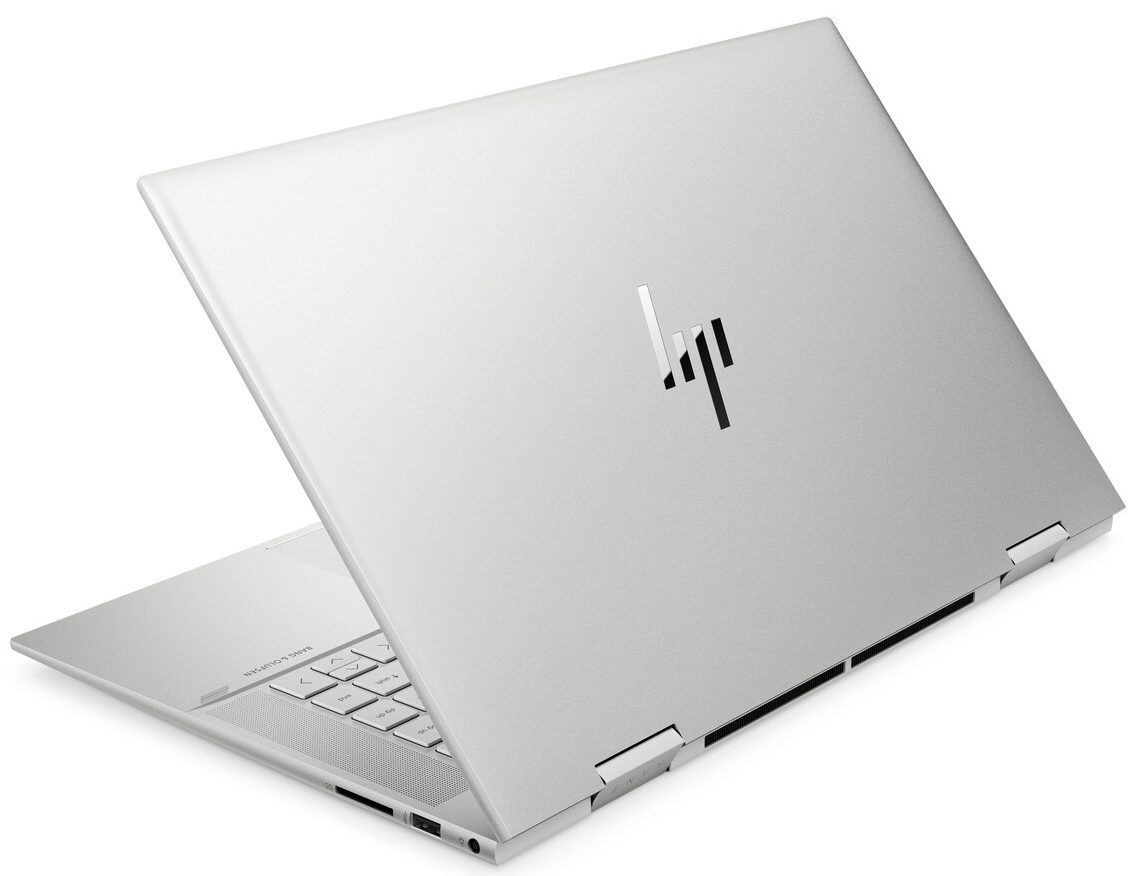
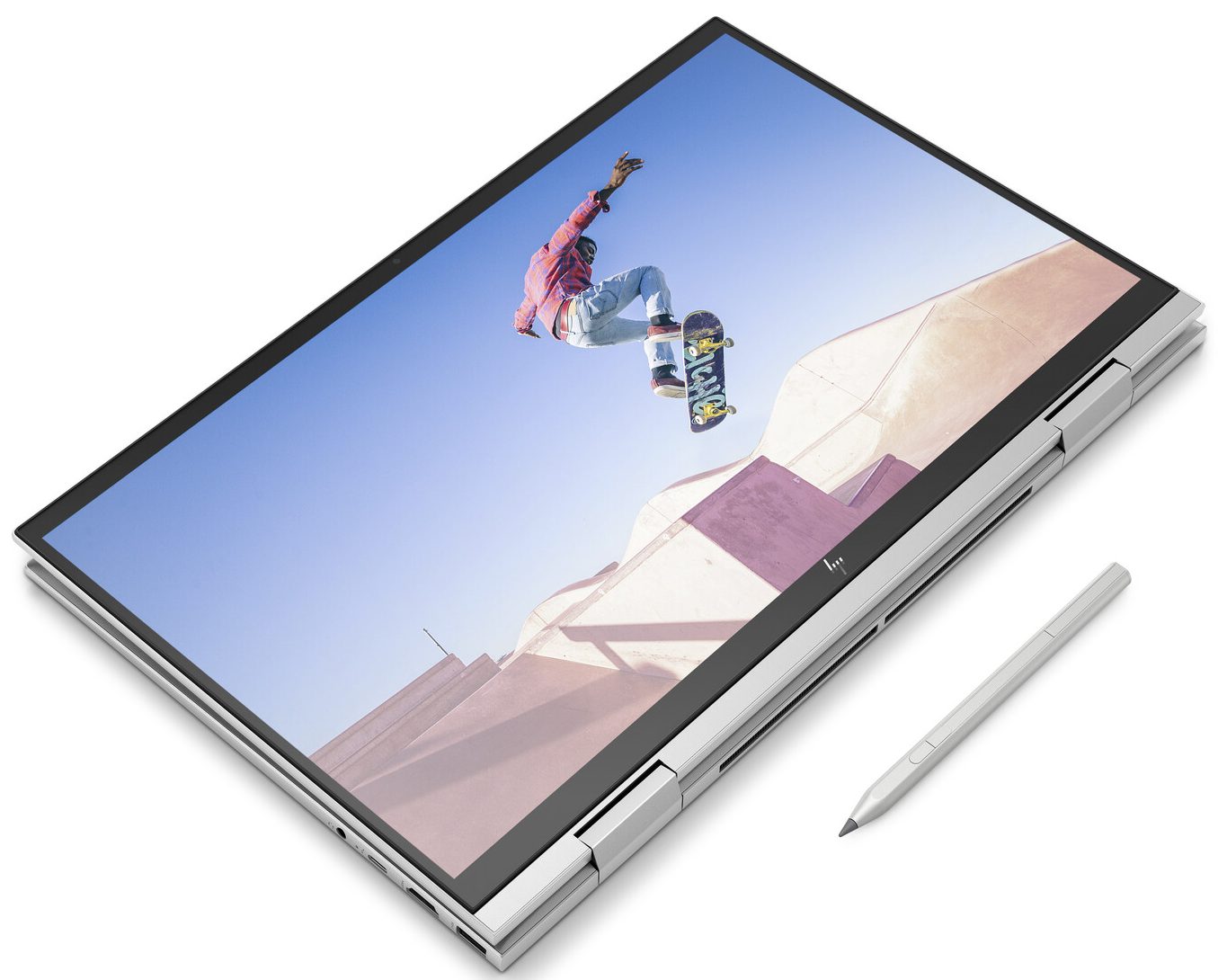
HP ENVY x360 15
 50.jpg)

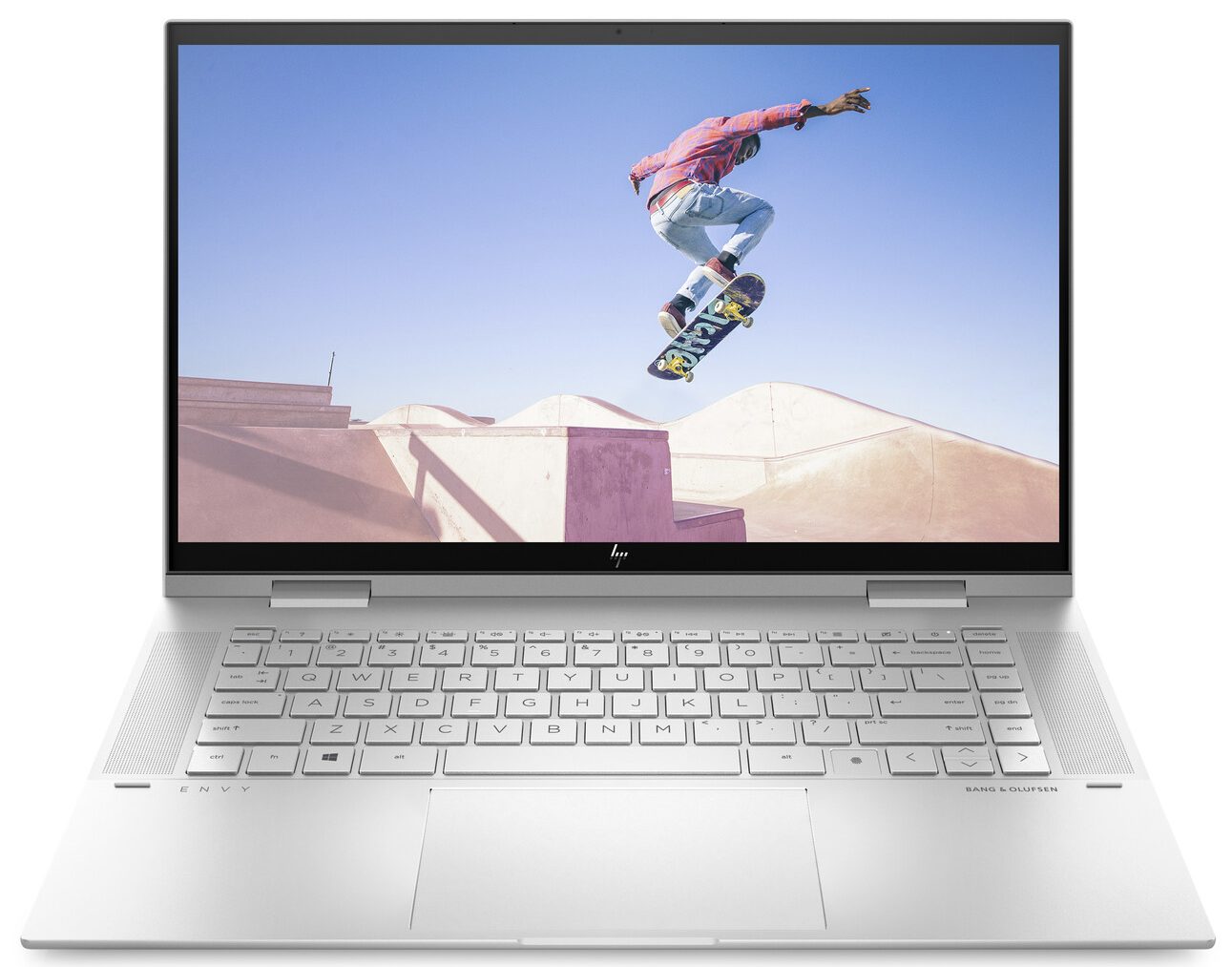
- Date Published: 24 Oct 2022
- Intel Core i7-1195G7
- Intel Iris Xe Graphics G7 (96EU)
- 15.6”, Full HD (1920 x 1080), IPS
- 2000GB SSD
- 64GB DDR4
- 1.82 kg (4 lbs)
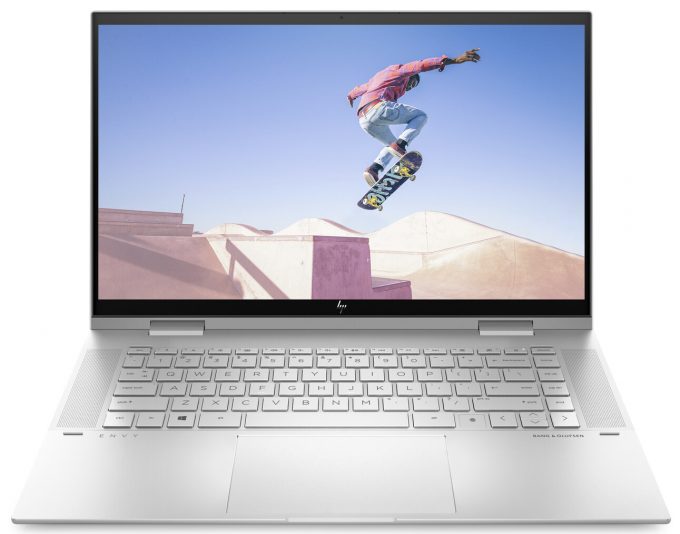
Specs

- HDD/SSD
- 2TB SSD
- M.2 Slot
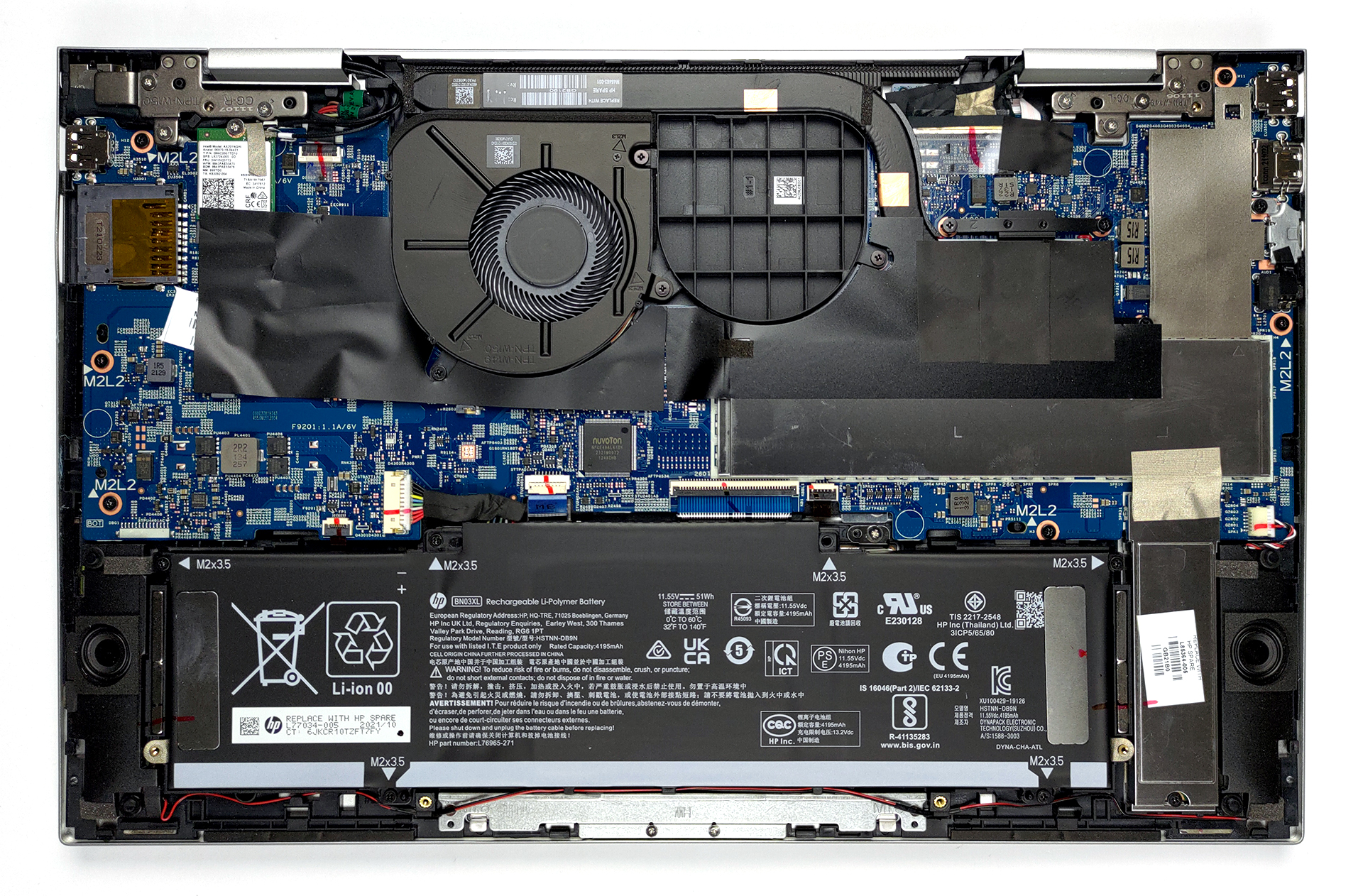
- 1x 2280 M.2 NVMe slot See photo
- RAM
- 64GB DDR4
- OS
- Windows 11 Pro
- Body Material
- Aluminum
- Dimensions
- 358.9 x 228 x 18.4 mm (14.13" x 8.98" x 0.72")
- Weight
- 1.82 kg (4 lbs)
- Ports and connectivity
- 1x USB Type-A
- 1x USB Type-A
- Sleep and Charge
- 1x USB Type-C
- Thunderbolt 4, Power Delivery (PD), DisplayPort, Sleep and Charge
- HDMI
- 2.0b
- Card Reader
- SD
- Wi-Fi
- 802.11ax
- Bluetooth
- 5.0
- Audio jack
- 3.5mm Combo Jack
- Features
- Fingerprint reader
- Web camera
- HD
- Backlit keyboard
- Microphone
- Dual Array Digital Microphone
- Speakers
- Speakers by Bang & Olufsen
- Optical drive
- Gifts
- RATZK 32GB USB Drive
Portability
Review
HP ENVY x360 15 in-depth review
Last year, we got our hands on the AMD version of the Envy x360 15. It happened to have one of the best displays when it comes to color-related work. Undoubtedly, this has set expectations for the laptop we're going to test today - the Envy x360 15 (15-es1000).With that said, the obvious customers that might be interested in this machine, are content creators, artists, and designers, especially given the ability of the device to work with styluses. Quite unfortunately, ours didn't come with one inside the box. On the other hand, the hardware here speaks for HP's intents - up to the new Core i7-1195G7, and an optional dedicated GeForce MX450 GPU.Before we start, we would like to talk about an issue we had with the Envy x360 13 (13-ay1000). Its fan seemed to be suffocating because o[...]
Read the full review
Pros
- Two RAM SODIMM slots in dual-channel
- PCIe x4 support and an SD card reader
- 94% of sRGB coverage and accurate color representation (thanks to our Gaming and Web design profile) (LGD069B)
- Very fast fingerprint reader
- Amazing input devices
- Optional Pen inside the box
- Doesn't use PWM to adjust its brightness level (LGD069B)
Cons
- Short rubber feet lead to a poor air intake
- Questionable Web browsing screen on times
Disassembly, maintenance and upgrade options
Although it is a convertible, the Envy x360 15 provides quite some upgrade options for the future.Check out all HP Envy x360 15 (15-es1000) prices and configurations in our Specs System or read more in our In-Depth review.1. Remove the bottom plate To take this notebook apart, you need to undo two Torx-head screws. Then, remove the two rubber feet to find four Phillips-head screws. After that, undo them, and pry the bottom panel with a plastic tool.2. Battery Its 51Wh battery delivers about 7 hours of Web browsing and nearly 11 hours of video playback. At some time, this [...]
Read more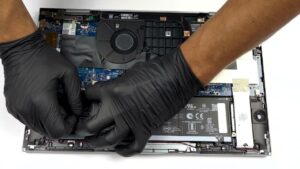


![[June 2026] Best-Selling Laptop Brands on Amazon Global – Apple’s Unrivaled Dominance in Units and Revenue](https://laptopmedia.com/wp-content/uploads/2026/07/GLOBAL-Best-Brands-400x225.jpg)
![[June 2026] Amazon Global: Top 10 Best-Selling Laptops – Apple’s New MacBook Neo Storms to #1, Reshaping the Market with Affordability](https://laptopmedia.com/wp-content/uploads/2026/07/Best-Selling-Laptops-GLOBAL-Top-10-400x225.jpg)
![[June 2026] Amazon Global: Top 10 Best-Selling Gaming Laptops – Acer’s Nitro V 16S AI Dominates Sales, While ASUS Leads Overall Revenue](https://laptopmedia.com/wp-content/uploads/2026/07/Best-Selling-Gaming-Laptops-GLOBAL-Top-10-400x225.jpg)
![[June 2026] Global Ranking of Best-Selling Laptop GPUs on Amazon – NVIDIA RTX 5060 is the Top-Selling Dedicated GPU](https://laptopmedia.com/wp-content/uploads/2026/07/Best-Selling-GPUs-GLOBAL-Top-10-400x225.jpg)
![[June 2026] Global Ranking of Best-Selling Laptop CPUs on Amazon – Apple M5 Dominates, AMD Ryzen 7 260 Gets Solid Premium Share](https://laptopmedia.com/wp-content/uploads/2026/07/Best-Selling-CPUs-GLOBAL-Top-10-400x225.jpg)