HP ENVY x360 15
_000045.jpg)

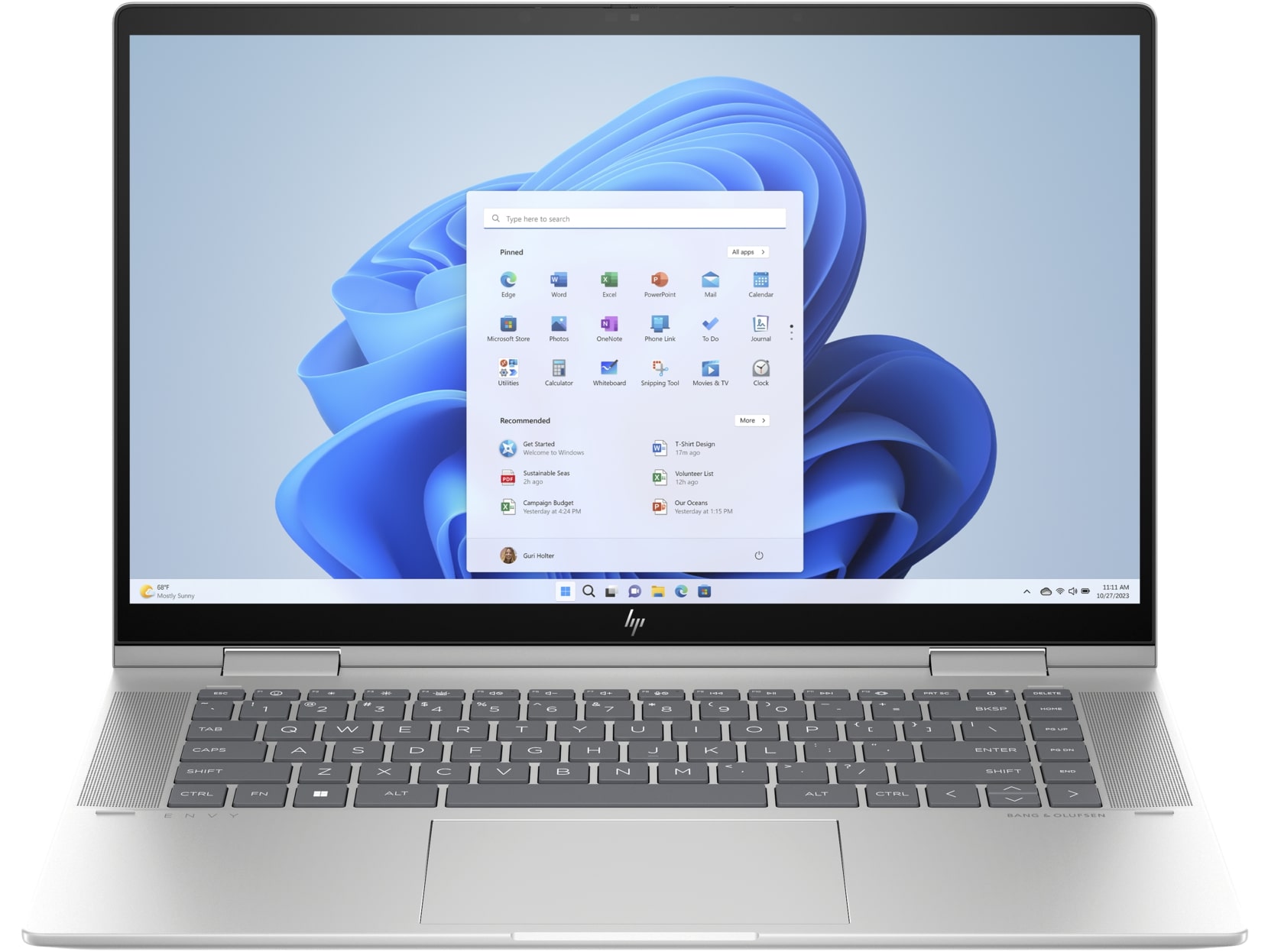
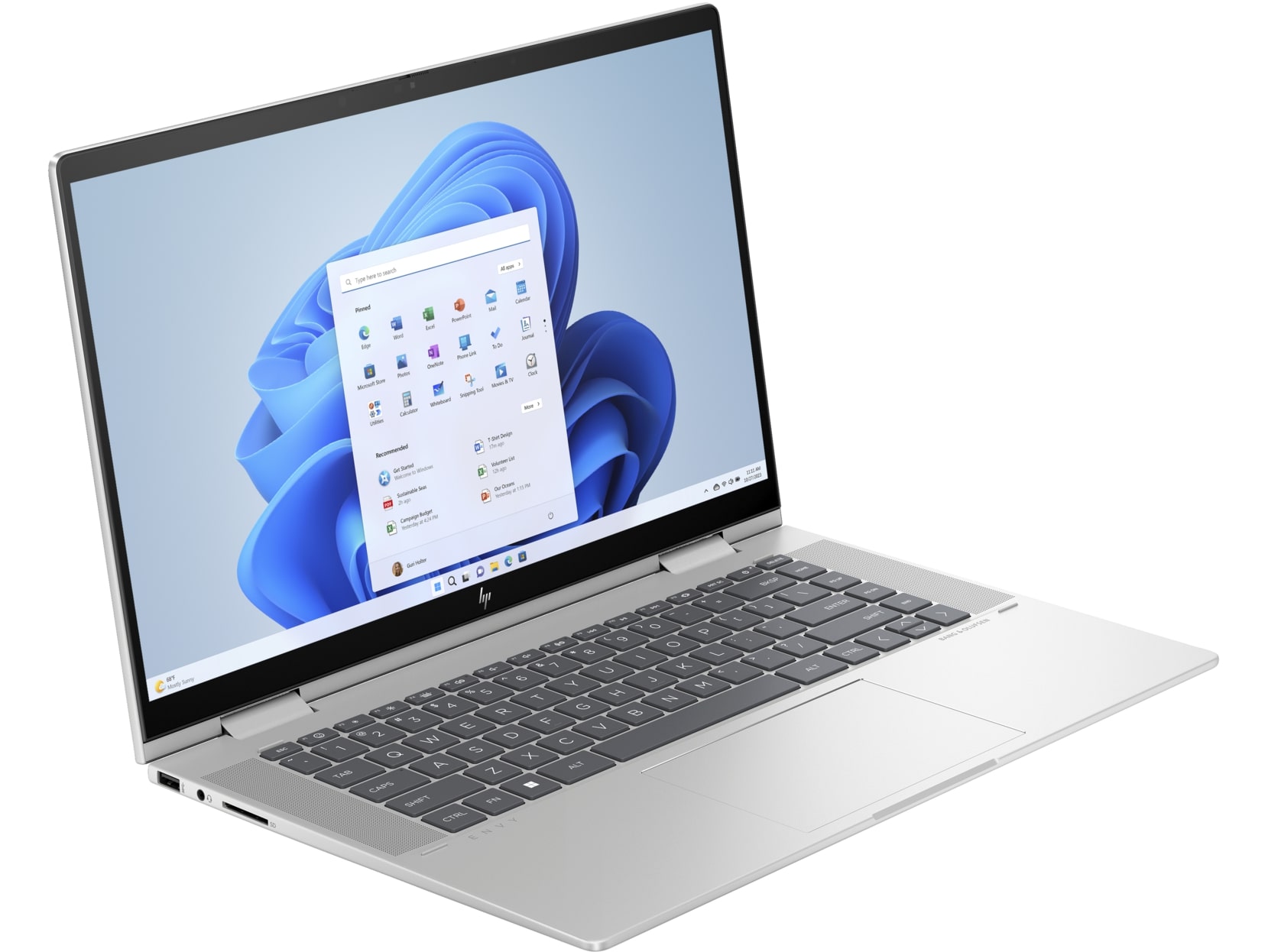


- Date Published: 20 Jan 2026
- Intel Core i7-1355U
- Intel Iris Xe Graphics G7 (96EU)
- 15.6”, Full HD (1920 x 1080), IPS
- 4000GB SSD
- 16GB RAM
- 1.77 kg (3.9 lbs)

Specs

- HDD/SSD
- 4000GB SSD
- M.2 Slot
- 1x 2280 M.2 NVMe PCIe 4.0 x4
- RAM
- 16GB RAM
- OS
- Windows 11 Pro
- Body Material
- Aluminum
- Dimensions
- 357.37 x 228.34 x 18.3 mm (14.07" x 8.99" x 0.72")
- Weight
- 1.77 kg (3.9 lbs)
- Ports and connectivity
- 1x USB Type-A
- 3.2 Gen 2 (10 Gbps)
- 1x USB Type-A
- 3.2 Gen 2 (10 Gbps), Sleep and Charge
- 2x USB Type-C
- 4.0, Thunderbolt 4, Power Delivery (PD), DisplayPort, Sleep and Charge
- HDMI
- 2.1
- Card Reader
- SD (SD, SDHC, SDXC)
- Ethernet LAN
- Wi-Fi
- 802.11ax
- Bluetooth
- 5.3
- Audio jack
- 3.5mm Combo Jack
- Features
- Fingerprint reader
- Web camera
- HP True Vision 5MP IR camera with camera shutter, temporal noise reduction
- Backlit keyboard
- Microphone
- Dual Array Digital Microphones
- Speakers
- Dual Speakers, HP Audio Boost, Bang & Olufsen
- Security Lock slot
- Gifts
- 32GB USB Drive
Portability
Review
HP ENVY x360 15 in-depth review
The HP Envy x360 15 (15-fe0000) is a 2-in-1 laptop that isn't too expensive. Its hardware and features are suitable for everyday tasks or office work. The star of the show here is the 360-degree hinge that allows you to use the device in different modes such as tablet or tent. The laptop is offered with 15W Intel Raptor Lake-U series CPU options that are battery-friendly. This, combined with the fast charging, makes the notebook a good companion for people who are after on the go.Interestingly, the chassis is thin, but you can opt for a dedicated GeForce RTX 3050 (Laptop) for graphics-heavy tasks or light gaming. You can choose between three touch 1080p displays - one OLED and two IPS variants. As always, if you want to enjoy an infinite contrast ratio, the OLED panel is the right choi[...]
Read the full review
Pros
- Long battery life
- All-metal build
- Has a backlit keyboard
- 5MP IR camera with a privacy shutter
- Wide viewing angles and very good contrast ratio (LG Display LGD0762)
- PWM-free (LG Display LGD0762)
- 99% sRGB coverage and accurate color representation thanks to our "Design and Gaming" profile
- Good I/O with 2x Thunderbolt 4 ports + SD Card reader
- Four performance presets + "Smart Sense" mode in the HP Command Center app
- Good clocks even under full CPU load
- Good audio quality
- Great iGPU performance
Cons
- Just one M.2 slot
- So-so input devices
Disassembly, maintenance and upgrade options
Step 1: Opening the HP Envy x360 15 (15-fe0000)Ensure the HP Envy x360 15 is powered off and placed on a soft, protective surface to prevent scratching. Remove the 4 Torx-head screws securing the bottom panel. Begin prying the panel off using a thin plastic tool, starting from one of the top two corners, and proceed to pop the back before moving around the sides and front.Step 2: Battery RemovalWearing gloves to prevent short circuits, disconnect the built-in battery connector. Unscrew the 4 Phillips-head screws and carefully remove the 55Wh battery from its co[...]
Read more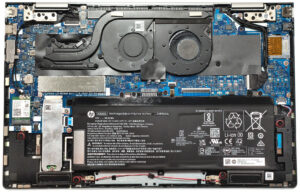


![[August 2026] Global Ranking of Best-Selling Laptop GPUs on Amazon – Apple Reigns Supreme, NVIDIA’s RTX 5060 Tops Dedicated Chart](https://laptopmedia.com/wp-content/uploads/2026/09/Best-Selling-GPUs-GLOBAL-Top-10-400x225.jpg)
![[August 2026] Global Ranking of Best-Selling Laptop CPUs on Amazon – Apple Dominates Both Budget and Premium: A18 Pro and M5 Crush Intel and AMD in August 2026](https://laptopmedia.com/wp-content/uploads/2026/09/Best-Selling-CPUs-GLOBAL-Top-10-400x225.jpg)
![[August 2026] Amazon Global: Top 10 Best-Selling Laptops – Apple MacBook Neo Dominates the Charts as Budget and Mid-Range Windows Portables Fight for Volume](https://laptopmedia.com/wp-content/uploads/2026/09/Best-Selling-Laptops-GLOBAL-Top-10-400x225.jpg)
![[August 2026] Best-Selling Laptop Brands on Amazon Global – Apple Dominates Revenue While HP Leads in Model Variety](https://laptopmedia.com/wp-content/uploads/2026/09/GLOBAL-Best-Brands-400x225.jpg)
![[August 2026] Amazon Global: Top 10 Best-Selling Gaming Laptops – HP Victus 15 Captures the Crown as Budget-Friendly Models Dominate the Charts](https://laptopmedia.com/wp-content/uploads/2026/09/Best-Selling-Gaming-Laptops-GLOBAL-Top-10-400x225.jpg)
