- Date Published: 07 Oct 2025
- AMD Ryzen AI 9 365
- NVIDIA GeForce RTX 5070 (Laptop, 8GB GDDR7)
- 17.3", QHD (2560 x 1440), 240 Hz, IPS
- 8000GB SSD
- 64GB RAM
- 2.95 kg (6.5 lbs)
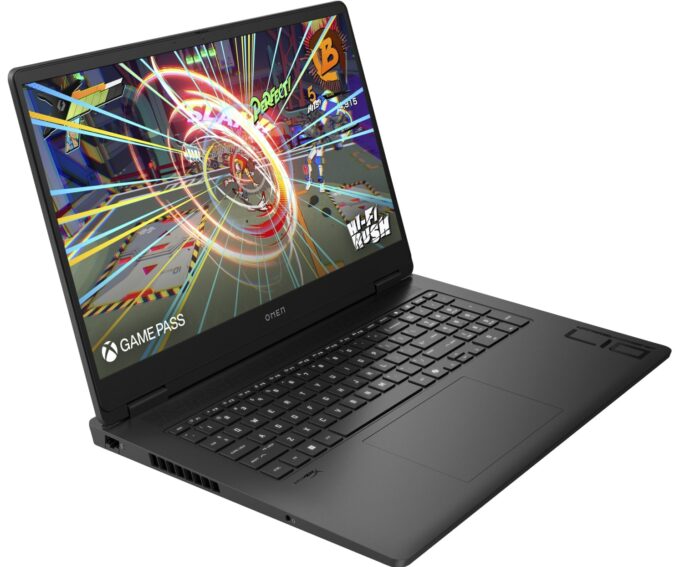
Specs
- HDD/SSD
- 8000GB SSD
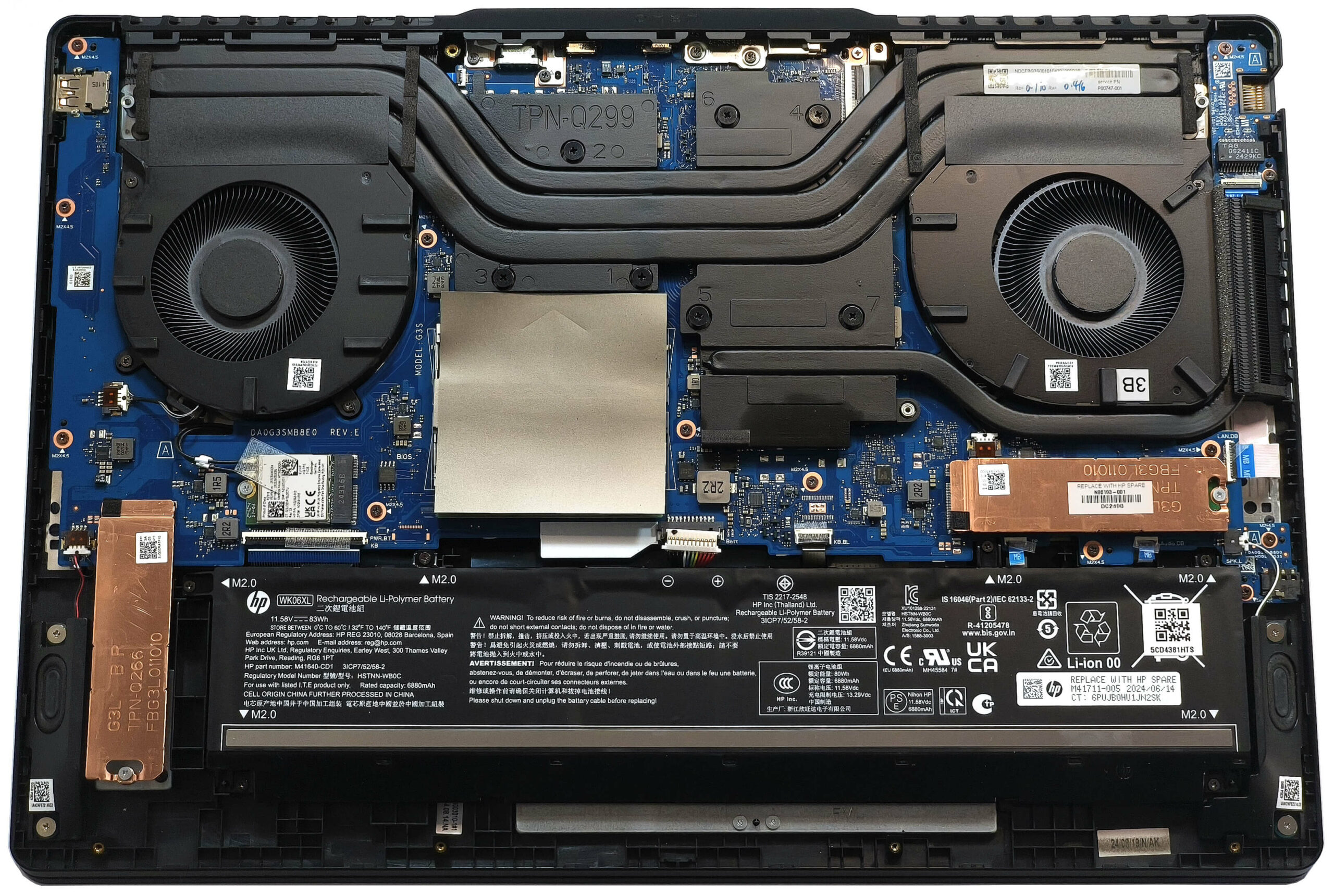
- M.2 Slot
- 2x 2280 M.2 NVMe PCIe 4.0 x4 See photo
- RAM
- 64GB RAM
- OS
- Windows 11 Pro
- Body Material
- Plastic / Polycarbonate, Aluminum
- Dimensions
- 397.51 x 277.87 x 27.5 mm (15.65" x 10.94" x 1.08")
- Weight
- 2.95 kg (6.5 lbs)
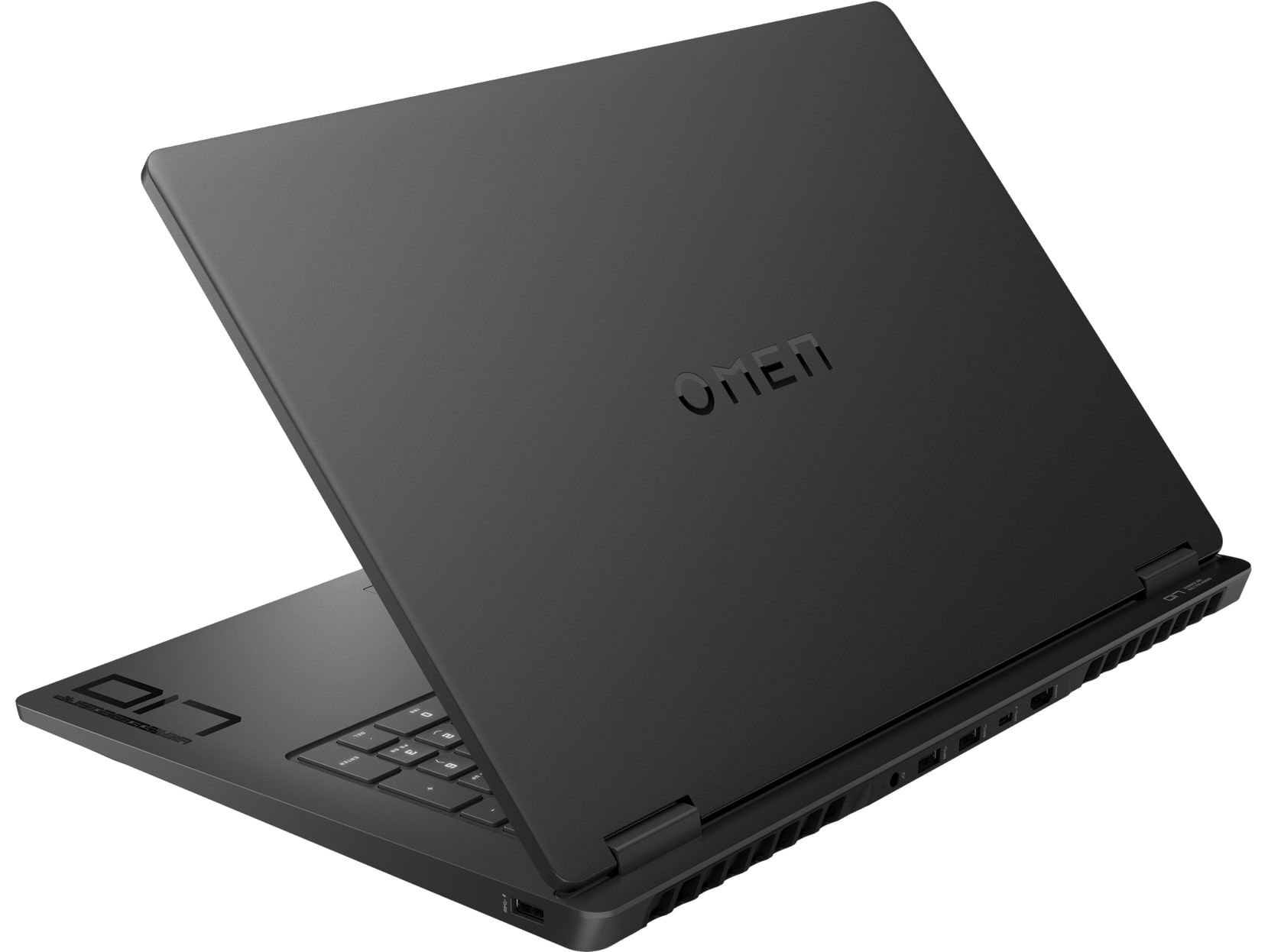
- Ports and connectivity
- 1x USB Type-A
- 3.2 Gen 1 (5 Gbps), Sleep and Charge
- 2x USB Type-A
- 3.2 Gen 2 (10 Gbps)
- 1x USB Type-C
- 3.2 Gen 2 (10 Gbps), Power Delivery (PD), DisplayPort, Sleep and Charge
- HDMI
- 2.1
- Card Reader
- Ethernet LAN
- 10, 100, 1000 Mbit/s
- Wi-Fi
- Wi-Fi 6E
- Bluetooth
- 5.3
- Audio jack
- 3.5mm Combo Jack
- Features
- Fingerprint reader
- Web camera
- FHD with Temporal Noise Reduction
- Backlit keyboard
- Microphone
- Dual Array Digital Microphone
- Speakers
- Dual Speakers, HP Audio Boost, DTS:X Ultra, HyperX
- Security Lock slot
- Gifts
- Dockztorm Portable USB Hub
Portability
Review
HP OMEN 17 in-depth review
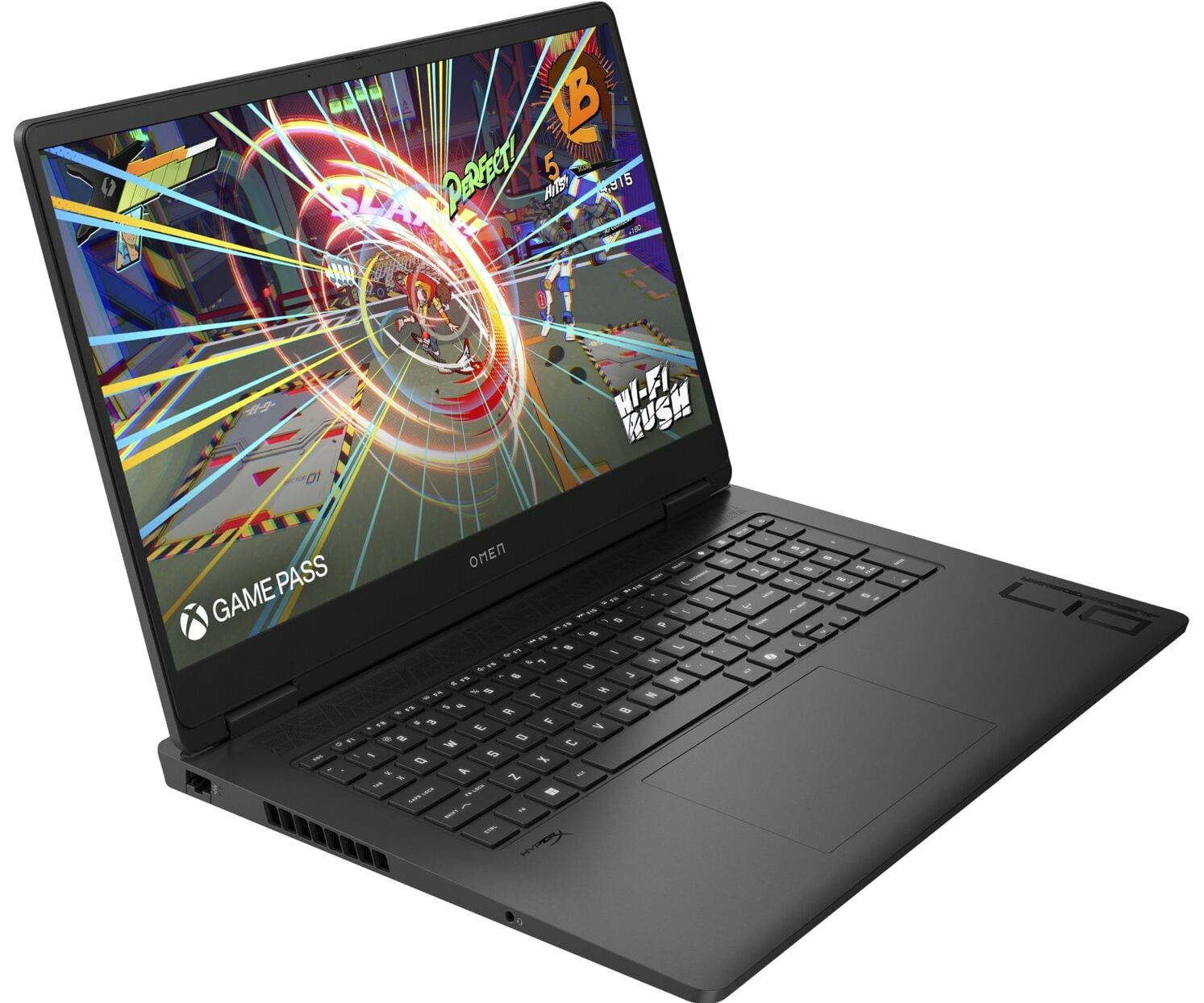
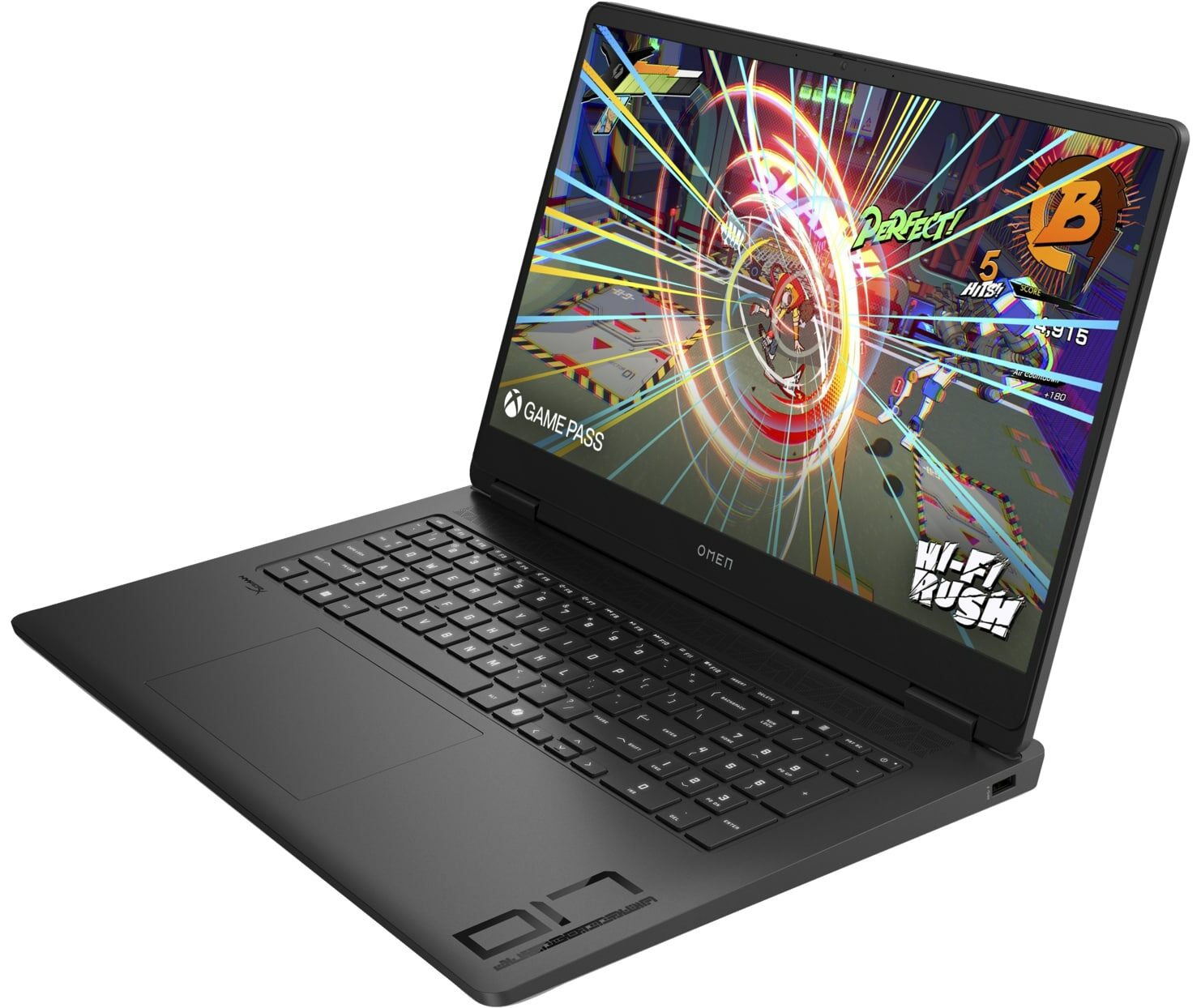
The HP OMEN 17 (17-db0000) is a big 17.3" machine that packs powerful hardware. This includes AMD Zen 4 Hawk Point-HS CPUs and NVIDIA Ada Lovelace GPUs with hefty power limits. We have no complaints regarding the upgradability. The port selection is also rich but its only con is the lack of Thunderbolt 4 connectors. The cool the thirsty hardware, HP has fitted a huge cooling under the bonnet. The manufacturer claims that the pair of large fans are 2.5 times slimmer and sport twice the blades compared to the older fan design. We can hint that the thermal system is good and we are impressed that the noise during gaming isn't high at all (for such a notebook).You can choose from two 16:9 IPS displays. The base one is a 1080p unit with a 144Hz refresh rate and the optional model is a 1440p[...]
Read the full review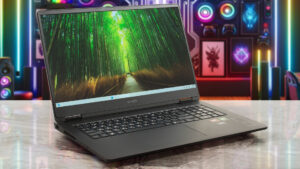
Pros
- Solid build
- Stealthy design
- Wide viewing angles (CMN1779)
- PWM-free (CMN1779)
- 93% sRGB coverage + accurate colors with our "Design and Office" profile
- Short pixel response time of 8 ms
- 2x SODIMMs + 2x M.2 slots
- Dedicated metal plate with a cooling pad for each SSD
- Comfortable input devices
- 4x USB ports
- Good battery life given the powerful hardware (9+ hours of videos)
- The Omen Gaming Hub app is full of useful extras
- dGPU-only mode + iGPU-only mode
- 1080p Web camera with a privacy shutter
- Quality speakers tuned by HyperX
- The Ryzen 7 8845HS maintains a 4.24 GHz clock and, 65W power limit + 70°C CPU temperature during long stress
- Almost quiet fans during gaming in "Performance" mode
- Good "Balanced" mode with less aggressive fans and a 90W GPU TGP
- The fans don't spin in idle when the "Eco" or the "Balanced" mode is selected
- Low CPU and GPU temperatures
- The RTX 4070 maintains a stable 120W limit in "Performance" mode
- Fast NVMe (SK Hynix PC801 HFS001TEJ9X101N)
Cons
- No Thunderbolt 4 ports
- Hefty machine
- Low max brightness and PPI (CMN1779)
- High SSD temperatures during benchmarking
Disassembly, maintenance and upgrade options
Opening the HP OMEN 17 (17-db0000) Hint: Always turn off the laptop and unplug it before disassembly.Undo the eight Phillips-head screws holding the bottom panel. The bottom screws are not captive, while the rest are. Begin prying from the area below the LAN port using a thin plastic tool. Work your way along the side, then the front, and the other side to release the internal clips. Finish by popping the rear to fully detach the panel.More info: The bottom plate features a network of plastic and rubber elements that enhance the chassis’s structural rigidity.[...]
Read more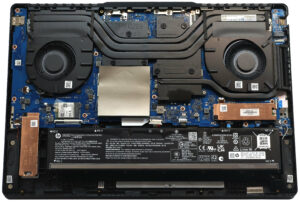


![[June 2026] Best-Selling Laptop Brands on Amazon Global – Apple’s Unrivaled Dominance in Units and Revenue](https://laptopmedia.com/wp-content/uploads/2026/07/GLOBAL-Best-Brands-400x225.jpg)
![[June 2026] Amazon Global: Top 10 Best-Selling Laptops – Apple’s New MacBook Neo Storms to #1, Reshaping the Market with Affordability](https://laptopmedia.com/wp-content/uploads/2026/07/Best-Selling-Laptops-GLOBAL-Top-10-400x225.jpg)
![[June 2026] Amazon Global: Top 10 Best-Selling Gaming Laptops – Acer’s Nitro V 16S AI Dominates Sales, While ASUS Leads Overall Revenue](https://laptopmedia.com/wp-content/uploads/2026/07/Best-Selling-Gaming-Laptops-GLOBAL-Top-10-400x225.jpg)
![[June 2026] Global Ranking of Best-Selling Laptop GPUs on Amazon – NVIDIA RTX 5060 is the Top-Selling Dedicated GPU](https://laptopmedia.com/wp-content/uploads/2026/07/Best-Selling-GPUs-GLOBAL-Top-10-400x225.jpg)
![[June 2026] Global Ranking of Best-Selling Laptop CPUs on Amazon – Apple M5 Dominates, AMD Ryzen 7 260 Gets Solid Premium Share](https://laptopmedia.com/wp-content/uploads/2026/07/Best-Selling-CPUs-GLOBAL-Top-10-400x225.jpg)