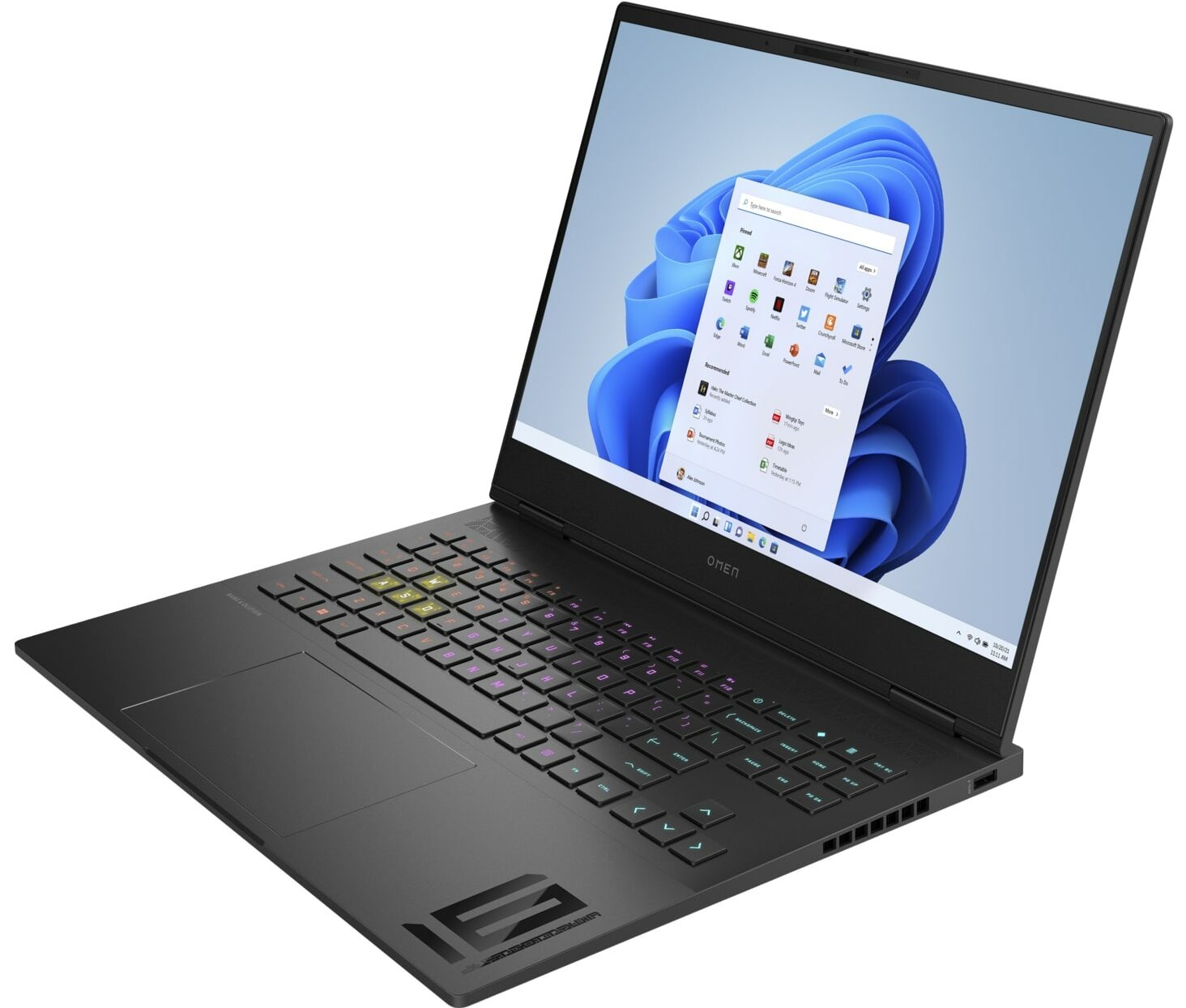
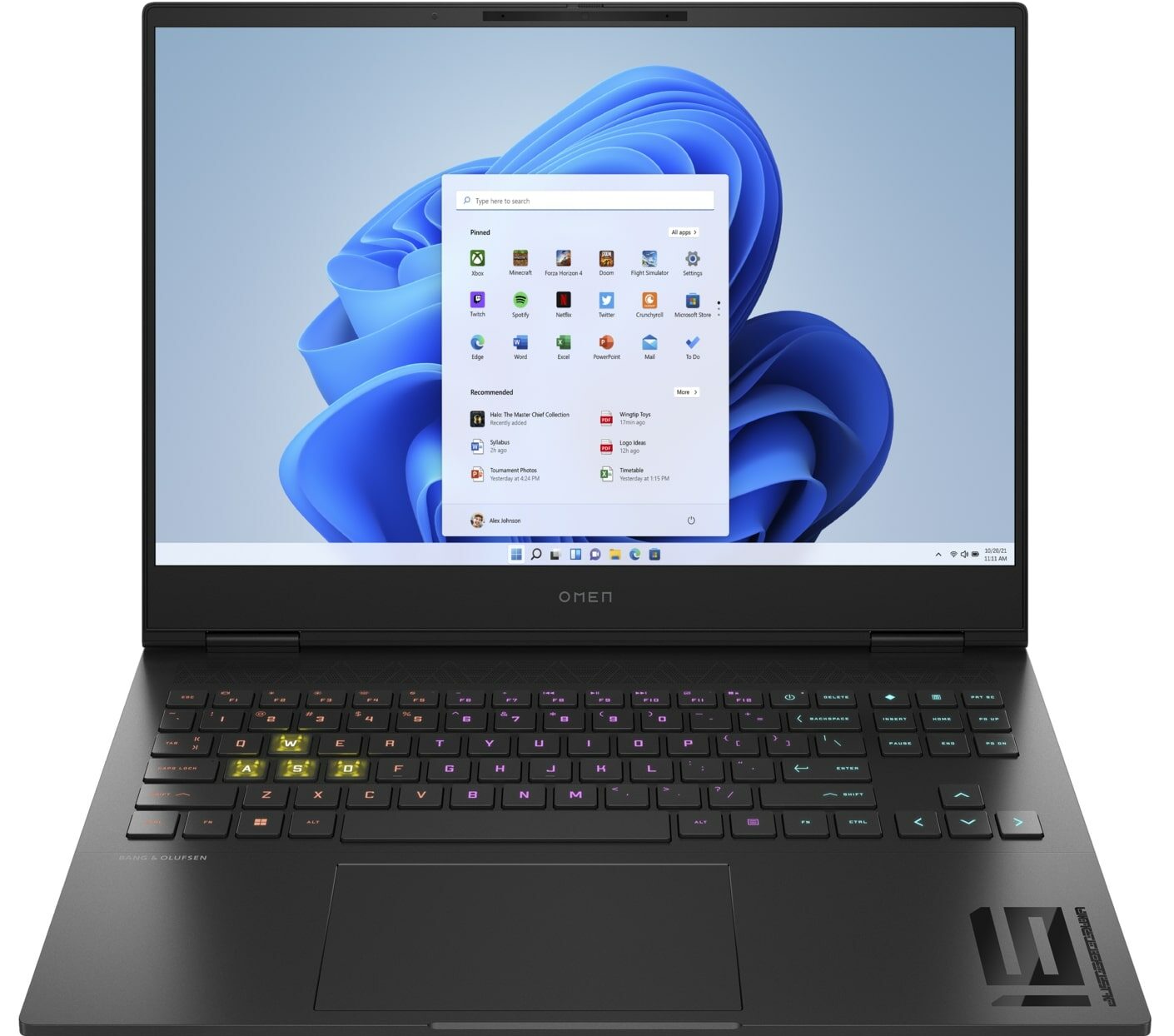
HP OMEN Transcend 16
_000052.jpg)



- Date Published: 21 Jul 2025
- Intel Core i9-14900HX
- NVIDIA GeForce RTX 4070 (Laptop, 130W)
- 16.1″, Full HD (1920 x 1080), 165 Hz, IPS
- 2000GB SSD
- 64GB RAM
- 2.17 kg (4.8 lbs)

Specs
- HDD/SSD
- 2000GB SSD
- M.2 Slot
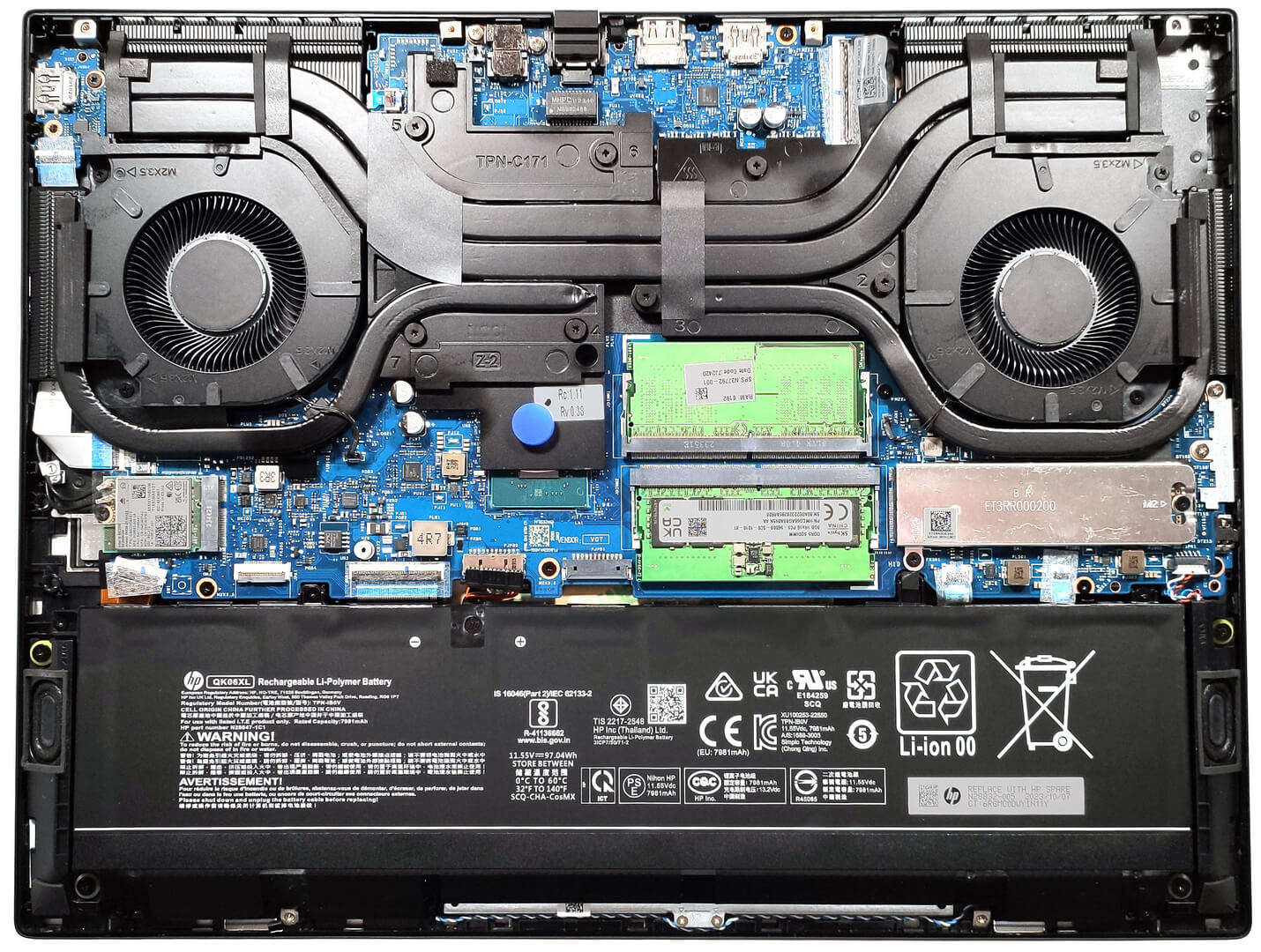
- 1x 2280 M.2 NVMe PCIe 4.0 x4 See photo
- RAM
- 64GB RAM
- OS
- Windows 11 Pro
- Body Material
- Aluminum
- Dimensions
- 356.61 x 268.98 x 19.9 mm (14.04" x 10.59" x 0.78")
- Weight
- 2.17 kg (4.8 lbs)
- Ports and connectivity
- 1x USB Type-A
- 3.2 Gen 1 (5 Gbps)
- 1x USB Type-A
- 3.2 Gen 1 (5 Gbps), Sleep and Charge
- 2x USB Type-C
- 4.0, Thunderbolt 4, Power Delivery (PD), DisplayPort, Sleep and Charge
- HDMI
- 2.1
- Card Reader
- Ethernet LAN
- 10, 100, 1000 Mbit/s
- Wi-Fi
- 802.11be
- Bluetooth
- 5.4
- Audio jack
- 3.5mm Combo Jack
- Features
- Fingerprint reader
- Web camera
- FHD IR with temporal noise reduction
- Backlit keyboard
- Microphone
- Dual Array Digital Microphones
- Speakers
- Dual Speakers, HP Audio Boost, DTS:X Ultra, HyperX
- Security Lock slot
Portability
Review
HP OMEN Transcend 16 in-depth review
Most capable gaming laptops are bulky because they are equipped with big and heavy cooling solutions and full-sized keyboards. With the OMEN Transcend 16 (u1000), HP tries to reduce the size of the machine without compromising the overall performance. Still, the notebook is full of useful extras and powerful hardware. This includes goodies such as Advanced Optimus, G-Sync, and a MUX switch. You can also choose between some thirsty Intel Raptor Lake HX Refresh CPU options - the top dog for the series is the Intel Core i9-14900HX. GPU-wise, you can rely on RTX 4000 GPUs with decent max TGPs. Somehow the manufacturer was able to fit into the body a sizable OMEN Tempest Cooling with two large fans plus four heat sinks and the same amount of heat pipes. The device that we bought is perhaps the [...]
Read the full review
Pros
- Metal chassis and stealthy design
- Compact for a 16-inch gaming laptop
- Capable thermal system
- Stable and high CPU and GPU frequencies under any kind of load
- Wide viewing angles and good contrast ratio (BOE BOE0B49 (NE160QDM-NYD))
- Snappy pixel response times (BOE BOE0B49 (NE160QDM-NYD))
- PWM-free (BOE BOE0B49 (NE160QDM-NYD))
- 99% sRGB coverage + accurate colors with our "Design and Gaming" profile (BOE BOE0B49 (NE160QDM-NYD))
- 2x SODIMM slots
- Comfortable keyboard
- Modern I/O
- The fans aren't spinning in idle
- Acceptable noise levels in "Balanced" mode
- Good battery battery life given the 1600p display and the powerful hardware
- The Omen Gaming Hub app is full of useful extras such as CPU undervolt
- Offers NVIDIA Advanced Optimus, G-Sync + MUX switch
Cons
- Flexible lid
- No NumPad
- Noisy in "Performance" mode
- Just one M.2 slot
Disassembly, maintenance and upgrade options
Step 1: Opening the HP OMEN Transcend 16 (u1000)Ensure the HP OMEN Transcend 16 is turned off and placed on a soft, protective surface to avoid damage. Remove the 6 Phillips-head screws securing the bottom panel. Note that one screw is hidden under a rubber cap that needs to be removed first. Using a thin pry tool, gently lift the bottom panel. Insert the tool horizontally between the base and the plate, starting from either the back or the front, and carefully release all internal clips.Step 2: Battery RemovalDisconnect the battery by carefully pulling out its co[...]
Read more


![[June 2026] Best-Selling Laptop Brands on Amazon Global – Apple’s Unrivaled Dominance in Units and Revenue](https://laptopmedia.com/wp-content/uploads/2026/07/GLOBAL-Best-Brands-400x225.jpg)
![[June 2026] Amazon Global: Top 10 Best-Selling Laptops – Apple’s New MacBook Neo Storms to #1, Reshaping the Market with Affordability](https://laptopmedia.com/wp-content/uploads/2026/07/Best-Selling-Laptops-GLOBAL-Top-10-400x225.jpg)
![[June 2026] Amazon Global: Top 10 Best-Selling Gaming Laptops – Acer’s Nitro V 16S AI Dominates Sales, While ASUS Leads Overall Revenue](https://laptopmedia.com/wp-content/uploads/2026/07/Best-Selling-Gaming-Laptops-GLOBAL-Top-10-400x225.jpg)
![[June 2026] Global Ranking of Best-Selling Laptop GPUs on Amazon – NVIDIA RTX 5060 is the Top-Selling Dedicated GPU](https://laptopmedia.com/wp-content/uploads/2026/07/Best-Selling-GPUs-GLOBAL-Top-10-400x225.jpg)
![[June 2026] Global Ranking of Best-Selling Laptop CPUs on Amazon – Apple M5 Dominates, AMD Ryzen 7 260 Gets Solid Premium Share](https://laptopmedia.com/wp-content/uploads/2026/07/Best-Selling-CPUs-GLOBAL-Top-10-400x225.jpg)