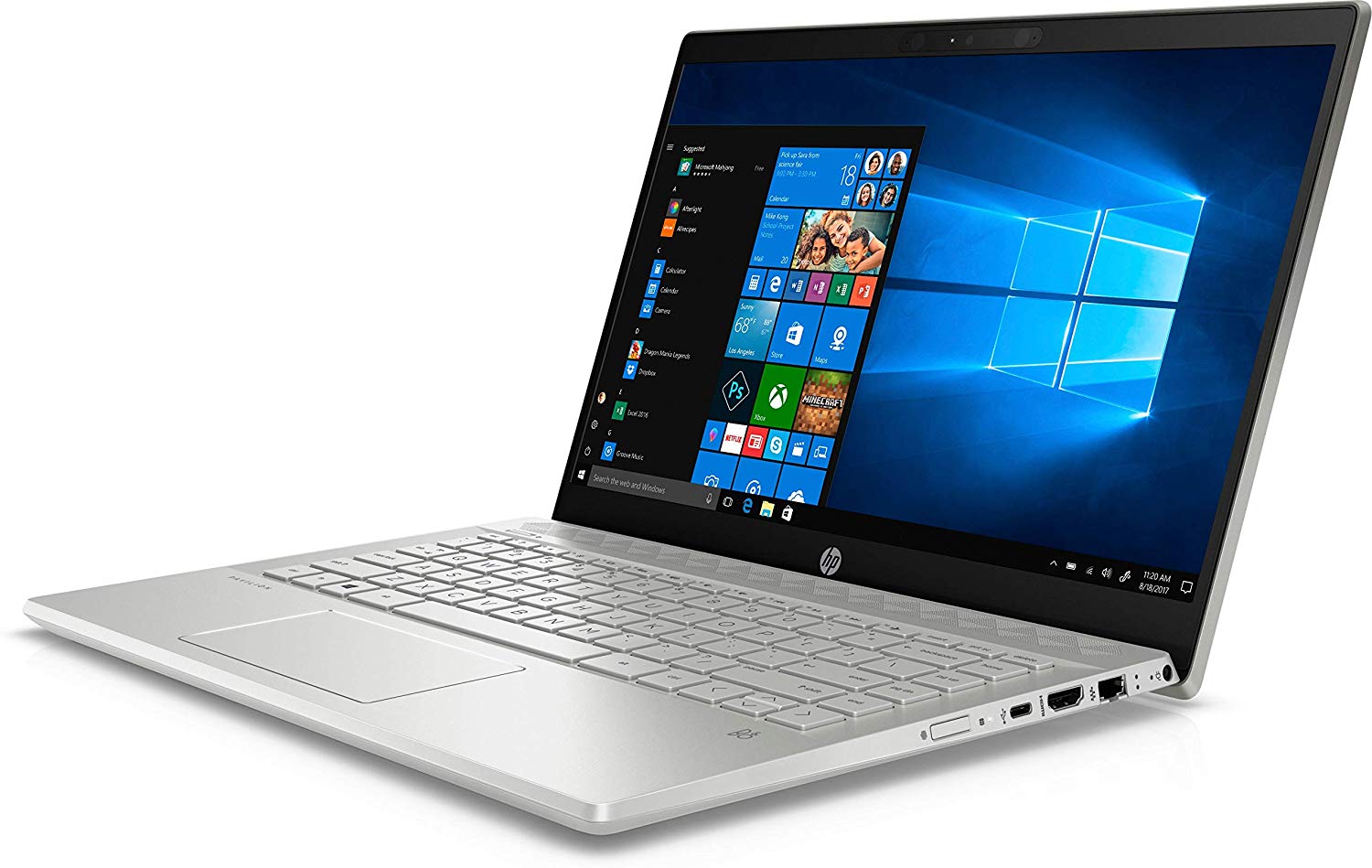
HP Pavilion 14

- Date Published: 02 Feb 2021
- Intel Core i7-1065G7
- NVIDIA GeForce MX250 (25W)
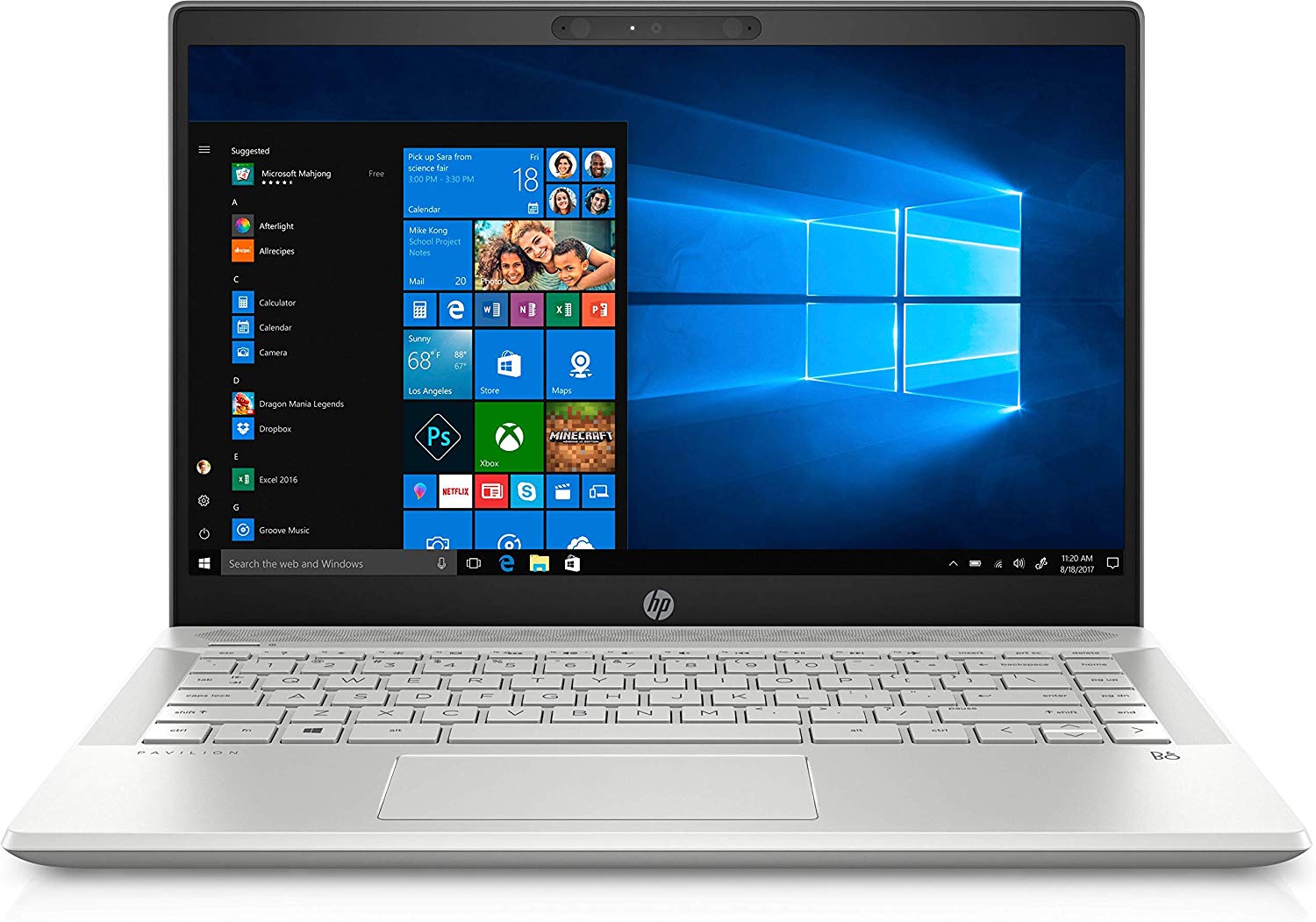
- 14.0”, Full HD (1920 x 1080), IPS
- 1000GB SSD
- 16GB DDR4, 2666 MHz
- 1.60 kg (3.5 lbs)
Specs

- HDD/SSD
- 1TB SSD
- RAM
- 16GB DDR4, 2666 MHz
- OS
- Windows 10 Home
- Dimensions
- 326.8 x 225.5 x 17.9 mm (12.87" x 8.88" x 0.70")
- Weight
- 1.60 kg (3.5 lbs)
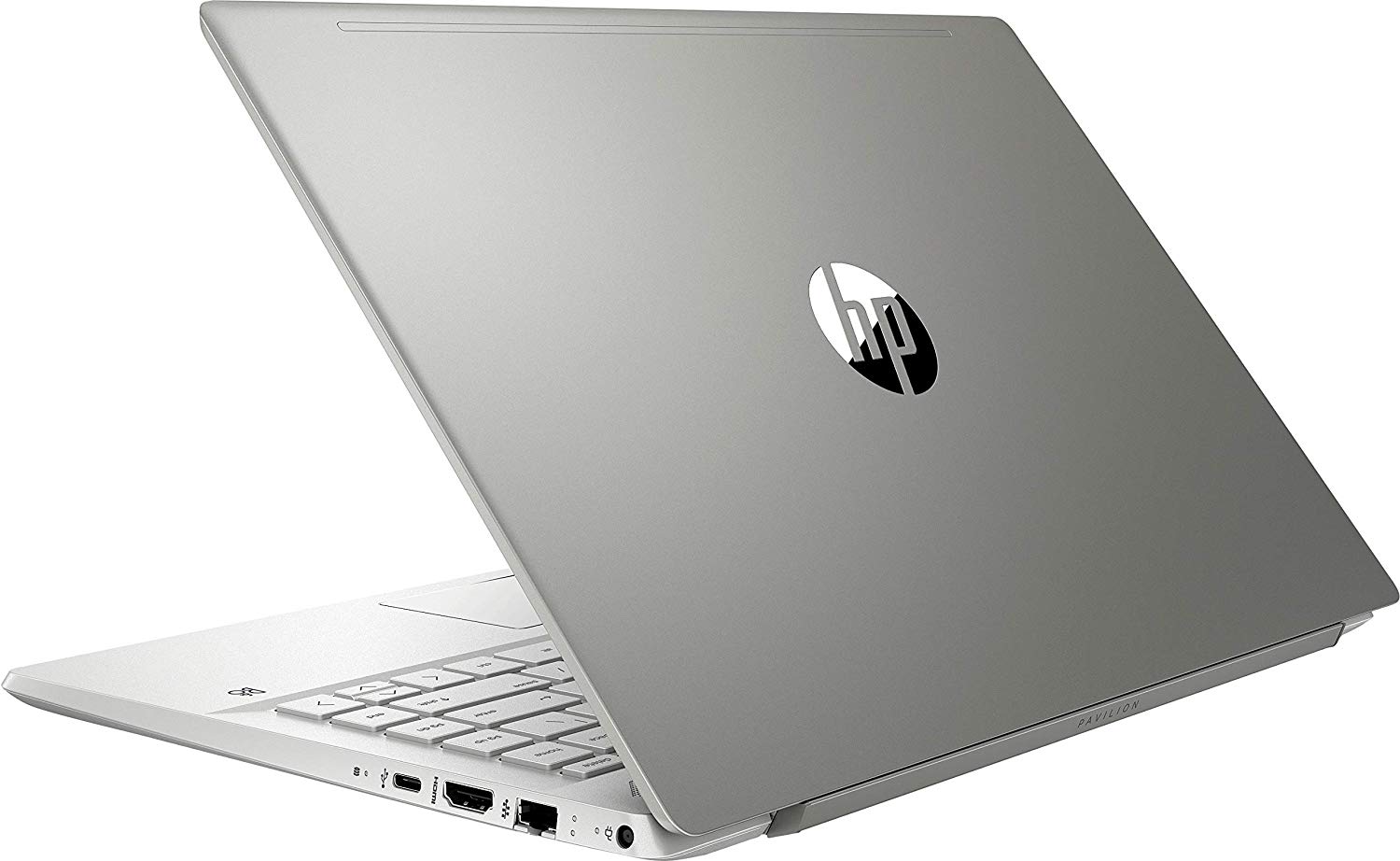
- Ports and connectivity
- 2x USB Type-A
- 3.2 Gen 1 (5 Gbps)
- 1x USB Type-C
- 3.2 Gen 1 (5 Gbps)
- HDMI
- 1.4b
- Card Reader
- Multi Format SD
- Ethernet LAN
- 10, 100, 1000 Mbit/s
- Wi-Fi
- 802.11ax
- Bluetooth
- 5.0
- Audio jack
- 3.5 mm combo
- Features
- Fingerprint reader
- Web camera
- FHD IR
- Backlit keyboard
- Microphone
- Dual-Array Digital Microphone
- Speakers
- 2x Speakers, Bang & Olufsen
- Optical drive
- Security Lock slot
Portability
Review
HP Pavilion 14 in-depth review
So, the HP Pavilion 14 (14-ce3000) is not exactly a budget offering. Instead, as of lately, the Pavilion brand is closing the gap to its more premium cousins - the Envy and the Spectre, both in terms of price and what it actually offers. Now, the series includes the latest Ice Lake processors from Intel, including the flagship for the series - Core i7-1065G7.Ultimately, this gives you the option of a great integrated graphics solution in the form of the Iris Plus G7. However, should you need slightly more edge in GPU intensive software and games, you can have the blessing of some CUDA cores inside either the GeForce MX250 or the more affordable MX130 - both equipped with 2GB of GDDR5 memory.Additionally, we are expecting a good performance from the 14-inch 1080p IPS display, as the[...]
Read the full review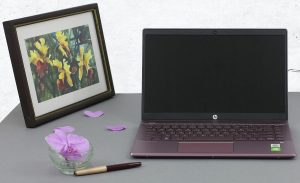
Pros
- Stylish design with a leverage system
- Nice performance/efficiency ratio
- Good contrast ratio and comfortable viewing angles (BOE NV140FHM-N49)
- MicroSD card reader on board
- Great upgradability
Cons
- Lacks Thunderbolt connection
- Covers only 54% of sRGB (BOE NV140FHM-N49)
- Uses aggressive PWM to adjust its brightness levels (our Gaming and Web design profile fixes that)
- Mediocre battery life
- Gets very hot under combined load
- Our unit experienced some vibration issues from the fans
Disassembly, maintenance and upgrade options
We certainly had high expectations for this device. Although it wasn't able to deliver in some areas, it is good to see that upgradability-wise there is something to talk about.Check out all HP Pavilion 14 (14-ce3000) prices and configurations in our Specs System or read more in our In-Depth review.1. Remove the bottom plate Some typical HP shenanigans going on here. At first, you'll see only three Phillips-head screws. However, there are two more, hidden beneath the back feet. Thankfully, the rubber feet are easy to detach with a plastic tool. After you locate and remove the sc[...]
Read more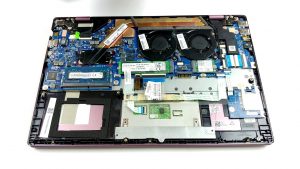


![[June 2026] Best-Selling Laptop Brands on Amazon Global – Apple’s Unrivaled Dominance in Units and Revenue](https://laptopmedia.com/wp-content/uploads/2026/07/GLOBAL-Best-Brands-400x225.jpg)
![[June 2026] Amazon Global: Top 10 Best-Selling Laptops – Apple’s New MacBook Neo Storms to #1, Reshaping the Market with Affordability](https://laptopmedia.com/wp-content/uploads/2026/07/Best-Selling-Laptops-GLOBAL-Top-10-400x225.jpg)
![[June 2026] Amazon Global: Top 10 Best-Selling Gaming Laptops – Acer’s Nitro V 16S AI Dominates Sales, While ASUS Leads Overall Revenue](https://laptopmedia.com/wp-content/uploads/2026/07/Best-Selling-Gaming-Laptops-GLOBAL-Top-10-400x225.jpg)
![[June 2026] Global Ranking of Best-Selling Laptop GPUs on Amazon – NVIDIA RTX 5060 is the Top-Selling Dedicated GPU](https://laptopmedia.com/wp-content/uploads/2026/07/Best-Selling-GPUs-GLOBAL-Top-10-400x225.jpg)
![[June 2026] Global Ranking of Best-Selling Laptop CPUs on Amazon – Apple M5 Dominates, AMD Ryzen 7 260 Gets Solid Premium Share](https://laptopmedia.com/wp-content/uploads/2026/07/Best-Selling-CPUs-GLOBAL-Top-10-400x225.jpg)
