- Date Published: 16 Oct 2025
- AMD Ryzen 7 7445HS
- NVIDIA GeForce RTX 4050 (Laptop, 120W)
- 15.6”, Full HD (1920 x 1080), 144 Hz, IPS
- 4000GB SSD
- 64GB RAM
- 2.29 kg (5 lbs)
Review
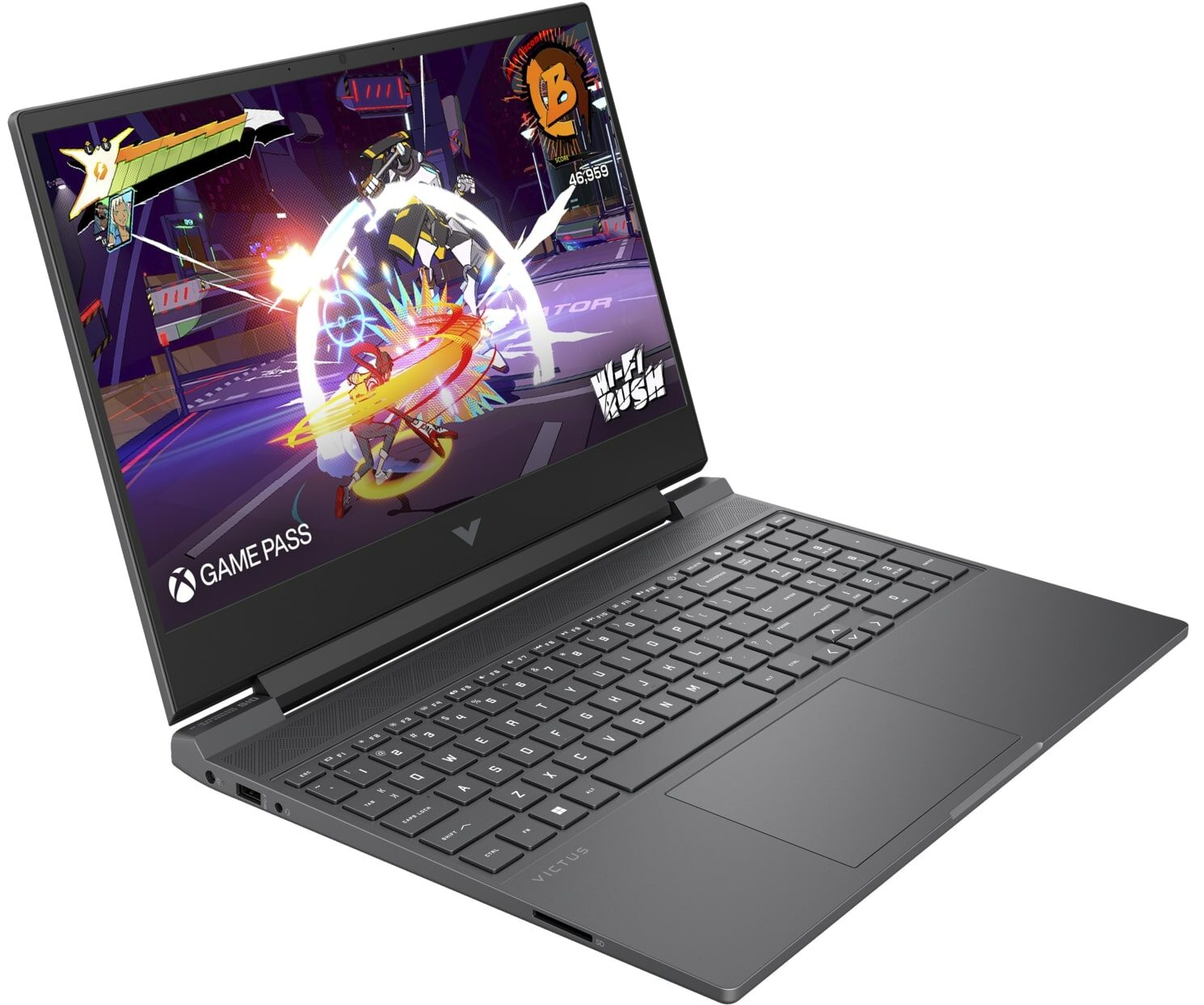
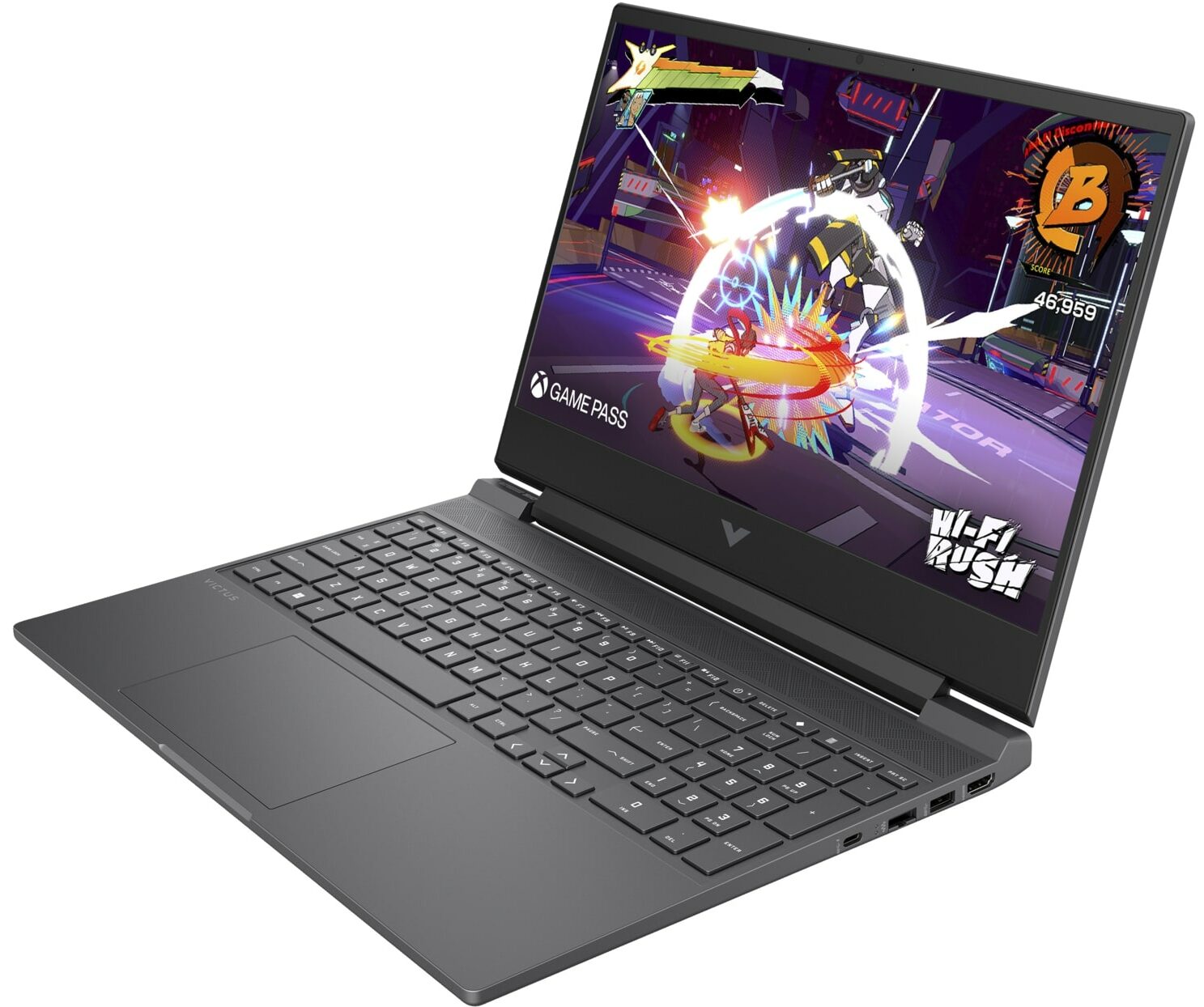
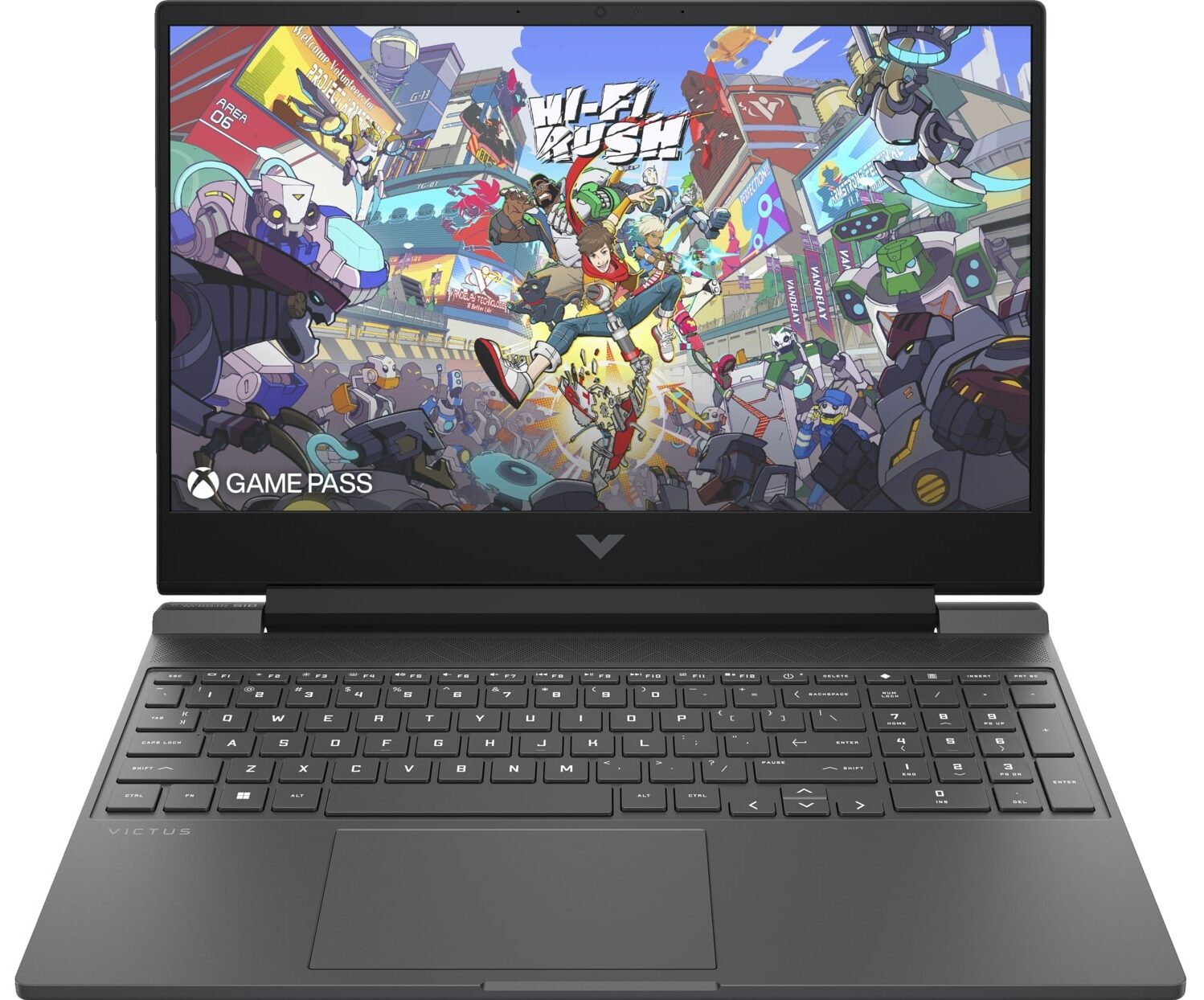
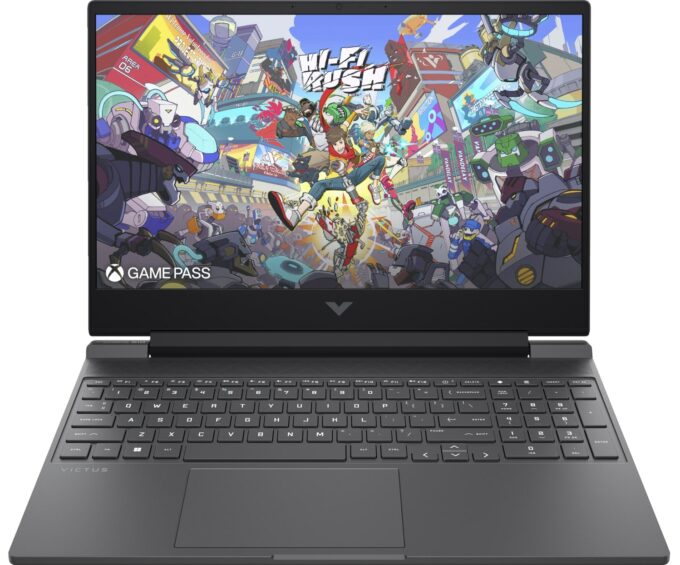
HP Victus 15 in-depth review
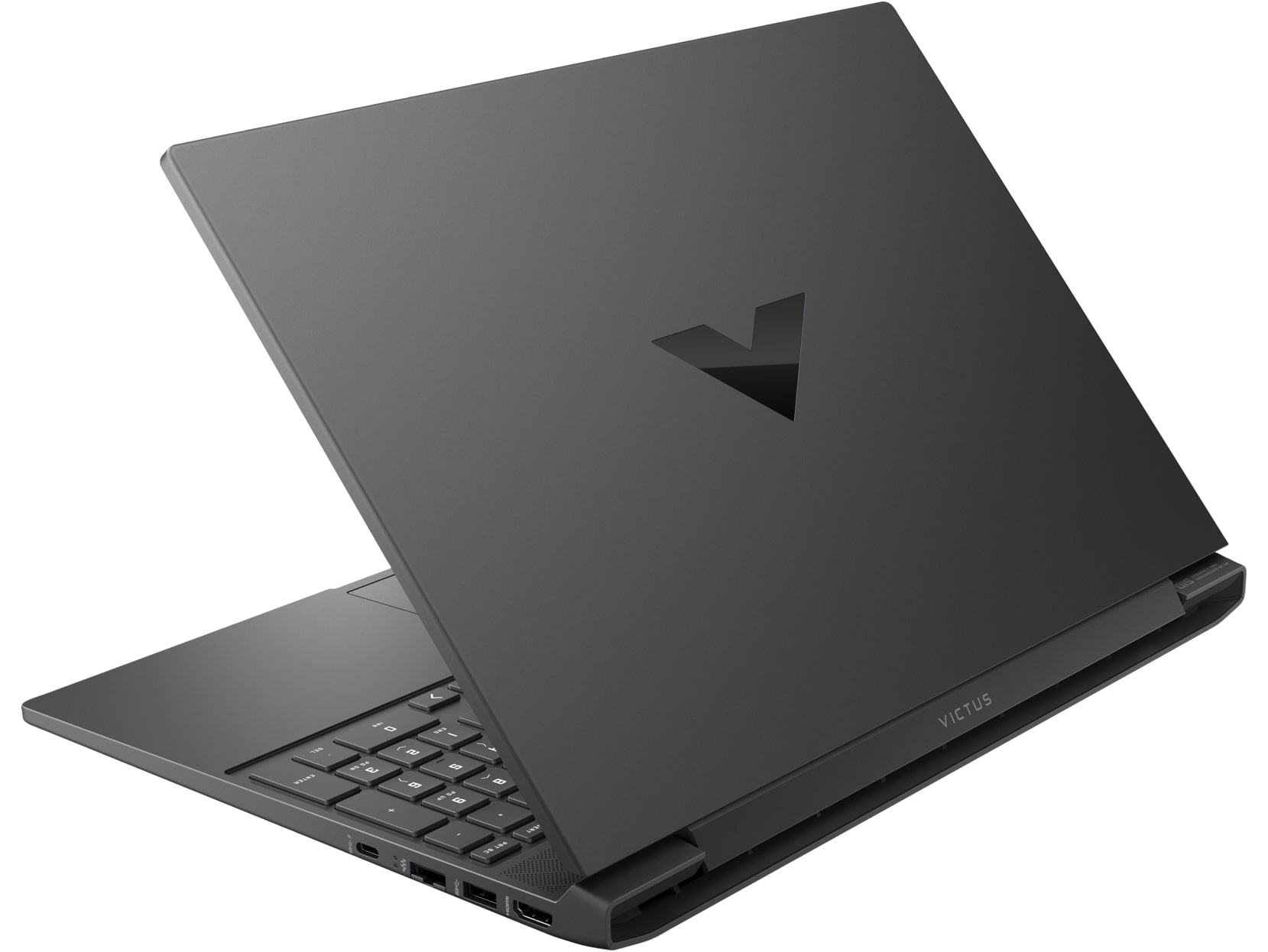
The HP Victus 15 (15-fb3000) occupies a unique space in the crowded budget gaming market. With its mature, understated "Shadow Black" design, it successfully hides its gaming DNA, making it a perfect fit for a quiet office or a minimalist dorm room. But don't mistake its subtle looks for weakness. Beneath the chassis, it’s built to deliver solid frame rates for competitive esports and AAA titles without the "gamer tax" often found on more expensive rigs. However, our testing uncovered a significant paradox: while it excels at keeping the GPU cool and stable, the CPU is pushed to its absolute thermal limit. Is this the ultimate reliable entry-level machine, or does it run too hot for the long haul? Let’s dive into the details.TESTED CONFIGURATION:- AMD Ryzen 5 240 - NVIDIA GeFo[...]
Read the full review
Pros
- Excellent GPU thermal management keeps gaming performance stable
- Stealthy, professional design with a fingerprint-resistant finish
- Fantastic upgradeability with two RAM and two M.2 slots
- Completely PWM-free display is great for eye comfort
- Comfortable keyboard featuring a full-sized NumPad
Cons
- CPU runs very hot (100°C) under sustained load
- Display has very poor color coverage (57% sRGB)
- Cramped, half-height arrow keys
Disassembly, maintenance and upgrade options
Step 1: Removing the bottom panelPower off the laptop and place it on a soft, clean surface. Undo the 7 Phillips-head screws securing the bottom panel. They are the same length, which makes reassembly easier. Use a thin plastic pry tool to release the internal clips around the perimeter. A suction cup can help create the first gap. Work slowly and avoid pushing the tool too deep into the chassis, as it could touch the motherboard, cables, or other internal components. Lift the bottom cover away from the laptop.More info: Once inside, the layout is easy to [...]
Read more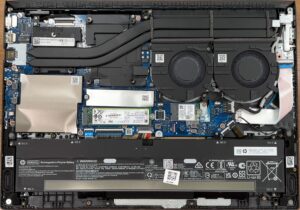


![[June 2026] Best-Selling Laptop Brands on Amazon Global – Apple’s Unrivaled Dominance in Units and Revenue](https://laptopmedia.com/wp-content/uploads/2026/07/GLOBAL-Best-Brands-400x225.jpg)
![[June 2026] Amazon Global: Top 10 Best-Selling Laptops – Apple’s New MacBook Neo Storms to #1, Reshaping the Market with Affordability](https://laptopmedia.com/wp-content/uploads/2026/07/Best-Selling-Laptops-GLOBAL-Top-10-400x225.jpg)
![[June 2026] Amazon Global: Top 10 Best-Selling Gaming Laptops – Acer’s Nitro V 16S AI Dominates Sales, While ASUS Leads Overall Revenue](https://laptopmedia.com/wp-content/uploads/2026/07/Best-Selling-Gaming-Laptops-GLOBAL-Top-10-400x225.jpg)
![[June 2026] Global Ranking of Best-Selling Laptop GPUs on Amazon – NVIDIA RTX 5060 is the Top-Selling Dedicated GPU](https://laptopmedia.com/wp-content/uploads/2026/07/Best-Selling-GPUs-GLOBAL-Top-10-400x225.jpg)
![[June 2026] Global Ranking of Best-Selling Laptop CPUs on Amazon – Apple M5 Dominates, AMD Ryzen 7 260 Gets Solid Premium Share](https://laptopmedia.com/wp-content/uploads/2026/07/Best-Selling-CPUs-GLOBAL-Top-10-400x225.jpg)
