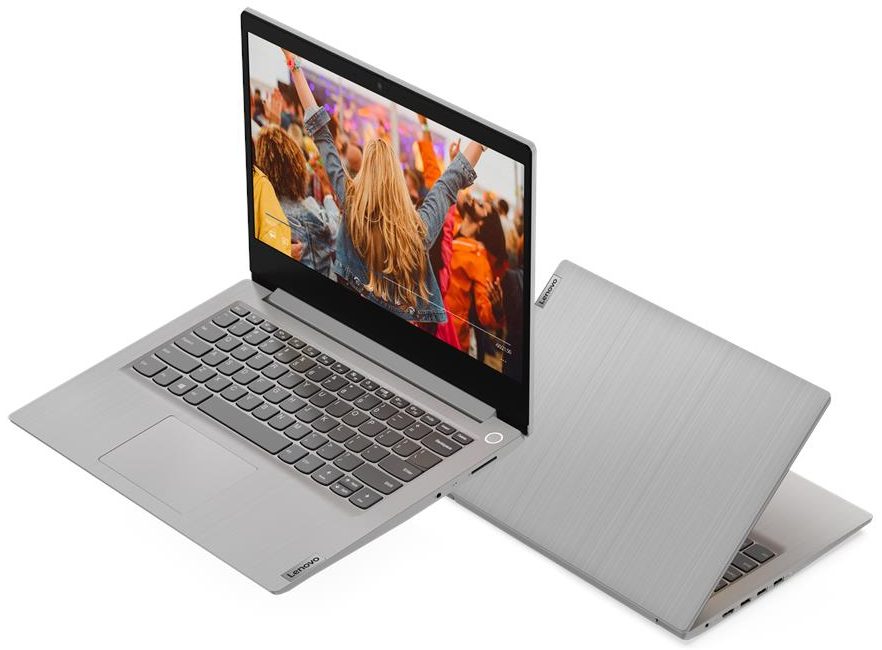
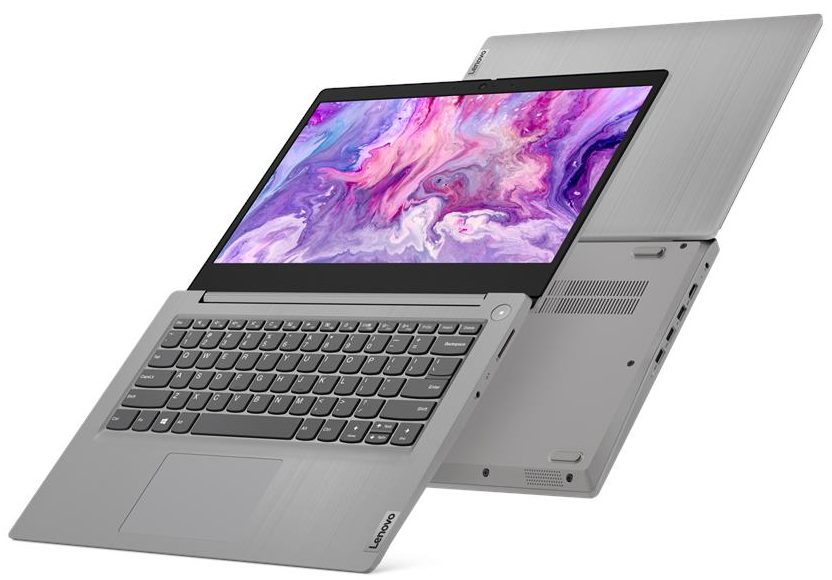
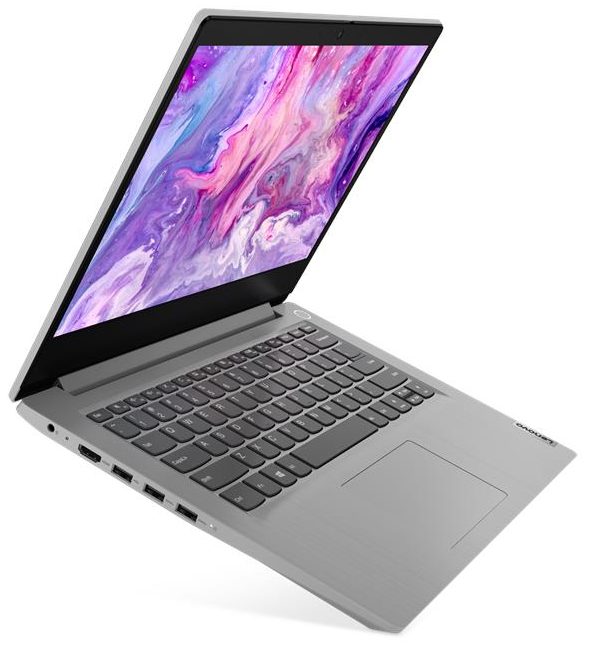
Lenovo IdeaPad 3

- Date Published: 12 Nov 2025
- Intel Core i3-1005G1
- Intel UHD Graphics G1
- 14.0”, Full HD (1920 x 1080), IPS
- 4000GB SSD
- 36GB RAM
- 1.50 kg (3.3 lbs)
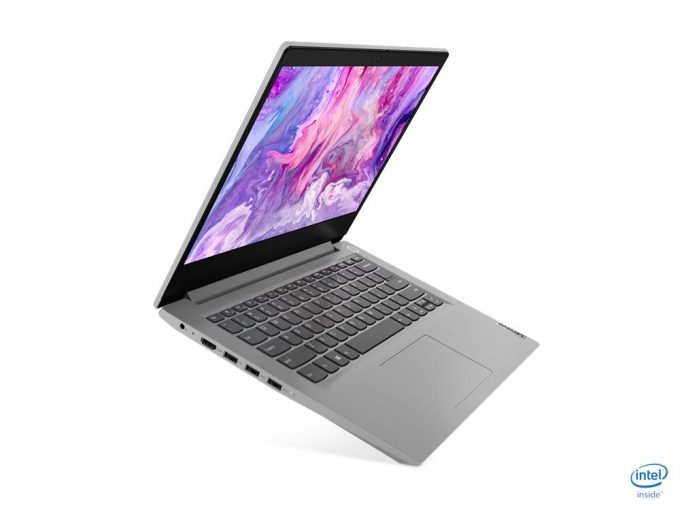
Specs
- HDD/SSD
- 4000GB SSD
- M.2 Slot
- 1x 2280 PCIe NVMe 3.0 x4 See photo
- RAM
- 36GB RAM
- OS
- Windows 11 Pro
- Body Material
- Plastic / Polycarbonate
- Dimensions
- 327.1 x 241 x 19.9 mm (12.88" x 9.49" x 0.78")
- Weight
- 1.50 kg (3.3 lbs)
- Ports and connectivity
- 1x USB Type-A
- 2.0
- 2x USB Type-A
- 3.2 Gen 1 (5 Gbps)
- HDMI
- 1.4b
- Card Reader
- MMC, SD, SDHC, SDXC
- Wi-Fi
- 802.11ax
- Bluetooth
- 5.0
- Audio jack
- 3.5 mm combo
- Features
- Fingerprint reader
- Web camera
- Backlit keyboard
- Microphone
- Dual-Array Microphone
- Speakers
- 2x 1.5W, Dolby Audio
- Security Lock slot
- Gifts
- 32GB USB Drive
Portability
Review
Lenovo IdeaPad 3 in-depth review
You need a small budget machine for your daily work, be it in an office or at home? Or your kid needs a portable setup for school. Well, the Ideapads were always a decent option in the sub $500 category, and now the Ideapad 3 (14) comes more versatile than ever.With more processor options than there are players in a football team, you can basically pick a configuration that suits your taste the best. Unfortunately, it still comes with a 768p TN option (although there is a 1080p IPS one as well), which in 2020 seems ridiculous. Come on, guys, even the Acer Swift 1 (SF114-32) has a 1080p IPS display by defaultYou can check the prices and configurations in our Specs System: https://laptopmedia.com/series/lenovo-ideapad-3-14/Specs SheetWhat's in the box? Inside this not[...]
Read the full review
Pros
- Low price and some color customization
- Optional fingerprint reader
- Decent input devices
- Features an SD card reader, and has decent upgradability
- Doesn't use PWM for brightness adjustment (Innolux N140BGA-EA4)
Cons
- No USB Type-C port
- All-plastic build with a fingerprint attracting material
- Our unit had a pathetic 768p TN display (Innolux N140BGA-EA4)
- Poor color coverage, contrast ratio and viewing angles on the TN panel (Innolux N140BGA-EA4)
Disassembly, maintenance and upgrade options
It's petty when manufacturers prevent you from upgrading your device, just so you can buy a new one. Thankfully, this is not the case here.Check out all Lenovo Ideapad 3 (14) prices and configurations in our Specs System or read more in our In-Depth review.1. Remove the bottom plate First, there are 10 Phillips-head screws you need to remove. Then, pry the bottom panel with a guitar pick or another plastic tool, and lift the panel away. Keep in mind that both the chassis and the bottom plate are made out of plastic, so you might want to be more gentle when prying it away.2[...]
Read more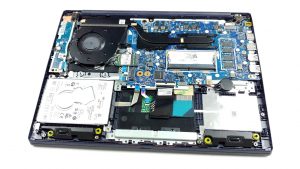


![[June 2026] Best-Selling Laptop Brands on Amazon Global – Apple’s Unrivaled Dominance in Units and Revenue](https://laptopmedia.com/wp-content/uploads/2026/07/GLOBAL-Best-Brands-400x225.jpg)
![[June 2026] Amazon Global: Top 10 Best-Selling Laptops – Apple’s New MacBook Neo Storms to #1, Reshaping the Market with Affordability](https://laptopmedia.com/wp-content/uploads/2026/07/Best-Selling-Laptops-GLOBAL-Top-10-400x225.jpg)
![[June 2026] Amazon Global: Top 10 Best-Selling Gaming Laptops – Acer’s Nitro V 16S AI Dominates Sales, While ASUS Leads Overall Revenue](https://laptopmedia.com/wp-content/uploads/2026/07/Best-Selling-Gaming-Laptops-GLOBAL-Top-10-400x225.jpg)
![[June 2026] Global Ranking of Best-Selling Laptop GPUs on Amazon – NVIDIA RTX 5060 is the Top-Selling Dedicated GPU](https://laptopmedia.com/wp-content/uploads/2026/07/Best-Selling-GPUs-GLOBAL-Top-10-400x225.jpg)
![[June 2026] Global Ranking of Best-Selling Laptop CPUs on Amazon – Apple M5 Dominates, AMD Ryzen 7 260 Gets Solid Premium Share](https://laptopmedia.com/wp-content/uploads/2026/07/Best-Selling-CPUs-GLOBAL-Top-10-400x225.jpg)

