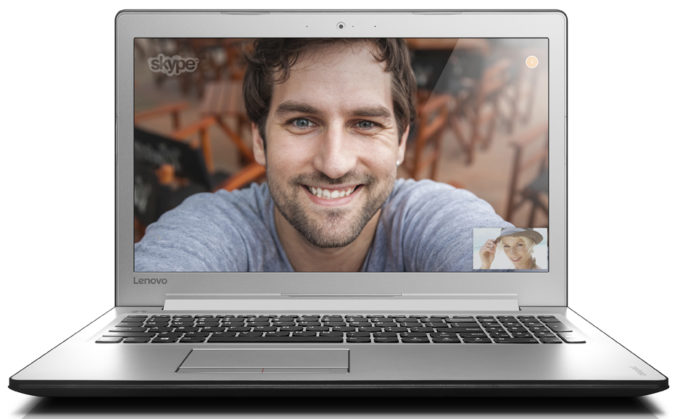
Lenovo ideapad 510 (15″)
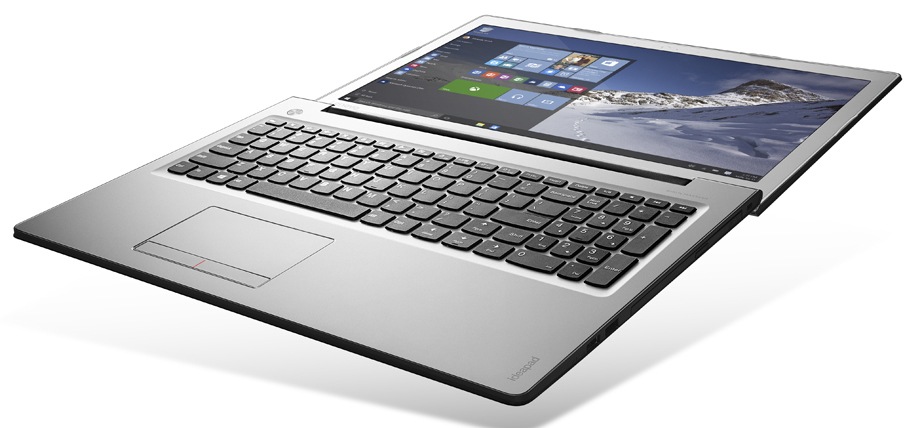
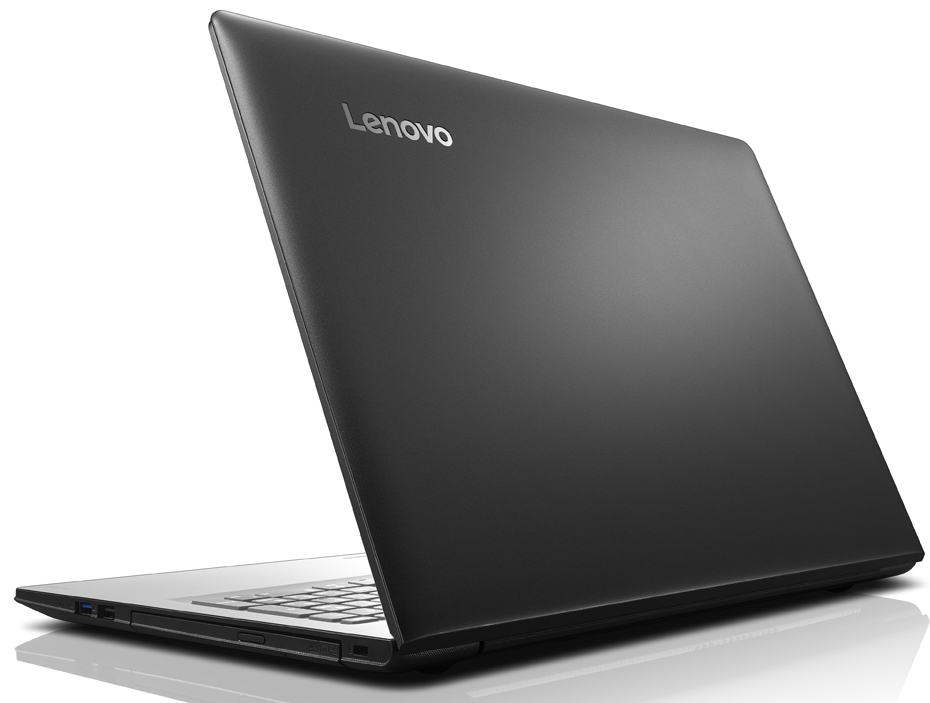
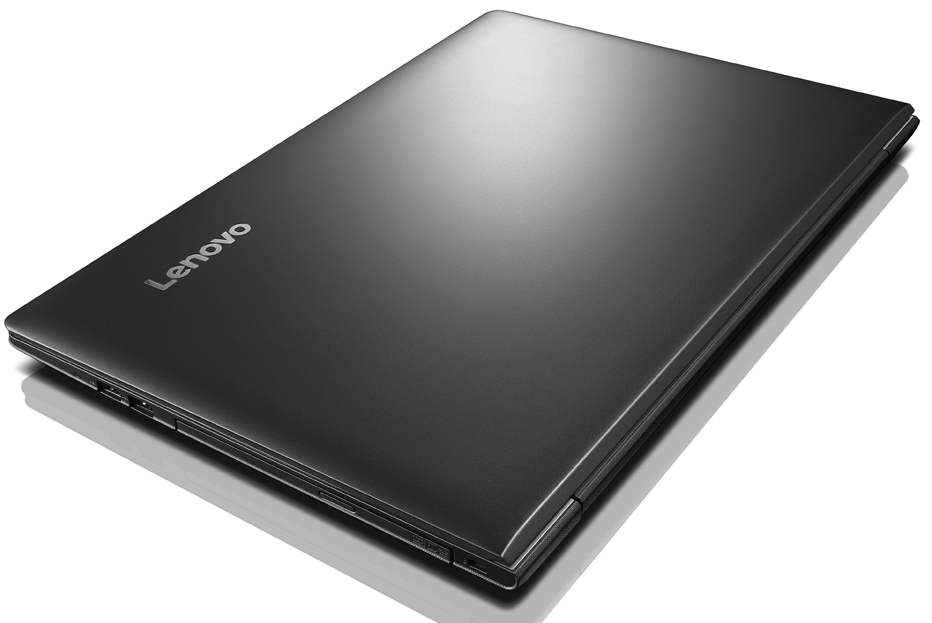

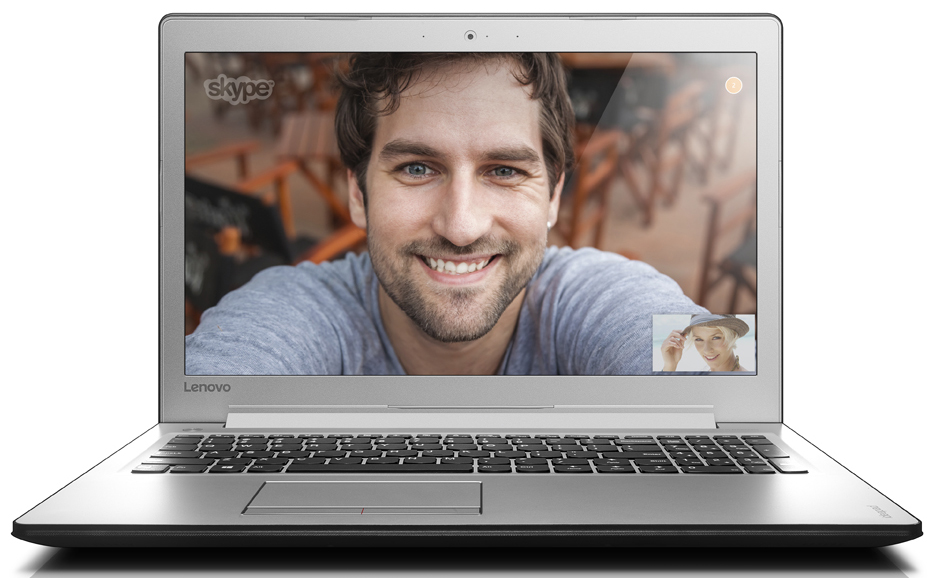
- Date Published: 14 Feb 2018
- Intel Core i7-6500U
- Intel HD Graphics 520
- 15.6”, Full HD (1920 x 1080), IPS
- 4000GB SSD
- 8GB DDR4, 2133 MHz
- 2.20 kg (4.9 lbs)
Review
Lenovo ideapad 510 (15″) in-depth review
The Lenovo Ideapad 510 might seem like the average budget-oriented notebook at first but actually, the device has a lot more to offer than its competitors and the difference is in the details. It comes as a breath of fresh air after the Ideapad 310, which lacked several key features for its asking price but if you are willing to spend just a few dollars extra, we strongly recommend the Ideapad 510 over the lower-end Ideapad 310.Why? Because it sports the same hardware as the similarly priced ASUS X556 and the Acer Aspire E 15 (E5-575G) - Intel Core i5-7200U (or Core i7-7500U), 8GB of DDR4-2133 RAM and a GeForce 940MX (2GB DDR3) GPU running the graphically intensive task. What sets the Ideapad 510 apart from its rivals, though, is the Full HD IPS panel. The latter makes it a very lu[...]
Read the full review
Pros
- Good keyboard
- Decent overall build with a small exception
- Portable
- Excellent IPS panel for the asking price
Cons
- Subpar battery life
- Protruding edge around the keyboard area
- The screen uses PWM from 0 to 99% brightness (the Health-Guard profile fixes that)
DISPLAY: 15.6-inch, 1920 x 1080, IPS
- Name
- BOE NV156FHM-N42 (Lenovo ideapad 510)
- Diagonal
- 15.6"
- Pixel density
- 141.21 ppi
- Brightness
- 264 cd/m2
- sRGB
- 54%
- Panel Type
- IPS
- Resolution
- 1920 x 1080
- Becomes "Retina" from
- 24 inches (62 cm)
- Contrast
- 1370:1
- dE Color Checker
- 4.4 3.4

Buy our profiles for BOE NV156FHM-N42 (Lenovo ideapad 510)
In addition to receiving efficient and health-friendly profiles, by buying LaptopMedia's products you also support the development of our labs, where we test devices in order to produce the most objective reviews possible.

Office Work / Web Design
If your field is office work or web design, or you just want your monitor's color set to be as accurate as possible for the Internet color space, this profile will prove to be useful.

Gaming and Movie Nights
We developed this profile especially for games and movies. It makes fine nuances in dark scenes easier to discern during long sessions in front of the display.

Health-Guard
This profile reduces the negative impact of Pulse-Width Modulation (PWM) and the Blue Light spectrum, while keeping colors perceptually accurate for this panel.



![[June 2026] Best-Selling Laptop Brands on Amazon Global – Apple’s Unrivaled Dominance in Units and Revenue](https://laptopmedia.com/wp-content/uploads/2026/07/GLOBAL-Best-Brands-400x225.jpg)
![[June 2026] Amazon Global: Top 10 Best-Selling Laptops – Apple’s New MacBook Neo Storms to #1, Reshaping the Market with Affordability](https://laptopmedia.com/wp-content/uploads/2026/07/Best-Selling-Laptops-GLOBAL-Top-10-400x225.jpg)
![[June 2026] Amazon Global: Top 10 Best-Selling Gaming Laptops – Acer’s Nitro V 16S AI Dominates Sales, While ASUS Leads Overall Revenue](https://laptopmedia.com/wp-content/uploads/2026/07/Best-Selling-Gaming-Laptops-GLOBAL-Top-10-400x225.jpg)
![[June 2026] Global Ranking of Best-Selling Laptop GPUs on Amazon – NVIDIA RTX 5060 is the Top-Selling Dedicated GPU](https://laptopmedia.com/wp-content/uploads/2026/07/Best-Selling-GPUs-GLOBAL-Top-10-400x225.jpg)
![[June 2026] Global Ranking of Best-Selling Laptop CPUs on Amazon – Apple M5 Dominates, AMD Ryzen 7 260 Gets Solid Premium Share](https://laptopmedia.com/wp-content/uploads/2026/07/Best-Selling-CPUs-GLOBAL-Top-10-400x225.jpg)
