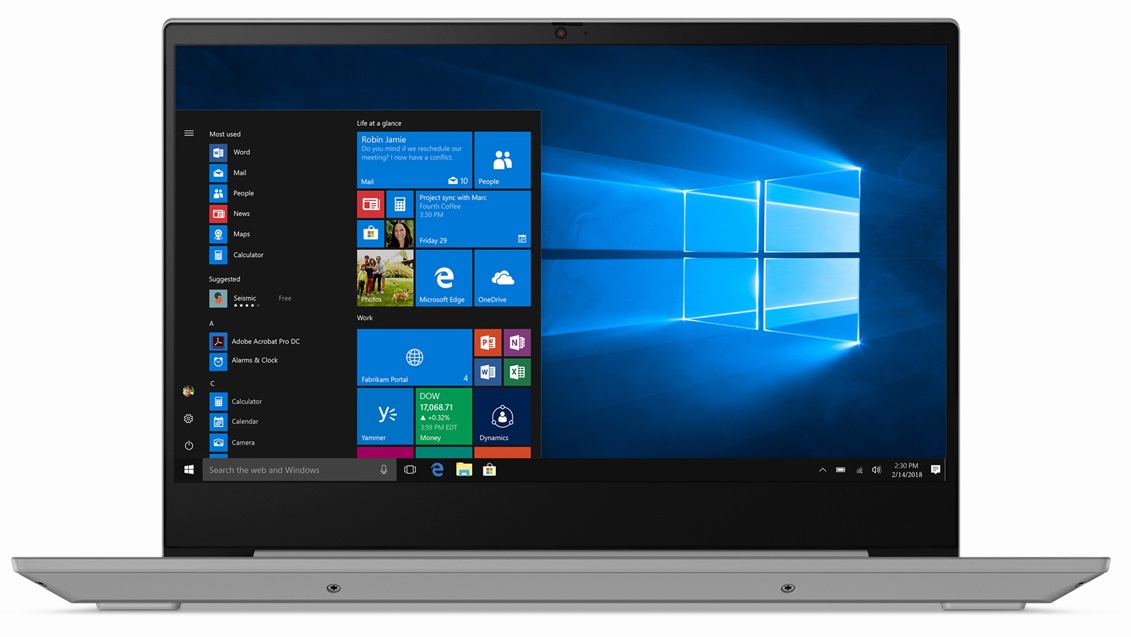
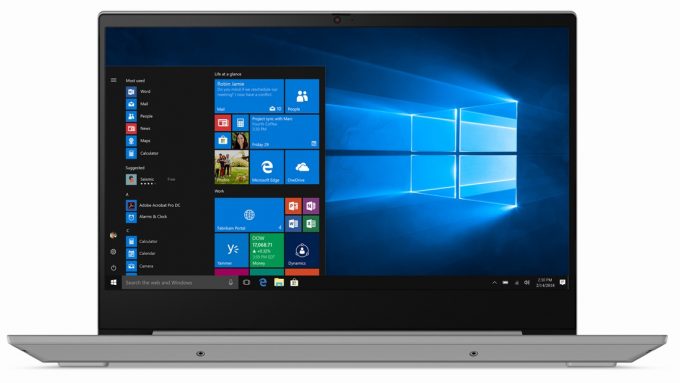
Lenovo IdeaPad S340 14″
- Date Published: 10 Sep 2024
- Intel Core i5-8250U
- Intel UHD Graphics 620
- 14.0”, Full HD (1920 x 1080), TN
- 1000GB HDD
- 20GB RAM
- 1.69 kg (3.7 lbs)
Specs
- Display

- HDD/SSD
- 1000GB HDD
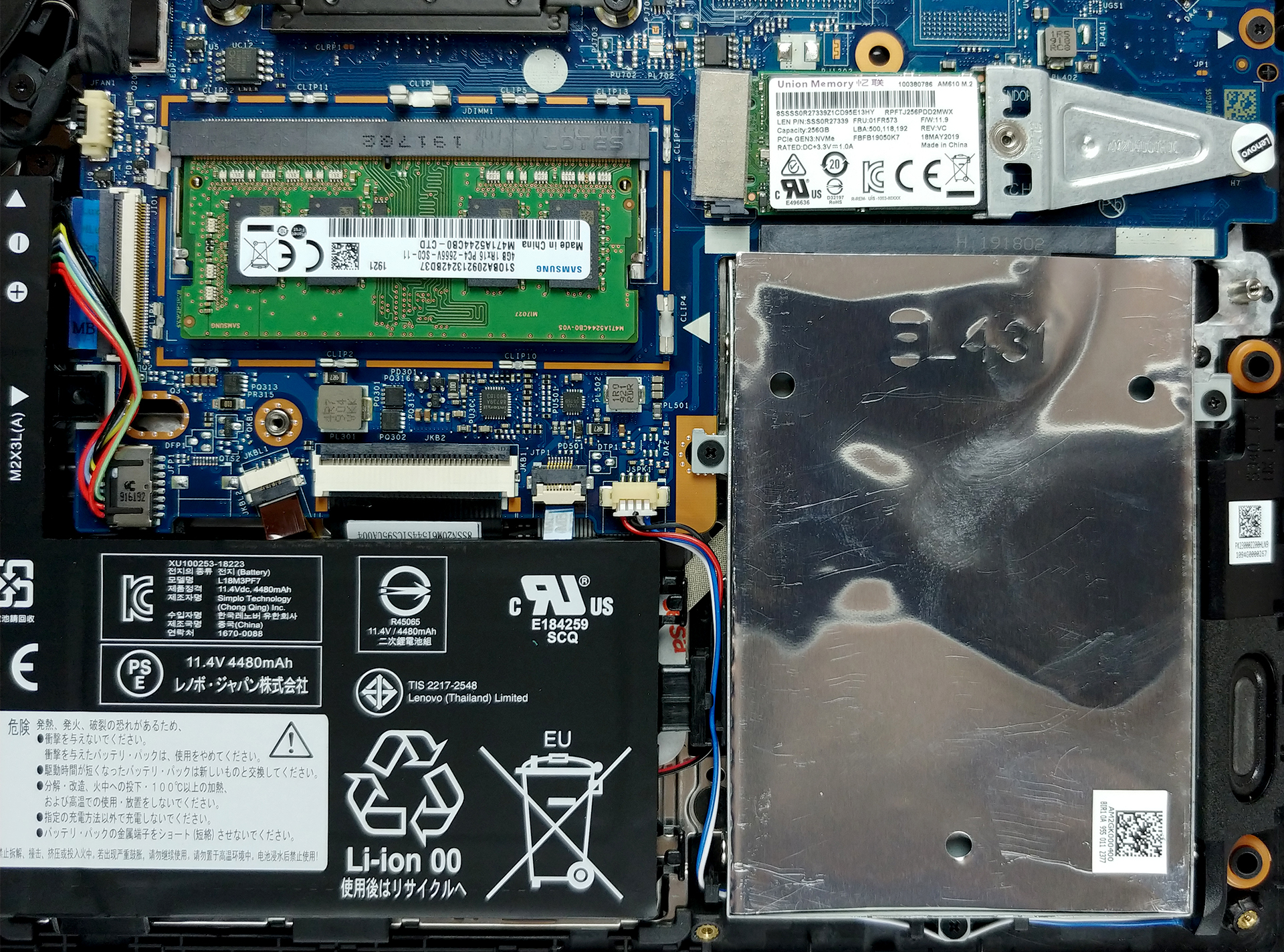
- M.2 Slot
- 1x 2280 PCIe NVMe 3.0 x4 See photo
- RAM
- 20GB RAM
- OS
- Linux
- Body Material
- Plastic / Polycarbonate, Aluminum
- Dimensions
- 323 x 231 x 17.9 mm (12.72" x 9.09" x 0.70")
- Weight
- 1.69 kg (3.7 lbs)
- Ports and connectivity
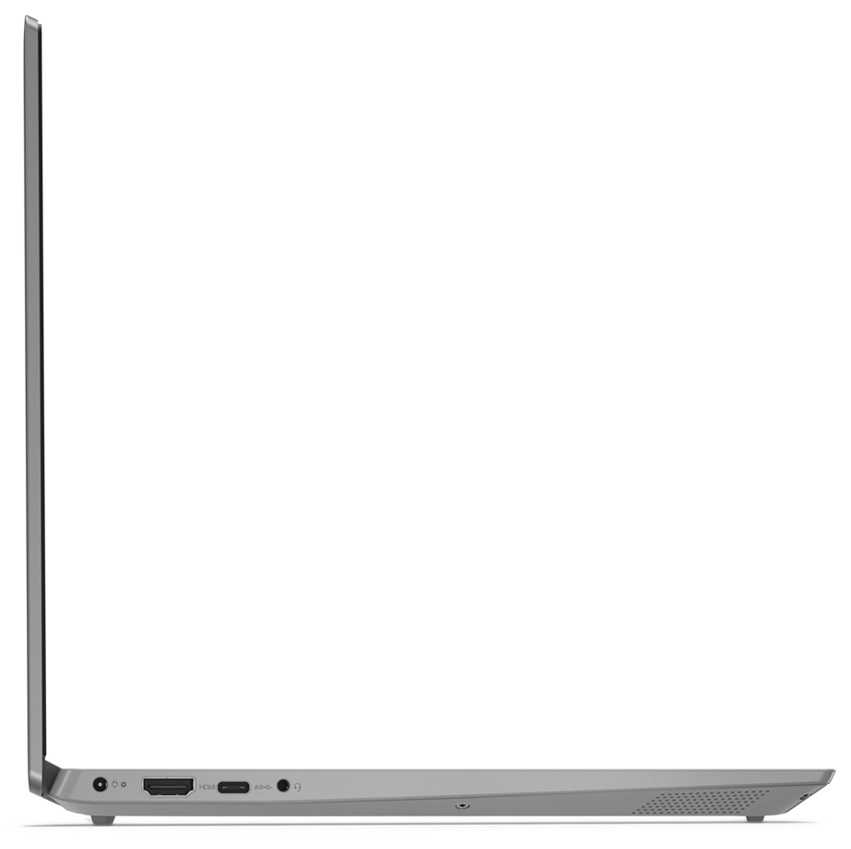
- 1x USB Type-C
- 3.2 Gen 1 (5 Gbps)
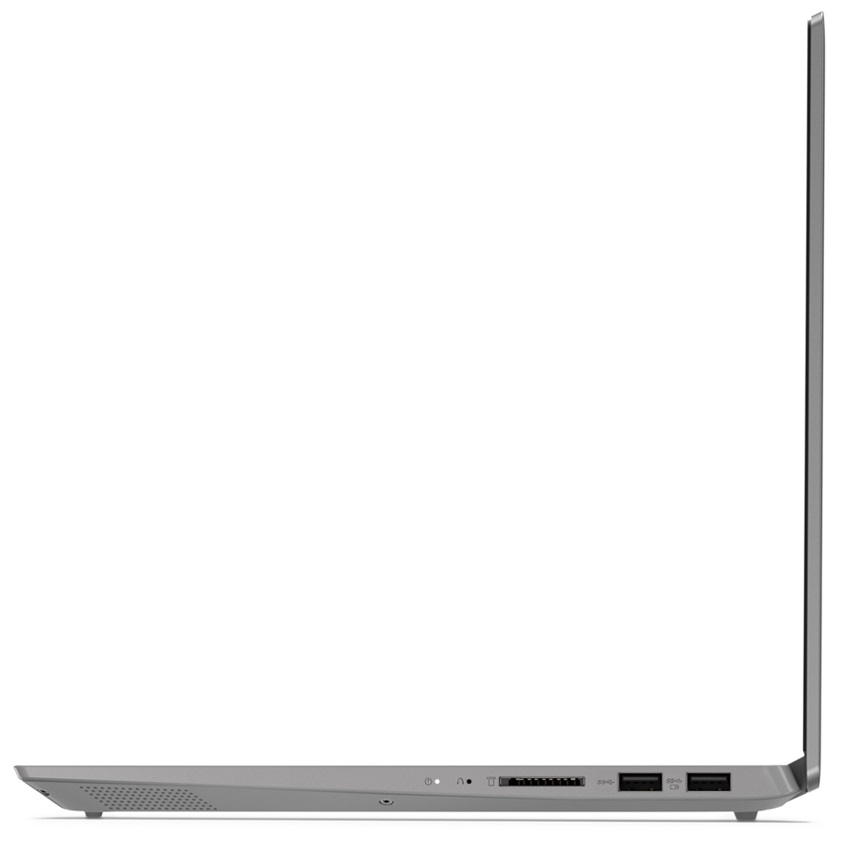
- 1x USB Type-A
- 3.2 Gen 1 (5 Gbps), Sleep and Charge
- 1x USB Type-A
- 3.2 Gen 1 (5 Gbps)
- HDMI
- 1.4b
- Card Reader
- MMC, SD, SDHC, SDXC
- Ethernet LAN
- Wi-Fi
- 802.11ac
- Bluetooth
- 4.2
- Audio jack
- 3.5 mm combo
- Features
- Fingerprint reader
- Web camera
- HD
- Backlit keyboard
- Microphone
- Dual-Array Microphone
- Speakers
- 2x 2W, Dolby Audio
- Security Lock slot
Portability
Review
Lenovo IdeaPad S340 14″ in-depth review
Today, we were able to get our hands on a direct successor to the Lenovo Ideapad 330s (14). If you remember, it was one of the good budget 14-inchers on the market and offered an IPS panel and decent processors. However, the Ideapad S340 (14), which we got right now, has a TN panel, which is a bummer, although, there should be available options of this model that sport an IPS display.Nevertheless, visually, the changes are ever so subtle and hard to notice for the naked eye. Some of them raise the value of the device immensely - they include a backlight for the keyboard and a rubberized finish on the base, which makes fingerprint harder to stick to the surface.You can check the prices and configurations in our Specs System: https://laptopmedia.com/series/lenovo-ideapad-s340-14-14i[...]
Read the full review
Pros
- Great input devices
- Cool on the outside
- Supports M.2 PCIe x4 drives
- Has a great battery life
Cons
- Weak chassis
- TN panel has naturally poor viewing angles
- Uses aggressive PWM to adjust its brightness (our Health-Guard profile fixes that) (BOE NT140FHM-N43 (BOE07D3))
- Covers only 51% of sRGB (BOE NT140FHM-N43 (BOE07D3))
Disassembly, maintenance and upgrade options
As any laptop on the market, the Ideapad S340 (14) has its pros and cons. Interestingly, though, more of the pros are located on the inside of the machine.Check out all Lenovo Ideapad S340 (14) prices and configurations in our Specs System or read more in our In-Depth review.1. Remove the bottom plate If you want to do some upgrading, cleaning, or you need to change a broken part, you need to remove the entire bottom panel of the notebook. This happens by removing 10 Torx-headed screws and prying the panel with a plastic tool. All-in-all the disassembly process is easy, however,[...]
Read more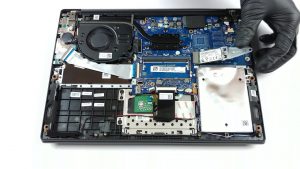


![[August 2026] Global Ranking of Best-Selling Laptop GPUs on Amazon – Apple Reigns Supreme, NVIDIA’s RTX 5060 Tops Dedicated Chart](https://laptopmedia.com/wp-content/uploads/2026/09/Best-Selling-GPUs-GLOBAL-Top-10-400x225.jpg)
![[August 2026] Global Ranking of Best-Selling Laptop CPUs on Amazon – Apple Dominates Both Budget and Premium: A18 Pro and M5 Crush Intel and AMD in August 2026](https://laptopmedia.com/wp-content/uploads/2026/09/Best-Selling-CPUs-GLOBAL-Top-10-400x225.jpg)
![[August 2026] Amazon Global: Top 10 Best-Selling Laptops – Apple MacBook Neo Dominates the Charts as Budget and Mid-Range Windows Portables Fight for Volume](https://laptopmedia.com/wp-content/uploads/2026/09/Best-Selling-Laptops-GLOBAL-Top-10-400x225.jpg)
![[August 2026] Best-Selling Laptop Brands on Amazon Global – Apple Dominates Revenue While HP Leads in Model Variety](https://laptopmedia.com/wp-content/uploads/2026/09/GLOBAL-Best-Brands-400x225.jpg)
![[August 2026] Amazon Global: Top 10 Best-Selling Gaming Laptops – HP Victus 15 Captures the Crown as Budget-Friendly Models Dominate the Charts](https://laptopmedia.com/wp-content/uploads/2026/09/Best-Selling-Gaming-Laptops-GLOBAL-Top-10-400x225.jpg)