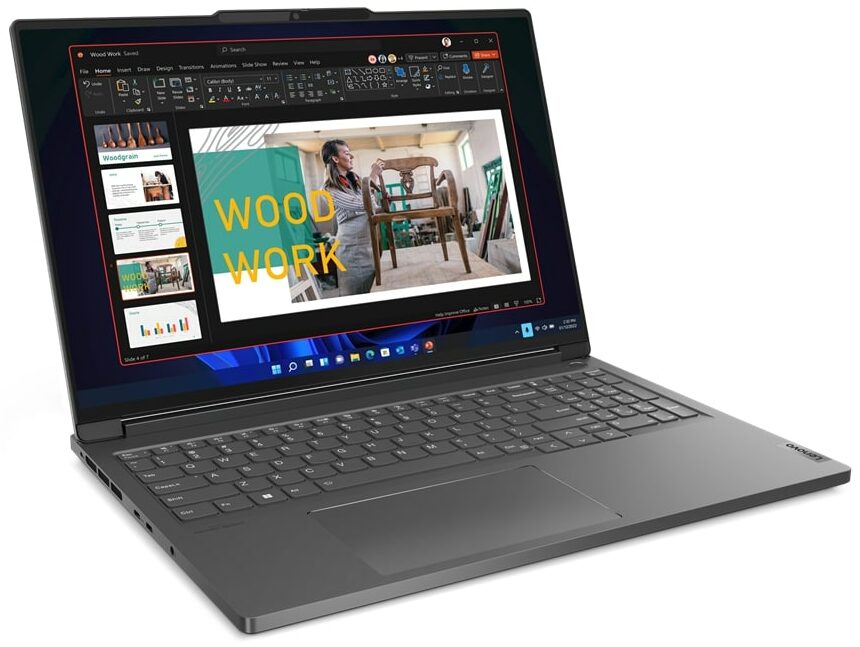
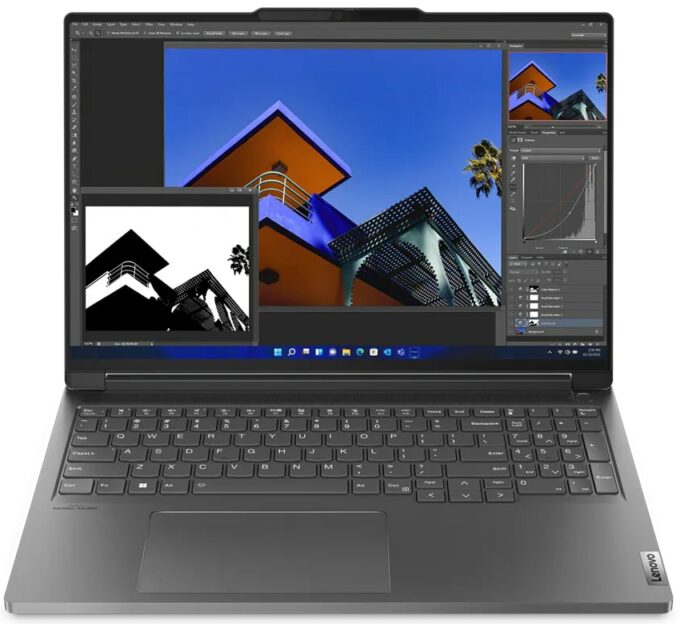
Lenovo ThinkBook 16p Gen 4





- Date Published: 27 Aug 2024
- Intel Core i7-13700H
- NVIDIA GeForce RTX 4060 (Laptop, 115W)
- 16.0", WQXGA (2560 x 1600), IPS
- 512GB SSD
- 16GB RAM
- 2.20 kg (4.9 lbs)
Specs
- Display

- HDD/SSD
- 512GB SSD
- M.2 Slot
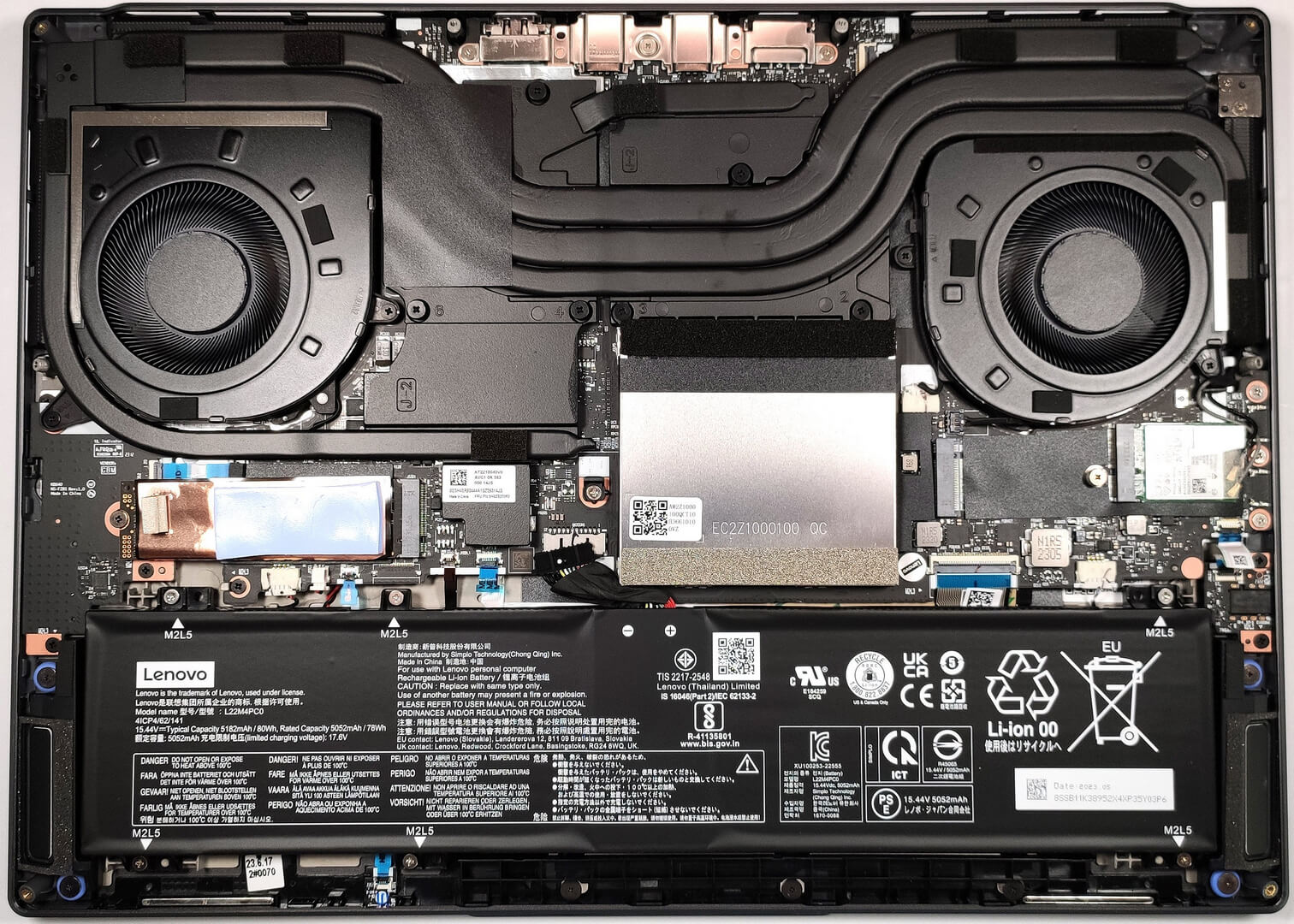
- 1x 2280 M.2 NVMe PCIe 4.0 x4 + 1x 2242 M.2 NVMe PCIe 4.0 x4 See photo
- RAM
- 16GB RAM
- OS
- Windows 11 Pro
- Body Material
- Aluminum
- Dimensions
- 354.6 x 255 x 19.9 mm (13.96" x 10.04" x 0.78")
- Weight
- 2.20 kg (4.9 lbs)
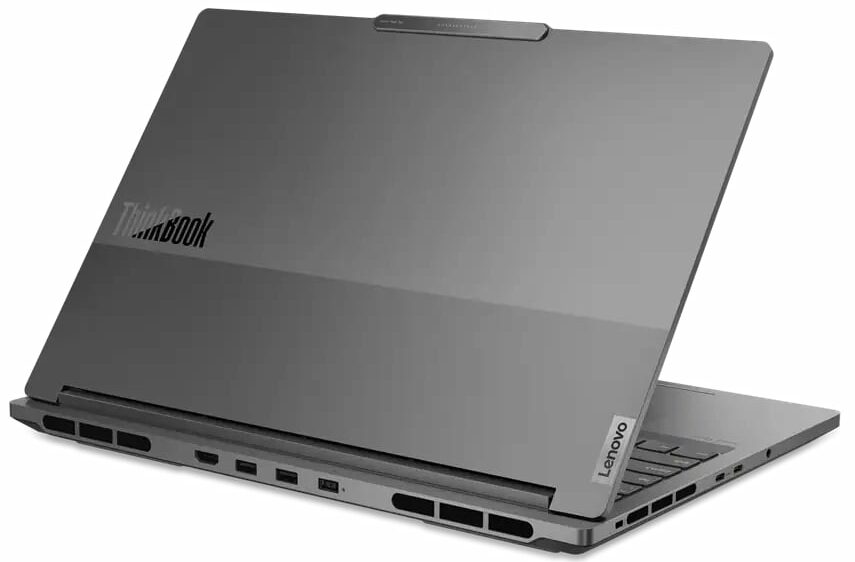
- Ports and connectivity
- 2x USB Type-A
- 3.2 Gen 2 (10 Gbps)
- 1x USB Type-C
- 3.2 Gen 2 (10 Gbps), Power Delivery (PD), DisplayPort
- 1x USB Type-C
- 4.0, Thunderbolt 4, Power Delivery (PD), DisplayPort
- HDMI
- 2.1 (8K@60Hz / 4K@120Hz)
- Card Reader
- SD (SD, SDHC, SDXC)
- Ethernet LAN
- Wi-Fi
- 802.11ax
- Bluetooth
- 5.1
- Audio jack
- 3.5mm Combo Jack
- Features
- Fingerprint reader
- Web camera
- FHD 1080p + IR hybrid, with privacy shutter, fixed focus
- Backlit keyboard
- Microphone
- Dual-microphone array with noise-cancelling
- Speakers
- Stereo speakers, 2W x2 woofers and 2W x2 tweeters, Dolby Atmos, sound by harman/kardon, Smart Amplifier (AMP)
- Security Lock slot
- Kensington Nano Lock
Portability
Review
Lenovo ThinkBook 16p Gen 4 in-depth review
Modern-day office devices are constantly evolving. Years ago, some of them looked boring and their performance wasn't that good. Now, we have machines like the Lenovo ThinkBook 16p Gen 4 that look stylish and have plenty of power.The notebook is meant for business usage but since it can be configured with Intel Raptor-Lake-H CPUs and NVIDIA Ada Lovelace GPUs with high TGPs, this gadget can catch the attention of content creators and even gamers. Maybe they will prefer the optional 3.2K display with a 165Hz refresh rate because the base one is a 60Hz 2.5K model.The connectivity is up to date you'll also find a dedicated Meeting Manager application in the Lenovo Vantage software. The I/O is definitely generous and it includes a Thunderbolt 4 port, and Wi-Fi 6E (option) is also on boa[...]
Read the full review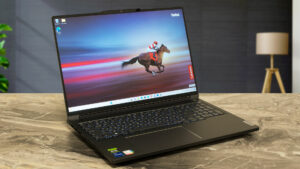
Pros
- Great performance
- 2x M.2 PCIe x4 Gen 4 slots, 2x DDR5 RAM SODIMM slots for dual channel mode
- Covers 88% of the sRGB color gamut LEN160WQ (LEN8A9D)
- PWM-free (LEN160WQ (LEN8A9D)
- All-metal build
- Not too heavy and thick given the hardware
- Great input devices
- Good port selection
- The Lenovo Vantage application offers plenty of customization options
- Has a dGPU-only mode in the BIOS
- Capable cooling solution
- High CPU P and E cores frequencies and power limits during any kind of load
- The GPU can maintain 108W TGP and ~2475MHz core clock
- The WASD area and the palm rest zone are cool enough during 100% CPU stress
- Quality sound
Cons
- Noisy fans in Extreme Performance mode
- Pricey
Disassembly, maintenance and upgrade options
Step 1: Opening the Lenovo ThinkBook 16p Gen 4Ensure the Lenovo ThinkBook 16p Gen 4 is powered off and placed on a soft, clean surface to prevent scratches or damage. Remove the 8 Torx-head screws from the bottom of the laptop to release the bottom plate. Use a plastic tool to gently pry the panel away from the chassis, starting at one corner and working your way around.Hint: Be careful during the prying process to avoid damaging the internal components or the clips holding the panel in place.Step 2: Battery RemovalDisconnect the battery connector from the mot[...]
Read more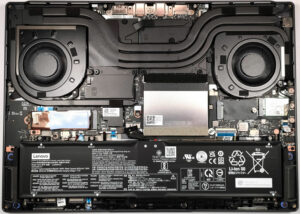


![[June 2026] Best-Selling Laptop Brands on Amazon Global – Apple’s Unrivaled Dominance in Units and Revenue](https://laptopmedia.com/wp-content/uploads/2026/07/GLOBAL-Best-Brands-400x225.jpg)
![[June 2026] Amazon Global: Top 10 Best-Selling Laptops – Apple’s New MacBook Neo Storms to #1, Reshaping the Market with Affordability](https://laptopmedia.com/wp-content/uploads/2026/07/Best-Selling-Laptops-GLOBAL-Top-10-400x225.jpg)
![[June 2026] Amazon Global: Top 10 Best-Selling Gaming Laptops – Acer’s Nitro V 16S AI Dominates Sales, While ASUS Leads Overall Revenue](https://laptopmedia.com/wp-content/uploads/2026/07/Best-Selling-Gaming-Laptops-GLOBAL-Top-10-400x225.jpg)
![[June 2026] Global Ranking of Best-Selling Laptop GPUs on Amazon – NVIDIA RTX 5060 is the Top-Selling Dedicated GPU](https://laptopmedia.com/wp-content/uploads/2026/07/Best-Selling-GPUs-GLOBAL-Top-10-400x225.jpg)
![[June 2026] Global Ranking of Best-Selling Laptop CPUs on Amazon – Apple M5 Dominates, AMD Ryzen 7 260 Gets Solid Premium Share](https://laptopmedia.com/wp-content/uploads/2026/07/Best-Selling-CPUs-GLOBAL-Top-10-400x225.jpg)