Lenovo ThinkPad L13 Yoga
- Date Published: 04 Aug 2020
- Intel Core i3-10110U
- Intel UHD Graphics
- 13.3”, Full HD (1920 x 1080), IPS
- 128GB SSD
- 4GB DDR4, 2666 MHz
- 1.43 kg (3.2 lbs)
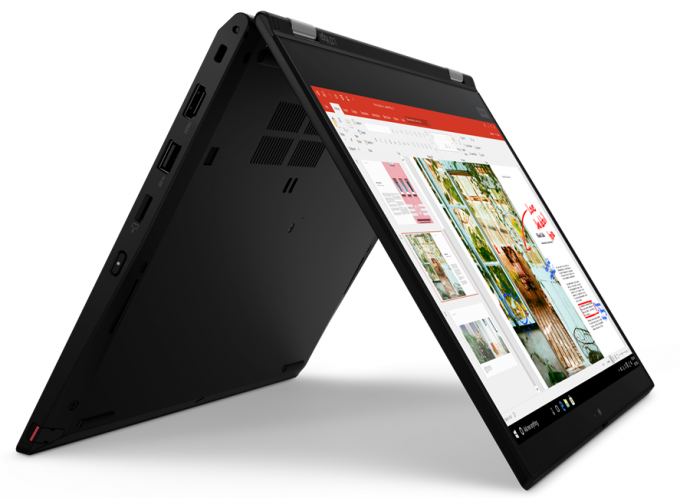
Review
Lenovo ThinkPad L13 Yoga in-depth review
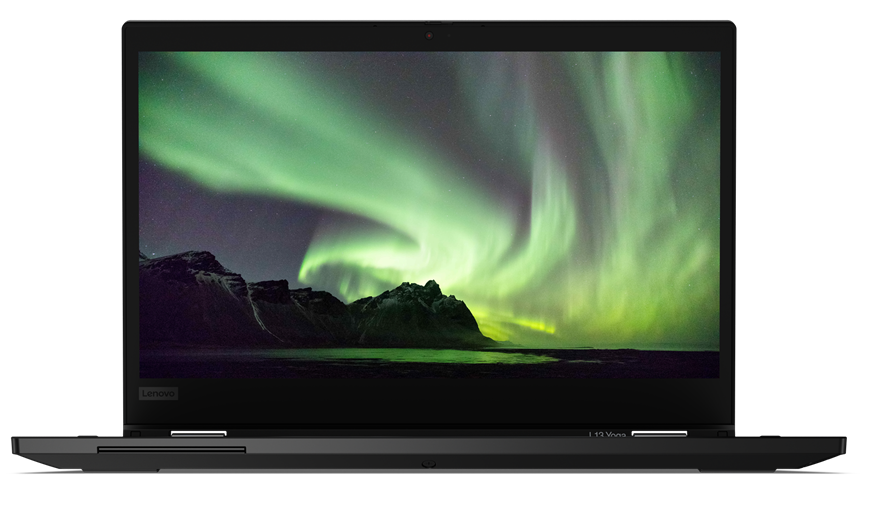
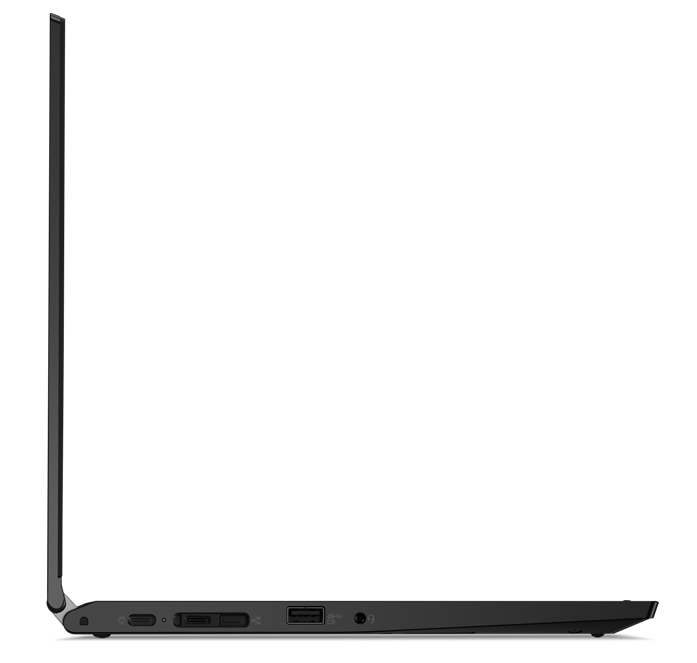
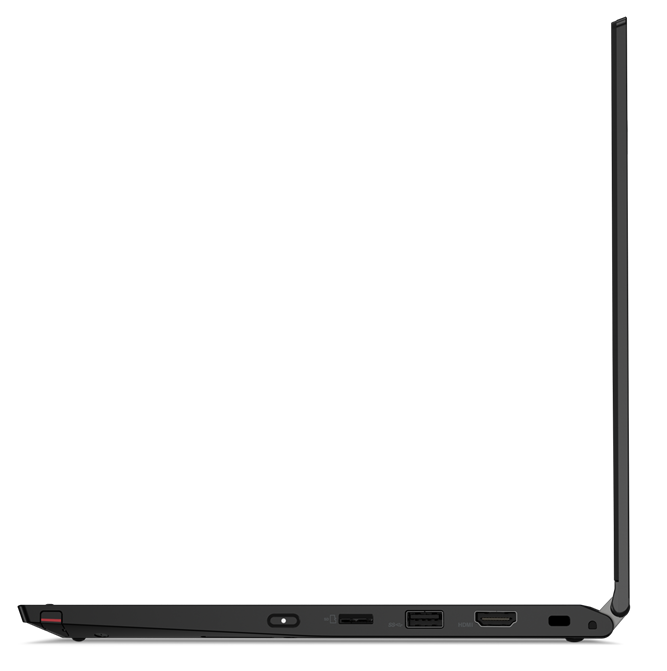
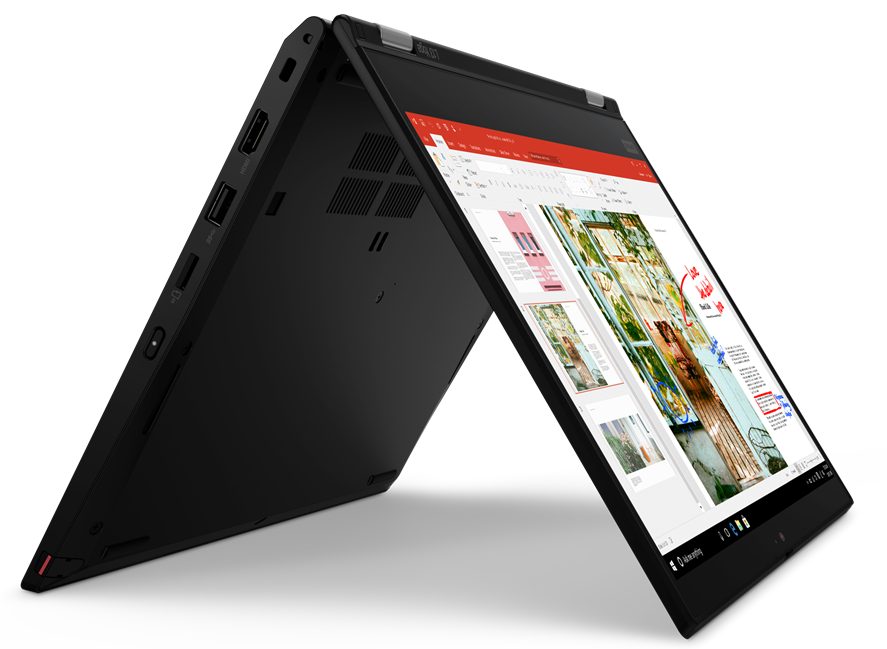
Guys, today we have a very special product from Lenovo. It is a neat combination of a business device and an artist's tool. By combining the security expertise of the ThinkPad family, and the versatility of the Yoga convertibles, they have created the ThinkPad L13 Yoga.It is a laptop that is aimed at both the business environment, and at people that need to sketch a project on the go. At your disposal, you have a 13.3-inch Full HD IPS panel and a ThinkPad Pen Pro, which has its own slot inside the chassis.Additionally, Lenovo relies on Intel's Comet Lake U series, which delivers processors like the Core i7-10510U (and a couple of vPro models, as well). It's petty that they don't offer the device with AMD's superior architecture, or at least with the Ice Lake CPU's of Intel.Nev[...]
Read the full review
Pros
- ThinkPad Pen Pro has its home inside the chassis
- It supports Wi-Fi 6 and its keyboard is backlit, spill-resistant, and comfortable for typing
- The display doesn't flicker at any brightness level (LG LP133WF7-SPA1)
- Has a good contrast ratio and comfortable viewing angles (LG LP133WF7-SPA1)
- Covers 92% of sRGB and color accuracy is greatly improved with our Gaming and Web design profile (LG LP133WF7-SPA1)
- Very good build quality
Cons
- Memory cannot be upgraded
- Not the best cooling solution out there
- Our unit had poor uniformity of the colors of its screen (LG LP133WF7-SPA1)
Disassembly, maintenance and upgrade options
Being a ThinkPad and a Yoga, this laptop needs to mary two fundamentally different platforms.Check out all Lenovo ThinkPad L13 Yoga prices and configurations in our Specs System or read more in our In-Depth review.1. Remove the bottom plate What is separating you from this laptop's internals, are 9 Phillips-head captive screws, which are not detaching from the bottom plate, after being undone. After that, you need to remove the stylus, and then pry the panel away with a plastic tool, starting from the back.2. Battery When it comes to the battery, you get a 46Wh unit.[...]
Read more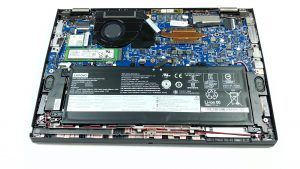
DISPLAY: 13.3-inch, 1920 x 1080, IPS
- Name
- LG LP133WF7-SPA1
- Diagonal
- 13.3"
- Pixel density
- 165.63 ppi
- Brightness
- 318 cd/m2
- sRGB
- 95%
- Panel Type
- IPS
- Resolution
- 1920 x 1080
- Becomes "Retina" from
- 21 inches (53 cm)
- Contrast
- 1700:1
- dE Color Checker
- 5.5 1.2

Buy our profiles for LG LP133WF7-SPA1
In addition to receiving efficient and health-friendly profiles, by buying LaptopMedia's products you also support the development of our labs, where we test devices in order to produce the most objective reviews possible.

Office Work
Office Work should be used mostly by users who spend most of the time looking at pieces of text, tables or just surfing. This profile aims to deliver better distinctness and clarity by keeping a flat gamma curve (2.20), native color temperature and perceptually accurate colors.

Design and Gaming
This profile is aimed at designers who work with colors professionally, and for games and movies as well. Design and Gaming takes display panels to their limits, making them as accurate as possible in the sRGB IEC61966-2-1 standard for Web and HDTV, at white point D65.

Health-Guard
Health-Guard eliminates the harmful Pulse-Width Modulation (PWM) and reduces the negative Blue Light which affects our eyes and body. Since it’s custom tailored for every panel, it manages to keep the colors perceptually accurate. Health-Guard simulates paper so the pressure on the eyes is greatly reduced.



![[August 2026] Global Ranking of Best-Selling Laptop GPUs on Amazon – Apple Reigns Supreme, NVIDIA’s RTX 5060 Tops Dedicated Chart](https://laptopmedia.com/wp-content/uploads/2026/09/Best-Selling-GPUs-GLOBAL-Top-10-400x225.jpg)
![[August 2026] Global Ranking of Best-Selling Laptop CPUs on Amazon – Apple Dominates Both Budget and Premium: A18 Pro and M5 Crush Intel and AMD in August 2026](https://laptopmedia.com/wp-content/uploads/2026/09/Best-Selling-CPUs-GLOBAL-Top-10-400x225.jpg)
![[August 2026] Amazon Global: Top 10 Best-Selling Laptops – Apple MacBook Neo Dominates the Charts as Budget and Mid-Range Windows Portables Fight for Volume](https://laptopmedia.com/wp-content/uploads/2026/09/Best-Selling-Laptops-GLOBAL-Top-10-400x225.jpg)
![[August 2026] Best-Selling Laptop Brands on Amazon Global – Apple Dominates Revenue While HP Leads in Model Variety](https://laptopmedia.com/wp-content/uploads/2026/09/GLOBAL-Best-Brands-400x225.jpg)
![[August 2026] Amazon Global: Top 10 Best-Selling Gaming Laptops – HP Victus 15 Captures the Crown as Budget-Friendly Models Dominate the Charts](https://laptopmedia.com/wp-content/uploads/2026/09/Best-Selling-Gaming-Laptops-GLOBAL-Top-10-400x225.jpg)
