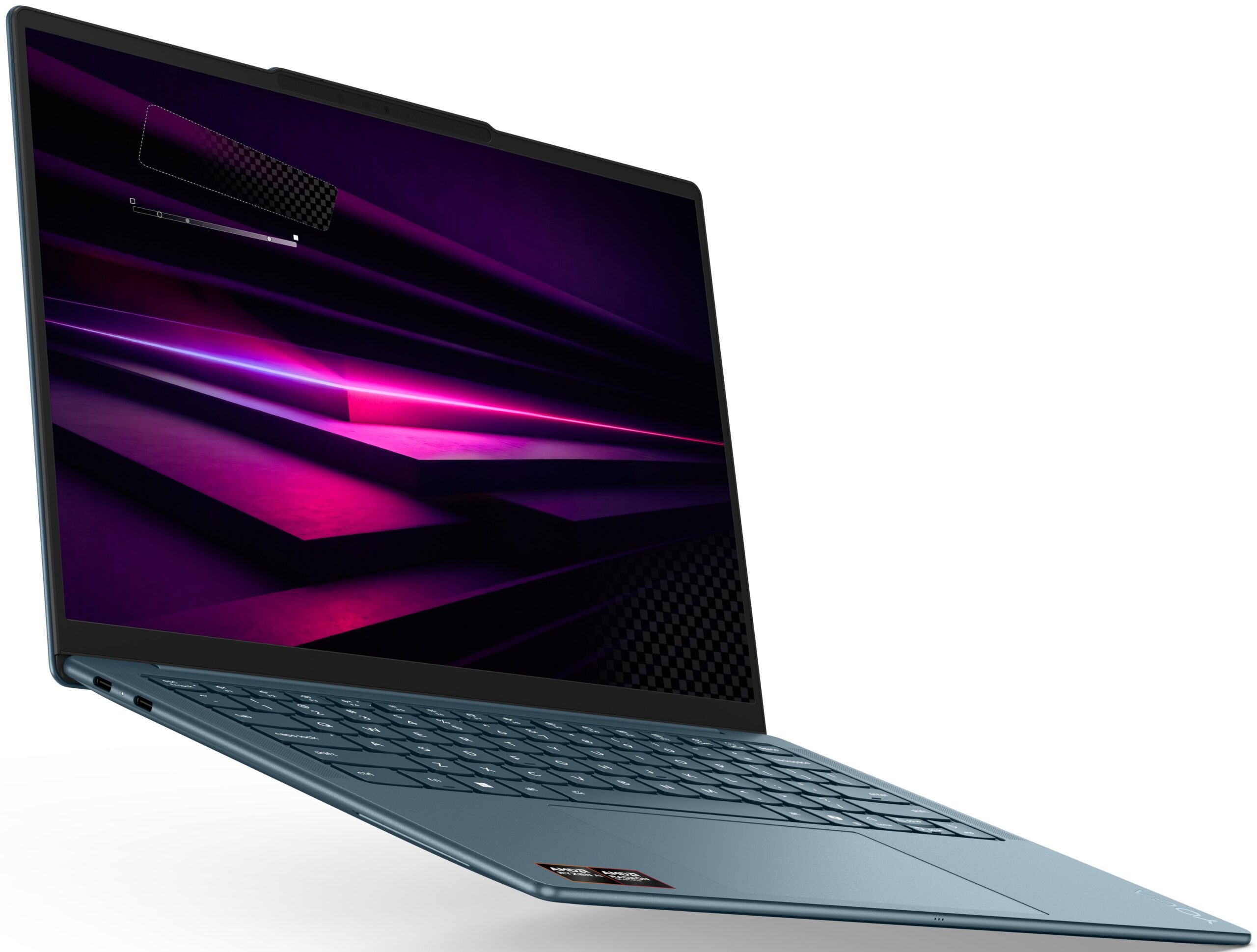
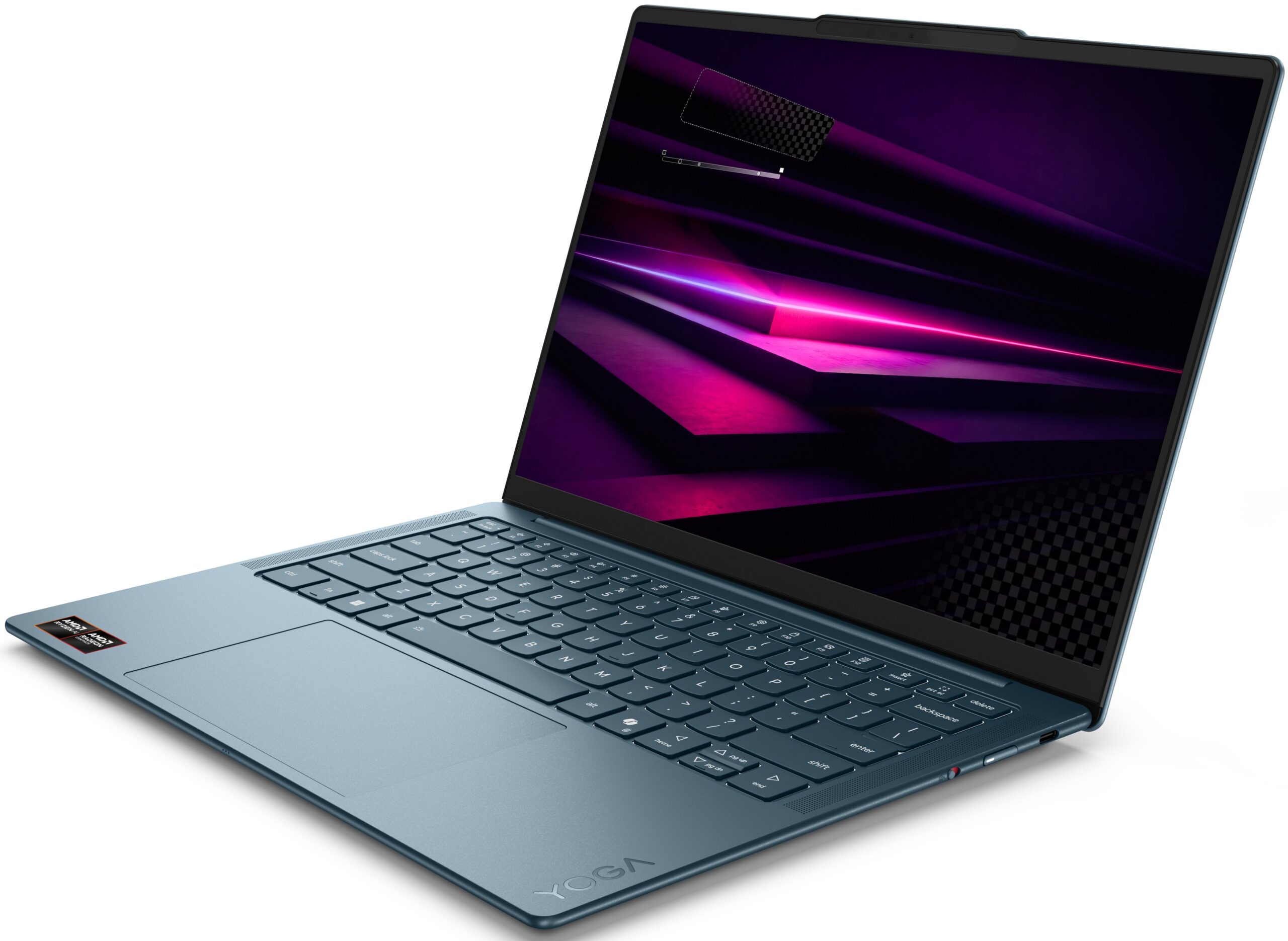
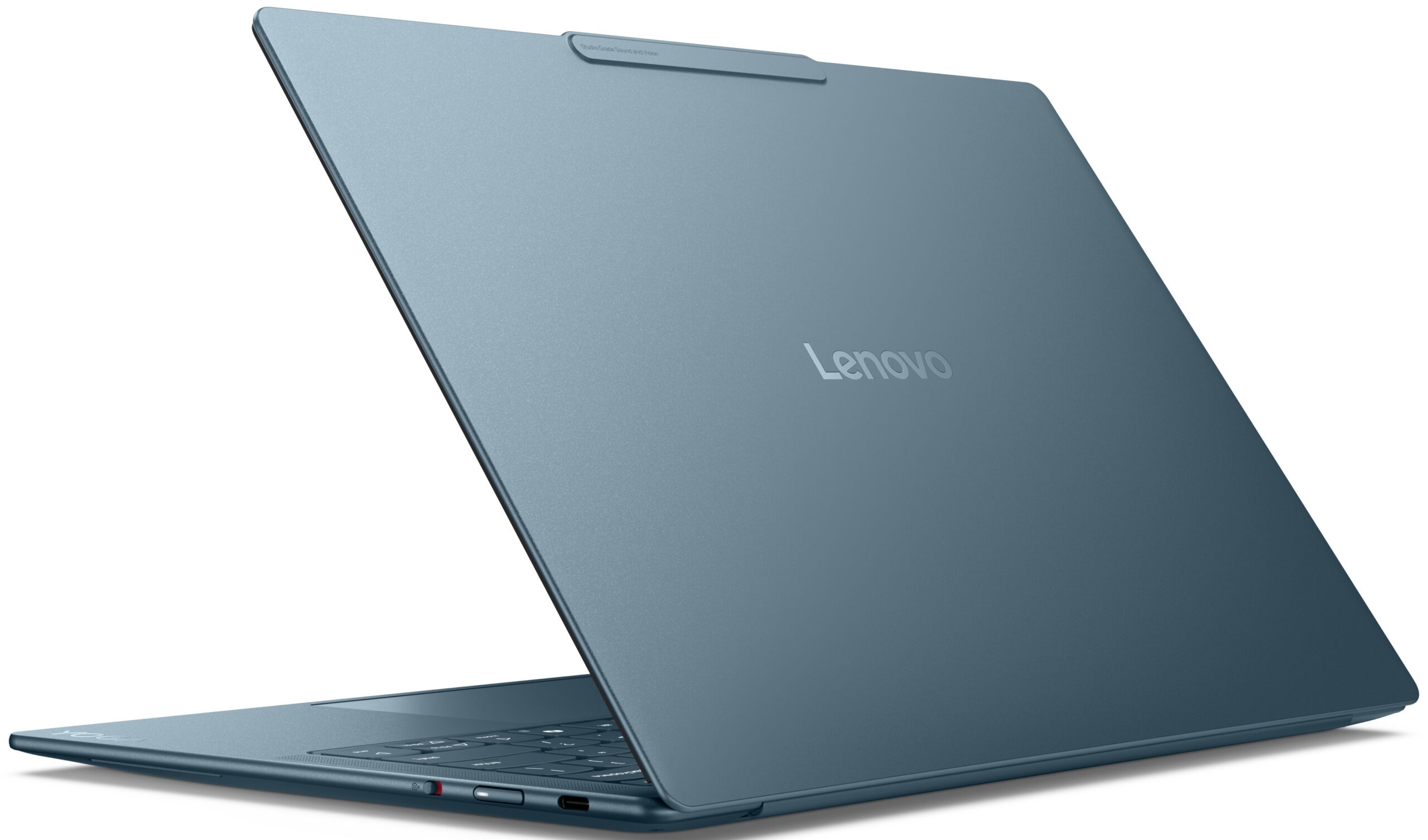
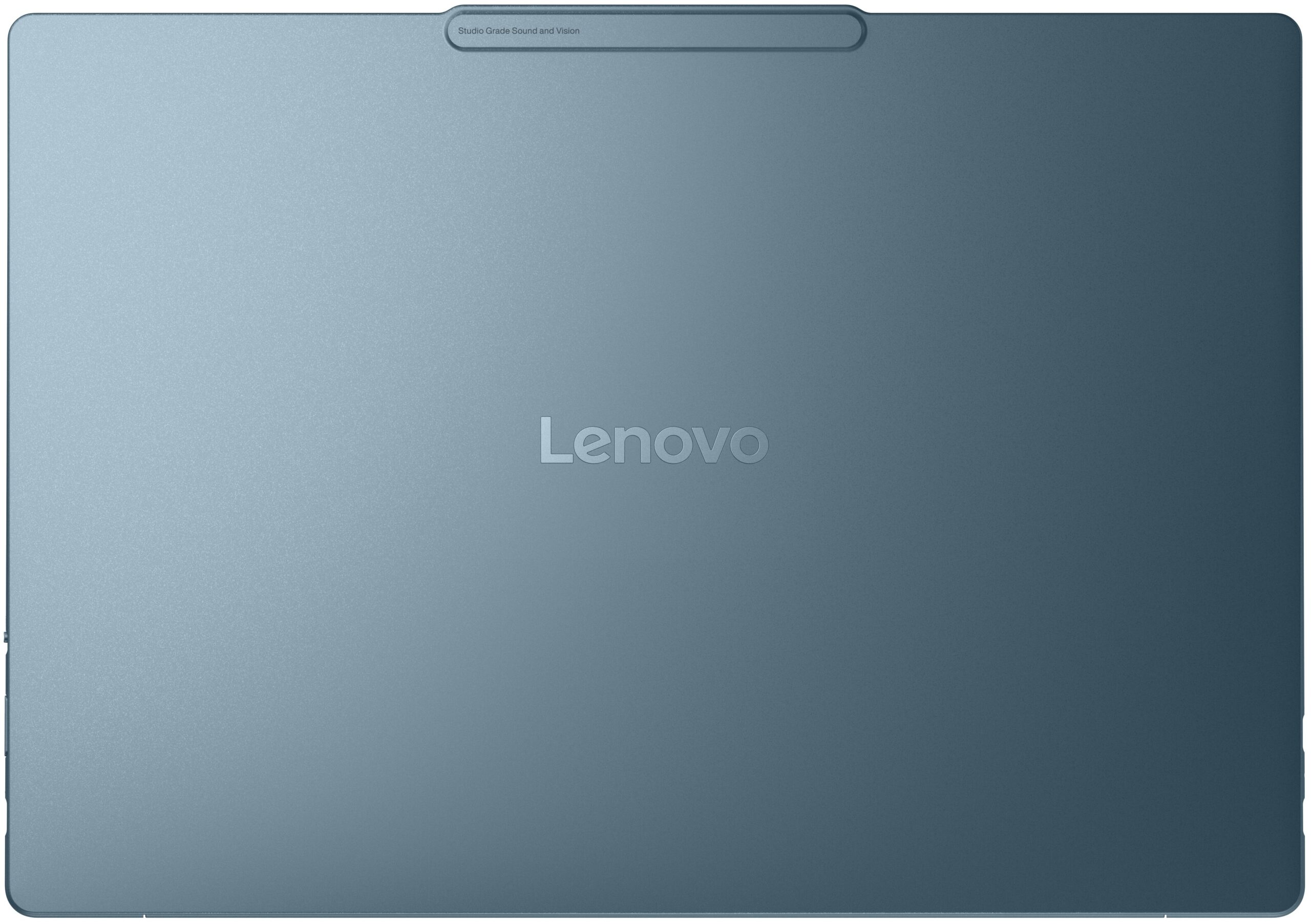
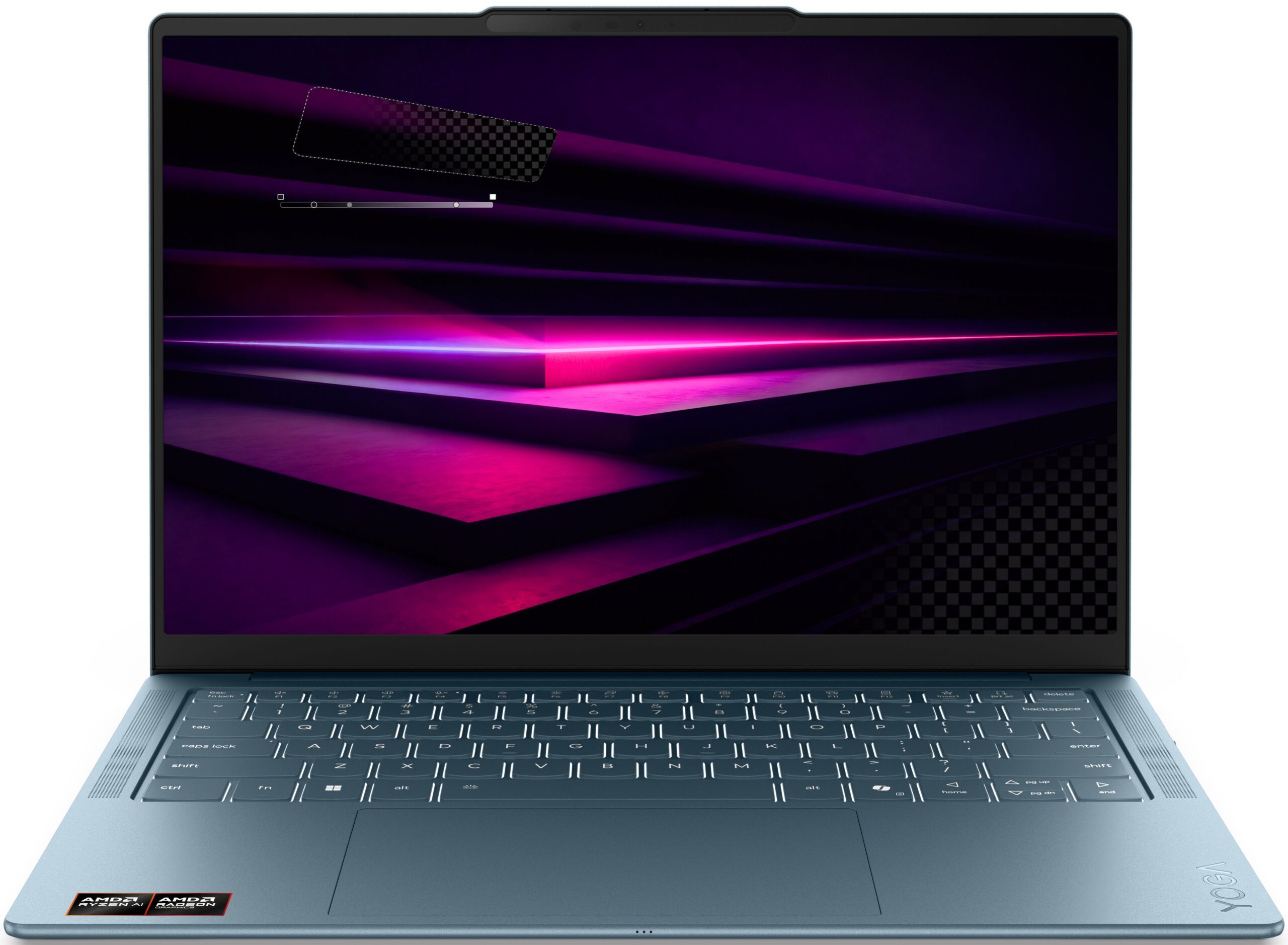
Lenovo Yoga Slim 7a
- Date Published: 22 Jun 2026
- AMD Ryzen AI 5 430
- AMD Radeon 840M
- 14.0”, WUXGA (1920 x 1200), OLED
- 512GB SSD
- 16GB RAM
- 1.15 kg (2.5 lbs)
Specs
- Display
- HDD/SSD
- 512GB SSD
- M.2 Slot
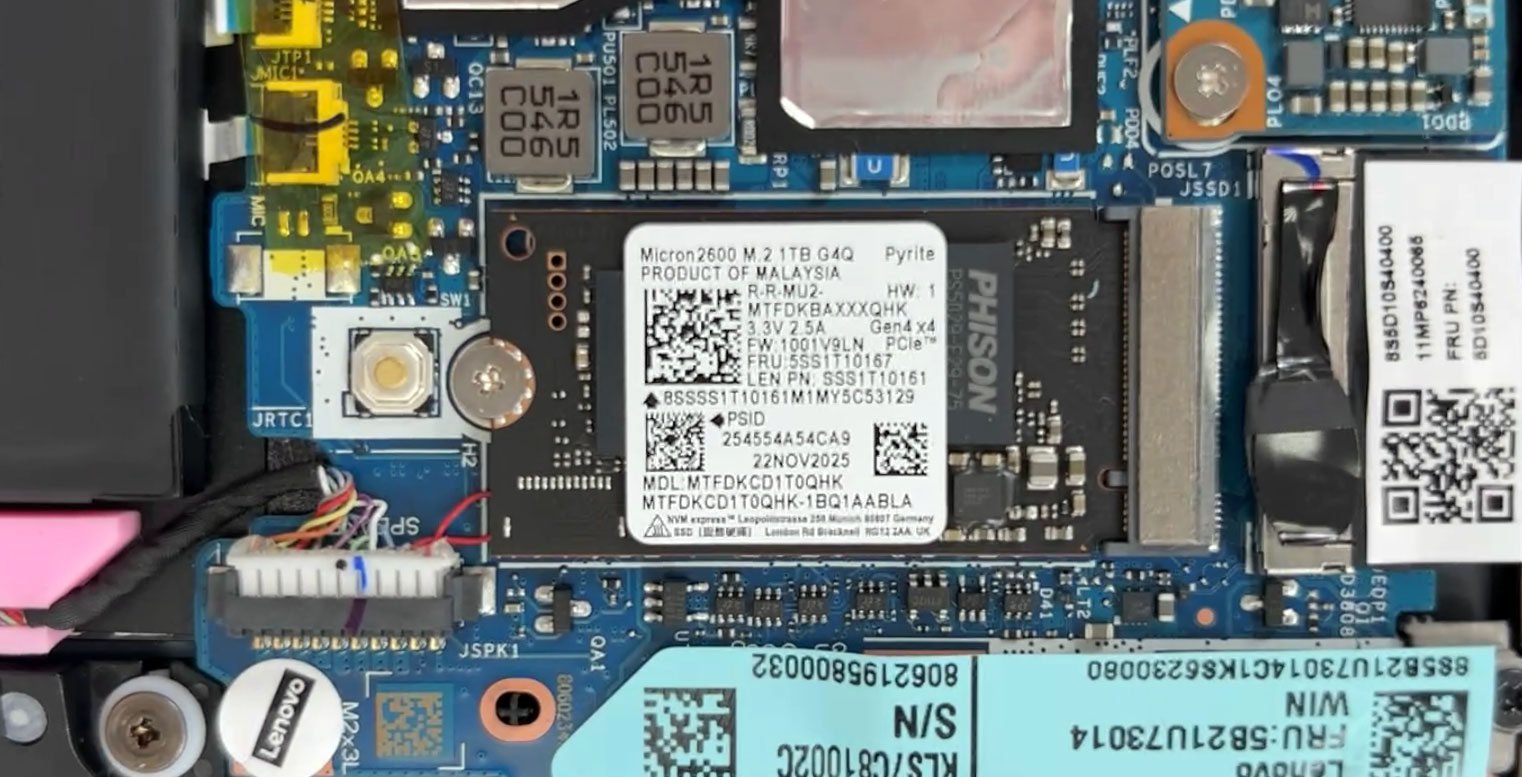
- 1x 2242 M.2 NVMe PCIe 4.0 x4 See photo
- RAM
- 16GB RAM
- OS
- Windows 11 Home
- Body Material
- Aluminum
- Dimensions
- 312 x 221 x 13.9 mm (12.28" x 8.70" x 0.55")
- Weight
- 1.15 kg (2.5 lbs)
- Ports and connectivity
- 1x USB Type-C
- 3.2 Gen 2 (10 Gbps), Power Delivery (PD), DisplayPort
- 2x USB Type-C
- 4.0, Power Delivery (PD), DisplayPort
- Card Reader
- Ethernet LAN
- Wi-Fi
- Wi-Fi 7
- Bluetooth
- 5.4
- Audio jack
- Features
- Fingerprint reader
- Web camera
- 5.0MP + IR, with E-shutter, fixed focus
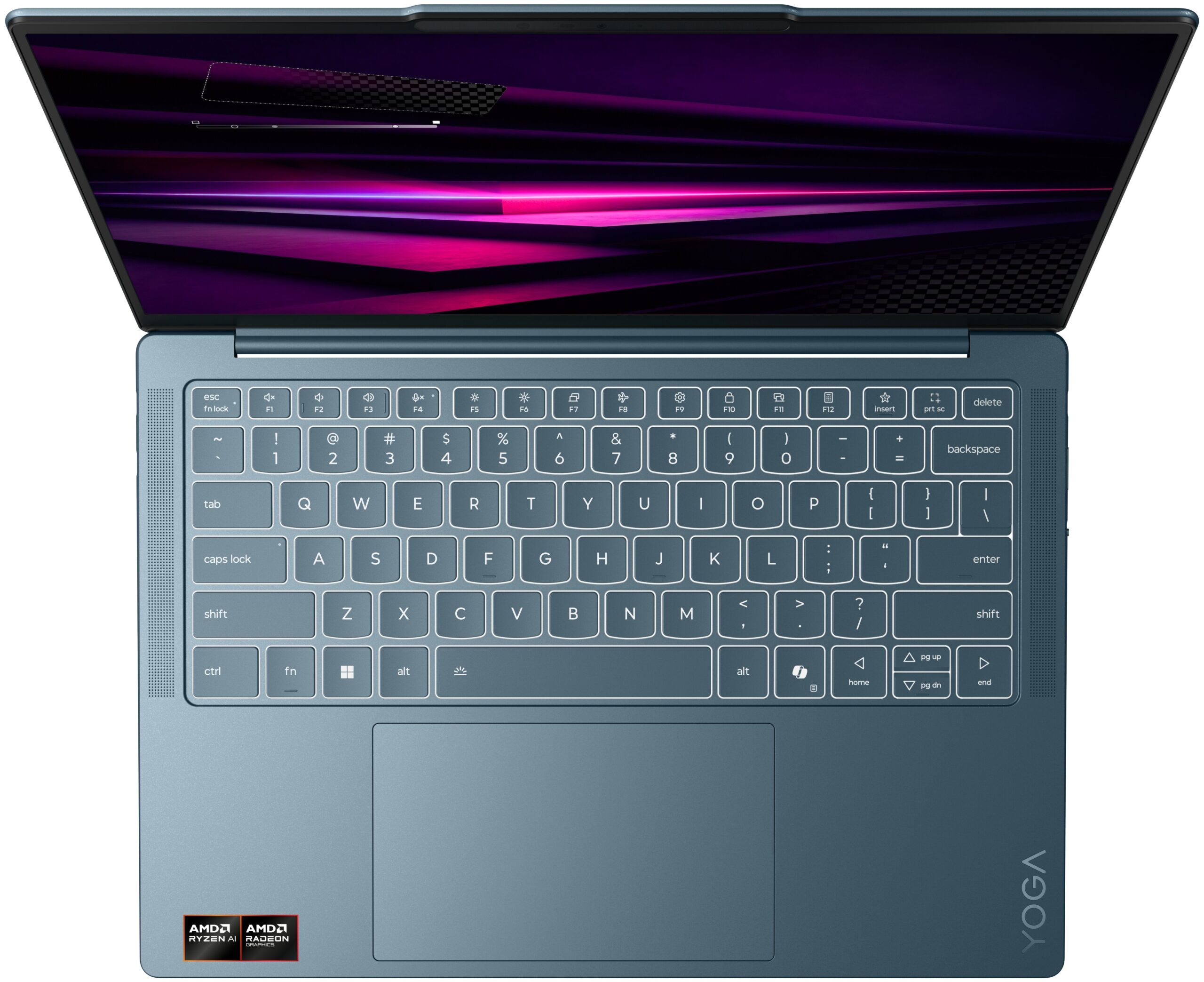
- Backlit keyboard
- Microphone
- Quad-microphone array, 3D array
- Speakers
- 4 stereo speakers, 2W x2 (woofers), 2W x2 (tweeters), optimized with Dolby Atmos®, Amplifier (AMP)
- Security Lock slot
- Gifts
- 3 Months Premium Care
Portability
Review
Lenovo Yoga Slim 7a in-depth review
The Lenovo Yoga Slim 7a (14", Gen 11) is built for users who want a premium ultraportable for work, travel, media consumption, and light creative tasks — not for serious gaming or workstation-class workloads. The first thing that grabs your attention is how thin and light it feels, especially in the elegant Tidal Teal aluminum chassis, but the 2.8K 120Hz OLED display quickly becomes the real star of the show. We were pleasantly surprised by the laptop’s snappy short-load performance, quiet behavior, and excellent color accuracy, making it feel much faster and more refined than its tiny footprint suggests.At the same time, Lenovo’s pursuit of extreme portability comes with clear compromises: soldered memory, only one compact M.2 2242 SSD slot, limited port selection, and lower sustained[...]
Read the full review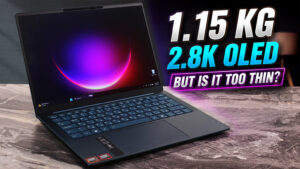
Pros
- Excellent 2.8K 120Hz OLED display with accurate colors
- 100% sRGB and 100% DCI-P3 color coverage
- Premium, rigid, and very light aluminum chassis
- Very snappy responsiveness in short everyday workloads
- Cool and quiet behavior under light and moderate use
- Massive, smooth glass touchpad
- Modern connectivity with dual USB4 and Wi-Fi 7
- Replaceable Wi-Fi card
Cons
- Soldered RAM with no upgrade option
- Only one M.2 2242 SSD slot
- Lower sustained performance than thicker laptops with similar CPUs
- Highly reflective glossy OLED screen
- No USB-A, HDMI, card reader, Ethernet, or 3.5mm audio jack
- Integrated Radeon 840M is suitable only for light gaming
Disassembly, maintenance and upgrade options
Step 1: Removing the bottom panelPower off the laptop and place it on a soft, clean surface. Loosen the 4 Torx T5 captive screws securing the bottom panel. They remain attached to the cover, so there is no risk of mixing them up. Use a thin plastic pry tool to release the clips around the perimeter. Be careful with the extra retaining clip near the center, and do not force the cover upward before the surrounding clips are fully released. Lift the bottom cover away from the chassis.More info: The internal layout is very compact but neatly arranged. The larg[...]
Read more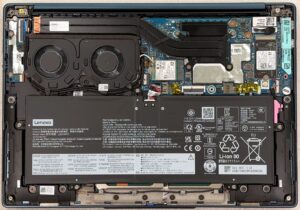


![[June 2026] Best-Selling Laptop Brands on Amazon Global – Apple’s Unrivaled Dominance in Units and Revenue](https://laptopmedia.com/wp-content/uploads/2026/07/GLOBAL-Best-Brands-400x225.jpg)
![[June 2026] Amazon Global: Top 10 Best-Selling Laptops – Apple’s New MacBook Neo Storms to #1, Reshaping the Market with Affordability](https://laptopmedia.com/wp-content/uploads/2026/07/Best-Selling-Laptops-GLOBAL-Top-10-400x225.jpg)
![[June 2026] Amazon Global: Top 10 Best-Selling Gaming Laptops – Acer’s Nitro V 16S AI Dominates Sales, While ASUS Leads Overall Revenue](https://laptopmedia.com/wp-content/uploads/2026/07/Best-Selling-Gaming-Laptops-GLOBAL-Top-10-400x225.jpg)
![[June 2026] Global Ranking of Best-Selling Laptop GPUs on Amazon – NVIDIA RTX 5060 is the Top-Selling Dedicated GPU](https://laptopmedia.com/wp-content/uploads/2026/07/Best-Selling-GPUs-GLOBAL-Top-10-400x225.jpg)
![[June 2026] Global Ranking of Best-Selling Laptop CPUs on Amazon – Apple M5 Dominates, AMD Ryzen 7 260 Gets Solid Premium Share](https://laptopmedia.com/wp-content/uploads/2026/07/Best-Selling-CPUs-GLOBAL-Top-10-400x225.jpg)