MSI Creator / CreatorPro Z16 HX Studio
_000045.jpg)

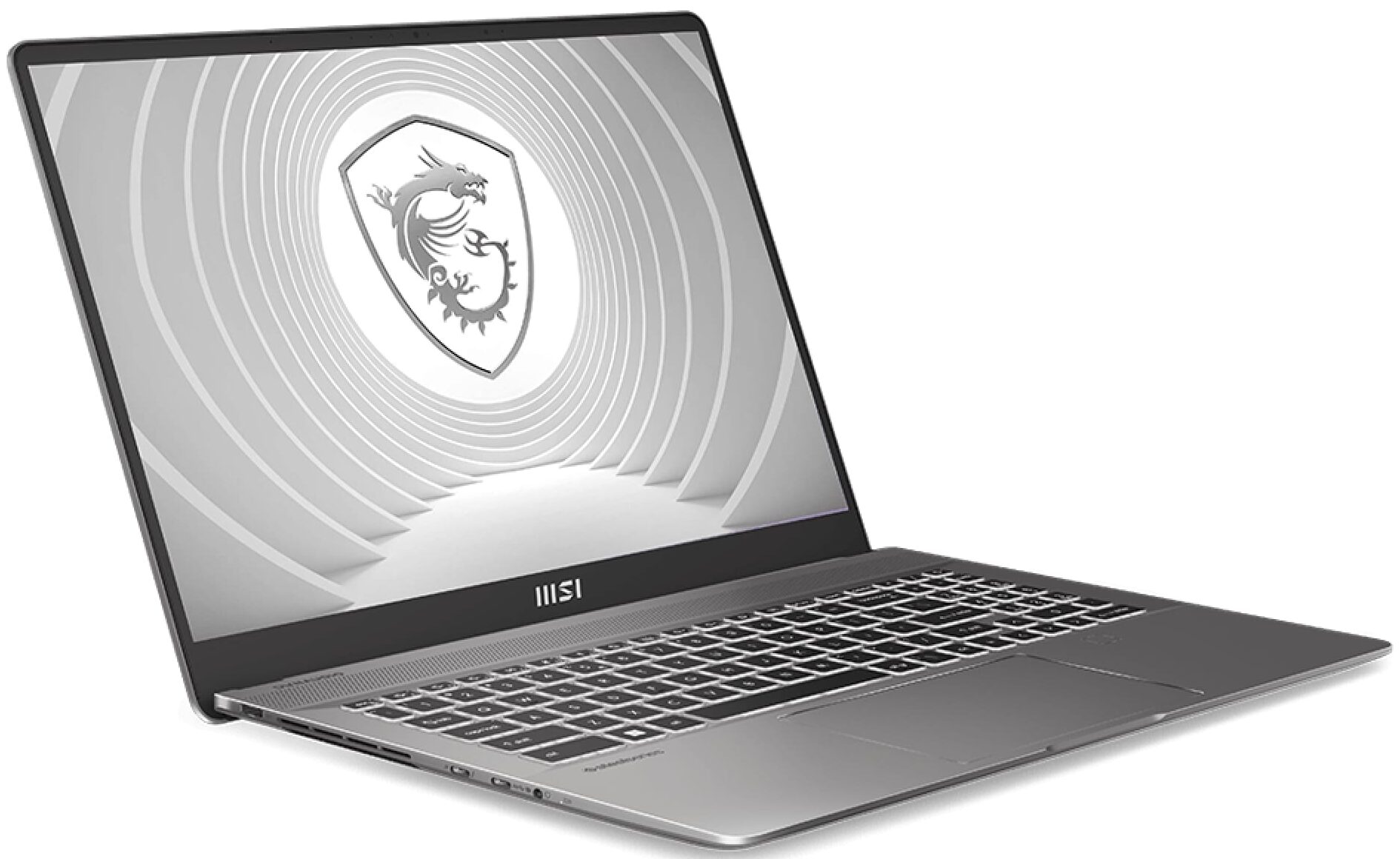
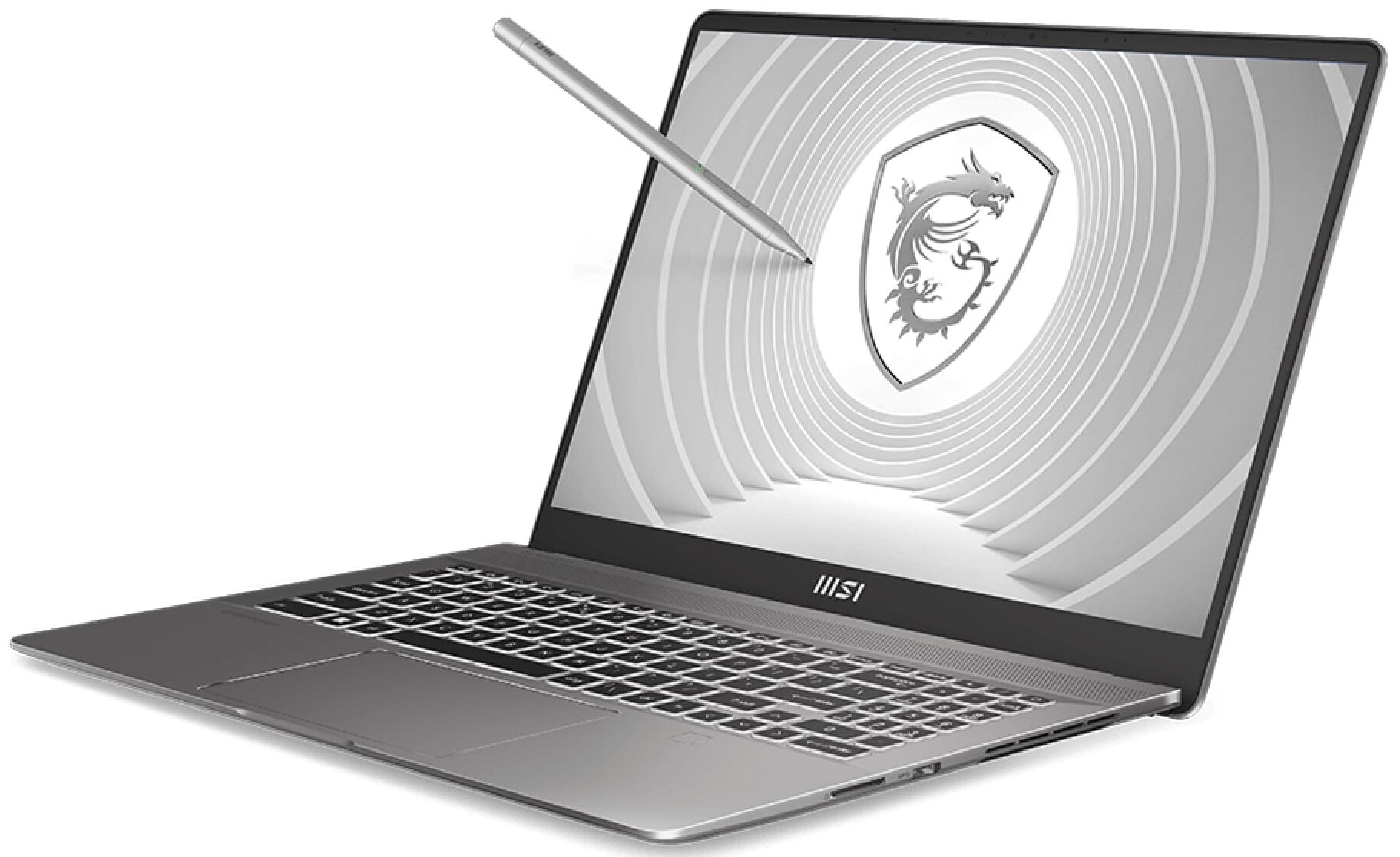
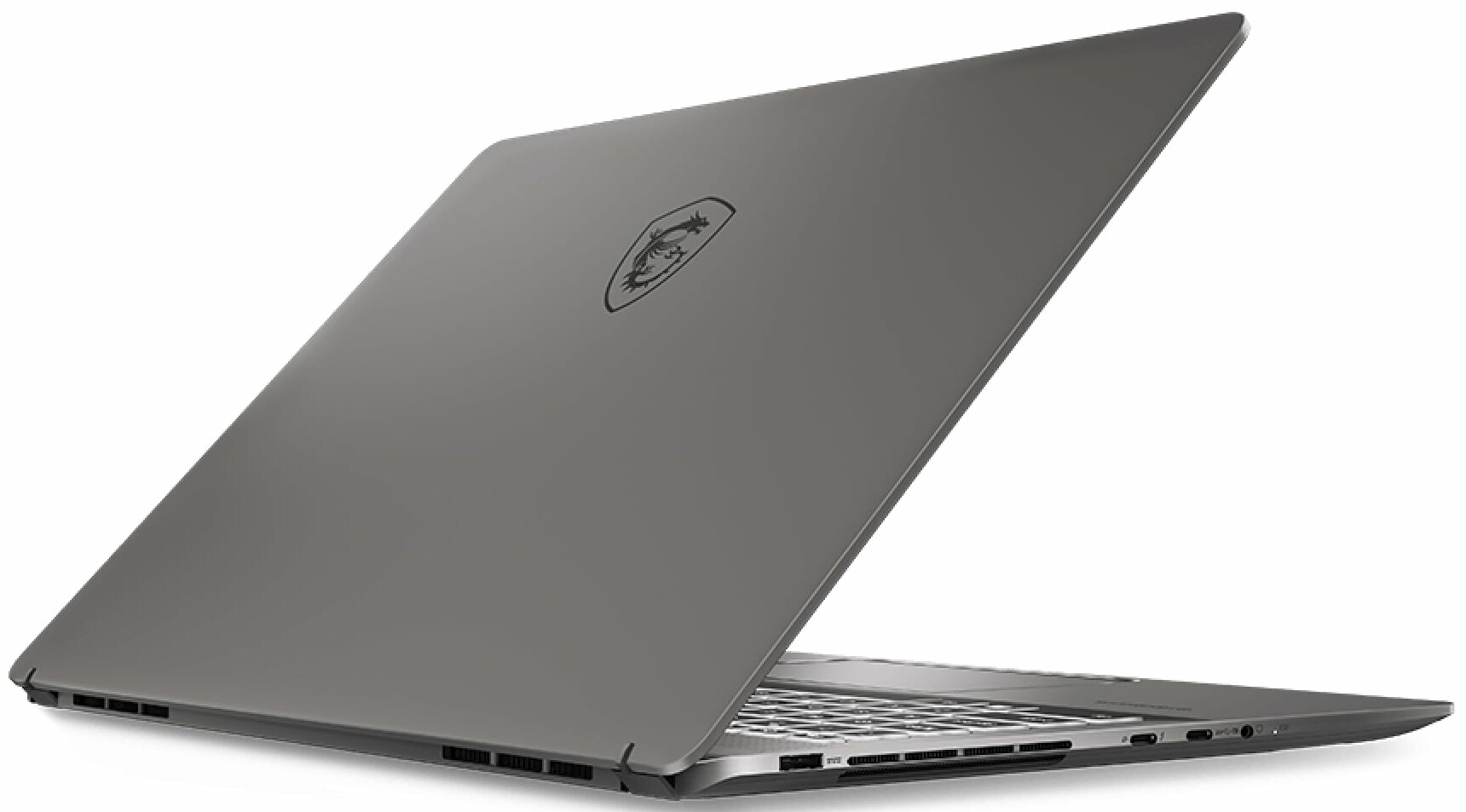


- Date Published: 21 Aug 2024
- Intel Core i7-13700HX
- NVIDIA GeForce RTX 4050 (Laptop, 90W)
- 16.0", WQXGA (2560 x 1600), 165 Hz, IPS
- 1000GB SSD
- 32GB RAM
- 2.30 kg (5.1 lbs)
Review
MSI Creator / CreatorPro Z16 HX Studio in-depth review
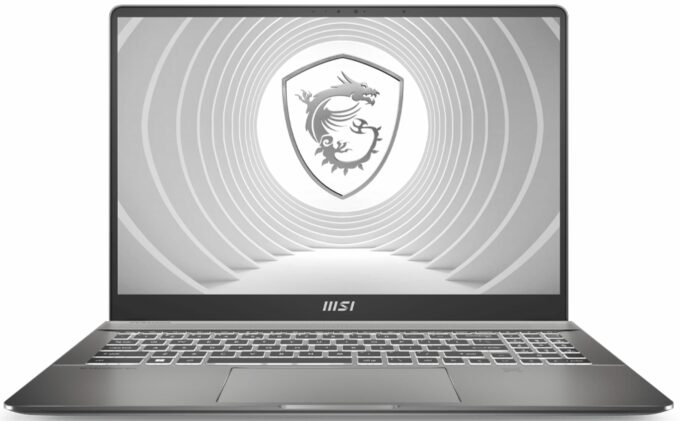
The MSI Creator Z16 HX Studio (A13V) is meant for professionals who need a powerful big device with a sleek look that isn't too heavy at the same time. When it's opened, the laptop reminds us of a MacBook Pro machine, just like some of its predecessors.The security looks good for such a notebook. You get a fingerprint reader as well as dTPM 2.0 and fTPM 2.0 modules. The only thing that we are missing here is a privacy shutter for the Web camera. You can choose among a plethora of Raptor Lake H and HX CPU options.Keep in mind that the Intel ABT (Adaptive Boost Technology) and TVB (Thermal Velocity Boost) are exclusively supported by the top-end processor which is the Core i9-13980HX. So, if you need such tech, you have to pay a lot more for the most expensive mobile Team Blue chip f[...]
Read the full review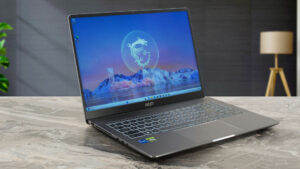
Pros
- Superb build quality
- Comfortable input devices
- 2x SODIMM slots
- The M.2 slot is compatible with Gen 5 SSDs
- Full sRGB and 96% DCI-P3 coverage (AUO B160QAN02.K (AUODB95))
- 120Hz refresh rate and 1600p resolution (AUO B160QAN02.K (AUODB95))
- 2x Type-C ports + SD Express Card Reader
- IR face recognition + fingerprint reader
- Capable vapor chamber cooling
- The CPU can maintain high clocks under any kind of usage
- Great performance
- The fans are turned off in idle
- The MSI Center app offers plenty of customization options
Cons
- Expensive
- PWM usage (AUO B160QAN02.K (AUODB95))
- Just one NVMe slot
- The SSD reaches 70 °C under heavy load
Disassembly, maintenance and upgrade options
Step 1: Accessing the Internal ComponentsEnsure the MSI Creator Z16 HX Studio (A13V) is powered off and placed on a soft, clean surface to prevent scratches or damage. Remove the 6 Phillips-head screws from the bottom of the laptop. Lift the back panel near the hinges to create a slight gap, then use a thin pry tool to gently pop the plate off, starting from the back and working your way around the sides and the front.Hint: Proceed with care to avoid damaging the internal clips or the chassis itself.Step 2: Removing the BatteryDisconnect the battery by unplugg[...]
Read more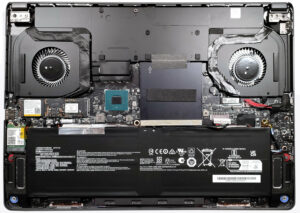


![[June 2026] Best-Selling Laptop Brands on Amazon Global – Apple’s Unrivaled Dominance in Units and Revenue](https://laptopmedia.com/wp-content/uploads/2026/07/GLOBAL-Best-Brands-400x225.jpg)
![[June 2026] Amazon Global: Top 10 Best-Selling Laptops – Apple’s New MacBook Neo Storms to #1, Reshaping the Market with Affordability](https://laptopmedia.com/wp-content/uploads/2026/07/Best-Selling-Laptops-GLOBAL-Top-10-400x225.jpg)
![[June 2026] Amazon Global: Top 10 Best-Selling Gaming Laptops – Acer’s Nitro V 16S AI Dominates Sales, While ASUS Leads Overall Revenue](https://laptopmedia.com/wp-content/uploads/2026/07/Best-Selling-Gaming-Laptops-GLOBAL-Top-10-400x225.jpg)
![[June 2026] Global Ranking of Best-Selling Laptop GPUs on Amazon – NVIDIA RTX 5060 is the Top-Selling Dedicated GPU](https://laptopmedia.com/wp-content/uploads/2026/07/Best-Selling-GPUs-GLOBAL-Top-10-400x225.jpg)
![[June 2026] Global Ranking of Best-Selling Laptop CPUs on Amazon – Apple M5 Dominates, AMD Ryzen 7 260 Gets Solid Premium Share](https://laptopmedia.com/wp-content/uploads/2026/07/Best-Selling-CPUs-GLOBAL-Top-10-400x225.jpg)
