MSI Creator Z16
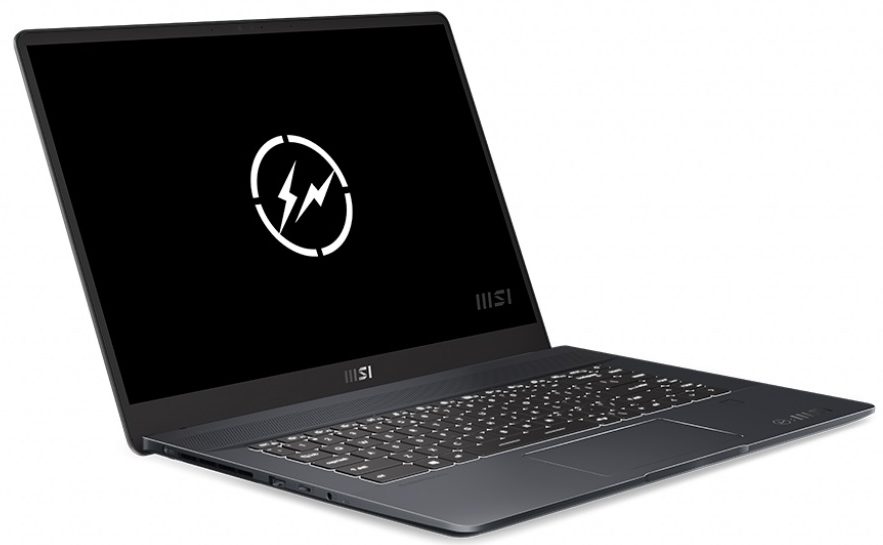
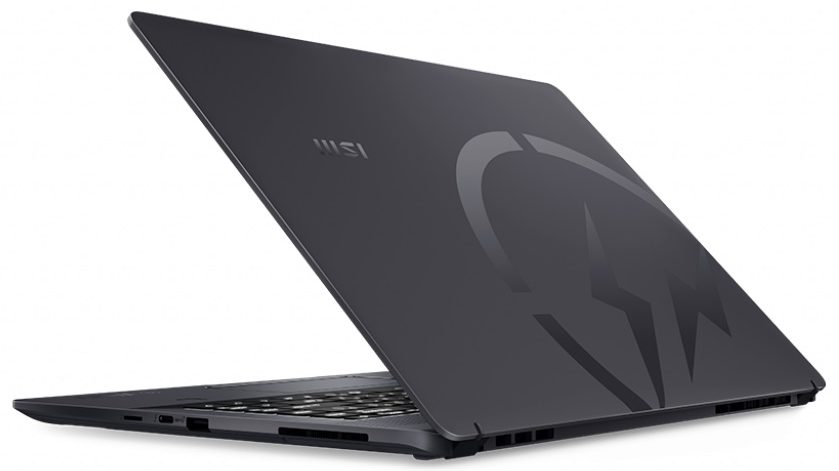
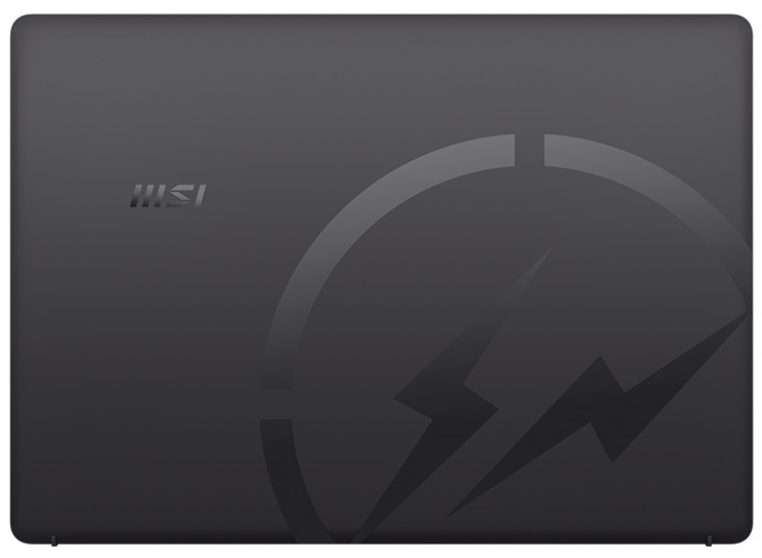
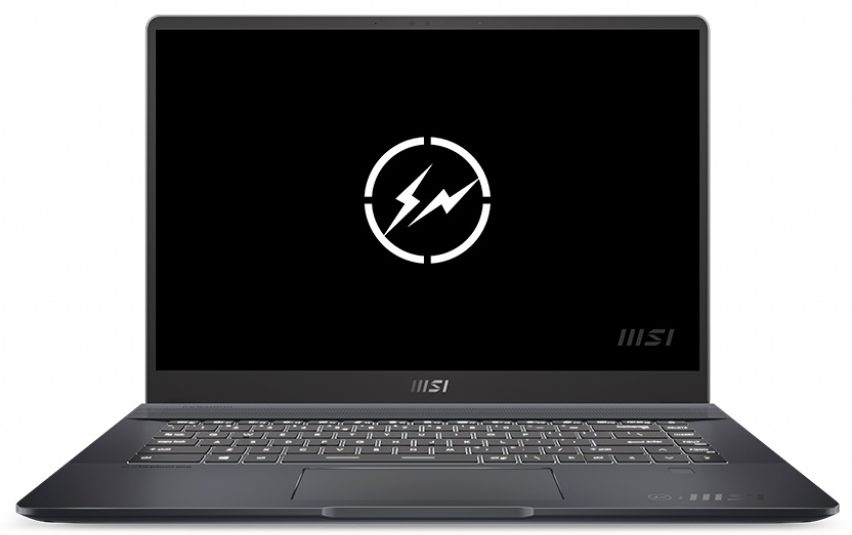
- Date Published: 02 Sep 2024
- Intel Core i7-11800H
- AMD Radeon RX 5500M (4GB GDDR6)
- 16.0", WQXGA (2560 x 1600), 165 Hz, IPS
- 1000GB SSD
- 16GB RAM
- 2.30 kg (5.1 lbs)

Review
MSI Creator Z16 in-depth review
From making high-end gaming laptops to somewhat affordable office solutions, MSI is now well established in the portable computing industry. A couple of years ago, a market emerged seemingly out of nowhere - the content creator one. And last year, MSI converted its GS66 device into the MSI Creator 15. We can't say it was a total hit among its target audience, but it was good enough to deserve our "Editor's choice" award.Today, however, we mark a step in a completely different direction, regarding the design. Gone is the industrially-inspired gaming look, the sharp corners, and the boxy design. Instead, MSI has chosen a MacBook Pro 16 approach. First of all, there is a 16-inch display with a 16:10 aspect ratio. Something that MSI insists it took from the Golden Ratio, but we all know w[...]
Read the full review
Pros
- Aluminum design and great build quality
- Large arrow keys, RGB backlight, and responsive touchpad
- 2x SODIMM + 2x M.2 PCIe x4
- No PWM (MNG007DA1-1 (CSO1600))
- Full sRGB, and DCI-P3 coverage + 92% Adobe RGB coverage (MNG007DA1-1 (CSO1600))
- 120Hz refresh rate with fast pixel response times (MNG007DA1-1 (CSO1600))
- 2x Thunderbolt 4 + MicroSD card slot
- IR face recognition + fingerprint reader
Cons
- Underperforming CPU
- Uneven color uniformity
- Relatively difficult to upgrade
Disassembly, maintenance and upgrade options
Although the Creator Z16 is a truly impressive device, it is a pain in the ...plastic pry tool... to open.Check out all MSI Creator Z16 (A11Ux) prices and configurations in our Specs System or read more in our In-Depth review.1. Remove the bottom plate To get inside of this notebook, you need to undo 6 Phillips-head screws, two of which are located beneath the back rubber feet. After you're done, pry the bottom panel with a plastic tool, and remove it from the chassis.2. Battery Unfortunately, your job does not end here. Since the motherboard is facing the wrong way aroun[...]
Read more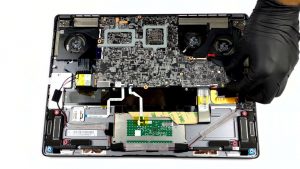


![[June 2026] Best-Selling Laptop Brands on Amazon Global – Apple’s Unrivaled Dominance in Units and Revenue](https://laptopmedia.com/wp-content/uploads/2026/07/GLOBAL-Best-Brands-400x225.jpg)
![[June 2026] Amazon Global: Top 10 Best-Selling Laptops – Apple’s New MacBook Neo Storms to #1, Reshaping the Market with Affordability](https://laptopmedia.com/wp-content/uploads/2026/07/Best-Selling-Laptops-GLOBAL-Top-10-400x225.jpg)
![[June 2026] Amazon Global: Top 10 Best-Selling Gaming Laptops – Acer’s Nitro V 16S AI Dominates Sales, While ASUS Leads Overall Revenue](https://laptopmedia.com/wp-content/uploads/2026/07/Best-Selling-Gaming-Laptops-GLOBAL-Top-10-400x225.jpg)
![[June 2026] Global Ranking of Best-Selling Laptop GPUs on Amazon – NVIDIA RTX 5060 is the Top-Selling Dedicated GPU](https://laptopmedia.com/wp-content/uploads/2026/07/Best-Selling-GPUs-GLOBAL-Top-10-400x225.jpg)
![[June 2026] Global Ranking of Best-Selling Laptop CPUs on Amazon – Apple M5 Dominates, AMD Ryzen 7 260 Gets Solid Premium Share](https://laptopmedia.com/wp-content/uploads/2026/07/Best-Selling-CPUs-GLOBAL-Top-10-400x225.jpg)
