MSI Katana 15
_000041.jpg)

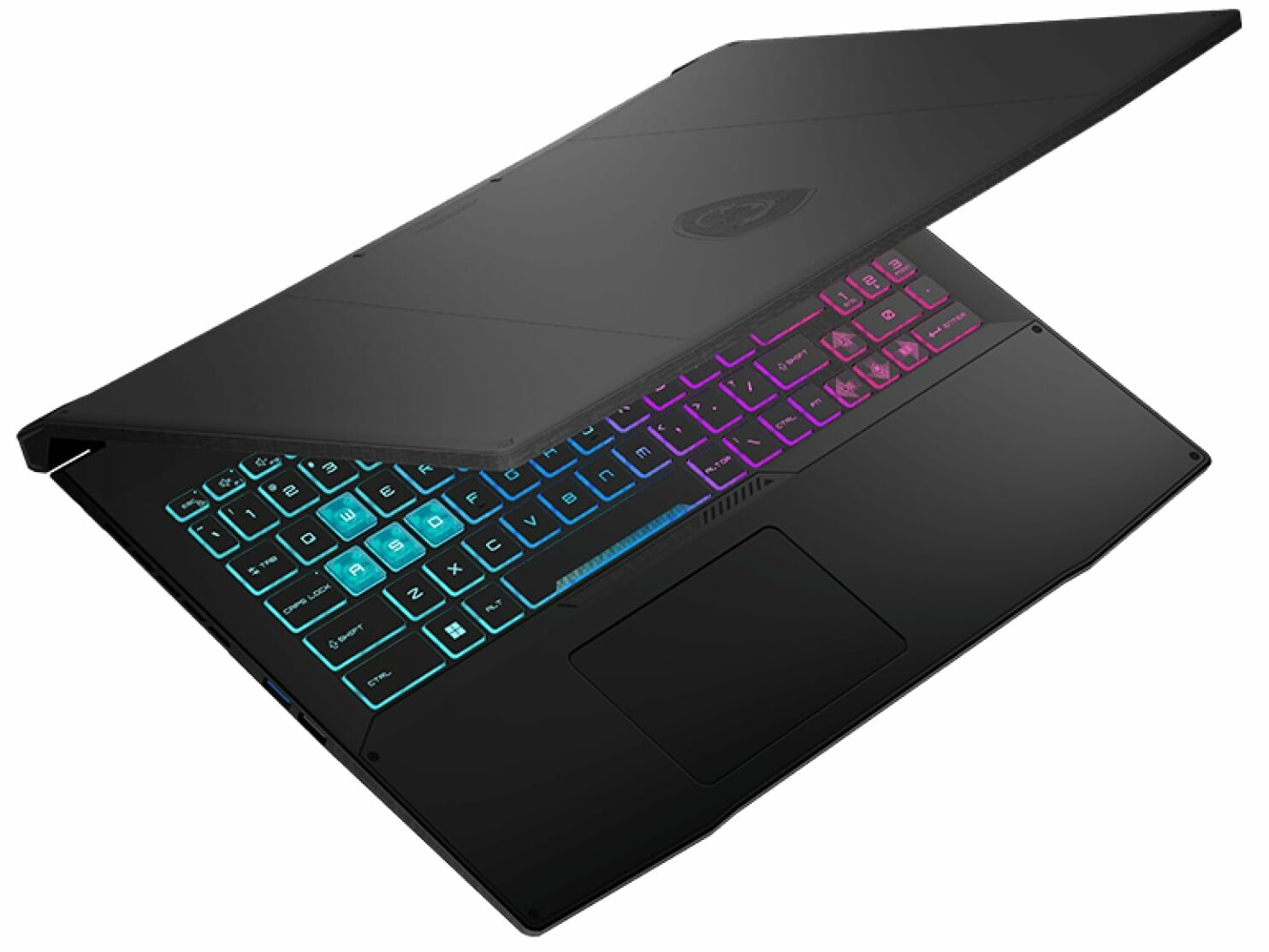
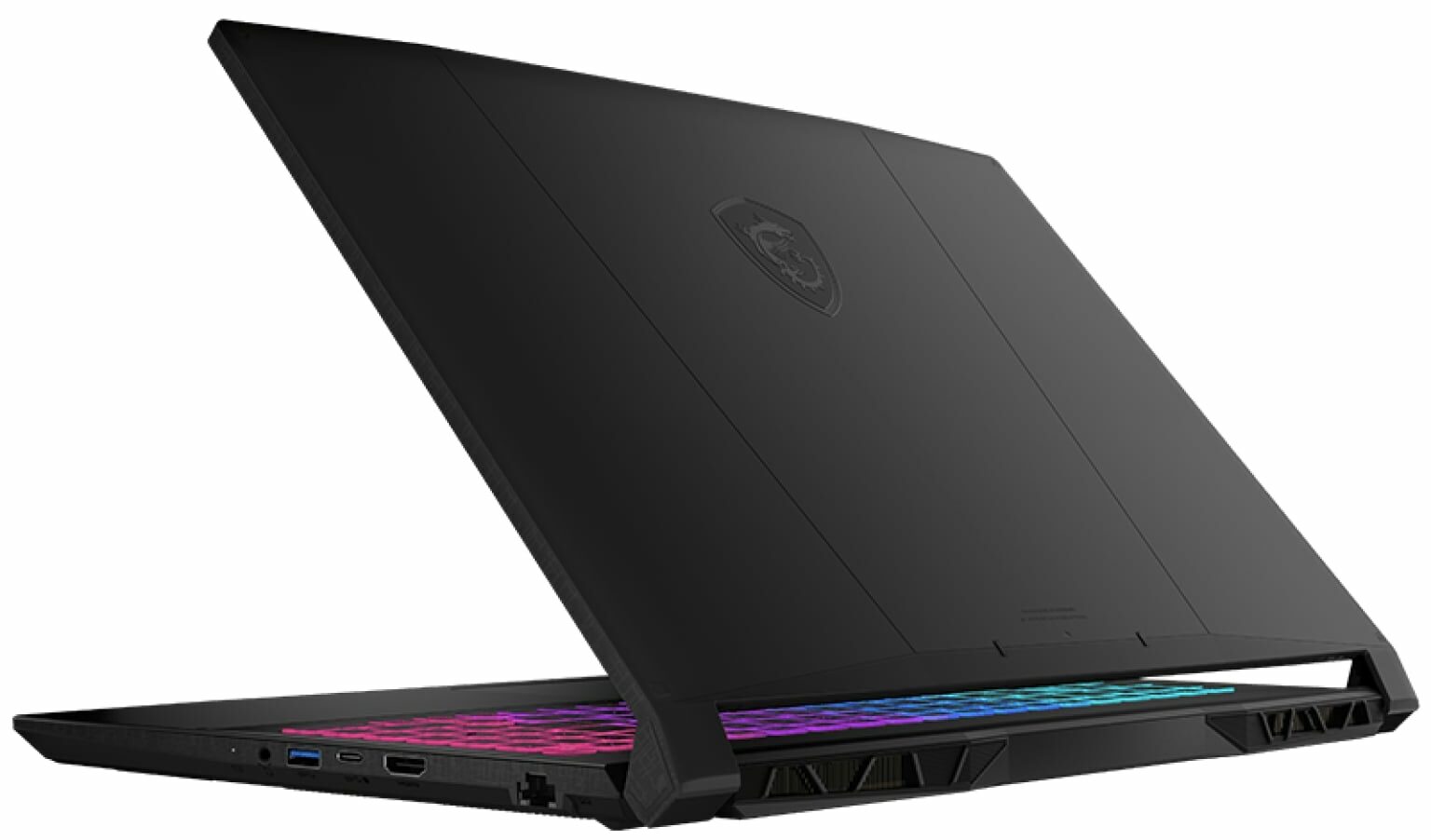
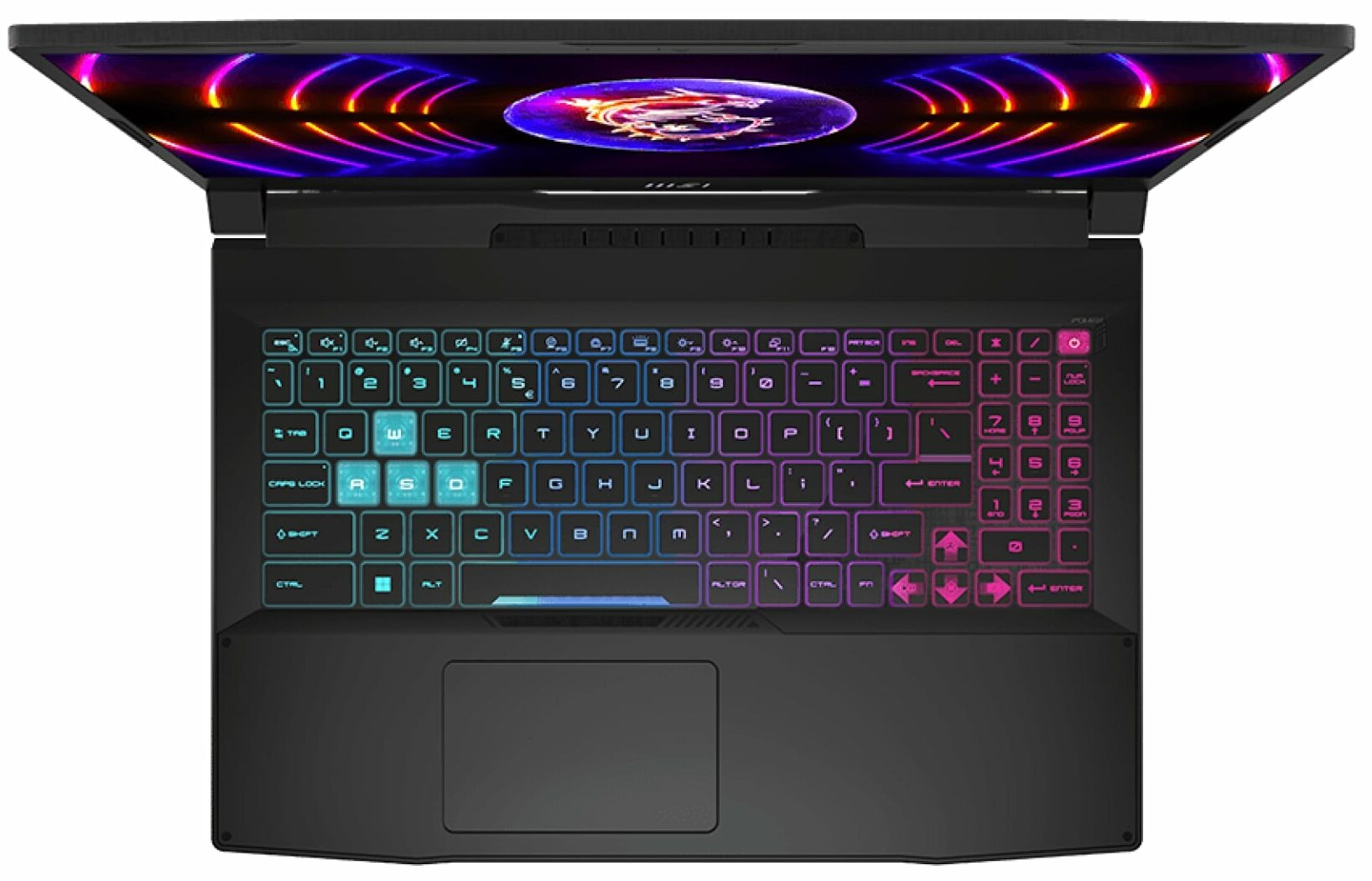
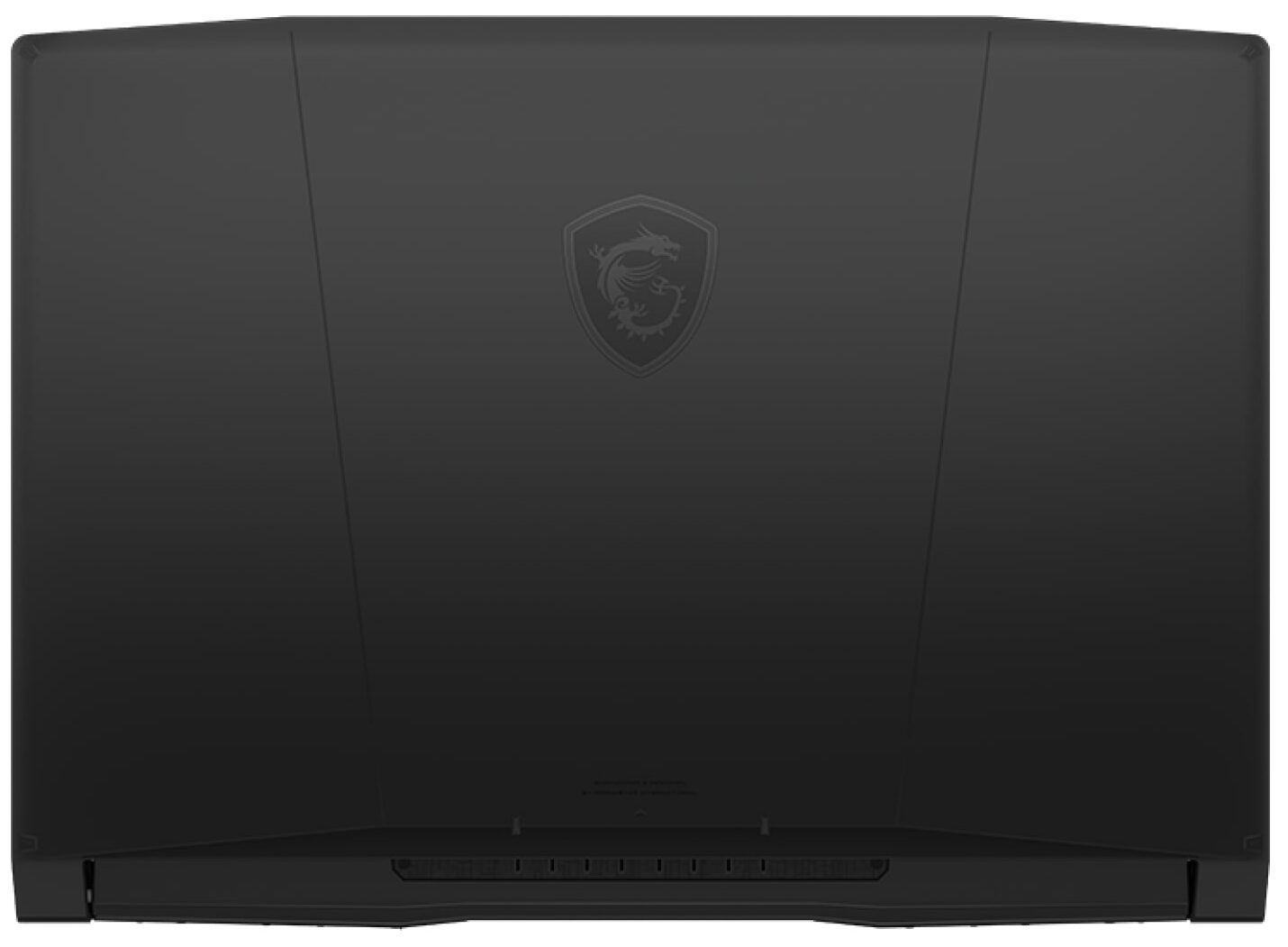
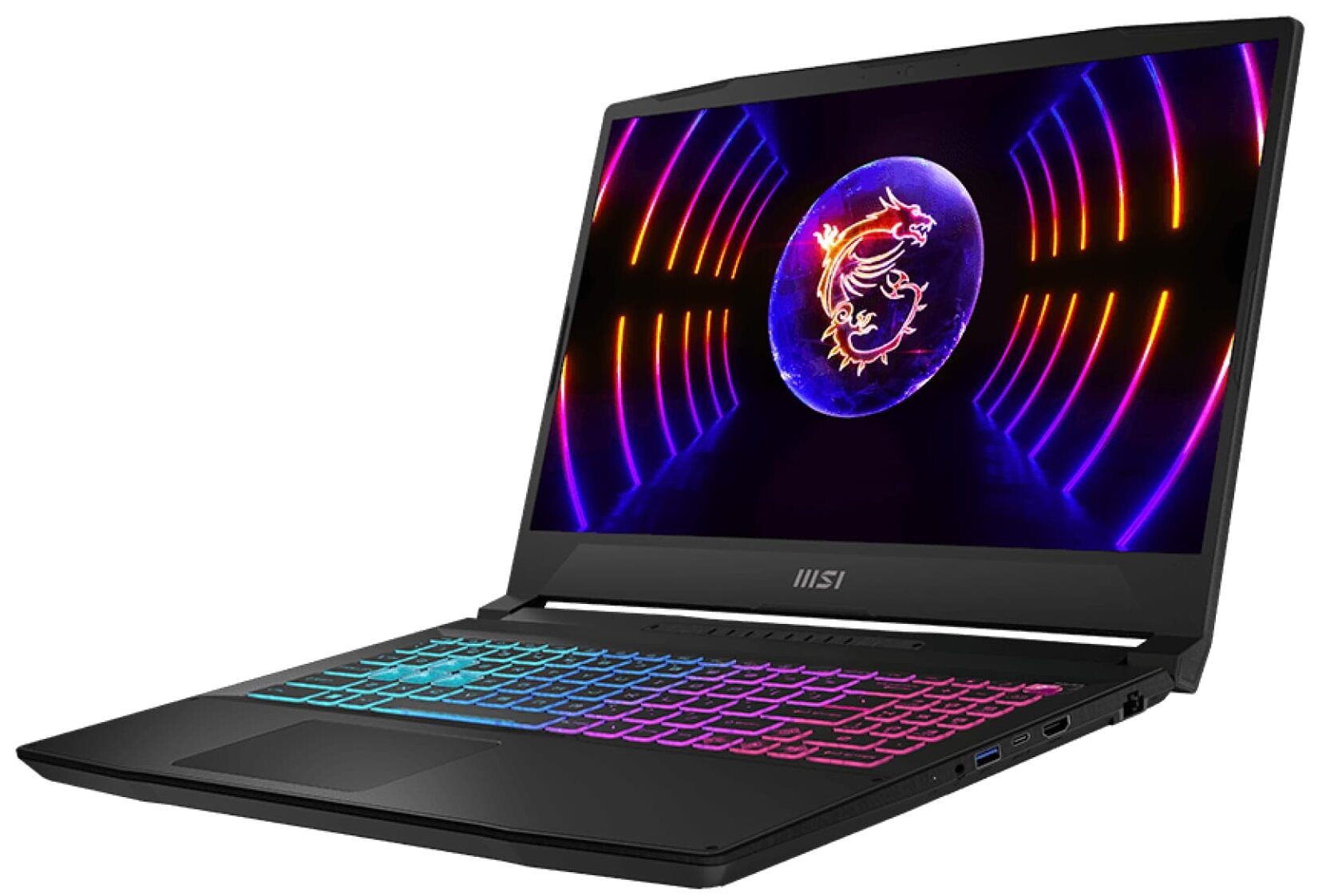
- Date Published: 28 May 2025
- Intel Core i7-13620H
- NVIDIA GeForce RTX 4060 (Laptop, 105W)
- 15.6”, Full HD (1920 x 1080), 144 Hz, IPS
- 4000GB SSD
- 64GB RAM
- 2.25 kg (5 lbs)
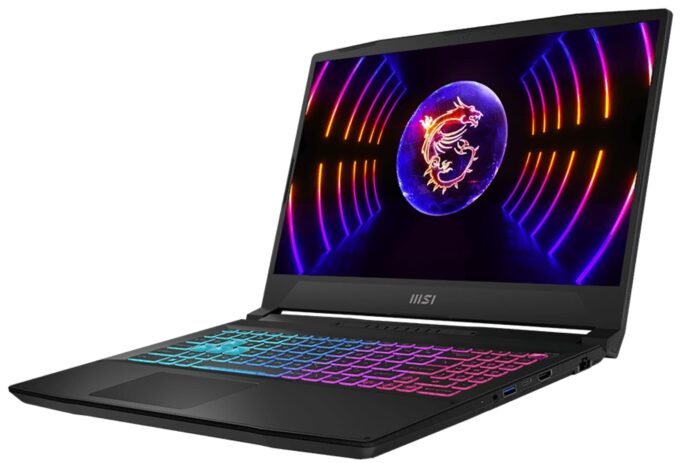
Review
MSI Katana 15 in-depth review
From all of the gibberish on MSI's official Website, we learn one thing - the Katana is no longer called the GF66. Instead, it follows its weapon cousin - the Sword, in adopting the simpler "15" moniker. This will make the two devices ever so harder to differentiate. However, we are here for only one of them today - the MSI Katana 15 (B13V).It comes with a 13th Gen Intel processor. While it is the somewhat crippled Core i7-13620H, we have high expectations for its gaming performance. Consisting of 6 P-cores and 4 E-cores, it should be a rather efficient unit.On the graphics side, you get one of the following GPUs - RTX 4050, RTX 4060, or RTX 4070. All of them have a 105W TGP. Interestingly, the 6GB RTX 4050 is claimed to be faster than the RTX 3060, which is a huge generational le[...]
Read the full review
Pros
- Pretty good gaming performance
- 2x M.2 PCIe x4 Gen 4 slots, 2x DDR5 RAM SODIMM slots in dual channel
- 144Hz refresh rate (AUO B156HAN08.4 (AUOAF90))
- No PWM (AUO B156HAN08.4 (AUOAF90))
- MUX Switch
- Great keyboard
Cons
- No SD card
- No Thunderbolt 4
- Covers only 53% of sRGB (AUO B156HAN08.4 (AUOAF90))
- All-plastic build
- Keyboard gets pretty warm during gaming
- Gets more and more expensive
Disassembly, maintenance and upgrade options
MSI Katana 15 (B13V) is now part of a higher class of gaming notebooks. Not only because of its price but also due to the great features it incorporates.Check out all MSI Katana 15 (B13V) prices and configurations in our Specs System, or read more in our In-Depth review.1. Remove the bottom plate To open this device, you need to undo 13 Phillips-head screws. Then, pry the bottom panel with a plastic tool, starting from the front two corners.2. Remove the battery Inside, we find a 53.5Wh battery pack. It got us through 6 hours and 30 minutes of Web browsing, or 5 hours of [...]
Read more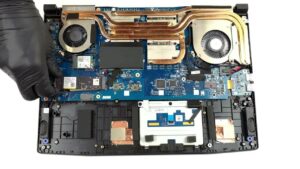
DISPLAY: 15.6-inch, 1920 x 1080, IPS
- Name
- AUO B156HAN08.4 (AUOAF90)
- Diagonal
- 15.6"
- Pixel density
- 141.21 ppi
- Refresh rate
- 144 Hz
- Brightness
- 258 cd/m2
- sRGB
- 53%
- Panel Type
- IPS
- Resolution
- 1920 x 1080
- Becomes "Retina" from
- 24 inches (62 cm)
- Contrast
- 1000:1
- dE Color Checker
- 3.3 3.4

Buy our profiles for AUO B156HAN08.4 (AUOAF90)
In addition to receiving efficient and health-friendly profiles, by buying LaptopMedia's products you also support the development of our labs, where we test devices in order to produce the most objective reviews possible.

Office Work
Office Work should be used mostly by users who spend most of the time looking at pieces of text, tables or just surfing. This profile aims to deliver better distinctness and clarity by keeping a flat gamma curve (2.20), native color temperature and perceptually accurate colors.

Design and Gaming
This profile is aimed at designers who work with colors professionally, and for games and movies as well. Design and Gaming takes display panels to their limits, making them as accurate as possible in the sRGB IEC61966-2-1 standard for Web and HDTV, at white point D65.

Health-Guard
Health-Guard eliminates the harmful Pulse-Width Modulation (PWM) and reduces the negative Blue Light which affects our eyes and body. Since it’s custom tailored for every panel, it manages to keep the colors perceptually accurate. Health-Guard simulates paper so the pressure on the eyes is greatly reduced.



![[August 2026] Global Ranking of Best-Selling Laptop GPUs on Amazon – Apple Reigns Supreme, NVIDIA’s RTX 5060 Tops Dedicated Chart](https://laptopmedia.com/wp-content/uploads/2026/09/Best-Selling-GPUs-GLOBAL-Top-10-400x225.jpg)
![[August 2026] Global Ranking of Best-Selling Laptop CPUs on Amazon – Apple Dominates Both Budget and Premium: A18 Pro and M5 Crush Intel and AMD in August 2026](https://laptopmedia.com/wp-content/uploads/2026/09/Best-Selling-CPUs-GLOBAL-Top-10-400x225.jpg)
![[August 2026] Amazon Global: Top 10 Best-Selling Laptops – Apple MacBook Neo Dominates the Charts as Budget and Mid-Range Windows Portables Fight for Volume](https://laptopmedia.com/wp-content/uploads/2026/09/Best-Selling-Laptops-GLOBAL-Top-10-400x225.jpg)
![[August 2026] Best-Selling Laptop Brands on Amazon Global – Apple Dominates Revenue While HP Leads in Model Variety](https://laptopmedia.com/wp-content/uploads/2026/09/GLOBAL-Best-Brands-400x225.jpg)
![[August 2026] Amazon Global: Top 10 Best-Selling Gaming Laptops – HP Victus 15 Captures the Crown as Budget-Friendly Models Dominate the Charts](https://laptopmedia.com/wp-content/uploads/2026/09/Best-Selling-Gaming-Laptops-GLOBAL-Top-10-400x225.jpg)
