MSI Katana GF66

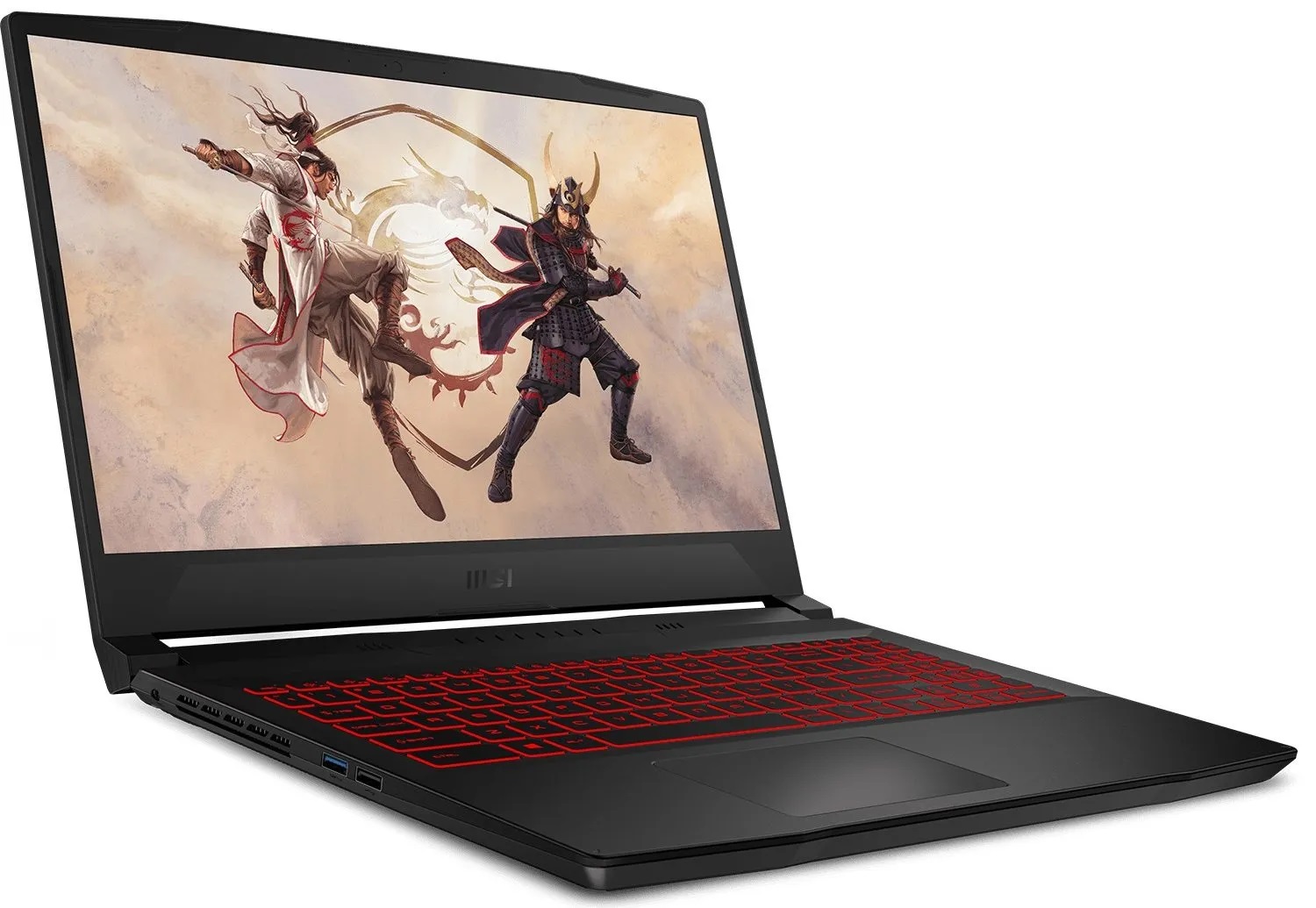
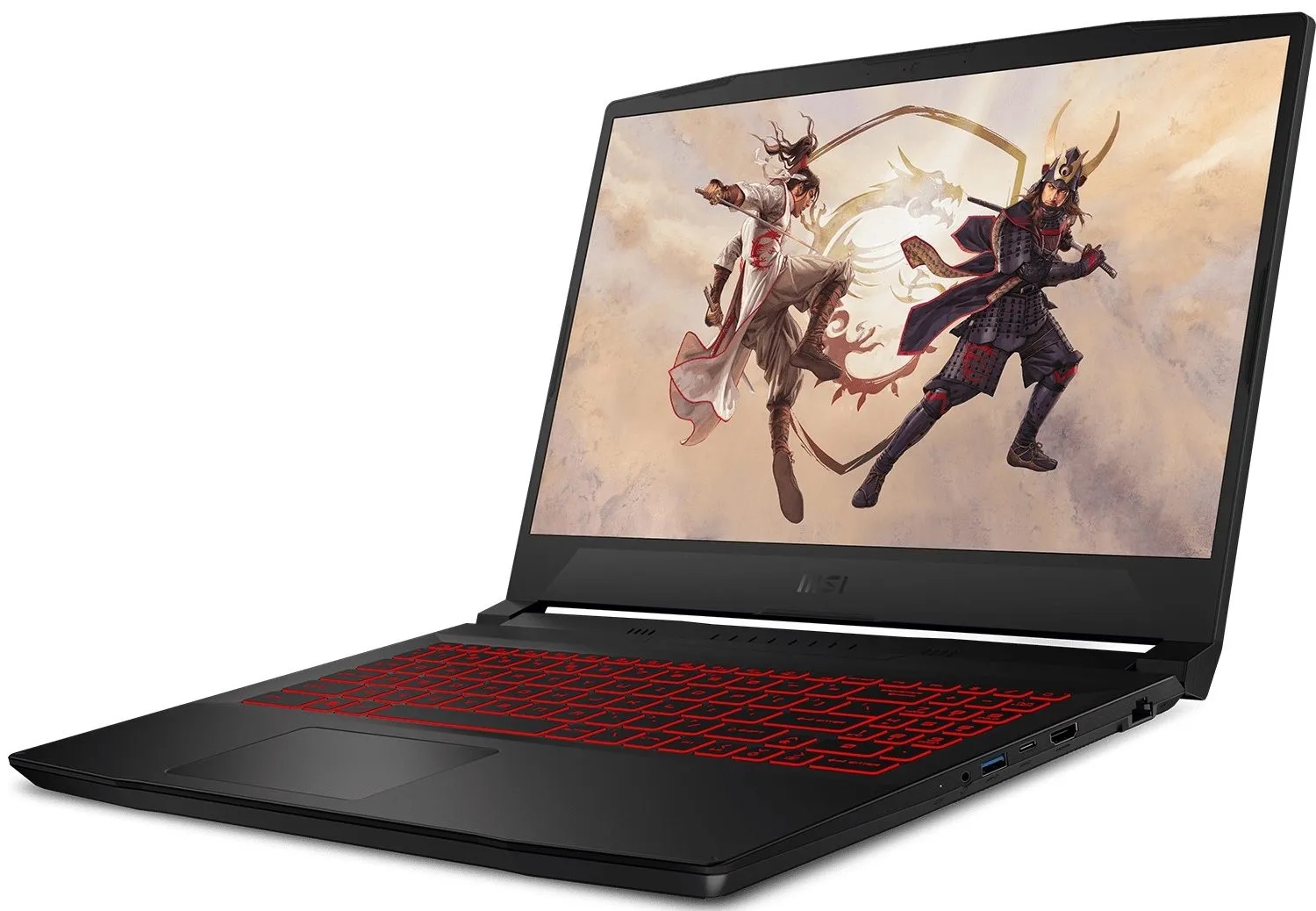
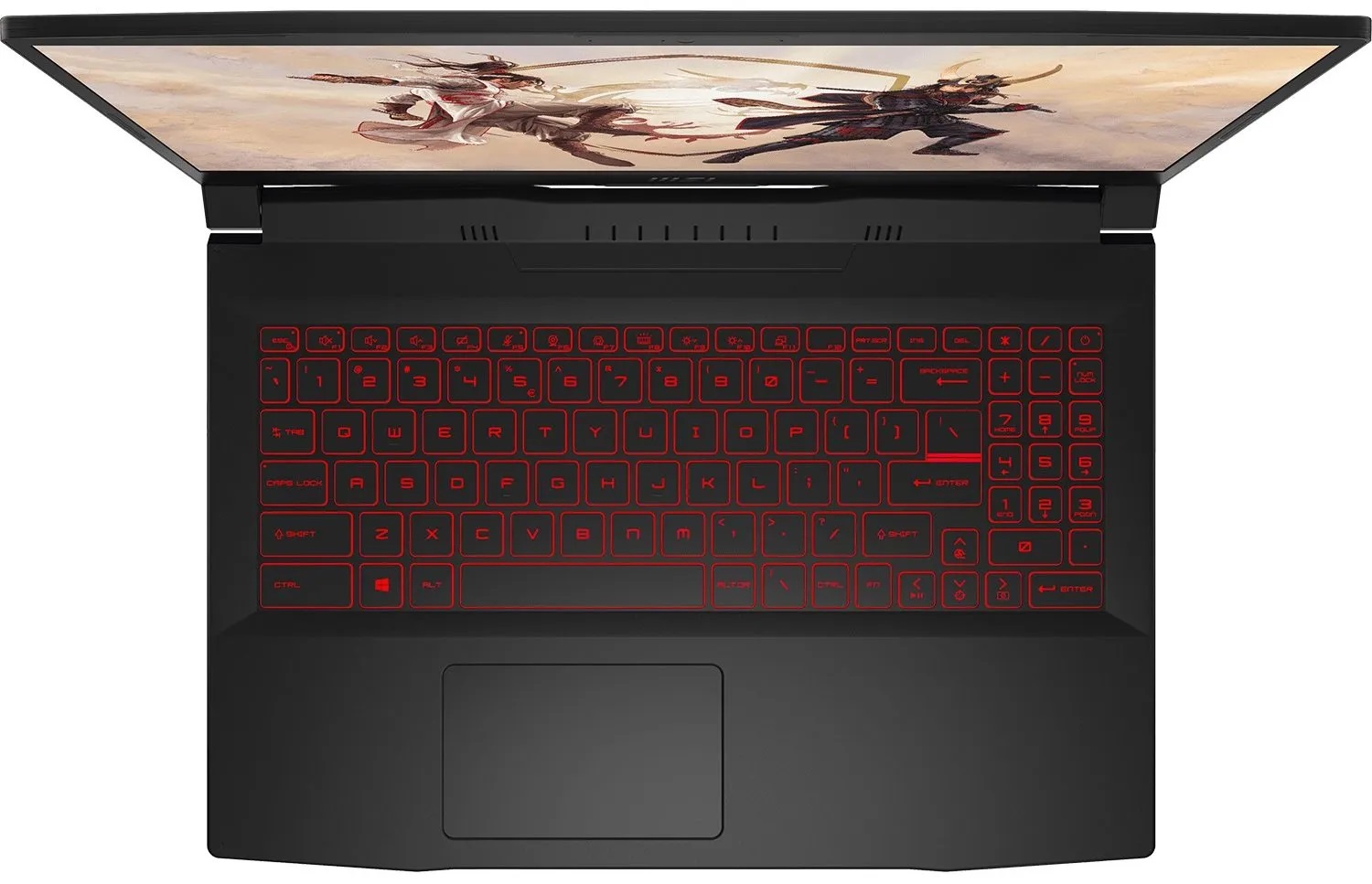
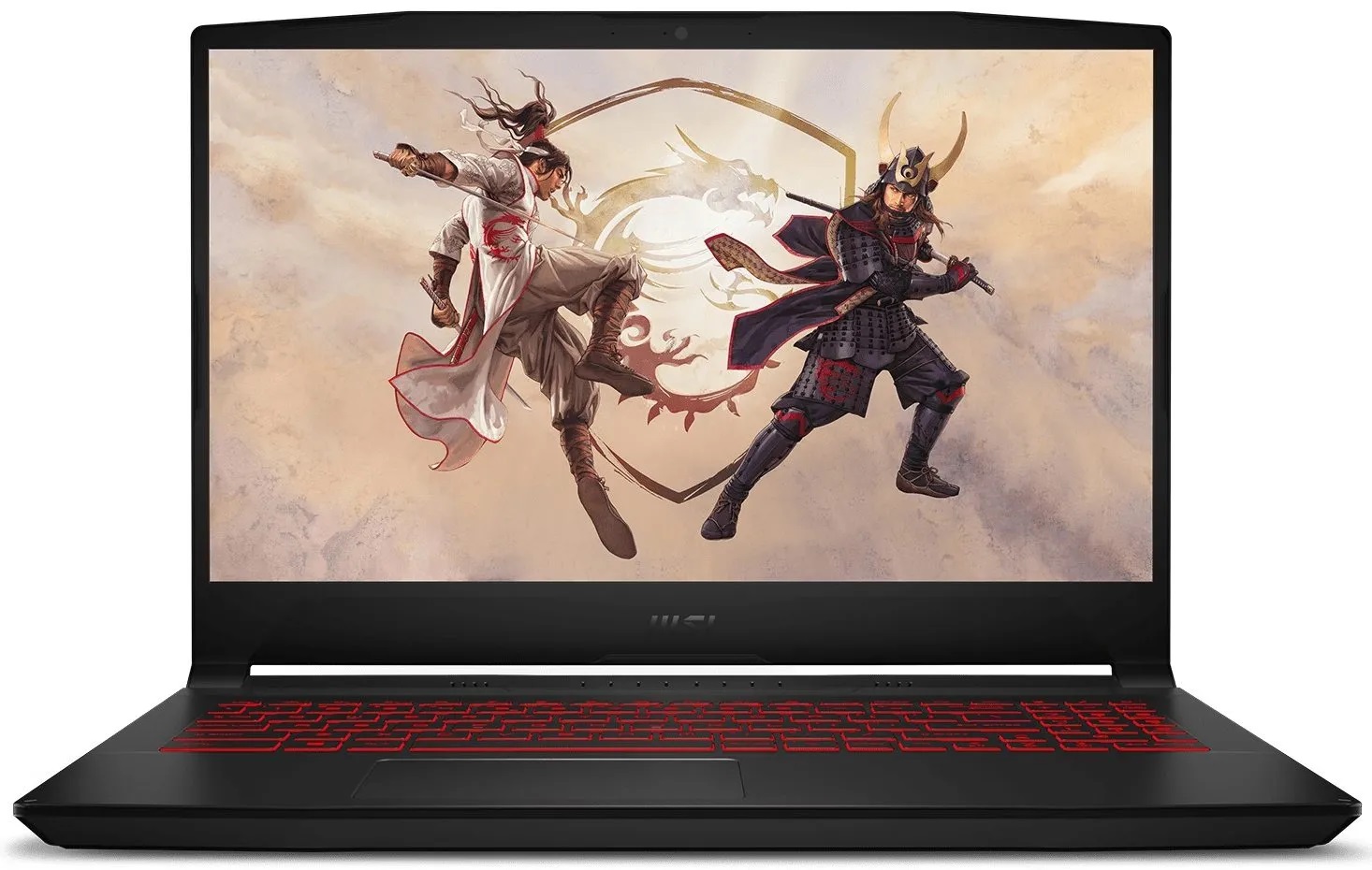
- Date Published: 08 Dec 2022
- Intel Core i9-12900H
- NVIDIA GeForce RTX 3070 Ti (Laptop, 105W)
- 15.6”, Full HD (1920 x 1080), 240 Hz, IPS
- 4000GB SSD
- 64GB DDR5
- 2.25 kg (5 lbs)
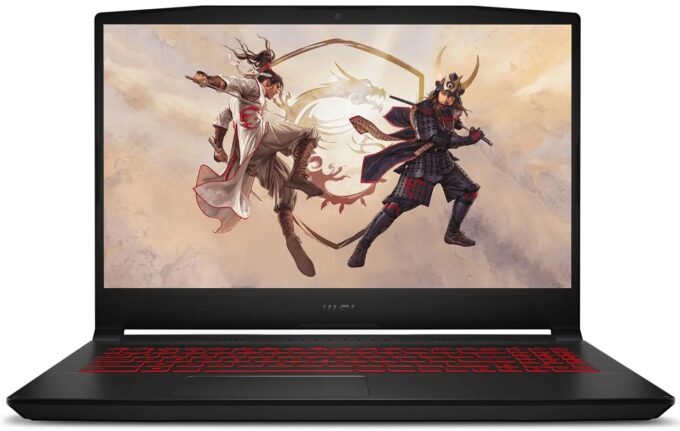
Review
MSI Katana GF66 in-depth review
No matter how hard it tries, MSI will always be associated with gaming hardware. However, as with any product out there, you get to choose depending on your budget. And most of the time, your piggy bank is only big enough for a low-end gaming laptop. But what happens, if a low-end device gets high-end hardware? Are the compromises around the additional features worth the higher fps when playing games?These are some of the questions we're going to be answering in today's review of the Katana GF66 (12Ux). Yes, you have figured it - we bought ourselves the unit that has the RTX 3070 Ti. It does not come cheap, but it is definitely less expensive than similar listings of the GS66 Stealth for example. So, if you want to keep your wallet happy, you can go all the way down to the RTX 3050, w[...]
Read the full review
Pros
- Competitively priced
- Two SODIMM slots, and up to two M.2 PCIe x4 slot with Gen 4 support
- Rigid structure
- Lacks PWM (AUO B156HAN08.4 (AUOAF90))
- 144Hz refresh rate (AUO B156HAN08.4 (AUOAF90))
- Powerful hardware options*
Cons
- 53% sRGB coverage (AUO B156HAN08.4 (AUOAF90))
- Slow pixel response times and low maximum brightness (AUO B156HAN08.4 (AUOAF90))
- No SD card reader and Thunderbolt 4
- *Runs hot and fails to extract the maximum out of the hardware
Disassembly, maintenance and upgrade options
MSI Katana GF66 (or its twin - the Sword 15) has a pretty decent upgrade options roster.Check out all MSI Katana GF66 (12Ux) prices and configurations in our Specs System or read more in our In-Depth review.1. Remove the bottom plate There are 13 Phillips-head screws holding this laptop's bottom panel in place. After you undo them, pry the panel with a plastic tool, and lift it away from the chassis.2. Battery This laptop comes with a 53.5Wh battery pack. It lasted us nearly 6 hours of Web browsing, or 5 hours and 30 minutes of video playback. To take it out, unplug the b[...]
Read more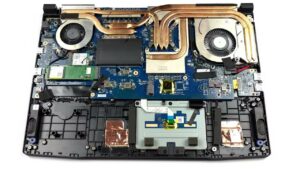


![[August 2026] Global Ranking of Best-Selling Laptop GPUs on Amazon – Apple Reigns Supreme, NVIDIA’s RTX 5060 Tops Dedicated Chart](https://laptopmedia.com/wp-content/uploads/2026/09/Best-Selling-GPUs-GLOBAL-Top-10-400x225.jpg)
![[August 2026] Global Ranking of Best-Selling Laptop CPUs on Amazon – Apple Dominates Both Budget and Premium: A18 Pro and M5 Crush Intel and AMD in August 2026](https://laptopmedia.com/wp-content/uploads/2026/09/Best-Selling-CPUs-GLOBAL-Top-10-400x225.jpg)
![[August 2026] Amazon Global: Top 10 Best-Selling Laptops – Apple MacBook Neo Dominates the Charts as Budget and Mid-Range Windows Portables Fight for Volume](https://laptopmedia.com/wp-content/uploads/2026/09/Best-Selling-Laptops-GLOBAL-Top-10-400x225.jpg)
![[August 2026] Best-Selling Laptop Brands on Amazon Global – Apple Dominates Revenue While HP Leads in Model Variety](https://laptopmedia.com/wp-content/uploads/2026/09/GLOBAL-Best-Brands-400x225.jpg)
![[August 2026] Amazon Global: Top 10 Best-Selling Gaming Laptops – HP Victus 15 Captures the Crown as Budget-Friendly Models Dominate the Charts](https://laptopmedia.com/wp-content/uploads/2026/09/Best-Selling-Gaming-Laptops-GLOBAL-Top-10-400x225.jpg)
