48.jpg)

- Date Published: 15 Dec 2023
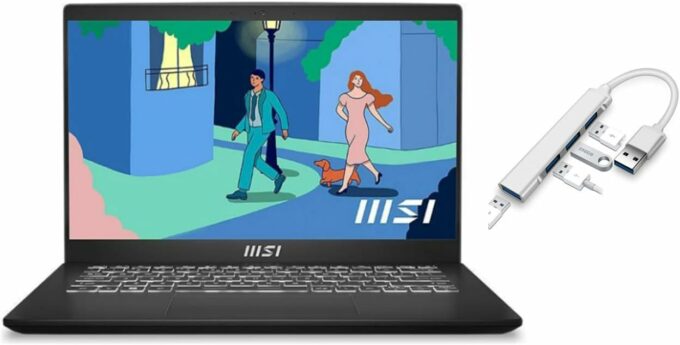
- Intel Core i7-1195G7
- Intel Iris Xe Graphics G7 (96EU)
- 14.0”, Full HD (1920 x 1080), IPS
- 1000GB SSD
- 16GB DDR4
- 1.40 kg (3.1 lbs)
Specs

- HDD/SSD
- 1TB SSD
- M.2 Slot
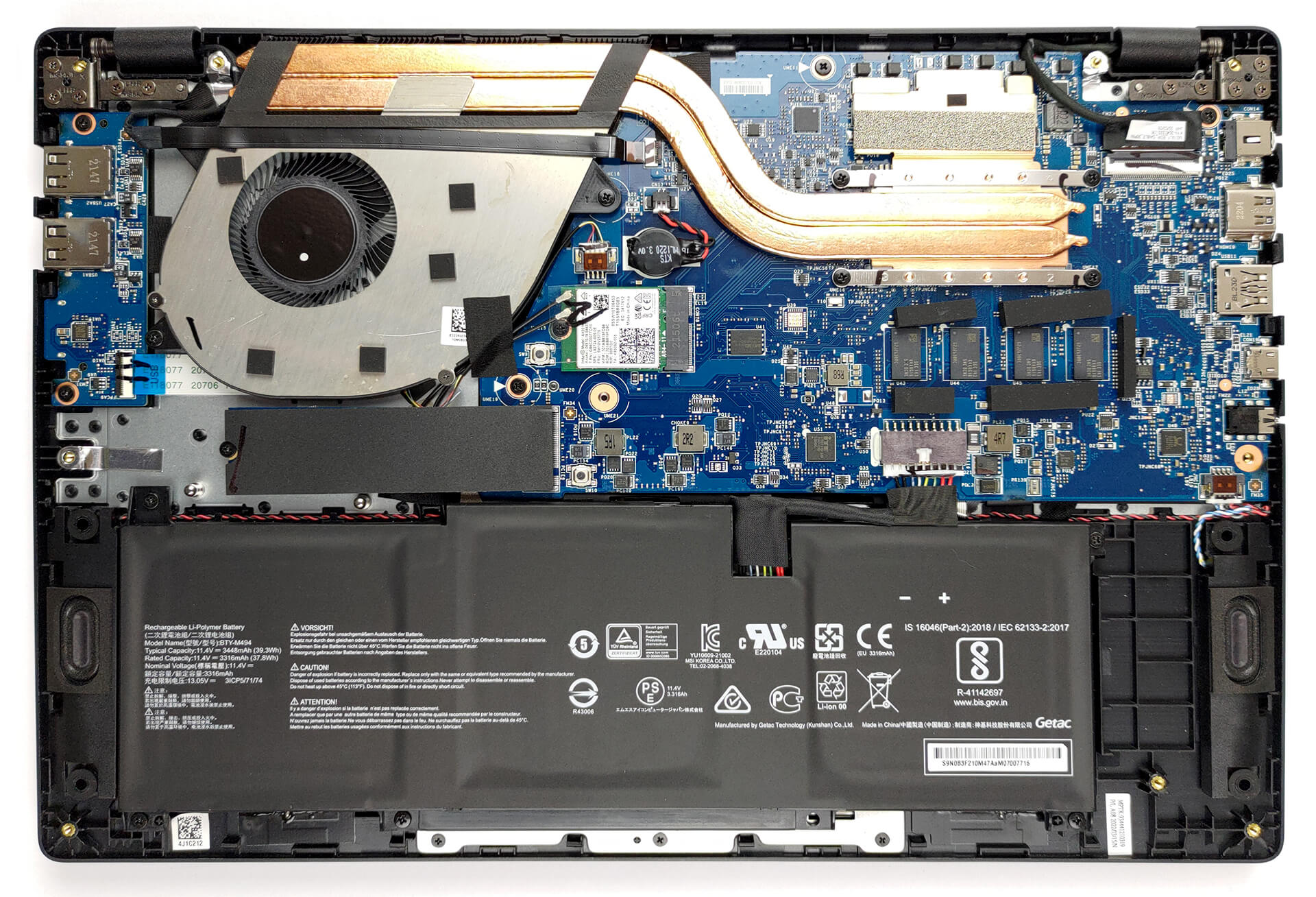
- 1x 2280 PCIe NVMe 3.0 x4 See photo
- RAM
- 16GB DDR4
- OS
- Windows 11 Home
- Body Material
- Plastic / Polycarbonate
- Dimensions
- 319.9 x 223 x 19.35 mm (12.59" x 8.78" x 0.76")
- Weight
- 1.40 kg (3.1 lbs)
- Ports and connectivity
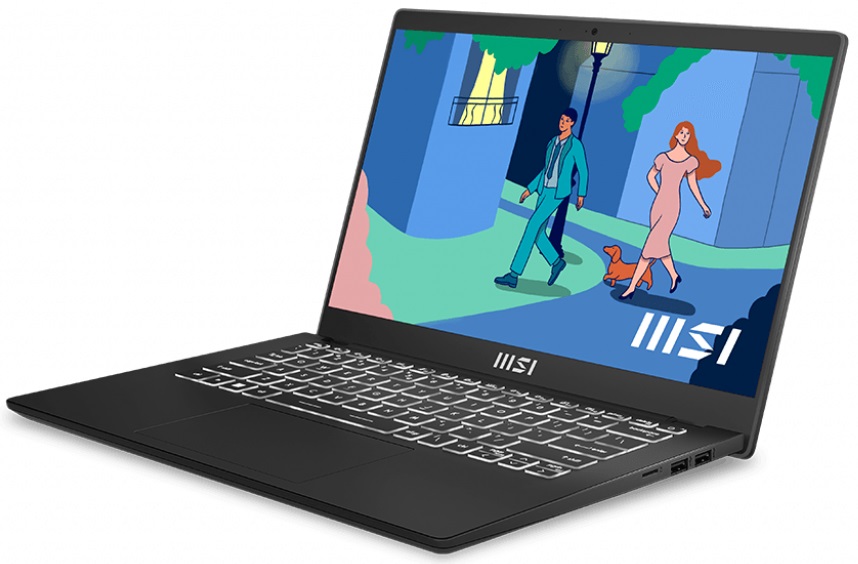
- 2x USB Type-A
- 2.0
- 1x USB Type-A
- 3.2 Gen 2 (10 Gbps)
- 1x USB Type-C
- 3.2 Gen 2 (10 Gbps), Power Delivery (PD), DisplayPort
- HDMI
- 2.0
- Card Reader
- MicroSD
- Ethernet LAN
- Wi-Fi
- 802.11ax
- Bluetooth
- 5.2
- Audio jack
- 3.5mm Combo Jack
- Features
- Fingerprint reader
- Web camera
- HD
- Backlit keyboard
- Microphone
- Speakers
- 2x 2W, Stereo Speakers
- Optical drive
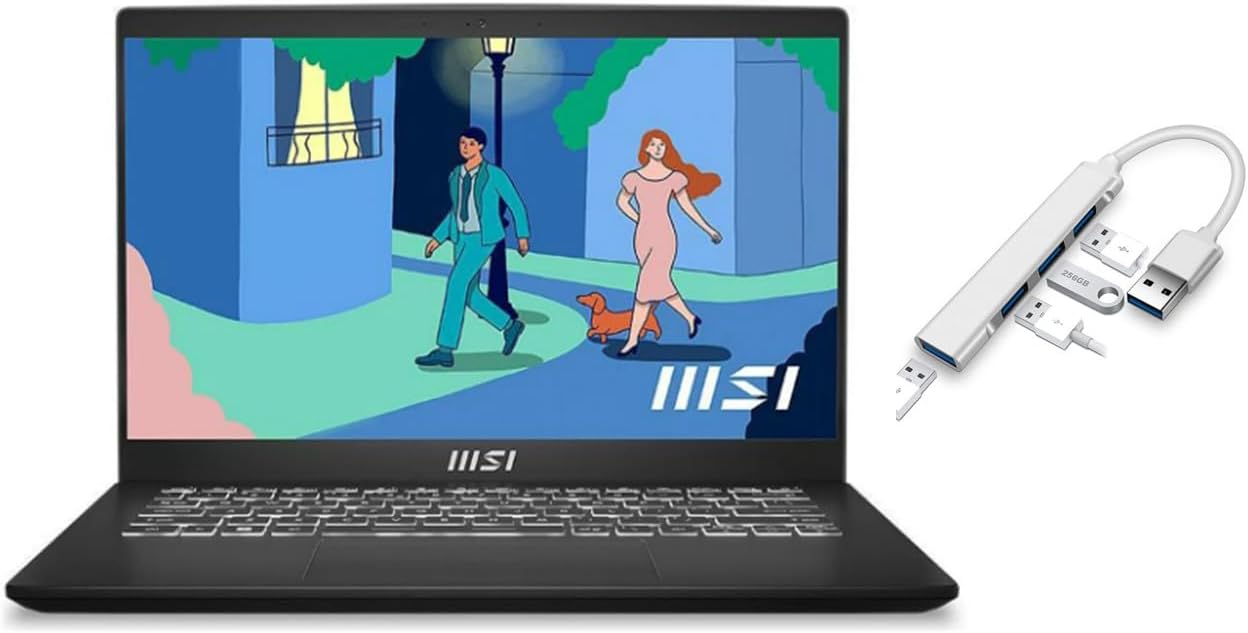
- Gifts
- USB 3.0 Hub
Portability
Review
MSI Modern 14 in-depth review
MSI is slowly becoming a powerful player in the everyday and business notebook market. Albeit it's known for its gaming series of devices, the company's push on the budget daily driver front can't be overlooked. We went as far as stating that the brand new Modern 15 may be one of the best daily drivers in terms of value.Today, our office is occupied by the 14-inch iteration of the Modern family. Like its larger cousin, it comes with Intel's 12th Gen processors. This includes three options coming from the Alder Lake-U family. The lack of P-series options doesn't mean that the laptop won't provide a good performance output - more on that, later.By now, we already have information on the pricing - starting at about $750 it does not come cheap. On the other hand, it slots right in bet[...]
Read the full review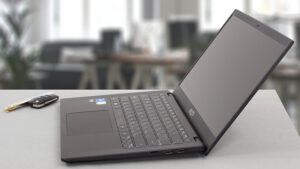
Pros
- MicroSD card reader
- A backlit keyboard with big keycaps, and a large touchpad
- Doesn't use PWM for brightness adjustment (BOE NV140FHM-N4V (BOE08D7))
- Has a good contrast ratio and comfortable viewing angles (BOE NV140FHM-N4V (BOE08D7))
- Sleek design
- Great cooling
Cons
- 54% sRGB coverage (BOE NV140FHM-N4V (BOE08D7))
- No Thunderbolt
- Two out of three USB Type-As work at 2.0 speeds
- Soldered memory
Disassembly, maintenance and upgrade options
Getting inside of this laptop is fairly easy, but you don't have much to do there.Check out all MSI Modern 14 (C12M) prices and configurations in our Specs System or read more in our In-Depth review.1. Remove the bottom plate There are 9 Phillips-head screws that you need to undo in order to access this laptop's internals. After that, pry the bottom panel with a plastic tool, and lift it away from the chassis.2. Battery Our unit comes with the smaller 39Wh battery pack. It lasts for 9 hours of Web browsing, or 6 hours of video playback on a single charge. To take it out, [...]
Read more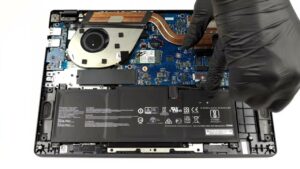


![[June 2026] Best-Selling Laptop Brands on Amazon Global – Apple’s Unrivaled Dominance in Units and Revenue](https://laptopmedia.com/wp-content/uploads/2026/07/GLOBAL-Best-Brands-400x225.jpg)
![[June 2026] Amazon Global: Top 10 Best-Selling Laptops – Apple’s New MacBook Neo Storms to #1, Reshaping the Market with Affordability](https://laptopmedia.com/wp-content/uploads/2026/07/Best-Selling-Laptops-GLOBAL-Top-10-400x225.jpg)
![[June 2026] Amazon Global: Top 10 Best-Selling Gaming Laptops – Acer’s Nitro V 16S AI Dominates Sales, While ASUS Leads Overall Revenue](https://laptopmedia.com/wp-content/uploads/2026/07/Best-Selling-Gaming-Laptops-GLOBAL-Top-10-400x225.jpg)
![[June 2026] Global Ranking of Best-Selling Laptop GPUs on Amazon – NVIDIA RTX 5060 is the Top-Selling Dedicated GPU](https://laptopmedia.com/wp-content/uploads/2026/07/Best-Selling-GPUs-GLOBAL-Top-10-400x225.jpg)
![[June 2026] Global Ranking of Best-Selling Laptop CPUs on Amazon – Apple M5 Dominates, AMD Ryzen 7 260 Gets Solid Premium Share](https://laptopmedia.com/wp-content/uploads/2026/07/Best-Selling-CPUs-GLOBAL-Top-10-400x225.jpg)