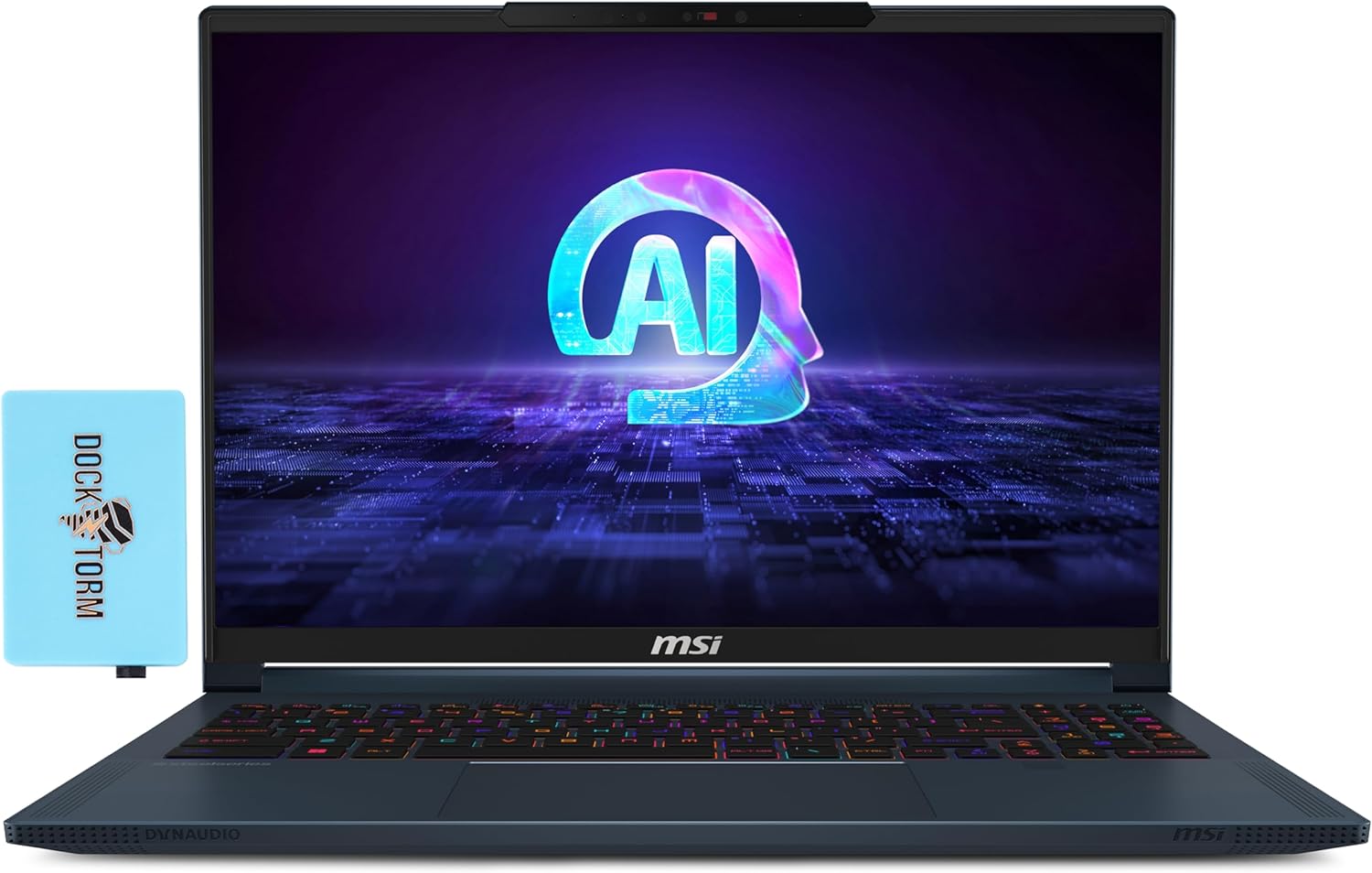
MSI Stealth 16 AI Studio
- Date Published: 05 Jun 2024
- Intel Core Ultra 9 185H
- NVIDIA GeForce RTX 4070 (Laptop, 105W)
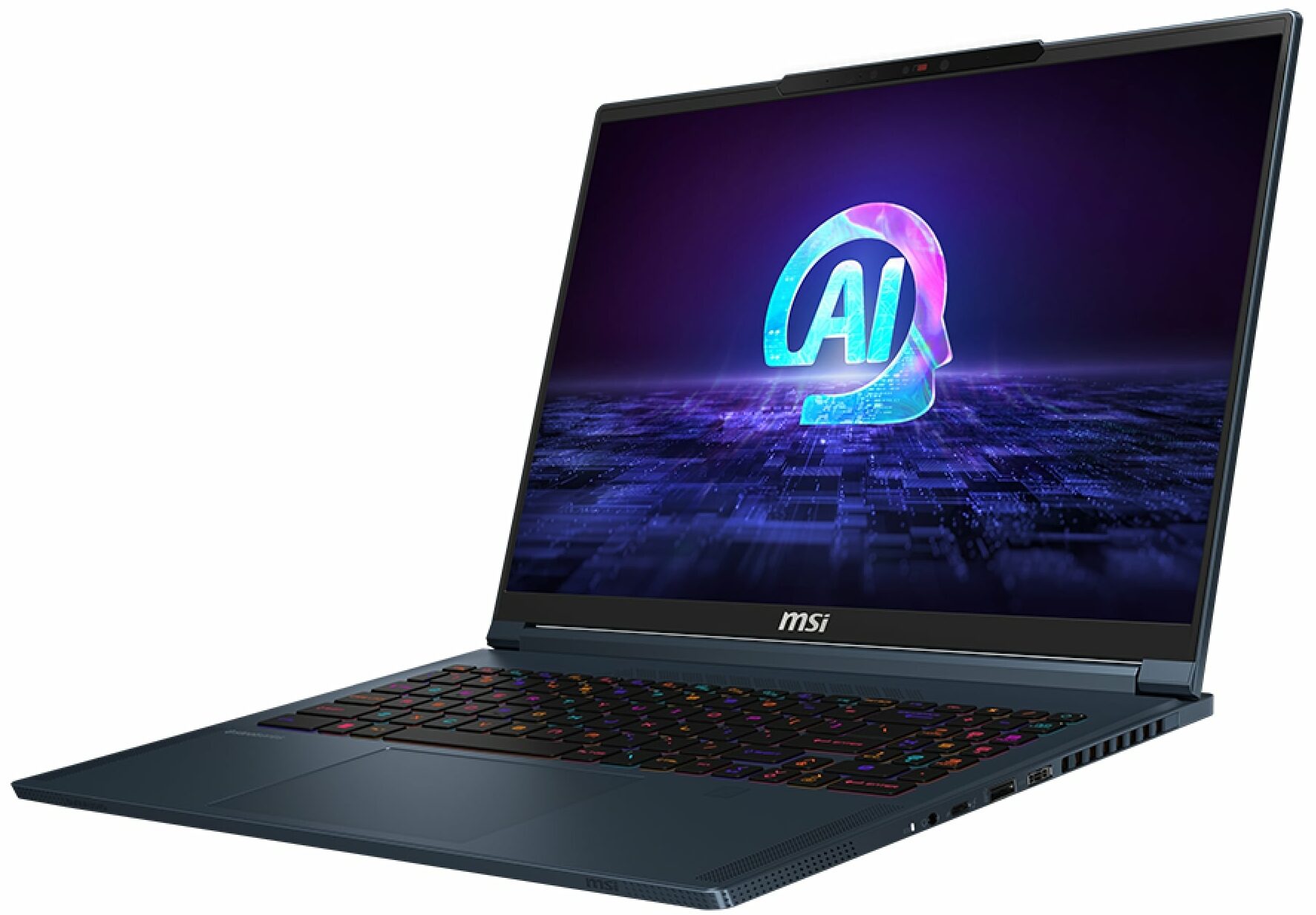
- 16.0", WQXGA (2560 x 1600), 240 Hz, IPS
- 2000GB SSD
- 64GB RAM
- 1.99 kg (4.4 lbs)
Specs

- HDD/SSD
- 2000GB SSD
- M.2 Slot
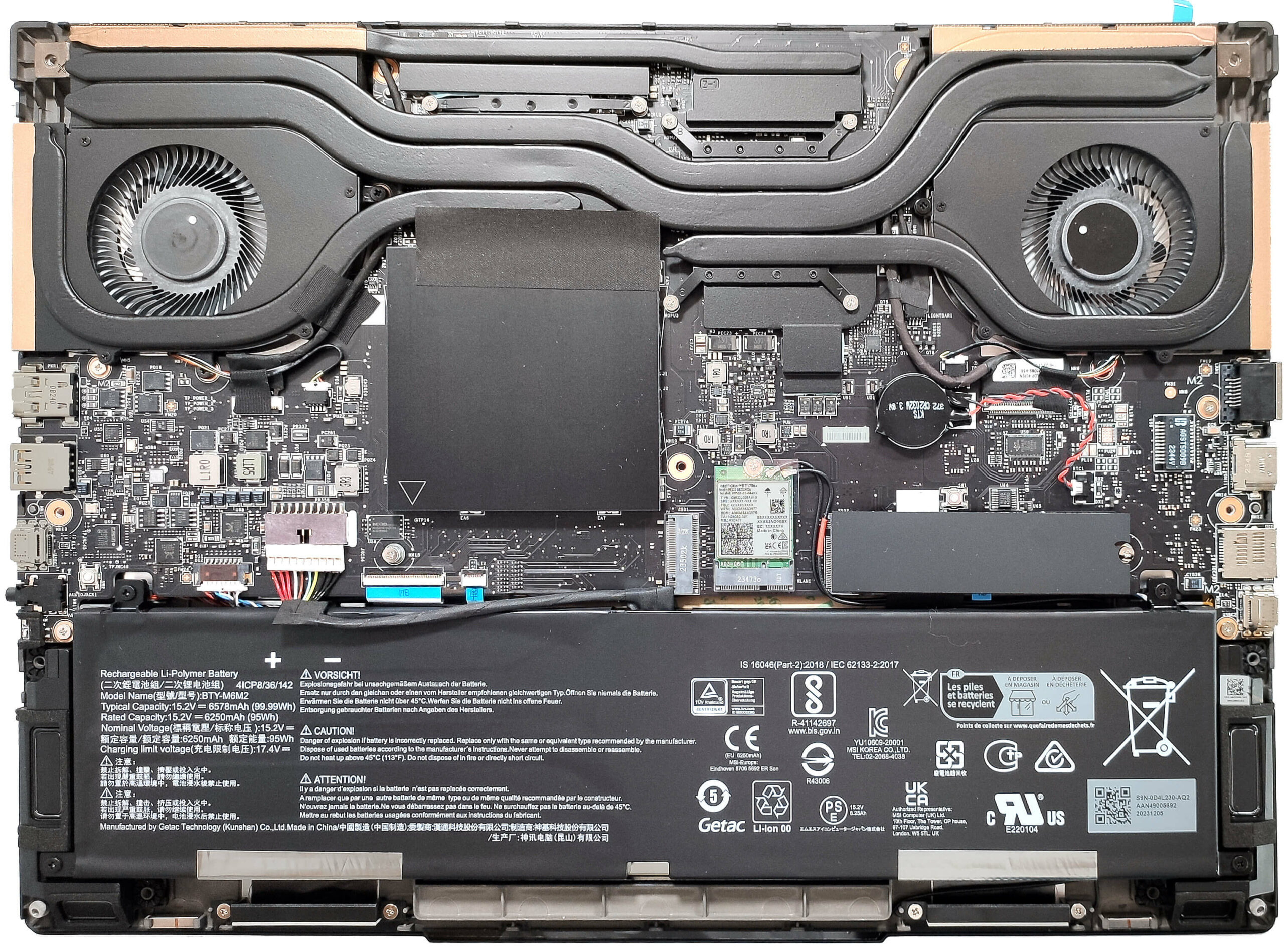
- 2x 2280 M.2 NVMe PCIe 4.0 x4 See photo
- RAM
- 64GB RAM
- OS
- Windows 11 Pro
- Body Material
- Aluminum, Magnesium alloy
- Dimensions
- 355.8 x 259.7 x 19.95 mm (14.01" x 10.22" x 0.79")
- Weight
- 1.99 kg (4.4 lbs)
- Ports and connectivity
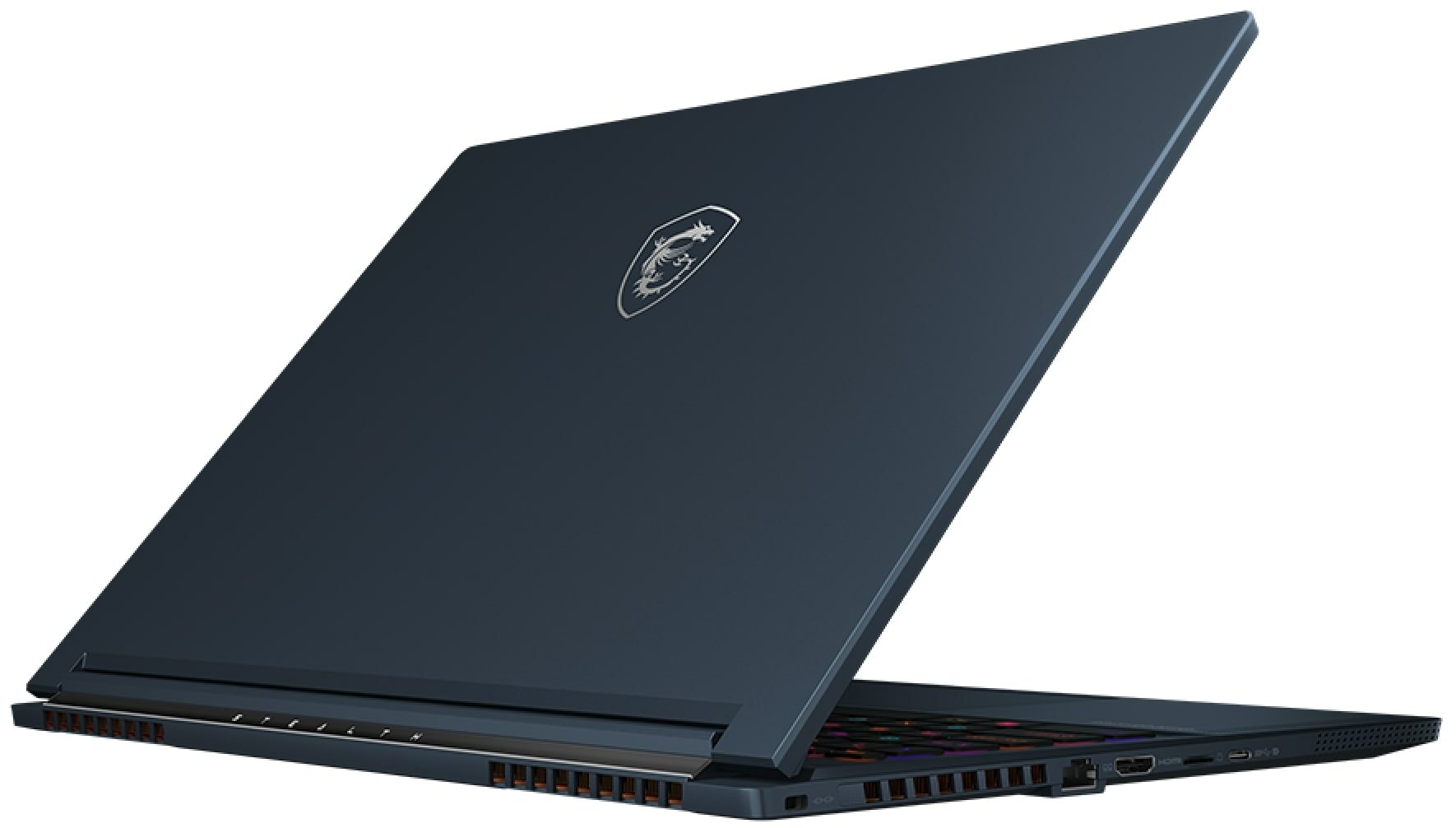
- 1x USB Type-A
- 3.2 Gen 2 (10 Gbps)
- 1x USB Type-C
- 3.2 Gen 2 (10 Gbps), DisplayPort
- 1x USB Type-C
- 4.0, Thunderbolt 4, Power Delivery (PD), DisplayPort
- HDMI
- 2.1 (8K@60Hz / 4K@120Hz)
- Card Reader
- microSD (microSD, microSDHC, microSDXC)
- Ethernet LAN
- Wi-Fi
- 802.11be
- Bluetooth
- 5.4
- Audio jack
- 3.5mm Combo Jack
- Features
- Fingerprint reader
- Web camera
- FHD IR with HDR, 3D Noise Reduction+ (3DNR+)
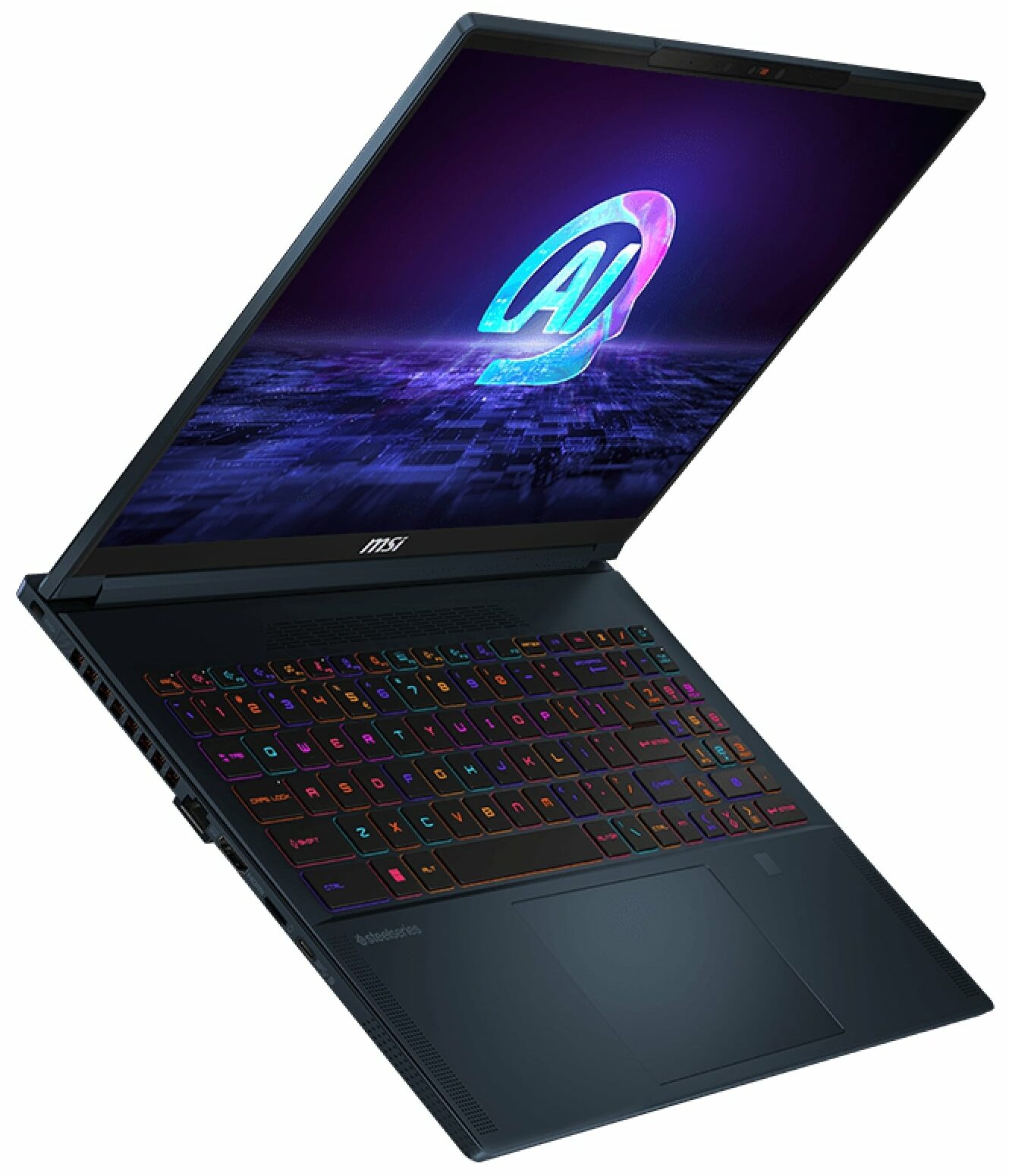
- Backlit keyboard
- Microphone
- Speakers
- 2x 2W Speakers + 4x 2W Woofers, Dynaudio, Nahimic 3, Hi-Res Audio
- Security Lock slot
- Kensington Lock
- Gifts
- Dockztorm USB Hub
Portability
Review
MSI Stealth 16 AI Studio in-depth review
The 14-inch MSI Stealth 14 AI Studio A1V is an impressively powerful small device with two major cons - a hot keyboard and very high noise levels during gaming or other GPU-heavy tasks.Now, it's time to test the Stealth 16 AI Studio A1V which offers similar hardware under the hood but since the chassis is bigger, we expect a positive impact on the thermals of the internals. Again, you can rely on 28W Meteor Lake CPUs and this time around, you can order the bigger sibling with up to a GeForce RTX 4090 which is a bold decision by the manufacturer given the sub-20mm chassis.You get a lot of goodies which is normal considering the high price tag - MUX switch, 6-speaker sound system by Dynaudio, SteelSeries keyboard, and the latest Wi-Fi 7 + Bluetooth 5.4 connectivity. That's not your t[...]
Read the full review
Pros
- Good CPU performance
- 2x SODIMMs + 2x M.2 slots
- 1600p resolution + 240Hz refresh rate (CMN162F)
- Full sRGB and 98% DCI-P3 coverage + accurate colors with our "Design and Gaming" profile (CMN162F)
- High max brightness of 510 nits (CMN162F)
- Great per-key RGB keyboard by SteelSeries + smooth and accurate touchpad
- Solid magnesium aluminum chassis
- The Core Ultra 9 185H can maintain a 3.2 GHz / 2.7 GHz P and E core clock during heavy loads
- The MSI Center offers plenty of customizations
- Thunderbolt 4, 1x Type-C port + HDMI 2.1
- 1080p IR Web camera with privacy shutter
- MUX switch
- Compact for a 16-inch form factor
- The fans don't spin in idle during light loads in "Silent" mode
Cons
- Loud fan noise during gaming in "Extreme Performance"
- No G-Sync or NVIDIA Advanced Optimus support
- Just three USB ports
- High GPU memory temperatures which lead to TGP throttling
Disassembly, maintenance and upgrade options
Opening the DeviceUndo the 7 Phillips-head screws securing the bottom panel. Flip the notebook and pry the back with a thin plastic tool. Open the device and pry the left and front sides through the base. Avoid popping the right side.More info: Since the audio jack sticks out of the mainboard, you can't raise the bottom plate straight upwards. Lift the plate on the right and gently slide it to the left side.Battery RemovalDetach the battery connector from the mainboard. Undo the 4 Phillips-head screws securing the battery. Lift the battery to rem[...]
Read more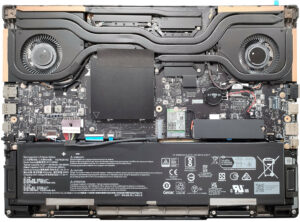


![[June 2026] Best-Selling Laptop Brands on Amazon Global – Apple’s Unrivaled Dominance in Units and Revenue](https://laptopmedia.com/wp-content/uploads/2026/07/GLOBAL-Best-Brands-400x225.jpg)
![[June 2026] Amazon Global: Top 10 Best-Selling Laptops – Apple’s New MacBook Neo Storms to #1, Reshaping the Market with Affordability](https://laptopmedia.com/wp-content/uploads/2026/07/Best-Selling-Laptops-GLOBAL-Top-10-400x225.jpg)
![[June 2026] Amazon Global: Top 10 Best-Selling Gaming Laptops – Acer’s Nitro V 16S AI Dominates Sales, While ASUS Leads Overall Revenue](https://laptopmedia.com/wp-content/uploads/2026/07/Best-Selling-Gaming-Laptops-GLOBAL-Top-10-400x225.jpg)
![[June 2026] Global Ranking of Best-Selling Laptop GPUs on Amazon – NVIDIA RTX 5060 is the Top-Selling Dedicated GPU](https://laptopmedia.com/wp-content/uploads/2026/07/Best-Selling-GPUs-GLOBAL-Top-10-400x225.jpg)
![[June 2026] Global Ranking of Best-Selling Laptop CPUs on Amazon – Apple M5 Dominates, AMD Ryzen 7 260 Gets Solid Premium Share](https://laptopmedia.com/wp-content/uploads/2026/07/Best-Selling-CPUs-GLOBAL-Top-10-400x225.jpg)