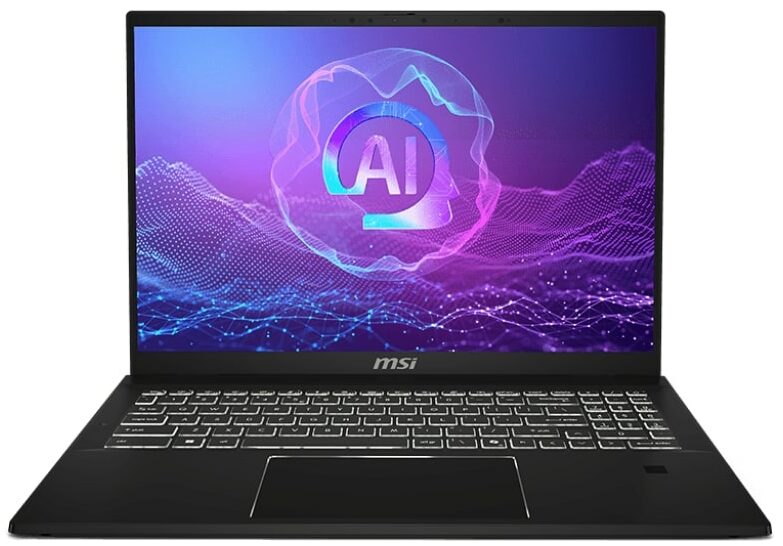
MSI Summit A16 AI+
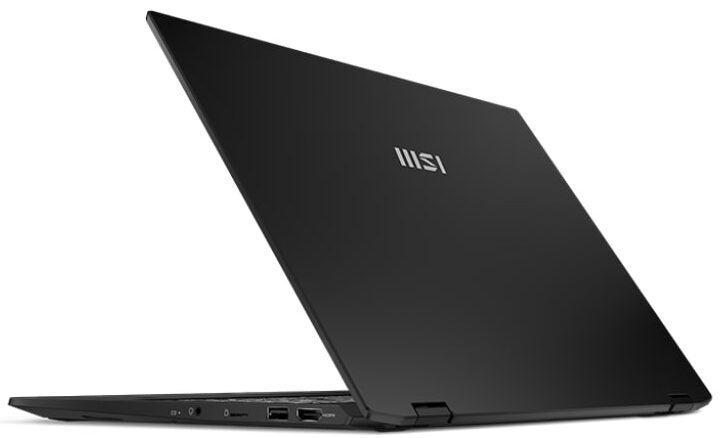
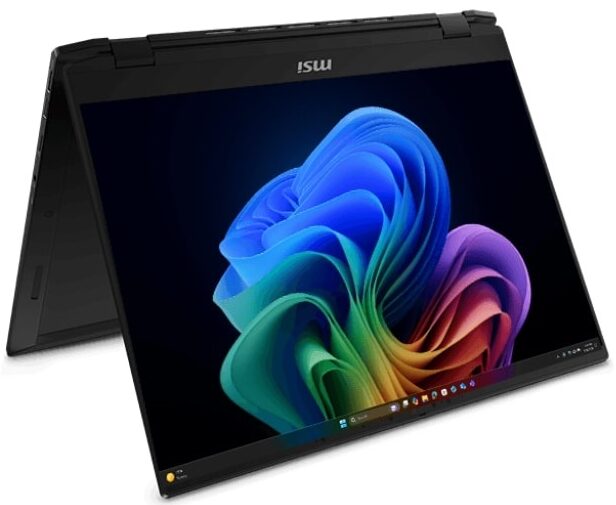
- Date Published: 16 Jul 2025
- AMD Ryzen AI 9 365
- AMD Radeon 880M
- 16.0", QHD (2560 x 1600), 165 Hz, IPS
- 2000GB SSD
- 32GB RAM
- 2.10 kg (4.6 lbs)
Specs

- HDD/SSD
- 2000GB SSD
- M.2 Slot
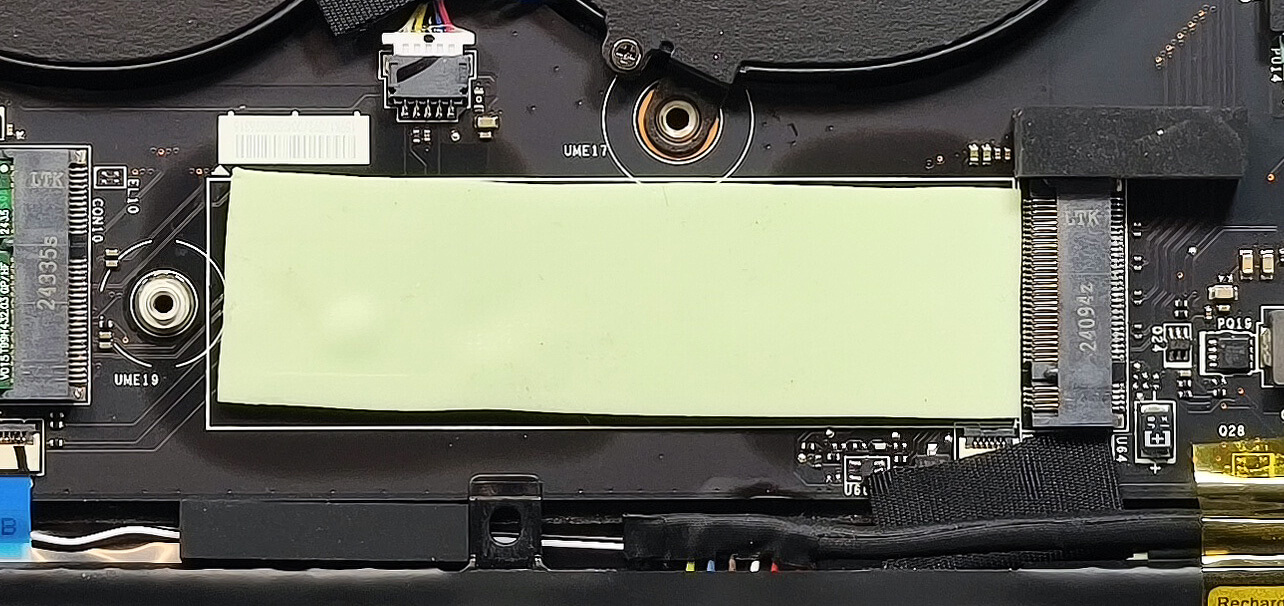
- 1x 2280 M.2 NVMe PCIe 4.0 x4 See photo
- RAM
- 32GB RAM
- OS
- Windows 11 Pro
- Dimensions
- 358 x 258.55 x 16.9 - 17.35 mm (14.09" x 10.18" x 0.67")
- Weight
- 2.10 kg (4.6 lbs)
- Ports and connectivity
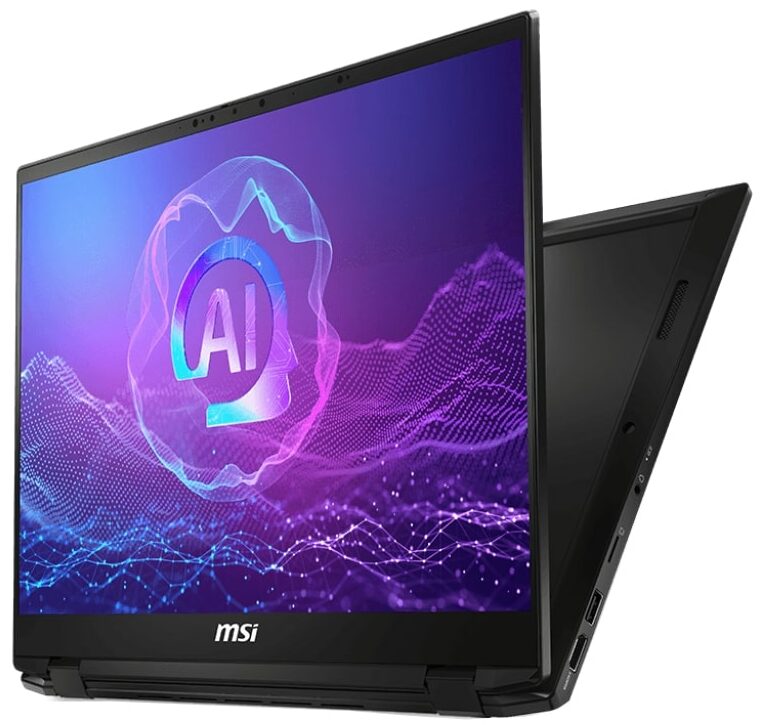
- 2x USB Type-A
- 3.2 Gen 2 (10 Gbps)
- 2x USB Type-C
- 4.0, Thunderbolt 4, Power Delivery (PD), DisplayPort
- HDMI
- 2.1 (4K@60Hz)
- Card Reader
- microSD (microSD, microSDHC, microSDXC)
- Ethernet LAN
- Wi-Fi
- Wi-Fi 7
- Bluetooth
- 5.4
- Audio jack
- 3.5mm Combo Jack
- Features
- Fingerprint reader
- Web camera
- IR FHD type (30fps@1080p) with HDR 3D Noise Reduction+ (3DNR+)
- Backlit keyboard
- Microphone
- 3x Spatial Array Microphone with AI Noise Cancellation Pro
- Speakers
- 2x 2W Stereo Speakers
- Security Lock slot
- Gifts
- Adata 512GB External SSD
Portability
Review
MSI Summit A16 AI+ in-depth review
The MSI Summit A16 AI+ (A3HMx) is another big 2-in-1 laptop, and it'll be interesting to see how it performs against the Lenovo IdeaPad 5 16 2-in-1 (Gen 9, 16AHP9). The latter isn't that costly but offers less powerful hardware. The MSI machine is powered by the Strix Point Zen 5 AMD Ryzen AI 9 365 processor. This means that the iGPU is the Radeon 880M. It's pretty potent, though, especially for an integrated solution. It scores 67 FPS in Gears 5 on Medium details, which isn't bad at all. The memory is soldered, but the Wi-Fi 7 card isn't. You get just one slot for Gen 4 SSD. All that sounds pretty normal for such a device since the manufacturer tries to make its machine as light as possible.MSI mentions that the touch functionality of the screen is optional, so keep an eye on the spec[...]
Read the full review
Pros
- Great overall performance for a 2-in-1 machine
- Up to 32GB LPDDR5x
- Infinite contrast ratio + wide viewing angles (AUO28B2)
- 100% sRGB and 99% DCI-P3 coverage + accurate color with our "Design and Office" profile (AUO28B2)
- ~ 500 nits of max brightness (AUO28B2)
- 1600p resolution (AUO28B2)
- Comfortable keyboard
- Smooth and accurate touchpad
- Solid metal chassis
- The Ryzen AI 9 365 maintains a 3.47 GHz / 2.65 GHz P and E core clock in long loads
- The MSI Center S offers plenty of customizations
- 2x USB4s
- MicroSD Card reader
- IR Web Camera
- Fingerprint reader
- dTPM 2.0 + privacy shutter
- The fans aren't too intrusive in "Extreme Performance" mode
- Fast SSD (Micron 3500)
- 82Wh battery that lasts for around 12 hours of videos on a single charge
- Wi-Fi 7 + Bluetooth 5.4
- Great iGPU performance
- The "Balanced" preset offers lower noise and 2.80 / 2.00 GHz P and E core clocks
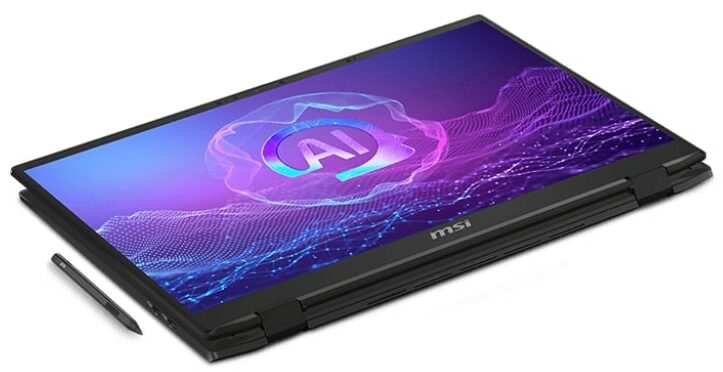
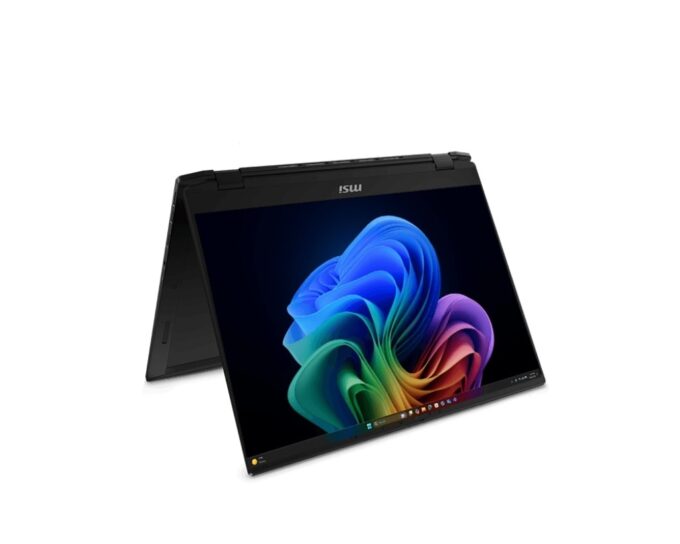
- The 360-degree hinge supports clamshell, stand, tent, and tablet modes
Cons
- High price
- Limited upgradability
Disassembly, maintenance and upgrade options
Step 1: Opening the MSI Summit A16 AI+ (A3HMx)Power off the laptop and place it on a static-free surface. Undo the seven Phillips-head screws securing the bottom panel. Note that the screws have rubber caps on top, which you need to gently unglue before unscrewing. Insert a thin plastic pry tool at the top edges near the hinges and begin popping the panel upwards. Continue prying along the sides and front edges of the laptop. Leave the back for last, then carefully lift away the bottom panel.Step 2: Battery RemovalIdentify the large 82Wh battery spanning th[...]
Read more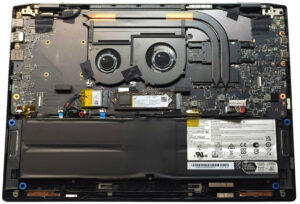


![[June 2026] Best-Selling Laptop Brands on Amazon Global – Apple’s Unrivaled Dominance in Units and Revenue](https://laptopmedia.com/wp-content/uploads/2026/07/GLOBAL-Best-Brands-400x225.jpg)
![[June 2026] Amazon Global: Top 10 Best-Selling Laptops – Apple’s New MacBook Neo Storms to #1, Reshaping the Market with Affordability](https://laptopmedia.com/wp-content/uploads/2026/07/Best-Selling-Laptops-GLOBAL-Top-10-400x225.jpg)
![[June 2026] Amazon Global: Top 10 Best-Selling Gaming Laptops – Acer’s Nitro V 16S AI Dominates Sales, While ASUS Leads Overall Revenue](https://laptopmedia.com/wp-content/uploads/2026/07/Best-Selling-Gaming-Laptops-GLOBAL-Top-10-400x225.jpg)
![[June 2026] Global Ranking of Best-Selling Laptop GPUs on Amazon – NVIDIA RTX 5060 is the Top-Selling Dedicated GPU](https://laptopmedia.com/wp-content/uploads/2026/07/Best-Selling-GPUs-GLOBAL-Top-10-400x225.jpg)
![[June 2026] Global Ranking of Best-Selling Laptop CPUs on Amazon – Apple M5 Dominates, AMD Ryzen 7 260 Gets Solid Premium Share](https://laptopmedia.com/wp-content/uploads/2026/07/Best-Selling-CPUs-GLOBAL-Top-10-400x225.jpg)