How to open MSI Summit A16 AI+ (A3HMx) – disassembly and upgrade options

Step 1: Opening the MSI Summit A16 AI+ (A3HMx)
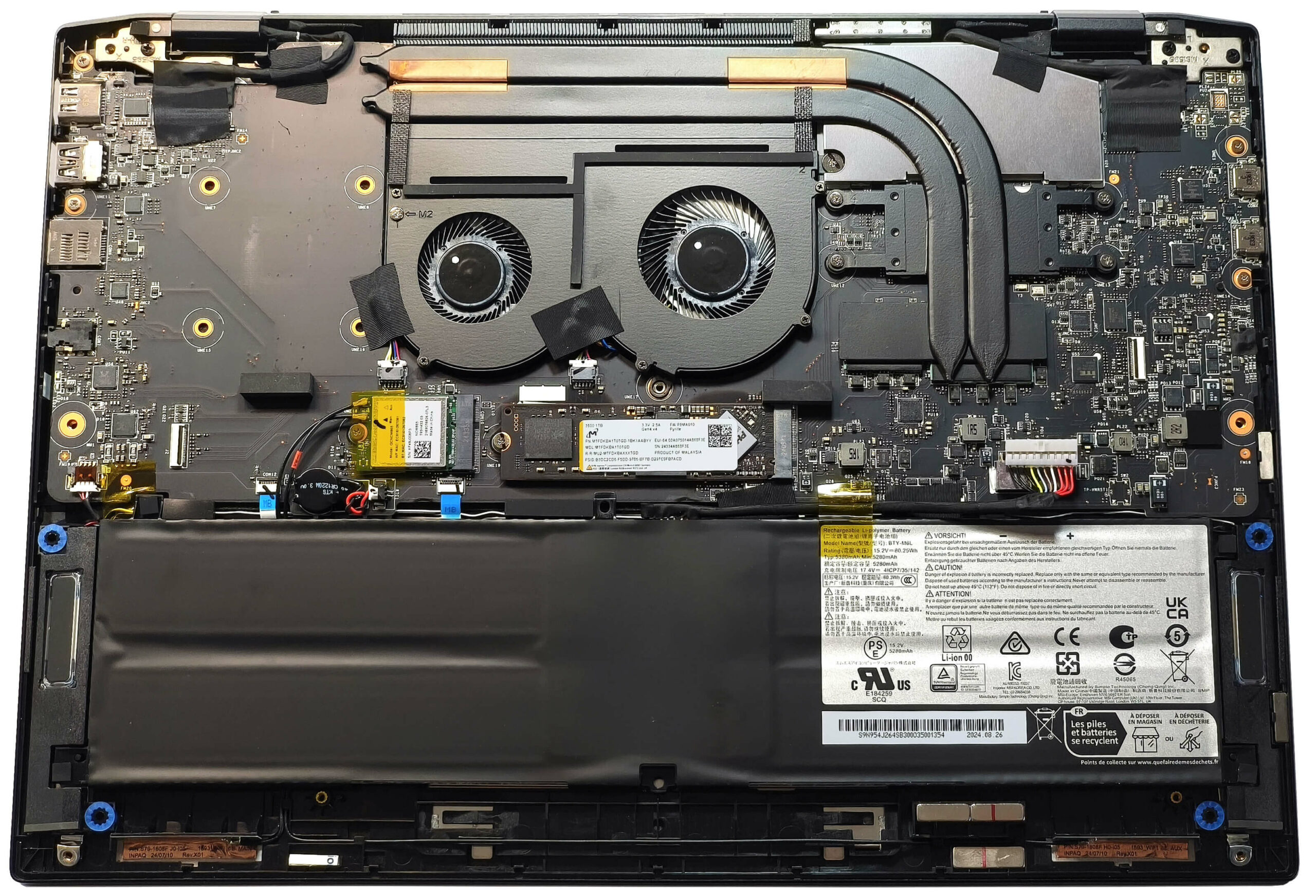
- Power off the laptop and place it on a static-free surface.
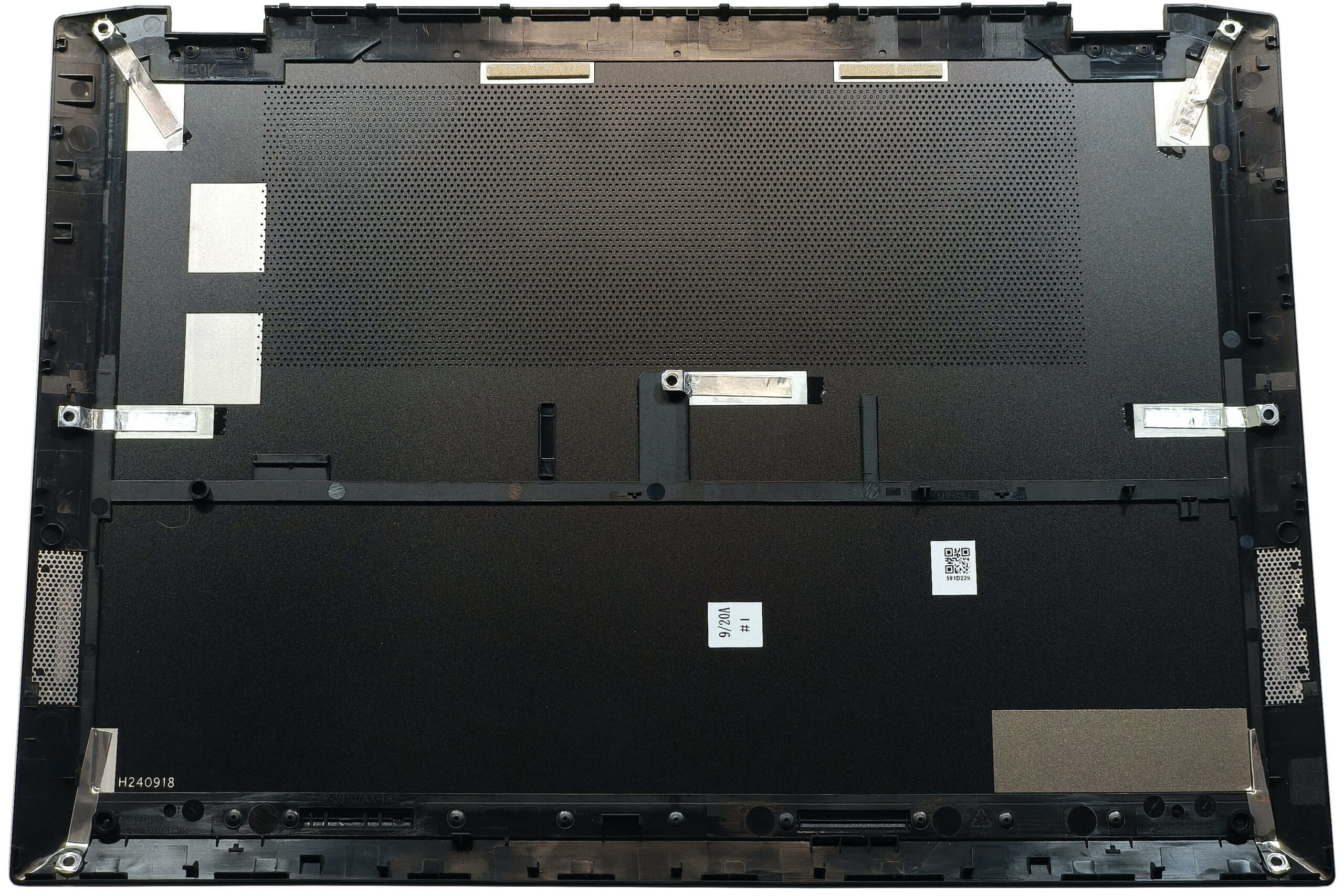
- Undo the seven Phillips-head screws securing the bottom panel. Note that the screws have rubber caps on top, which you need to gently unglue before unscrewing.
- Insert a thin plastic pry tool at the top edges near the hinges and begin popping the panel upwards.
- Continue prying along the sides and front edges of the laptop. Leave the back for last, then carefully lift away the bottom panel.
Step 2: Battery Removal
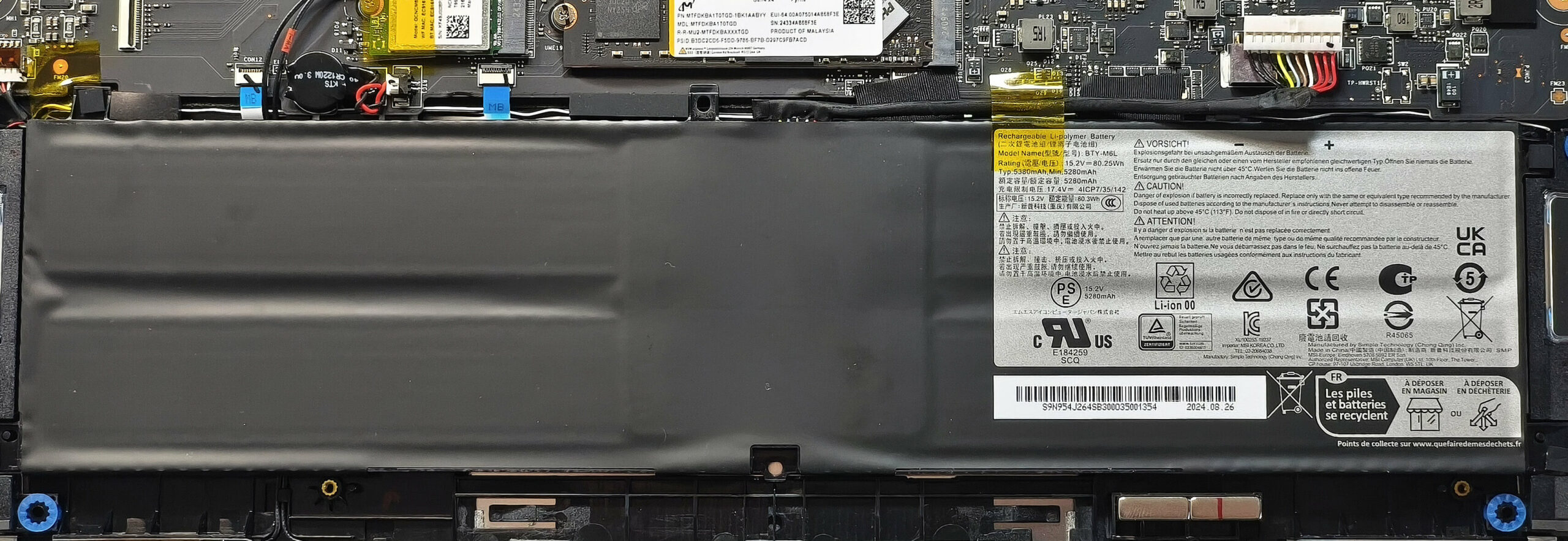
- Identify the large 82Wh battery spanning the lower part of the chassis.
- Carefully pull the battery connector towards the battery to detach it from the motherboard.
- Undo the four Phillips-head screws that secure the battery, then lift the battery out of the laptop.
More info: The 82Wh battery offers excellent endurance, providing around 12 hours of video playback.
Memory Information
- The memory is soldered to the motherboard, typical for thin 2-in-1 devices like this Copilot+ notebook.
- All models come equipped with 32GB of LPDDR5x-7500MHz RAM in dual-channel mode, which should be more than sufficient for most users.
Storage Upgrade
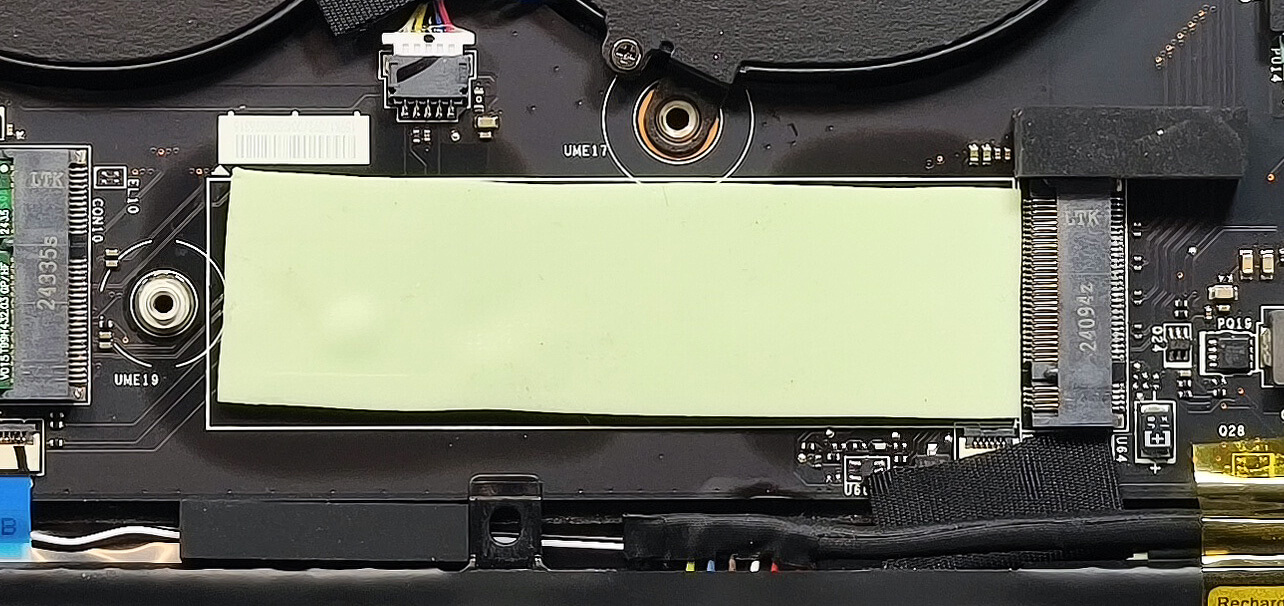
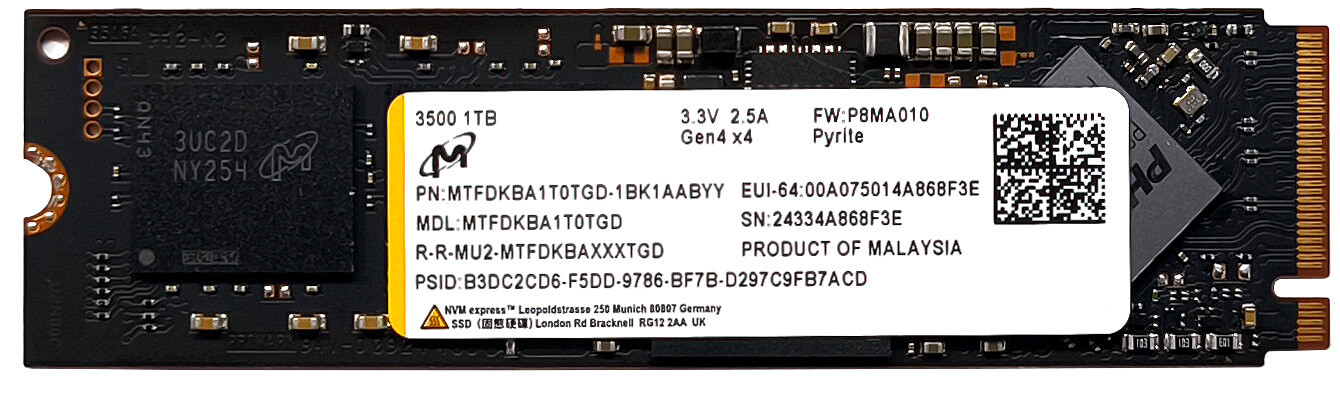
- Locate the single M.2 slot, compatible with 2280 Gen 4 SSDs.
- Remove the installed drive if upgrading, then insert your new SSD into the slot at an angle, securing it with the screw provided.
- A thermal pad beneath the NVMe helps to dissipate heat during operation.
Hint: Don’t forget to check out our Top M.2 SSDs Performance Rankings for insights on the best storage options available.
You can buy Gen 4 NVMe SSDs here: Buy from Amazon.com (#CommissionsEarned)
Wireless Card Replacement
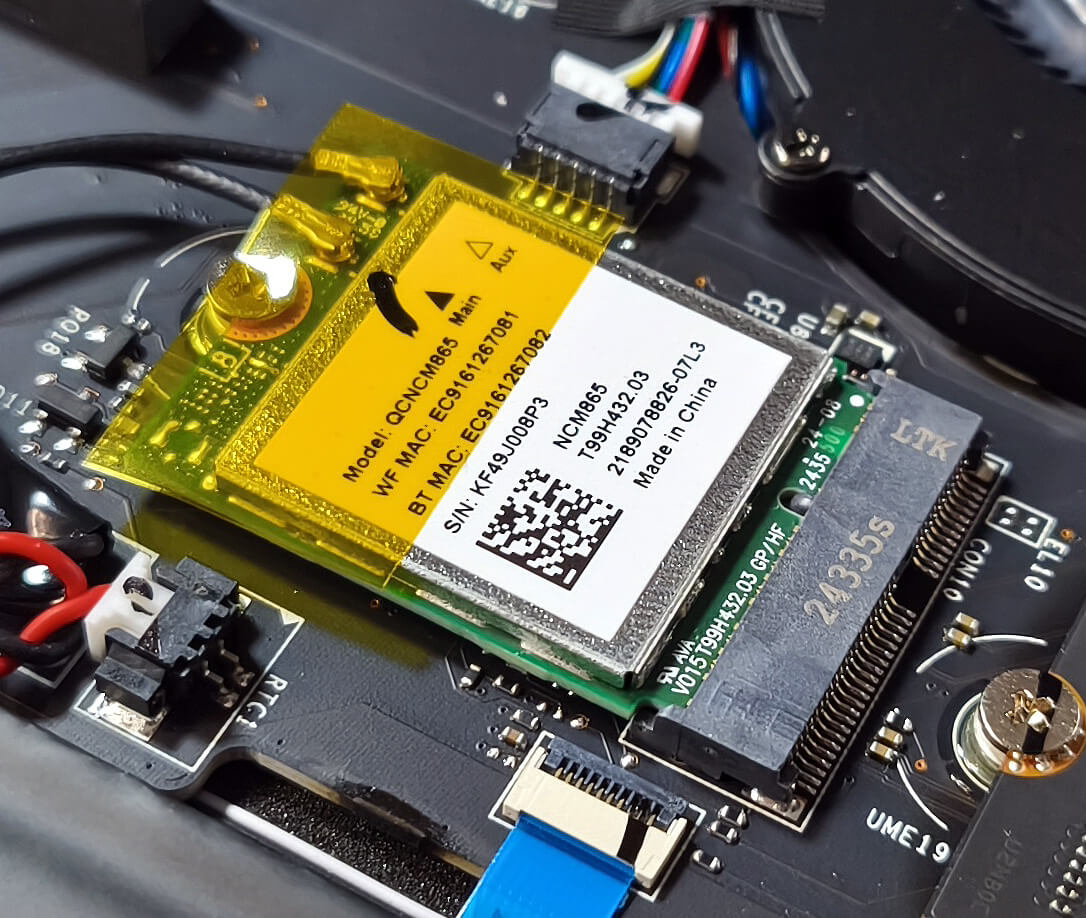
- The Wi-Fi 7 card is housed in a replaceable M.2 slot, allowing you to upgrade your wireless module if needed in the future.
Cooling System Overview
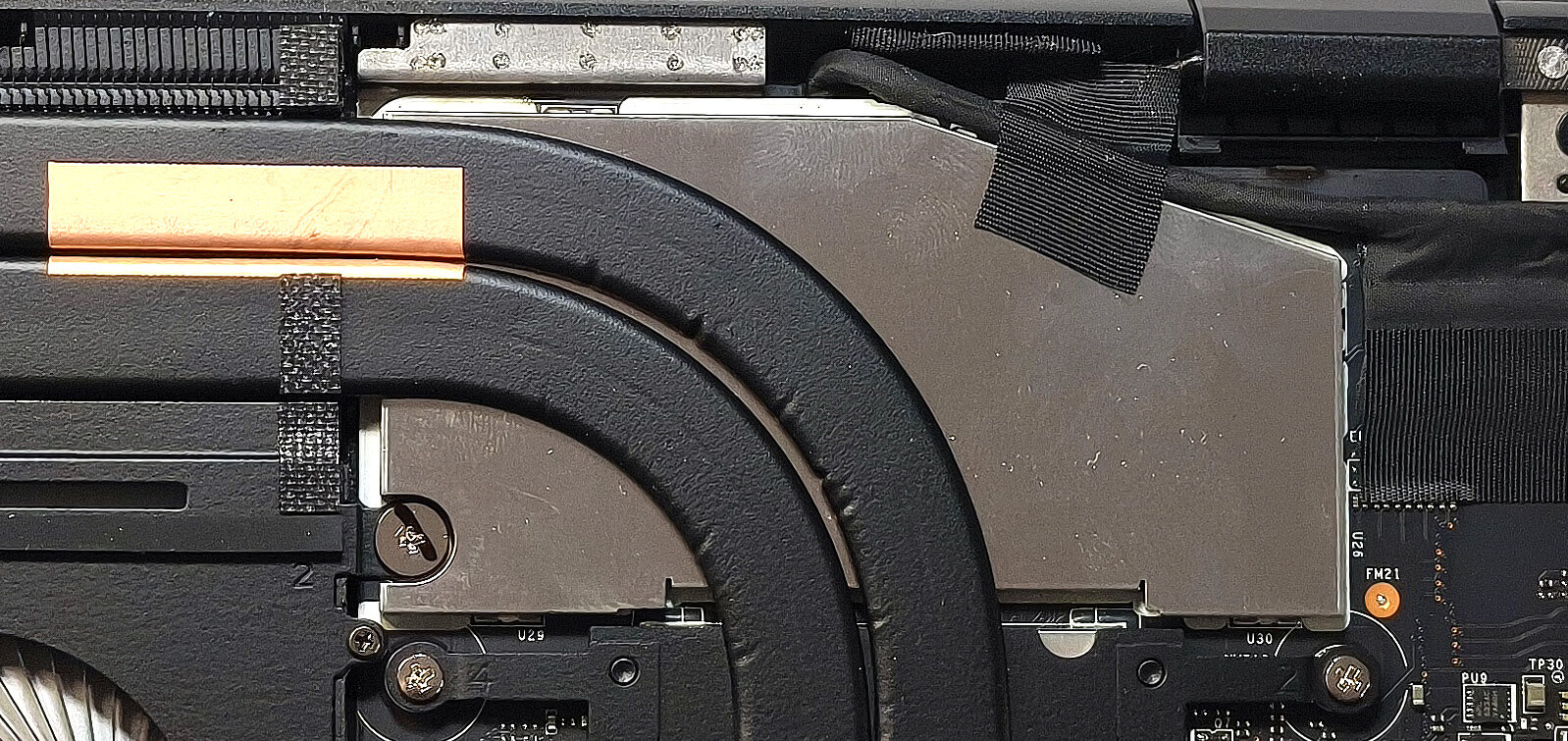
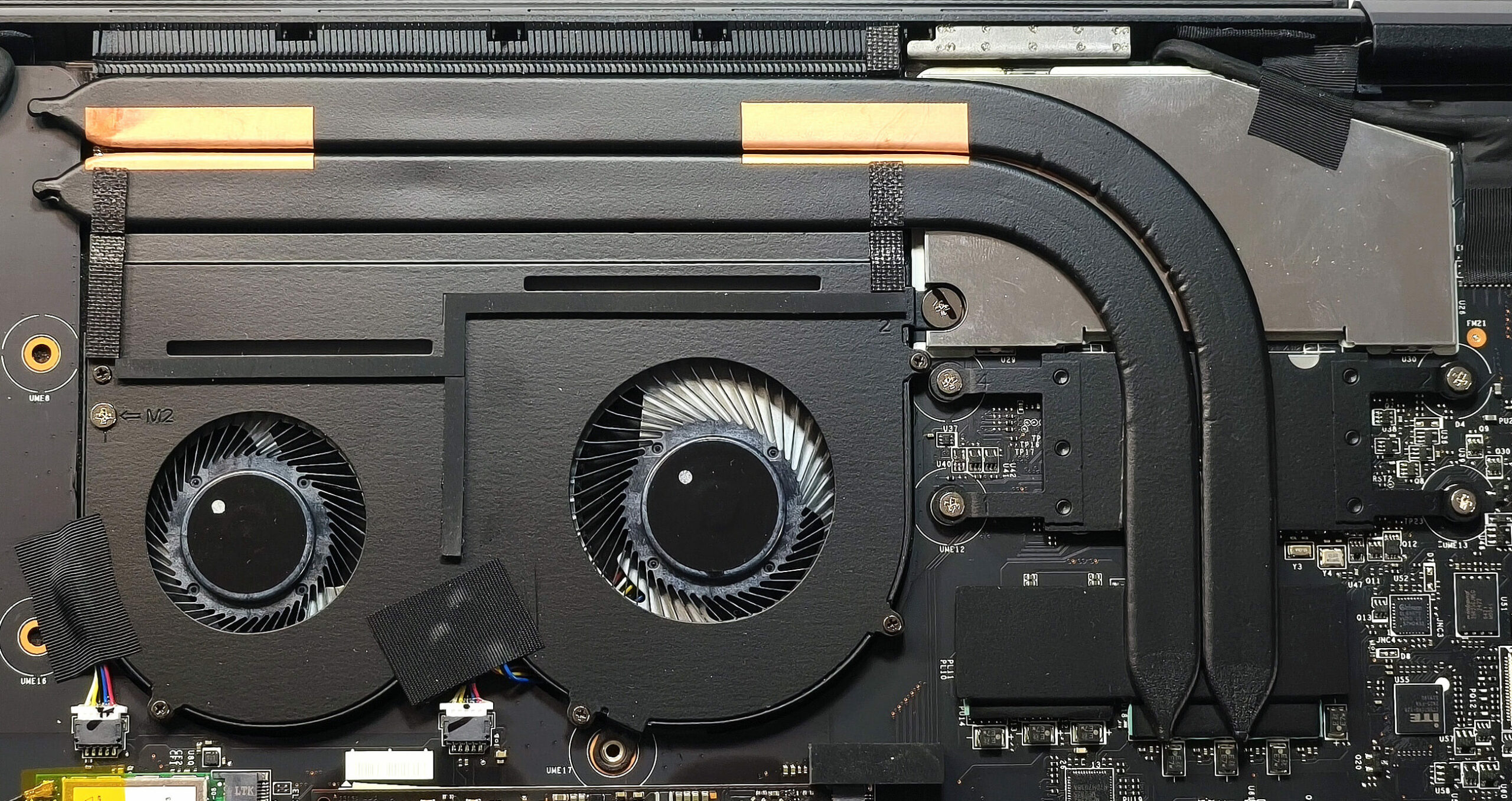
- The thermal system includes two fans and a pair of heat pipes.
- It features a large heat sink for effective heat dissipation along with two heat spreaders covering key components.
More info: With accessible storage, replaceable Wi-Fi, and straightforward disassembly, the MSI Summit A16 AI+ balances thin design with decent upgradability.
MSI Summit A16 AI+ (A3HMx) in-depth review
The MSI Summit A16 AI+ (A3HMx) is another big 2-in-1 laptop, and it'll be interesting to see how it performs against the Lenovo IdeaPad 5 16 2-in-1 (Gen 9, 16AHP9). The latter isn't that costly but offers less powerful hardware. The MSI machine is powered by the Strix Point Zen 5 AMD Ryzen AI 9 365 processor. This means that the iGPU is the Radeon 880M. It's pretty potent, though, especially for an integrated solution. It scores 67 FPS in Gears 5 on Medium details, which isn't bad at all. The memory is soldered, but the Wi-Fi 7 card isn't. You get just one slot for Gen 4 SSD. All that sounds p[...]
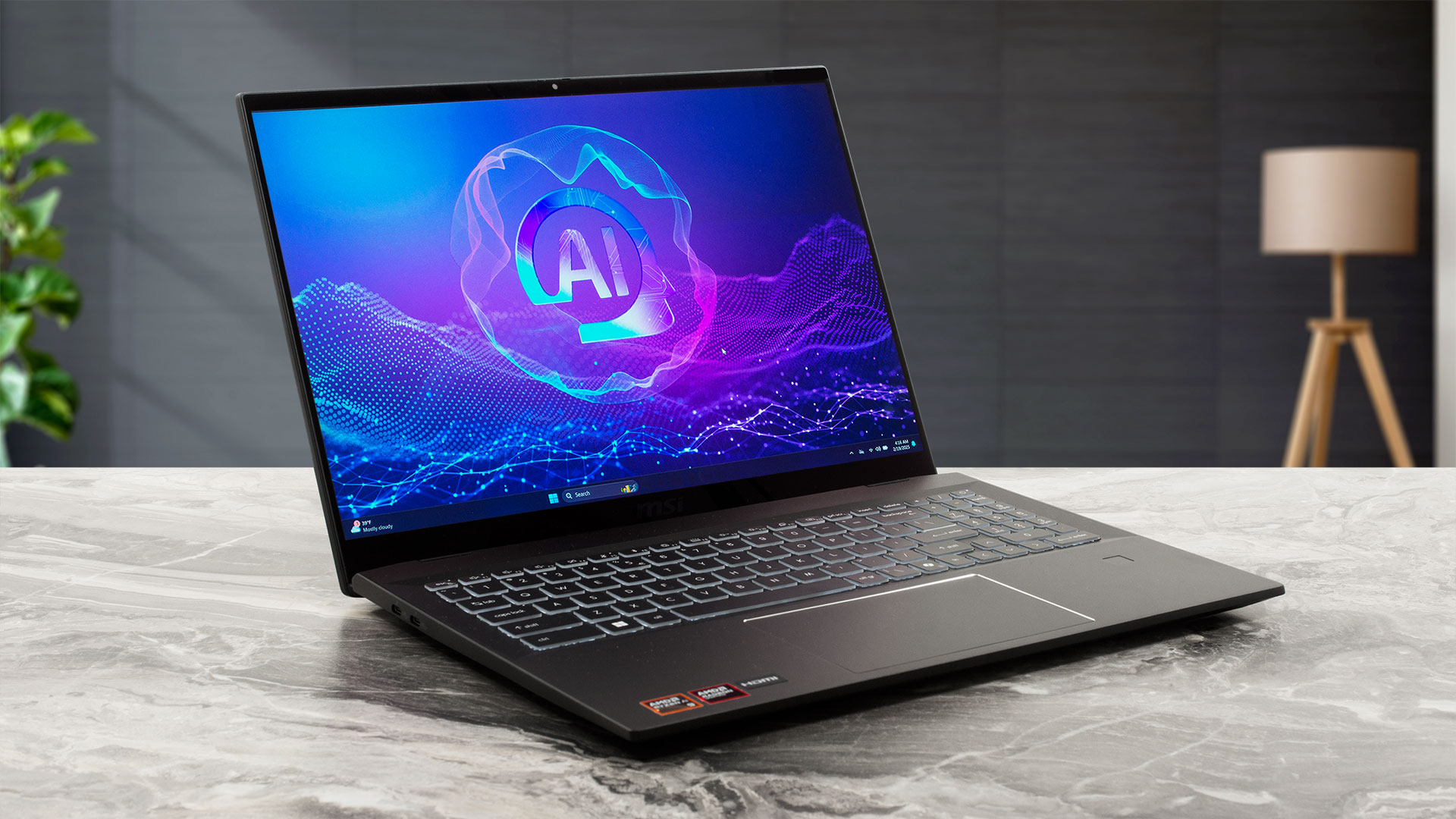
Pros
- Great overall performance for a 2-in-1 machine
- Up to 32GB LPDDR5x
- Infinite contrast ratio + wide viewing angles (AUO28B2)
- 100% sRGB and 99% DCI-P3 coverage + accurate color with our "Design and Office" profile (AUO28B2)
- ~ 500 nits of max brightness (AUO28B2)
- 1600p resolution (AUO28B2)
- Comfortable keyboard
- Smooth and accurate touchpad
- Solid metal chassis
- The Ryzen AI 9 365 maintains a 3.47 GHz / 2.65 GHz P and E core clock in long loads
- The MSI Center S offers plenty of customizations
- 2x USB4s
- MicroSD Card reader
- IR Web Camera
- Fingerprint reader
- dTPM 2.0 + privacy shutter
- The fans aren't too intrusive in "Extreme Performance" mode
- Fast SSD (Micron 3500)
- 82Wh battery that lasts for around 12 hours of videos on a single charge
- Wi-Fi 7 + Bluetooth 5.4
- Great iGPU performance
- The "Balanced" preset offers lower noise and 2.80 / 2.00 GHz P and E core clocks
- The 360-degree hinge supports clamshell, stand, tent, and tablet modes
Cons
- High price
- Limited upgradability
 Author: Dimitar Stalev

![[August 2026] Best-Selling Laptop Brands on Amazon Japan – Apple Dominates Market Share and Revenue Led by Strong Unit Sales](https://laptopmedia.com/wp-content/uploads/2026/09/CO.JP-Best-Brands-1-400x225.jpg)
![[August 2026] Best-Selling Laptop Brands on Amazon USA – Apple Dominates Market Revenue and Volume Despite Lower Model Diversity](https://laptopmedia.com/wp-content/uploads/2026/09/COM-Best-Brands-1-400x225.jpg)
![[August 2026] Amazon Germany: Top 8 Best-Selling Gaming Laptops – Acer Dominates the Market as the Premium Nitro V 17 AI Takes the #1 Spot](https://laptopmedia.com/wp-content/uploads/2026/09/Best-Selling-Gaming-Laptops-DE-Top-10-1-400x225.jpg)
![[August 2026] Best-Selling Laptop Brands on Amazon France – Apple Dominates Revenue Despite Lenovo and HP Leading in Catalog Breadth and Volume](https://laptopmedia.com/wp-content/uploads/2026/09/FR-Best-Brands-1-400x225.jpg)
![[August 2026] Amazon Italy: Top 10 Best-Selling Laptops – Apple MacBook Neo Claims the Crown as Budget and Mid-Range Windows Machines Dominate Volume](https://laptopmedia.com/wp-content/uploads/2026/09/Best-Selling-Laptops-IT-Top-10-400x225.jpg)
