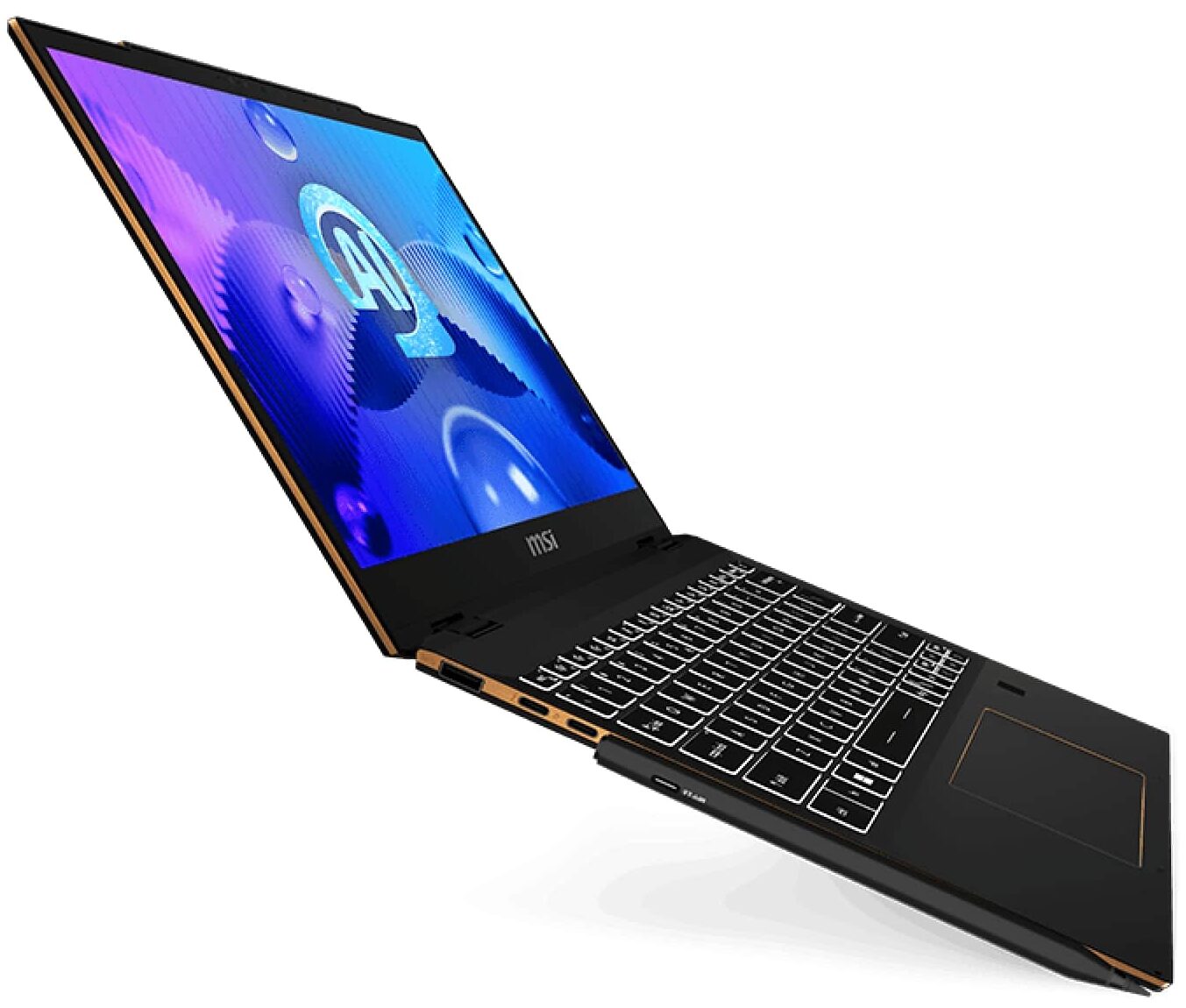
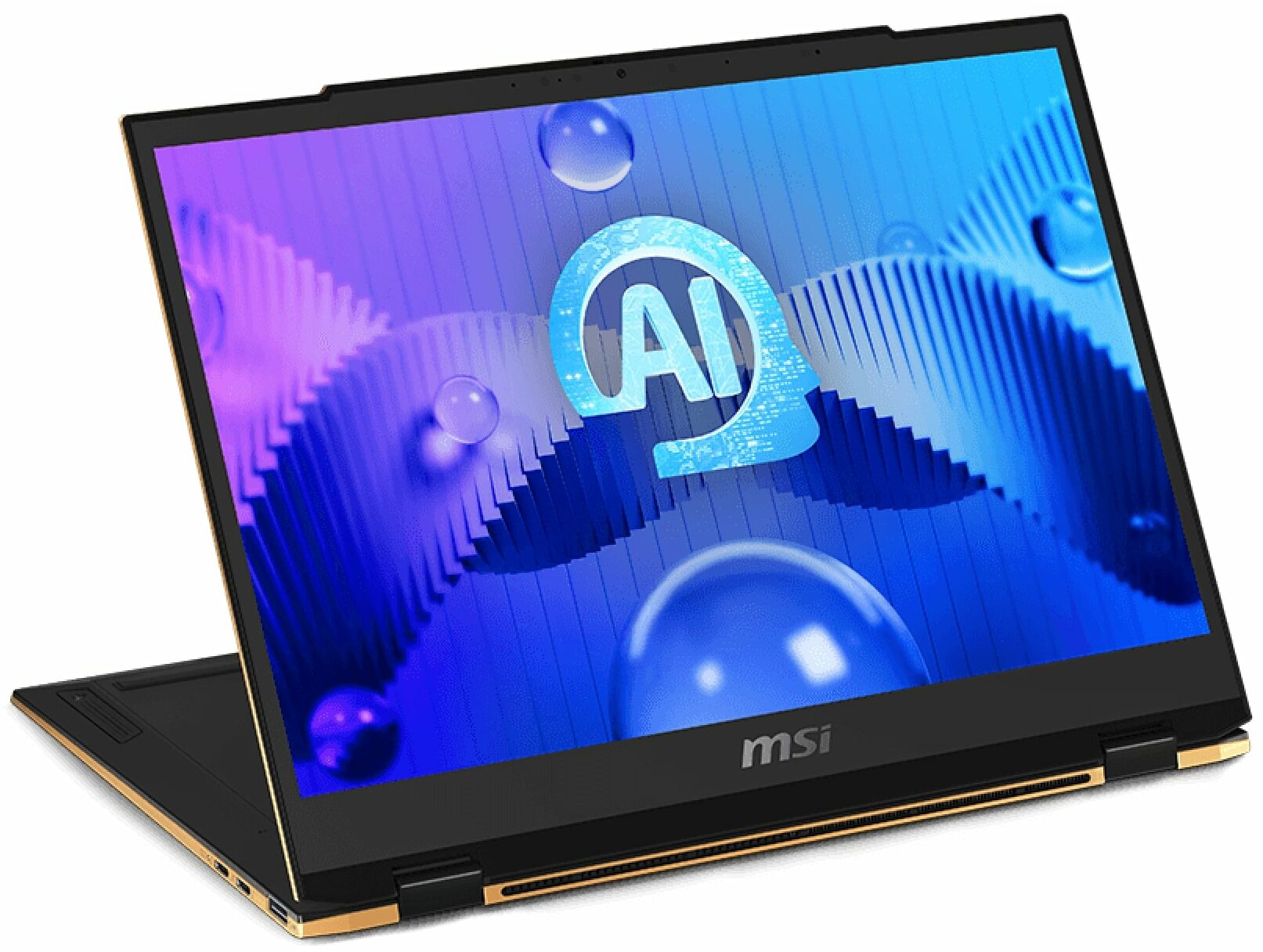
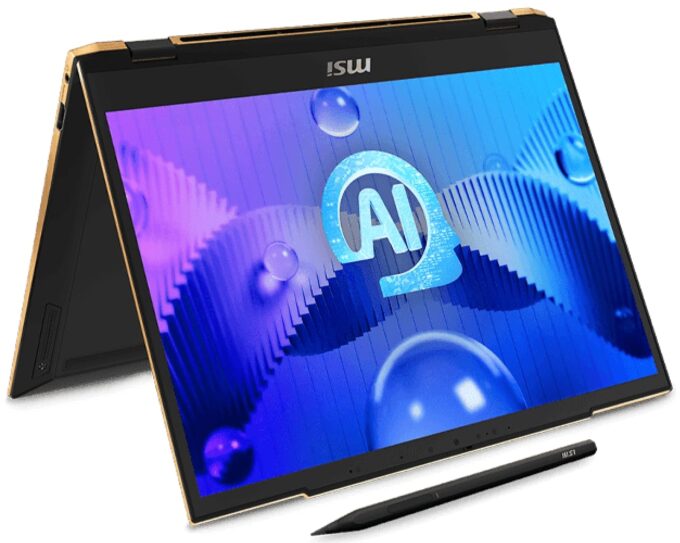
MSI Summit E13 AI Evo


- Date Published: 12 Jun 2025
- Intel Core Ultra 7 155H
- Intel Arc (8-Cores)
- 13.3”, WUXGA (1920 x 1200), IPS
- 2000GB SSD
- 16GB RAM
- 1.39 kg (3.1 lbs)
Specs
- Display

- HDD/SSD
- 2000GB SSD
- M.2 Slot
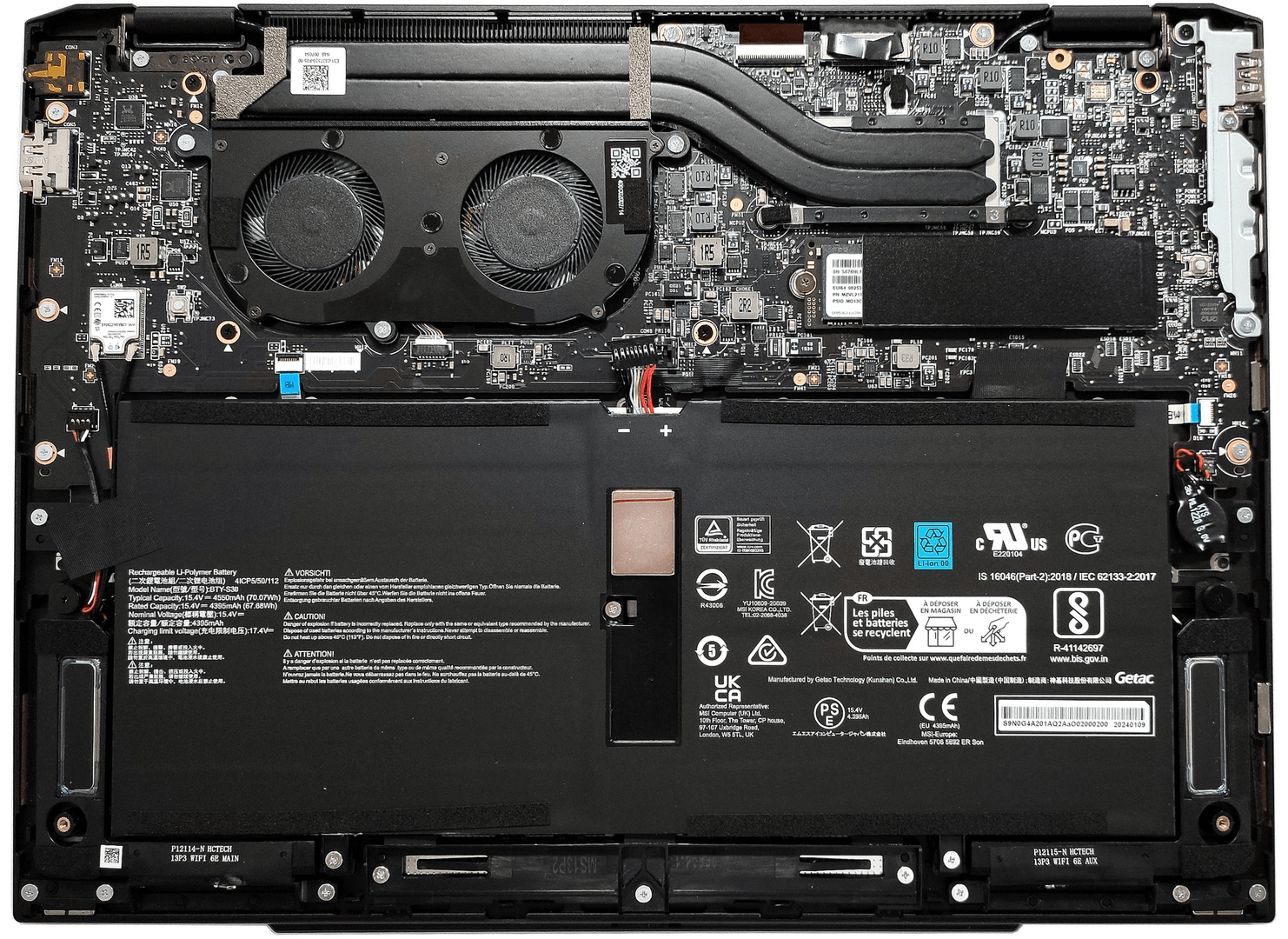
- 1x 2280 M.2 NVMe PCIe 4.0 x4 See photo
- RAM
- 16GB RAM
- OS
- Windows 11 Home
- Body Material
- Aluminum
- Dimensions
- 300.2 x 222.25 x 15.9 - 16.2 mm (11.82" x 8.75" x 0.63")
- Weight
- 1.39 kg (3.1 lbs)
- Ports and connectivity
- 2x USB Type-A
- 3.2 Gen 1 (5 Gbps)
- 2x USB Type-C
- 4.0, Thunderbolt 4, Power Delivery (PD), DisplayPort
- HDMI
- 2.1 (4K@60Hz)
- Card Reader
- Ethernet LAN
- Wi-Fi
- 802.11be
- Bluetooth
- 5.4
- Audio jack
- 3.5mm Combo Jack
- Features
- Fingerprint reader
- Web camera
- FHD IR with HDR, 3D Noise Reduction+ (3DNR+)
- Backlit keyboard
- Microphone
- Speakers
- 2x 2W Stereo Speakers
- Security Lock slot
- Gifts
- 32GB USB Drive
Portability
Review
MSI Summit E13 AI Evo in-depth review
The MSI Summit E13 AI Evo A1M is a premium-looking 2-in-1 device that tries to get the attention of future buyers with its modern clean design, up-to-date hardware, and security features. The CPU is the 28W Meteror Lake Intel Core Ultra 7 155H with 6 performance and 8 efficient cores that are more than enough normal for daily or office tasks. Given the size of this gadget, the lack of dGPU options is something normal. On the other hand, the integrated Intel Arc (8-Cores) is one of the fastest iGPUs on the market and it has enough power for playing light games with decently high FPS values.Since the device is light and thin, expectedly, the memory is soldered. The port selection is a bit limited but it also impresses with the two Thunderbolt 4 ports. The machine relies on Type-C chargin[...]
Read the full review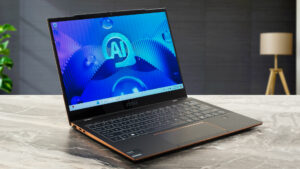
Pros
- Feels snappy for normal work
- Wi-Fi 7 + Bluetooth 5.4
- PWM-free + wide viewing angles (N133JCG-GT1)
- High max brightness (416 cd/m2 ) plus very good contrast ratio of 1600:1 (N133JCG-GT1)
- Comfortable backlit keyboard and great smooth touchpad
- Solid CNC uni-body chassis
- Decently high CPU clocks (2.2 GHz for the P cores) especially in short and medium loads
- The MSI Center offers plenty of customizations
- 2x Thuinderbolt 4 ports + HDMI 2.1
- Long battery life
- Good comfort during full CPU stress - the fans aren't too noisy and the keyboard doesn't feel too hot for normal work
- Cooling solution with two fans and a pair of heat pipes
- IR Web camera with privacy shutter, fingerprint reader, dTPM 2.o module, and support for Tobii Aware
Cons
- Low benchmark scores
- Soldered memory and just one M.2 slot
- The bottom rubber feet aren't grippy
- High NVMe temperatures during benchmarking - 77°C
Disassembly, maintenance and upgrade options
Opening the DeviceUndo the 4 Phillips-head screws securing the bottom panel. Note that two of these screws are hidden beneath the back rubber feet, which need to be unglued first. Lift the top two corners with a thin plastic tool. Pry the sides and the front of the panel, leaving the rear for last.More info: Here's how the bottom panel looks on the inside.Battery RemovalPull out the battery connector from the mainboard. Undo the 5 Phillips-head screws securing the battery. Unglue the motherboard's battery. Slide the 70Wh battery to the right a[...]
Read more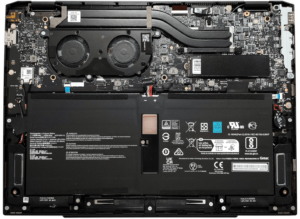


![[June 2026] Best-Selling Laptop Brands on Amazon Global – Apple’s Unrivaled Dominance in Units and Revenue](https://laptopmedia.com/wp-content/uploads/2026/07/GLOBAL-Best-Brands-400x225.jpg)
![[June 2026] Amazon Global: Top 10 Best-Selling Laptops – Apple’s New MacBook Neo Storms to #1, Reshaping the Market with Affordability](https://laptopmedia.com/wp-content/uploads/2026/07/Best-Selling-Laptops-GLOBAL-Top-10-400x225.jpg)
![[June 2026] Amazon Global: Top 10 Best-Selling Gaming Laptops – Acer’s Nitro V 16S AI Dominates Sales, While ASUS Leads Overall Revenue](https://laptopmedia.com/wp-content/uploads/2026/07/Best-Selling-Gaming-Laptops-GLOBAL-Top-10-400x225.jpg)
![[June 2026] Global Ranking of Best-Selling Laptop GPUs on Amazon – NVIDIA RTX 5060 is the Top-Selling Dedicated GPU](https://laptopmedia.com/wp-content/uploads/2026/07/Best-Selling-GPUs-GLOBAL-Top-10-400x225.jpg)
![[June 2026] Global Ranking of Best-Selling Laptop CPUs on Amazon – Apple M5 Dominates, AMD Ryzen 7 260 Gets Solid Premium Share](https://laptopmedia.com/wp-content/uploads/2026/07/Best-Selling-CPUs-GLOBAL-Top-10-400x225.jpg)