LG UltraGear 24GN60R-B quick review – A 4X accuracy increase puts it way ahead of many “Creator” monitors out there
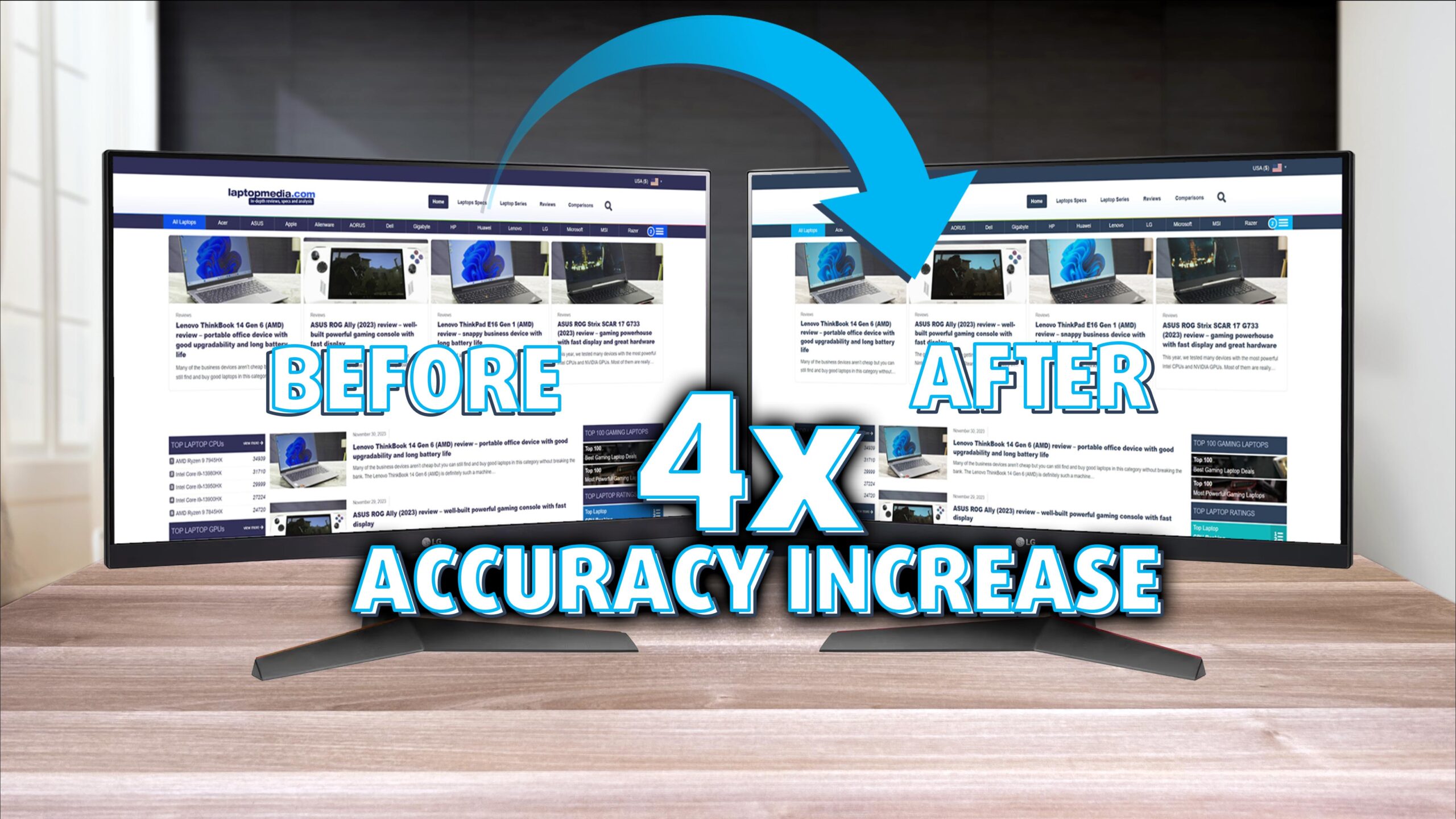 When searching for a budget gaming monitor, you often see plenty of VA models. However, it’s exciting how LG can offer the UltraGear 24GN60R-B for such an affordable price. Currently, you can get it on Amazon for just $150 bucks. For that money, you get an IPS panel, and supposedly 99% sRGB coverage.
We’ll give you a bit of a spoiler and reveal that the monitor gets super accurate when using our display profiles, reaching industry-standard levels of color accuracy. Pair that with the fast refresh rate and response time, you get a jack-of-all-trades monitor that can handle gaming as well as content creation – both on a pretty good level.
We strongly recommend purchasing them, as the bundle of profiles covers everything from gaming to content creation, movies, and entertainment, to office work and general health. Some monitors can be tiring for your eyes, and you only have one pair for your whole life, so you have to keep ’em safe.
For now, let’s delve into the LG UltraGear 24GN60R-B and see what it has to offer.
You can check the current price of the LG UltraGear 24GN60R-B here: Buy from Amazon.com (#CommissionsEarned)
Contents
Specs sheet, What’s in the box?, Drivers, Design, Connectivity
| Screen size | 23.8 inch (60.48 cm) |
|---|---|
| Refresh rate | 144Hz |
| Response time | 1ms |
| Panel type | IPS |
| Backlight type | LED |
| Screen finish | Matte |
| Resolution | 1920 x 1080 (FHD) |
| Technologies |
|
| I/O |
|
What’s in the box? Assembly
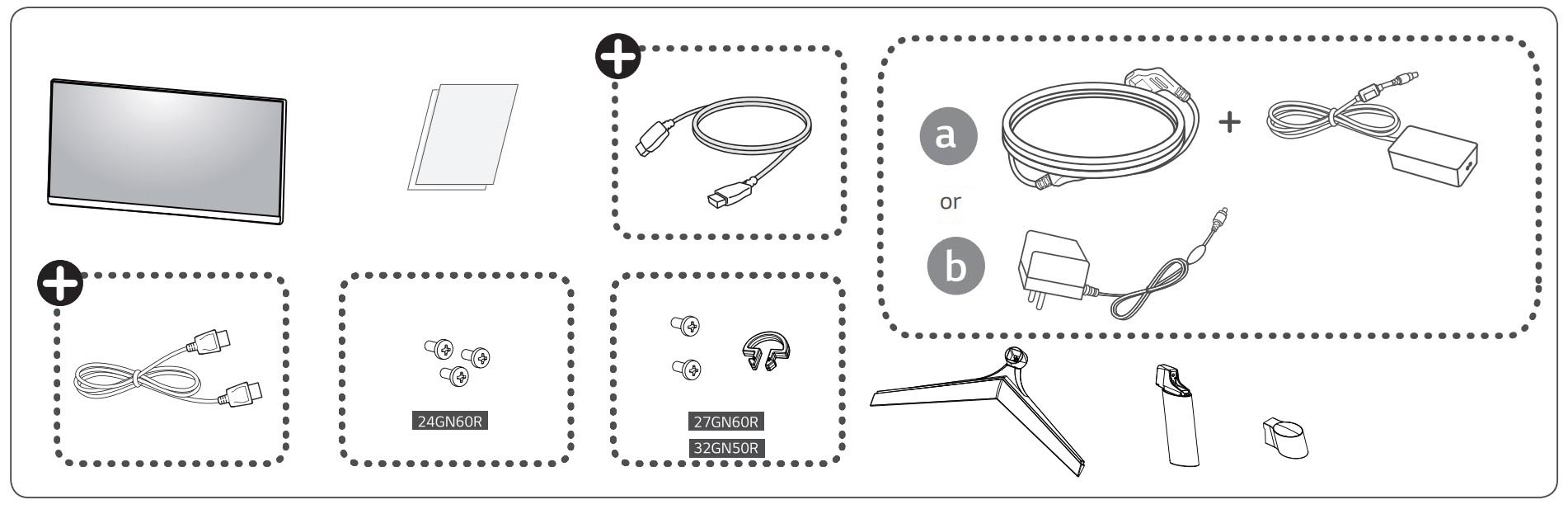
Inside the box, you have an owner’s manual loaded onto a CD. You also get a DisplayPort cable so you can plug the thing straight into a PC (or use a connector and plug it into a laptop). Depending on the market, you get a DC power cable with a brick or a barrel-style plug without a power brick.
Drivers and Software
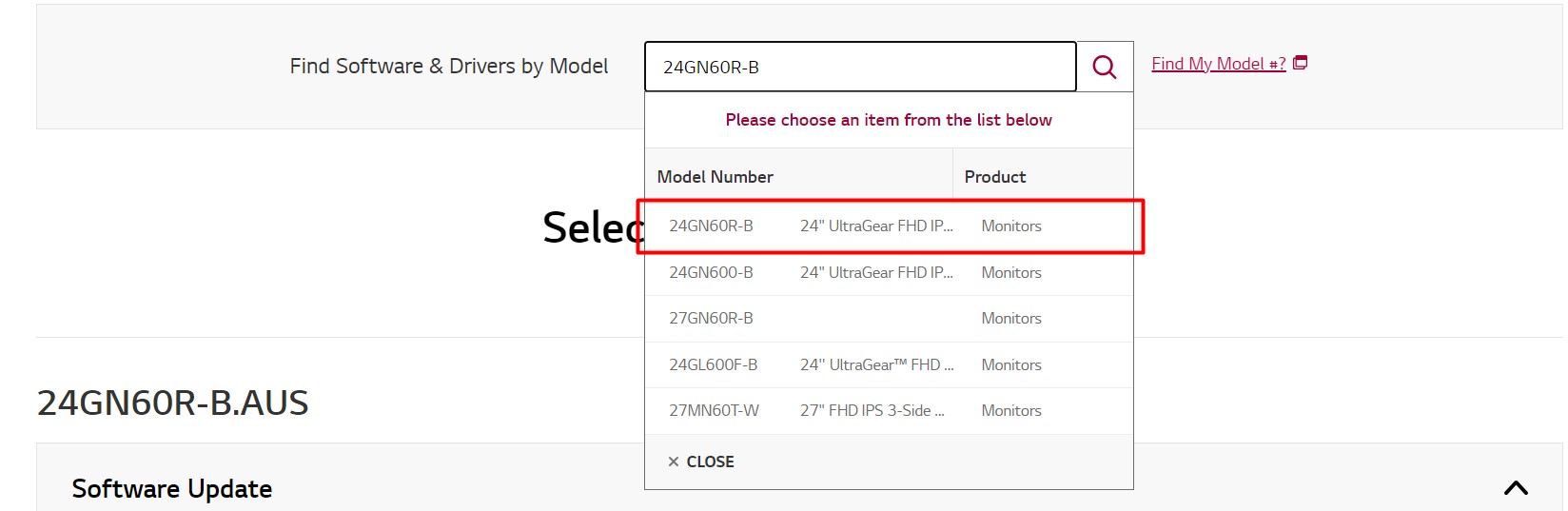
LG offers both drivers as well as their OnScreen Control software, which takes over the OSD menu. It has additional functionality too, like the SplitScreen feature, which can help you multitask better. Still, at 24 inches, don’t expect there to be a lot of space, however, with smart planning and allocation, you can certainly make use of all the space you’ve got. It’s just like living in a college dorm, once you learn the way, nothing can stop you. Anyways, you can download both the drivers and the OnScreen Control software for free. When you click the link, input the model number 24GN60R-B and click on the model that will pop up.
Design and Connectivity
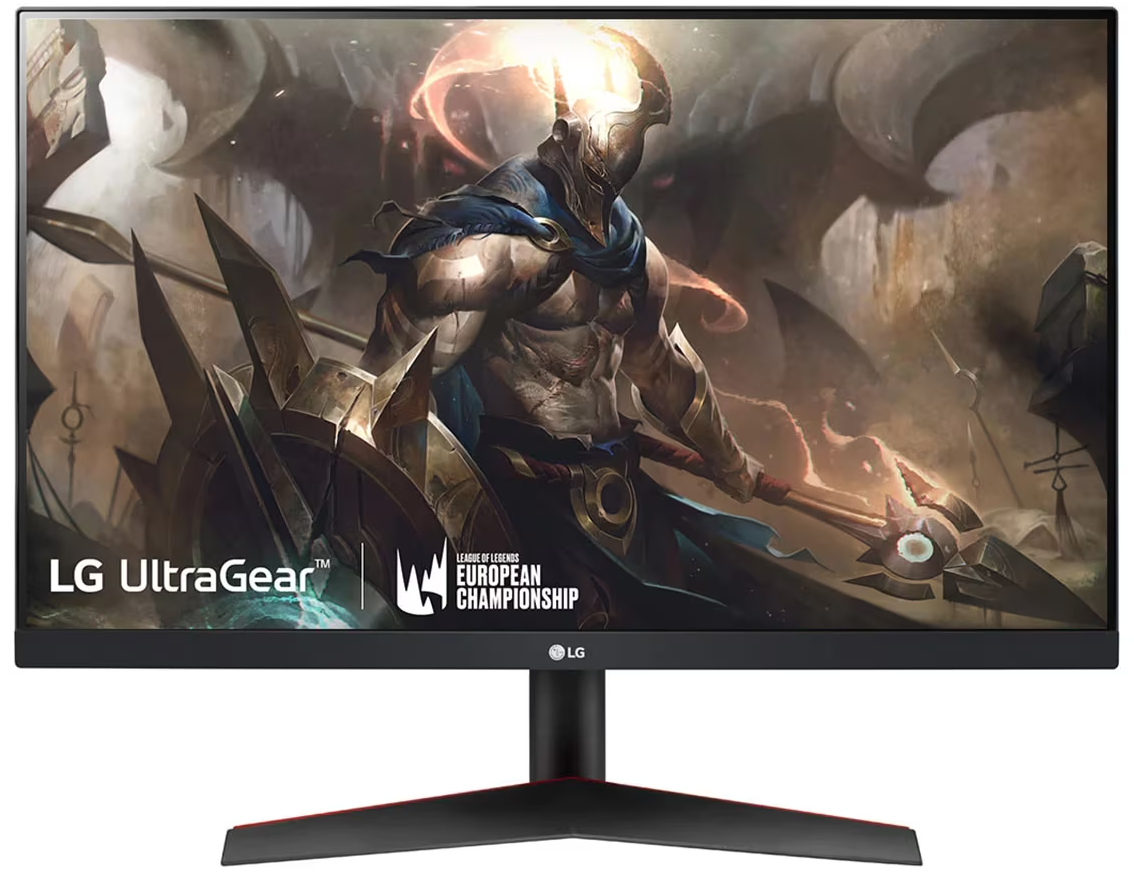
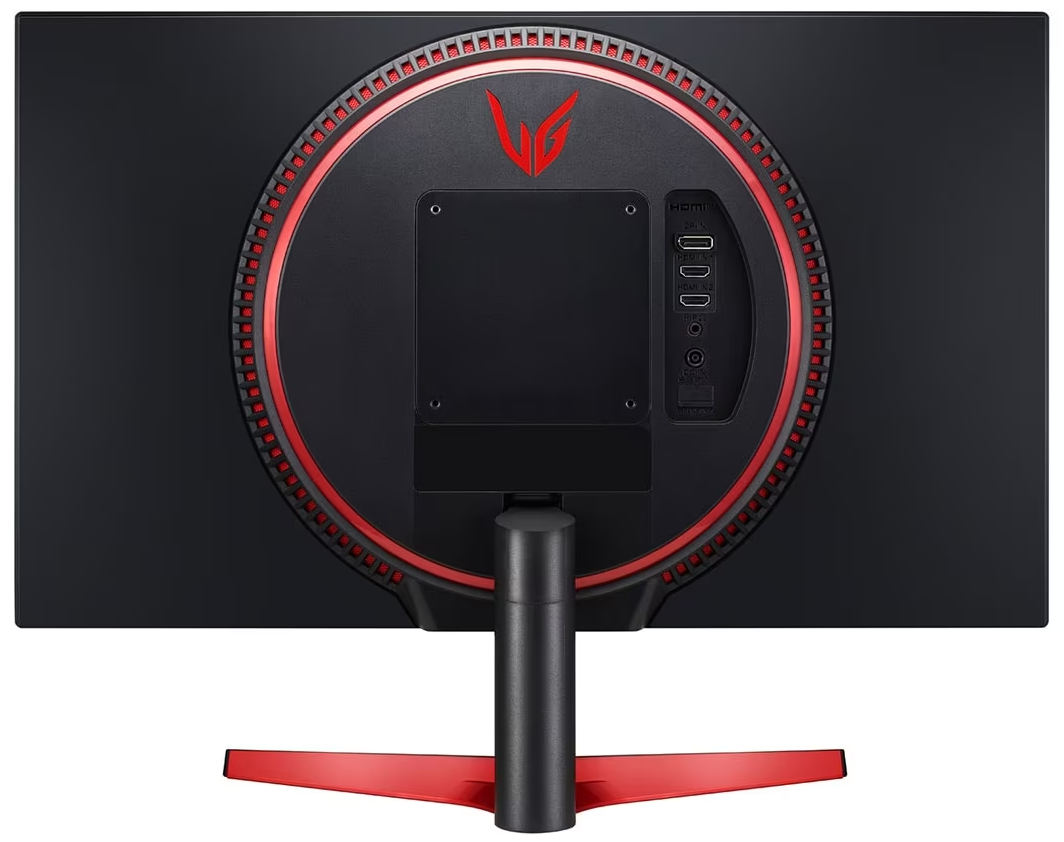
LG is adopting their colors into the design, as we have mostly Black chassis with some red hints on the base of the monitor. The back has a huge circle protruding from it, with red accents, the ports, and the mechanism for connecting the stand. On the back you can also find VESA 100 x 100 mm mounting points, so a wall mount is definitely possible. The stand itself doesn’t have a lot of adjustability, you can only tilt the monitor to get a better viewing angle. Now, there is a version called the LG 24GN650-B, without the R, which has a better stand, with height adjustability as well as pivot, so you can position it vertically. On the back, there’s the power plug, two HDMI 1.4 ports, a single DisplayPort 1.4, and an audio jack.
 Author: Severin Kolakov

![[August 2026] Amazon Global: Top 10 Best-Selling Laptops – Apple MacBook Neo Dominates the Charts as Budget and Mid-Range Windows Portables Fight for Volume](https://laptopmedia.com/wp-content/uploads/2026/09/Best-Selling-Laptops-GLOBAL-Top-10-400x225.jpg)
![[August 2026] Best-Selling Laptop Brands on Amazon Global – Apple Dominates Revenue While HP Leads in Model Variety](https://laptopmedia.com/wp-content/uploads/2026/09/GLOBAL-Best-Brands-400x225.jpg)
![[August 2026] Amazon Global: Top 10 Best-Selling Gaming Laptops – HP Victus 15 Captures the Crown as Budget-Friendly Models Dominate the Charts](https://laptopmedia.com/wp-content/uploads/2026/09/Best-Selling-Gaming-Laptops-GLOBAL-Top-10-400x225.jpg)
![[August 2026] Best-Selling Laptop Brands on Amazon Japan – Apple Dominates Market Share and Revenue Led by Strong Unit Sales](https://laptopmedia.com/wp-content/uploads/2026/09/CO.JP-Best-Brands-1-400x225.jpg)
![[August 2026] Best-Selling Laptop Brands on Amazon USA – Apple Dominates Market Revenue and Volume Despite Lower Model Diversity](https://laptopmedia.com/wp-content/uploads/2026/09/COM-Best-Brands-1-400x225.jpg)

Thanks!!!!