How to open Acer Nitro 16 (AN16-41) – disassembly and upgrade options
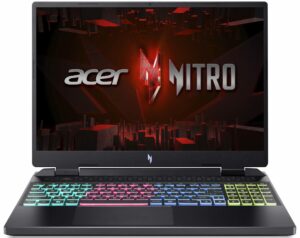
Step 1: Accessing the Internals
- Ensure the Acer Nitro 16 (AN16-41) is powered off and placed on a soft, clean surface to prevent scratches or damage.
- Remove the 11 Phillips-head screws from the bottom of the laptop.
- Carefully lift the bottom panel by holding the two plastic exhausts firmly on the back to pop it open.
Hint: Be gentle during this process to avoid damaging the internal clips or the laptop casing.
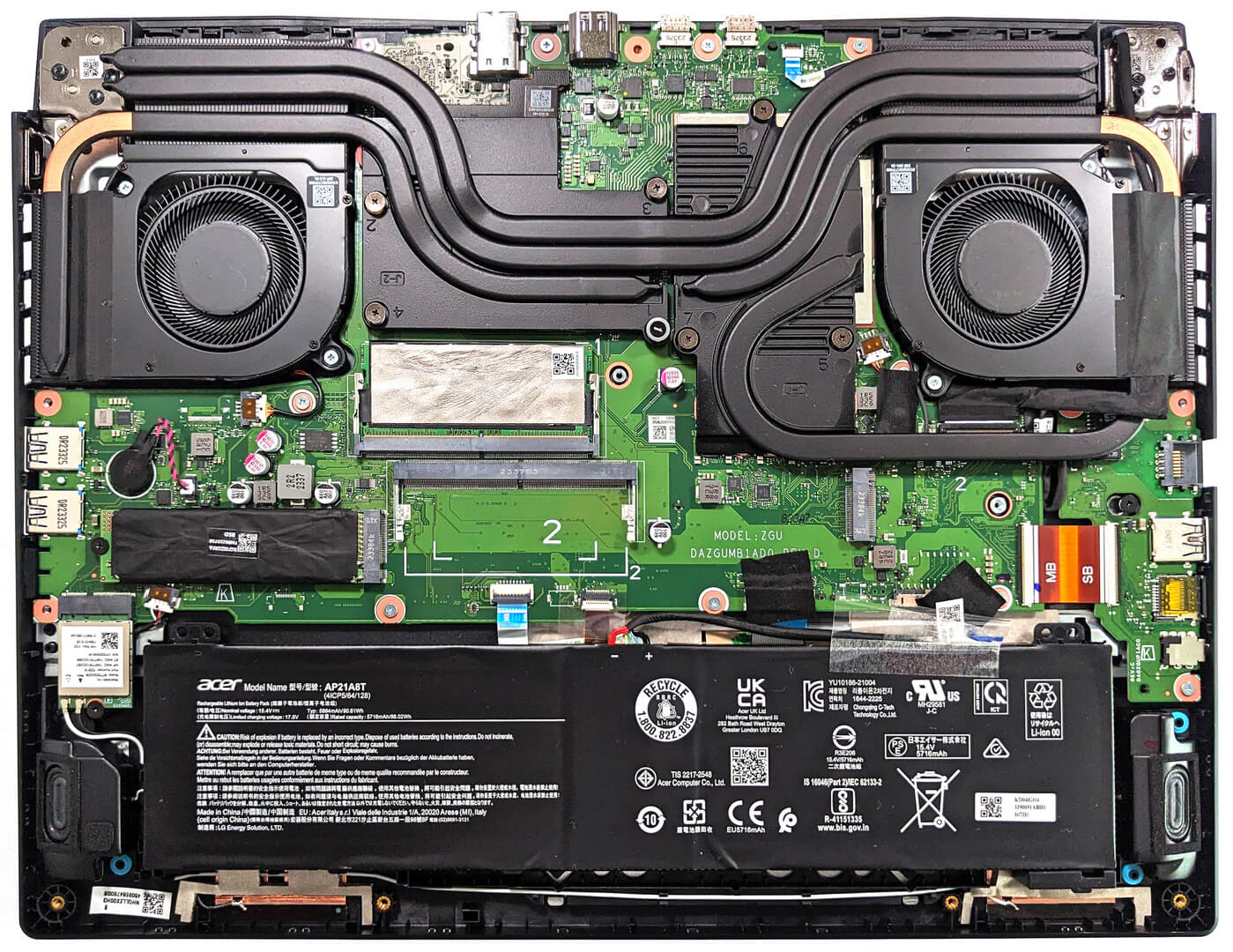
Step 2: Removing the Battery
- Detach the battery connector from the motherboard to disconnect the power.
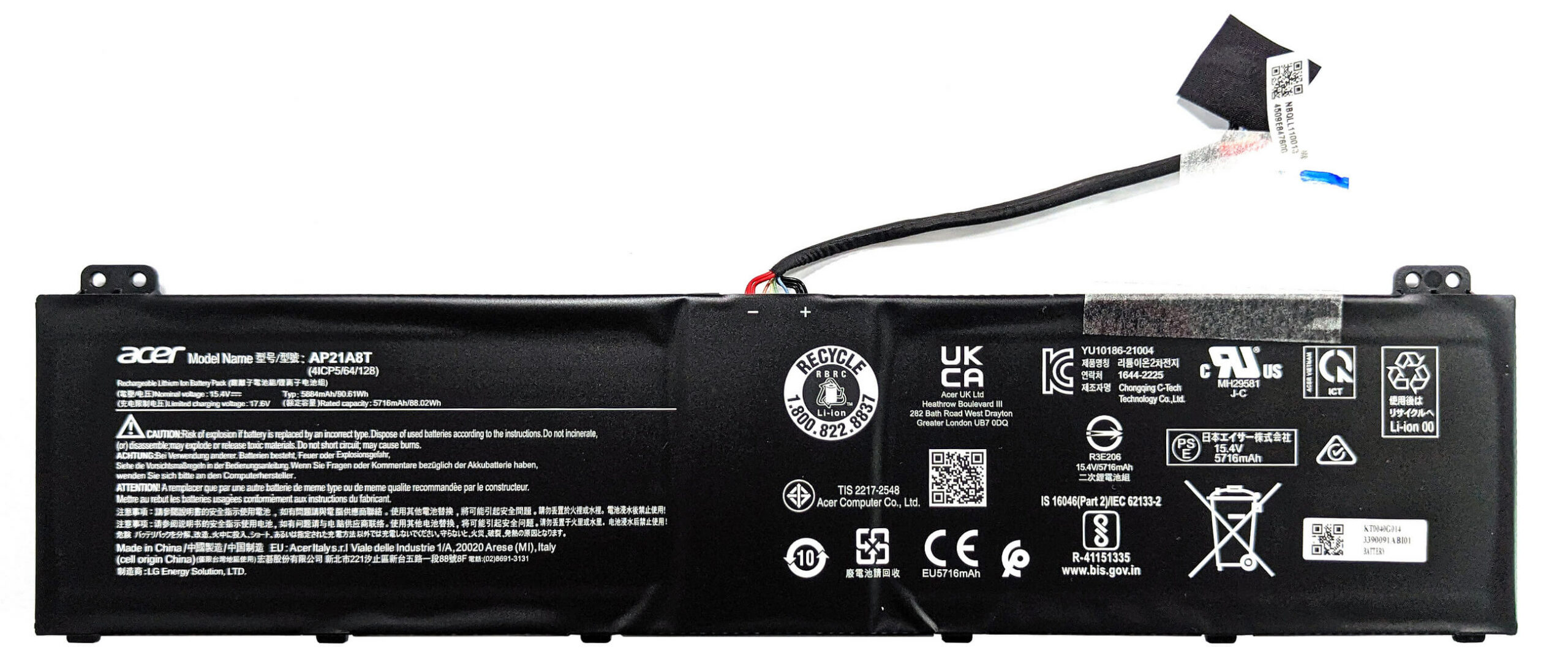
- Lift the 90.61Wh battery away from the chassis. No screws are needed for this step as the battery is held in place by a dedicated socket with soft padding.
Caution: Handle the battery with care to avoid any potential damage.
More info: The 90.61Wh battery provides up to 12 hours and 30 minutes of web browsing or 11 hours and 7 minutes of video playback, offering excellent battery life for extended gaming sessions or productivity.
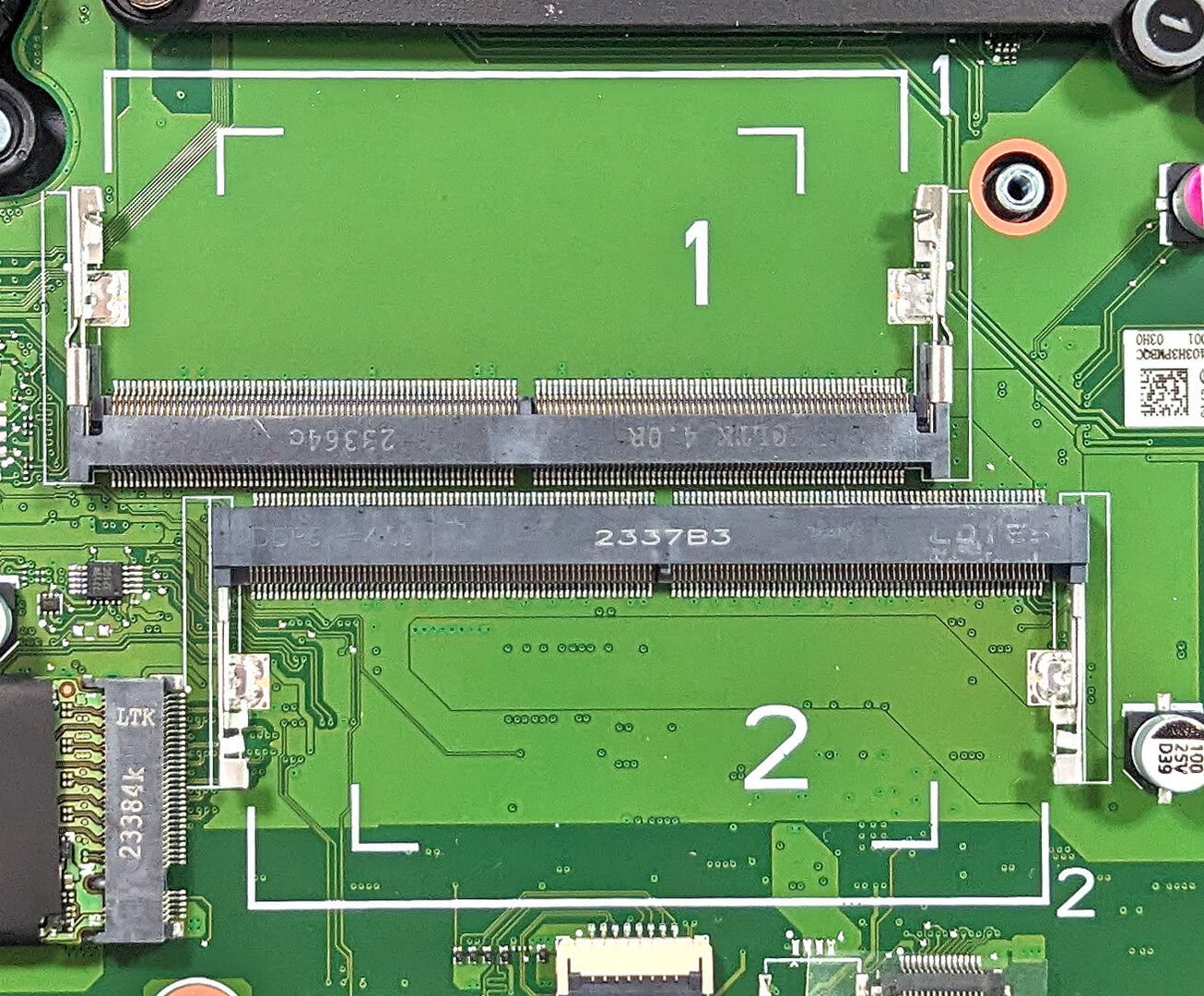
Memory Upgrade
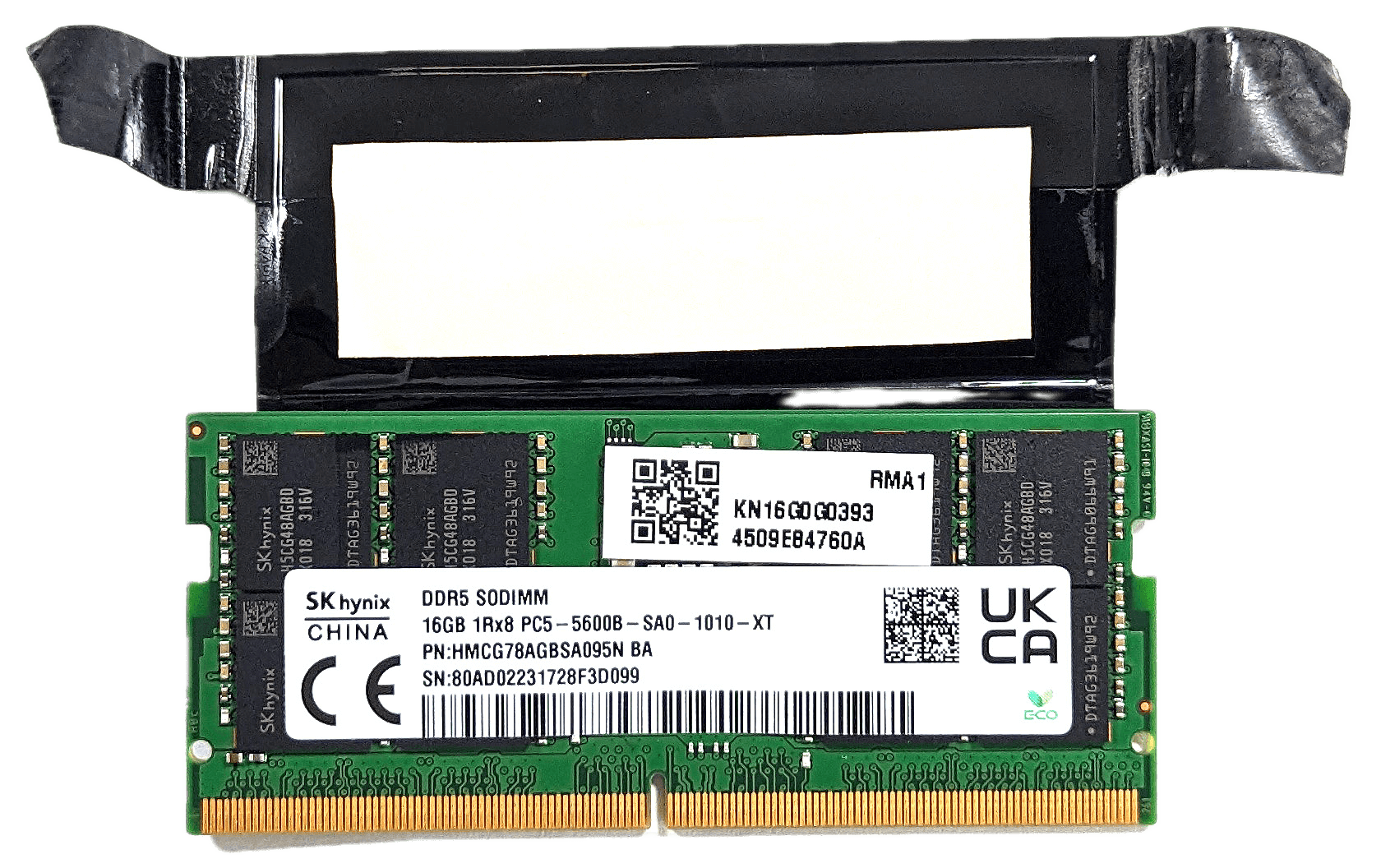
- Locate the two SODIMM slots which support up to 32GB of DDR5-5600MHz RAM in dual-channel mode.
- Note the dedicated thermal pad for additional cooling of the memory stick.
Upgrade Tip: Upgrading to dual-channel mode can significantly enhance performance, especially for AMD CPUs which benefit from increased memory bandwidth.
You can buy DDR5 RAM modules here: Buy from Amazon.com (#CommissionsEarned)
Storage Upgrade
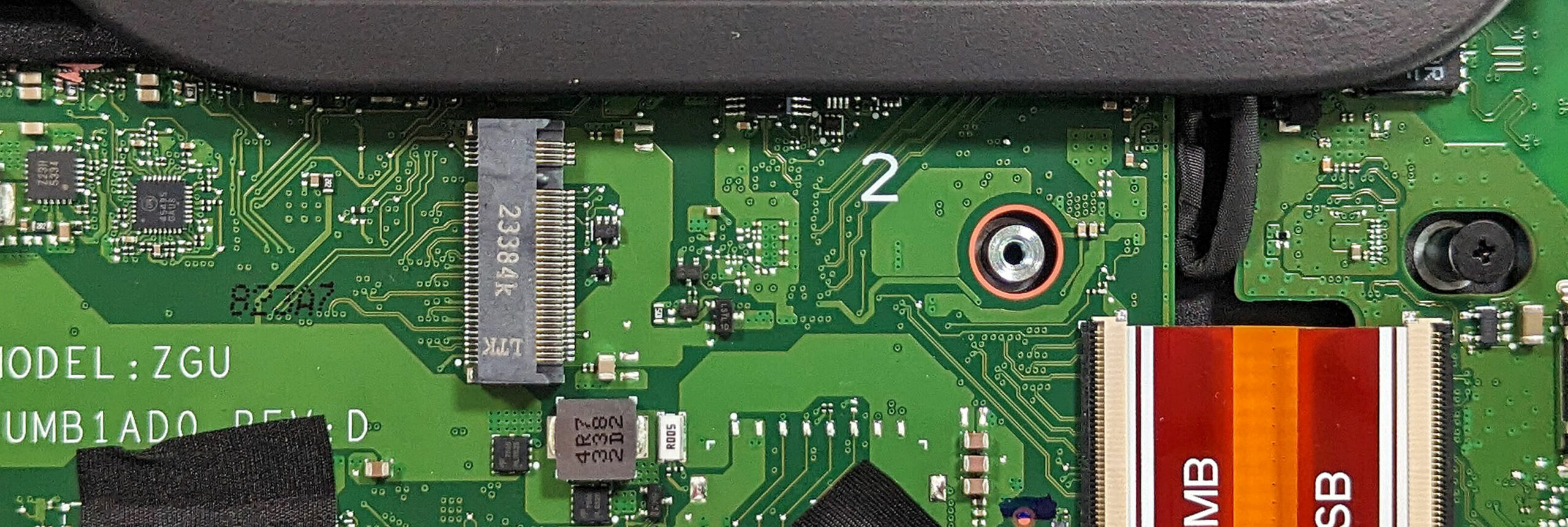
- Identify the two M.2 slots compatible with 2280 Gen 4 SSDs for storage upgrades. This allows for significant improvement in storage speed and capacity.
Hint: Don’t forget to check out our Top M.2 SSDs Performance Rankings for insights on the best storage options available.
You can buy Gen 4 M.2 SSD modules here: Buy from Amazon.com (#CommissionsEarned)


Cooling System Overview
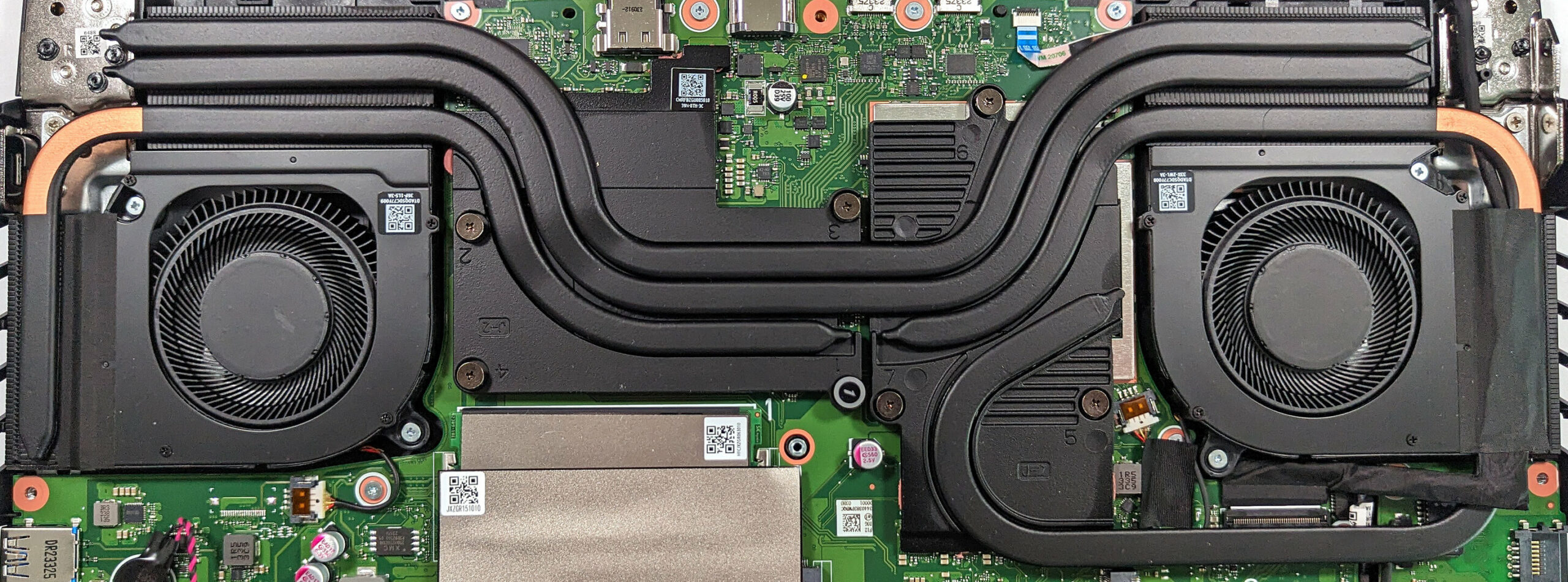
The cooling system includes two fans and multiple heat pipes: a pair shared between the CPU and GPU, two additional ones dedicated to the video card, and another for the processor. Four heat sinks and two large, thick metal plates are also part of this system.
 Author: Anna Iorgova

![[June 2026] Best-Selling Laptop Brands on Amazon Global – Apple’s Unrivaled Dominance in Units and Revenue](https://laptopmedia.com/wp-content/uploads/2026/07/GLOBAL-Best-Brands-400x225.jpg)
![[June 2026] Amazon Global: Top 10 Best-Selling Laptops – Apple’s New MacBook Neo Storms to #1, Reshaping the Market with Affordability](https://laptopmedia.com/wp-content/uploads/2026/07/Best-Selling-Laptops-GLOBAL-Top-10-400x225.jpg)
![[June 2026] Amazon Global: Top 10 Best-Selling Gaming Laptops – Acer’s Nitro V 16S AI Dominates Sales, While ASUS Leads Overall Revenue](https://laptopmedia.com/wp-content/uploads/2026/07/Best-Selling-Gaming-Laptops-GLOBAL-Top-10-400x225.jpg)
![[June 2026] Global Ranking of Best-Selling Laptop GPUs on Amazon – NVIDIA RTX 5060 is the Top-Selling Dedicated GPU](https://laptopmedia.com/wp-content/uploads/2026/07/Best-Selling-GPUs-GLOBAL-Top-10-400x225.jpg)
![[June 2026] Global Ranking of Best-Selling Laptop CPUs on Amazon – Apple M5 Dominates, AMD Ryzen 7 260 Gets Solid Premium Share](https://laptopmedia.com/wp-content/uploads/2026/07/Best-Selling-CPUs-GLOBAL-Top-10-400x225.jpg)

Bonjour,
J’ai un Acer Nitro 16 avec Ryzen 7 7840HS et GeForce 4070 8GB, et je cherche la carte mère exacte de ce modèle.
Est-ce que vous savez où je peux la trouver en France ou en Espagne ?
Merci beaucoup 🙏