How to open Lenovo Legion Slim 7i / S7 (16″ Intel, Gen 8) – disassembly and upgrade options

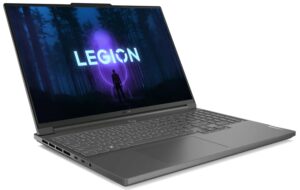
Step 1: Opening the Lenovo Legion Slim 7i / S7 (16″ Intel, Gen 8)
- Ensure the Lenovo Legion Slim 7i / S7 is powered off and placed on a soft, clean surface to prevent scratches or damage.
- Remove the 8 Phillips-head screws from the bottom of the laptop.
- Use a plastic tool to gently pry the bottom panel off, starting from one corner and carefully working your way around.
Hint: Be cautious during the prying process to avoid damaging internal components or the clips holding the panel in place.
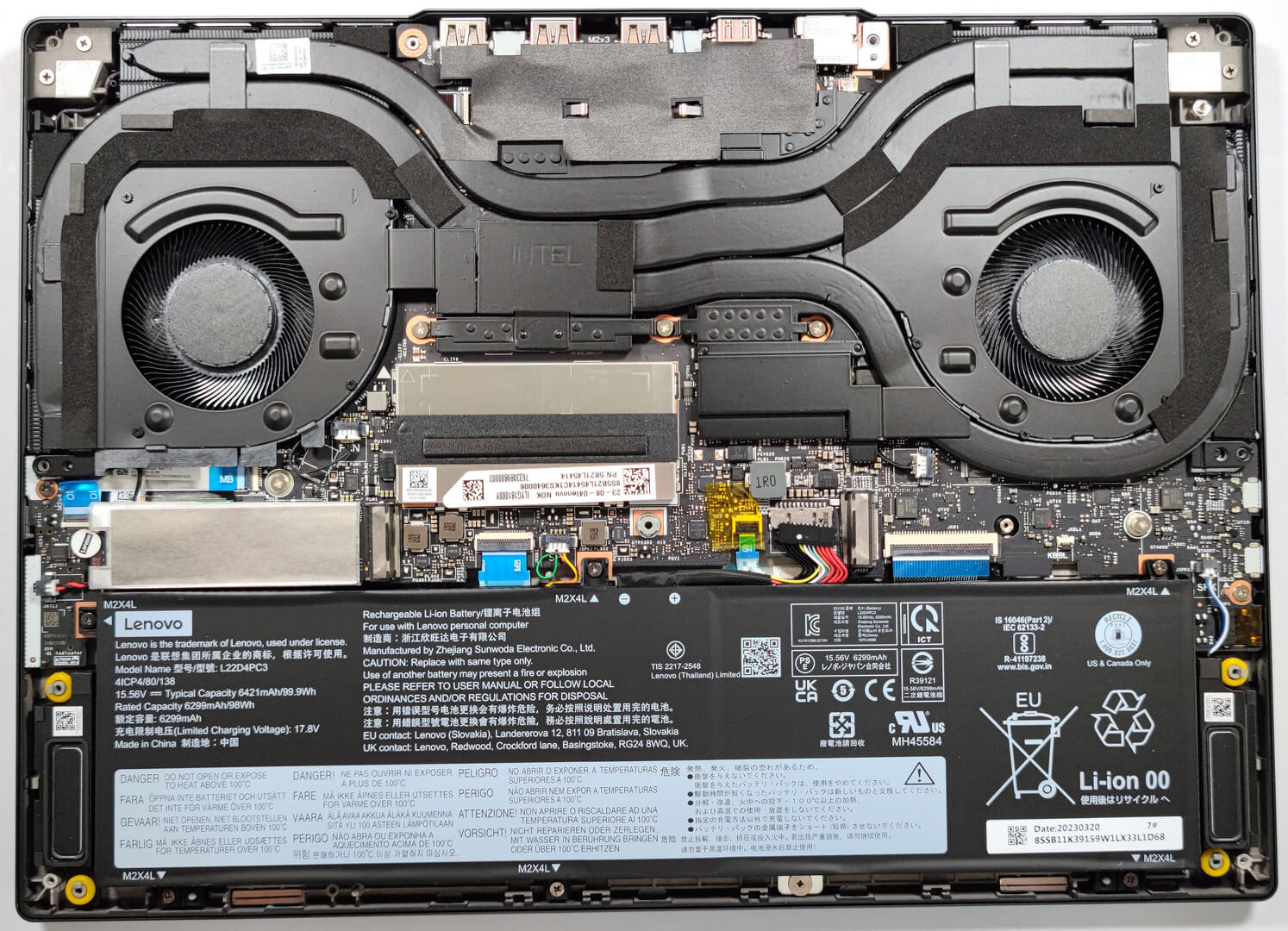
Step 2: Battery Removal
- Disconnect the battery connector from the motherboard to ensure safety during the removal process.
- Remove the 6 Phillips-head screws securing the 99.9Wh battery, then carefully lift it away from the chassis.
More info: The 99.9Wh battery offers up to 9 hours and 5 minutes of web browsing or 7 hours and 9 minutes of video playback, a commendable performance given the device’s hardware and display characteristics.
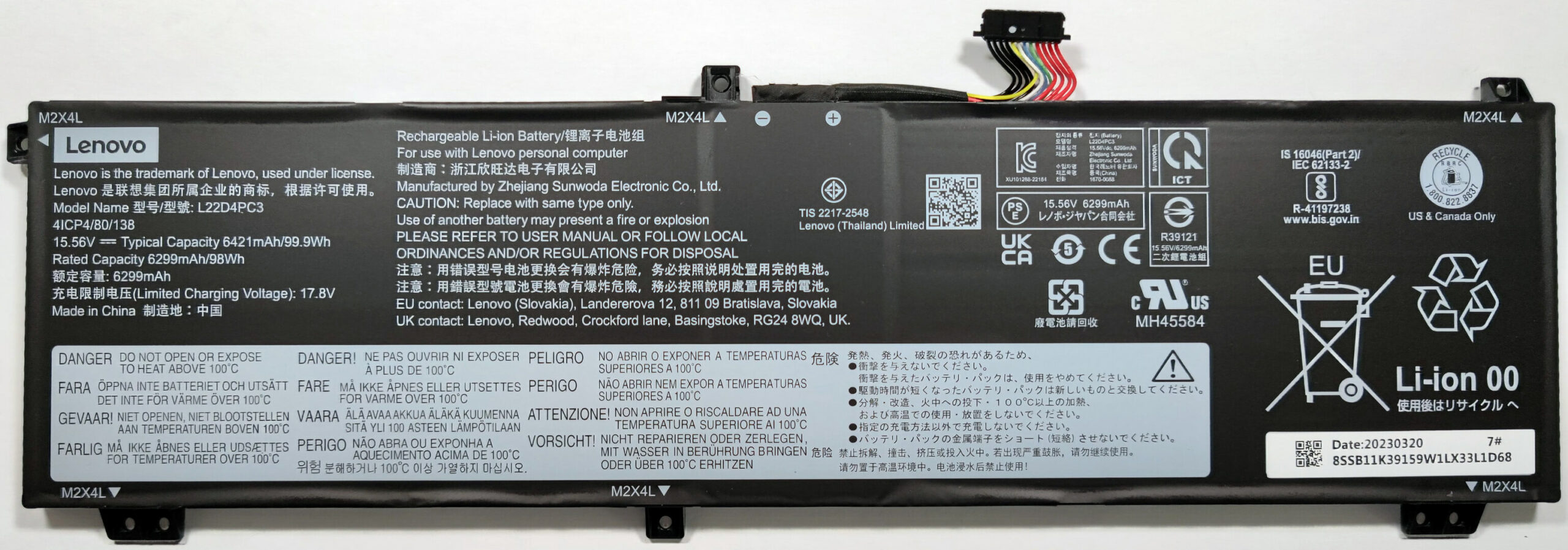
Memory Upgrade
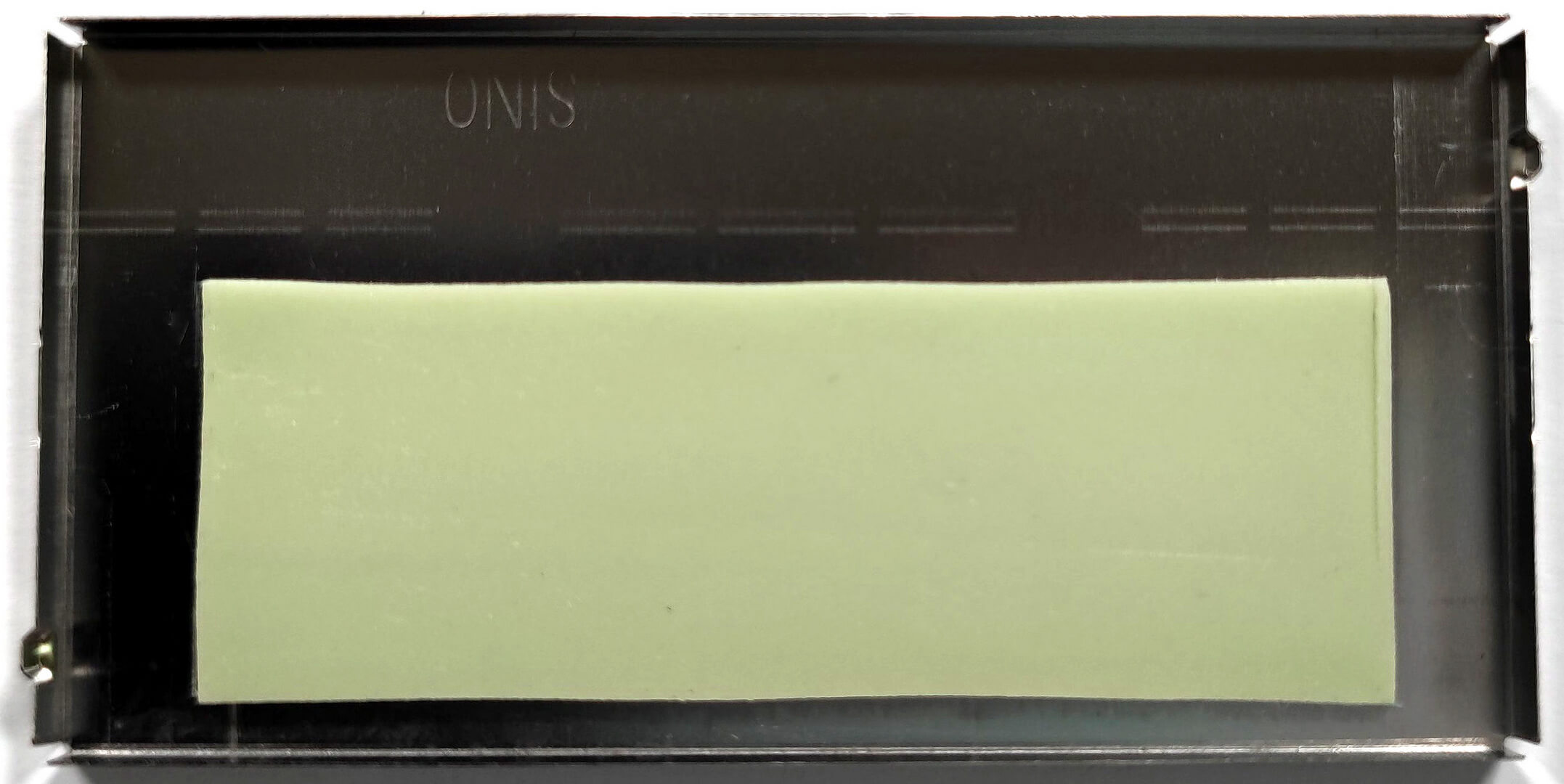
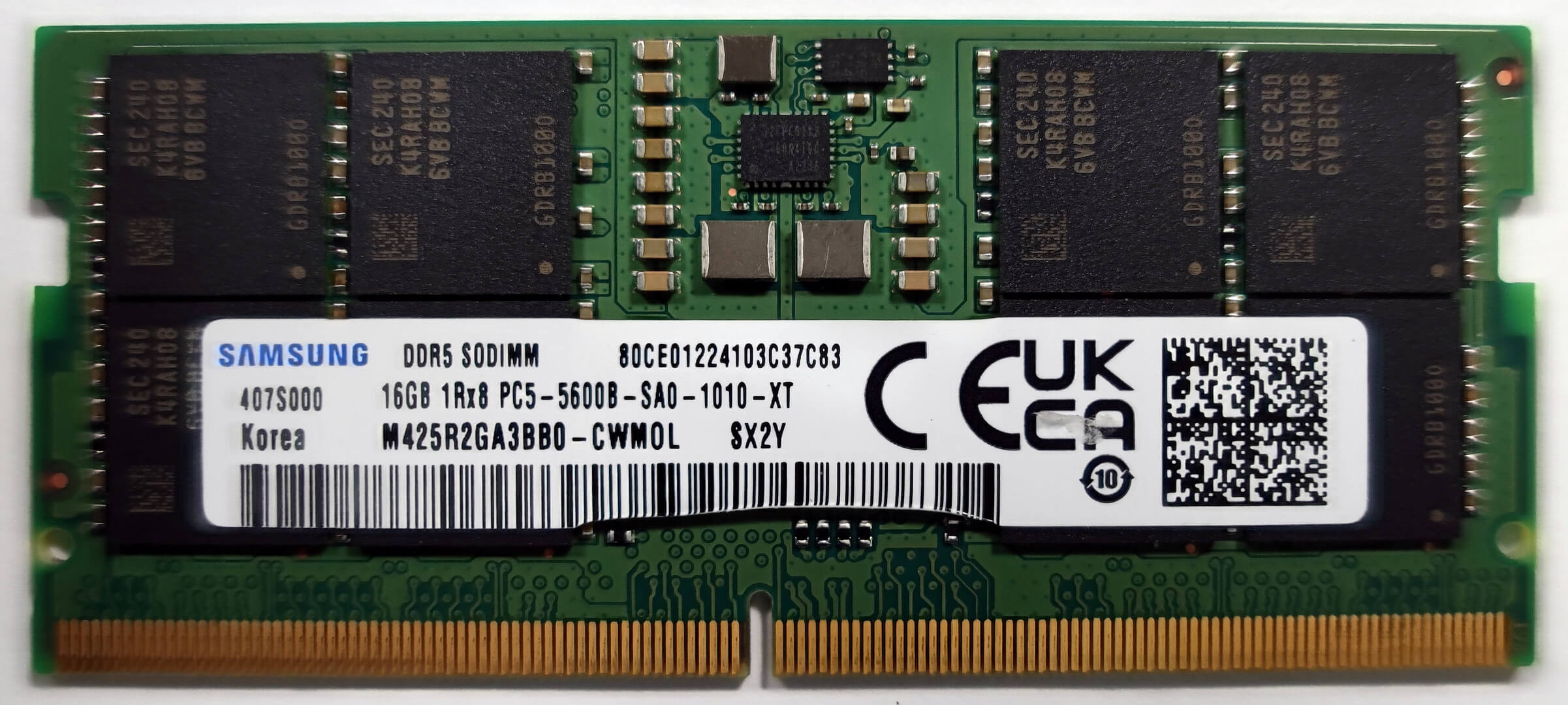
- Identify the metal shroud covering the memory area, which includes a thin thermal pad to enhance cooling.
- With 16GB of RAM soldered to the motherboard, you can expand the memory via the available SODIMM slot, supporting up to 16GB DDR5-5200MHz RAM, achieving a total of 32GB.
You can buy DDR5 RAM modules here: Buy from Amazon.com (#CommissionsEarned)
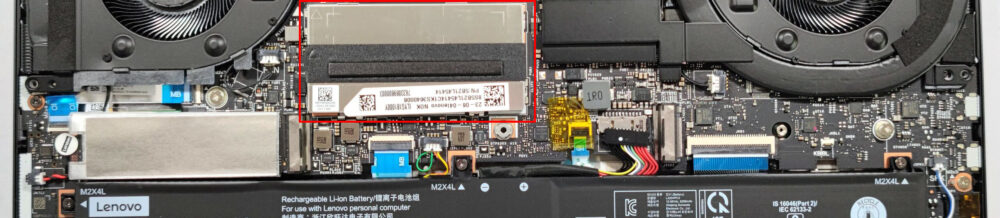
Storage Upgrade
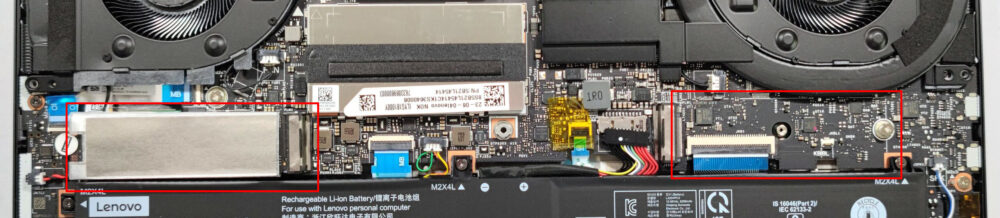
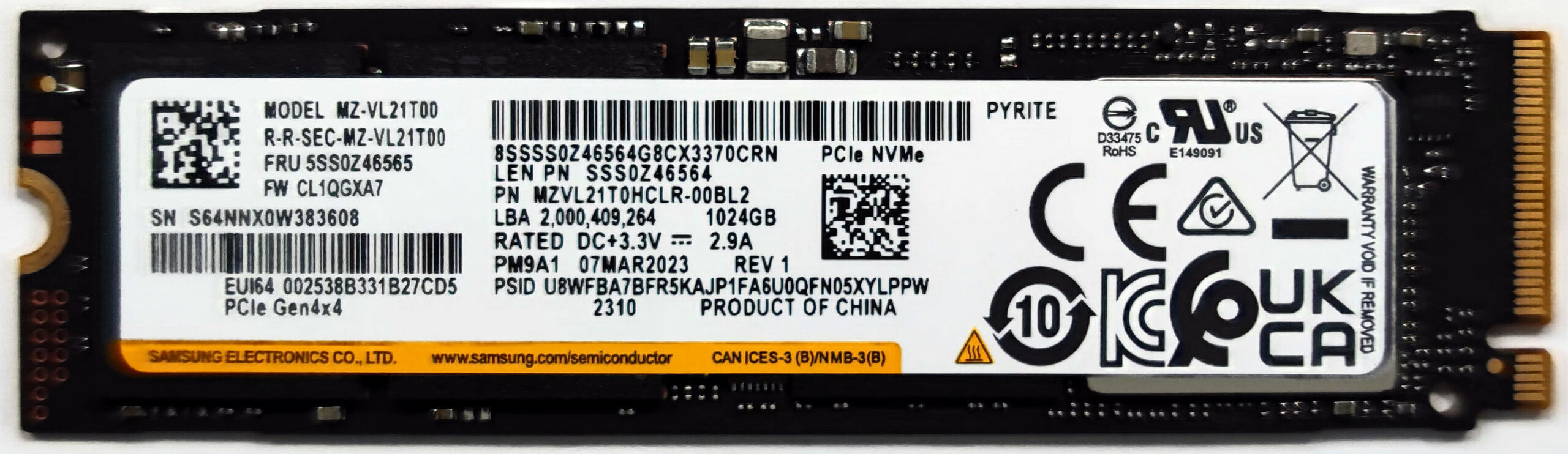
- Locate the two M.2 slots compatible with Gen. 4 SSDs for storage expansion.
- Note the preinstalled NVMe’s screw covered by a Lenovo sticker, which has to be pulled off for safe removal.
Hint: Don’t forget to check out our Top M.2 SSDs Performance Rankings for insights on the best storage options available.
You can buy Gen 4 M.2 SSD modules here: Buy from Amazon.com (#CommissionsEarned)
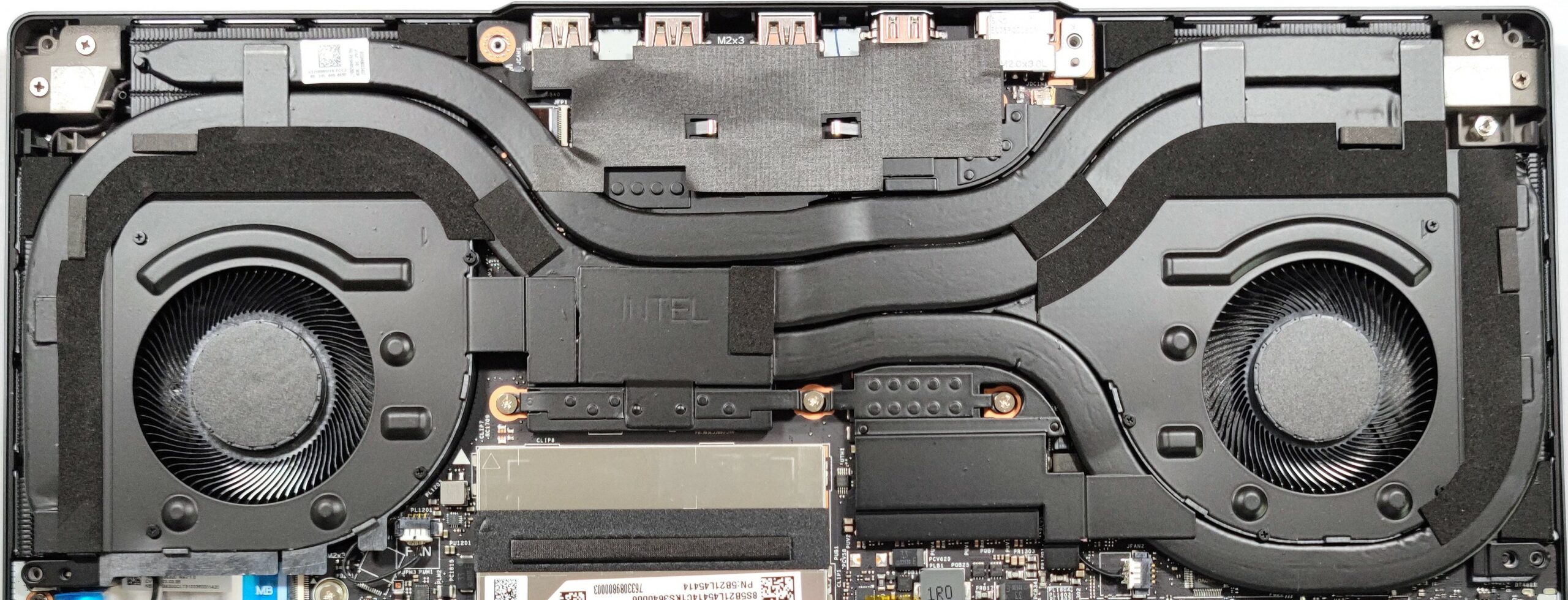
Cooling System Overview
Examine the cooling system, which includes two fans and three thick heat pipes. The upper two heat pipes are shared for CPU and GPU cooling, while the third is dedicated to the graphics memory and VRMs.
 Author: Anna Iorgova

![[August 2026] Best-Selling Laptop Brands on Amazon Japan – Apple Dominates Market Share and Revenue Led by Strong Unit Sales](https://laptopmedia.com/wp-content/uploads/2026/09/CO.JP-Best-Brands-1-400x225.jpg)
![[August 2026] Best-Selling Laptop Brands on Amazon USA – Apple Dominates Market Revenue and Volume Despite Lower Model Diversity](https://laptopmedia.com/wp-content/uploads/2026/09/COM-Best-Brands-1-400x225.jpg)
![[August 2026] Amazon Germany: Top 8 Best-Selling Gaming Laptops – Acer Dominates the Market as the Premium Nitro V 17 AI Takes the #1 Spot](https://laptopmedia.com/wp-content/uploads/2026/09/Best-Selling-Gaming-Laptops-DE-Top-10-1-400x225.jpg)
![[August 2026] Best-Selling Laptop Brands on Amazon France – Apple Dominates Revenue Despite Lenovo and HP Leading in Catalog Breadth and Volume](https://laptopmedia.com/wp-content/uploads/2026/09/FR-Best-Brands-1-400x225.jpg)
![[August 2026] Amazon Italy: Top 10 Best-Selling Laptops – Apple MacBook Neo Claims the Crown as Budget and Mid-Range Windows Machines Dominate Volume](https://laptopmedia.com/wp-content/uploads/2026/09/Best-Selling-Laptops-IT-Top-10-400x225.jpg)
