How to open Acer Nitro V 16 (ANV16-41) – disassembly and upgrade options

Opening the Device
- Undo the 11 Phillips-head screws securing the bottom panel.
- Carefully raise the bottom panel while holding firmly the two plastic exhausts on the rear. The panel should be fully popped to the level of the LAN connector. Avoid pushing too hard to prevent breaking the panel.
- Use a thin plastic tool to pry the rest of the panel, including the front side.
- Alternatively, lift the plate near one of the top two corners to open a small gap, then pry and lift the back and work your way around the other sides.
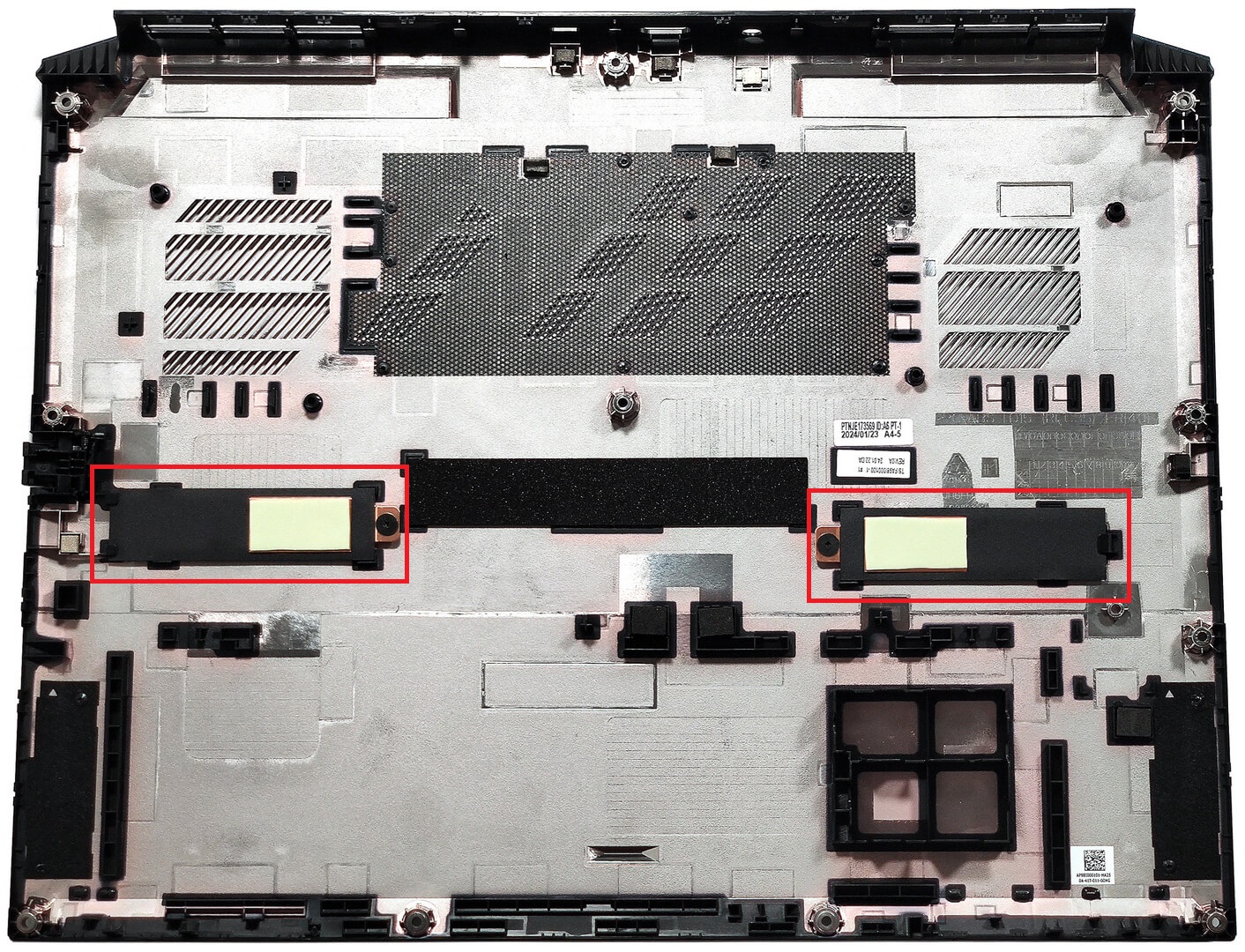
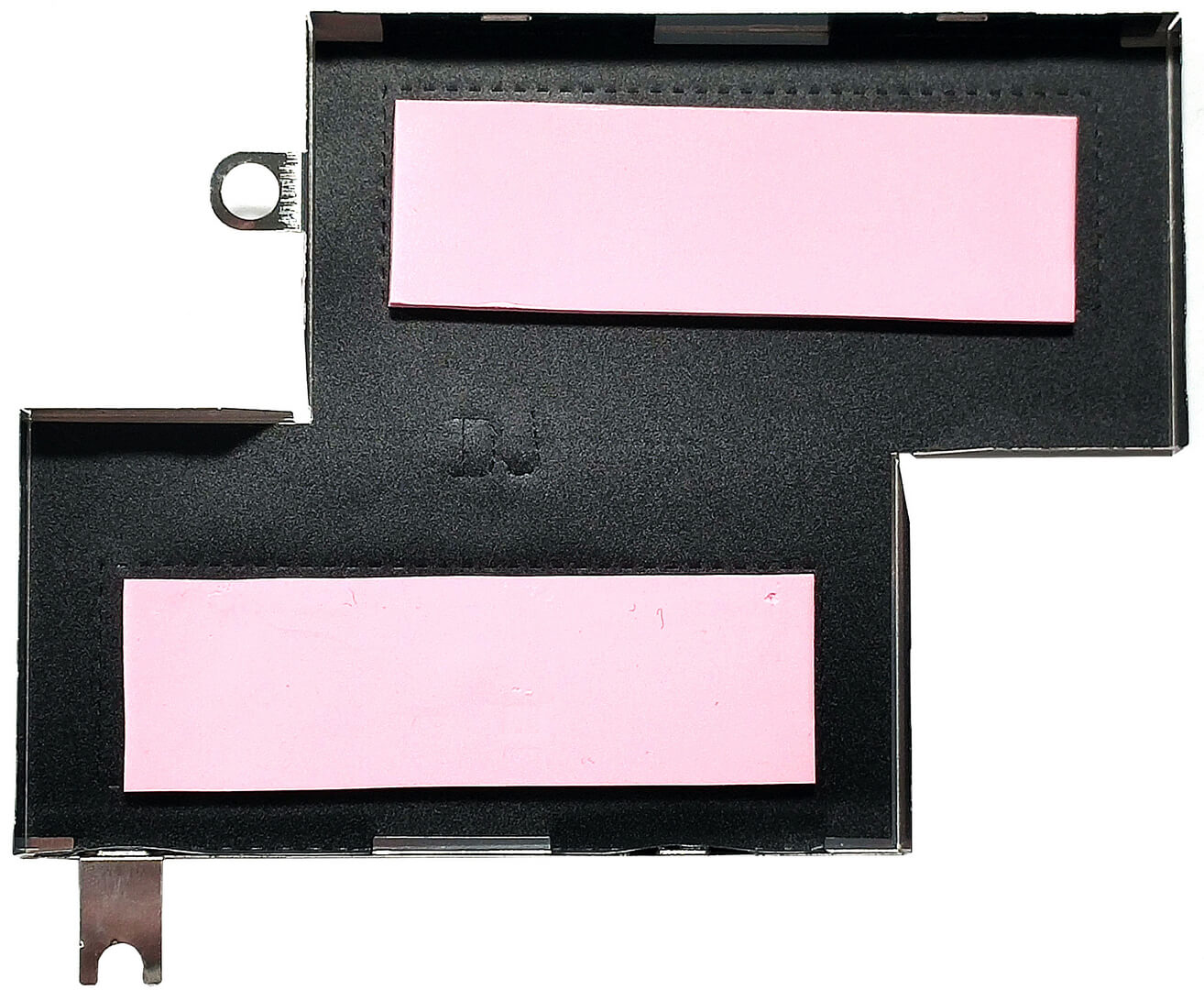
More info: On the inside of the bottom plate, there are two metal plates with thermal pads for the SSDs.
Battery Removal
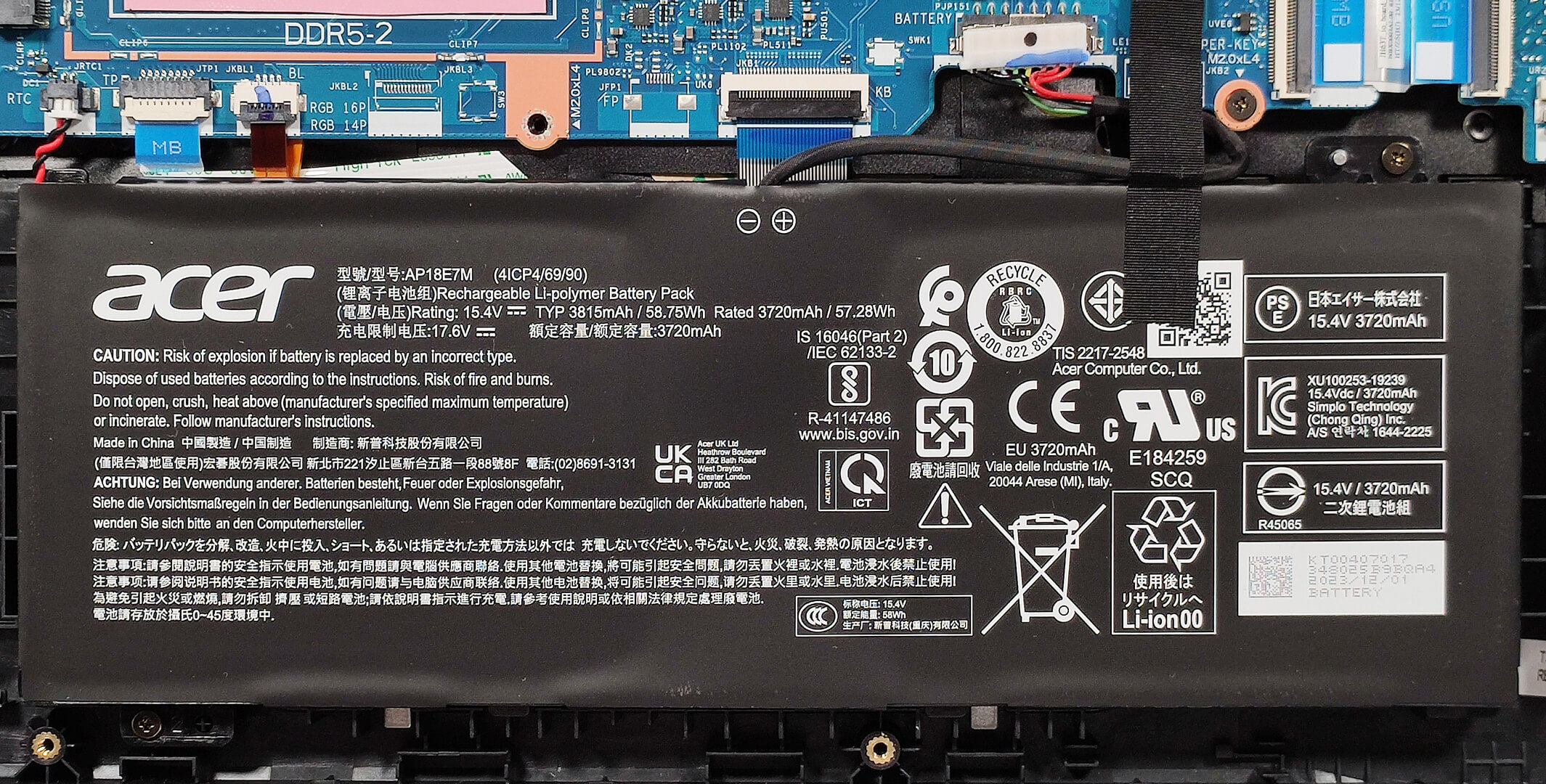
- Detach the battery connector from the motherboard.
- Undo the two Phillips-head screws securing the battery.
- Lift the battery to remove it from the device.
Note: The device uses a 57Wh battery, providing approximately 7 hour of video playback.
Memory Upgrade
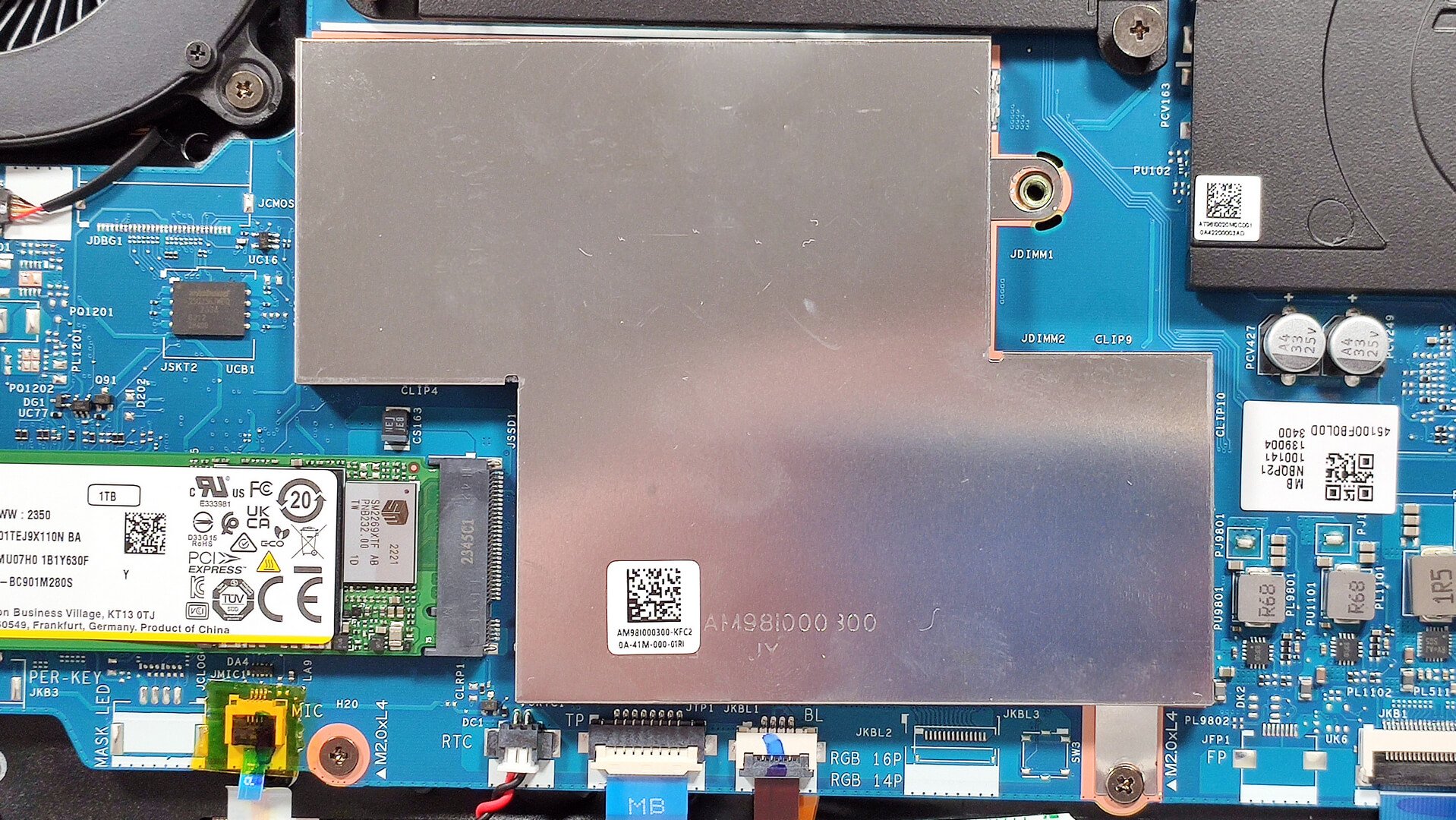
- Locate the RAM section covered with a metal shroud held in place by a single Phillips-head screw.
- Pop the cap off the metal shroud using a lever tool.
- Inside the metal plate, there are two thermal pads for cooling the memory.
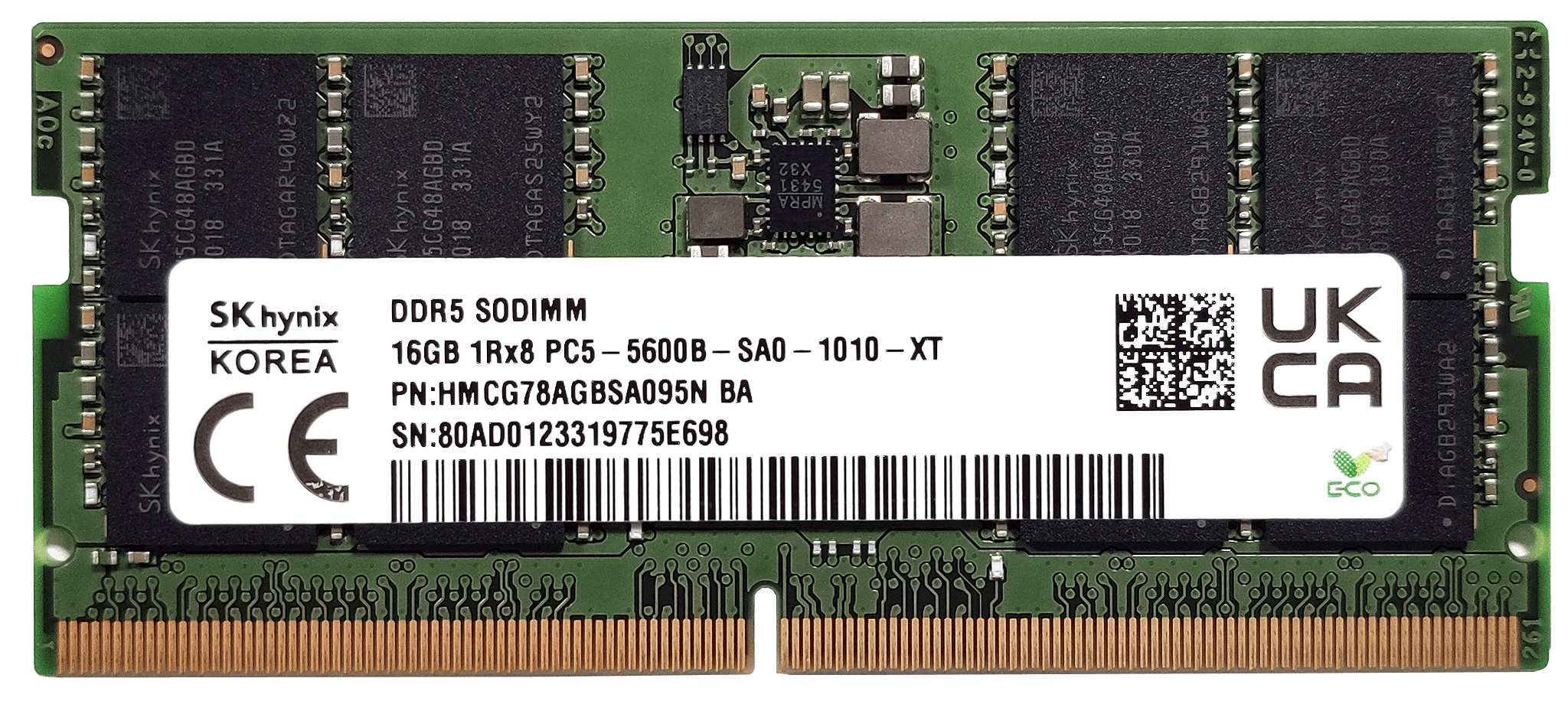
- According to Acer, the two SODIMMs can handle up to 32GB of DDR5-5600MHz memory in dual-channel mode.
Note: The CPU can support up to 256GB, so the laptop likely wouldn’t have issues running more than the official manufacturer’s specified limit. The memory sticks are additionally cooled by dedicated thermal pads placed on the motherboards below the modules. Ensure both slots are populated to enable dual-channel mode for optimal performance.
You can buy compatible RAM modules here: Buy from Amazon.com (#CommissionsEarned)
Storage Upgrade
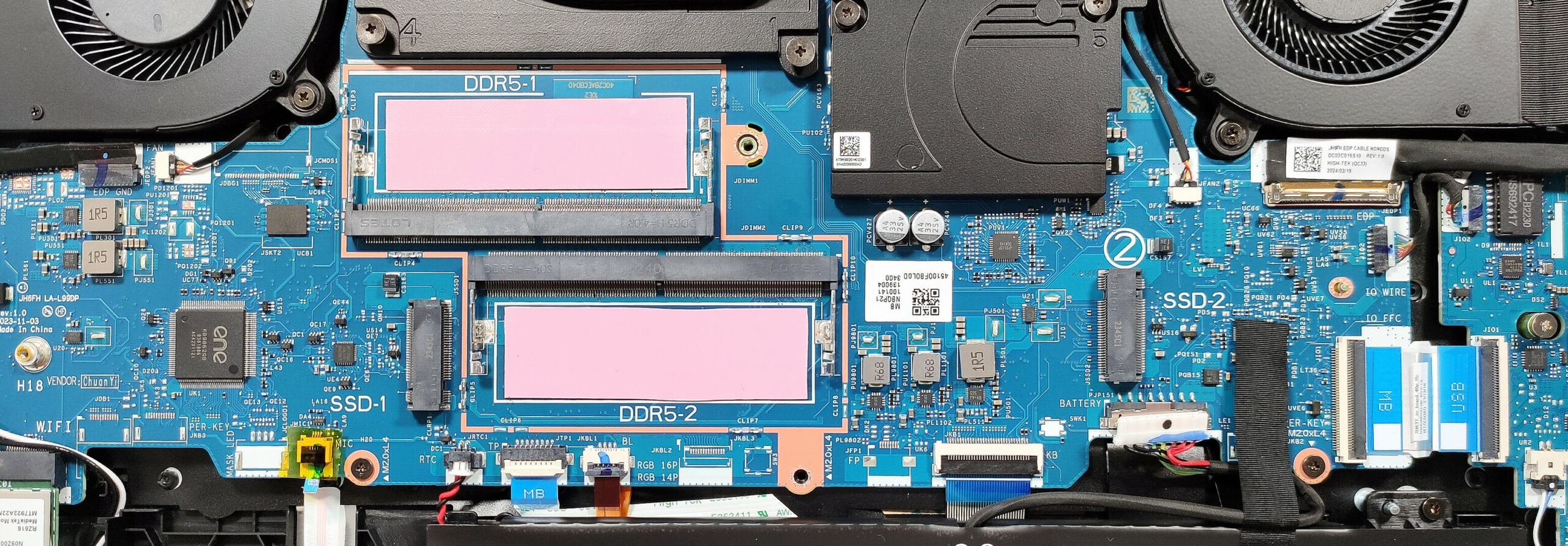
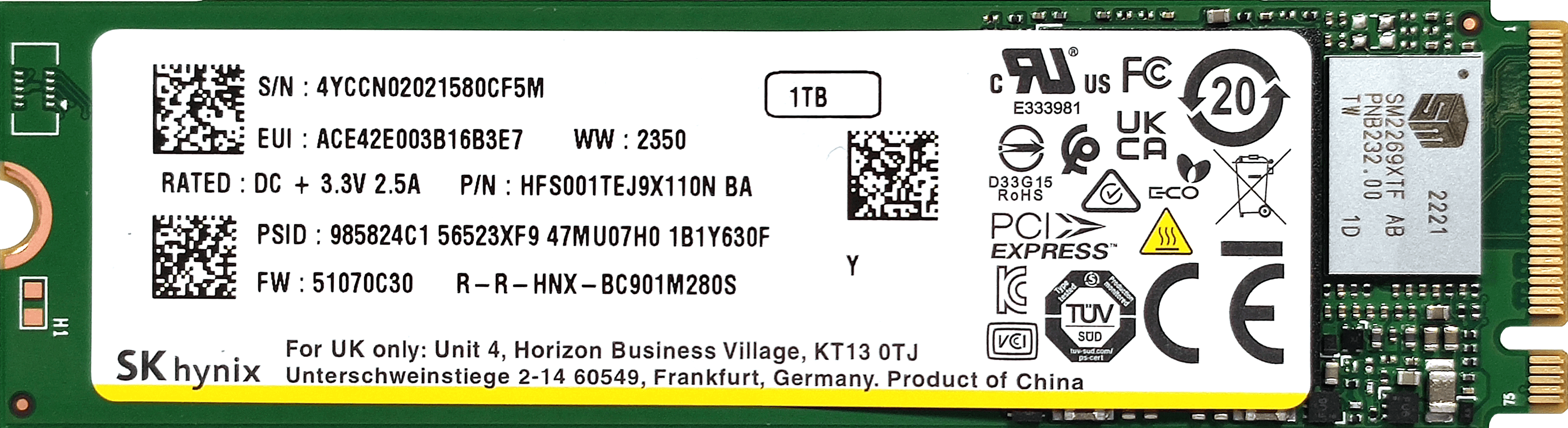
- Locate the two M.2 slots for 2280 Gen 4 SSDs.
- Remove the preinstalled SSDs and the thermal pads below them, if present.
- Install the new SSDs in the slots.
Hint: Don’t forget to check out our Top M.2 SSDs Performance Rankings for insights on the best storage options available.
You can buy compatible SSDs here: Buy from Amazon.com (#CommissionsEarned)
Cooling System Overview
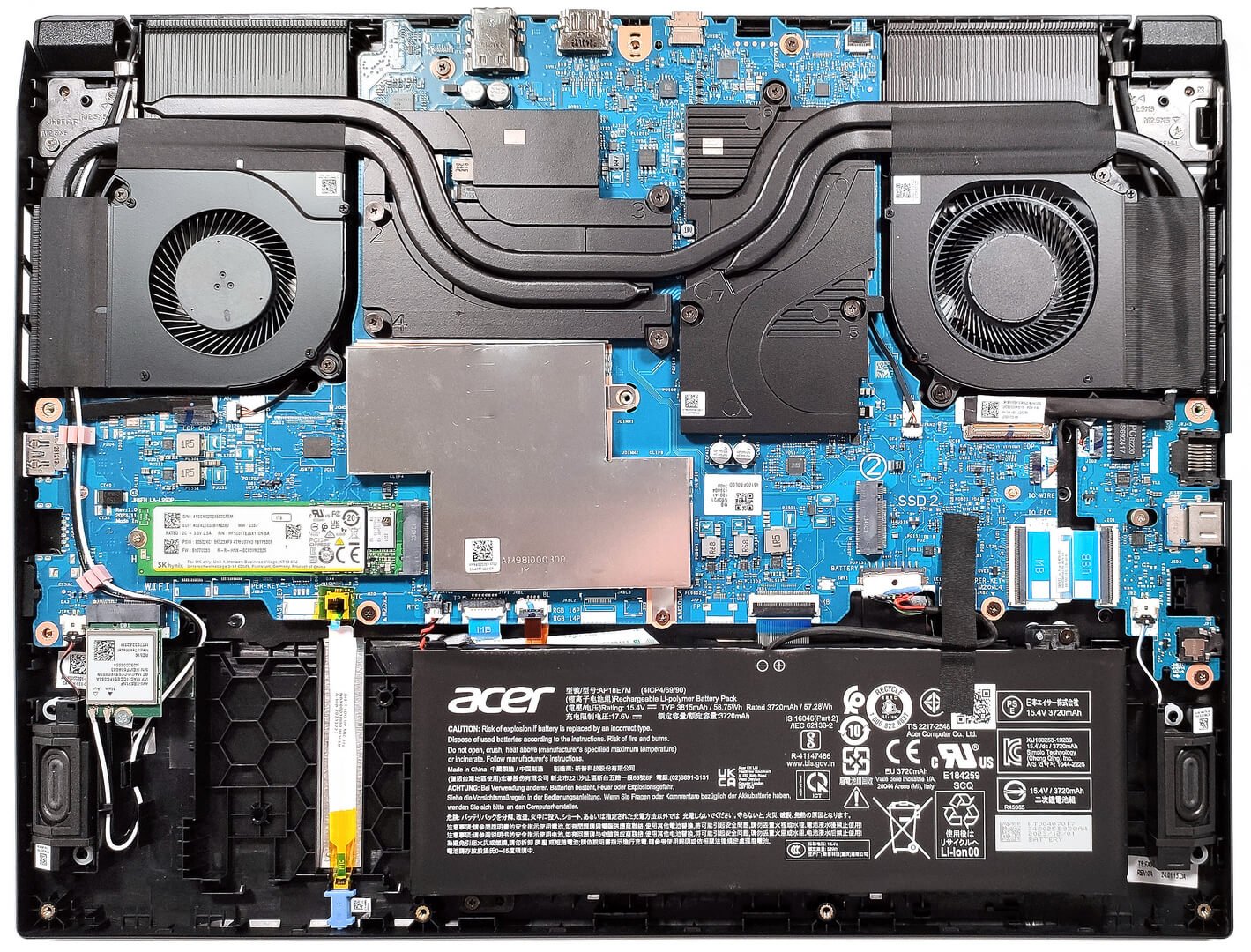
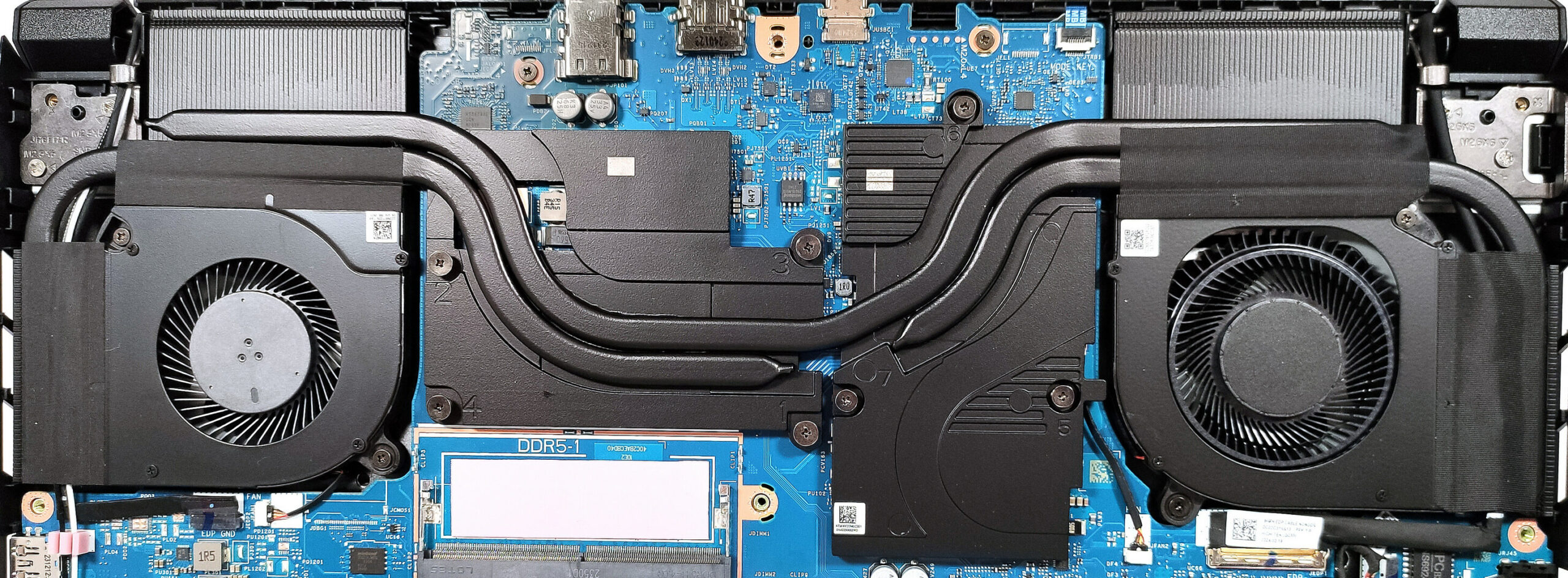
- The thermal system includes two fans of different sizes and shapes.
- One long heat pipe is shared between the CPU and GPU, with an additional heat pipe for each chip.
- The cooling system also features four heat sinks, with the top-mounted ones being notably taller.
- Two large metal plates are placed over the processor and graphics card, with the larger one on the right dedicated to the GPU, its VRMs, and memory.
Acer Nitro V 16 (ANV16-41) in-depth review
The gap between the Acer Predator devices and their Nitro siblings is getting smaller year after year. This is quite good, but some Nitro machines aren't budget offerings anymore since they are full of powerful hardware and other useful extras. Not all hope is lost because the V-series of the Nitro lineup is striking the laptop market with devices that boast modern hardware at a fair price. In 2023, we saw that the Acer Nitro V 15 (ANV15-51) is a well-performing machine with some compromises here and there. Specs-wise, the Nitro V 16 (ANV16-41) looks even better with its Zen 4 Hawk Point-HS C[...]
Pros
- 2x M.2 Gen 4 slots + 2x DDR5 RAM SODIMMs
- Covers 100% of the sRGB color gamut and has accurate color representation with our "Design and Gaming" profile (AUO80AD)
- Fast panel with quick response times and 165Hz refresh rate (AUO80AD)
- No PWM (AUO80AD)
- High max brightness of 353 nits (AUO80AD)
- MUX switch
- Modern port selection - USB4 + two Gen 2 connectors
- Comfortable input devices
- Good battery life given the small capacity and the snappy hardware
- Solid base
- The CPU can maintain high frequencies during full load (4.50 GHz)
- The fans aren't too noisy even in "Turbo" mode
Cons
- The lid could be more stable
- Plastic build
 Author: Severin Kolakov

![[June 2026] Best-Selling Laptop Brands on Amazon Global – Apple’s Unrivaled Dominance in Units and Revenue](https://laptopmedia.com/wp-content/uploads/2026/07/GLOBAL-Best-Brands-400x225.jpg)
![[June 2026] Amazon Global: Top 10 Best-Selling Laptops – Apple’s New MacBook Neo Storms to #1, Reshaping the Market with Affordability](https://laptopmedia.com/wp-content/uploads/2026/07/Best-Selling-Laptops-GLOBAL-Top-10-400x225.jpg)
![[June 2026] Amazon Global: Top 10 Best-Selling Gaming Laptops – Acer’s Nitro V 16S AI Dominates Sales, While ASUS Leads Overall Revenue](https://laptopmedia.com/wp-content/uploads/2026/07/Best-Selling-Gaming-Laptops-GLOBAL-Top-10-400x225.jpg)
![[June 2026] Global Ranking of Best-Selling Laptop GPUs on Amazon – NVIDIA RTX 5060 is the Top-Selling Dedicated GPU](https://laptopmedia.com/wp-content/uploads/2026/07/Best-Selling-GPUs-GLOBAL-Top-10-400x225.jpg)
![[June 2026] Global Ranking of Best-Selling Laptop CPUs on Amazon – Apple M5 Dominates, AMD Ryzen 7 260 Gets Solid Premium Share](https://laptopmedia.com/wp-content/uploads/2026/07/Best-Selling-CPUs-GLOBAL-Top-10-400x225.jpg)