How to open Acer Aspire 3 (A317-55P) – disassembly and upgrade options

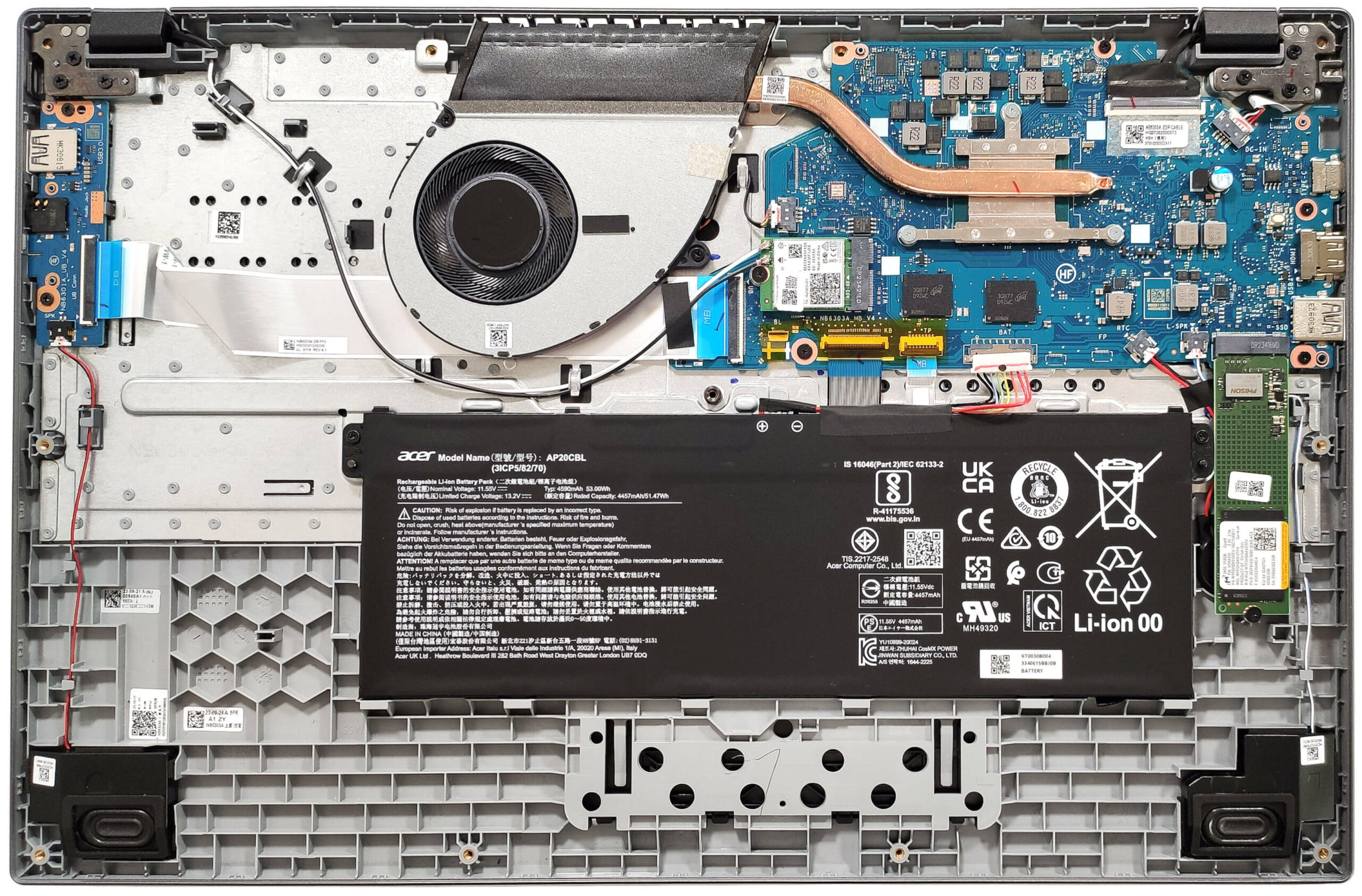
Opening the Device
- Undo the 11 Phillips-head screws securing the bottom panel.
- Pop the top two corners with a thin plastic tool.
- Pry the back and then work your way around the sides and the front to remove the bottom panel.
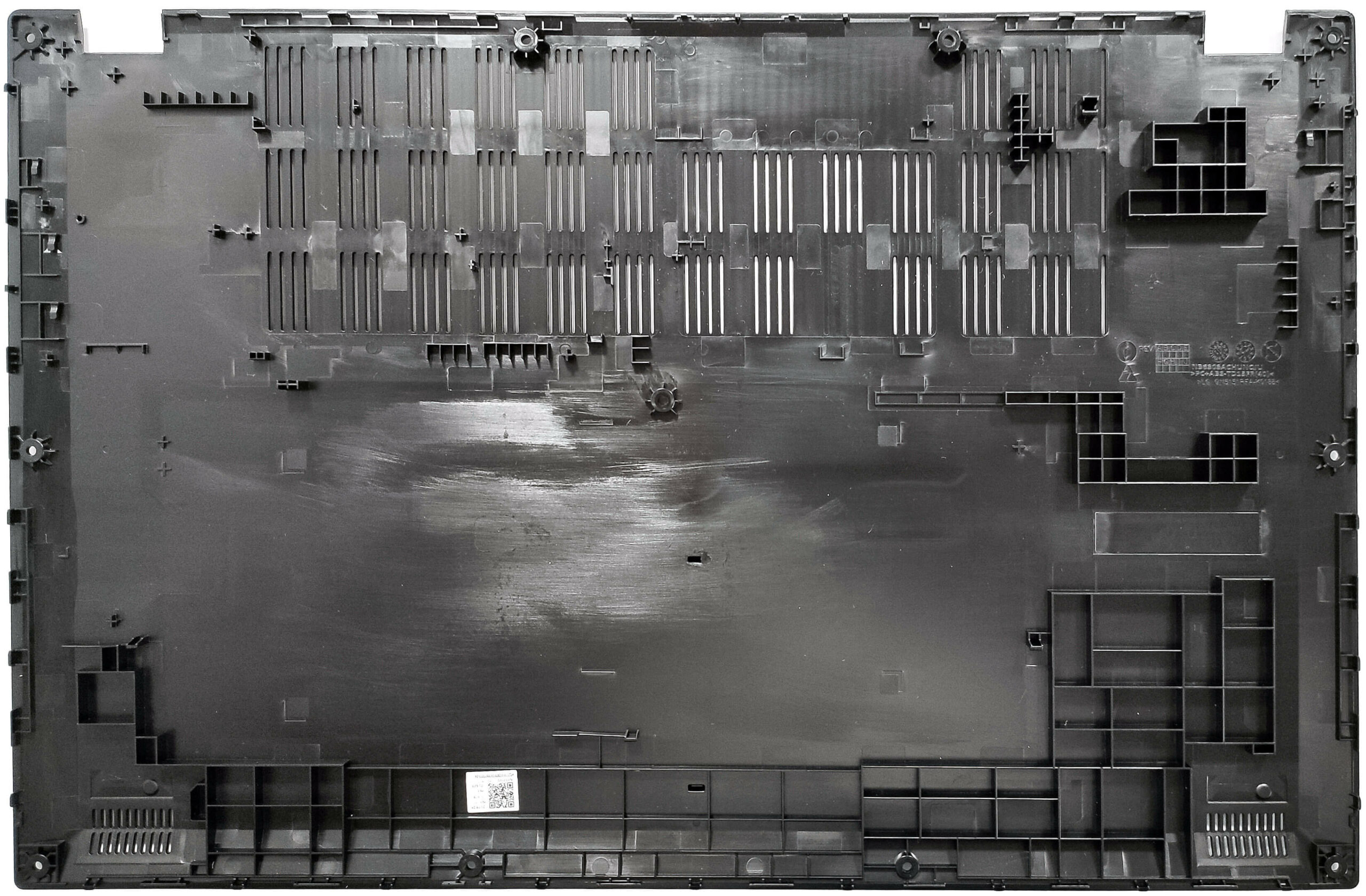
More info: Here’s how the bottom panel looks on the inside.
Battery Removal
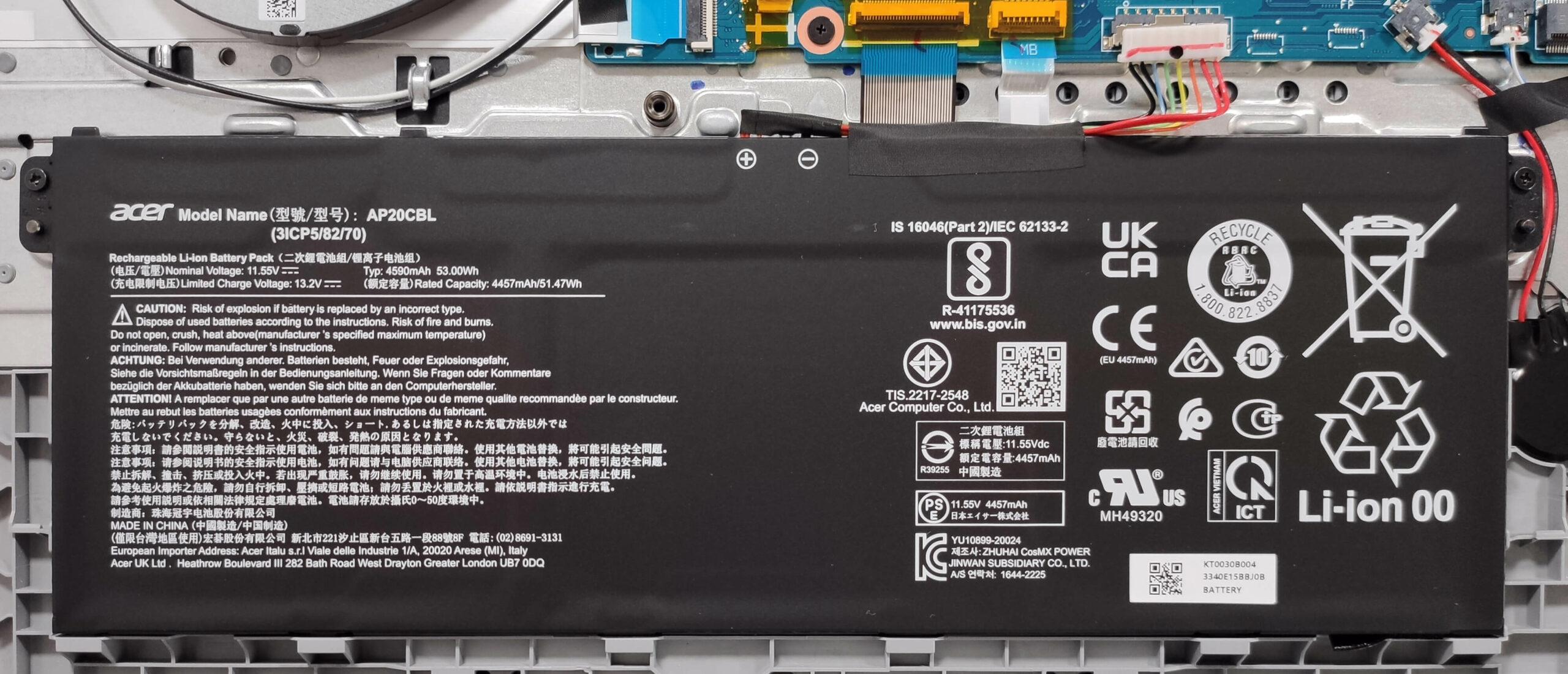
- Unplug the battery connector from the motherboard.
- Undo the two Phillips-head screws securing the battery.
- Lift the battery to remove it from the device.
Note: The notebook has an optional 53Wh battery, with the base model having a 40Wh variant. The optional battery provides approximately 8 hours of video playback.
Memory Information
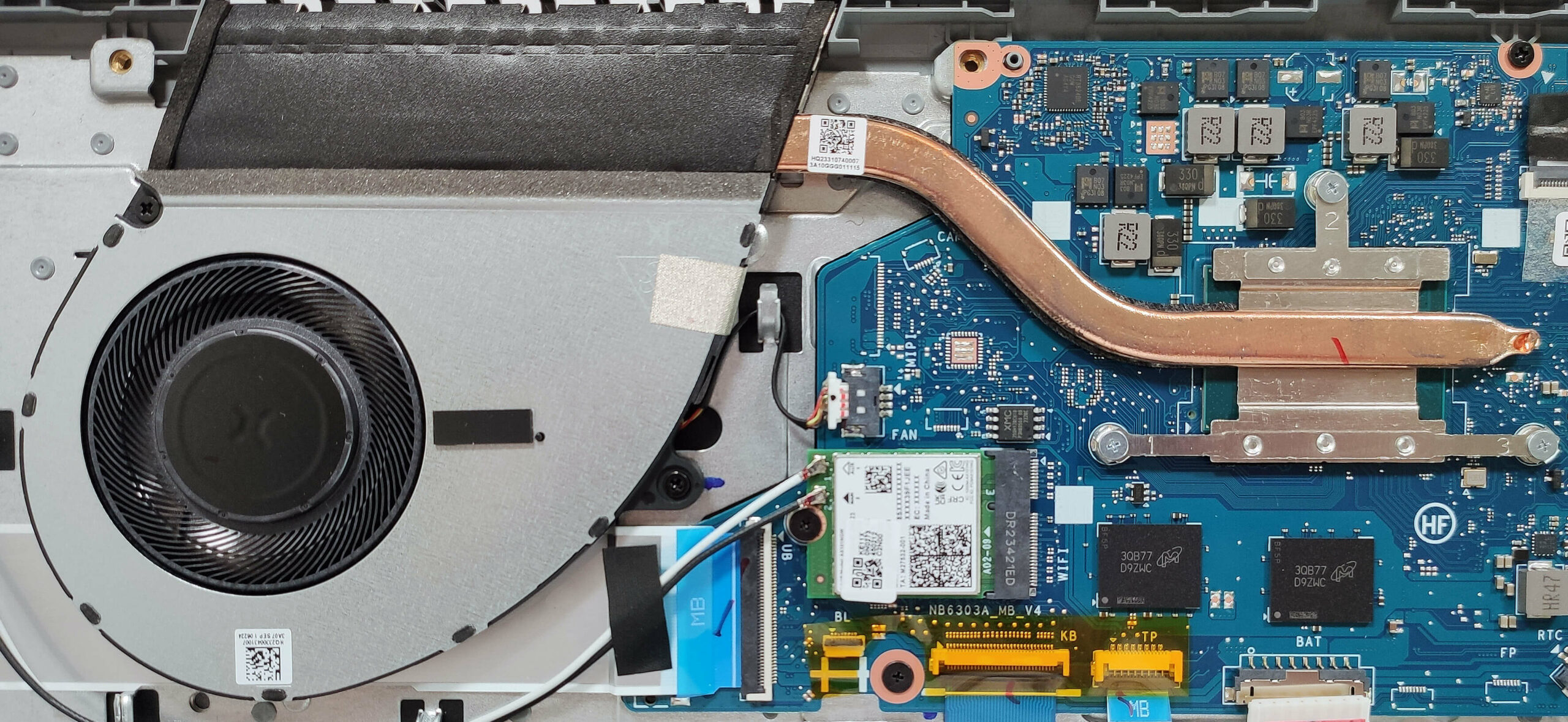
Note: The memory is soldered and operates in single-channel mode. You can get up to 16GB of LPDDR5-4800MHz RAM. The Wi-Fi card is located to the left of the memory modules.

Storage Upgrade
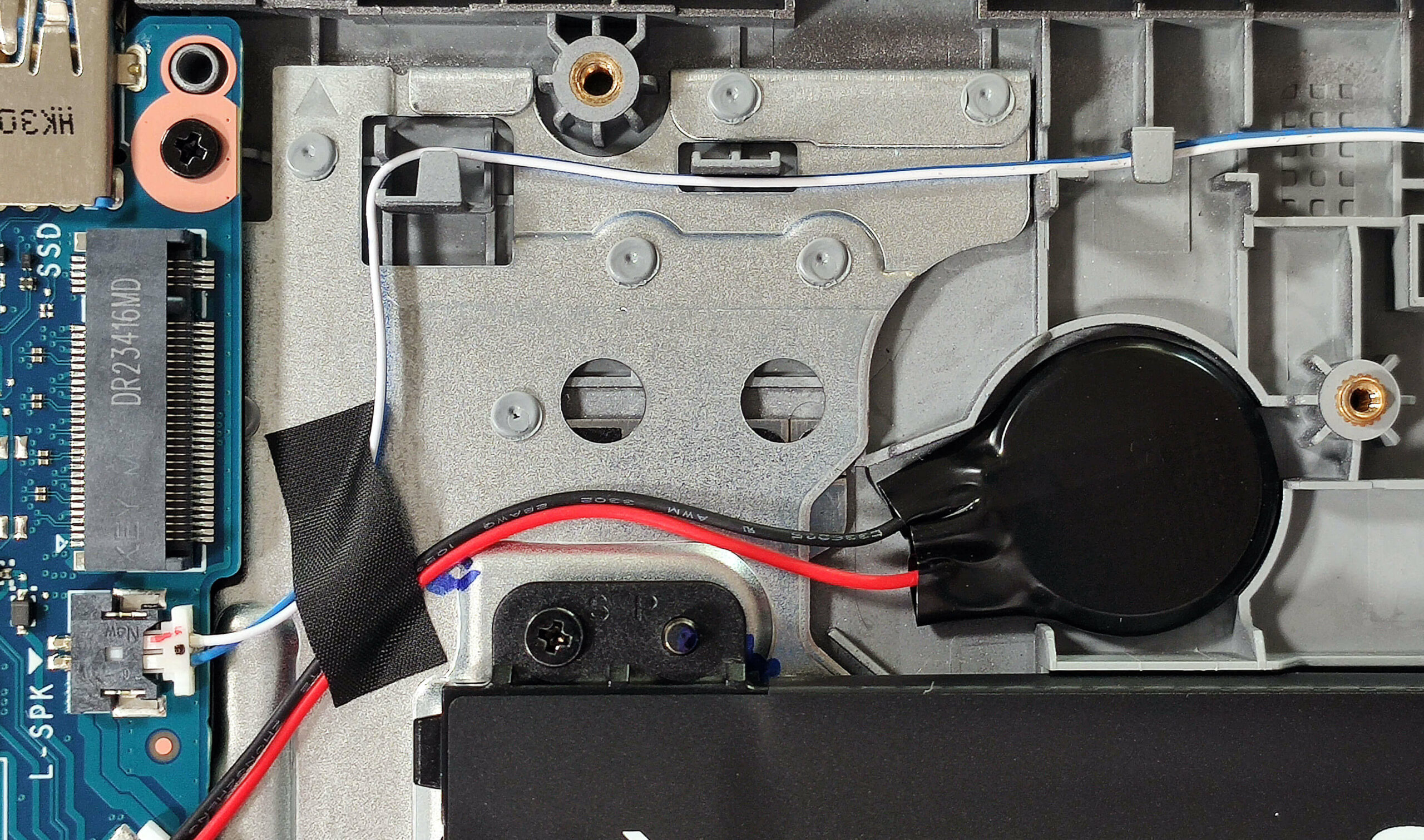
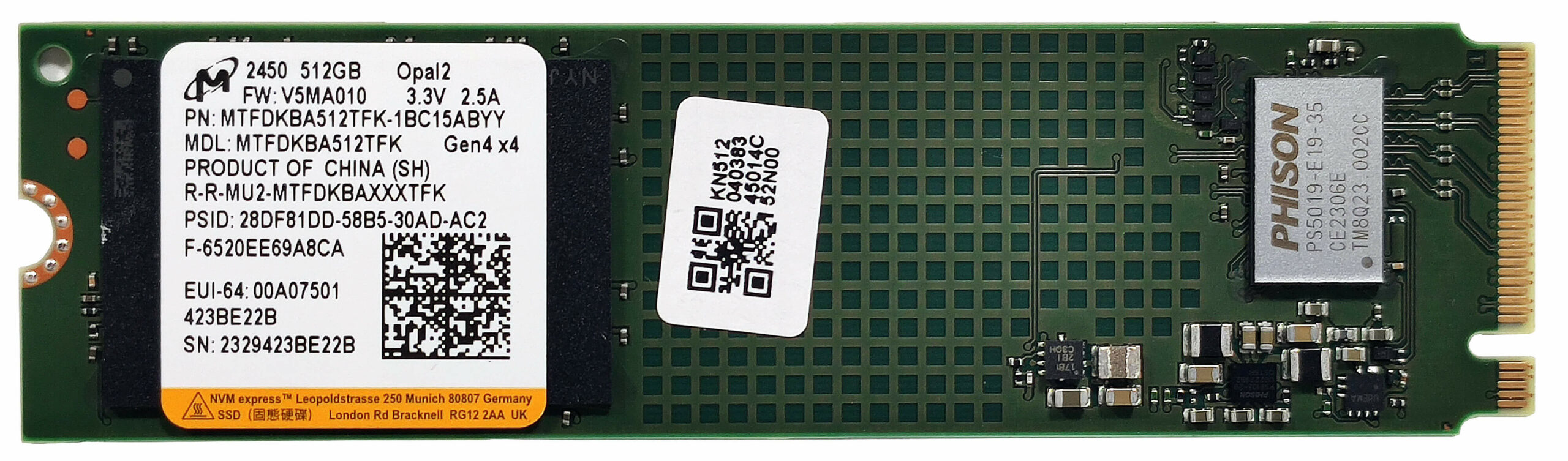
- Locate the single M.2 slot compatible with 2280 Gen 3 SSDs.
- Remove the preinstalled SSD, if any, and the thermal pad beneath it, if present.
- Install the new SSD in the slot.
Note: Some devices may come with 64GB or 128GB eMMC storage.
Hint: Don’t forget to check out our Top M.2 SSDs Performance Rankings for insights on the best storage options available.
You can buy compatible SSDs here: Buy from Amazon.com (#CommissionsEarned)
Cooling System Overview
- The thermal system is basic, with one fan, a single heat pipe, one decently sized top-mounted heat sink, and a heat spreader.
- Ensure all cooling components are clean and free of dust for optimal performance.
Acer Aspire 3 (A317-55P) in-depth review
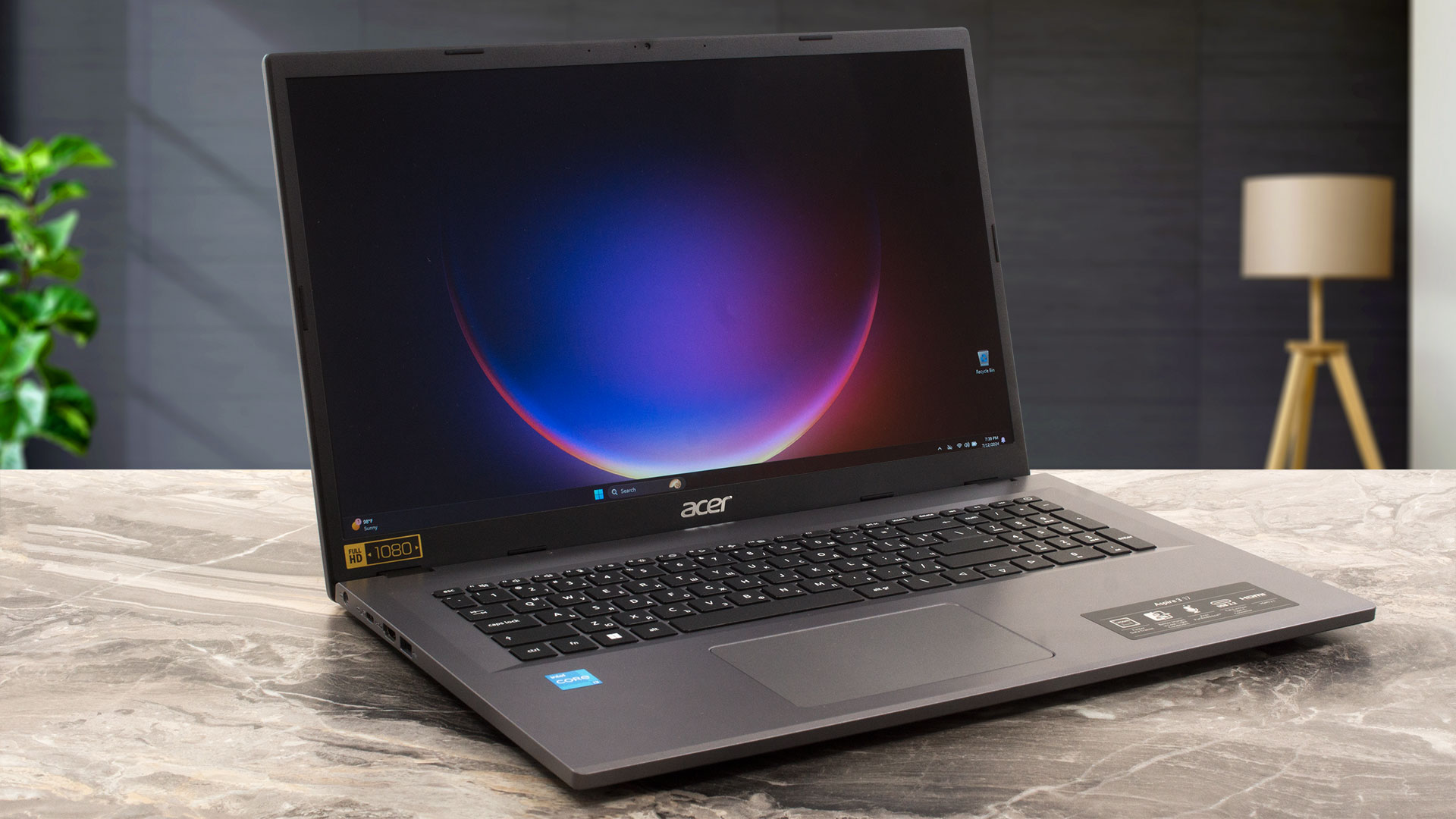
The modern-day user is comfortably spoiled by a large variety of new devices that offer OLED displays, great upgradability, per-key RGB keyboards, top-of-the-line hardware, and much more. What about if you don't need all these things and just want to get a normal machine for light daily tasks? The Acer Aspire 3 (A317-55P) is an affordable big-screen laptop that could be the right choice for many users seeking something on a budget (if you pick it with the right hardware for your needs). Yes, some of the notebooks are configured with a 6W 4-core CPU, 4GB of RAM, eMMC storage, and a pity old-sch[...]
Pros
- Long battery life given the modest capacity of 53Wh - around 8 hours of videos
- Decent input devices
- Well-priced notebook
- Decent chassis rigidity
- Lid with a lever design
- Relatively light and thin for a 17.3-incher (2.1 kg / 19.9 mm)
- PWM-free (BOE084E)
- Wide viewing angles and + 317 nits of max brightness (BOE084E)
- Decent I/O for the price
- Wi-Fi 6 + Bluetooth 5.1
- Optional fingerprint reader
- Good comfort under full loads
- The Core i3-N305 can sustain ~3.00 GHz clock in short loads
- SSD with TLC memory (Micron 2450 MTFDKBA512TFK)
Cons
- Some machines are configured with 4-core CPUs and eMMC storage
- Plastic build
- Low sRGB coverage (BOE084E)
- Soldered memory that works in a single-channel mode + just one M.2 slot
 Author: Severin Kolakov

![[August 2026] Amazon USA: Top 10 Best-Selling Laptops – Apple MacBook Neo Dominates the Market with Massive Unit Sales!](https://laptopmedia.com/wp-content/uploads/2026/09/Best-Selling-Laptops-COM-Top-10-400x225.jpg)
![[August 2026] Amazon USA: Top 10 Best-Selling Gaming Laptops – ASUS ROG Strix G16 Dominates the Market with Massive Unit Sales](https://laptopmedia.com/wp-content/uploads/2026/09/Best-Selling-Gaming-Laptops-COM-Top-10-400x225.jpg)
![[July 2026] Amazon Global: Top 10 Best-Selling Laptops – Apple MacBook Neo Dominates the Charts as Budget and Premium Notebooks Split the Market](https://laptopmedia.com/wp-content/uploads/2026/08/Best-Selling-Laptops-GLOBAL-Top-10-400x225.jpg)
![[July 2026] Amazon Global: Top 10 Best-Selling Gaming Laptops – ASUS ROG Strix G16 Dominates the Global Market with Record-Breaking Unit Sales](https://laptopmedia.com/wp-content/uploads/2026/08/Best-Selling-Gaming-Laptops-GLOBAL-Top-10-400x225.jpg)
![[July 2026] Global Ranking of Best-Selling Laptop GPUs on Amazon – RTX 5060 Dominate Premium, Intel Still Rules Budget](https://laptopmedia.com/wp-content/uploads/2026/08/Best-Selling-GPUs-GLOBAL-Top-10-400x225.jpg)
