How to open HP 15 (15-fc0000) – disassembly and upgrade options
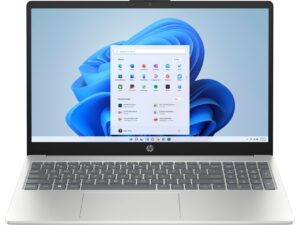
Opening the HP 15 (15-fc0000)
Hint: Power off the laptop and unplug all peripherals before starting.
- Undo the four captive Phillips-head screws securing the bottom panel.
- Use a thin plastic tool to pry the back of the panel.
- Lift the zones behind the hinge cover near the top edges using a lever tool.
- Pry the corners, followed by the sides and the front, to fully release the clips.
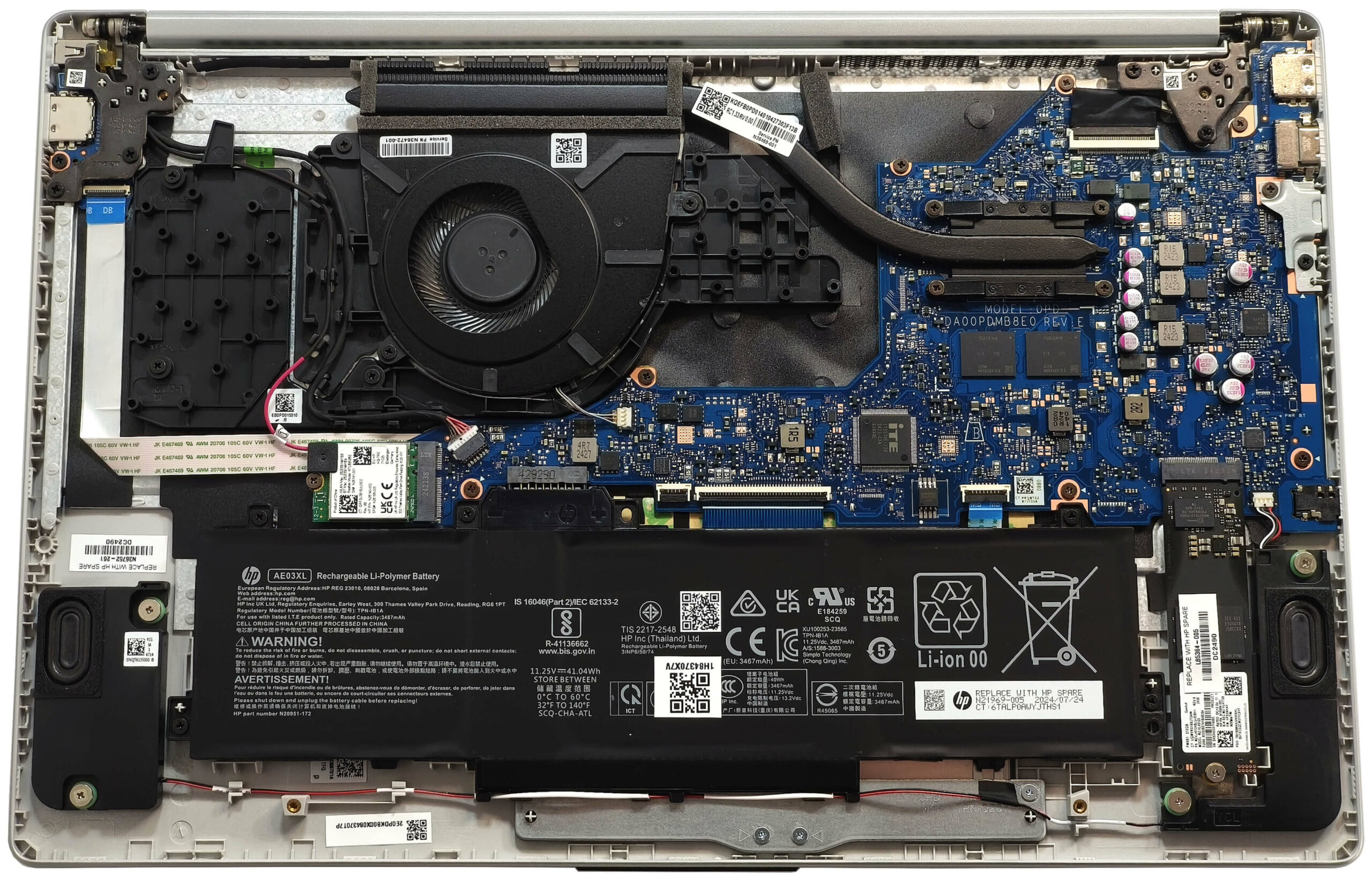
More info: The inside of the bottom panel reveals access to the battery, memory (if available), storage, and cooling system.
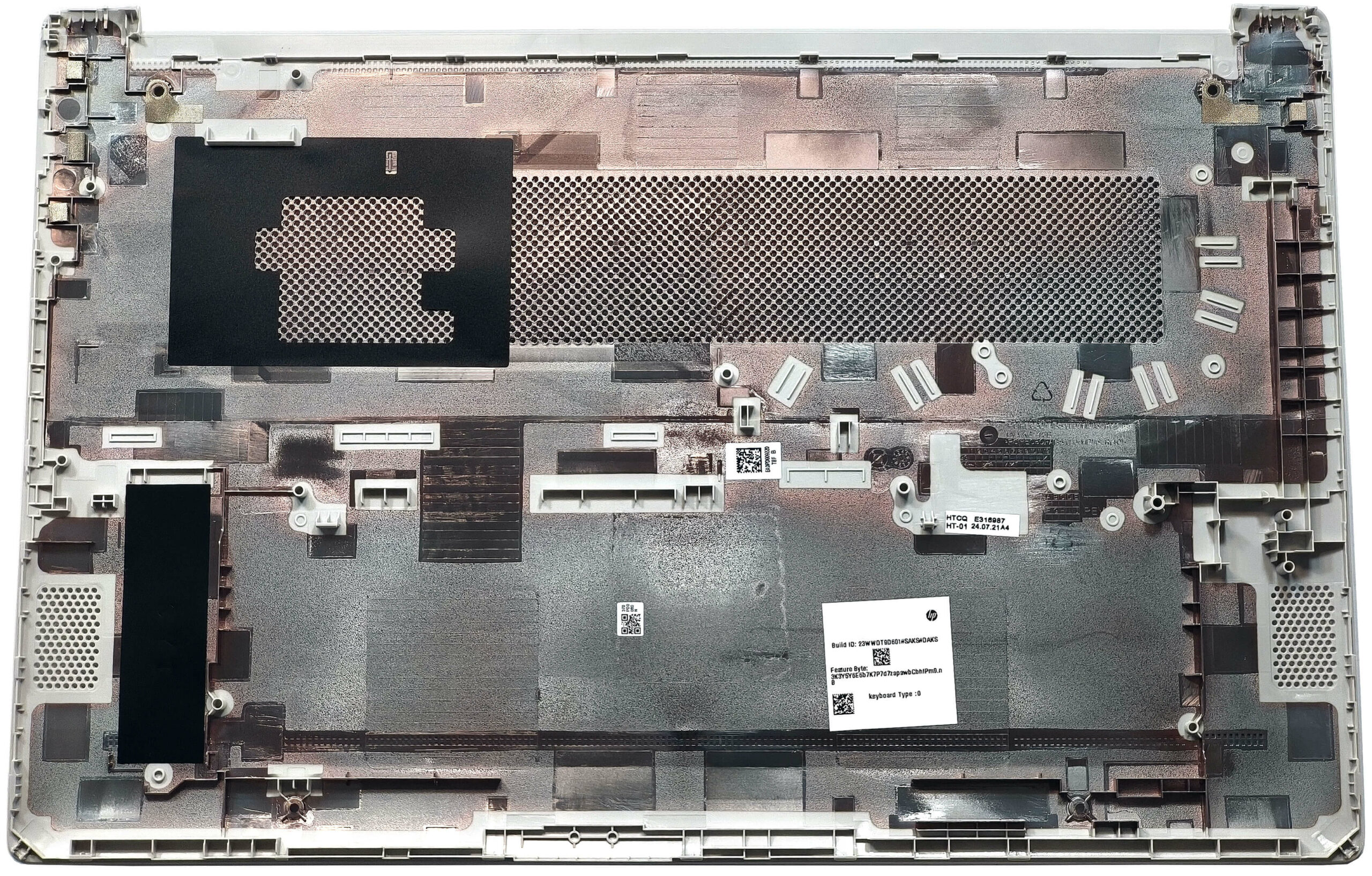
Battery Removal
Caution: Wear gloves to avoid short circuits and handle components gently.
- Undo the five Phillips-head screws securing the 41Wh battery to the base.
- Untangle the speaker cable routed along the bottom of the battery.
- Since the connector is built into the battery, lift the unit straight out of the chassis.
More info: The 41Wh battery offers approximately 6.5 hours of video playback, making it suitable for light workloads and daily usage.
You can find compatible batteries here: Buy from Amazon.com (#CommissionsEarned)
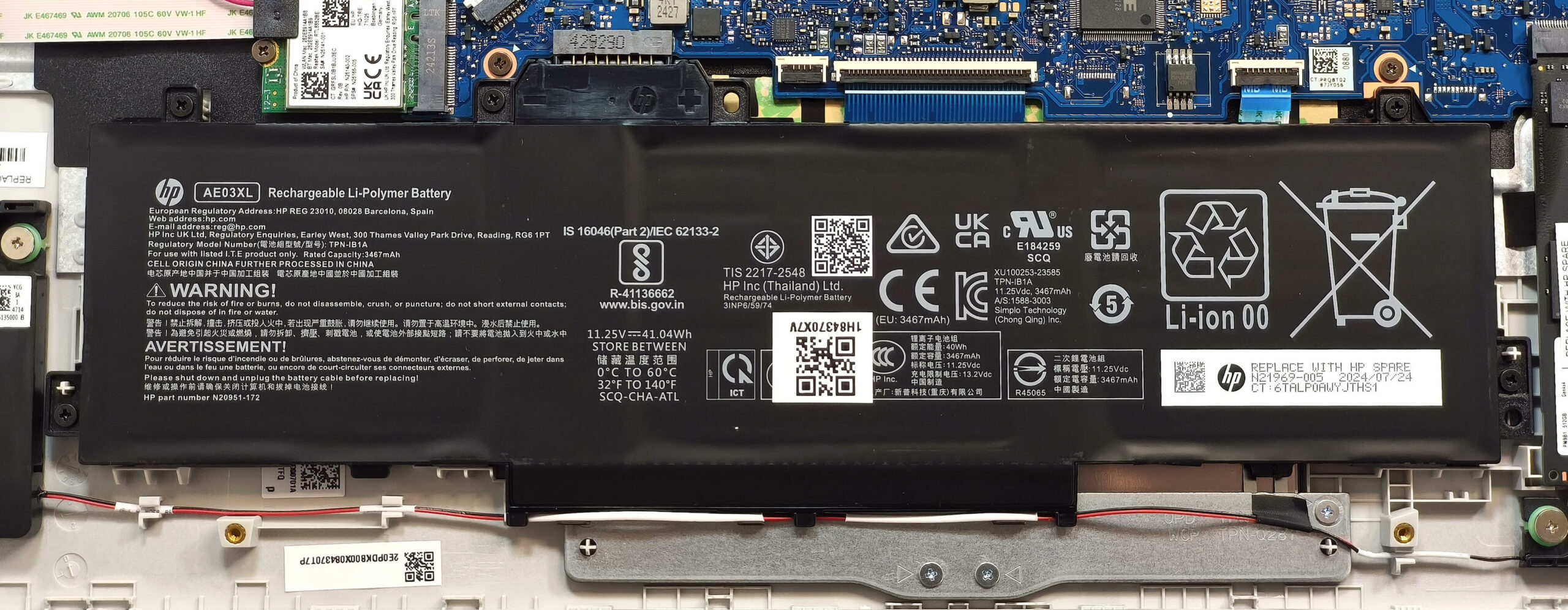
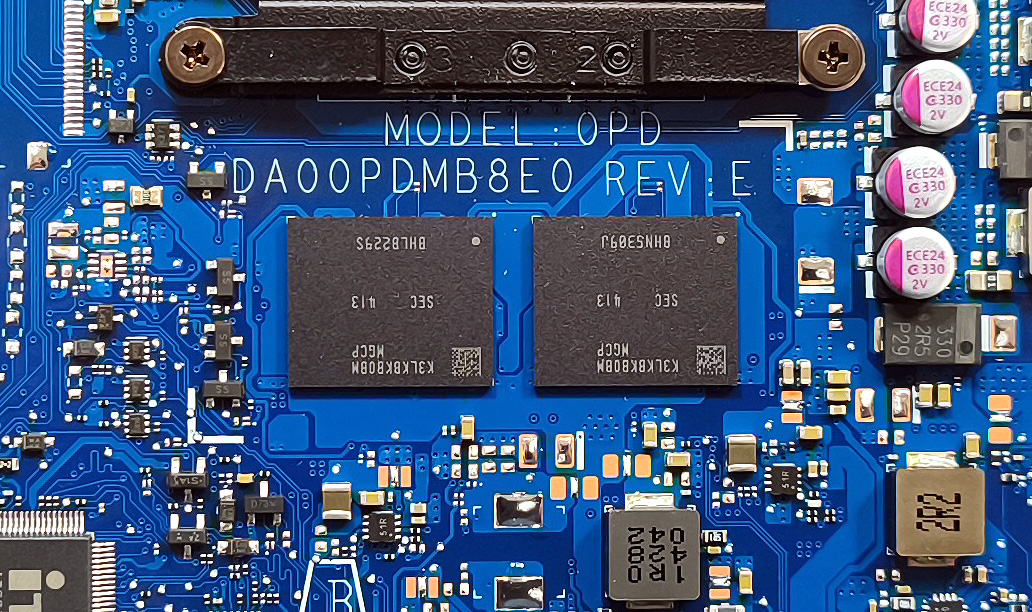
Memory Configuration
Note: The RAM configuration depends on the CPU variant.
- Units with AMD Ryzen 7520U, 7320U, or 7220U come with up to 16GB of soldered LPDDR5-5500MHz memory in single-channel mode. These are non-upgradable.
- Models with Ryzen 7730U or 7530U offer two SODIMM slots. HP officially supports up to 16GB of DDR4-3200MHz RAM in dual-channel mode.
- However, since the CPU supports up to 64GB, higher-capacity modules may work just fine.
You can find compatible RAM here: Buy from Amazon.com (#CommissionsEarned)
Storage Upgrade
Hint: Handle SSD components with care to avoid bending or damaging the slot.
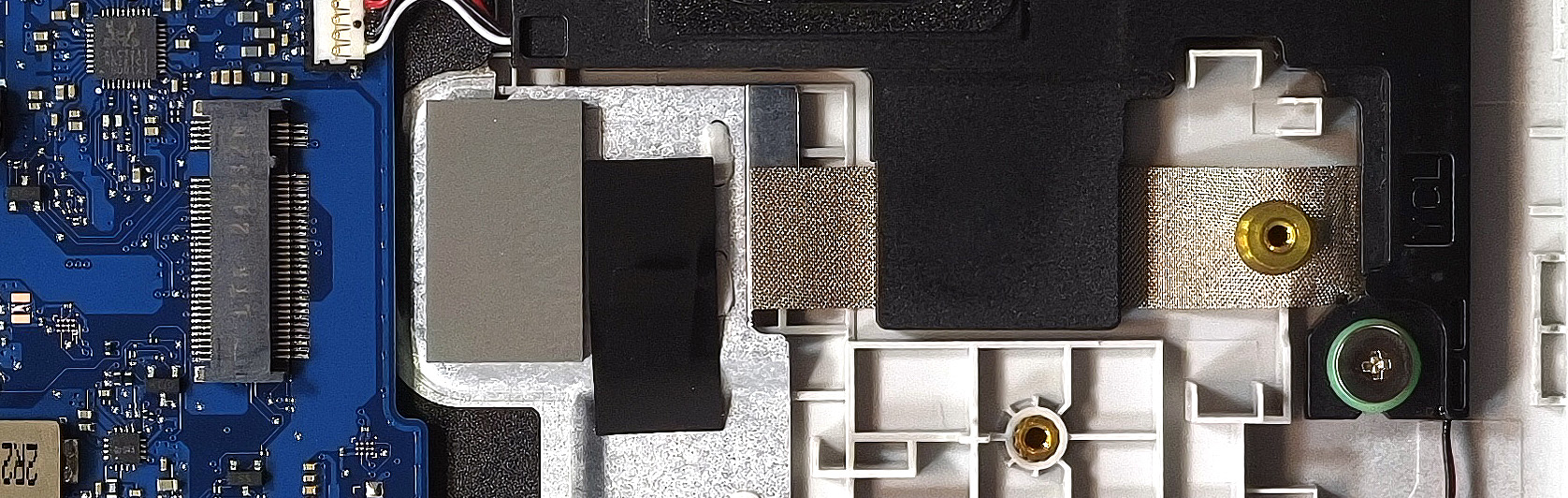
- Locate the M.2 slot, which supports 2280 Gen 3 NVMe SSDs.
- Note that in some cases, such as ours, the connection is limited to PCIe 3.0 x2, which cuts transfer speeds in half.
- A thermal pad beneath the SSD helps maintain performance by reducing heat buildup.
More info: While the speed may be limited, a fast Gen 3 SSD still improves boot times and system responsiveness significantly.
You can find compatible SSDs here: Buy from Amazon.com (#CommissionsEarned)
Connectivity Options
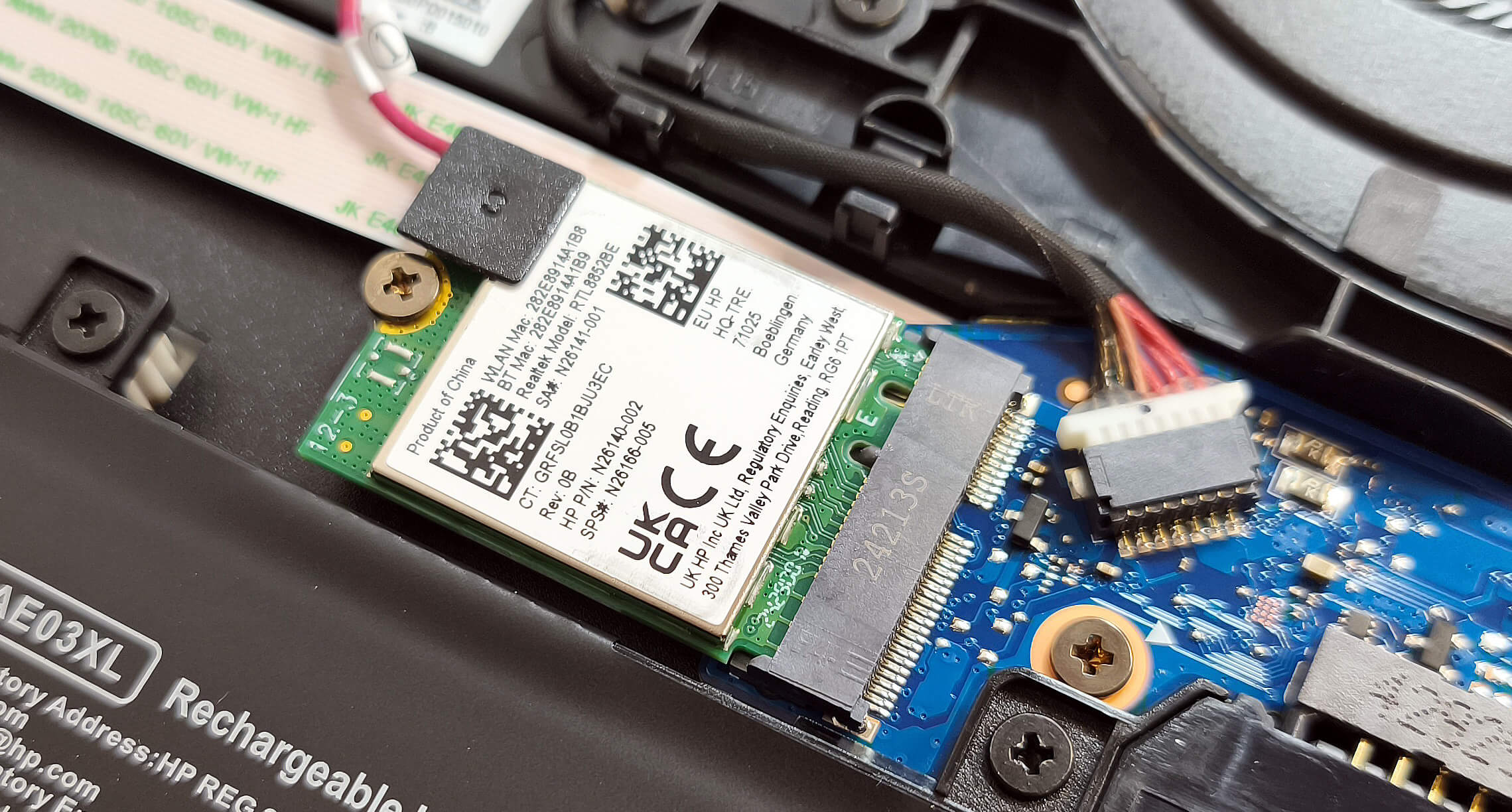
More info:
- The Wi-Fi 6 card is replaceable and located below the fan for easy upgrades or replacement.
Cooling System Overview
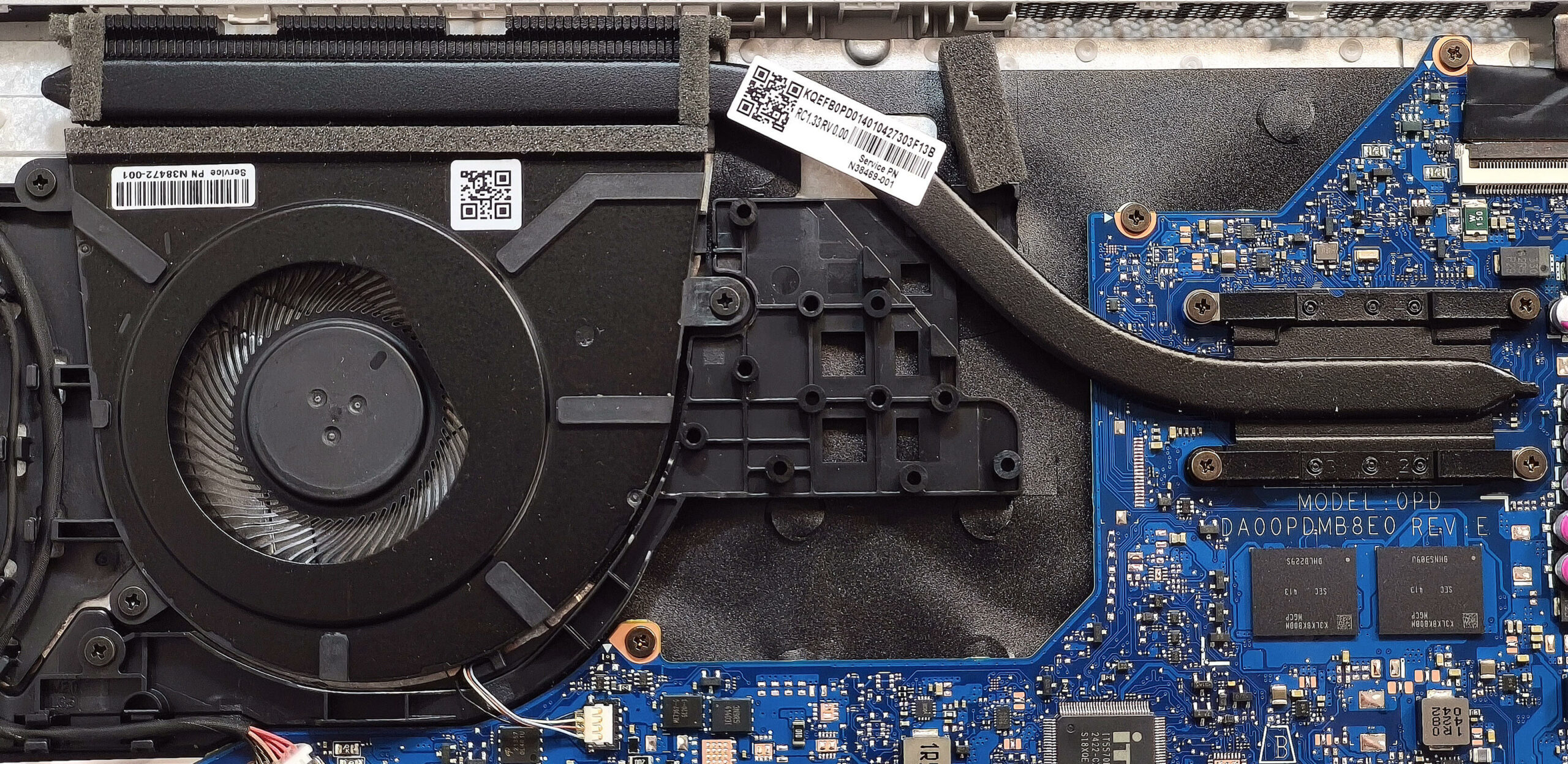
More info: The HP 15 (15-fc0000) features a basic cooling setup appropriate for everyday tasks.
- One fan handles airflow to keep the system cool.
- A single heat pipe connects to a top-mounted heat sink and a heat spreader, ensuring consistent thermal control during light to moderate use.
Tip: Periodically clean the fan and vents to maintain airflow and prevent thermal throttling.
HP 15 (15-fc0000, fd0000, hr0000, fr0000) in-depth review
It's clear like night and day that you don't need a high-end or even a mid-range laptop for normal light tasks. A modest 15W CPU is more than enough if it's accompanied by 16GB of RAM and a decent SSD. The HP 15 (15-fc0000) is an inexpensive device that will do the job for people who want to get a notebook on a budget for browsing the Web and and playing light games from time to time. However, you have to pay attention to the specs before buying because the machines with Zen 2 CPUs are tied with up to 16GB of soldered RAM while the ones with Zen 3 chips rely on a pair of SODIMMs which makes th[...]
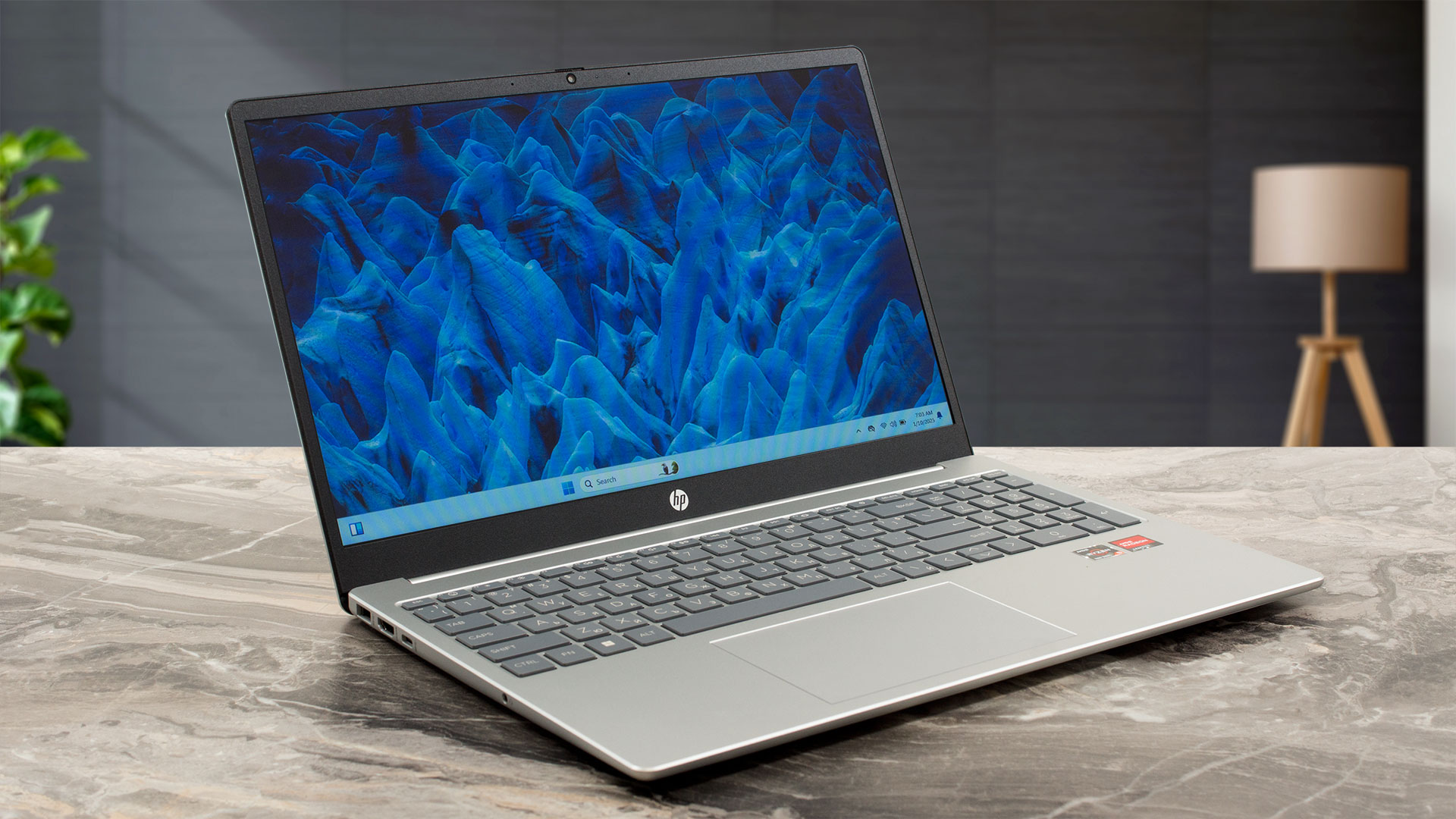
Pros
- Clean design
- Good comfort during full loads
- Light (1.60 kg)
- Decent color accuracy with our Design & Office profile (BOE09E2)
- Acceptable max brightness of 287 nits (BOE09E2)
- Decent input devices
- 3x USB ports
- The fan isn't noisy even in "Best performance" mode
- Decent battery life given the limited 41Wh capacity (~ 6 hours and a half of videos)
- Web camera with a privacy shutter
- Low NVMe temperatures
- Lid with a lever design
- Optional fingerprint reader and a 1080p Web camera
- Clear sound quality
- Ryzen 5 7520U can maintain a 3.36 GHz clock even in long loads
- 2x SODIMMs for the Zen 3-based machines
Cons
- Just 1x M.2 slot
- The plastic build could be more stable
- You can't open the lid with one hand
- Rather low SSD speed because of the slow transfer rate of the slot (PCIe 3.0 x2)
- The middle of the keyboard flexes during typing
- Soldered RAM for the laptops with Zen 2 CPUs
- Low sRGB coverage and narrow viewing angles (BOE09E2)
- Bad contrast ratio of 290:1 (BOE09E2)
- All ports are rated at 5 Gbps and they don't support charging or DisplayPort
 Author: Dimitar Stalev

![[August 2026] Amazon Italy: Top 10 Best-Selling Laptops – Apple MacBook Neo Claims the Crown as Budget and Mid-Range Windows Machines Dominate Volume](https://laptopmedia.com/wp-content/uploads/2026/09/Best-Selling-Laptops-IT-Top-10-400x225.jpg)
![[August 2026] Amazon Italy: Top 7 Best-Selling Gaming Laptops – ASUS V16 Claims the #1 Spot Amid Strong Mid-Range Demand](https://laptopmedia.com/wp-content/uploads/2026/09/Best-Selling-Gaming-Laptops-IT-Top-10-400x225.jpg)
![[August 2026] Best-Selling Laptop Brands on Amazon Italy – Lenovo Dominates Market Share and Revenue Leadership](https://laptopmedia.com/wp-content/uploads/2026/09/IT-Best-Brands-400x225.jpg)
![[August 2026] Amazon India: Top 10 Best-Selling Laptops – Apple MacBook Neo Dominates the Charts with Massive Sales Lead](https://laptopmedia.com/wp-content/uploads/2026/09/Best-Selling-Laptops-IN-Top-10-400x225.jpg)
![[August 2026] Amazon India: Top 10 Best-Selling Gaming Laptops – HP Victus 15 Dominates the Market with Massive Unit Lead](https://laptopmedia.com/wp-content/uploads/2026/09/Best-Selling-Gaming-Laptops-IN-Top-10-400x225.jpg)
