Inside ASUS ROG Strix G17 G712 – disassembly and upgrade options
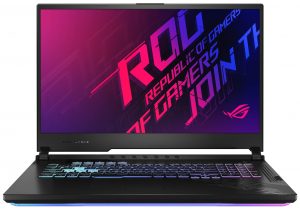
Part of the long list of the features of the ROG Strix G17 G712 includes RGB backlighting, fast, color-accurate display, and powerful internals.
Check out all ASUS ROG Strix G17 G712 prices and configurations in our Specs System or read more in our In-Depth review.
1. Remove the bottom plate
This device’s bottom plate is held in place by 11 Phillips-head screws. As soon as you remove them, you can start the prying process from the bottom right corner, when one of the screws lifts the panel.

2. Battery
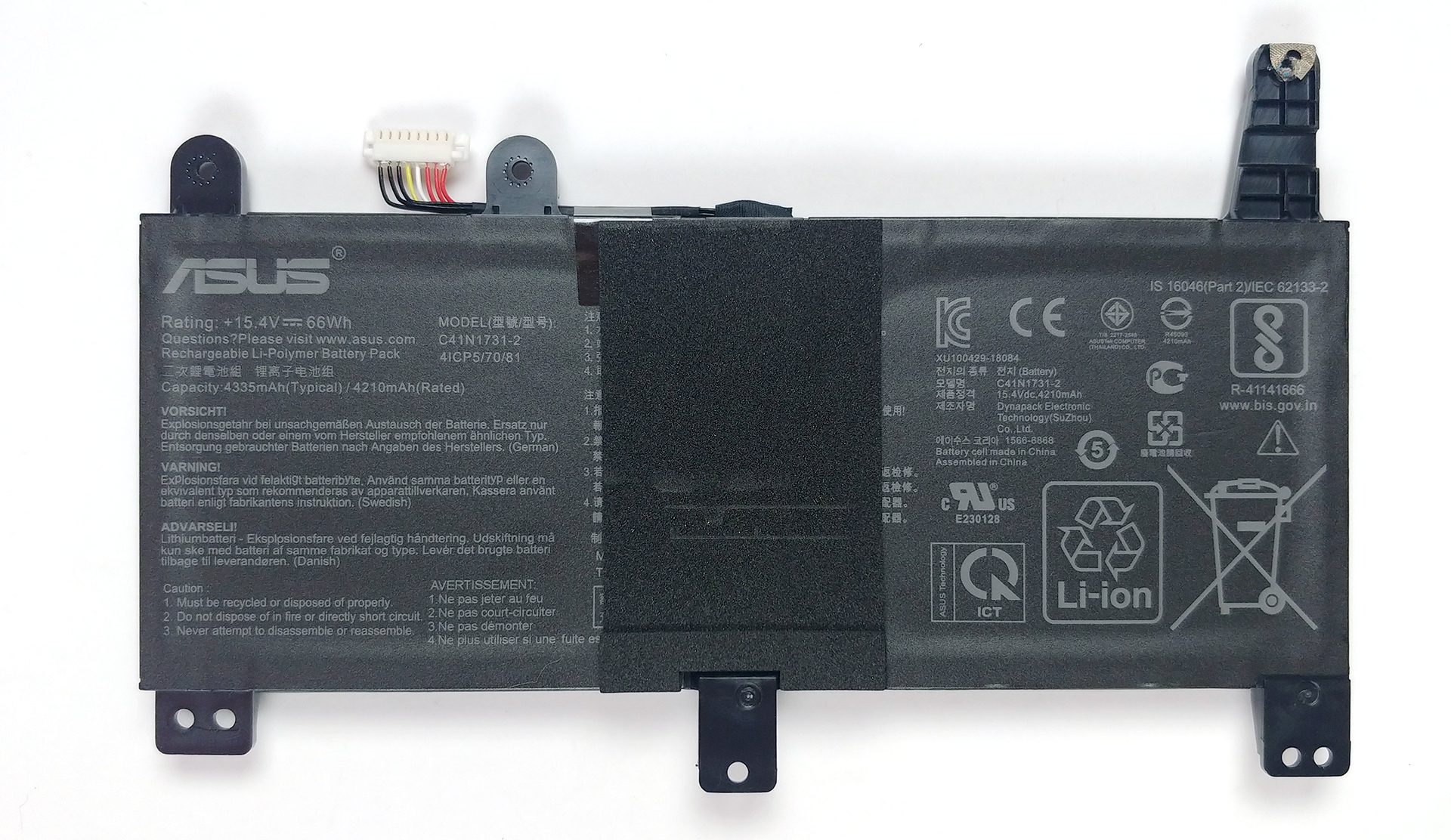
The ROG Strix G17 G712 features a 66Wh battery pack in the configuration we tested.
3. Memory and storage
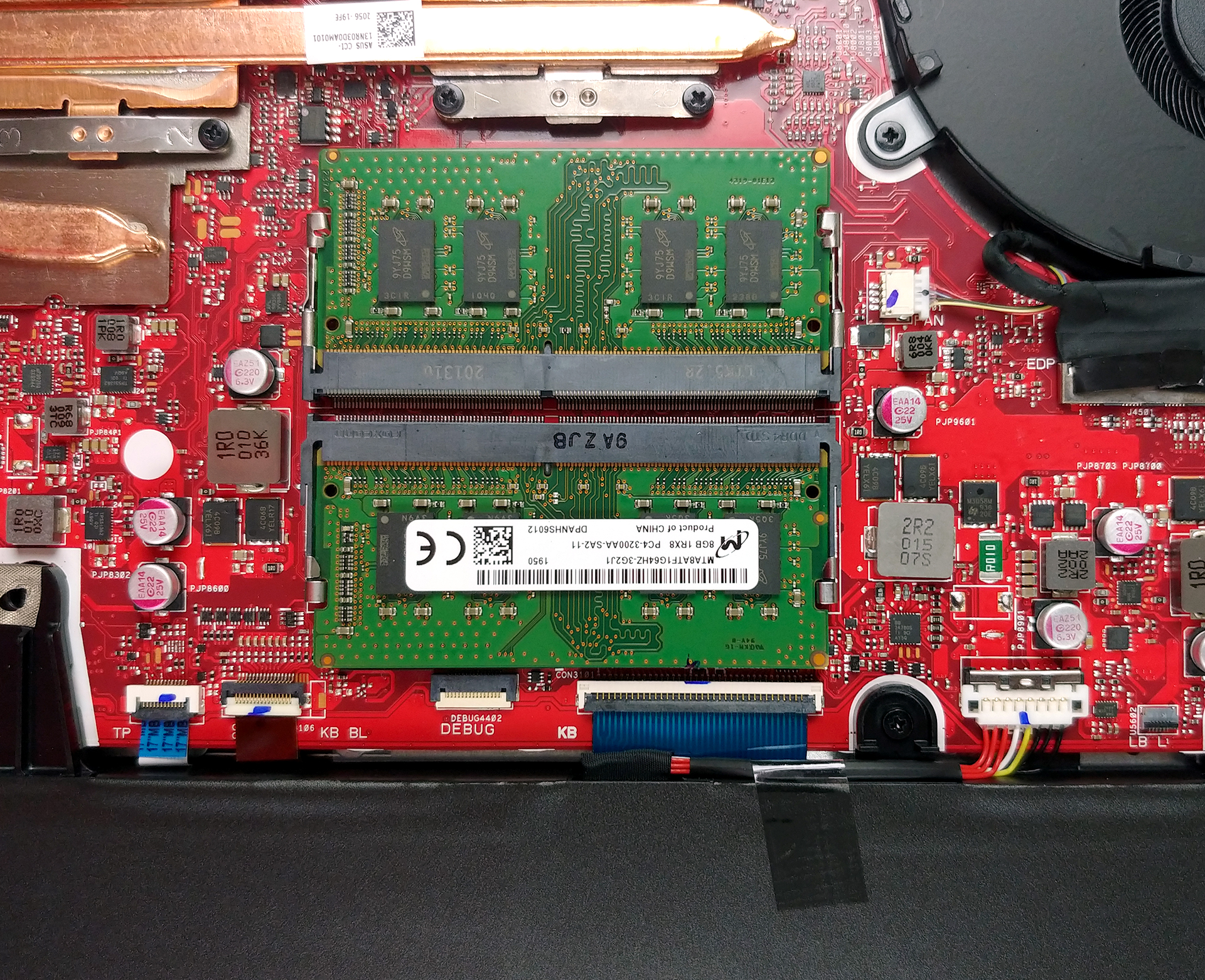
Upgradability-wise, there are two RAM SODIMM slots, which work in dual-channel and should support up to 64GB of DDR4 memory. Equally-impressive, there are three M.2 NVMe drive slots.

4. Cooling system
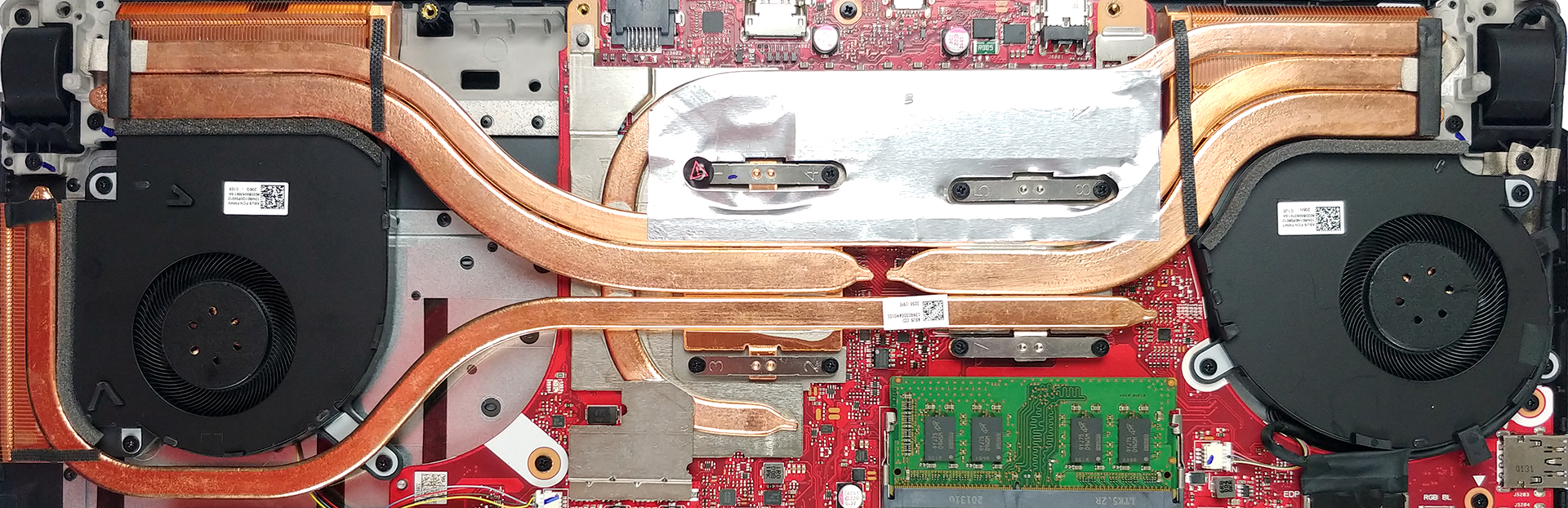
In terms of the cooling, this laptop has four heat pipes that cool the CPU and the GPU – two of them are shared between them, and there is one more for each of them. Additionally, ASUS has taken care of the VRM and graphics memory temperatures with another heat pipe.
Check out all ASUS ROG Strix G17 G712 prices and configurations in our Specs System or read more in our In-Depth review.
 Author: Alex Iliev

![[June 2026] Best-Selling Laptop Brands on Amazon Global – Apple’s Unrivaled Dominance in Units and Revenue](https://laptopmedia.com/wp-content/uploads/2026/07/GLOBAL-Best-Brands-400x225.jpg)
![[June 2026] Amazon Global: Top 10 Best-Selling Laptops – Apple’s New MacBook Neo Storms to #1, Reshaping the Market with Affordability](https://laptopmedia.com/wp-content/uploads/2026/07/Best-Selling-Laptops-GLOBAL-Top-10-400x225.jpg)
![[June 2026] Amazon Global: Top 10 Best-Selling Gaming Laptops – Acer’s Nitro V 16S AI Dominates Sales, While ASUS Leads Overall Revenue](https://laptopmedia.com/wp-content/uploads/2026/07/Best-Selling-Gaming-Laptops-GLOBAL-Top-10-400x225.jpg)
![[June 2026] Global Ranking of Best-Selling Laptop GPUs on Amazon – NVIDIA RTX 5060 is the Top-Selling Dedicated GPU](https://laptopmedia.com/wp-content/uploads/2026/07/Best-Selling-GPUs-GLOBAL-Top-10-400x225.jpg)
![[June 2026] Global Ranking of Best-Selling Laptop CPUs on Amazon – Apple M5 Dominates, AMD Ryzen 7 260 Gets Solid Premium Share](https://laptopmedia.com/wp-content/uploads/2026/07/Best-Selling-CPUs-GLOBAL-Top-10-400x225.jpg)

can you install 2.5” hard drive in this model?
I have one and pulled the back off to check that exact thing and no you can not
It seems that they have plenty of space … and wasted, why do you want 17 inches, if you can’t put a 2.5 “ssd as a secondary disk, and it only supports up to 16gb of ram ?, I read in forums that even if you try to expand the mvme disk you will have problems like missing disks and system crashes …
i just installed 32gb of ram without any issues and it supports 2 additional m.2 SSDs I’ve heard that it can support 64gb ram but am too cautious to test that
what RAM did you use? I’m looking at 32 GBs upgrade but cant tell what speed and latency is compatible.
That was a problem.
I went with Crucial https://www.amazon.com/gp/product/B083VWCZLQ/ref=ppx_yo_dt_b_search_asin_title?ie=UTF8&th=1
Because I wanted to stay at the 1.35v but this laptop does not support XMP, so it runs @2933.
Maybe they have faster DDR4 memory now that will drop to 3200 and still pull only 1,35v.
Or you can, maybe, just buy the same ram that was installed with it in a larger size.
Asus told me that I had modified the laptop and would not help.
Seems stupid but, for my needs, I do not notice.
I did not have that problem: I installed 3 Samsung 980 512 drives, made 2 RAID 0 and have not had one problem. And I got mine 09/20… So, I suspect you read an older post. The BIOS is not as configurable as I expected but I just want to play CS-GO +2 additional monitors for multitasking and it more than handles that. Now, maybe, if you mix NVMe drives it may not like it. I do not know. Amazon has a reply that said they, successfully, used a Samsung 970 and two Samsung 980s And RAID 0 is not… Read more »
How do you take the screen off? it doesnt look like the older models
can I bump the storage up to 1 tb
At least.
Huh? No SATA ports? (for 2.5 hard disks and SSDs)
I bought mine with 64 GB of ram and a 2 TB SSD hard drive both upgrades from original model
Does it have 4 ram slots? can I add another 16gb to existing 16 gb memory ?
It has 2.
Can you put 4 ram i saw there is 4 ram slot?
and what is the thermal pad used 0.5mm or 1mm or 1.5mm?