Inside Dell Inspiron 5758 (17 5000) – disassembly, internal photos and upgrade options
Similarly to the Dell Inspiron 5749, the Inspiron 5758 doesn’t offer as much as we would have expected. For a 17-inch, bulky multimedia machine, we expect at least an additional HDD/SSD 2.5″ slot or M.2 SATA SSD slot. However, the model lacks both, so you are stuck with nothing but the option of swapping your optical drive for an additional HDD/SSD. Servicing is really easy, but the same cannot be said for the full disassembly. Find out more below.
1. Accessing the HDD, RAM chips and wireless module
Removing the two screws keeping the main cover will give you access to the most common upgrade options – RAM and HDD/SSD. The HDD provided for this model is 1TB manufactured by Toshiba. Additionally, the wireless module is a Intel Dual Band Wireless-AC 3160.
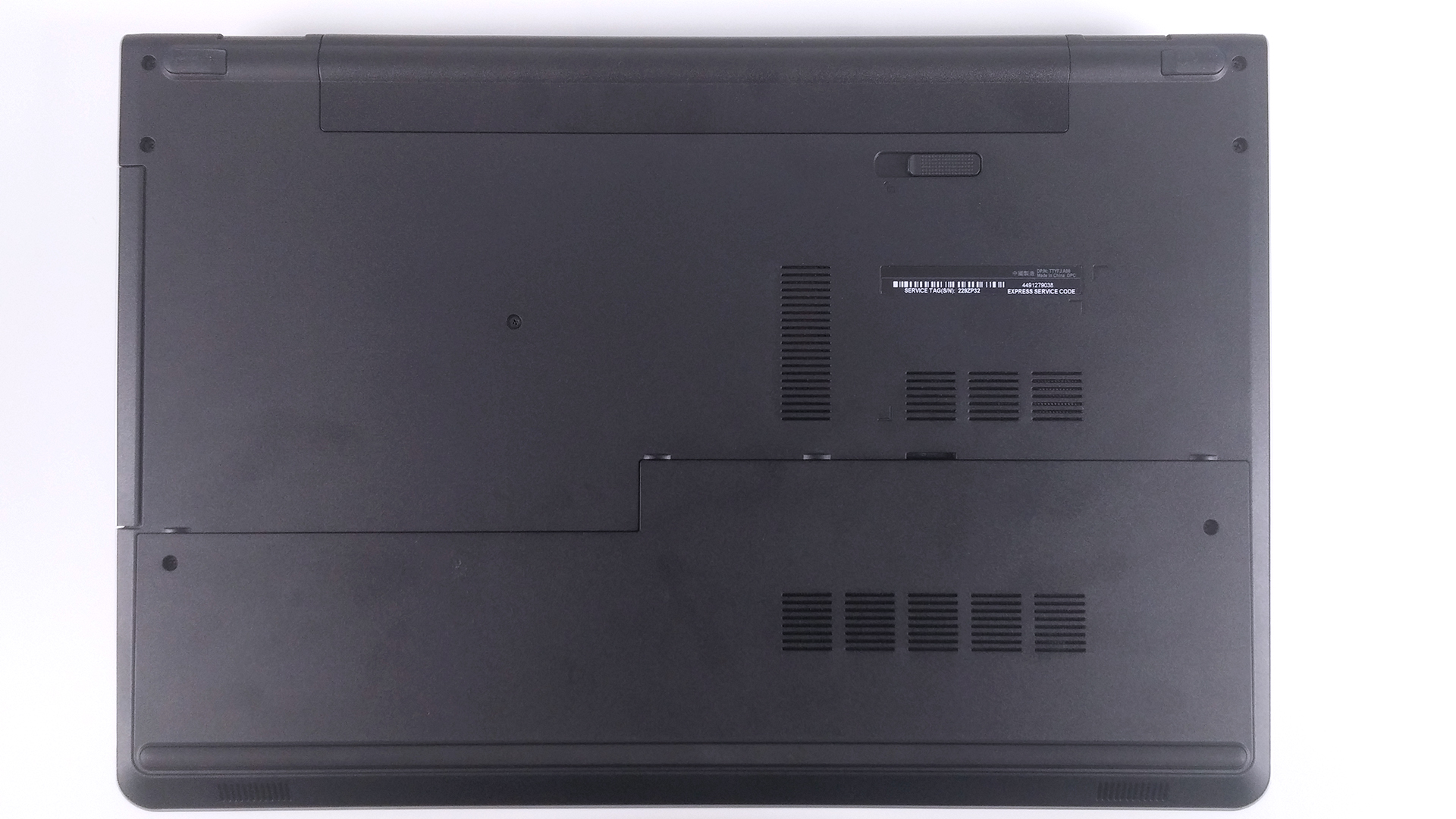

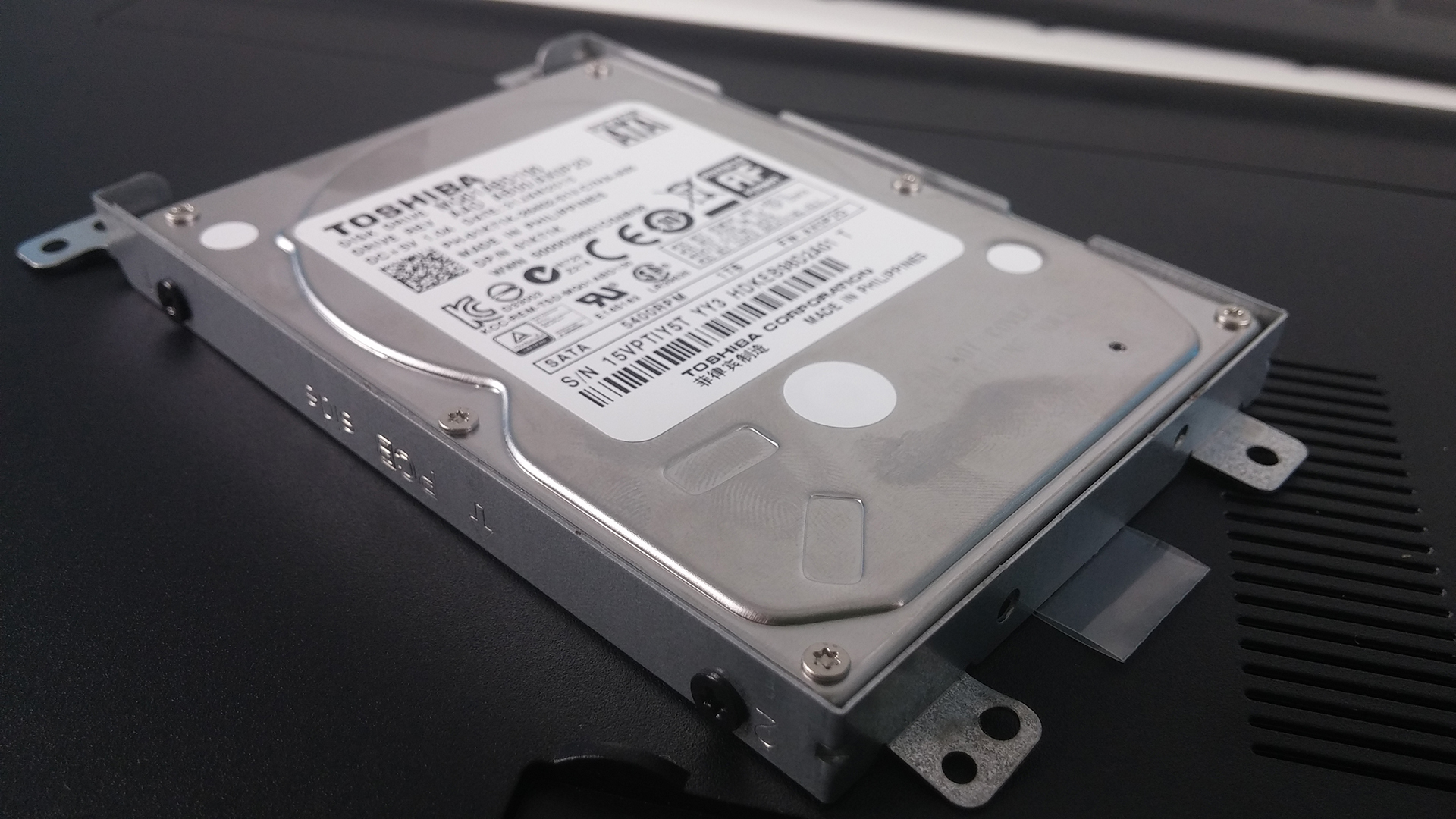
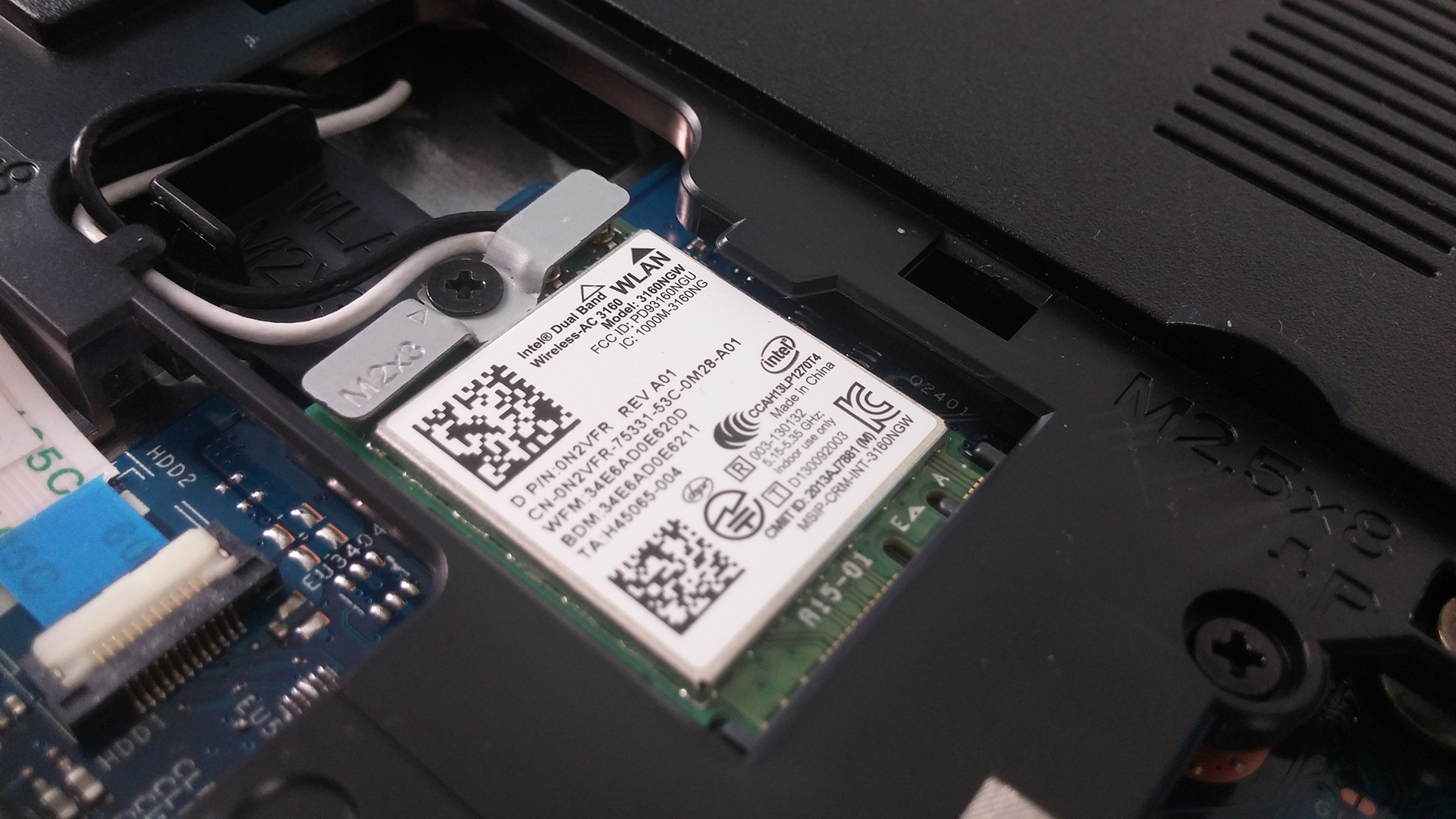
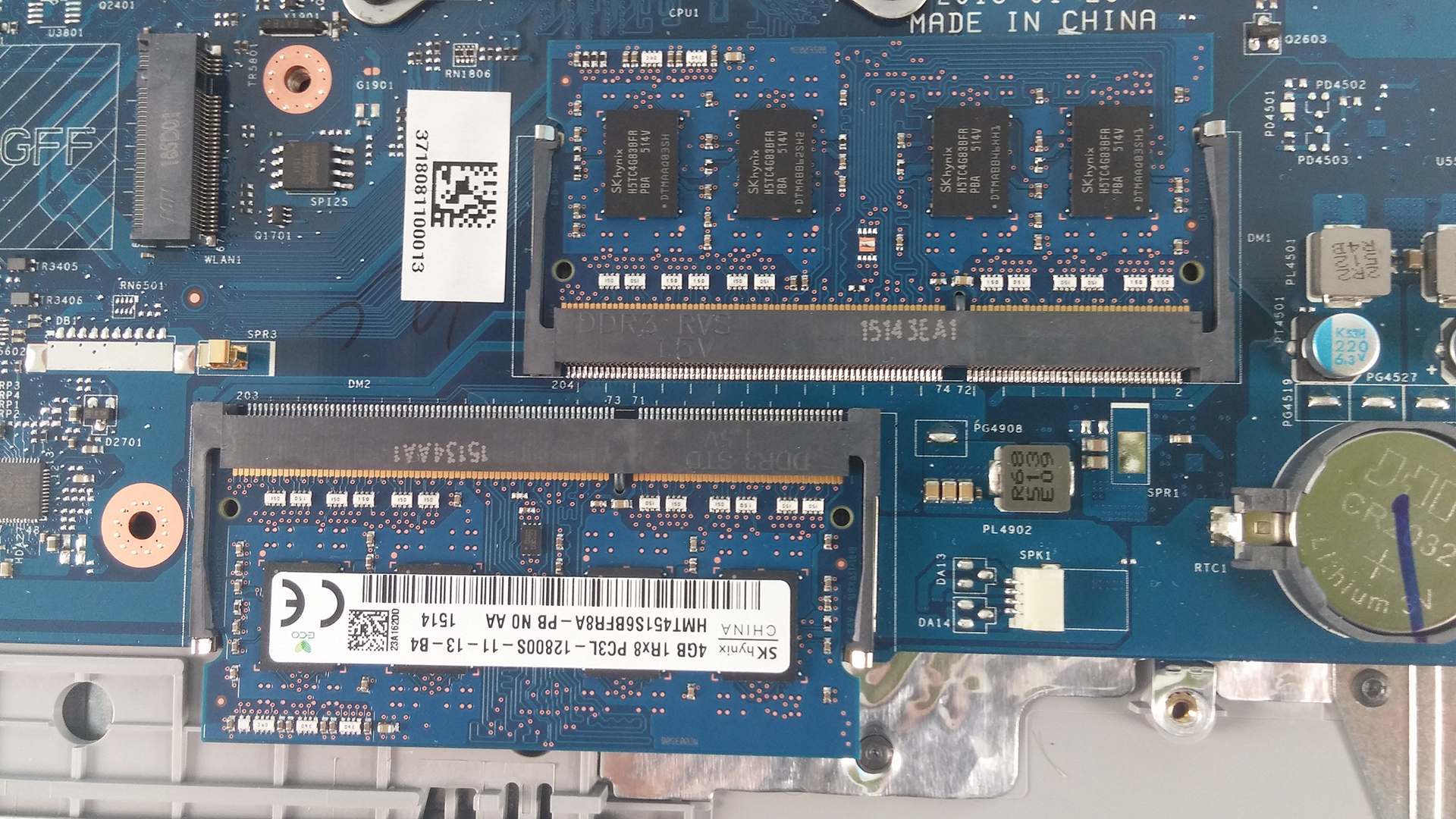
2. Battery
The battery for this model is user replaceable. The model is M5Y1K, manufactured by Dell and rated at 40Wh, 4-cell.

3. Full disassembly
This part is quite tricky. First, you have to remove all the screws around the bottom as well as from the optical drive which is attached with only one bolt. After this is done, proceed with the keyboard. It is removed with the help of a plastic tool or credit card, for example. Pop it out, unscrew all the bolts underneath it and detach all the cables. The next step is popping out the whole bottom chassis, again with the help of a plastic tool. After that you can proceed with cleaning your fan from the dust that has built up.
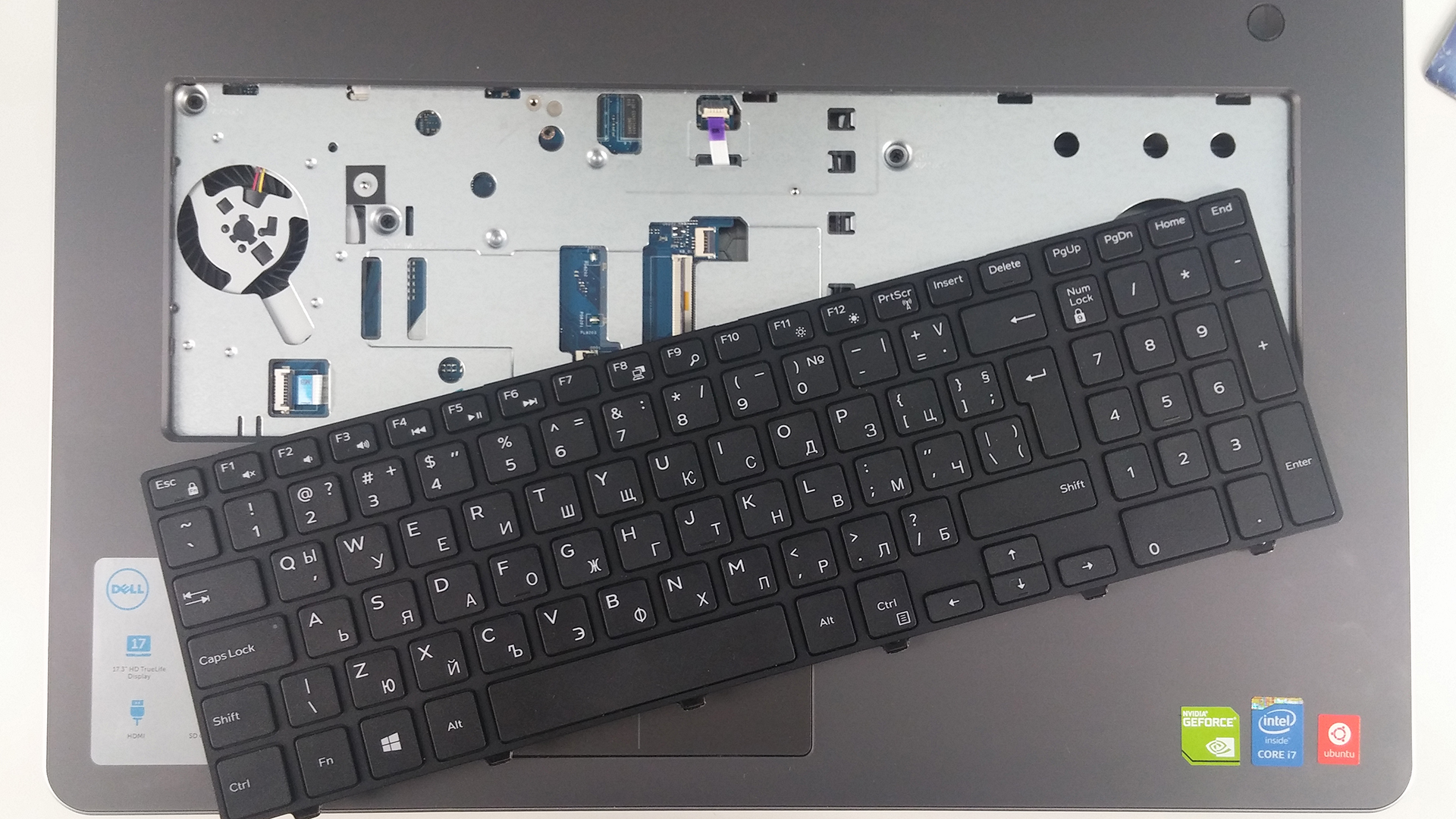
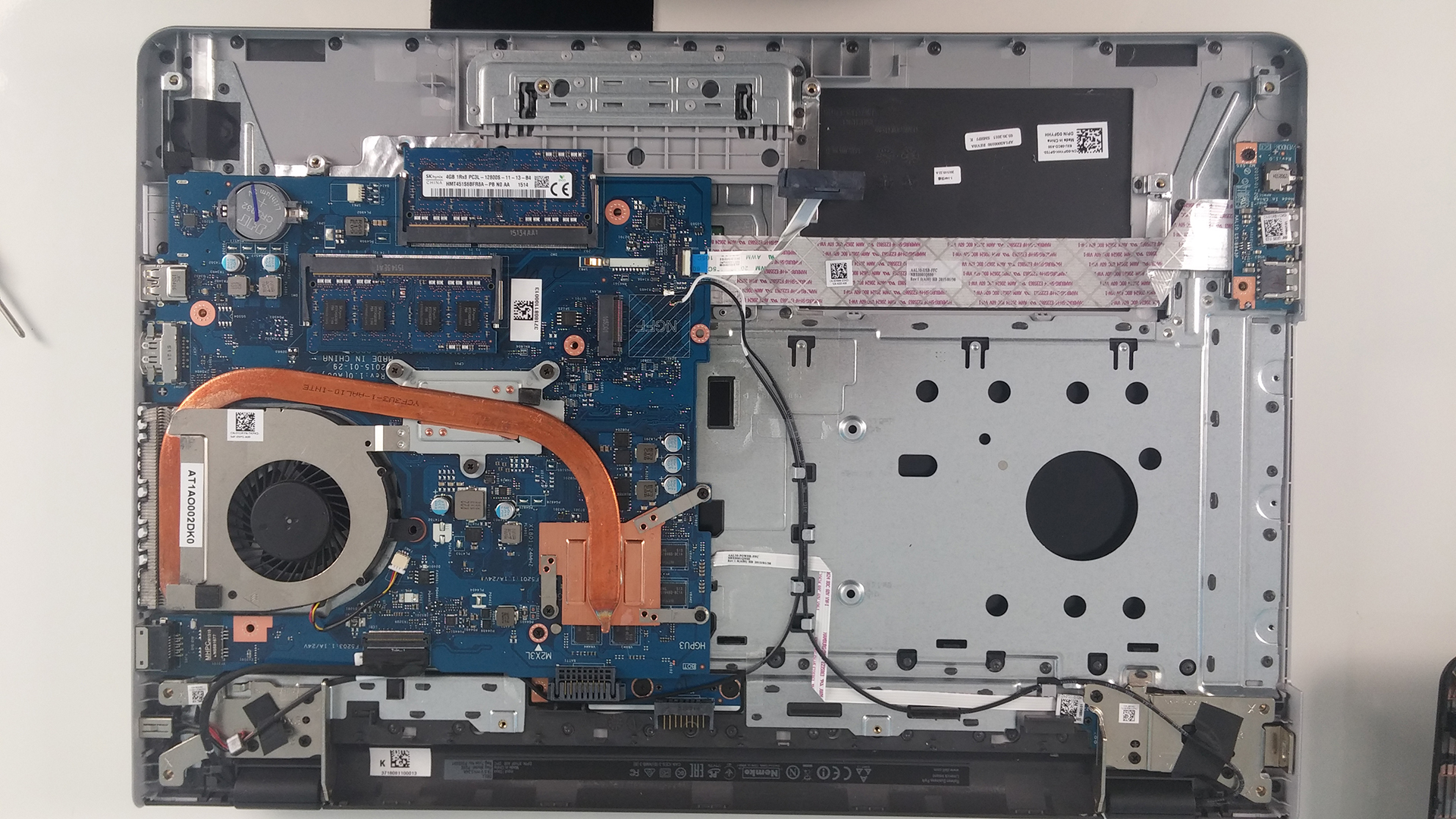

 Author: Rossen Pandev

![[August 2026] Best-Selling Laptop Brands on Amazon Japan – Apple Dominates Market Share and Revenue Led by Strong Unit Sales](https://laptopmedia.com/wp-content/uploads/2026/09/CO.JP-Best-Brands-1-400x225.jpg)
![[August 2026] Best-Selling Laptop Brands on Amazon USA – Apple Dominates Market Revenue and Volume Despite Lower Model Diversity](https://laptopmedia.com/wp-content/uploads/2026/09/COM-Best-Brands-1-400x225.jpg)
![[August 2026] Amazon Germany: Top 8 Best-Selling Gaming Laptops – Acer Dominates the Market as the Premium Nitro V 17 AI Takes the #1 Spot](https://laptopmedia.com/wp-content/uploads/2026/09/Best-Selling-Gaming-Laptops-DE-Top-10-1-400x225.jpg)
![[August 2026] Best-Selling Laptop Brands on Amazon France – Apple Dominates Revenue Despite Lenovo and HP Leading in Catalog Breadth and Volume](https://laptopmedia.com/wp-content/uploads/2026/09/FR-Best-Brands-1-400x225.jpg)
![[August 2026] Amazon Italy: Top 10 Best-Selling Laptops – Apple MacBook Neo Claims the Crown as Budget and Mid-Range Windows Machines Dominate Volume](https://laptopmedia.com/wp-content/uploads/2026/09/Best-Selling-Laptops-IT-Top-10-400x225.jpg)

What the heck kind of instructions are these?
Can I update my GPU only? Is it attached on the motherboard or is stand alone?