Inside HP Pavilion 15 (15-eg0000) – disassembly and upgrade options
Although HP was a bit modest with the battery choice, the upgrade options they provide are more than decent.
Check out all HP Pavilion 15 (15-eg0000) prices and configurations in our Specs System or read more in our In-Depth review.
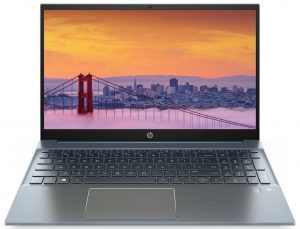
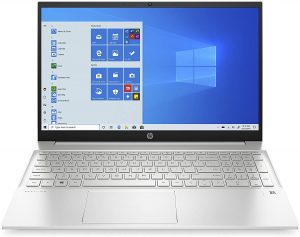
1. Remove the bottom plate
As usual, HP is playing the find the screw game, this time trying to hide four Phillips-head screws under the two rubber feet. In addition to that, undo the other two, which are visible, and pry the bottom panel with a plastic tool.

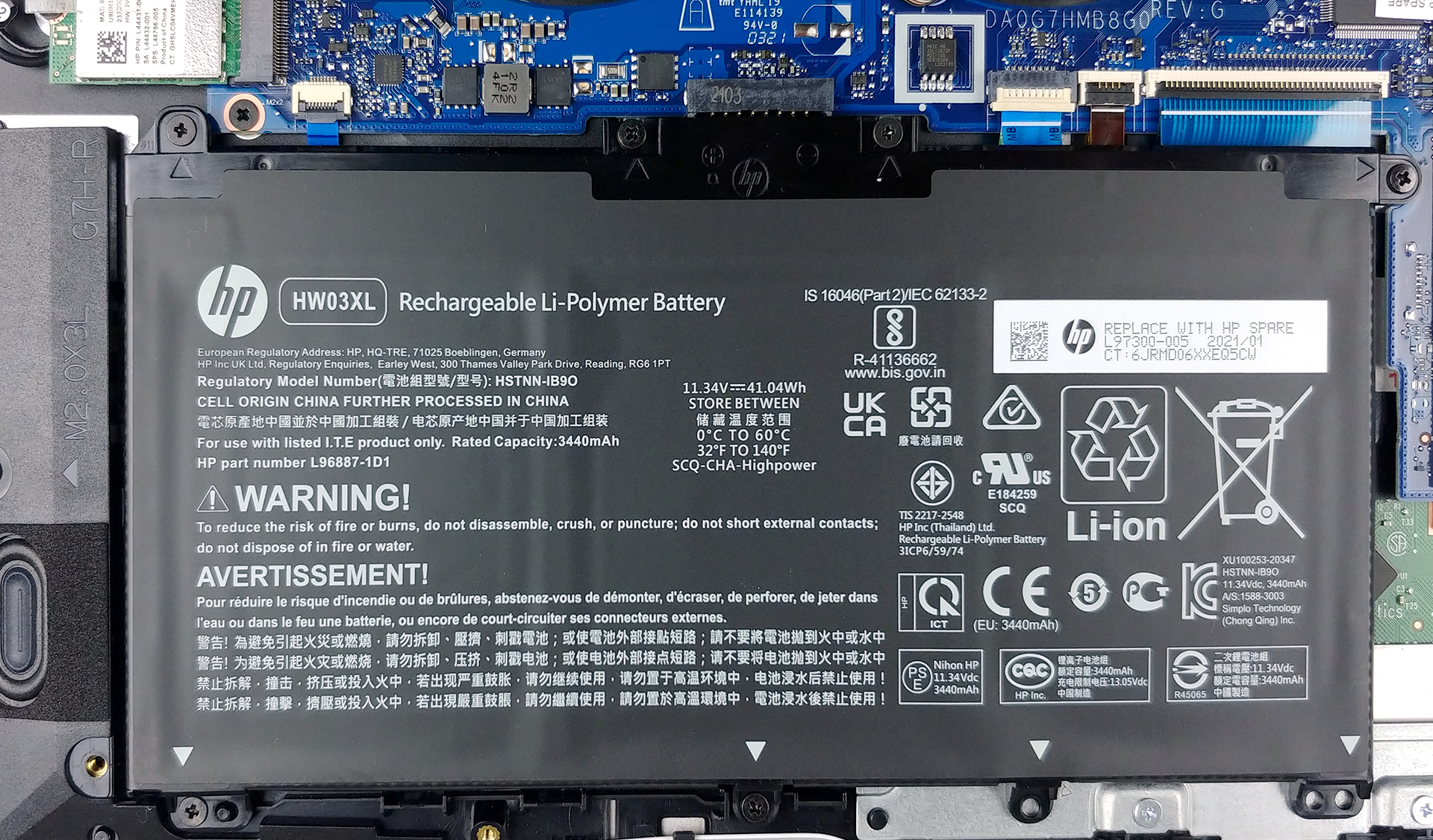
2. Battery
Interestingly, this laptop is equipped with a 41Wh battery pack, which is smaller than that found on the 14-inch Pavilion.
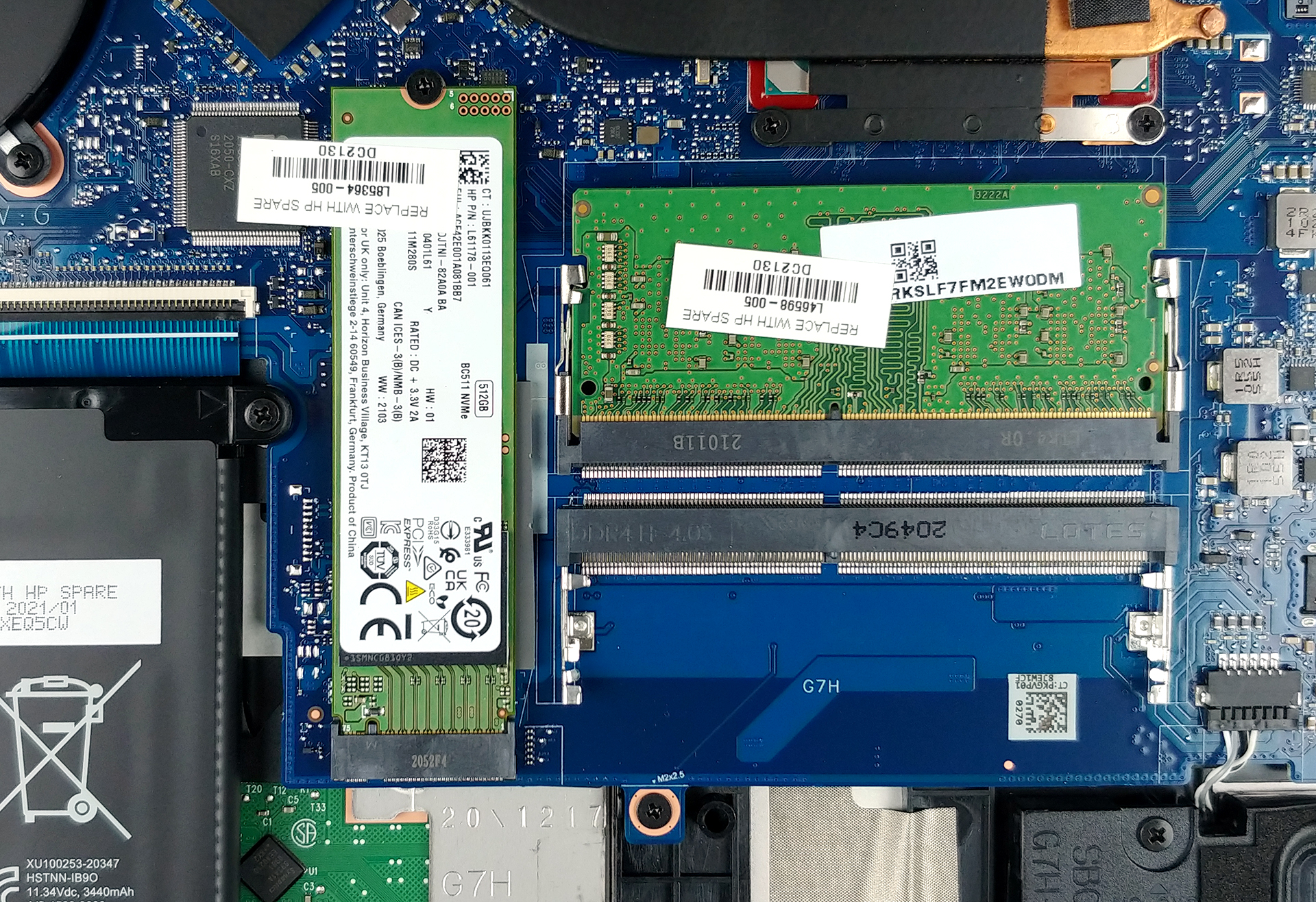
3. Мemory and storage
Thankfully, there are two RAM SODIMM slots, which should be able to hold a total of 32GB of memory in dual-channel mode. Additionally, there is one M.2 PCIe x4 slot for storage upgrades.
4. Cooling system
As for the cooling, there are two heat pipes, cooling both the CPU and the GPU. Luckily, the heat spreader is huge, and there are two fans blowing at it, which should greatly improve the thermal efficiency of the solution.

Check out all HP Pavilion 15 (15-eg0000) prices and configurations in our Specs System or read more in our In-Depth review.
HP Pavilion 15 (15-eh0000, eh1000, eh2000, eg0000, eg1000, eg2000) in-depth review
Traditionally, the Pavilion series are some of the best value notebooks HP produces. However, from time to time they produce some flops. We really hope that this year's device won't be. Now, there are two iterations that HP currently offers - the Pavilion 15 (15-eh0000), and the (15-eg0000) which we have today. They differ in the chipset they use, as the former is built on an AMD base, while the latter features the Tiger Lake chips from Intel.Now, this laptop should be a pretty decent catch for students, and people using their device for daily tasks, as sending mail, browsing the Web, and[...]
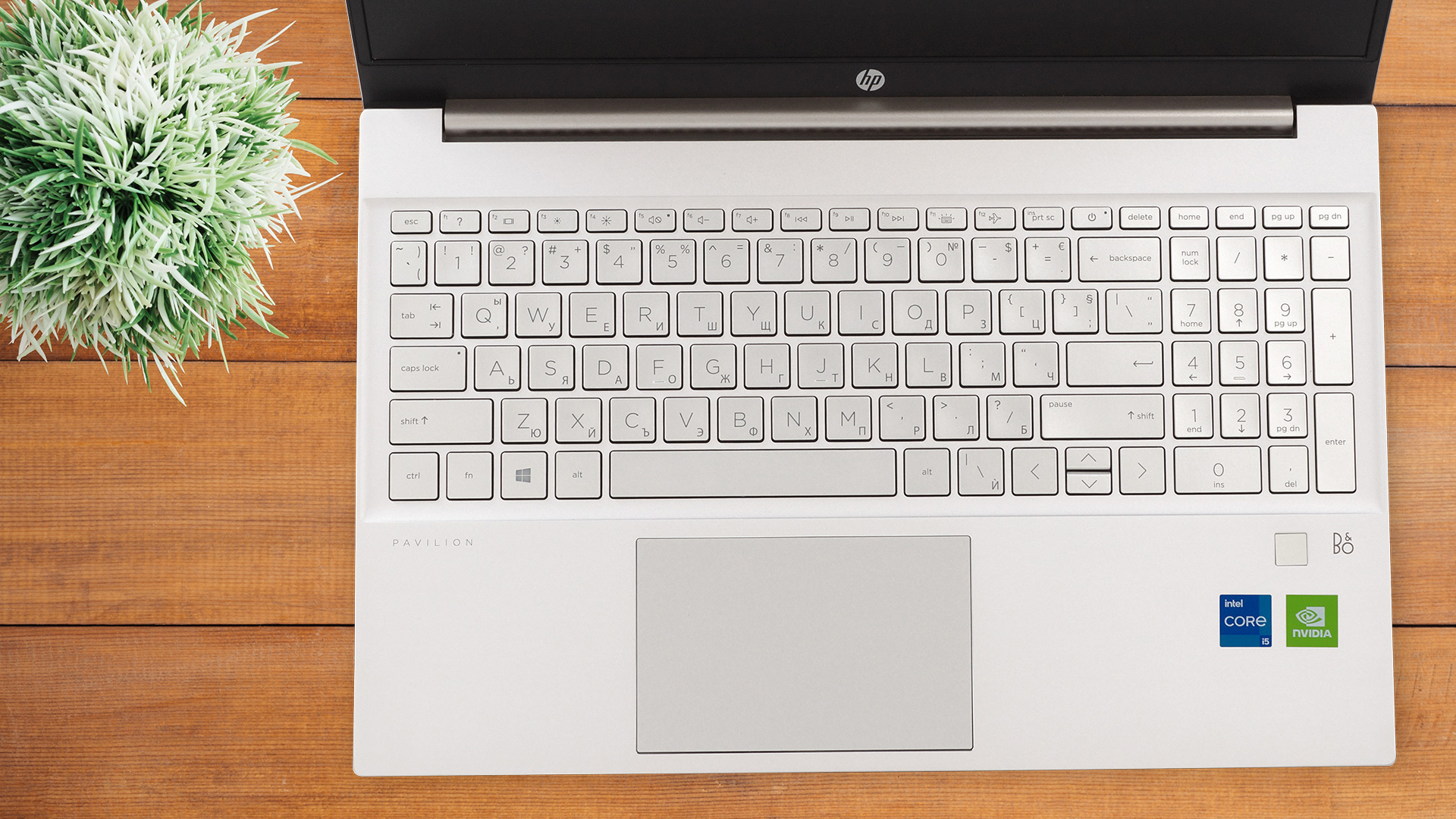
Pros
- Thin and light predominantly aluminum design
- Tige Lake processors combined with decent low-voltage GPU solutions
- 2x RAM SODIMM slots + 1x M.2 PCIe x4 slot
Cons
- Uses aggressive PWM for brightness adjustment up to 80 nits (our Health-Guard profile fixes the issue) (NCP0040)
- Poor color coverage (NCP0040)
- The tiny battery won't be enough for intensive workloads
 Author: Alex Iliev

![[June 2026] Best-Selling Laptop Brands on Amazon Global – Apple’s Unrivaled Dominance in Units and Revenue](https://laptopmedia.com/wp-content/uploads/2026/07/GLOBAL-Best-Brands-400x225.jpg)
![[June 2026] Amazon Global: Top 10 Best-Selling Laptops – Apple’s New MacBook Neo Storms to #1, Reshaping the Market with Affordability](https://laptopmedia.com/wp-content/uploads/2026/07/Best-Selling-Laptops-GLOBAL-Top-10-400x225.jpg)
![[June 2026] Amazon Global: Top 10 Best-Selling Gaming Laptops – Acer’s Nitro V 16S AI Dominates Sales, While ASUS Leads Overall Revenue](https://laptopmedia.com/wp-content/uploads/2026/07/Best-Selling-Gaming-Laptops-GLOBAL-Top-10-400x225.jpg)
![[June 2026] Global Ranking of Best-Selling Laptop GPUs on Amazon – NVIDIA RTX 5060 is the Top-Selling Dedicated GPU](https://laptopmedia.com/wp-content/uploads/2026/07/Best-Selling-GPUs-GLOBAL-Top-10-400x225.jpg)
![[June 2026] Global Ranking of Best-Selling Laptop CPUs on Amazon – Apple M5 Dominates, AMD Ryzen 7 260 Gets Solid Premium Share](https://laptopmedia.com/wp-content/uploads/2026/07/Best-Selling-CPUs-GLOBAL-Top-10-400x225.jpg)
