Inside HP ProBook 635 Aero G8 – disassembly and upgrade options
This is an extremely light business device, that has all the necessary hardware for future upgrades.
Check out all HP ProBook 635 Aero G8 prices and configurations in our Specs System or read more in our In-Depth review.
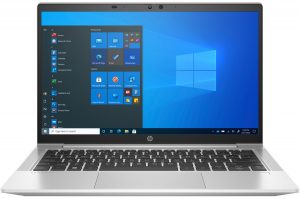
1. Remove the bottom plate
To get inside of this device, you need to undo 6 captive Phillips-head screws. Then, pop the bottom panel with a plastic tool, and remove it from the chassis.
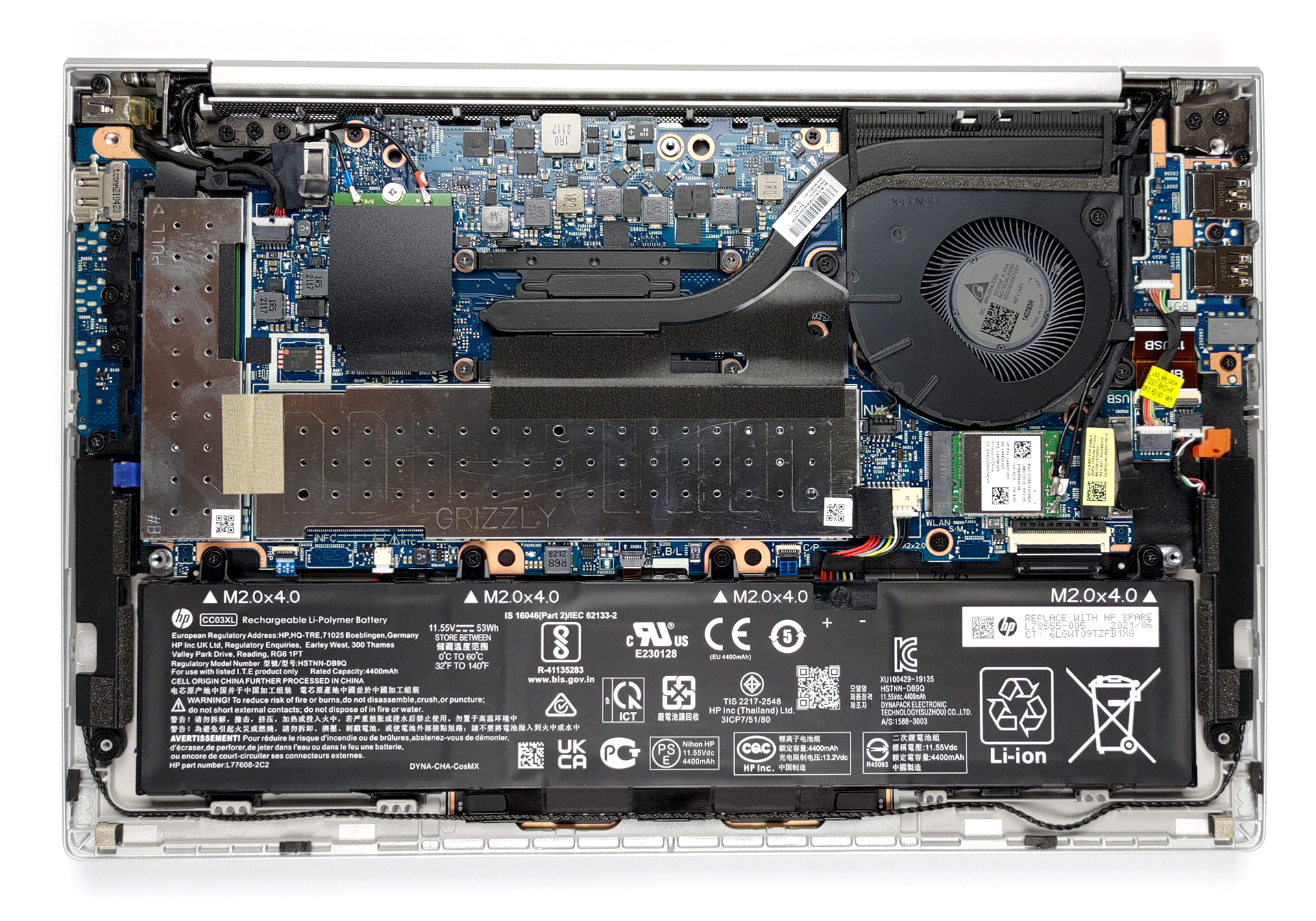
2. Battery
Here, the battery has a capacity of 53Wh.
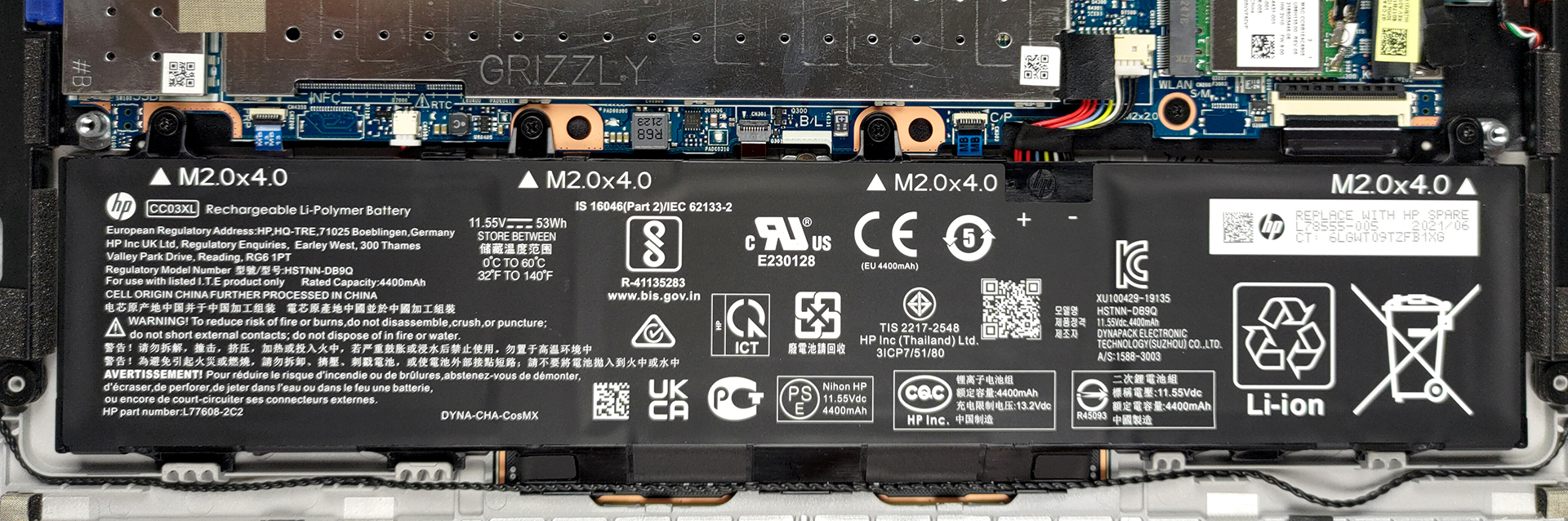
3. Мemory and storage
Despite the lightweight of the device, HP has managed to put two RAM SODIMM slots for up to 32GB of memory in total. As for the storage, you get one M.2 PCIe x4 slot.
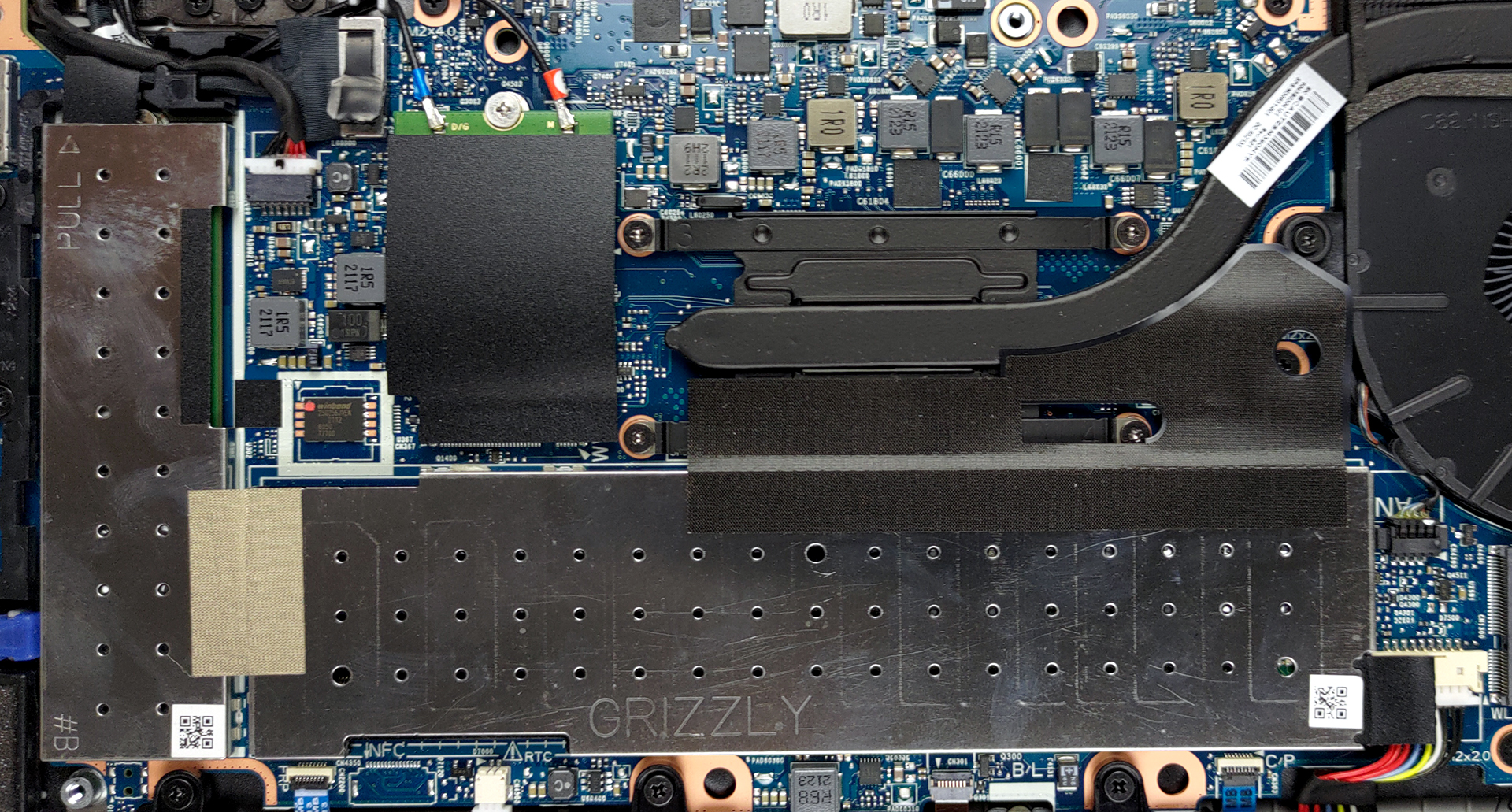
4. Cooling system
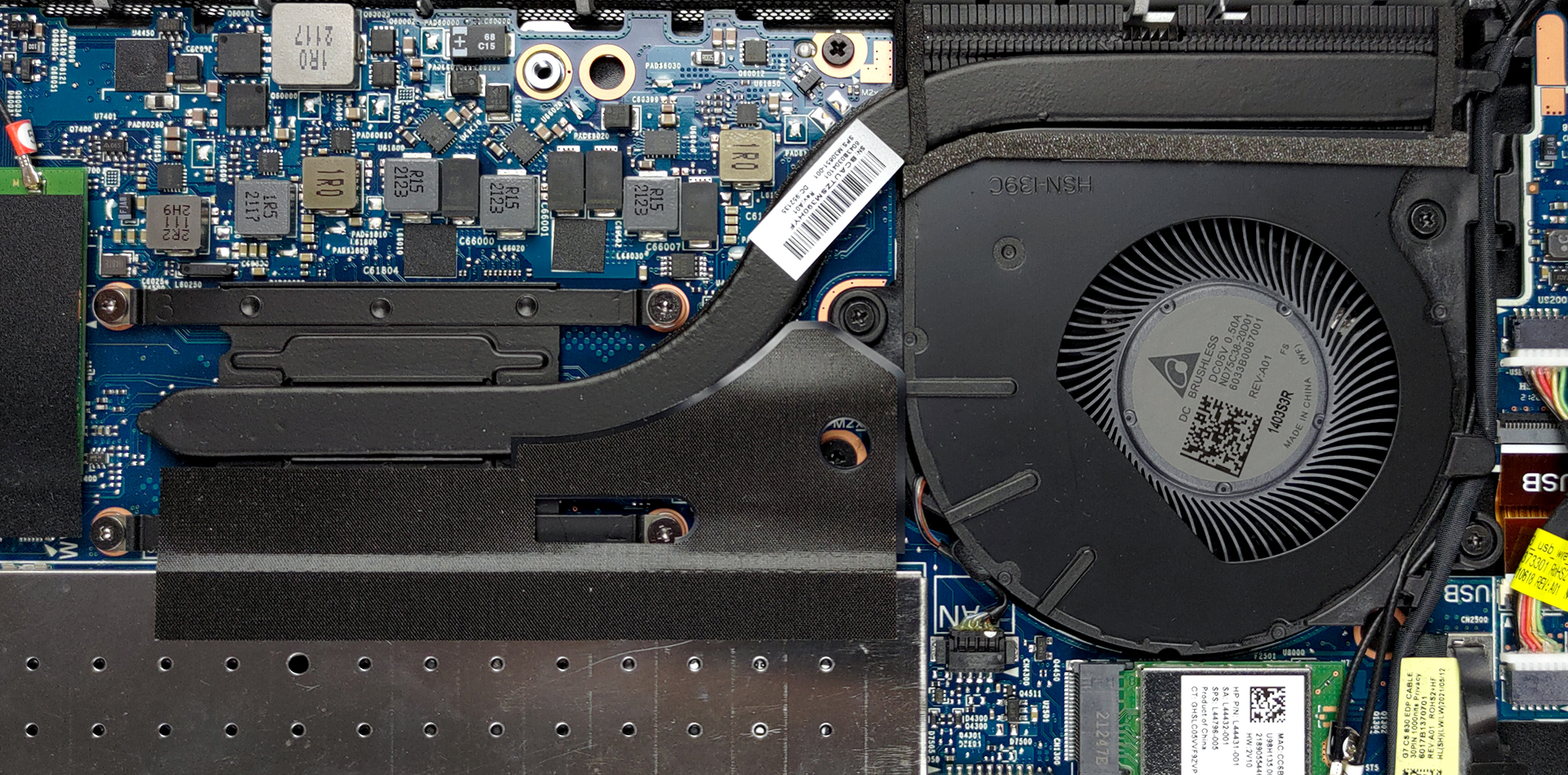
Lastly, there is the cooling, It employs one heat pipe, as well as a heatsink and fan of medium size.
Check out all HP ProBook 635 Aero G8 prices and configurations in our Specs System or read more in our In-Depth review.
HP ProBook 635 Aero G8 in-depth review
Now, today we have something of particular interest. It is a business device, called the HP ProBook 635 Aero G8. It sits right between the ProBook 400 and EliteBook 800 lines of HP, and what makes it special is the name. To be precise, the name reflects the reasons, making the laptop special.What we're trying to say is that the laptop weighs only 990 grams, breaking the 1 kg limit, and joining a roster of premium devices. However, HP has managed to do that whilst putting up to a Ryzen 7 PRO 5850U processor, and (hold your hats) two RAM SODIMM slots for memory upgrades. Yes, while the Acer[...]

Pros
- Great battery life
- PCIe x4 support + 2x SODIMM slots for memory
- LTE support
- 92% of sRGB coverage and great color accuracy with our Gaming and Web design profile (IVO X133NVFF R0 (IVO8596))
- No PWM for brightness adjustment (IVO X133NVFF R0 (IVO8596))
- Spill-resistant keyboard
- IR face recognition and fingerprint reader
- Powerful CPU options
Cons
- Hindered viewing angles on Sure View model
- No SD card reader
 Author: Alex Iliev

![[August 2026] Best-Selling Laptop Brands on Amazon USA – Apple Dominates Market Revenue and Volume Despite Lower Model Diversity](https://laptopmedia.com/wp-content/uploads/2026/09/COM-Best-Brands-1-400x225.jpg)
![[August 2026] Amazon USA: Top 10 Best-Selling Laptops – Apple MacBook Neo Dominates the Market with Massive Unit Sales!](https://laptopmedia.com/wp-content/uploads/2026/09/Best-Selling-Laptops-COM-Top-10-400x225.jpg)
![[August 2026] Amazon USA: Top 10 Best-Selling Gaming Laptops – ASUS ROG Strix G16 Dominates the Market with Massive Unit Sales](https://laptopmedia.com/wp-content/uploads/2026/09/Best-Selling-Gaming-Laptops-COM-Top-10-400x225.jpg)
![[July 2026] Amazon Global: Top 10 Best-Selling Laptops – Apple MacBook Neo Dominates the Charts as Budget and Premium Notebooks Split the Market](https://laptopmedia.com/wp-content/uploads/2026/08/Best-Selling-Laptops-GLOBAL-Top-10-400x225.jpg)
![[July 2026] Amazon Global: Top 10 Best-Selling Gaming Laptops – ASUS ROG Strix G16 Dominates the Global Market with Record-Breaking Unit Sales](https://laptopmedia.com/wp-content/uploads/2026/08/Best-Selling-Gaming-Laptops-GLOBAL-Top-10-400x225.jpg)

What Kind of M.2 Slot is there for upgrading the WIFI Module?
The one with 1, or 2 interruptions?
It’s the one with 1 interruption, the wifi card installed has 2 interruptions.