How to open Dell Precision 5490 – disassembly and upgrade options
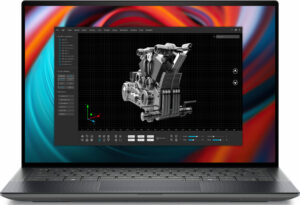
Opening the Device
- Undo the 8 Torx-head screws securing the bottom panel.
- Pop the zones close to the top two corners with a lever tool to create gaps in these sections.
- Use a thin plastic tool to pry the sides and the front.
- Pop the back with a lever tool to remove the bottom panel.
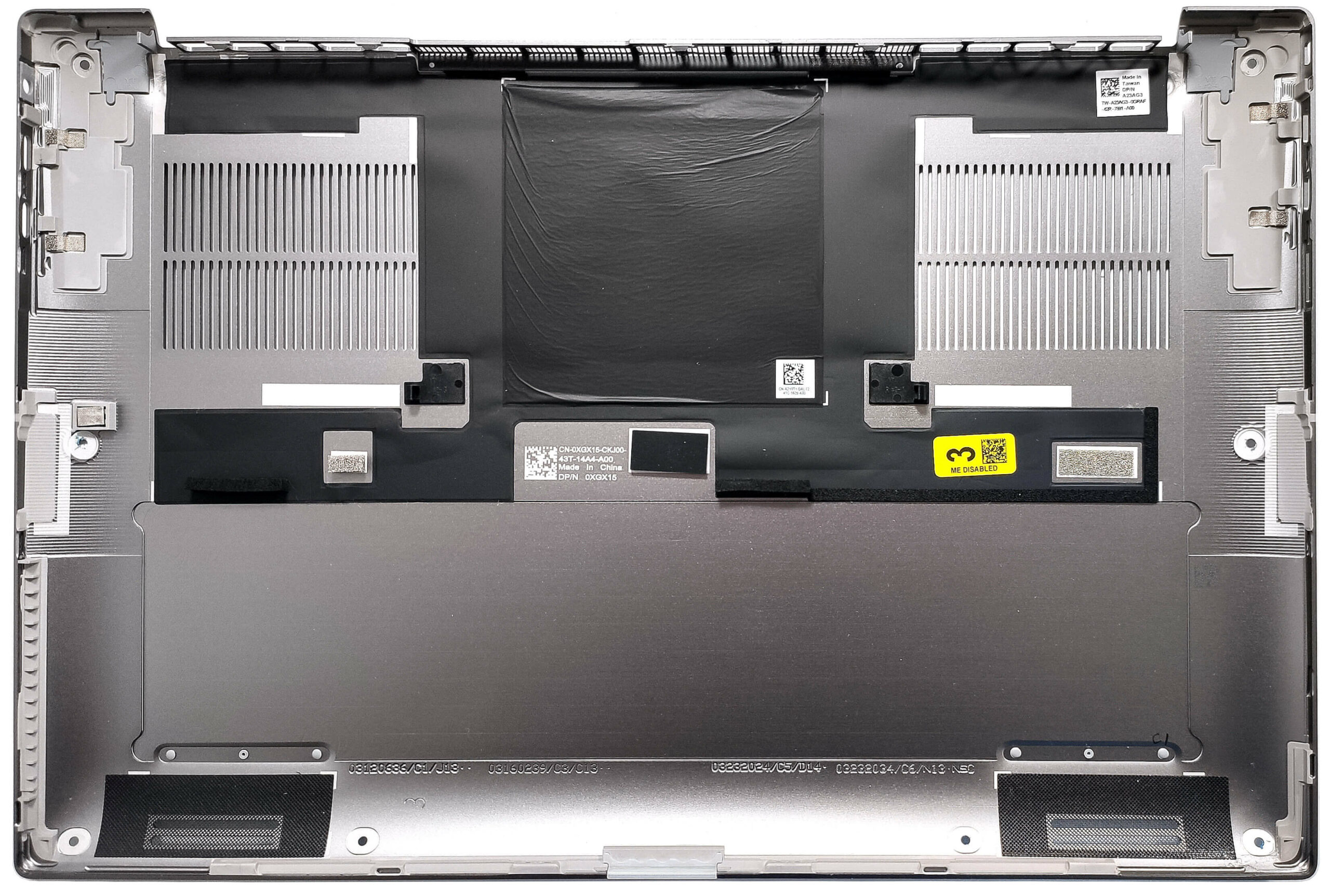
More info: Here’s how the bottom plate looks on the inside.
Battery Removal
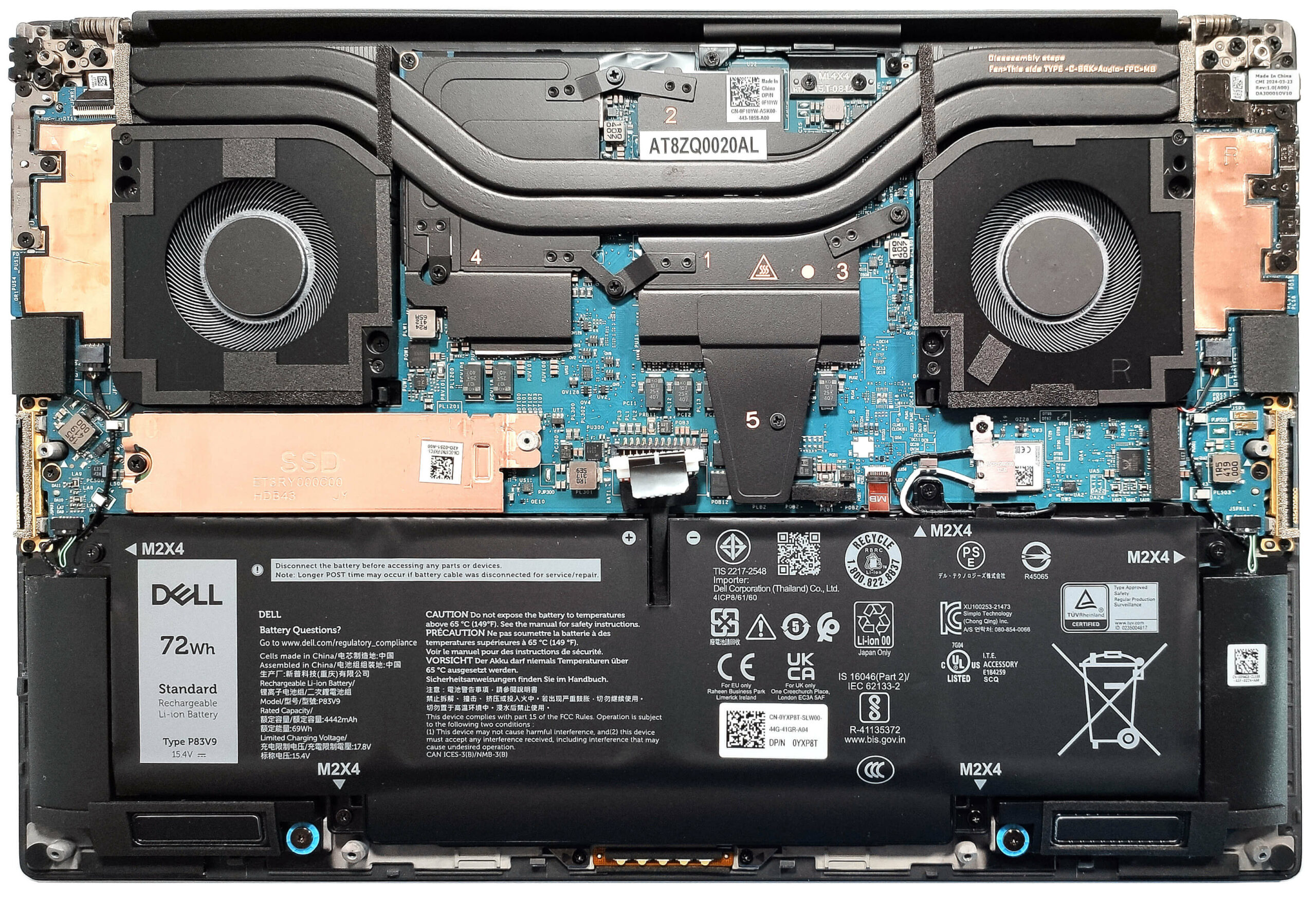
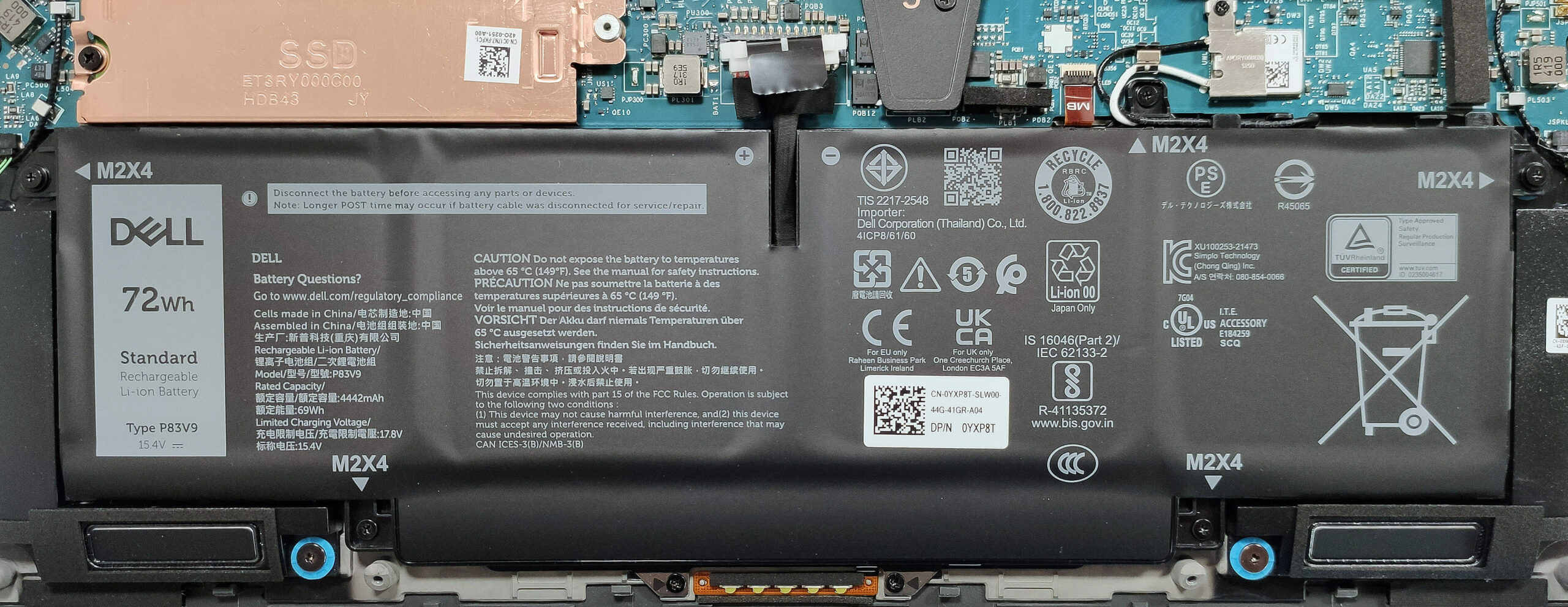
- Unplug the battery connector from the mainboard.
- Undo the 5 Phillips-head screws securing the battery.
- Lift the battery to remove it from the device.
Note: The laptop uses a 72Wh battery, providing approximately 14.5 hours of video playback.
Wi-Fi Card
- Untangle the Wi-Fi card’s cables around the battery housing. Note that the Wi-Fi card is soldered.
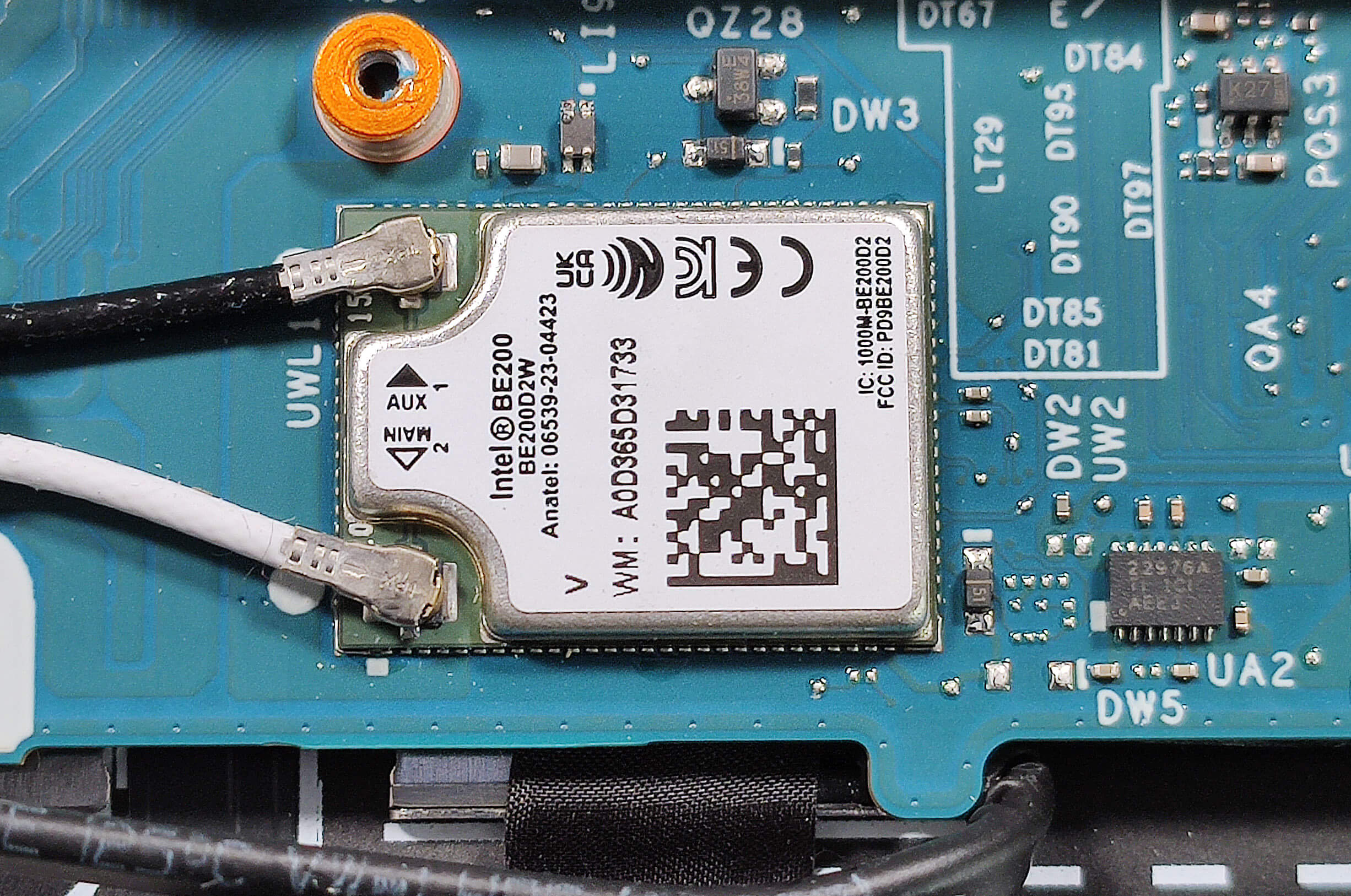
Memory Information
Note: The memory is soldered. The laptop can be configured with up to 64GB of LPDDR5x-7467MHz RAM in dual-channel mode.
Storage Upgrade
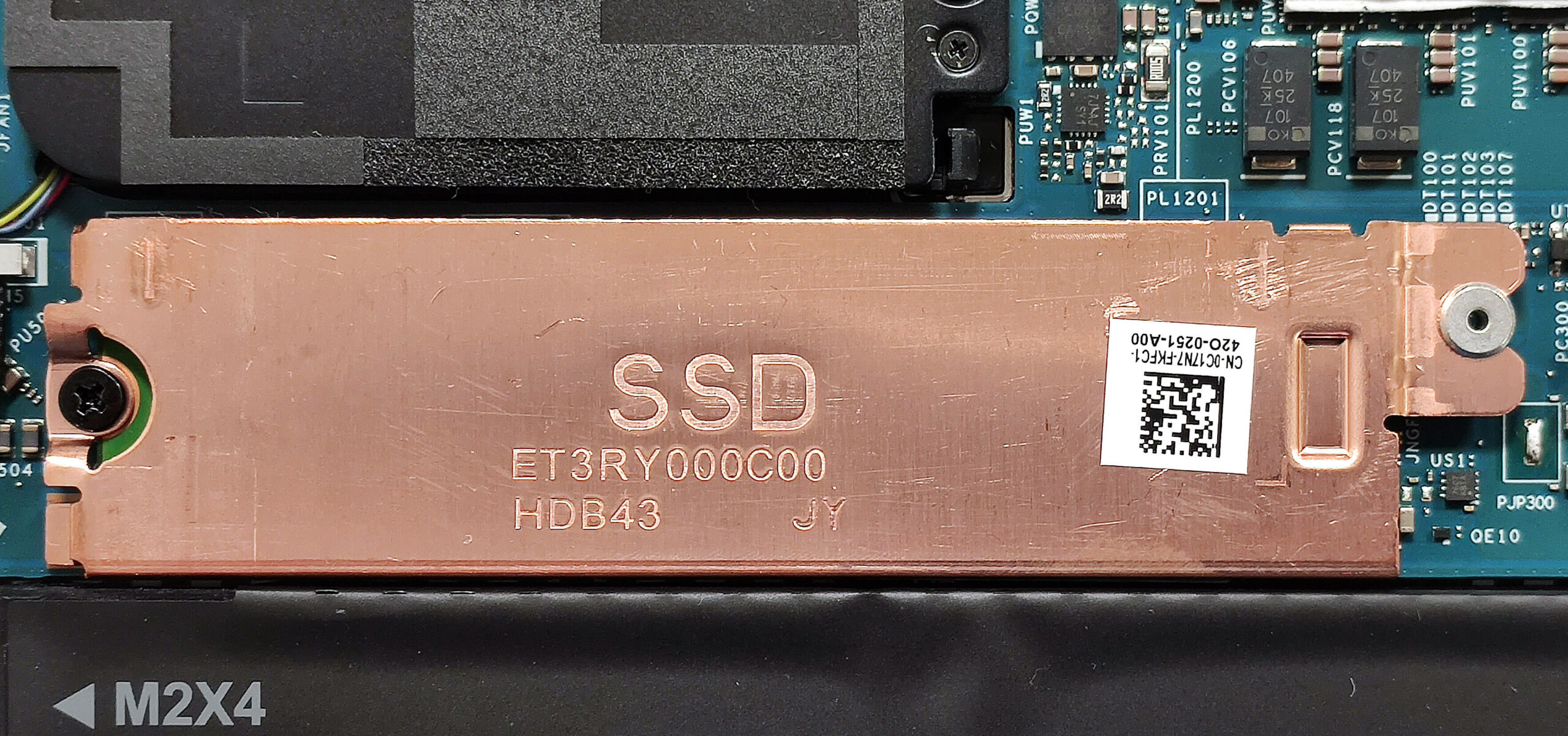
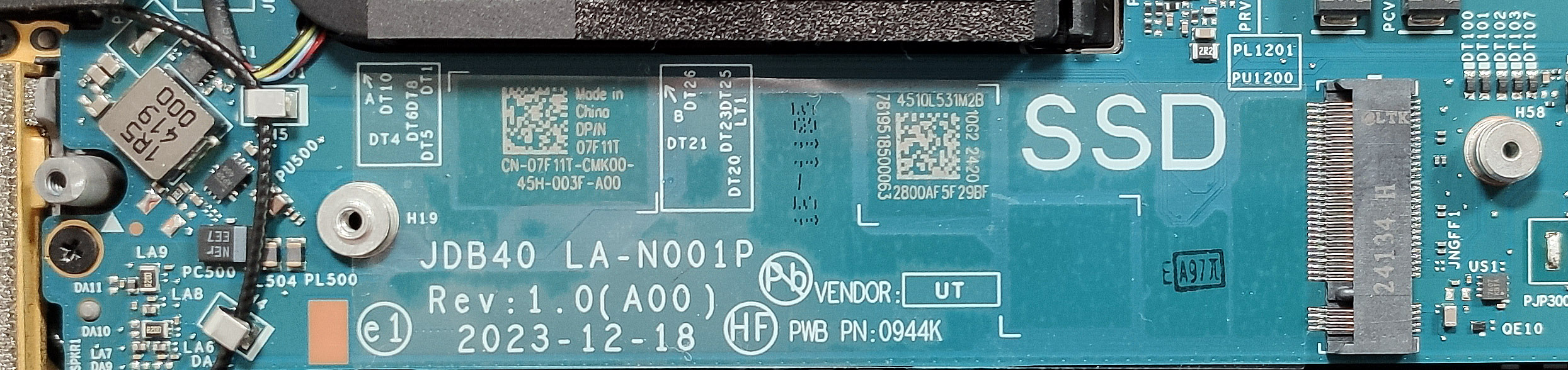
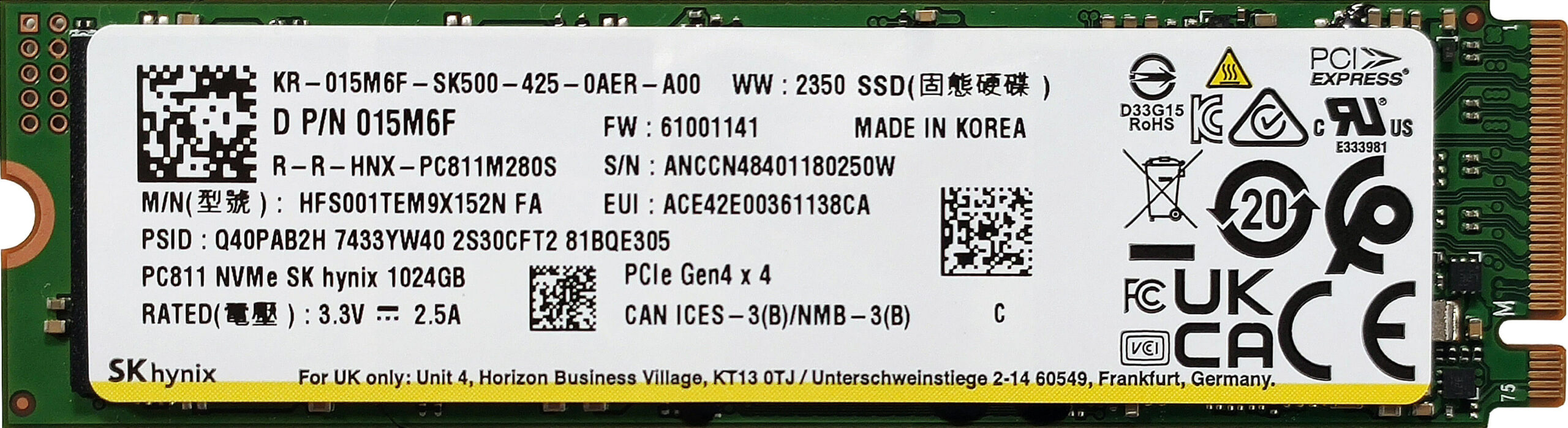
- Locate the single M.2 slot compatible with Gen 4 SSDs.
- Remove the metal shroud protecting the preinstalled NVMe by undoing the single Phillips-head screw.
- Slide the plate to the left to unlatch it from the standoff.
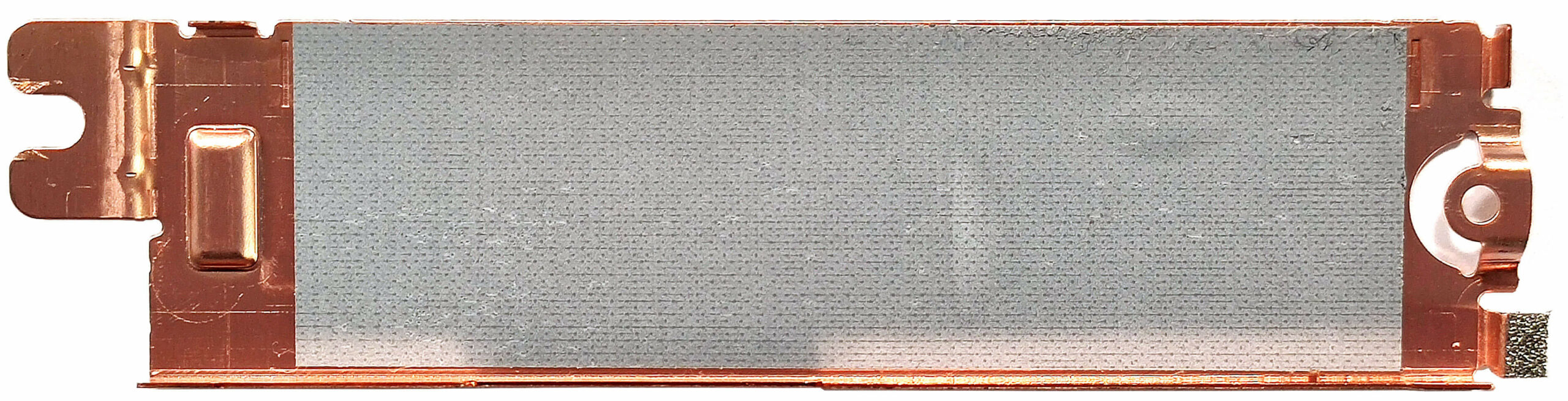
- Install the new SSD in the slot. Note that there is a long thermal pad on the inside of the small metal plate.
Hint: Don’t forget to check out our Top M.2 SSDs Performance Rankings for insights on the best storage options available.
You can buy compatible SSDs here: Buy from Amazon.com (#CommissionsEarned)
Cooling System Overview
- The thermal system includes two large fans and a pair of long heat pipes shared between the CPU and GPU.
- There are two top-mounted heatsinks and a duo of large heat spreaders.
- Ensure all cooling components are clean and free of dust for optimal performance.

Dell Precision 14 5490 in-depth review
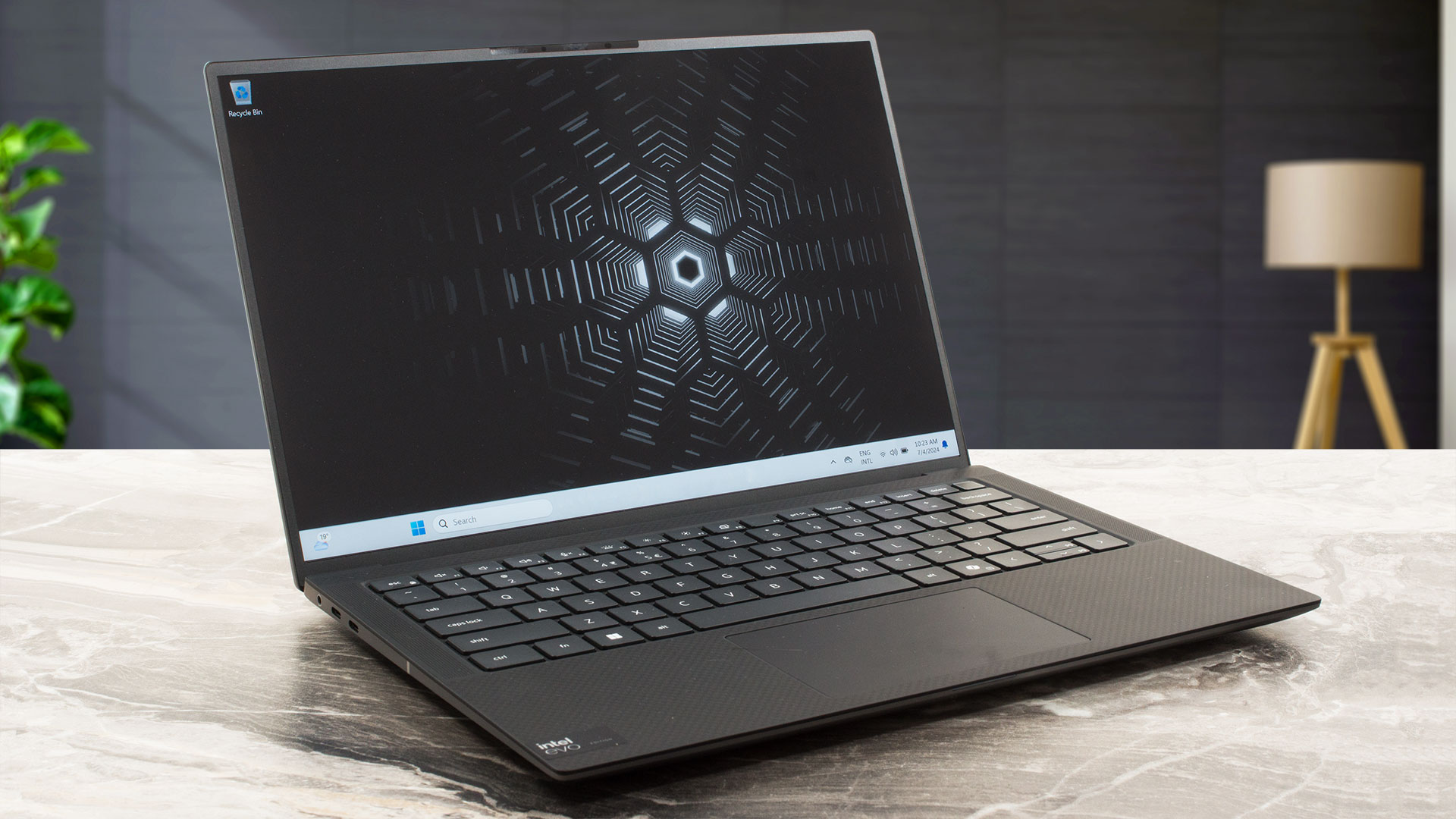
Year by year, the compact workstations are getting more powerful. That's the case with the Dell Precision 5490 which is treated with 28W Intel Meteor Lake-H CPUs and NVIDIA RTX Ada Generation graphics cards. That sounds pretty punchy for a 14-incher. Of course, given the size of this thing, there are some compromises here and there compared to the big heavy-duty iterations meant for 24/7 workloads.The memory is soldered and the storage options are as limited as it gets. Still, at least you can order the device with plenty of RAM and the port selection is one of the most up-to-date ones tha[...]
Pros
- Compact and light for the hardware under the hood
- Solid and premium build
- Comfortable keyboard and touchpad
- PWM-free (AUOF99A)
- 100% sRGB coverage + accurate color with our "Design and Gaming" profile (AUOF99A)
- Wide viewing angles and a high max brightness of 466 nits (AUOF99A)
- 1860:1 contrast ratio (AUOF99A)
- 4x Thunderbolt 4 ports
- Very long battery life (more than 14 hours of videos)
- IR Web camera
- Fingerprint reader, NFC, and Smart card reader (all are optional)
- The CPU can maintain ~3.60 GHz in short and ~2.80 GHz P-core clock in long loads
- The SSD (1TB SK Hynix PC811) is fast and well-cooled (it reaches just 51°C during benchmarking)
- Up to 64GB of LPDDR5x-7467 MHz RAM in dual-channel mode
Cons
- Soldered memory and just one M.2 slot
- 720p Web camera
- Too many optional extras
- High price
- No Type-A ports
 Author: Severin Kolakov

![[August 2026] Best-Selling Laptop Brands on Amazon USA – Apple Dominates Market Revenue and Volume Despite Lower Model Diversity](https://laptopmedia.com/wp-content/uploads/2026/09/COM-Best-Brands-1-400x225.jpg)
![[August 2026] Amazon USA: Top 10 Best-Selling Laptops – Apple MacBook Neo Dominates the Market with Massive Unit Sales!](https://laptopmedia.com/wp-content/uploads/2026/09/Best-Selling-Laptops-COM-Top-10-400x225.jpg)
![[August 2026] Amazon USA: Top 10 Best-Selling Gaming Laptops – ASUS ROG Strix G16 Dominates the Market with Massive Unit Sales](https://laptopmedia.com/wp-content/uploads/2026/09/Best-Selling-Gaming-Laptops-COM-Top-10-400x225.jpg)
![[July 2026] Amazon Global: Top 10 Best-Selling Laptops – Apple MacBook Neo Dominates the Charts as Budget and Premium Notebooks Split the Market](https://laptopmedia.com/wp-content/uploads/2026/08/Best-Selling-Laptops-GLOBAL-Top-10-400x225.jpg)
![[July 2026] Amazon Global: Top 10 Best-Selling Gaming Laptops – ASUS ROG Strix G16 Dominates the Global Market with Record-Breaking Unit Sales](https://laptopmedia.com/wp-content/uploads/2026/08/Best-Selling-Gaming-Laptops-GLOBAL-Top-10-400x225.jpg)
